
Free AI Kissing Video Generator Online
Turn still photos into expressive kissing videos with Vmake Labs free AI kissing video generator. Generate romantic video scenes for creative storytelling, memories, or social content now!


How to create an AI kissing video with Vmake Labs
Step 1. Upload your photos
Open Image to Video and upload one or two reference photos using Drag or click or AI Generator. Choose clear portraits to help guide the appearance of your generated video.
Step 2. Describe the kissing scene
Enter a description of the kiss, mood, setting, or visual style in the Description field. Adjust the duration and aspect ratio to match your creative idea, then click Generate.
Step 3. Generate and download
Preview your generated video in the workspace and review previous creations in Generation History. Once you're happy with the result, download the completed video.
Where AI kissing videos create memorable content
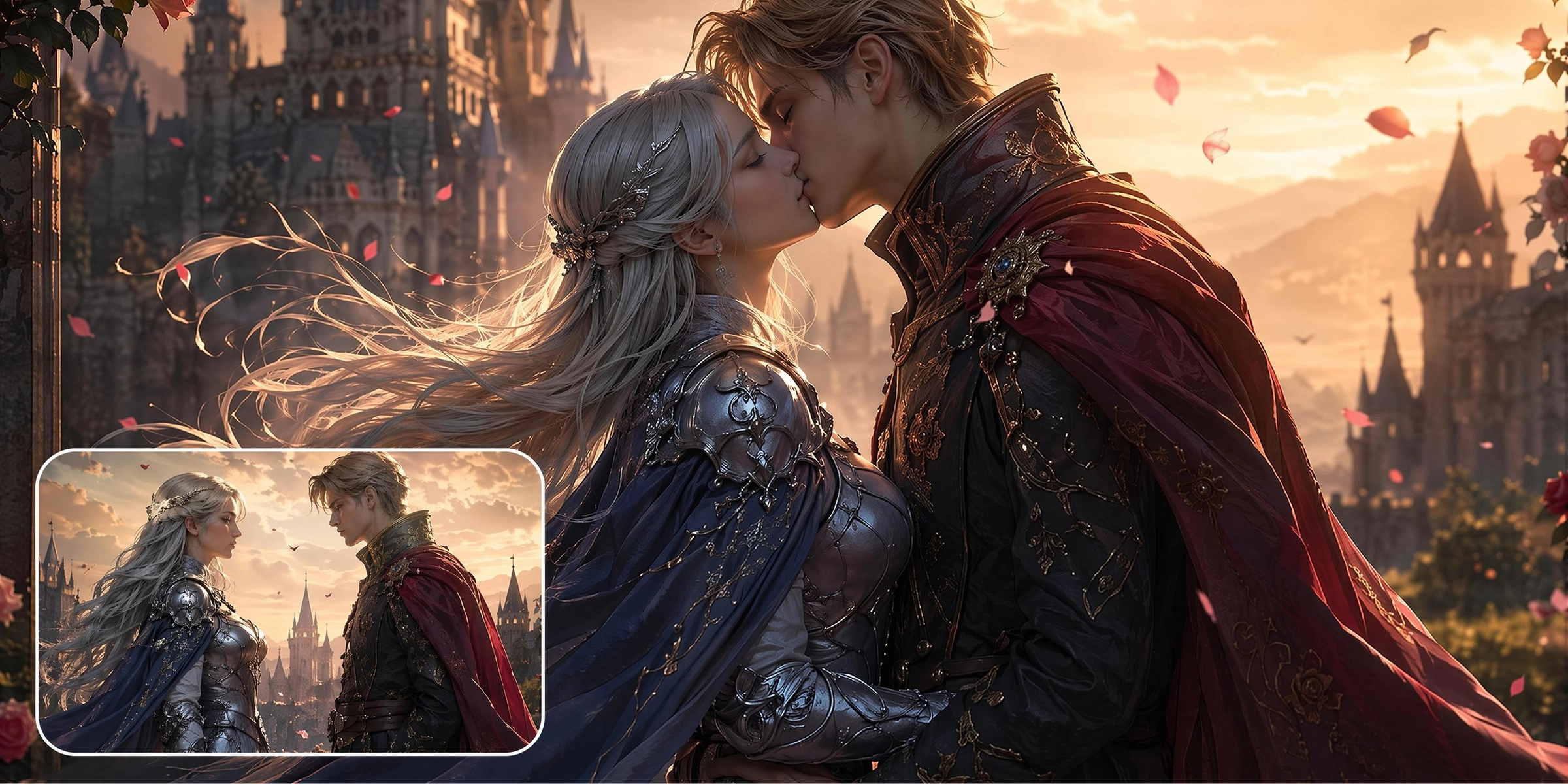
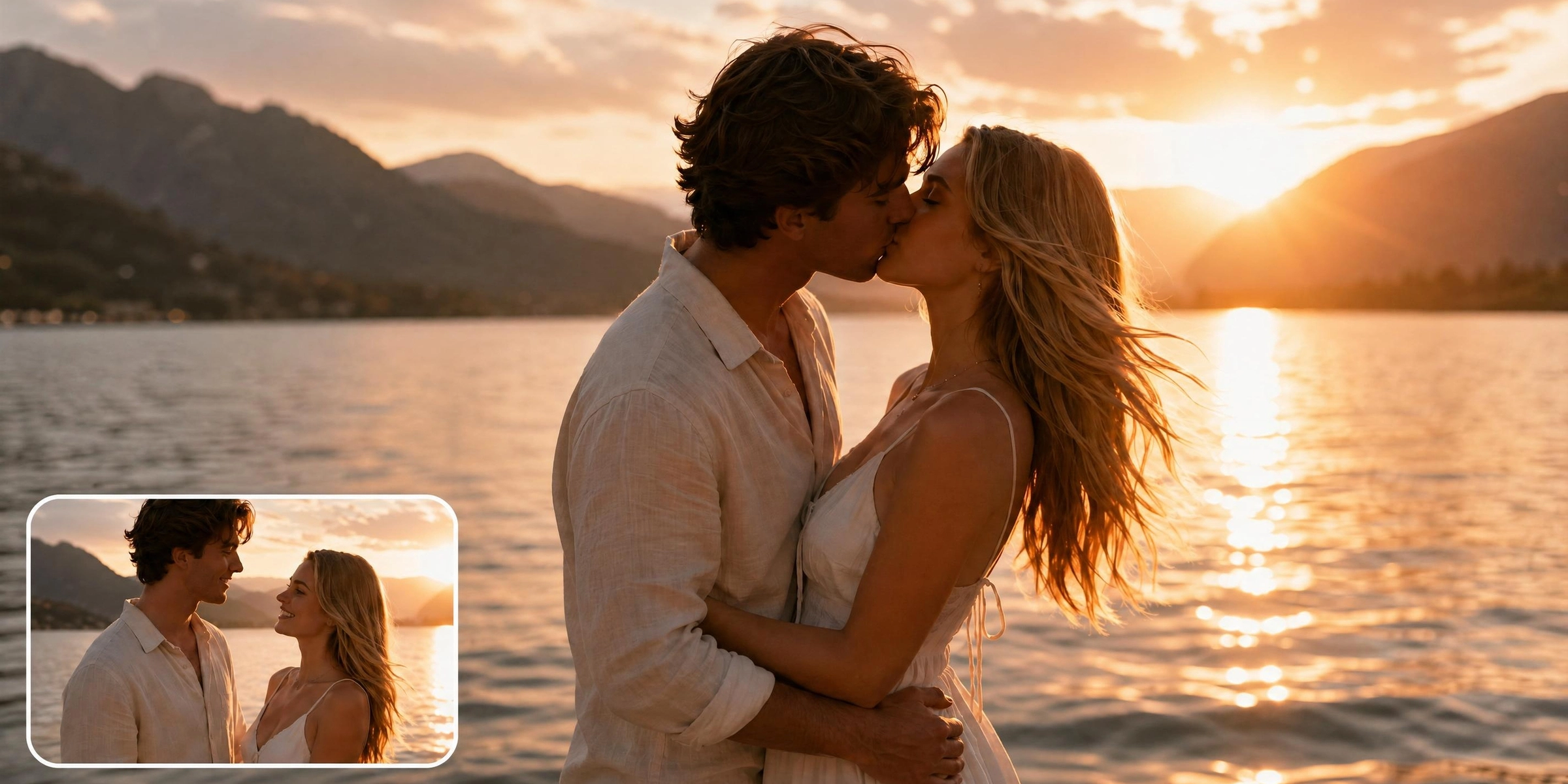
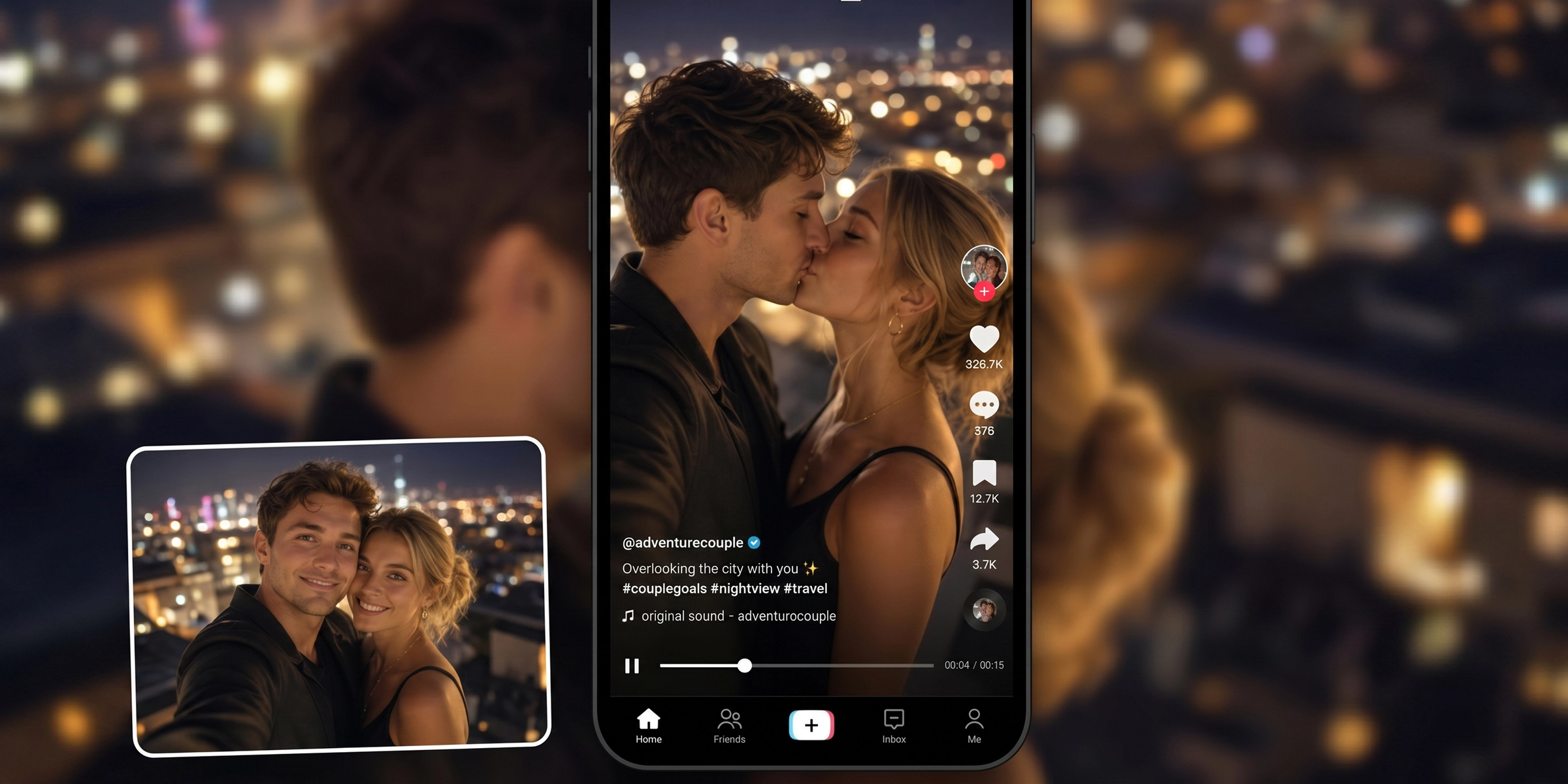


Explore powerful features of Vmake AI kissing video generator
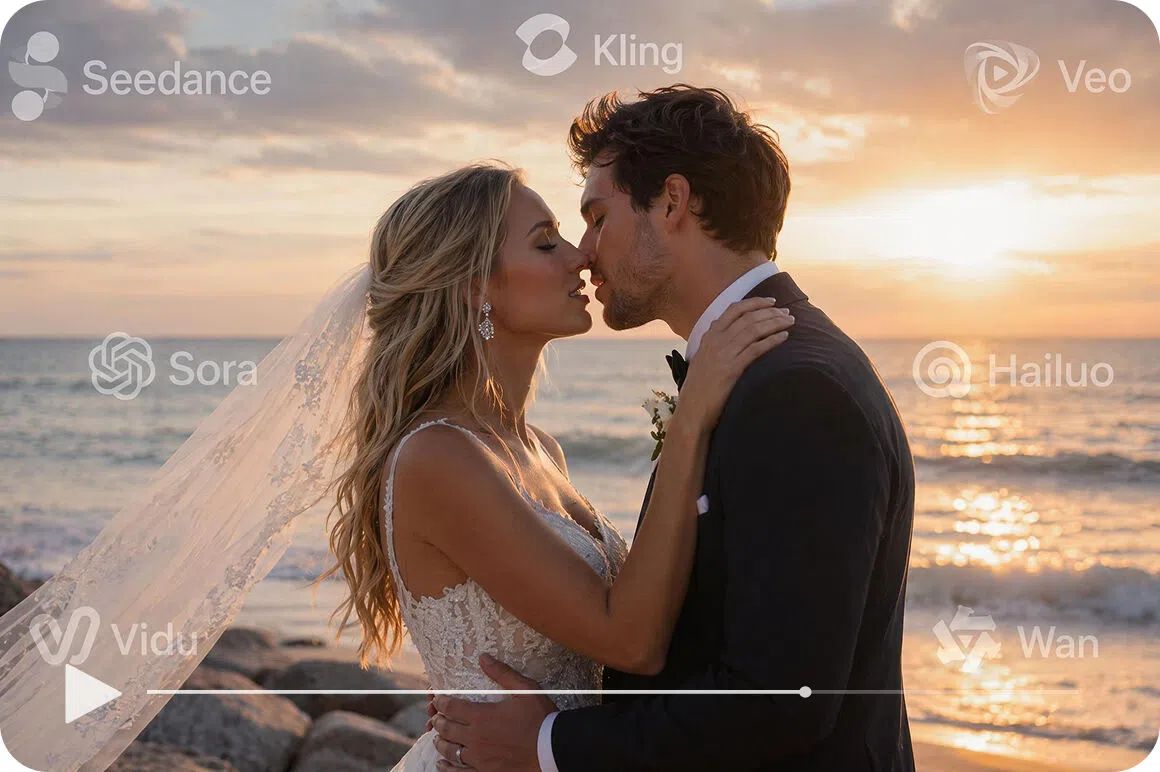
Access multiple AI video generation models
Generate kissing videos using industry leading models such as Seedance 2.0, Kling 3.0, Google Veo 3.1, Google Veo 3, Sora 2, Hailuo 2.3, Wan 2.2, and Vidu Q2. Compare different models to achieve the visual style and motion that best matches your creative idea.
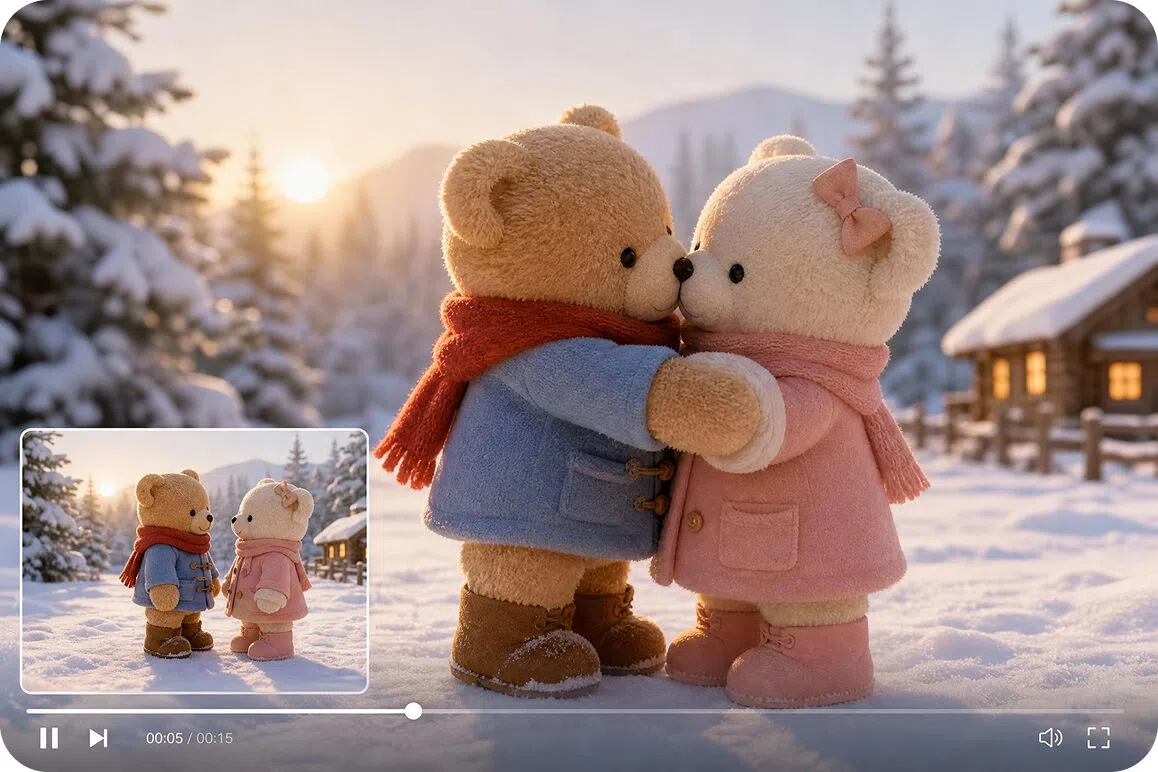
Reference image guided video creation
Upload one or two reference photos to guide the appearance of your generated kissing video. Choose Elements to animate images, Frames to create motion between opening and closing images, or Effects to apply built in animation styles before generation.
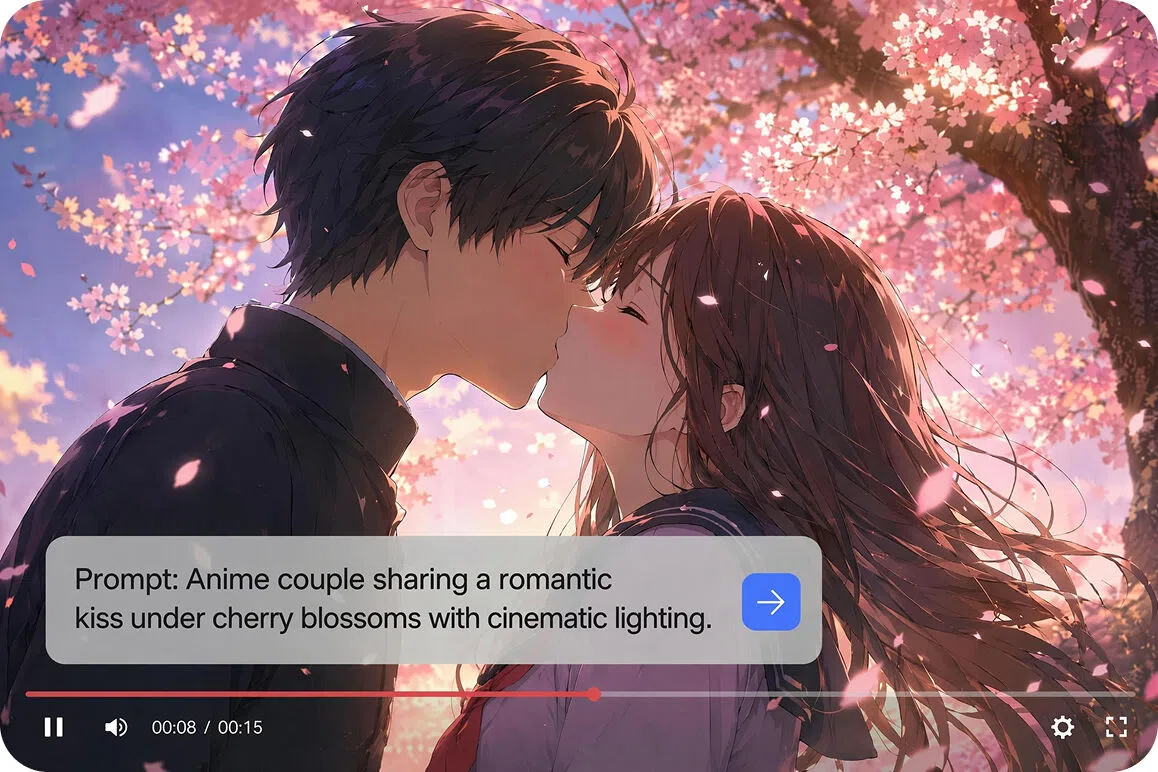
Prompt driven scene generation
Describe the desired kissing scene, setting, mood, or animation style in the Description field to customize the final video output. Detailed prompts help shape the movement and atmosphere of every generated scene.
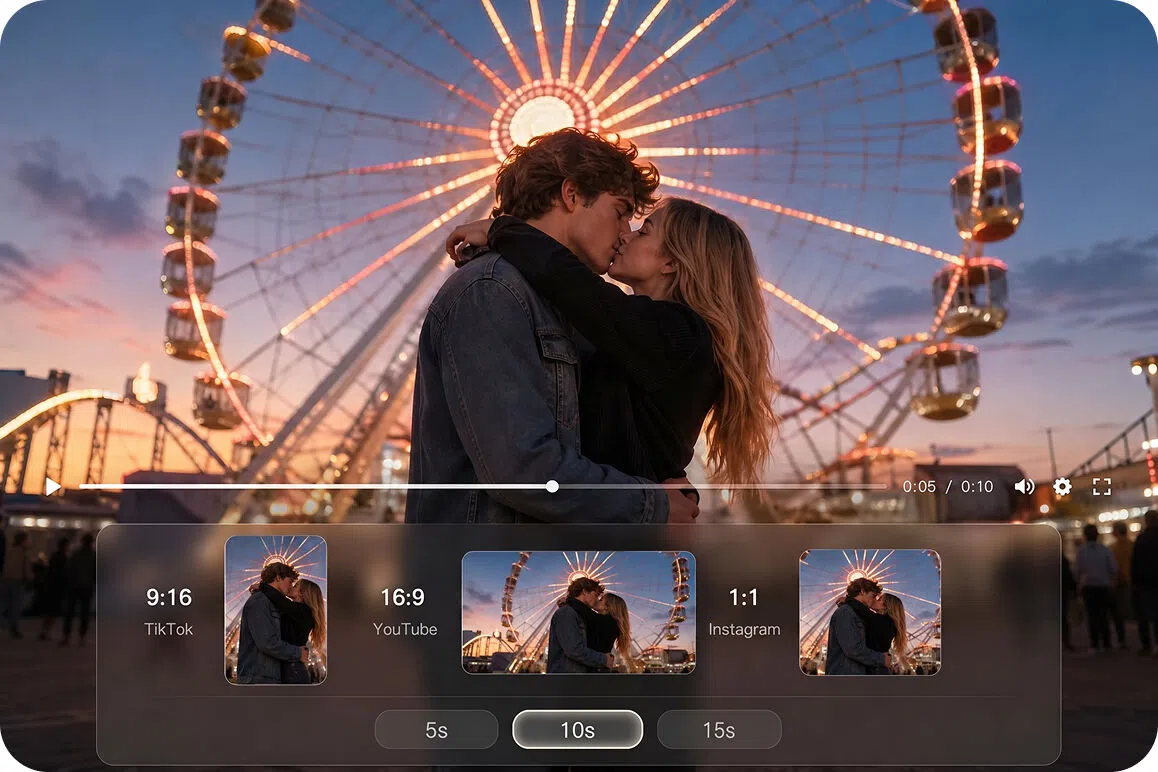
Adjustable video duration and aspect ratios
Set your preferred video duration and aspect ratio before generation to create content for YouTube, TikTok, Instagram, and other platforms. For more creative workflows beyond romantic scenes, explore the AI clip maker.
Who uses Vmake Labs AI kissing video generator most
Couples creating personalized memories
Couples often want to turn meaningful photos into memorable video moments without planning another photoshoot. Vmake Labs transforms reference images into AI generated kissing videos using Image to Video technology, helping preserve special occasions in a more engaging and expressive format.
Social media creators
Content creators frequently look for fresh ways to transform static images into short videos for social platforms. Vmake Labs combines flexible Image to Video workflows with multiple AI video models, making it easy to generate romantic scenes that fit different creative themes and storytelling styles.
Creative storytellers and artists
Artists and storytellers often need emotional scenes to support fictional narratives, original characters, or visual concepts. Vmake Labs creates AI kissing videos from photos and text prompts, providing creative video assets without requiring traditional filming or animation workflows.
Frequently asked questions about AI kissing video generators
What is an AI kissing video generator?
Can I create a kissing video from photos?
Yes. Switch to Image to Video, upload one or more reference images, enter your scene description, and let Vmake animate your idea into a shareable video.
Is the AI kissing video generator free to use?
Yes. Vmake lets new users explore the AI video generator with available credits. Features and usage limits may vary depending on your account and subscription plan.
Can I customize the kissing scene?
Yes. Describe the mood, setting, lighting, camera angle, or animation style in the Description field. You can also explore Elements, Frames, and Effects to achieve different visual results.
Which AI models can I use?
Choose from leading video generation models, including Seedance 2.0, Kling 3.0, Google Veo 3.1, Google Veo 3, Sora 2, Hailuo 2.3, Wan 2.2, and Vidu Q2. Each model offers its own visual style and motion characteristics.
Can I share generated kissing videos online?
Yes. Download your completed video and share it across platforms such as YouTube, TikTok, Instagram, and more. If you want to improve the final quality before publishing, you can also use Vmake Labs video enhancer to refine your output.
Can I use another person's photo?
Only upload photos that you own or have permission to use. Respect privacy and ensure everyone featured in your images has given consent before generating AI kissing videos.
Why users choose Vmake Labs for AI kissing videos

Advanced AI models generate detailed expressions and smooth movements directly from your images. By combining your base reference setup with text prompt variables, the workspace processes static input files into dynamic video segments.

Create kissing videos from photos, customize each scene with prompts, and download the finished result from one workspace. Vmake also supports Text to Video, Image to Video, and Video to Video, giving creators multiple ways to bring ideas to life.

Explore the core functions of the image animation workspace right away after signing up. New accounts receive baseline platform credits, allowing you to test out the visual options and preview short creative clips.
Explore more Al tools
UGC video

Video & image enhancer

Video upscaler

Video translator

Video background remover

Video noise reducer

Watermark & text remover

Video & audio to text
Create your AI kissing video today
Turn photos into realistic romantic animations in just a few clicks. Upload your images, choose a model, and generate your first kissing video with Vmake.
What users say about Vmake Labs AI kissing video generator
I used the image to video feature to add motion to some anniversary portraits. Adding specific descriptive prompts helped guide the animation, giving me a short clip that added variety to my personal archive.
The model selector is great for trying out different animation styles. I uploaded a stylized drawing I made and generated a brief character scene. It gave me a helpful baseline for my storytelling project.
Animating fictional characters can take hours manually. With this tool, I uploaded my character concept art, added a movement prompt, and received a helpful reference clip for my storyboard.
I needed a short romantic cutaway clip for a creative video experiment. Instead of hunting through stock libraries, I used text prompts and a base reference image to generate a usable asset.
eing able to switch between models like Kling and Seedance in one workspace is high ly convenient. It allowed me to see how different algorithms interpreted my image prompts for an animation test.
I tested the workflow using some authorized photos of my friends. The interface is straightforward, and the prompt fields let you try out different environmental settings for the output clips.