
Free AI Image Animator Online
A photo captures one moment. Vmake Labs AI image animator generates motion from your uploaded image and a written description. Upload a reference image, describe the motion and choose from multiple AI models to animate your photo online.
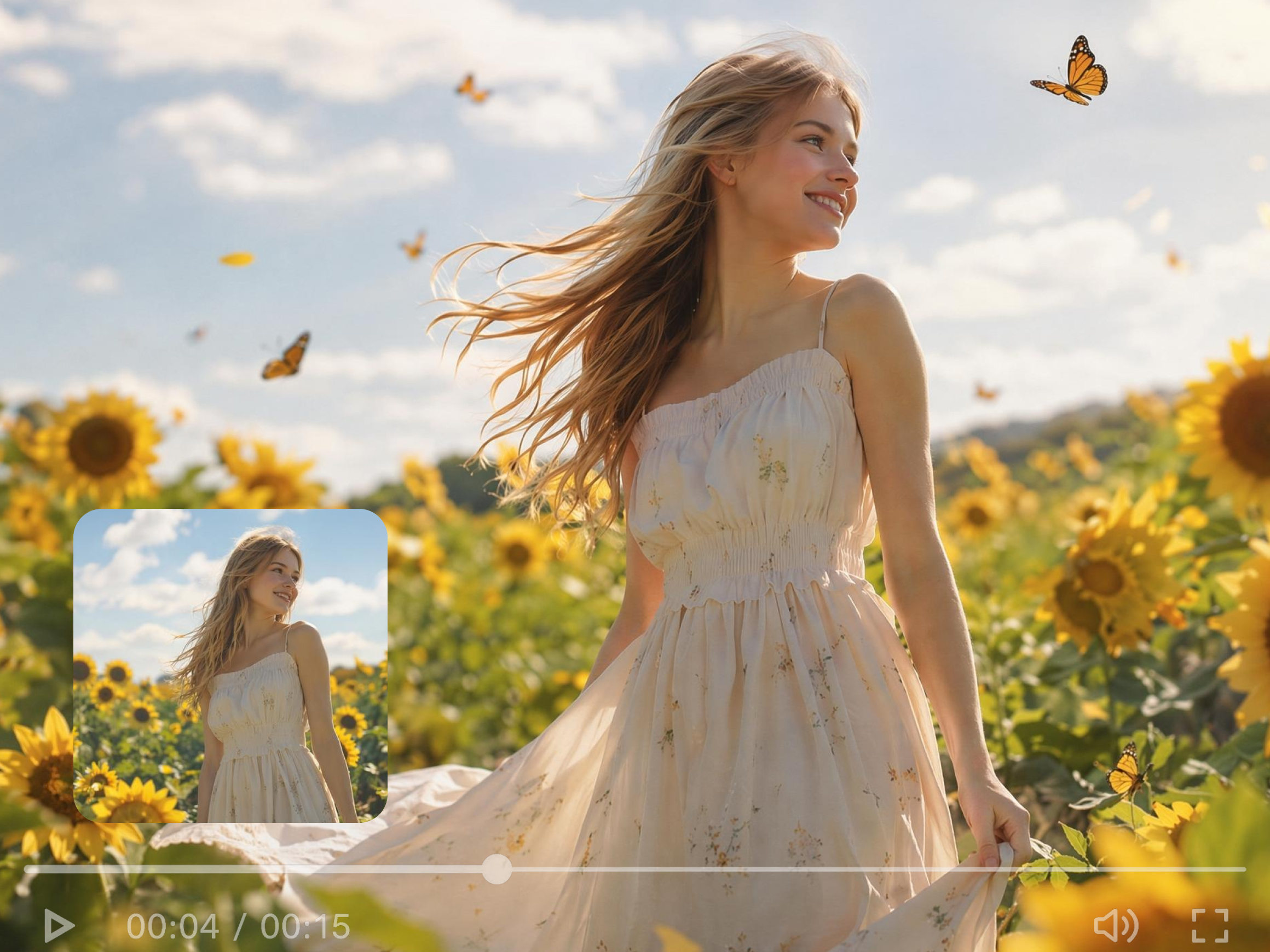


How to animate a photo with Vmake Labs
Step 1. Upload your photo
Click Image to Video then click the Elements tab. Drag or click to upload your reference image into the workspace. Use Frames mode if you want to define both a starting and ending image.
Step 2. Describe the motion
Type a description of what should happen in the Description field, for example what the subject does or how the camera moves. Select a model and click Generate.
Step 3. Download your animated photo
Preview the result in the main player. Review the output before committing to a download. Click Download to save your animated image clip.
Make Cool Backgrounds with AI
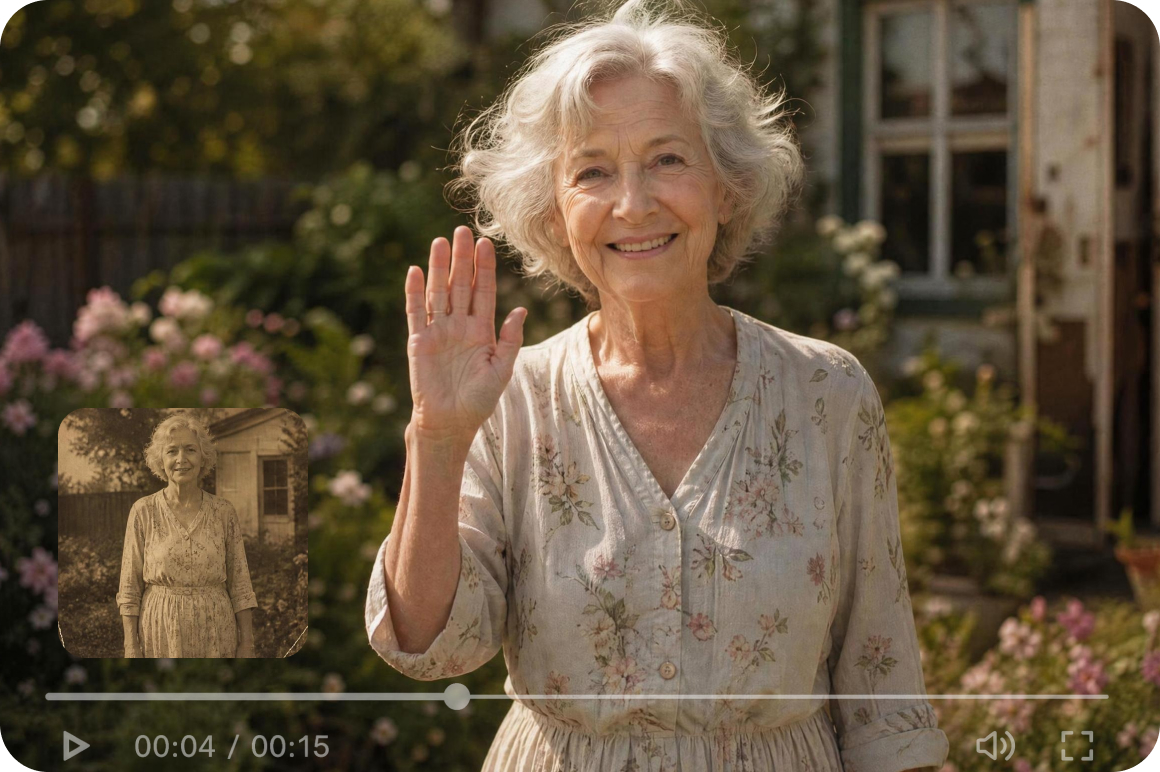
Bring old family photos to life
Upload an old photo you have the rights to use, describe a simple motion such as a smile or turn, and generate a short animated interpretation. For damaged or faded photos, the photo restoration tool can help prepare the image before animating.
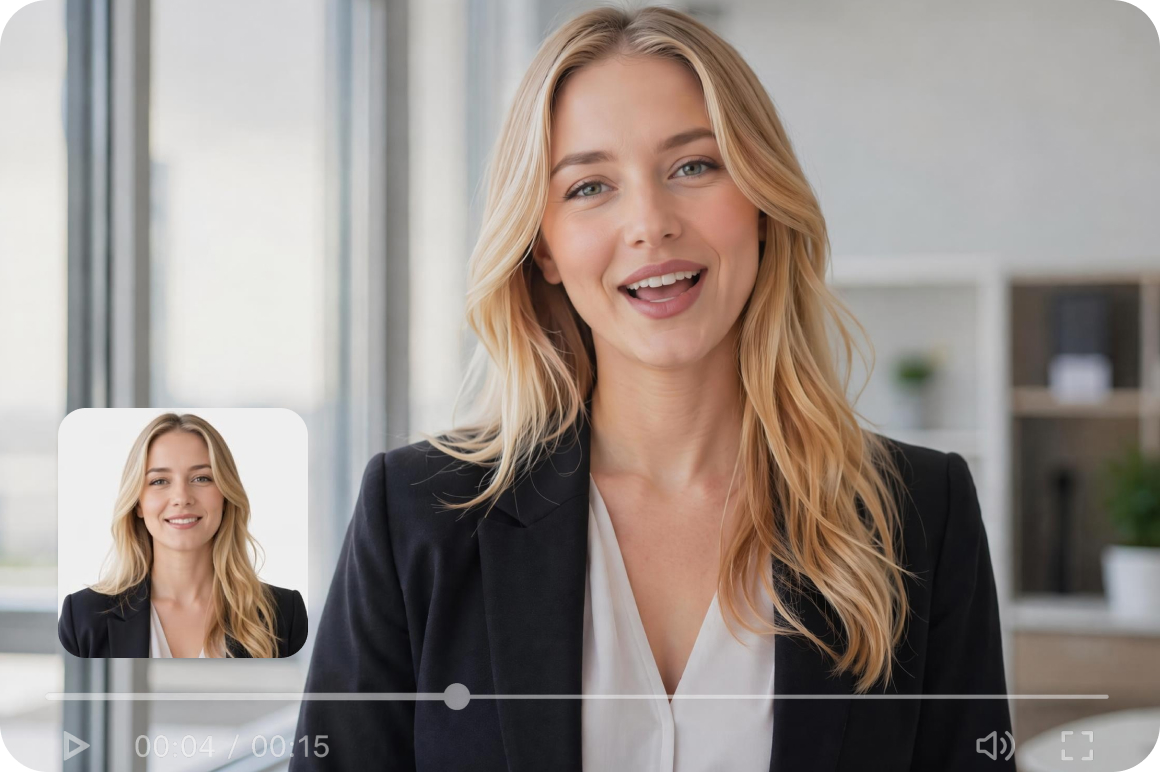
Turn a portrait into a living introduction
Profile photos and headshots are static across social platforms. Upload a portrait and describe a motion such as a smile or head turn to generate a short animated video clip from the still image. Useful as additional social content alongside existing profile photos.

Animate product photos for social content
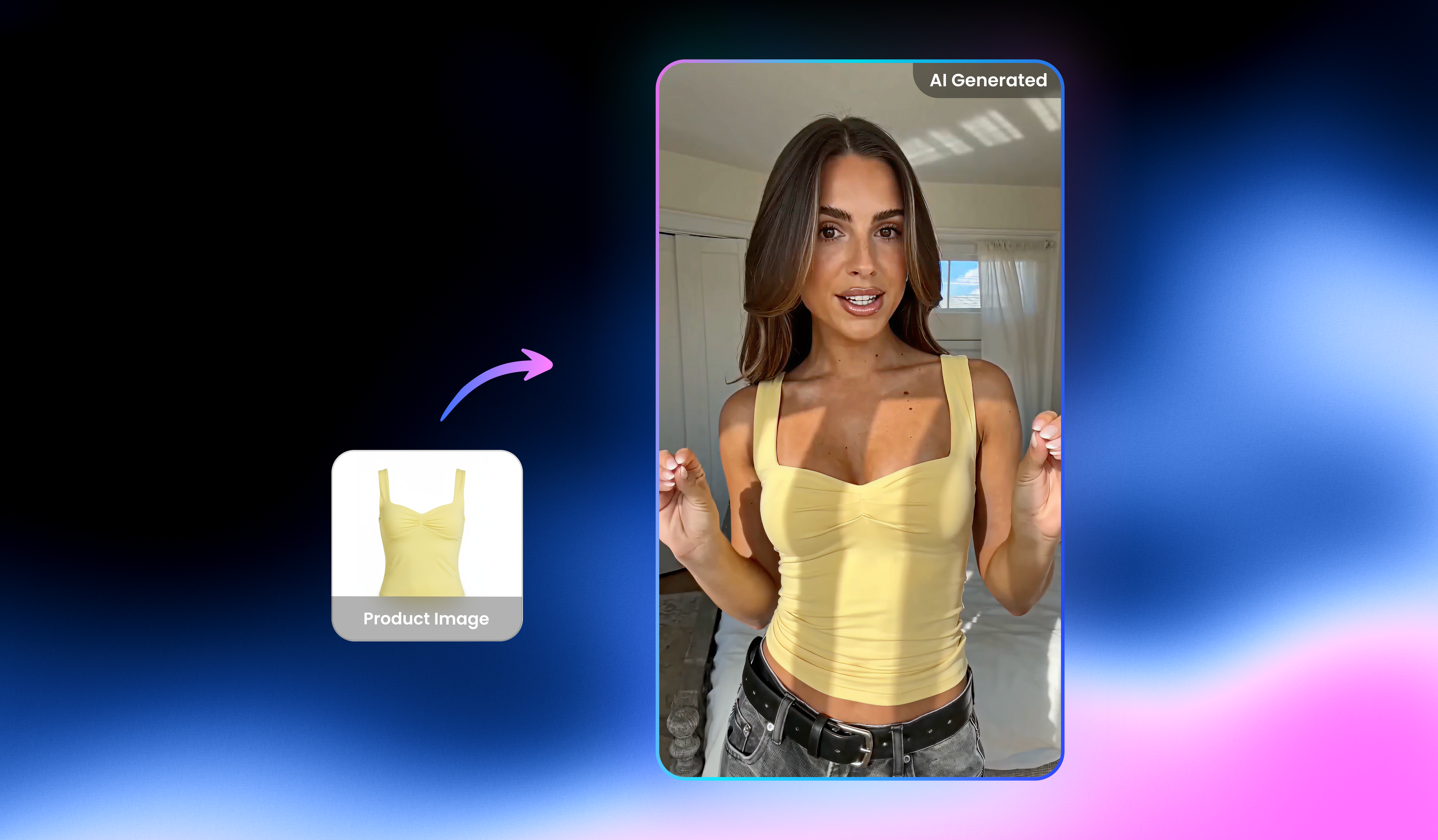
Product photography produces high quality still images but social platforms favour short video content. Upload an existing product photo and describe the motion to generate an animated clip from the same image used for the still listing.
What makes Vmake Labs a reliable AI image animator
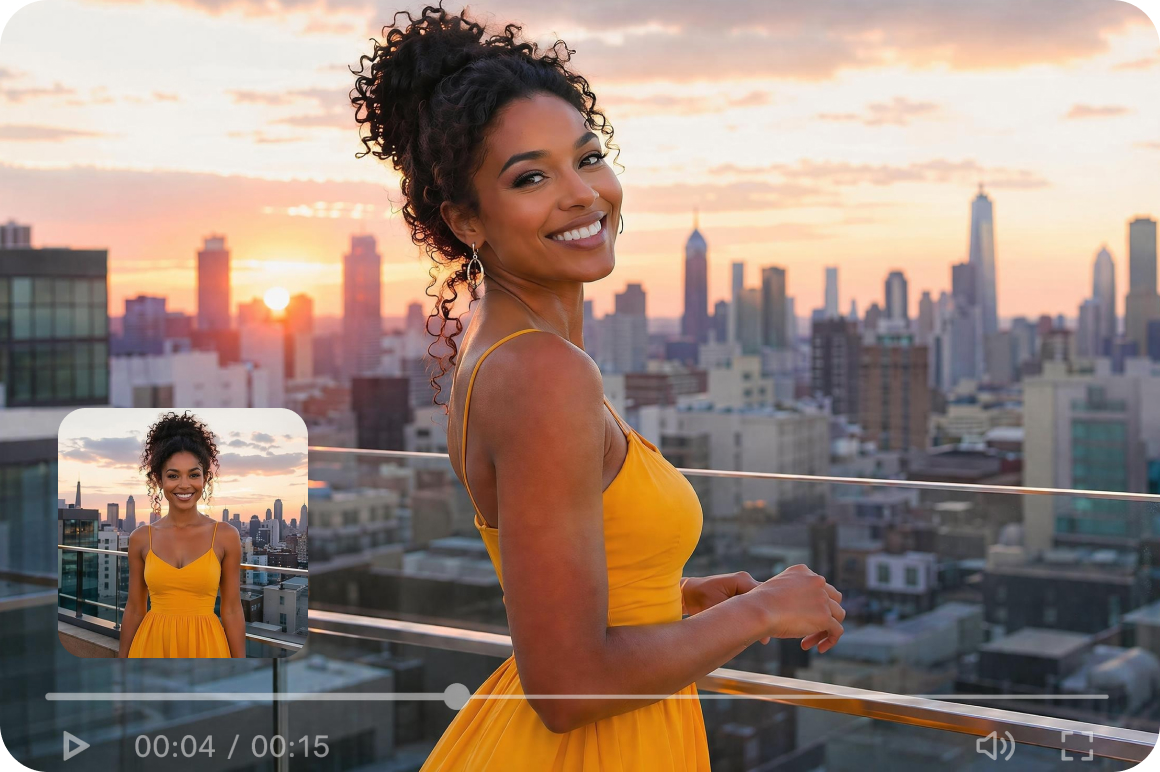
Two animation modes for free control
Elements mode takes your uploaded image as a visual reference and generates motion around it. Frames mode gives you direct control, upload your start and end image and AI fills the motion between them. Both modes are available in the same Image to Video workspace, giving you flexibility depending on how much control you need over the output.
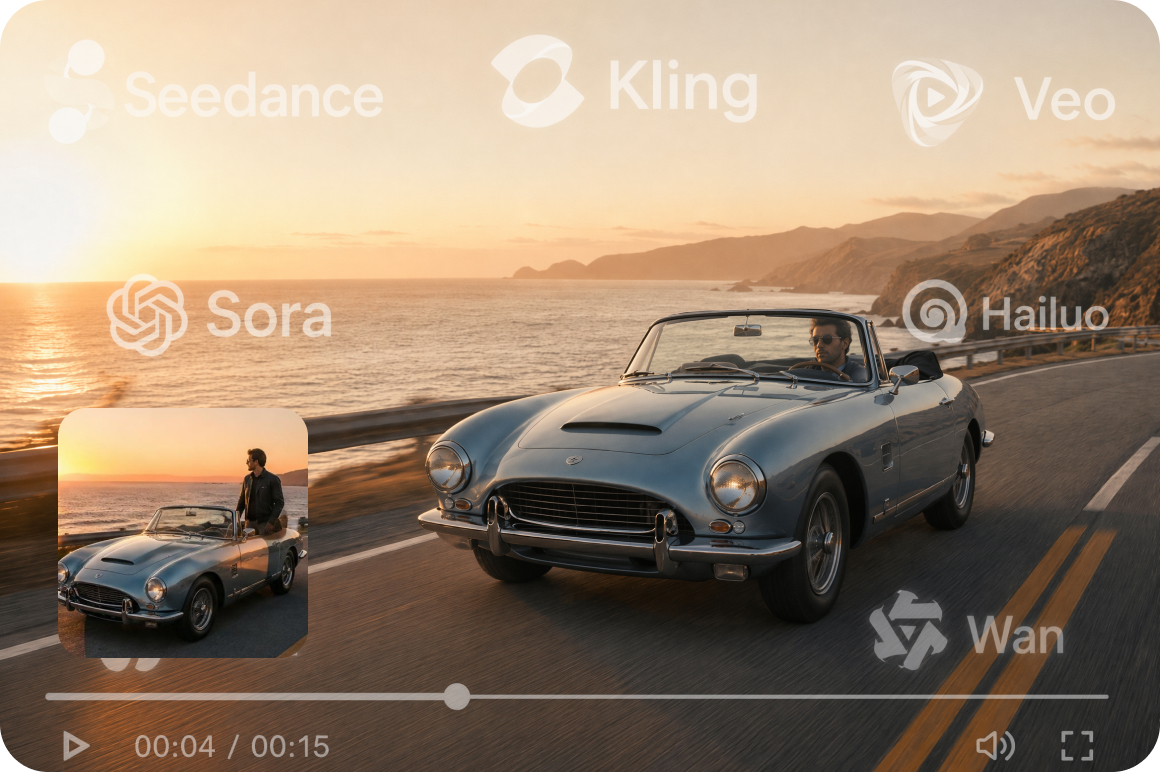
Choose from leading AI models
Seedance 2.0, Kling 3.0, Veo 3.1, Sora 2, Hailuo 2.3 and more are available from the Model selector. Each model produces a noticeably different animation style and motion quality on the same image. Testing two or three models on the same photo is the fastest way to find the look that fits your content as an ai photo animator online.
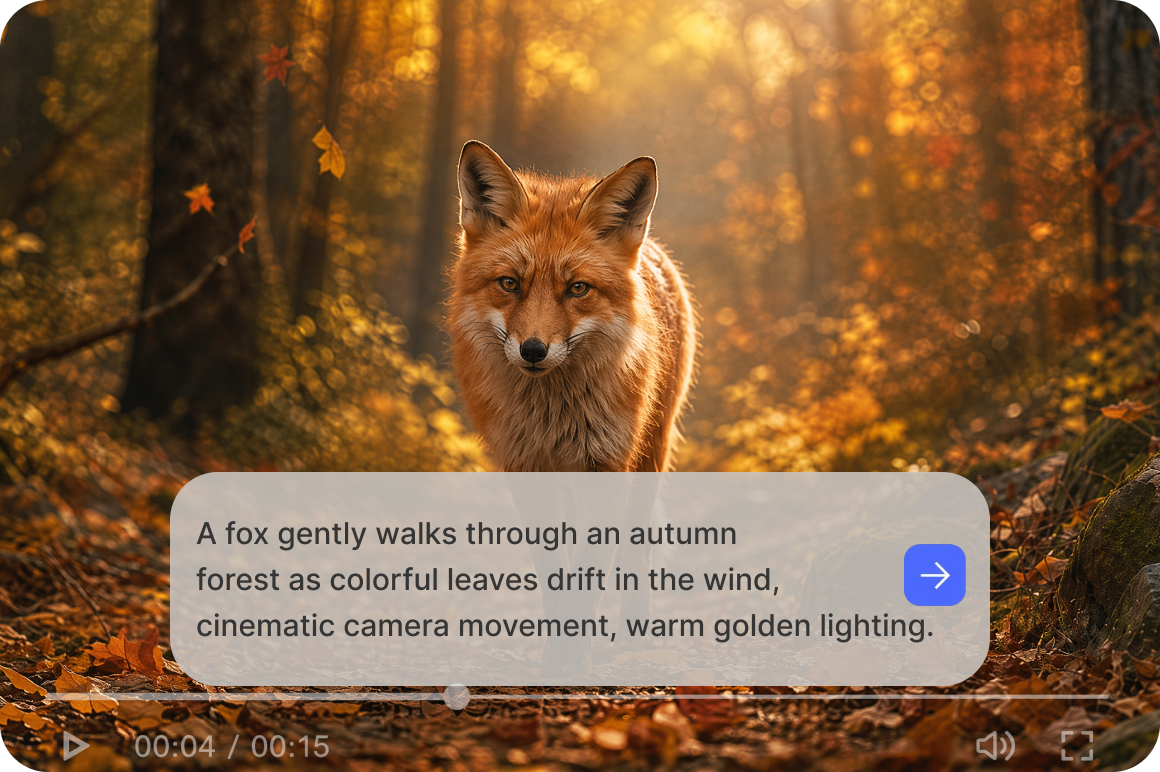
Turn any description into motion
Type what you want to happen in the Description field, a portrait subject turning to smile, a product rotating slowly, a landscape with wind moving through the trees. The AI reads your prompt and generates motion from it. No technical knowledge, no keyframes, no animation timeline required to use this photo animator tool.
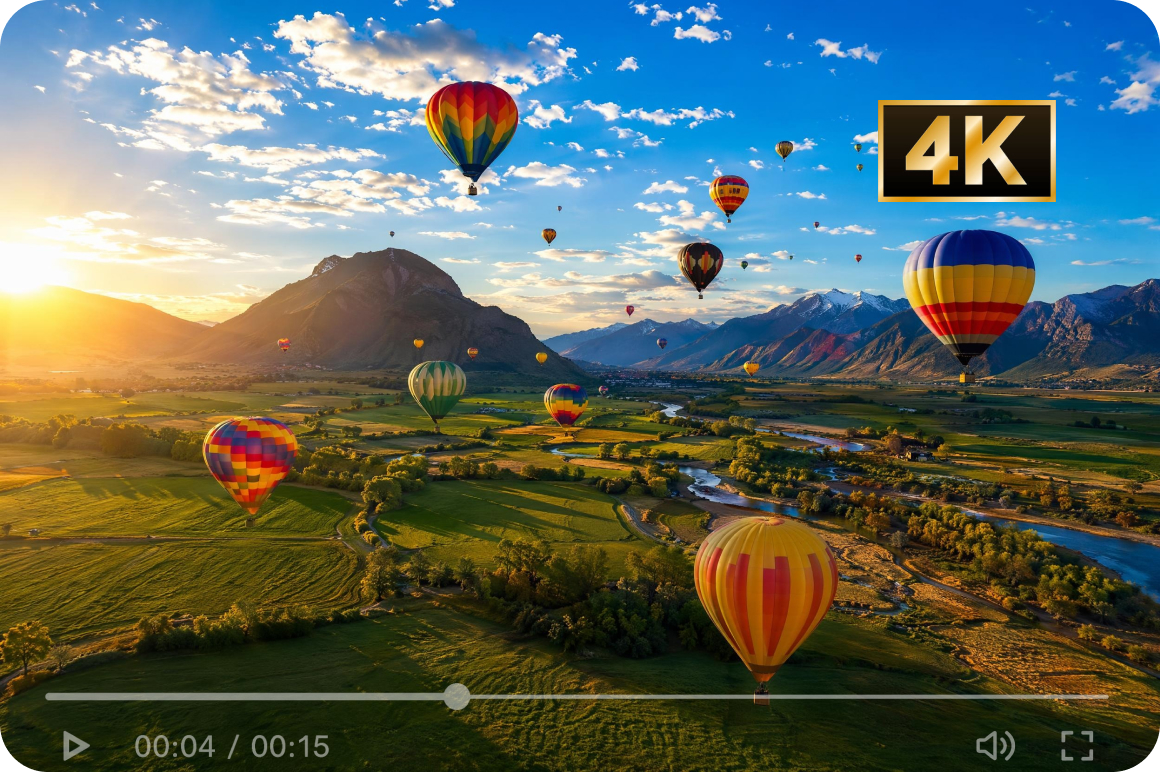
High resolution output ready to publish
Animated clips export at up to 4K resolution depending on the model selected, making them usable for social content, ads and presentations without additional upscaling. For source images that need sharpening before uploading, the image sharpener prepares the image before the animation step.
Who uses Vmake AI picture animator most
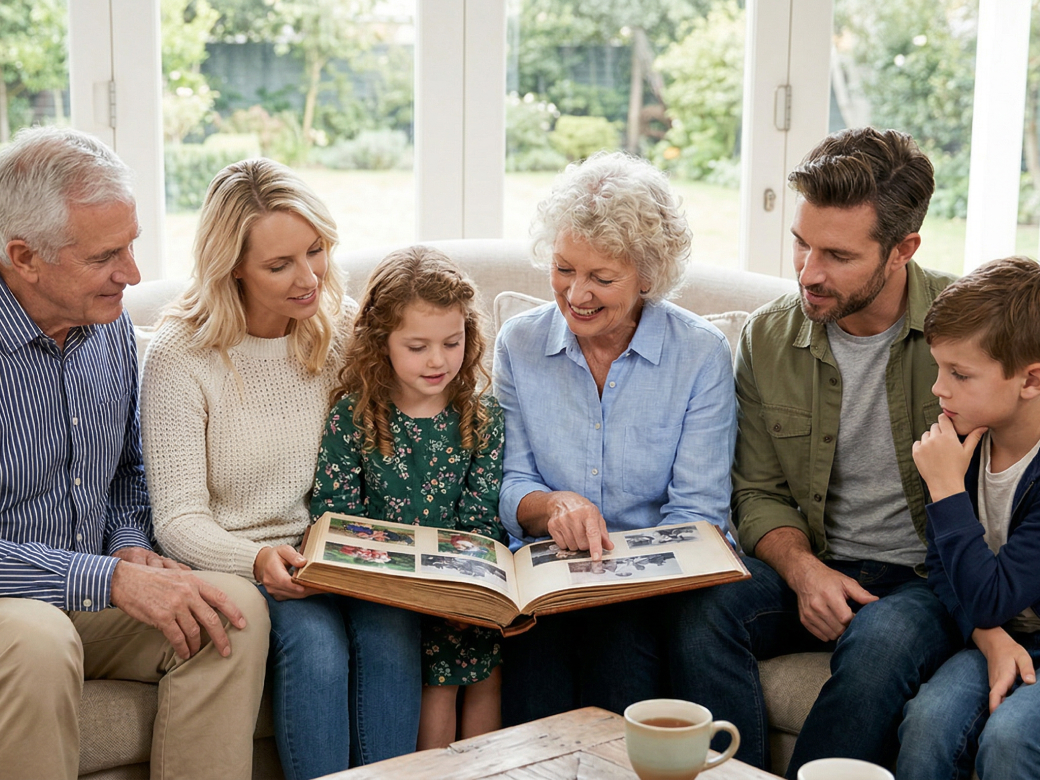
People preserving family memories
Old family photos capture a single moment without showing movement or expression. Vmake Labs animates an uploaded photo based on a written description of a simple motion using multiple AI models. A still family photo becomes a short animated interpretation that can be shared alongside the original image.
Content creators building personal brands
Profile photos and portrait headshots are static across most social platforms. Vmake Labs animates an uploaded portrait based on a description of natural motion entered in the Description field. Existing portrait photos become short animated clips available as additional social assets without a new filming session.
Product and ecommerce content teams
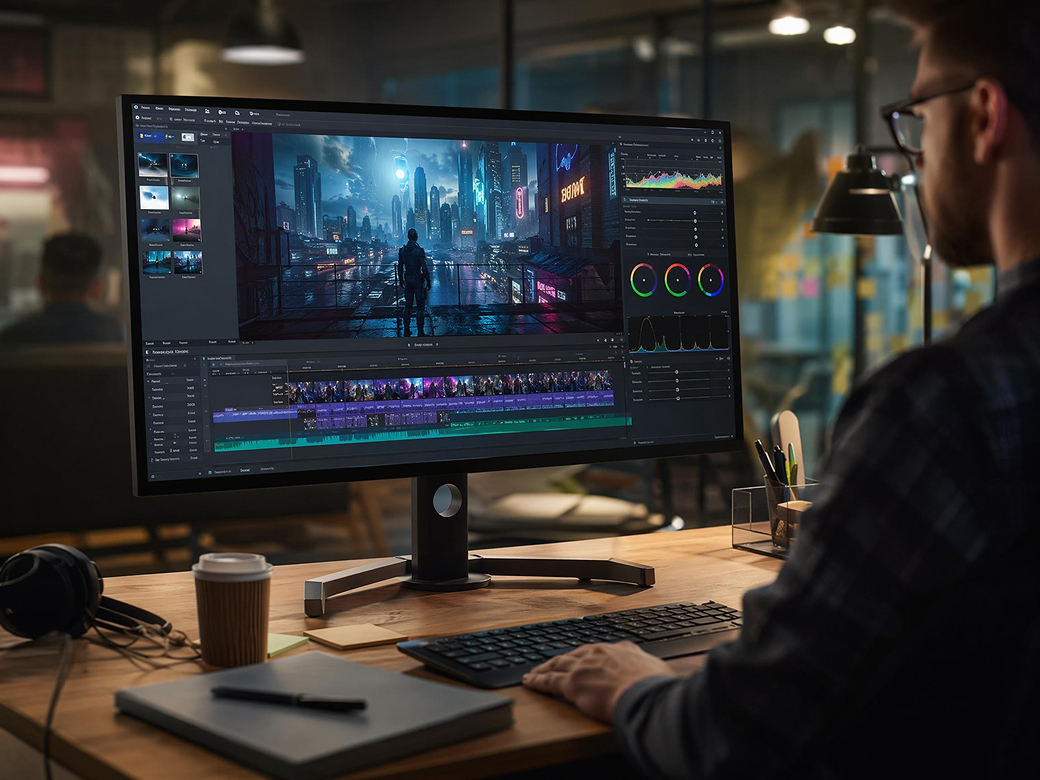
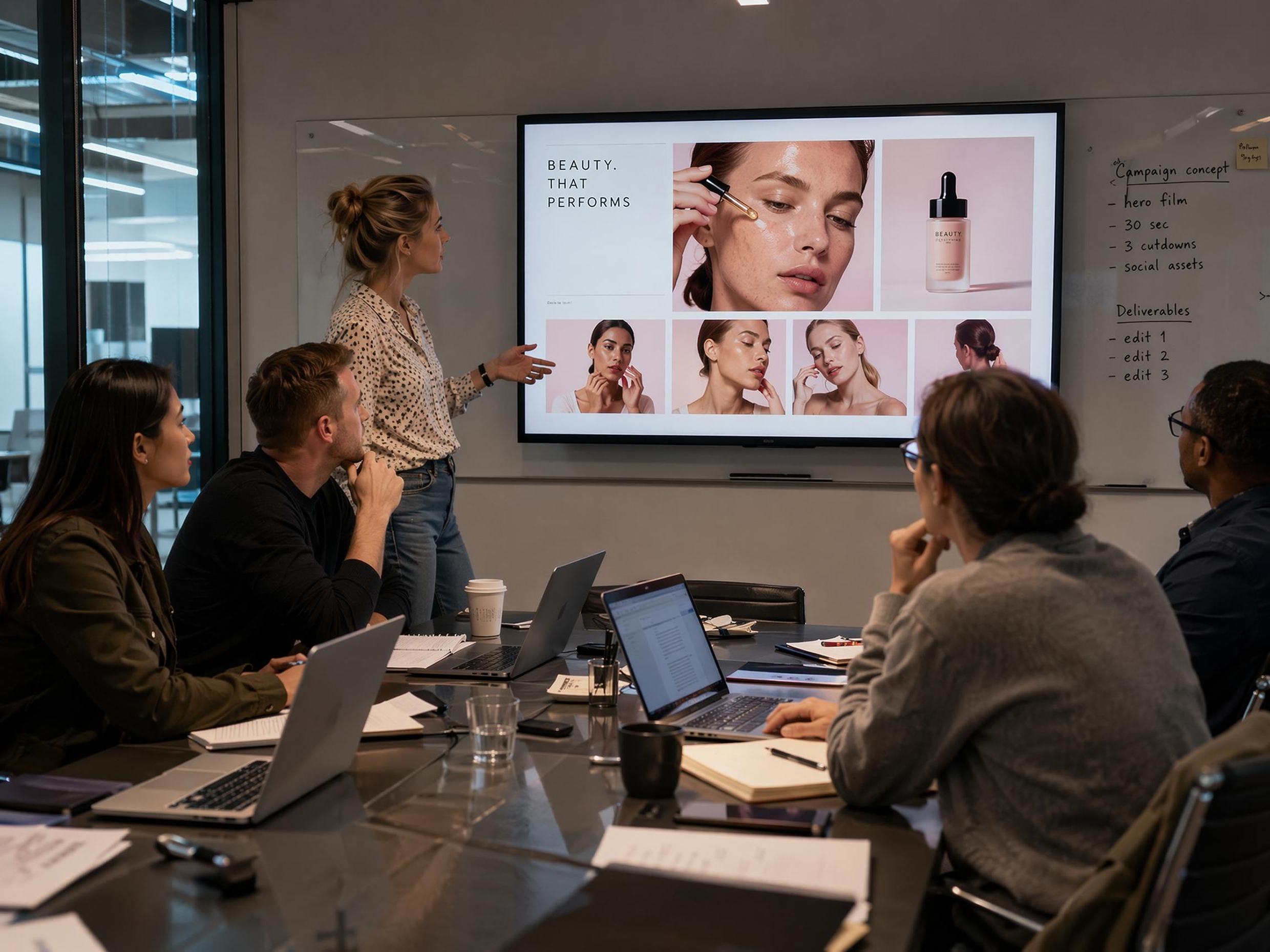
Product photography produces still images for listings but social platforms favour short video content. Vmake Labs animates an existing product photo based on a description of the desired motion. Product images already used for listings become animated clips available for social content without a separate video shoot.
FAQ
How do I tell the AI what motion I want?
How many photos can I upload for one animation?
Upload your reference image under the Elements tab in Image to Video. For first and last frame control, use Frames mode and upload a starting image and an ending image. The AI generates the motion between them.
Can I choose how the animation looks?
Yes. A model selector offers multiple generation models including Seedance 2.0, Kling 3.0 and Veo 3.1, each producing different motion quality and visual style on the same uploaded image.
What resolution does the animated image export in?
Animated clips export at up to 4K resolution depending on the model selected. For images that need preparing before uploading, the image sharpener can help improve the source image quality before animation.
Can I use an animated image for product ads?
Yes. For UGC ads and other ad formats, an animated product image can be used as video content for the campaign. Always ensure you have the rights to use and modify the original image before animating.
How long does it take to animate a photo?
Upload your image, type a description, select a model and click Generate. Processing time varies depending on the model and clip settings selected.
Why people choose Vmake to animate their photos

No animation software, keyframes or motion design skills needed. Type what should happen in plain language and the AI applies motion to the generated clip based on your uploaded reference image.

With Vmake Labs, anyone can start animating without prior experience. Upload an image, type a motion description and select a model. The process from upload to animated clip takes three steps with no technical setup required.
Sign up to access the tool and start animating images from your first session. Vmake Labs is an ai photo animator free to try and a photo animator free online with no software download required.
Explore more Al tools
UGC video

Video & image enhancer

Video upscaler

Video translator

Watermark & text remover

Video noise reducer

Video background remover

Video & audio to text
Bring your photo to life today
Every photo has a moment beyond the frame. Upload yours, describe the motion and generate an animated image clip.
What users say about Vmake's photo animator
I uploaded an old family photo and typed a short prompt describing the movement I wanted. It turned the photo into a simple animation that was nice to share alongside the original. I also tried a couple of different models on the same image before deciding which version I liked best.
I turned a profile photo into a short animated clip by typing a simple prompt for a head turn and facial expression. It gave me another piece of content to post on social media, and I didn't need any animation experience to get a result I could actually use.
We animated existing product images by adding a short prompt for the movement. It turned the same photos we already used in our listings into short videos, so we had more content without filming new product footage.
I used Vmake to animate portrait photos from a recent shoot so I could give clients something extra alongside their final images. The process was easy, and I liked being able to try different models on the same photo before choosing the version that looked best.
The model selector was the part I used most. Generated the same image with different models selected and the motion style varied noticeably between them. Useful for testing which animation direction fits the content before committing to a final version for a post.
I animated a product photo for an Instagram post by typing a simple prompt for the movement. It turned an image I already had into a short video, so I didn't have to film a new product clip. The whole process was easy to figure out, even though I'd never used an animation tool before.