
AI girl video generator online
There is something compelling about watching an original virtual character come alive on screen. Vmake Labs ai girl video generator makes that possible through Text to Video, Image to Video and Video to Video. Describe your character concept, upload an original reference or start with existing footage and let the AI build the scene.
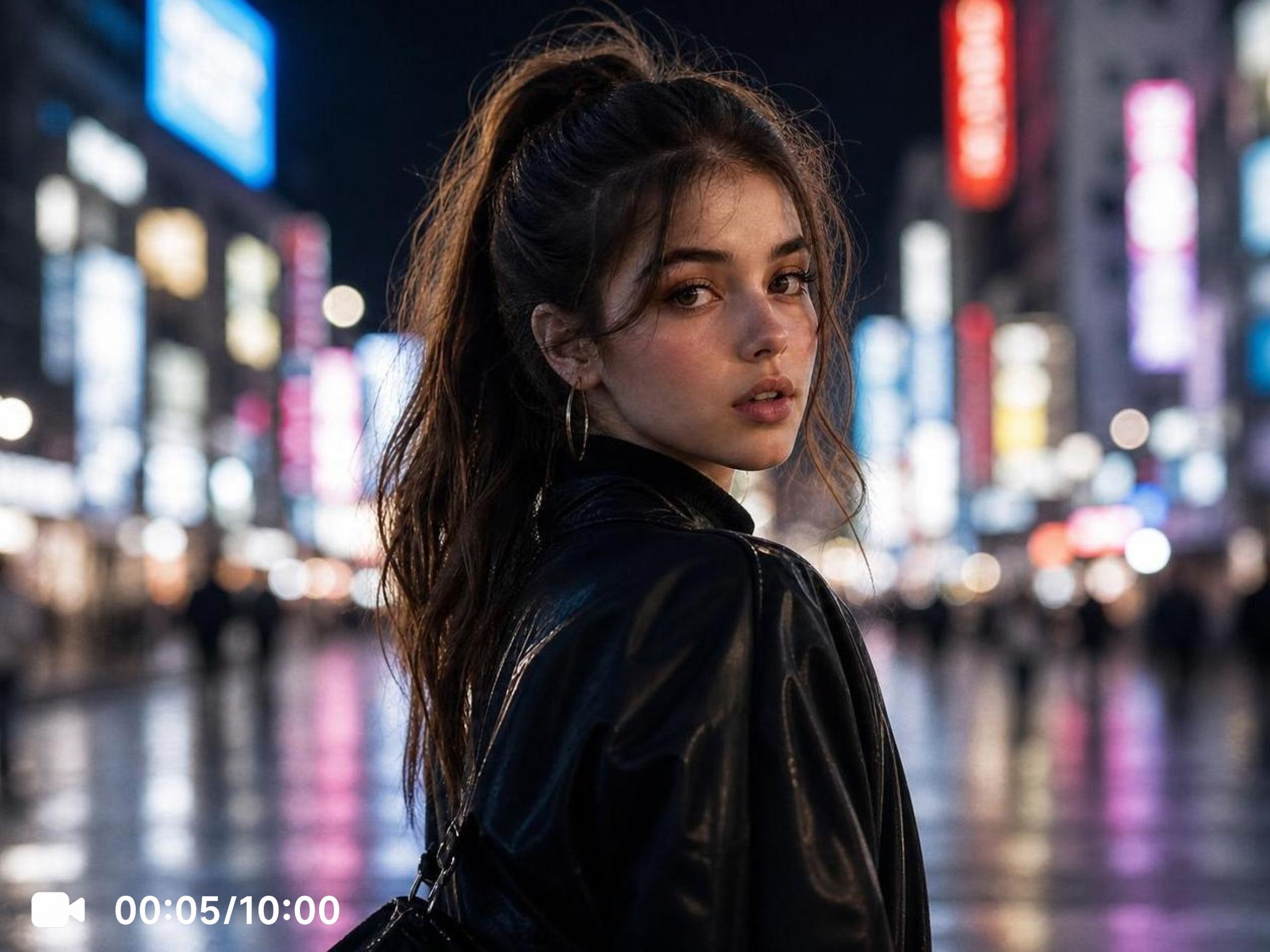


How to create AI girl videos with Vmake Labs
Step 1. Choose your generation method
Three pathways, three different creative entry points. Text to Video builds a scene from a written description. Image to Video animates an original character reference or artwork. Video to Video takes existing footage in a new visual direction.
Step 2. Describe your character and set the scene
Write a prompt capturing the character appearance, clothing, setting and atmosphere. Upload original artwork or an authorized reference for Image to Video. Choose the AI model that fits your intended visual style, set duration and aspect ratio, then generate.
Step 3. Generate, review and take what works
Give the output an honest look. The first generation is a starting point. Adjust the prompt, try a different model and generate again until the scene reads the way you intended. Download when it lands.
Popular ways to use AI girl videos
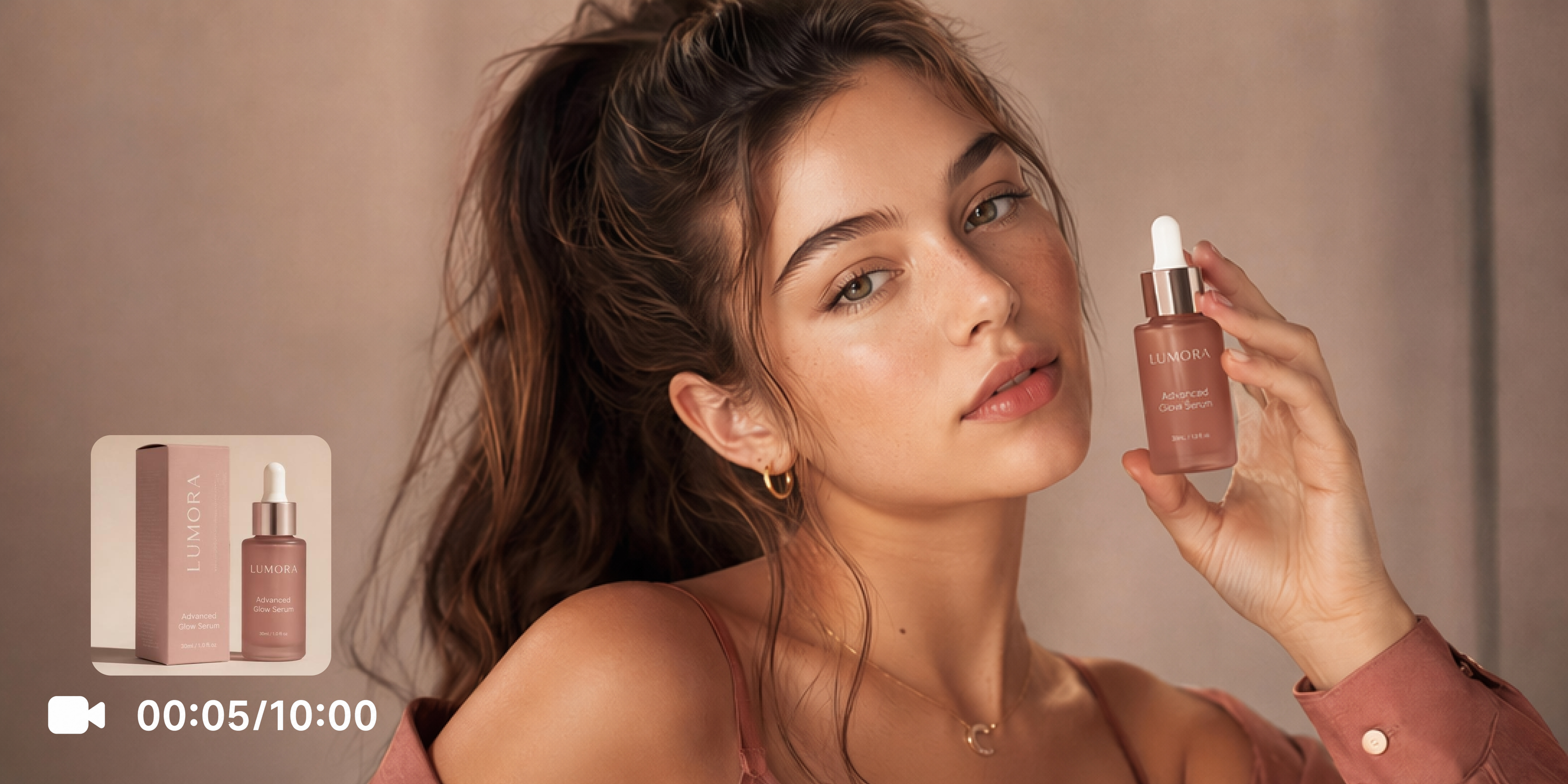
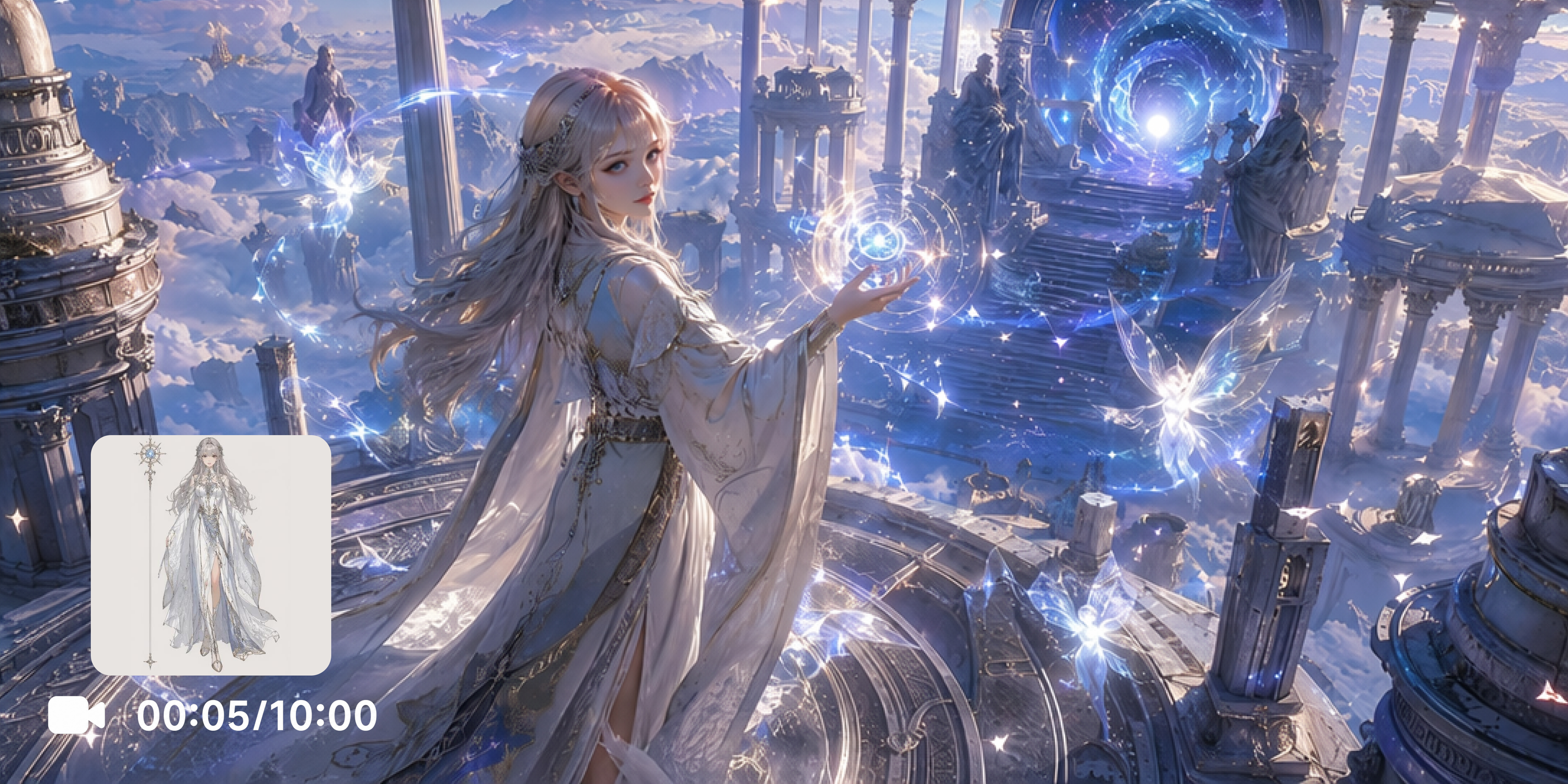
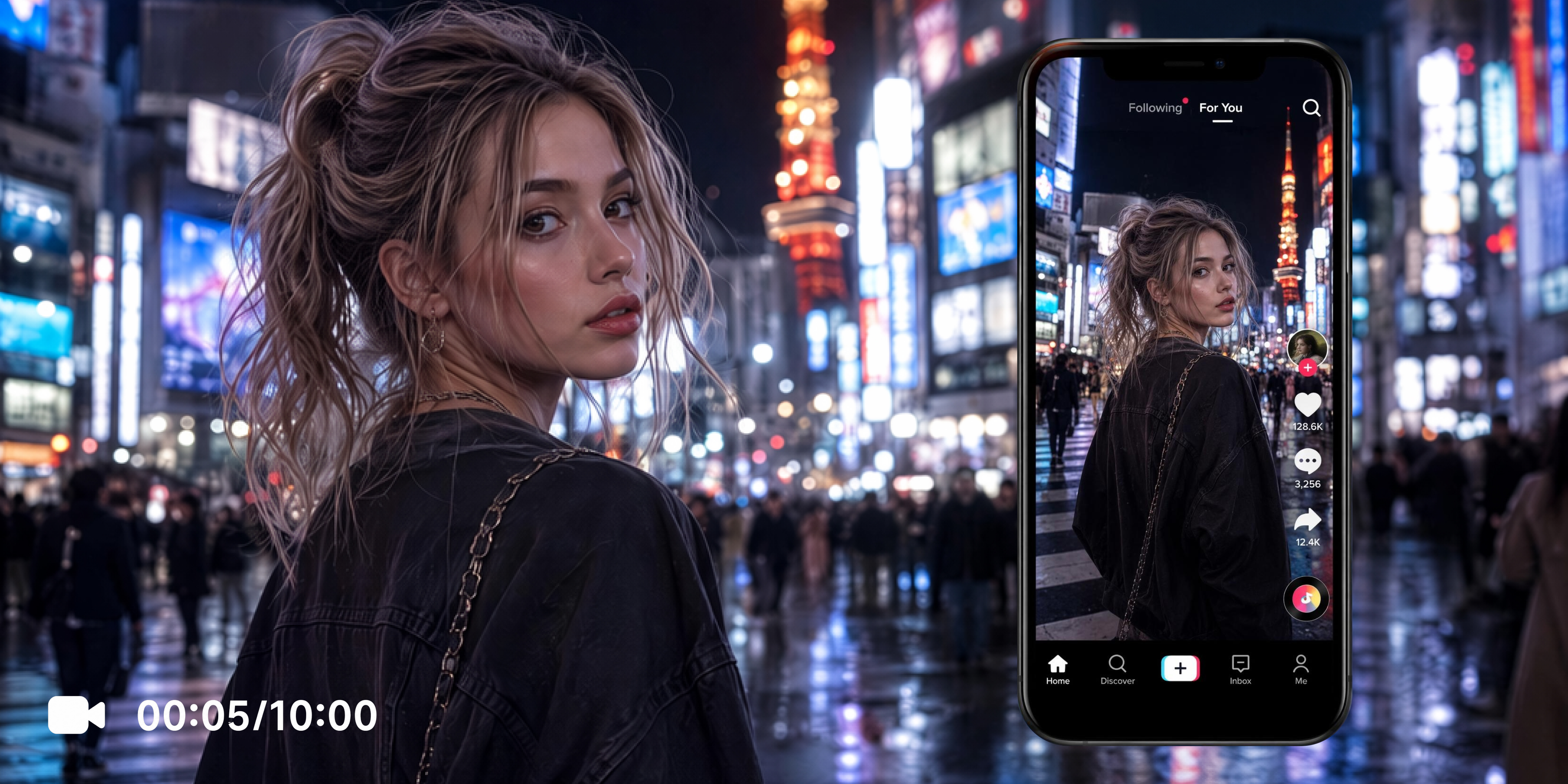
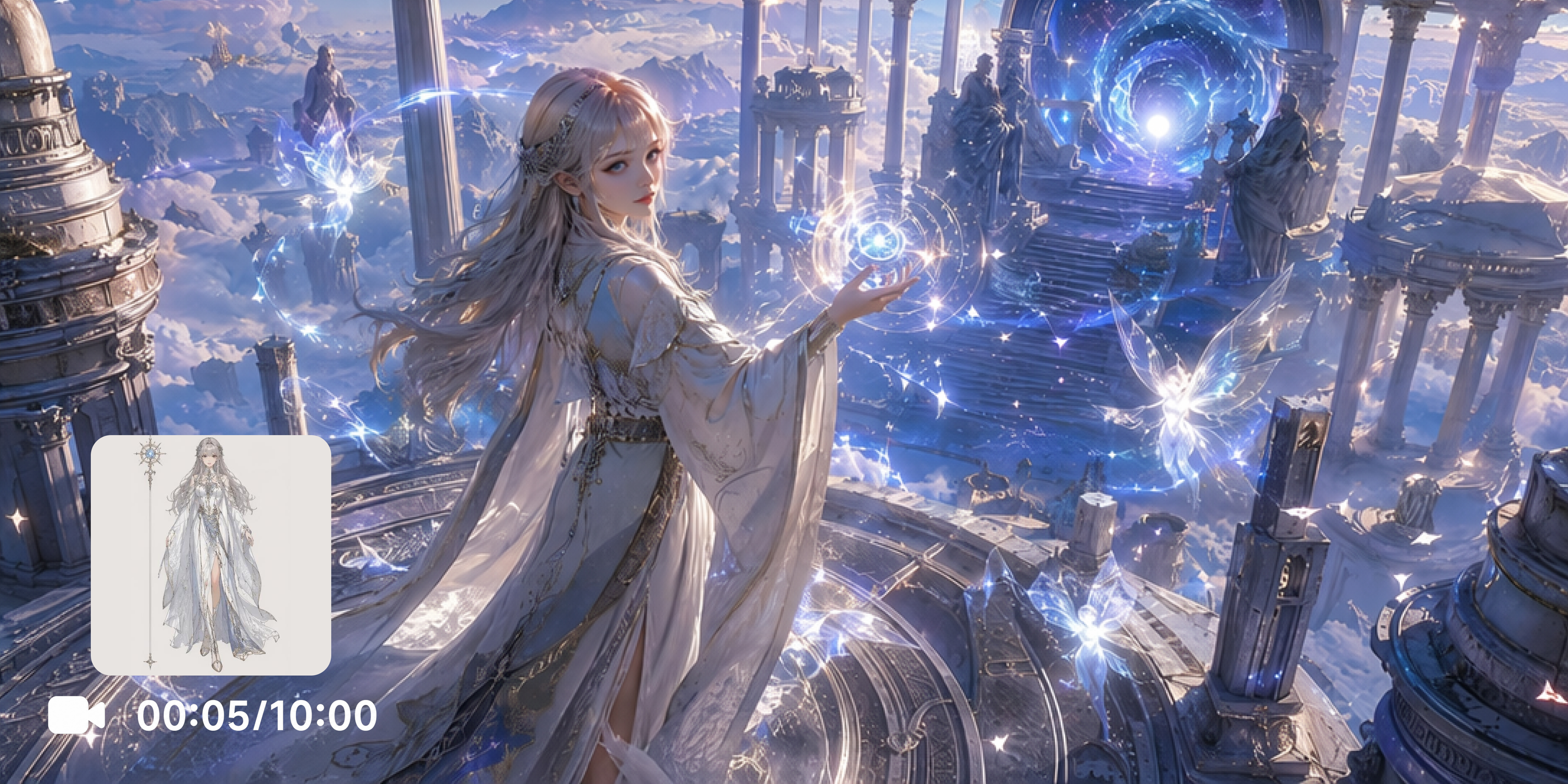
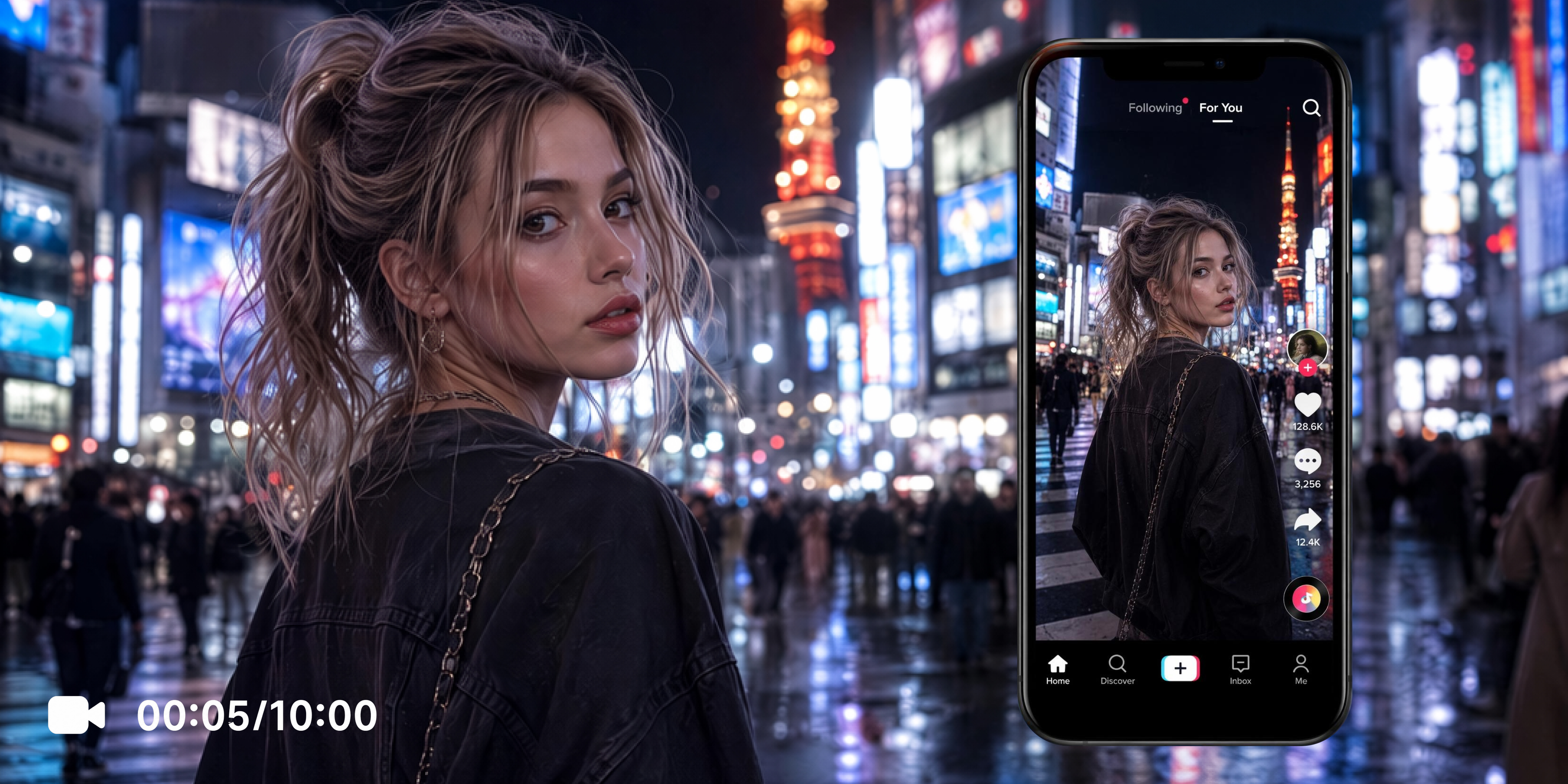
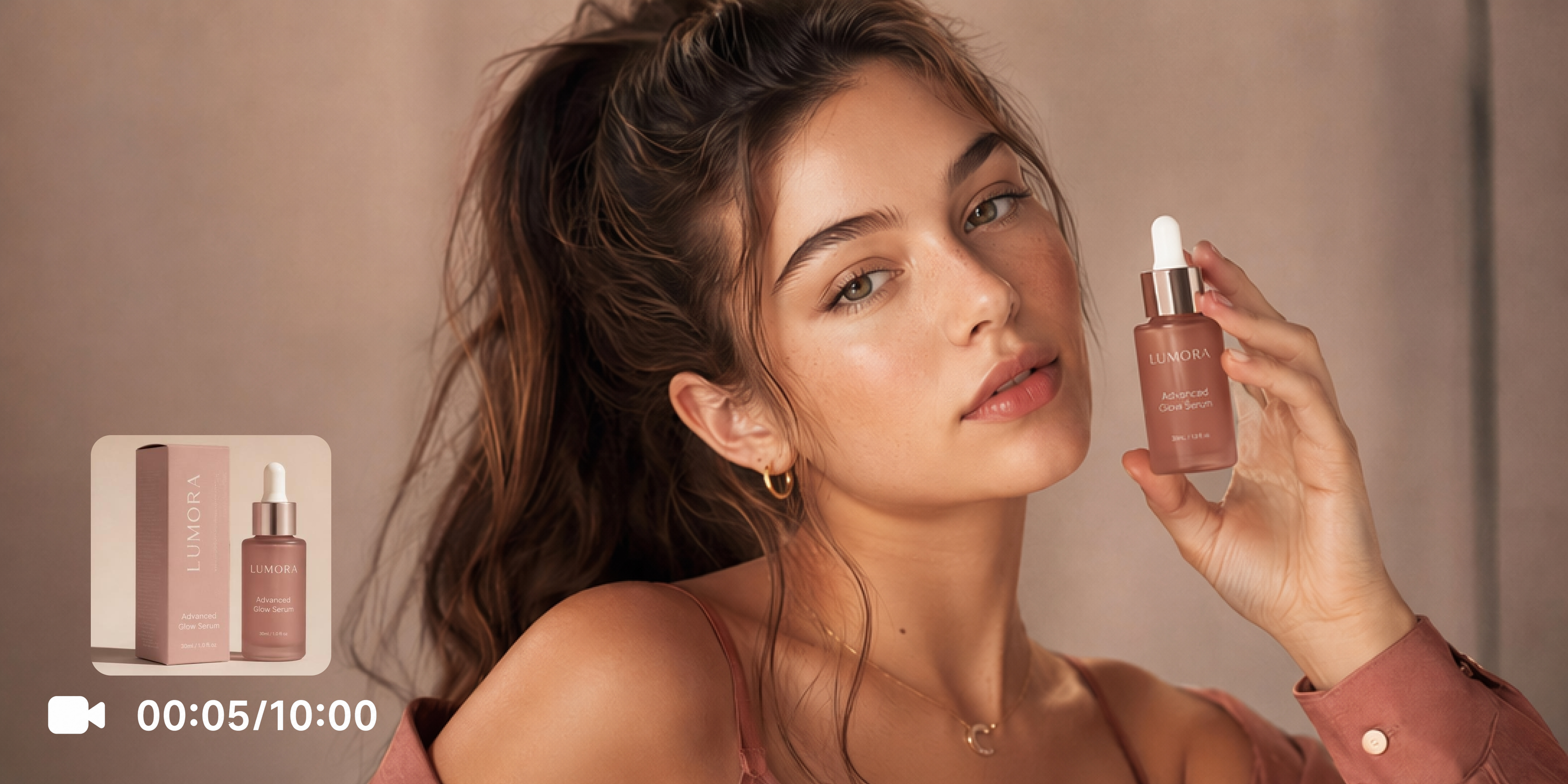
Explore powerful features of Vmake Labs AI girl video generator
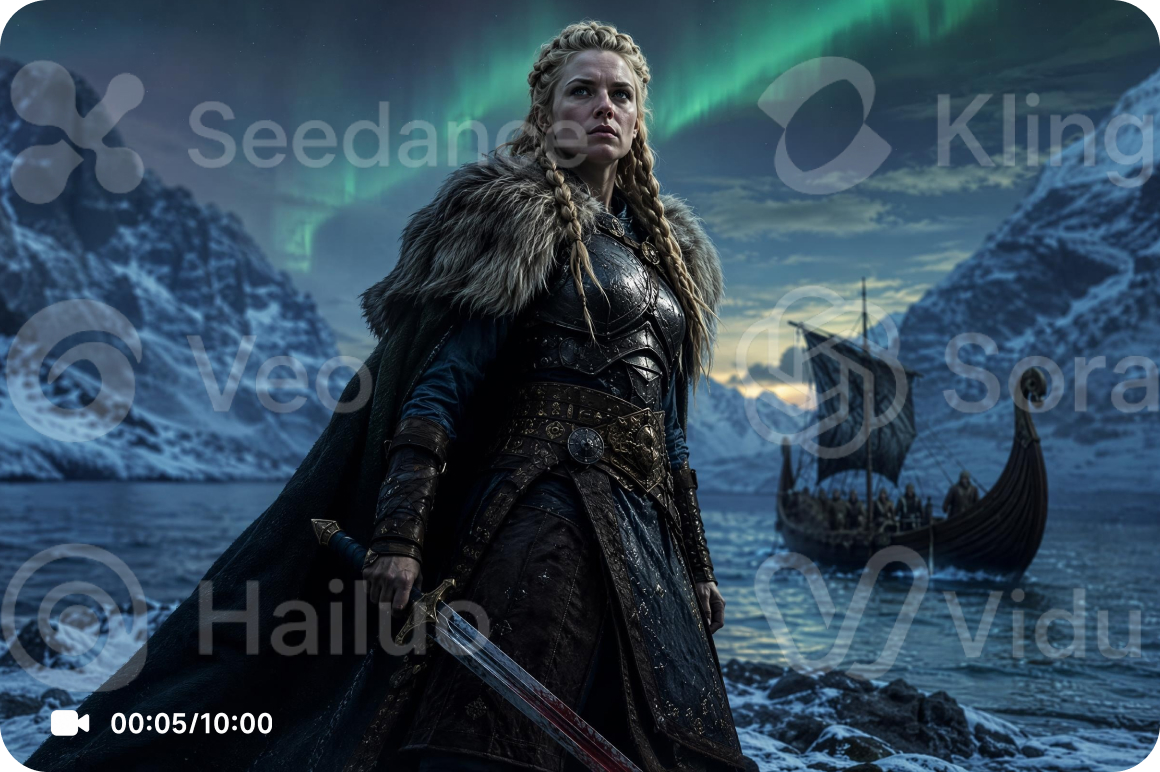
A model selector worth exploring
Seedance 2.0, Kling 3.0, Veo 3.1, Sora 2, Hailuo 2.3, Seedance 1.0 Pro, Wan 2.2 and Vidu Q2 each bring something different to the same character prompt. Motion quality, scene atmosphere and how a virtual girl character reads on screen shift meaningfully between models. Running the same description through two or three before downloading is worth the extra time.
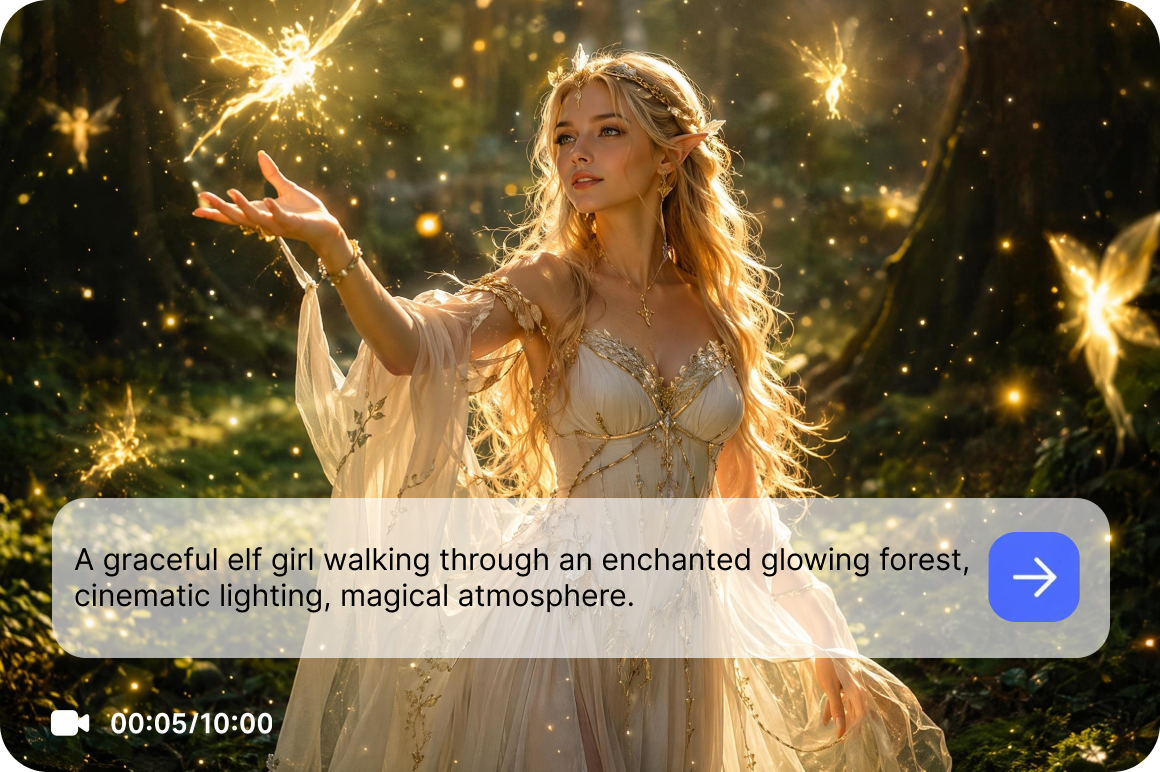
Build any character scene from a written description
Text to Video is where character scene building begins for creators who start with words. Describe the virtual character appearance, clothing detail, the environment she occupies, the camera framing and the mood. The more considered the description, the more the generated output reflects the original creative vision. This is the entry point for the ai girl video generator workflow when no reference image exists yet.
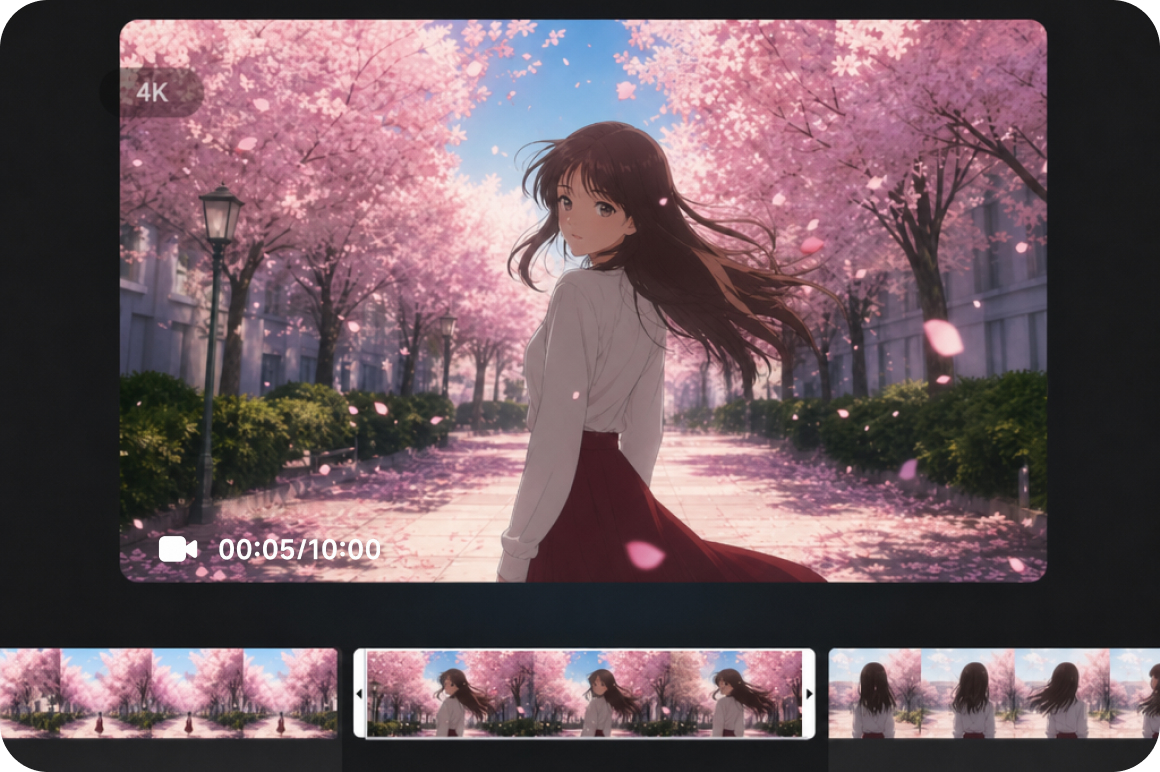
Animate original artwork and authorized references
Image to Video brings character artwork into motion. Upload an original illustration or authorized reference image and use Elements mode to guide the generated scene, Frames mode to define the first and last visual beat, or Effects mode to apply a built in generation effect. For creating the source character image before animating it, the ai image generator is available as a first step.
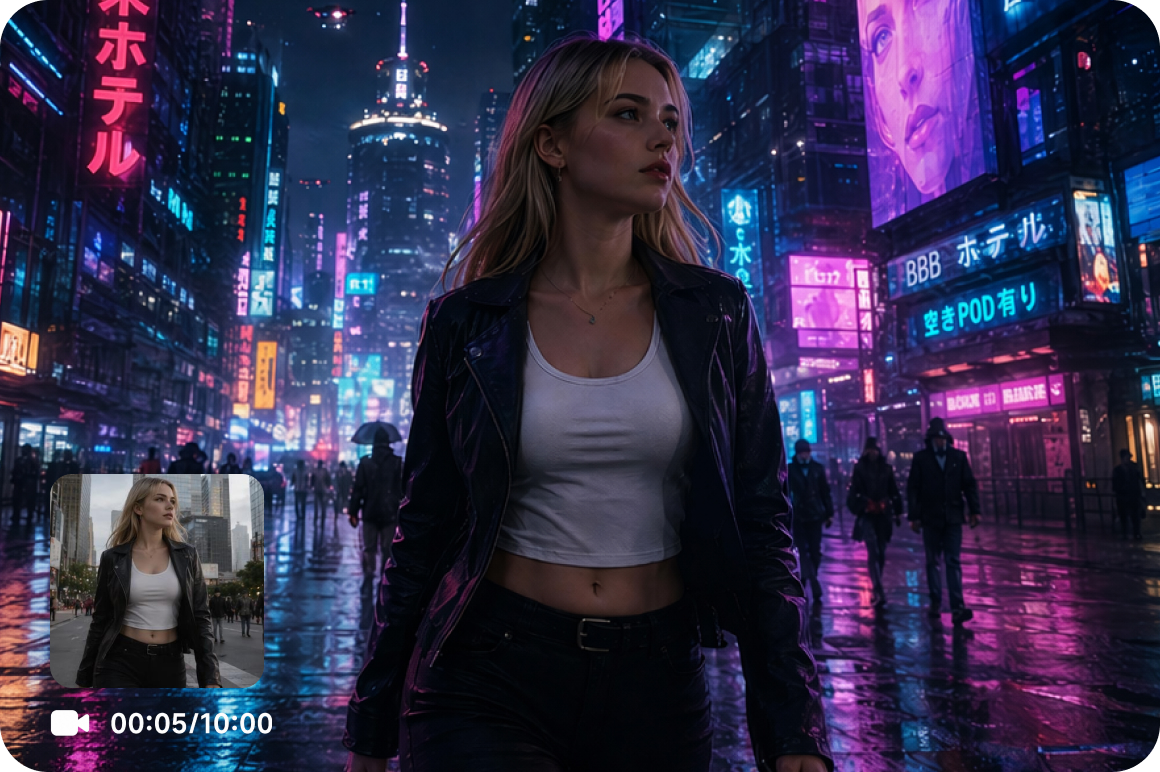
Restyle existing footage with Video to Video
Video to Video takes a clip that already exists and applies a new visual direction to it. Upload existing character footage or a previously generated clip, select a style and generate a version that reads differently. Useful for exploring how the same scene performs across multiple aesthetic directions without rebuilding the generation setup from scratch.
Who uses Vmake Labs's AI girl video generator most
Content creators
Original virtual character content is harder to produce consistently than most creators expect. Vmake Labs generates ai girl video content from original prompts and authorized reference artwork across multiple AI models. Creators build a library of character scene clips without a production setup, a performer or a location for every new concept.

Digital artists
A character that lives only in static illustration has more potential than the page allows. Vmake Labs animates original artwork and character designs into short video scenes through Image to Video, bringing the visual identity the artist has already built into motion. Artists generate animated scene references for portfolio and pitch materials without a separate animation workflow.
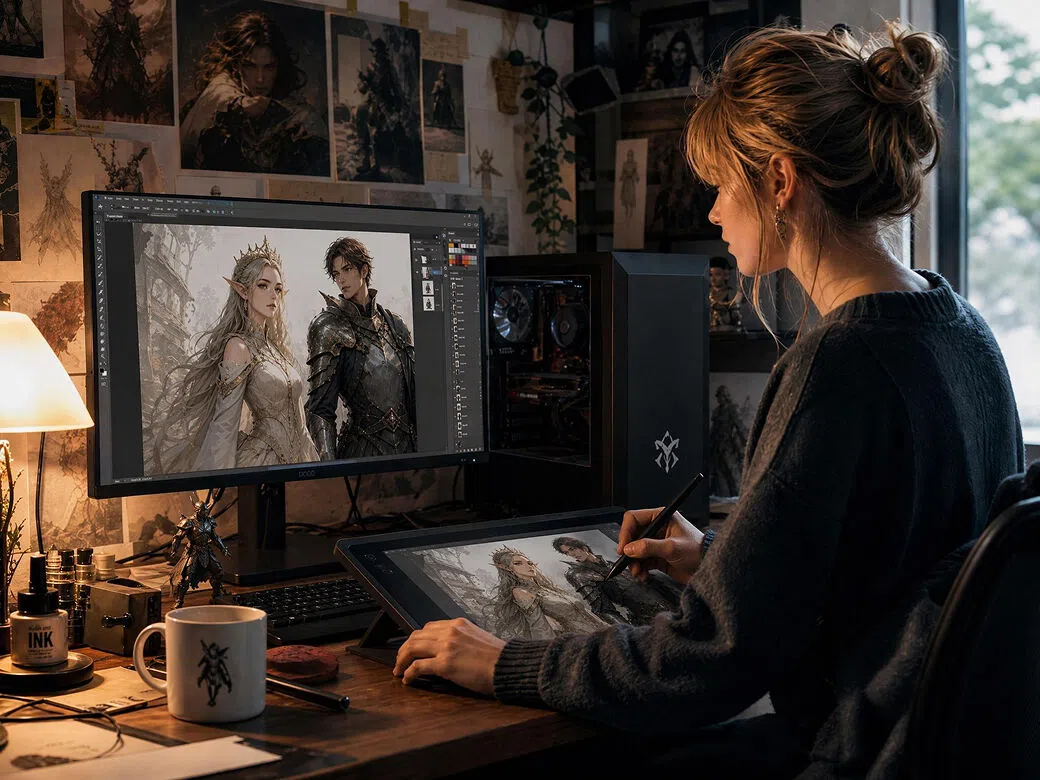
Storytelling creators
Translating a fictional character from concept to moving image is the part of the creative process that most production workflows make unnecessarily difficult. Vmake Labs generates short virtual character scene clips from detailed text descriptions or original artwork. Storytelling creators visualize narrative moments, test scene directions and build concept material for pitches without a production team.
Frequently asked questions about AI girl video generators
What is an AI girl video generator?
Can I create AI girl videos from images?
Can I customize the character and scene?
What types of video girl ai content can I create?
Which AI models produce the best virtual character videos?
Is this an AI girlfriend or video chat tool?
Why users choose Vmake Labs for AI girl videos

Vmake Labs generates virtual character scene clips from original prompts, artwork and authorized references. The platform is built for creators developing original fictional characters, not for replicating real people or producing companion style content.
The model selector brings Seedance, Kling, Veo, Sora, Hailuo and others into a single workspace. One character concept can be explored across multiple visual interpretations without leaving the platform or setting up the generation process again from scratch.
Text to Video, Image to Video and Video to Video cover every creative starting point. A written idea, an original illustration and existing footage are all valid inputs for generating a new virtual character scene from the same workspace.
Explore more Al tools
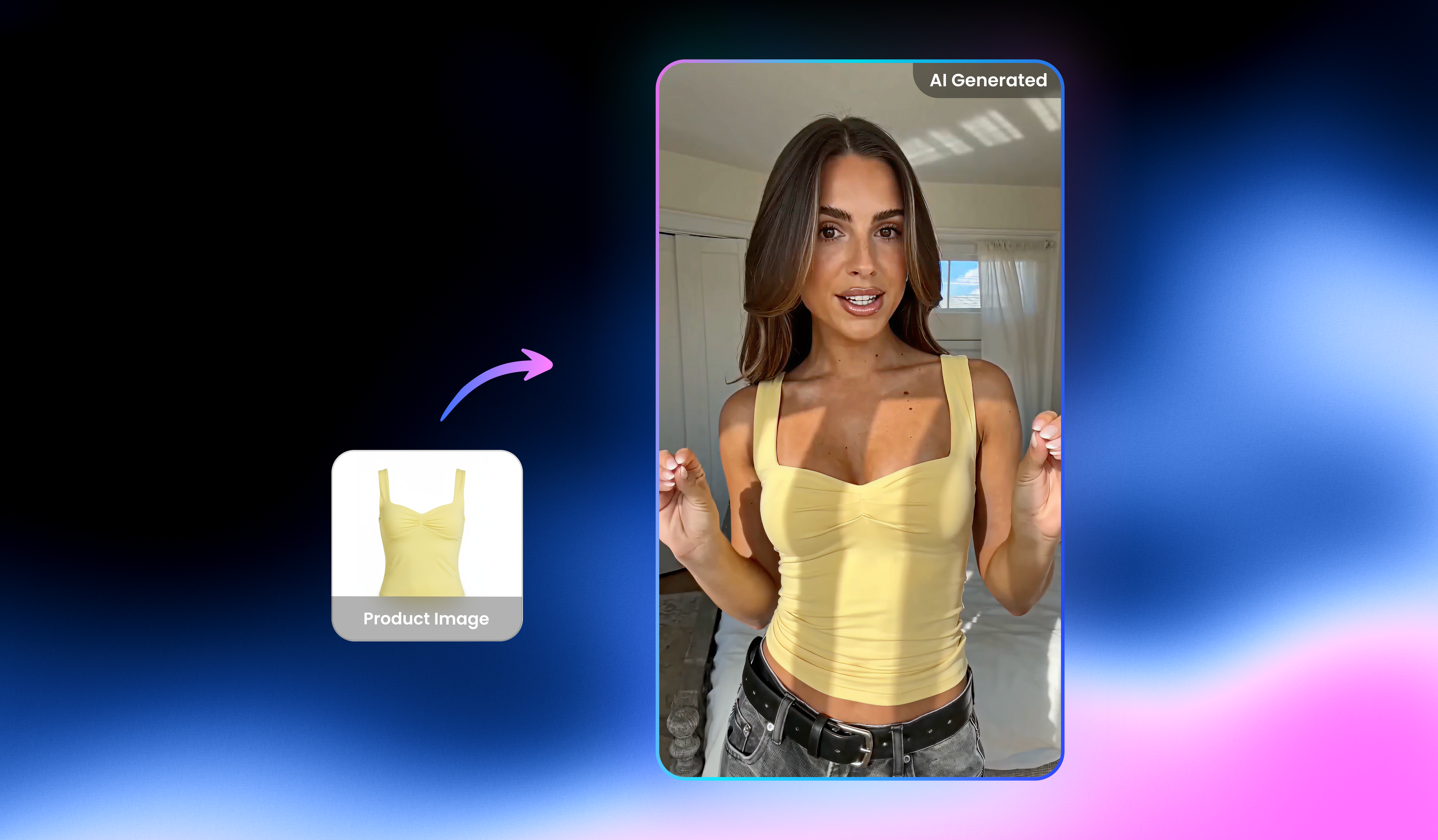
UGC video

Video & Image Enhancer

Watermark & text remover

Video upscaler

Video Translator

Video & audio to text

Video background remover

Video noise reducer
Create AI girl videos with Vmake Labs
Turn original character concepts, creative ideas and fictional visual worlds into short AI girl video clips. Upload your artwork, write your prompt or start with existing footage and generate virtual character content with Vmake Labs today.
See why creators trust our AI girl video generator
I write character focused short fiction and wanted to see my protagonist in a scene rather than just describe her. I used Text to Video to generate a short clip from a detailed description of the character and setting. The model selector made the difference. The third model I tried produced something that actually matched the tone of the story I had in mind.
Consistent original character content is something I have been trying to produce without relying on footage of real people. I generate ai girl video clips from prompt descriptions and original artwork using Vmake Labs. Different AI models produce noticeably different results on the same prompt, which keeps the creative exploration interesting rather than feeling like I am just running the same process on repeat.
I used Image to Video with my own original character illustrations as the reference material. Watching a character I had only ever drawn as static art move through a generated scene was genuinely interesting from a design perspective. I am using the output as animated concept references for a pitch rather than final deliverable content, but the quality of the generated clips surprised me.
We are building campaign materials around an original virtual character and needed short scene clips for the creative development process. Vmake Labs gave us generated clip drafts from prompt descriptions that we could show to the broader team before committing to a direction. The model selector let us compare the same character concept across different visual styles in the same session.
I tested the same character prompt across several different AI models to understand how the visual output varies between them. Each model produced a meaningfully different interpretation of the character scene in terms of motion style, atmosphere and overall aesthetic. That range of output from a single prompt is what makes this useful for exploring visual directions early in a creative project.
I fed my own original character artwork into Image to Video and generated animated clips from the illustrations. The output gave me a sense of how the character reads in motion that static artwork alone cannot communicate. I used Frames mode to define the opening and closing visual beat of the scene, which gave me more compositional control over how the generated clip develops.