
AI Cat Video Generator
Vmake Labs helps create entertaining cat videos for storytelling and social media. Upload a cat photo or enter a prompt, choose your preferred AI video model, and generate original AI cat videos now!
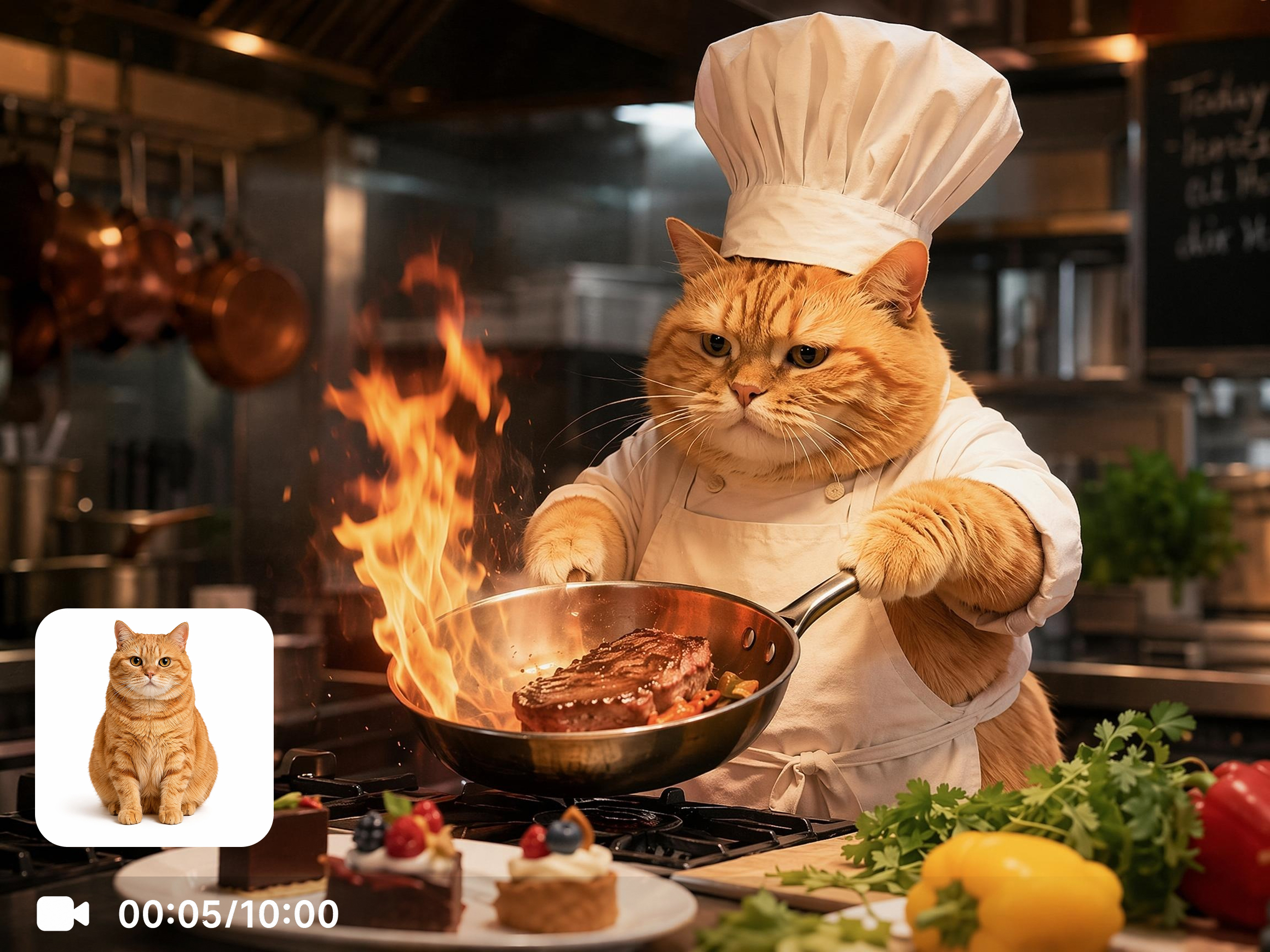


How to create AI cat videos with Vmake
Step 1. Upload a cat photo or enter a prompt
Open Text to Video to describe your idea, or switch to Image to Video to upload a cat photo. Choose the workflow that best fits your creative project.
Step 2. Choose a model and customize your video
Choose your preferred AI model, then adjust the video duration and aspect ratio before generating your video.
Step 3. Generate and download
Generate your AI cat video, preview the result, and download the completed clip for creative projects or social media sharing.
Where AI cat videos create engaging content
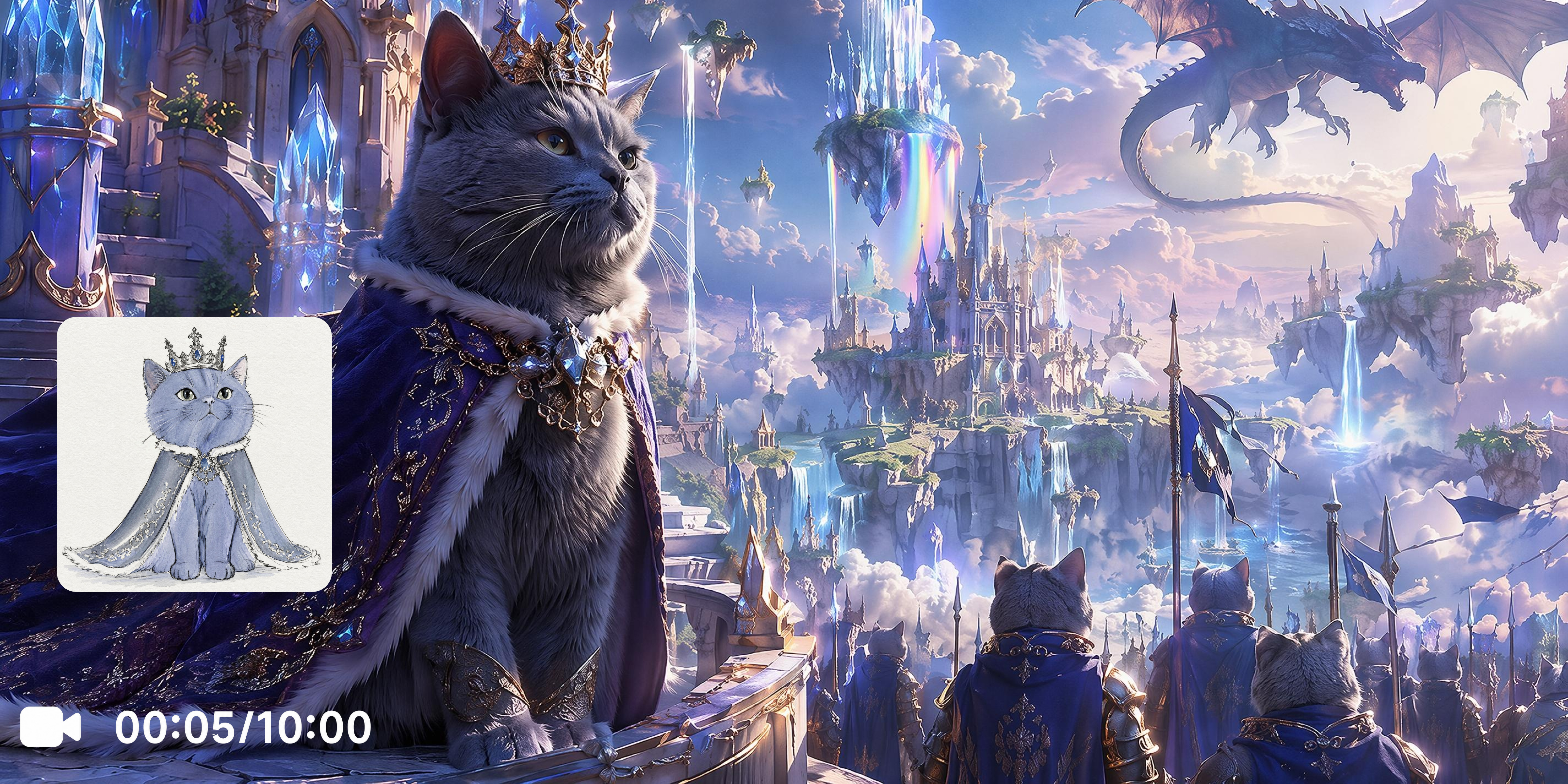
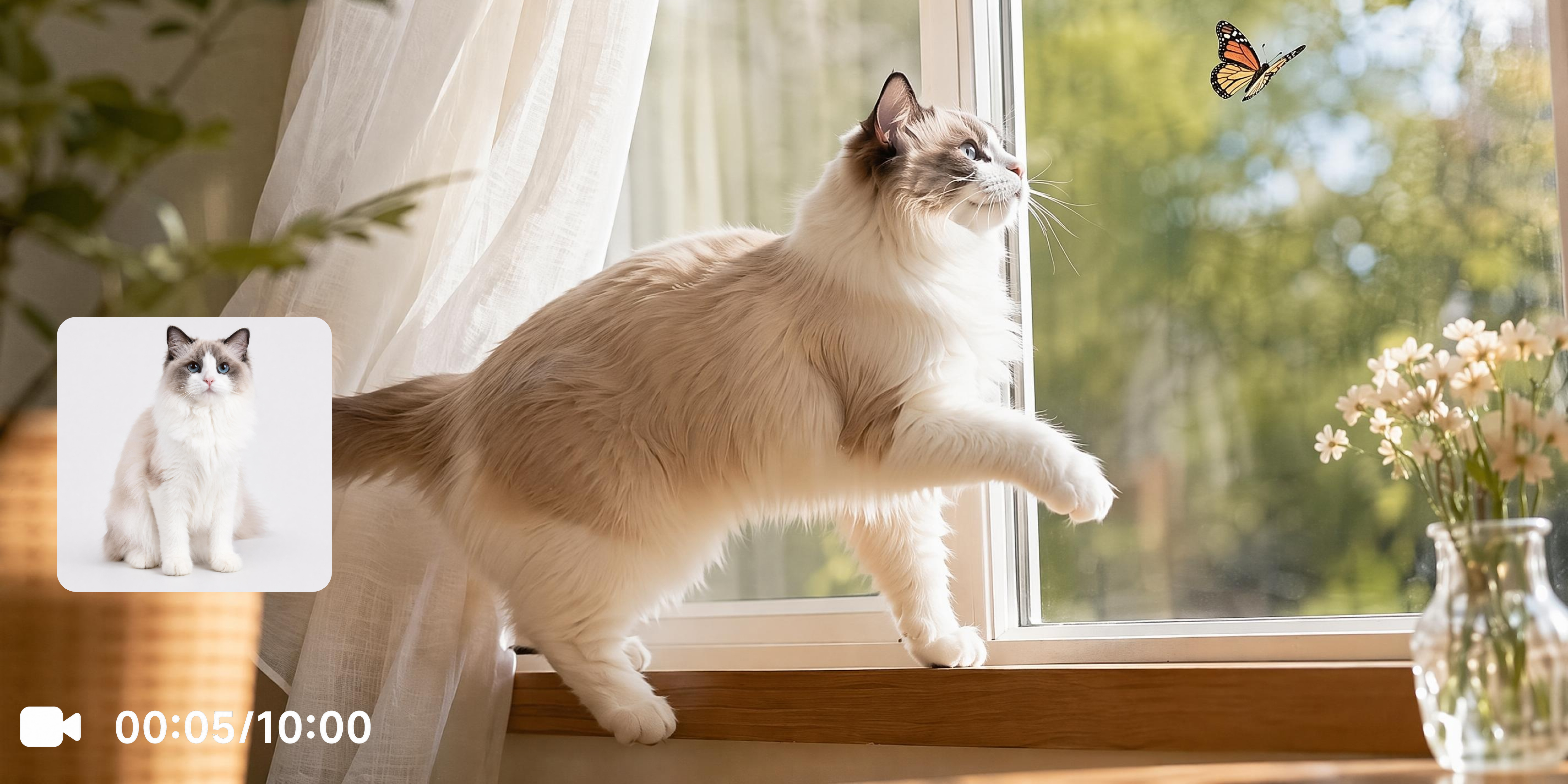
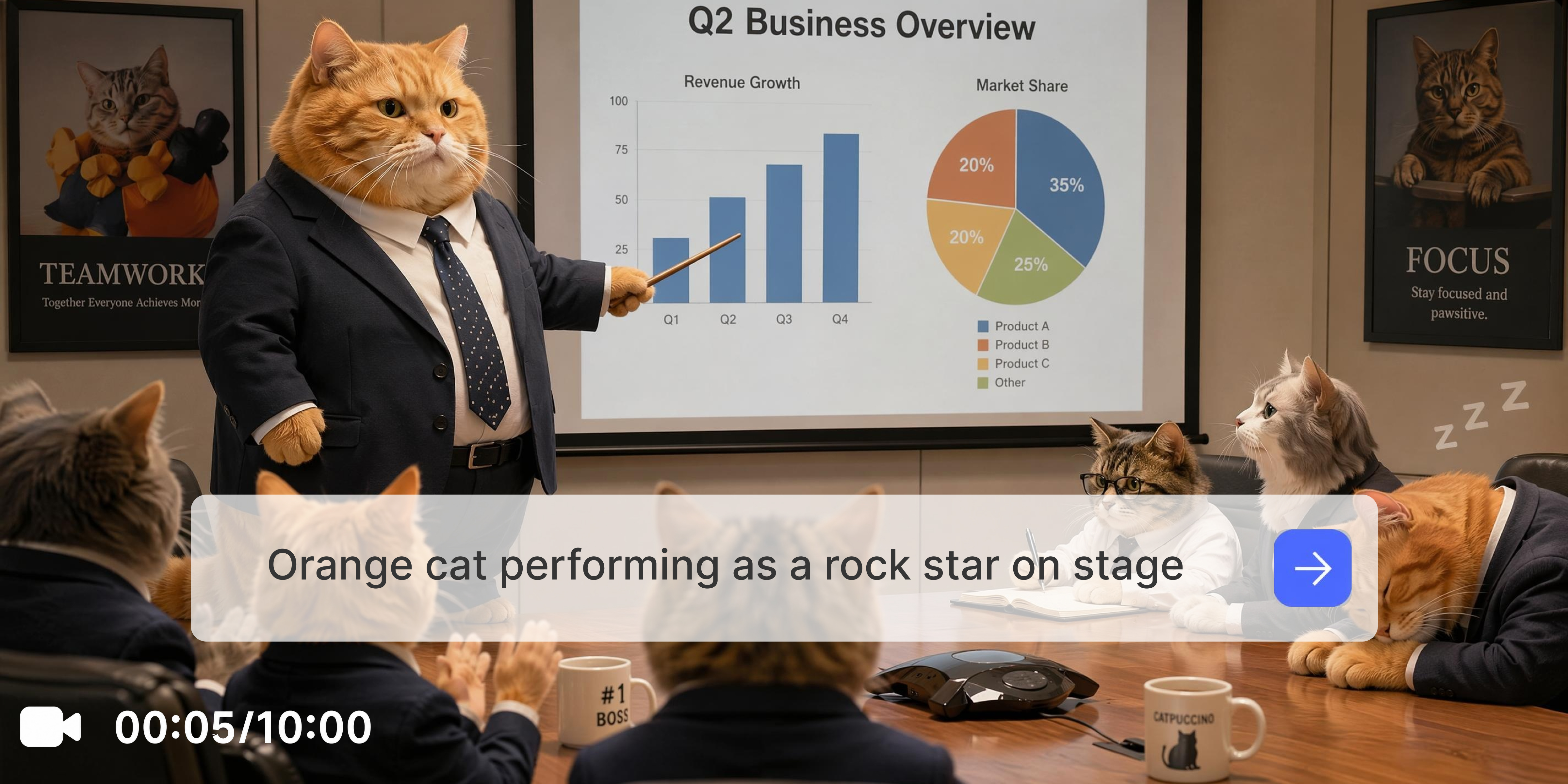
Explore powerful features of Vmake Labs AI cat video generator
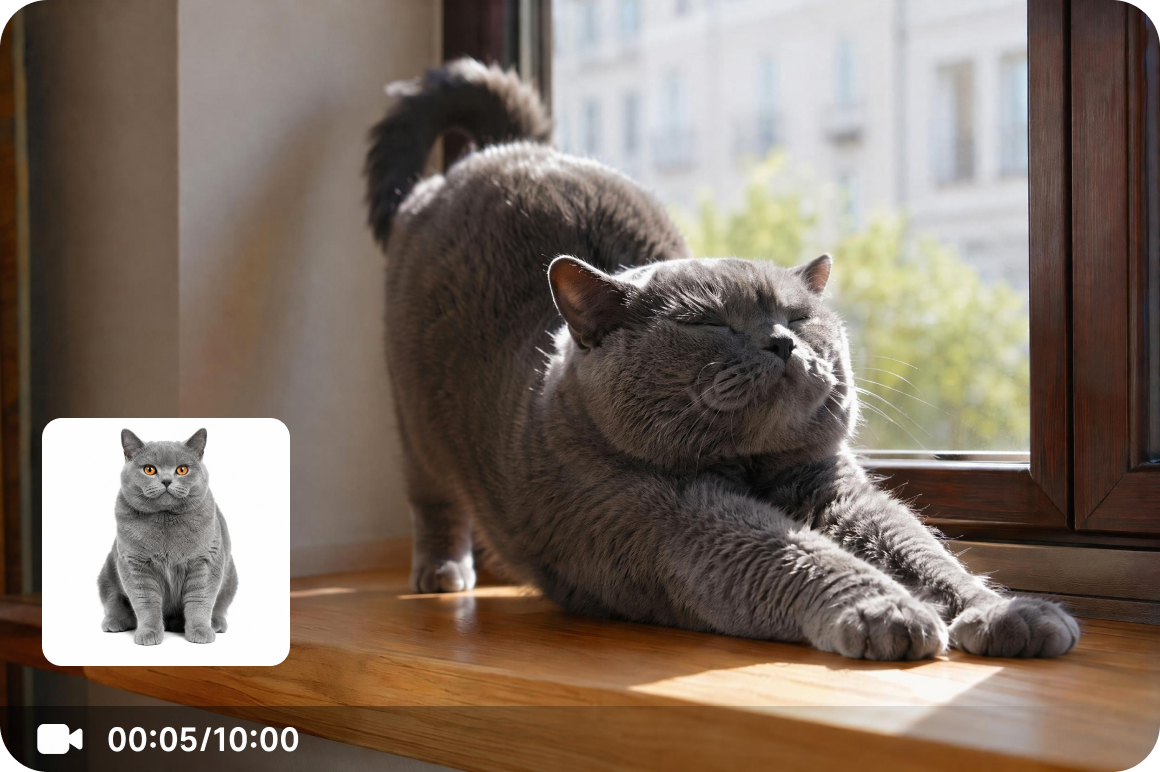
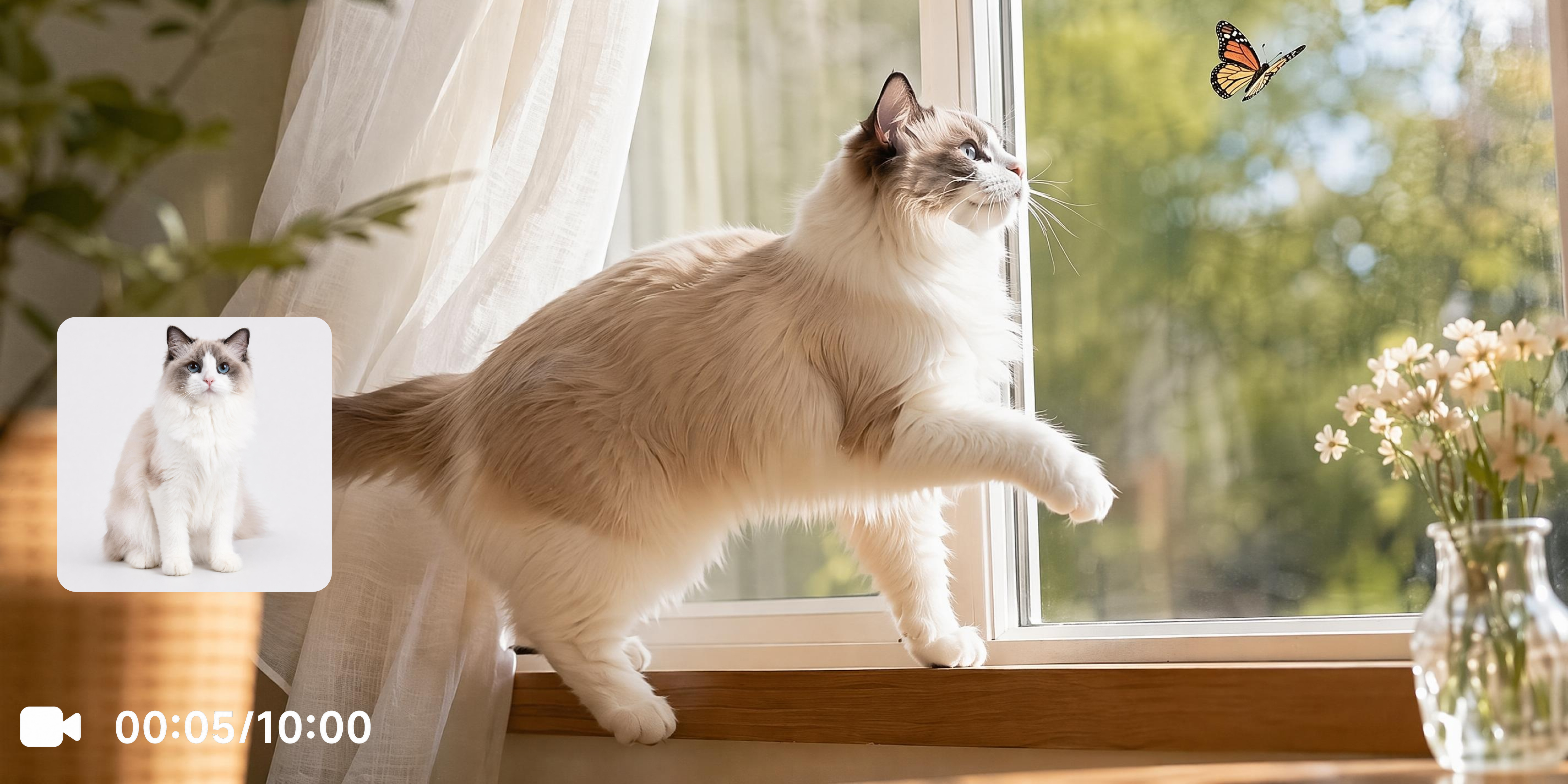
Turn cat photos into animated videos
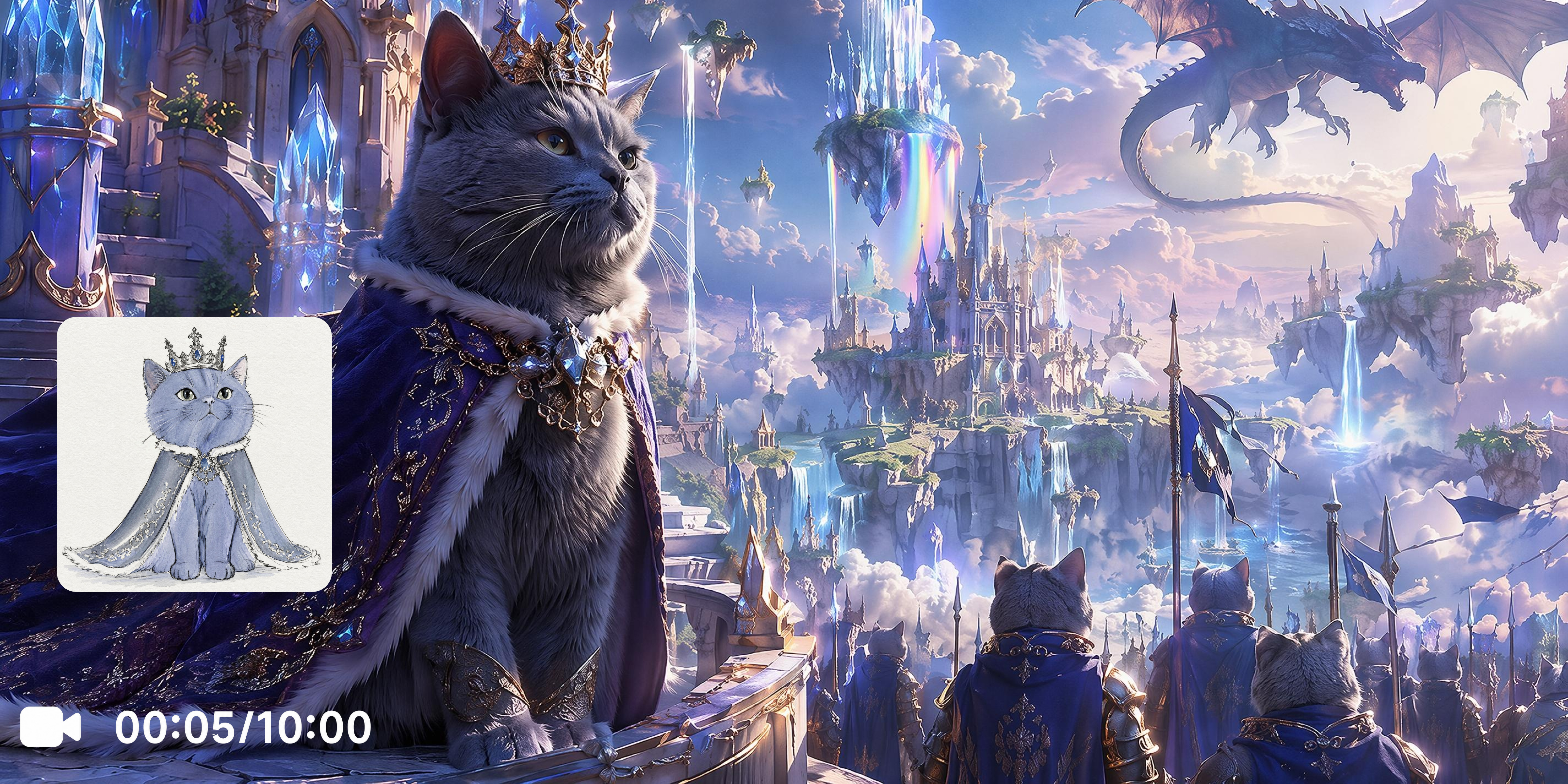
Upload a cat photo and use Image to Video to transform it into an animated video scene. You can upload a reference image through Elements, create videos from first and last frame images with Frames, or explore built in video Effects to generate different creative results.
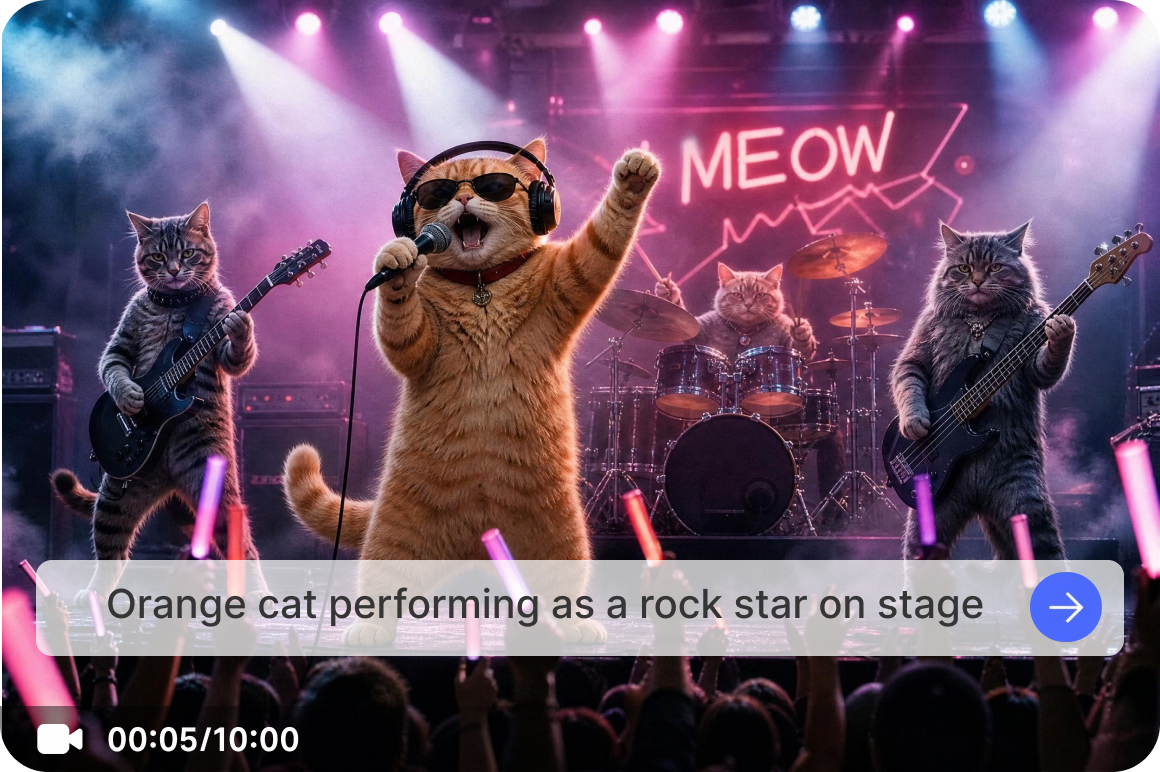
Create imaginative cat scenarios
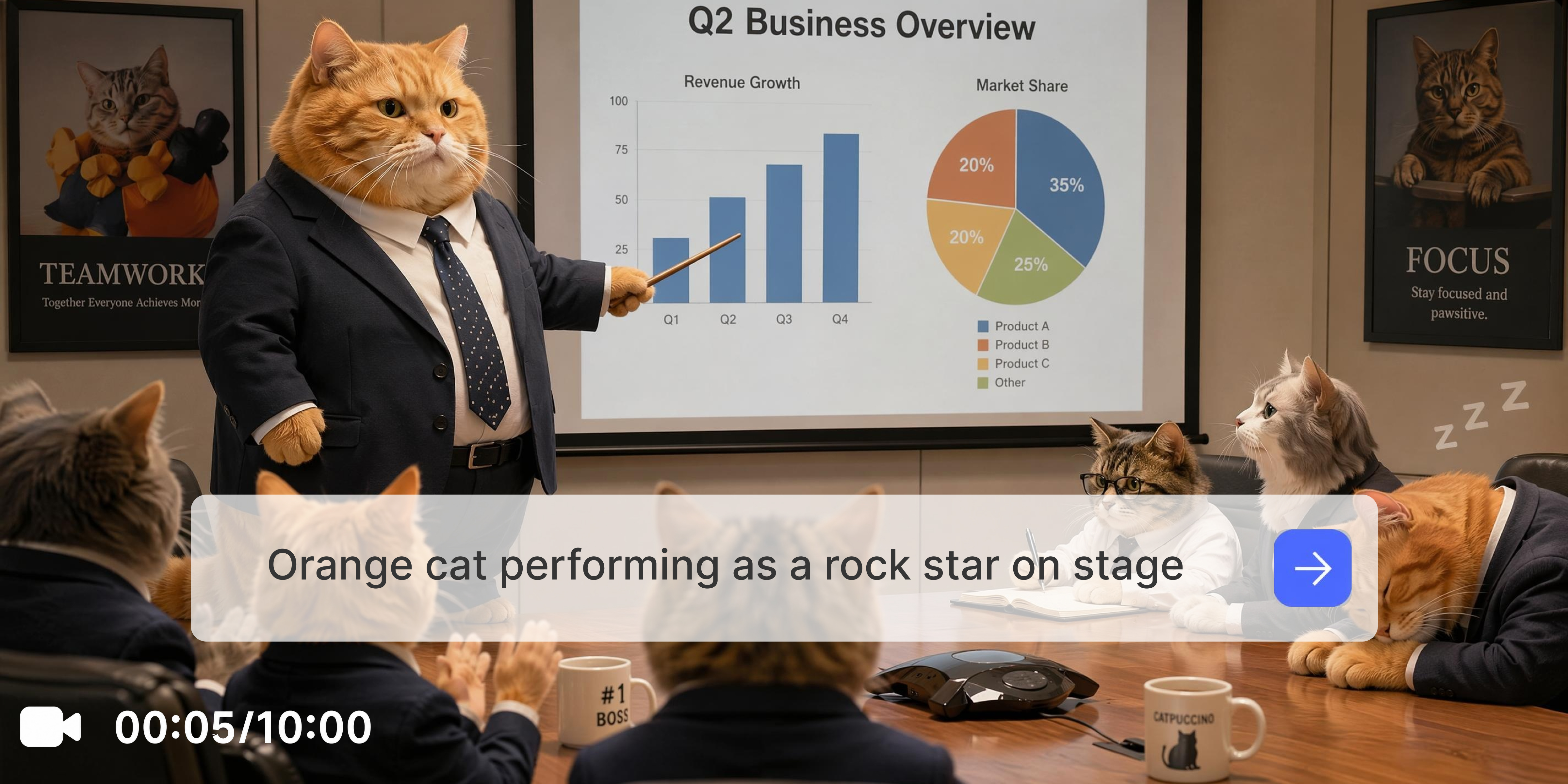
Describe funny, adventurous, or creative cat activities with text prompts and generate original AI cat videos using Text to Video. Adjust your prompt to explore different environments, actions, and visual styles for a variety of creative ideas.
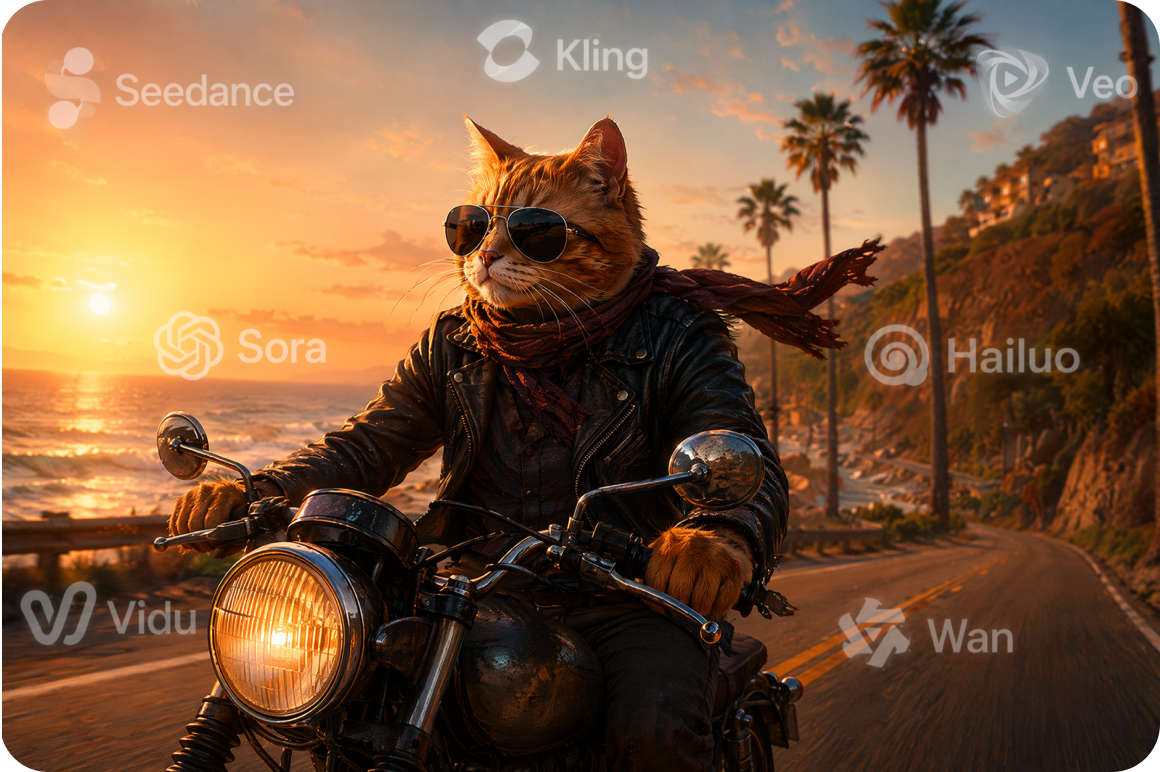
Choose from leading AI video models
Access Seedance 2.0, Kling 3.0, Veo 3.1, Sora 2 and more popular trending video models from one platform. Vmake Labs AI video generator lets you compare different models to explore a variety of visual styles and creative results.
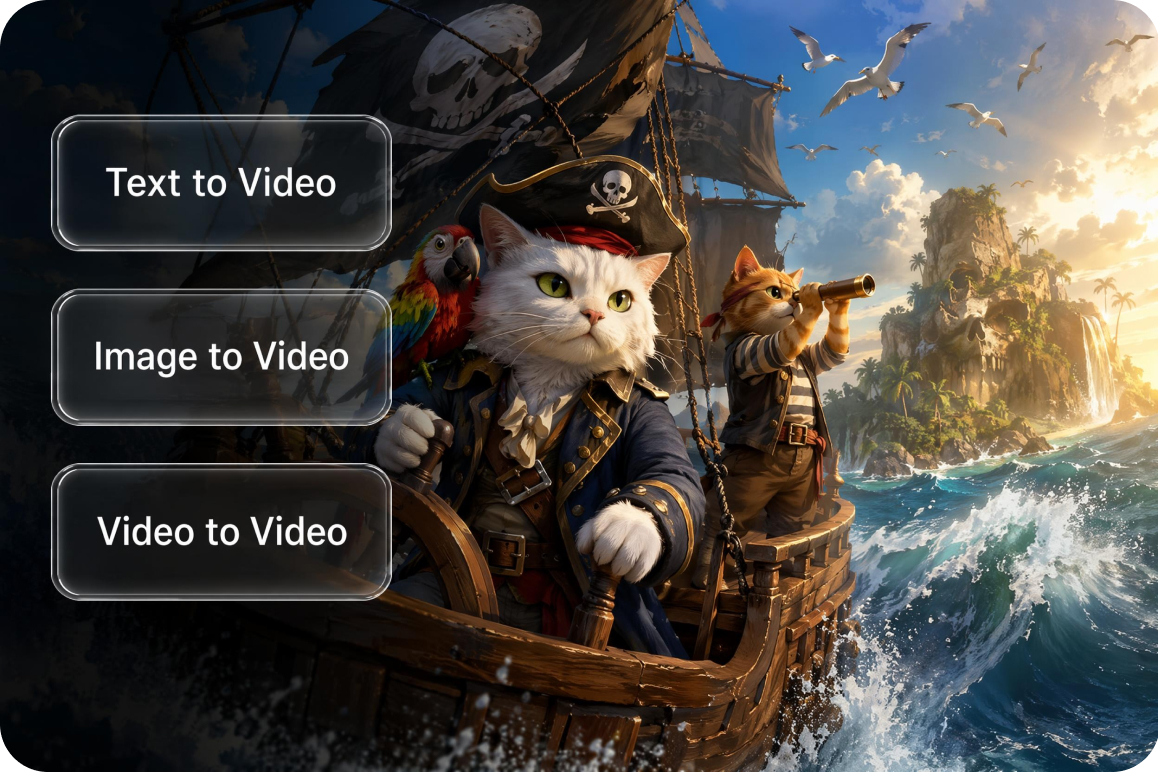
Create videos with flexible generation workflows
Generate videos using Image to Video, Video to Video, Elements, Frames, or built in video Effects depending on your creative starting point. Whether you begin with a reference image, an existing video, or a creative idea, Vmake Labs offers flexible workflows for different projects.
Who uses Vmake's AI cat video generator
Pet owners
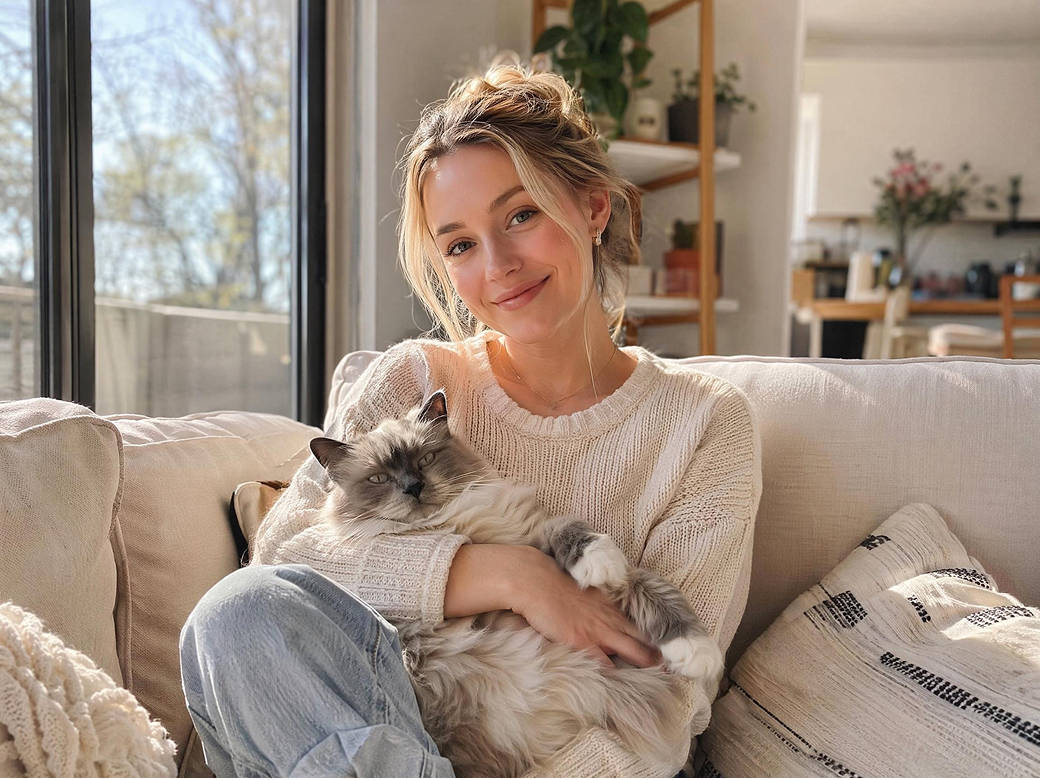
Pet owners often have memorable photos they want to reimagine in new ways. Vmake Labs creates AI cat videos from reference images or prompts, helping generate animated videos inspired by favorite pet photos.
Social media creators
LabsCreators regularly need fresh visual ideas to keep audiences interested. Vmake Labs combines Text to Video, Image to Video, and multiple AI models to simplify producing original cat themed video content for different creative projects.
Digital storytellers
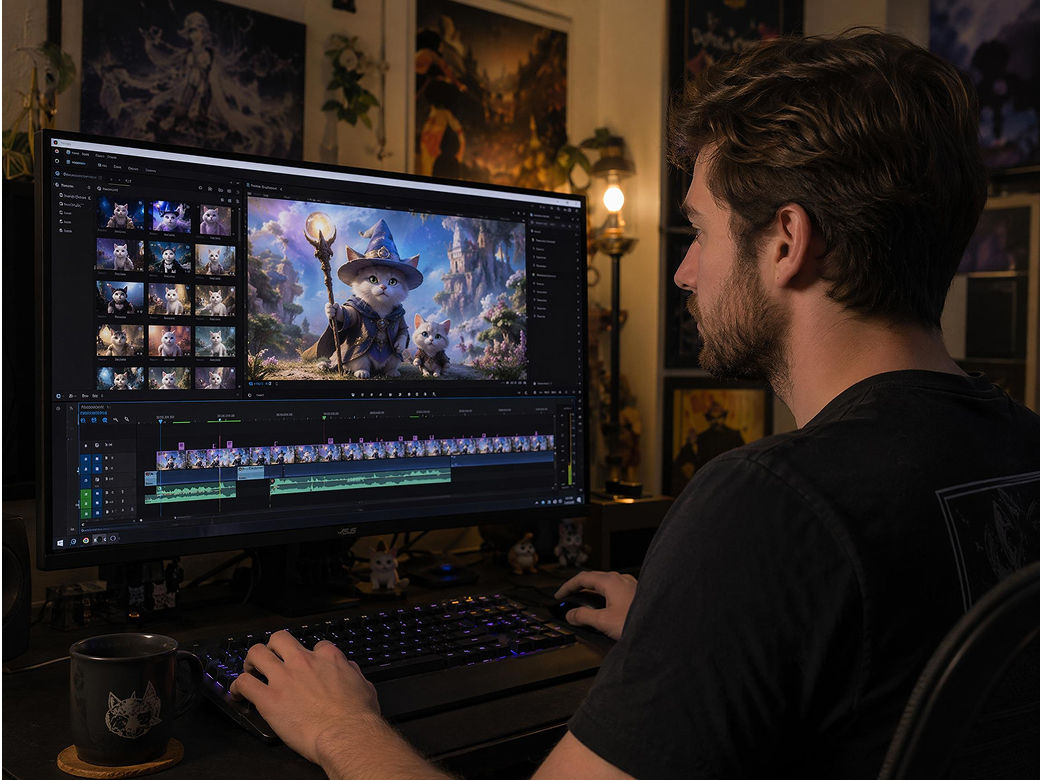
Storytellers and artists often need animated scenes to develop creative concepts. Vmake Labs generates AI cat videos from prompts and reference images, helping visualize characters and story ideas without traditional animation workflows.
Frequently asked questions about AI cat video generators
What is an AI cat video generator?
How do I make AI cat videos from prompts?
Open Text to Video, enter a description of your cat scene, choose an AI video model, and generate your video. You can refine your prompt and generate additional versions if needed.
Can I create AI cat videos from cat photos?
Yes. Switch to Image to Video and upload a reference image of your cat to guide the generated video. You can also use Elements, Frames, or built in video Effects for different creative approaches.
What types of cat videos can I create?
You can create animated pet moments, imaginative storytelling scenes, entertaining social media clips, and other creative cat themed videos. Vmake Labs also works as an AI clip maker for generating short videos from prompts or reference images.
Which AI models are available?
Vmake Labs supports multiple AI video models, including Seedance 2.0, Kling 3.0, Veo 3.1, Veo 3, Sora 2, Hailuo 2.3, Vidu Q2, Wan 2.2, and other supported AI video models.
Can I customize cat actions and environments?
Yes. Use prompts to describe actions, environments, expressions, camera perspectives, and visual styles to guide the generated video according to your creative ideas.
Can I share generated AI cat videos online?
Yes. After downloading your completed video, you can use it in personal or creative projects and share it on your preferred social platforms.
Why users choose Vmake Labs for AI cat videos

Create cat themed videos, playful animations, and creative pet content for social media, online communities, and personal projects. Flexible AI video generation workflows make it easy to explore a variety of entertaining creative ideas.

Transform cat photos and creative concepts into engaging video content without learning animation software or working through complex editing processes. Generate original AI cat videos more efficiently from prompts or reference images.
Support everything from personal pet memories and funny cat videos to storytelling projects and social media content. Whether you create for fun or creative projects, Vmake offers flexible AI video generation methods for different ideas.
Explore more Al tools
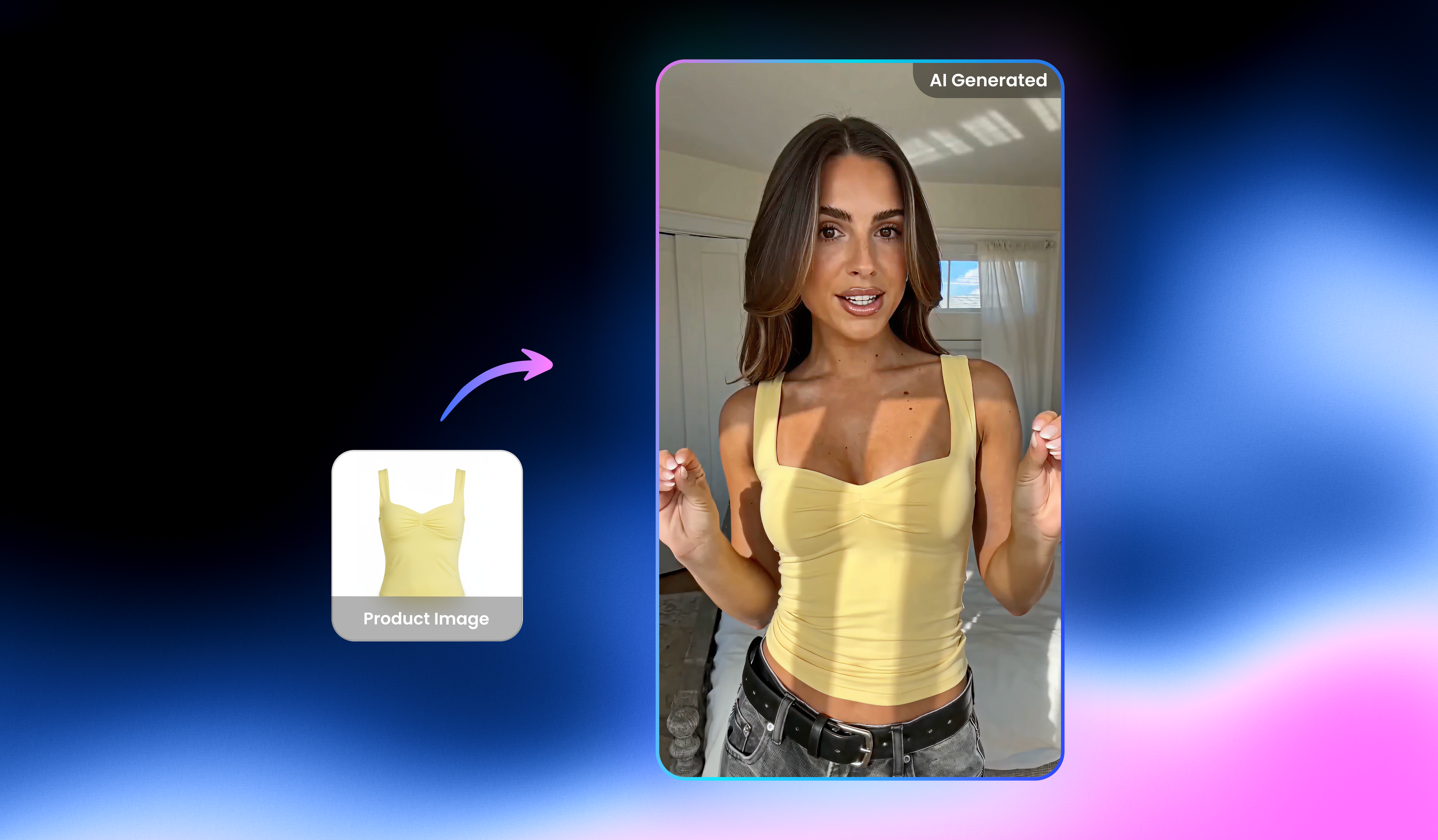
Free AI UGC Video Generator

Video & image enhancer

Watermark & text remover

Video Translator

Video upscaler

Video background remover

Video & audio to text

Video noise reducer
Create your AI cat video today
Turn cat photos and creative ideas into engaging AI videos with Text to Video or Image to Video. Choose your preferred AI model and start creating original cat videos with Vmake Labs.
What users say about Vmake AI cat video generator
I uploaded several cat photos to the Image to Video feature and experimented with different prompts. It was a simple way to turn familiar pet pictures into playful animated clips and explore creative ideas without needing video editing experience.
I wanted fresh ideas for social content, so I started with a simple prompt and compared a few AI video models. Testing different versions helped me create original cat themed clips that fit the style I was looking for.
My favorite cat photos usually stay in my camera roll. Uploading them as reference images gave me a fun way to create animated scenes and experiment with different creative concepts inspired by my own pet.
I was planning a lighthearted story featuring a cat character and needed visual references. Using text prompts together with reference images helped me generate scene ideas that supported my creative planning process.
I uploaded a few cat illustrations to see how different AI video models interpreted them. Comparing the generated videos helped me explore new visual directions before continuing with my artwork.
I wanted to create something entertaining from my own cat photos without learning animation software. The workflow was straightforward, and experimenting with different prompts made it easy to generate a variety of creative video clips.