
Baby AI video generator
Turn baby themed creative ideas into short AI videos with Vmake Labs. Vmake is an ai baby video maker and ai baby video generator built around Text to Video, Image to Video and Video to Video workflows. Describe a playful scene in a text prompt or upload an authorized reference image. Choose from supported AI video models using Text to Video, Image to Video or Video to Video to generate your baby themed clip.
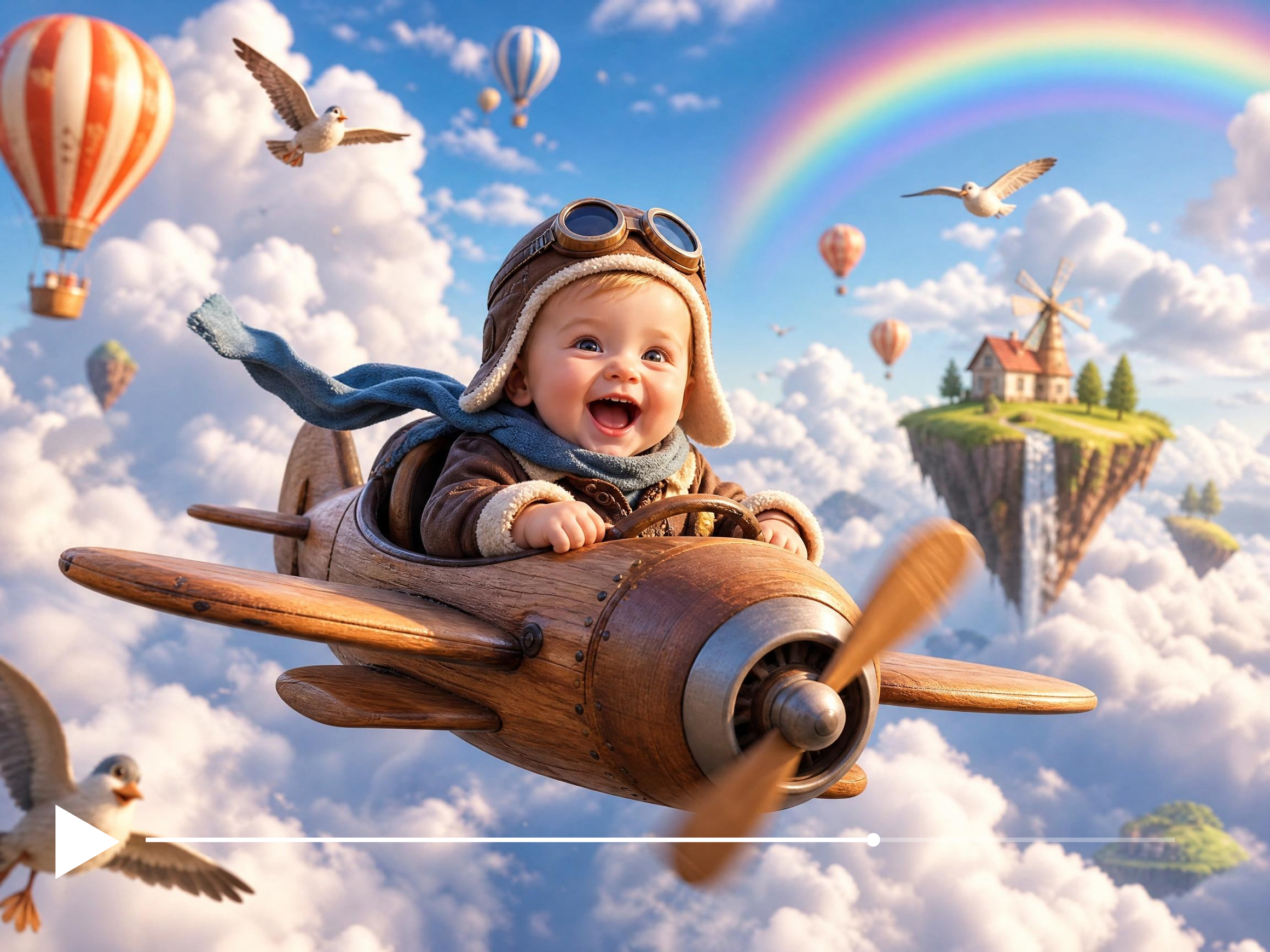


How to create baby AI videos with Vmake Labs
Step 1. Choose your generation method
Open Vmake Labs Video Generator and decide how to start. Select Text to Video for a prompt driven baby themed scene, Image to Video to generate from an authorized reference image, or Video to Video to restyle an existing baby themed clip.
Step 2. Describe your creative idea
Type a prompt describing the baby themed scene you want to create, including the character style, setting, mood and action. If using Image to Video, upload your authorized reference image. Select a supported AI model and set your preferred duration and aspect ratio.
Step 3. Generate and download
Click Generate and review the output in the preview player. Adjust your prompt or settings if the scene needs refining. Download your baby AI video when you are happy with the result.
Where baby AI videos inspire creative content
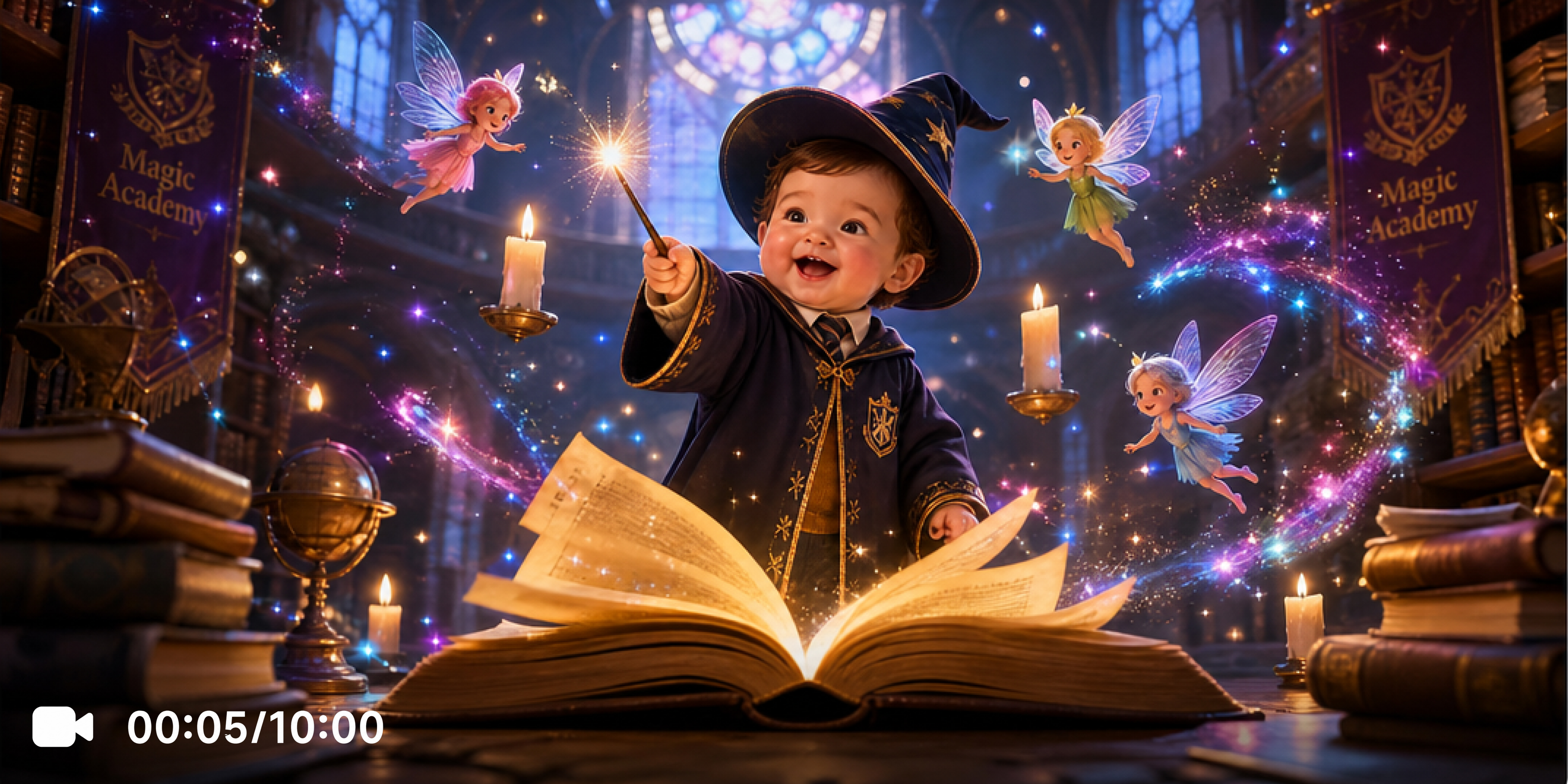
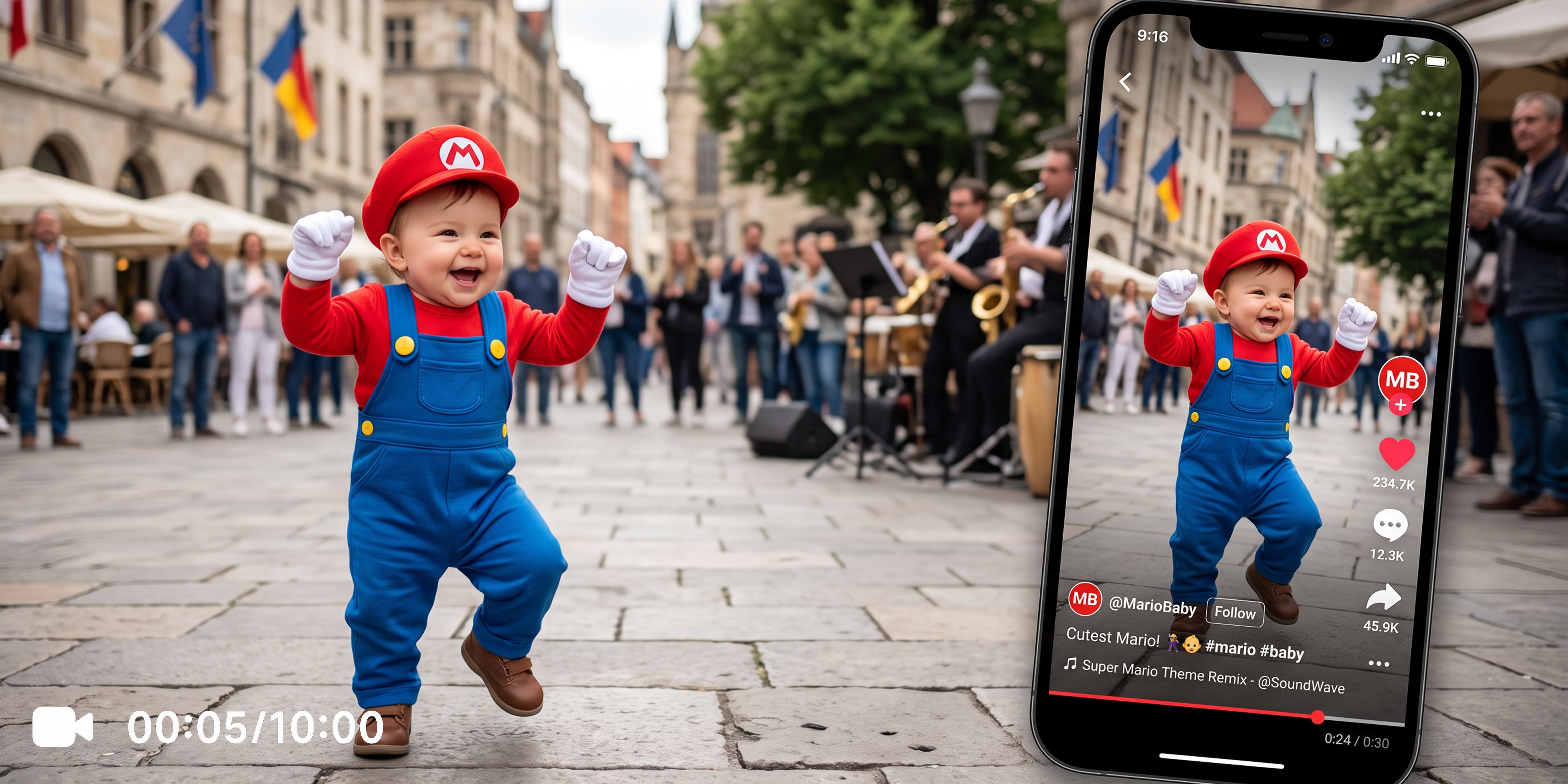
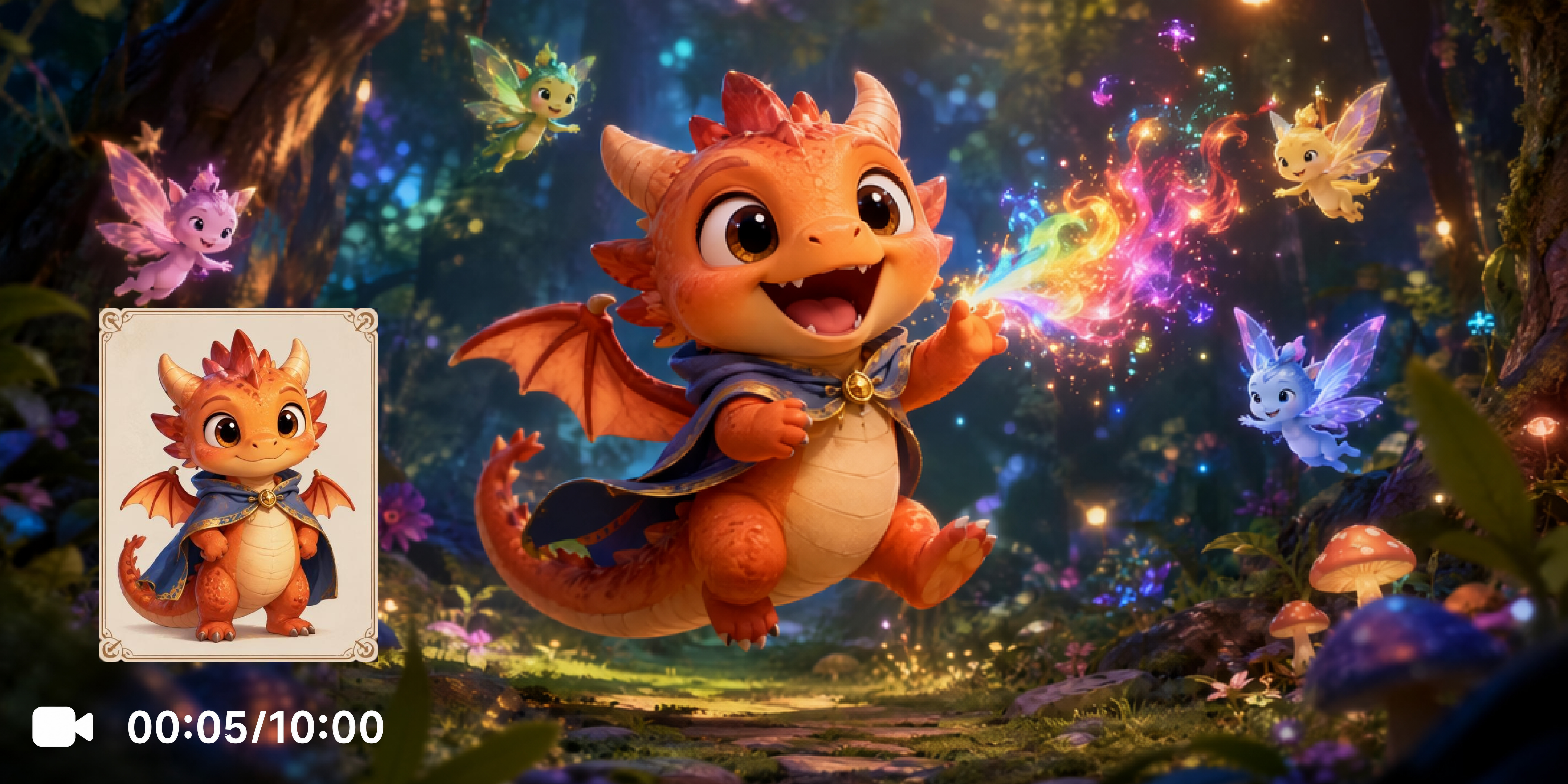
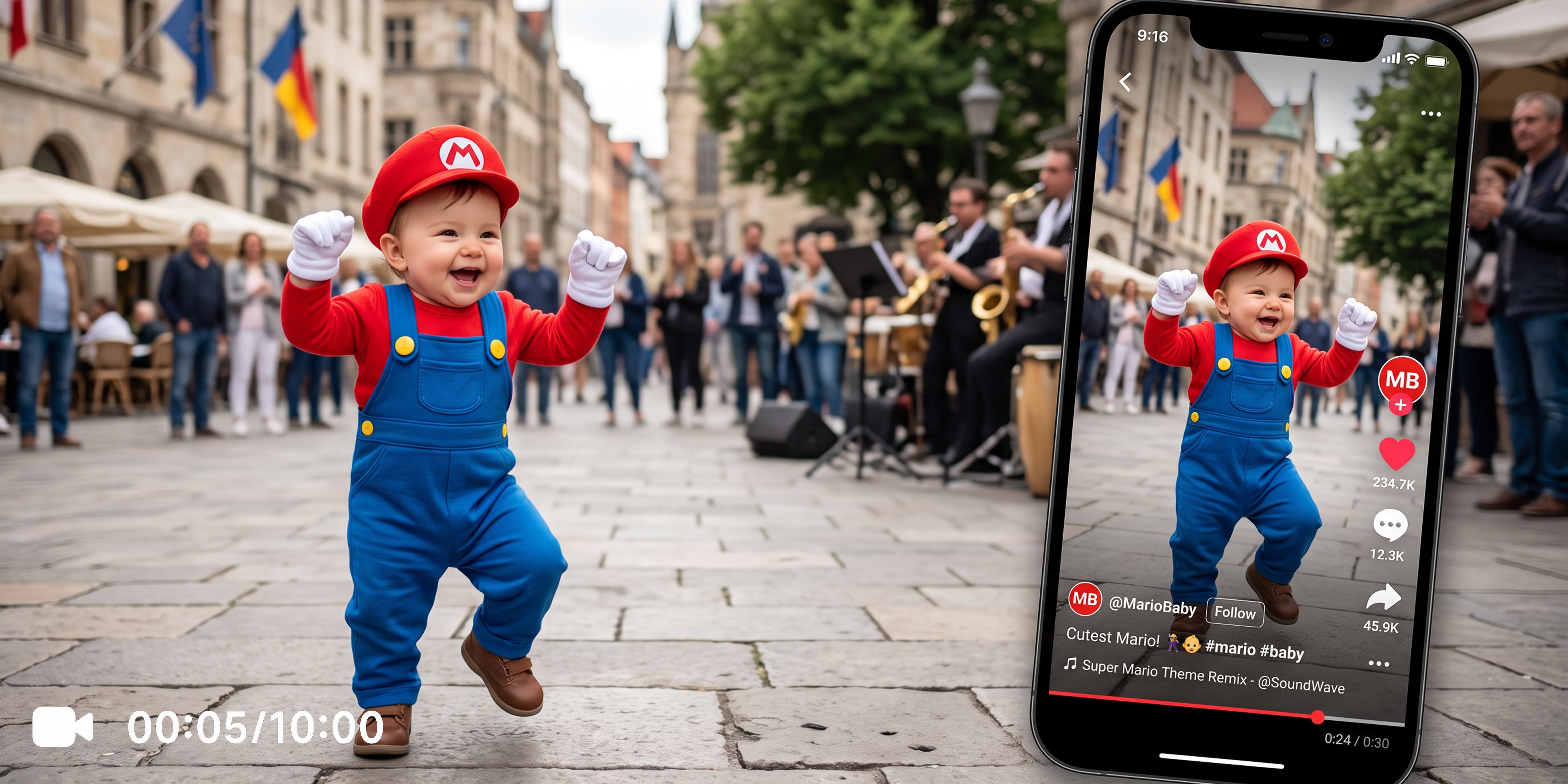
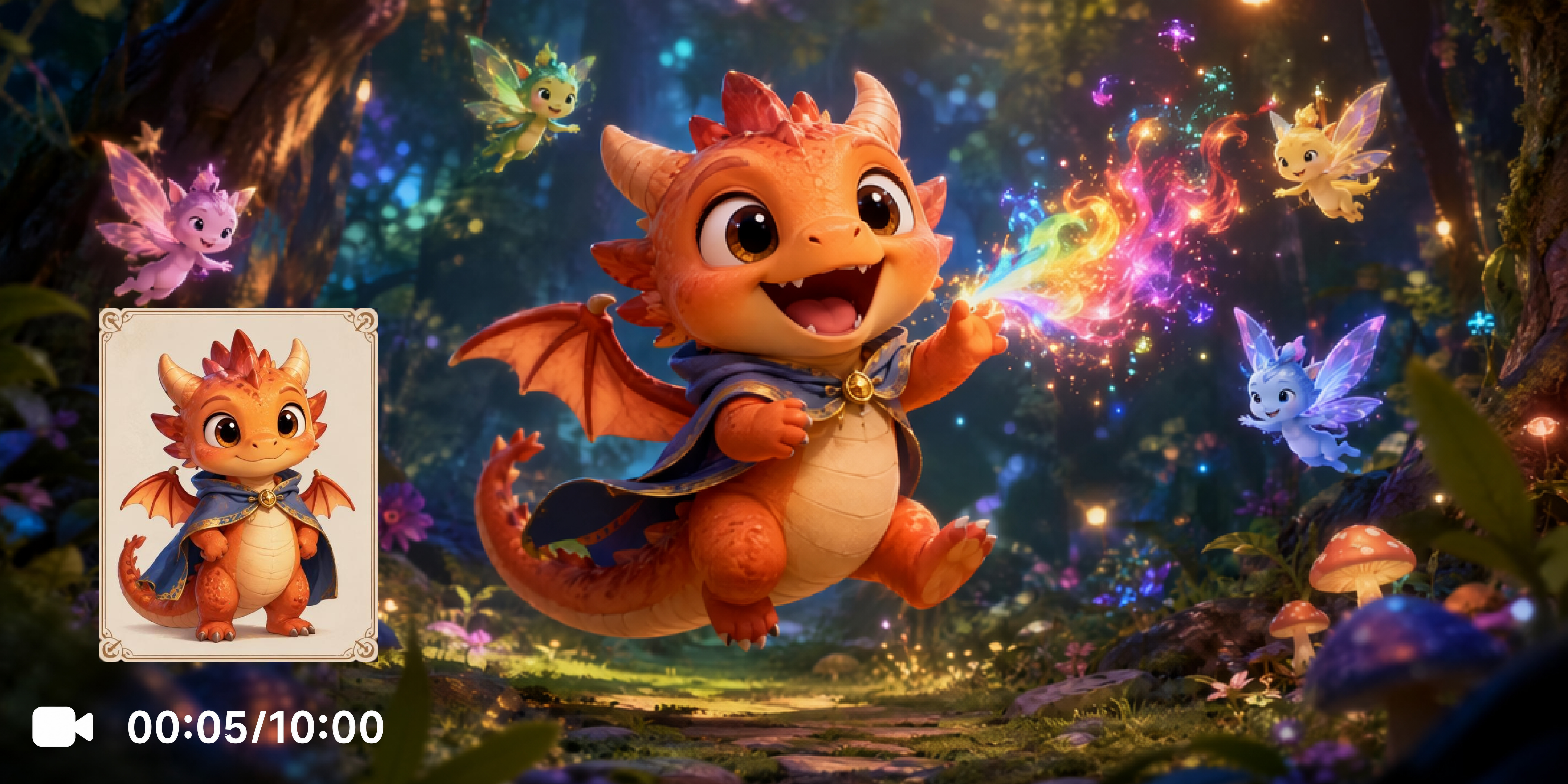
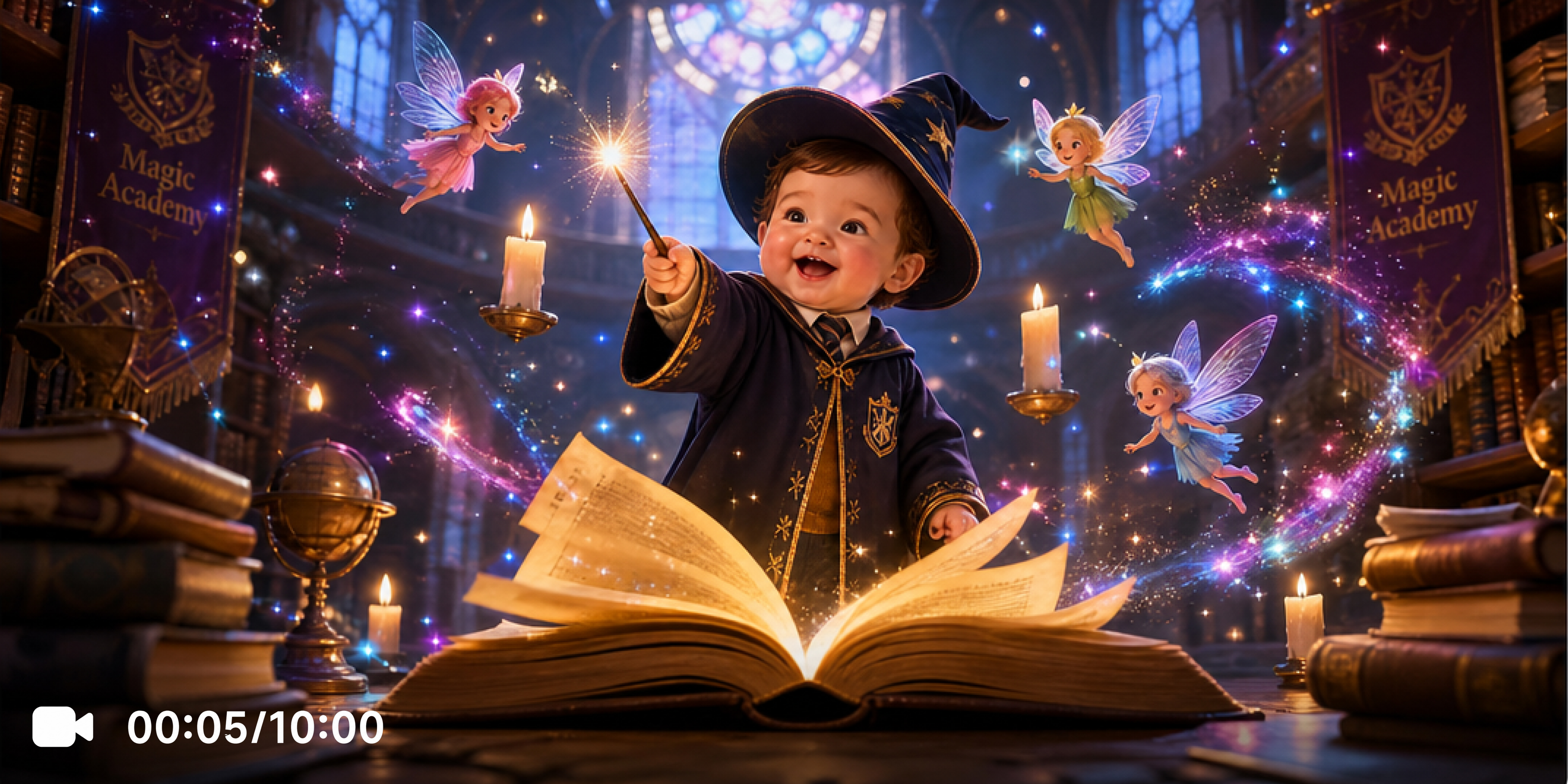
Explore powerful features of Vmake Labs baby AI video generator
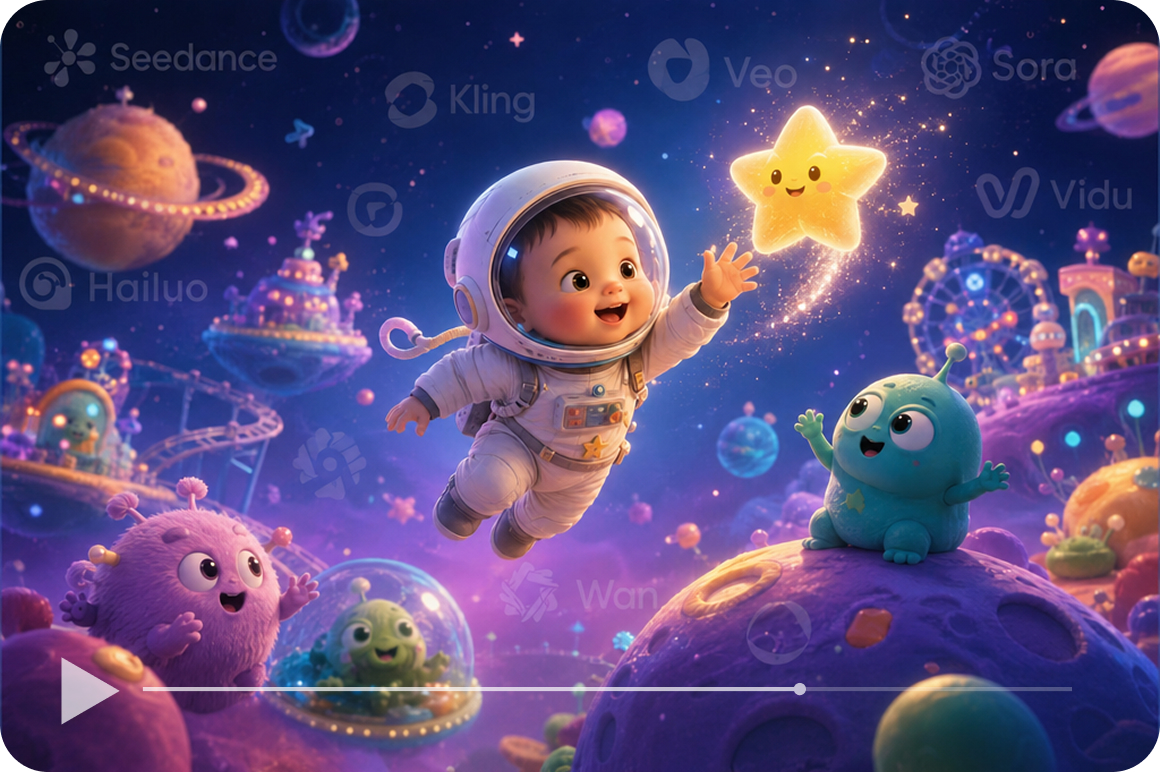
Access multiple AI video generation models
Vmake Labs supports AI video models including Seedance 2.0, Seedance 1.0 Pro, Kling 3.0, Kling 2.6, Veo 3.1, Sora 2, Hailuo 2.3, Wan 2.2 and Vidu Q2. Each model produces different motion style and visual output for baby themed scenes. Switch between models on the same prompt to find which best fits your baby ai video concept.
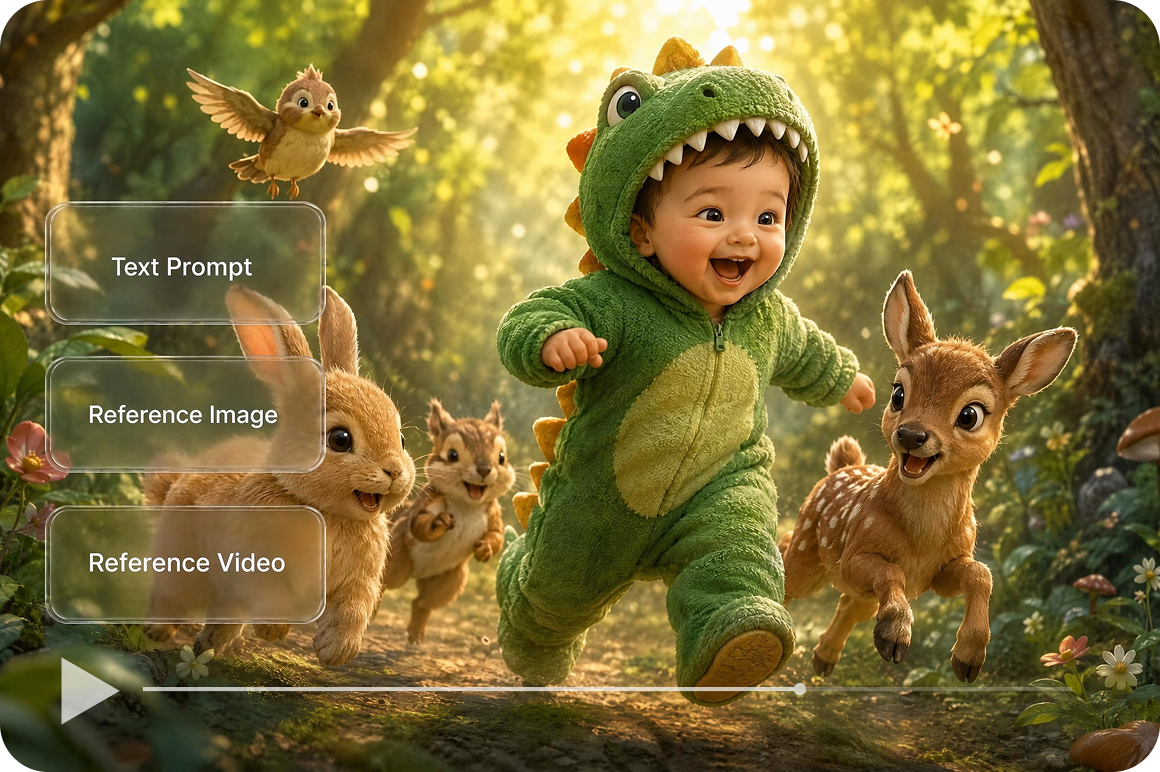
Build baby themed scenes from any starting point
Text to Video generates a baby themed scene from a written prompt. Image to Video animates an authorized reference image into a short clip. Video to Video restyles an existing clip into a new visual direction. All three starting points are in the same workspace. For converting a baby clip into a looping GIF, the video to gif tool handles that.
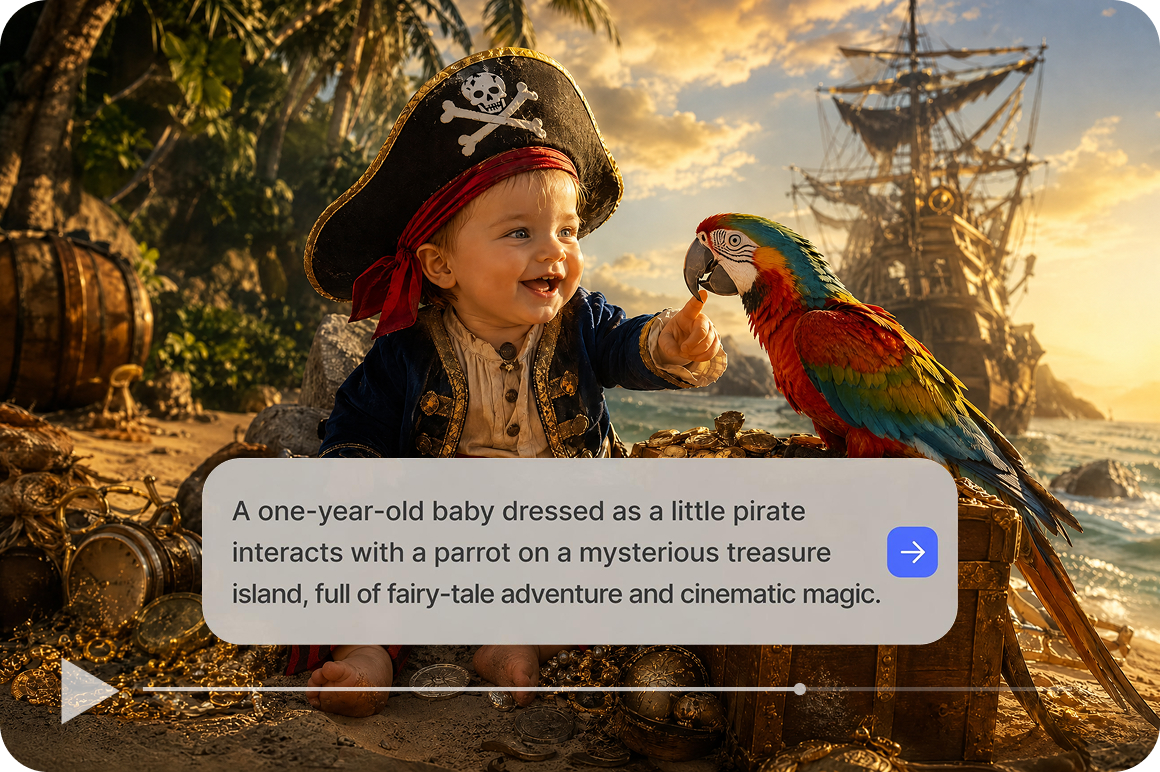
Shape scenes with detailed prompt descriptions
The prompt field lets you specify character style, clothing, environment, lighting and camera perspective for your baby themed scene. More descriptive prompts give the AI more context when building the generated video. Experiment with different prompt angles on the same concept to explore how the output changes across generations.
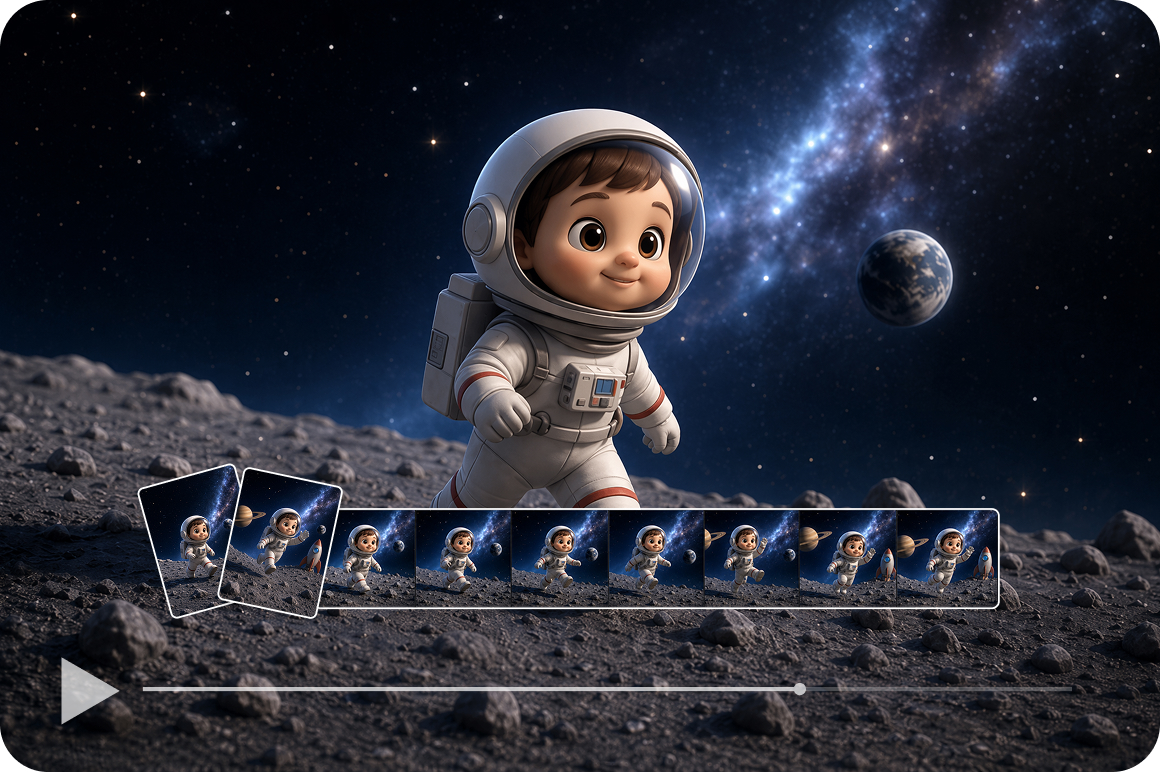
Control scene structure with Frames and Effects
Frames mode lets you define a starting image and an ending image so AI fills the motion between your two reference points. Effects mode applies a built in visual generation effect to your uploaded reference before generating. Both give additional structural control over how the baby themed scene develops beyond a prompt alone.
Who uses Vmake Labs's baby AI video generator
Short video creators
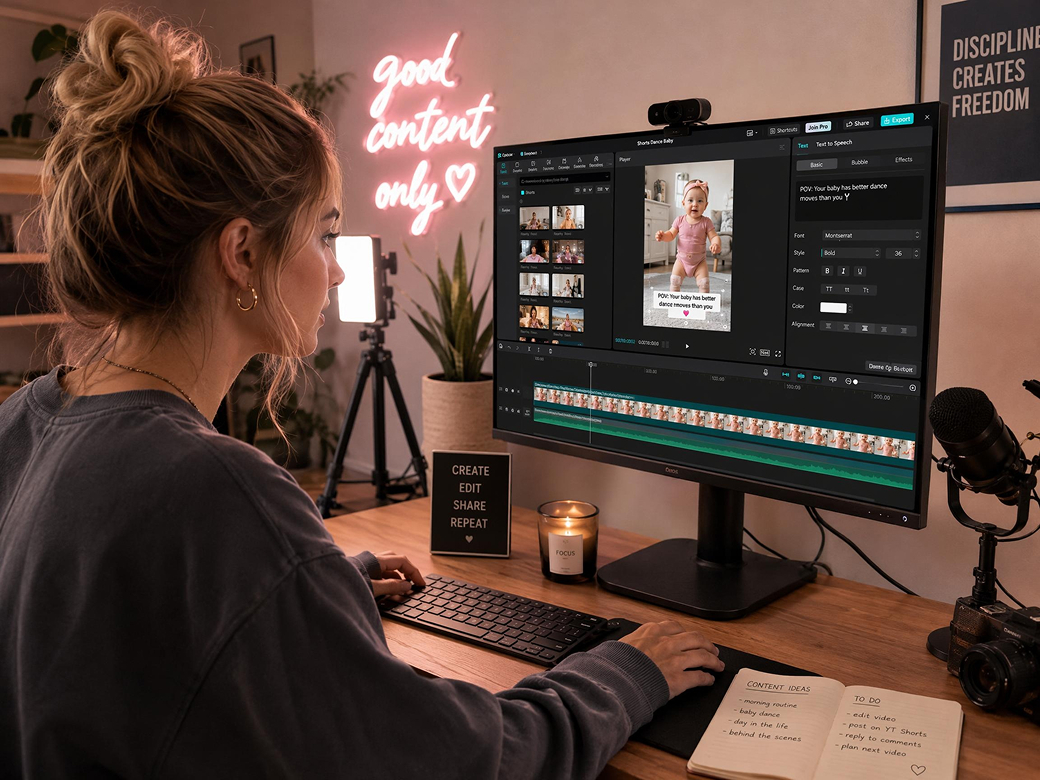
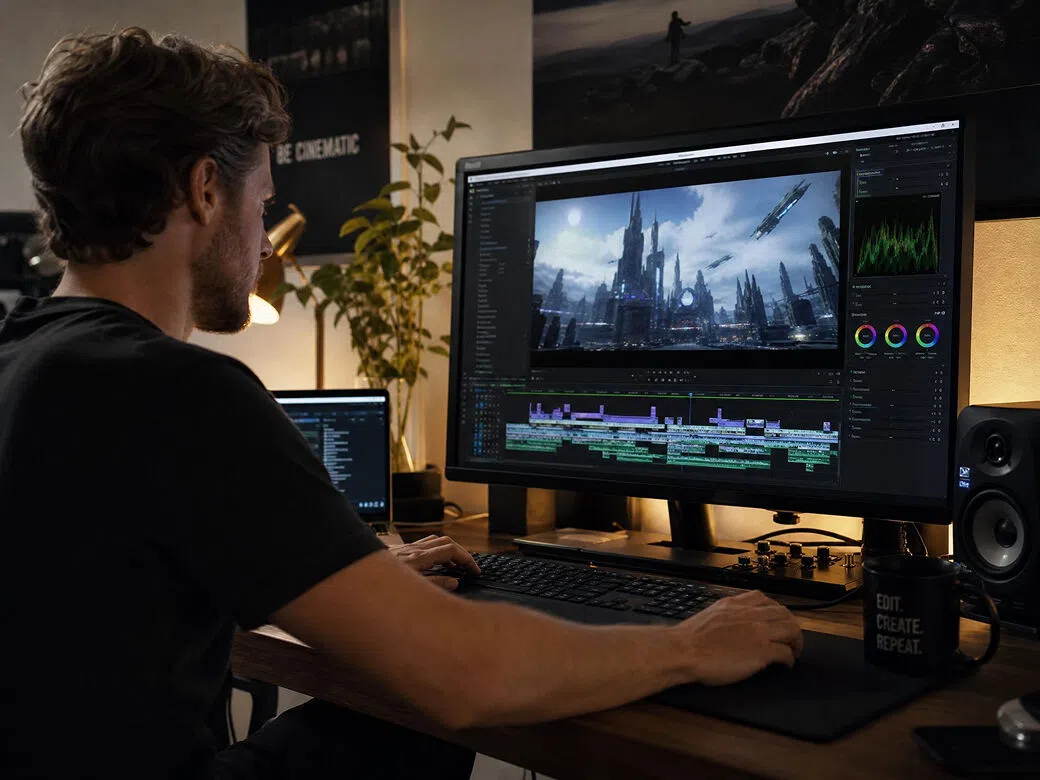
Short video creators need a steady supply of original themed content ideas to keep posting schedules full without repeating formats. Vmake Labs generates baby themed AI video clips from text prompts or authorized reference images using multiple supported models. Creators produce original baby themed content without arranging production sessions for each new video concept.
Children's content developers
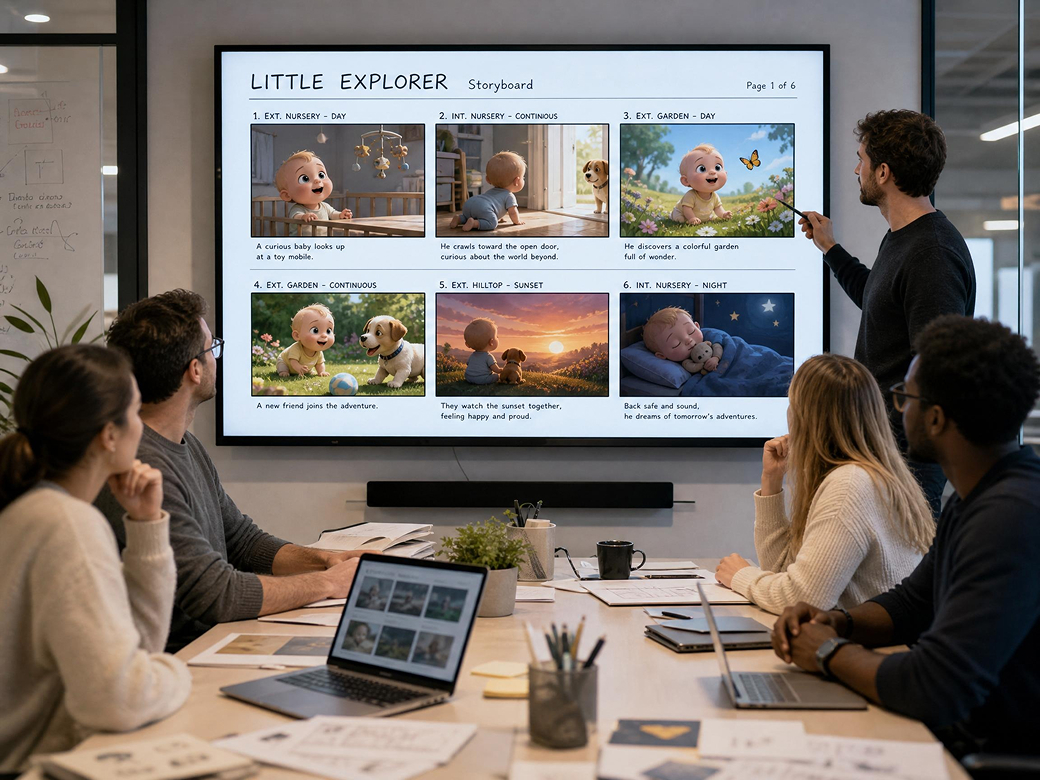
Creators developing original children's content need imaginative character visuals that do not rely on real child photography. Vmake Labs generates fictional baby themed character scenes from written descriptions using Text to Video or Image to Video. Developers build original character concepts for their content pipeline without illustration or animation tools.
Storytelling creators
Storytelling creators working on family friendly narratives need visual scene references that bring baby character concepts to life without traditional animation. Vmake Labs generates baby themed video scene concepts from prompts describing character style, setting and mood. Creators use the output as concept material for story development and visual planning.
Frequently asked questions about baby AI video generators
What is a baby AI video generator?
Can I generate videos from text prompts?
Can I generate videos from reference images?
Can I customize the generated scenes?
Which AI models work best for baby themed videos?
Can I use real baby photos as reference images?
Why users choose Vmake Labs for baby AI videos

Every generation workflow in Vmake Labs supports baby themed scene creation from text prompts, authorized reference images or existing clips. Start with any creative input and generate fictional baby themed content from one AI video workspace.

Supported AI models including Seedance, Kling, Veo, Sora and Hailuo each produce different motion styles and visual quality for baby themed scenes. Switching between models on the same concept helps you find the output that best fits your creative direction.

Vmake Labs generates fictional baby themed video scenes from creative prompts and authorized images. The platform supports original content creation rather than real child photography replication, keeping your creative projects within safe and responsible content boundaries.
Explore more Al tools
UGC video

Video & image enhancer

Watermark & text remover

Video upscaler

Video & audio to text

Video background remover

Video noise reducer

Video translator
Create your baby AI video today
Turn baby themed ideas into short AI videos with text prompts or authorized reference images. Choose your preferred AI model and start creating with Vmake Labs.
What users say about Vmake Labs baby AI video generator
I used Text to Video to generate baby themed clips for my short form content schedule. Describing the character style, background and mood in the prompt gave me more control over the scene direction. The model selector let me compare different outputs on the same concept before I decided which one to use for my post.
My channel focuses on original character based content for young audiences. I used Vmake Labs to generate fictional baby character scene concepts from written descriptions without relying on real child photography. The output gave me visual starting points that I could develop further without needing illustration software or animation experience.
I needed baby themed scene references for a family friendly story project. Text to Video let me describe the setting, character style and mood in detail and generate a short scene clip to work from. Trying a few different AI models on the same prompt helped me find the visual direction that matched the story tone I was going for.
I generate original baby themed video concepts for client social accounts using text prompts. The process is straightforward and the model selector gives me options to explore different visual styles on the same brief. Having multiple generation methods in one workspace means I can start from a prompt or an authorized reference image depending on what the client has available.
I used Image to Video with my own original character illustrations as reference images to generate animated baby themed scene concepts. The output extended my static illustration work into short video clips that I could use for portfolio and concept development without separate animation tools.
Producing fresh baby themed content regularly used to mean sourcing new visual ideas constantly. I now use text prompts to describe new scene concepts and generate clips directly in Vmake Labs. Experimenting with Frames mode to define the start and end of a scene gave me more control over the generated output than a simple prompt alone.