
Free AI 4K Video Converter: Convert Any Video to 4K Online
True 4K conversion is about enhancing quality, not just blowing up the frame. Vmake Labs analyses every frame and rebuilds missing detail so the output holds up on any 4K screen or platform. Free to try, no account needed.

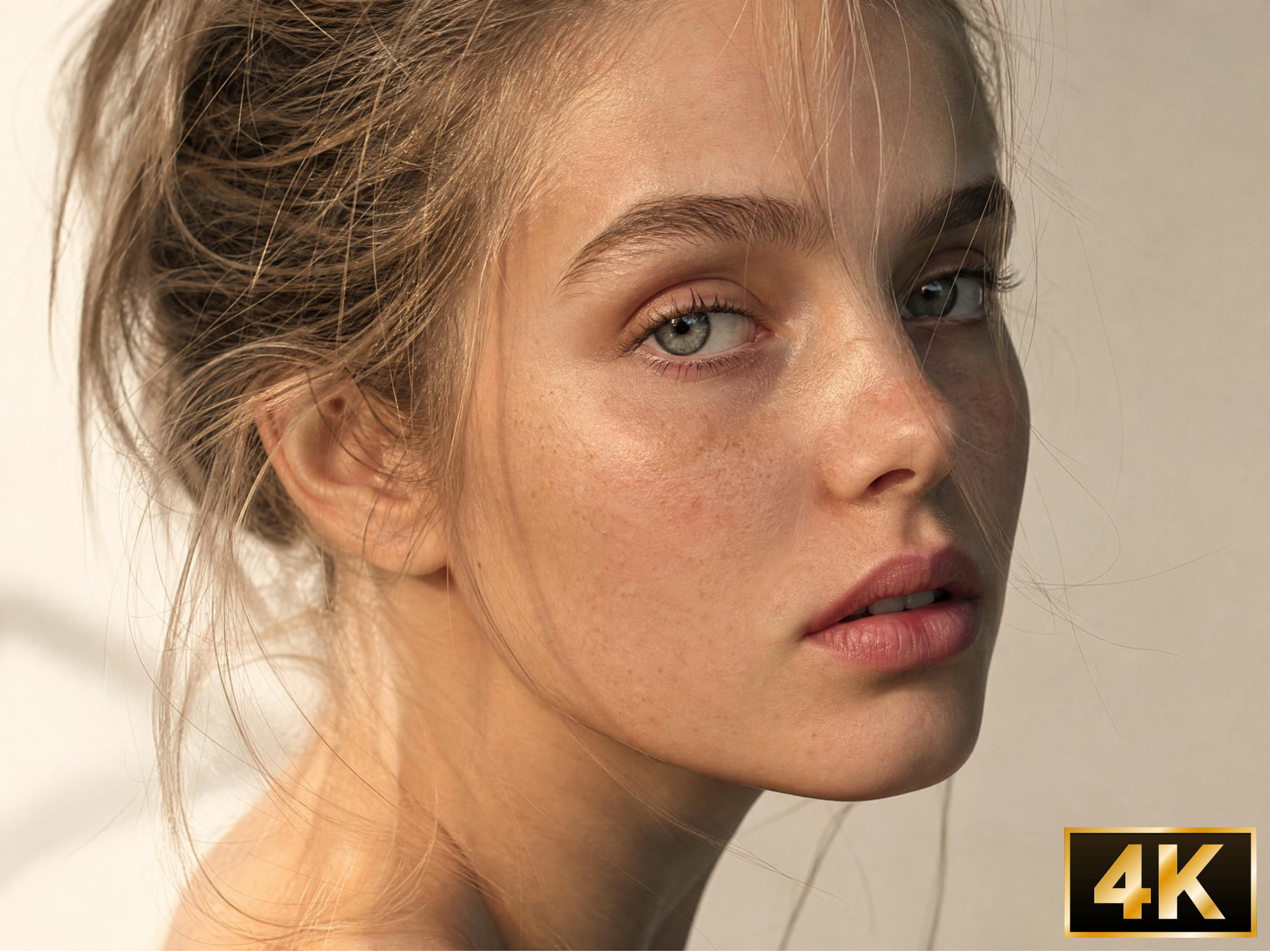


How to convert video to 4K in 3 steps
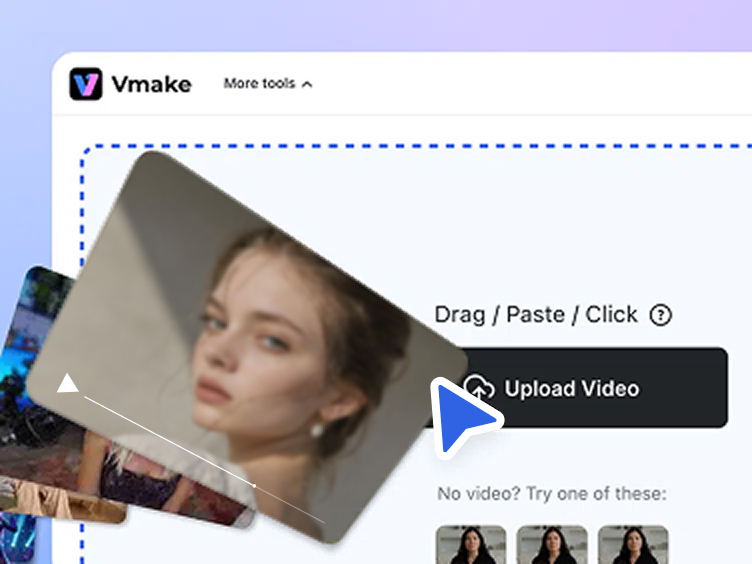
Upload your video
Import your video into Vmake Labs or drag it directly into the workspace. Most common formats upload instantly without extra preparation steps.
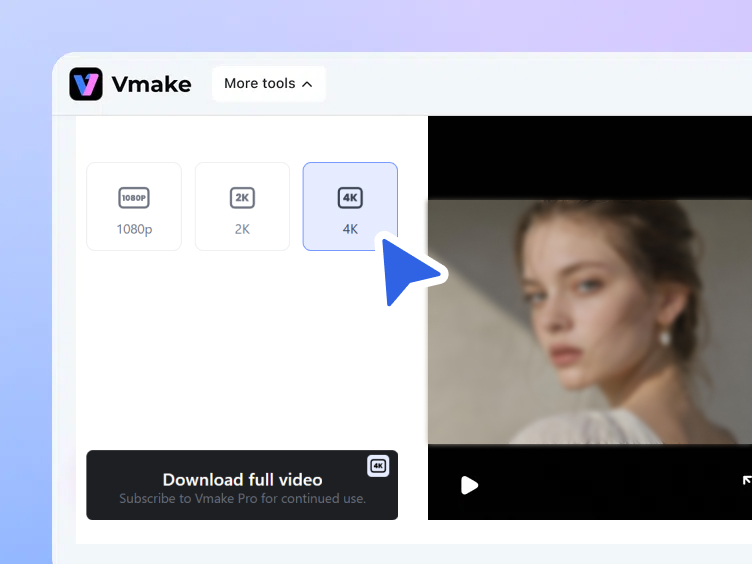
AI converts to 4K
Vmake Labs analyzes each frame, reconstructs missing pixel detail and outputs a sharper, higher-quality version at 4K. Edges sharpen, textures gain definition.
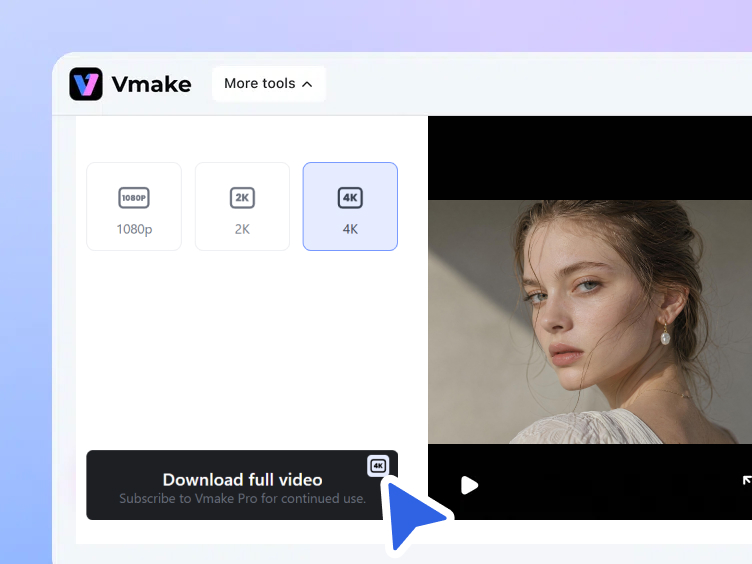
Download your 4K video
Preview the enhanced 4K output before downloading the completed file. Every export is clean, high-resolution and free from Vmake Labs branding.
When to use a 4K video converter
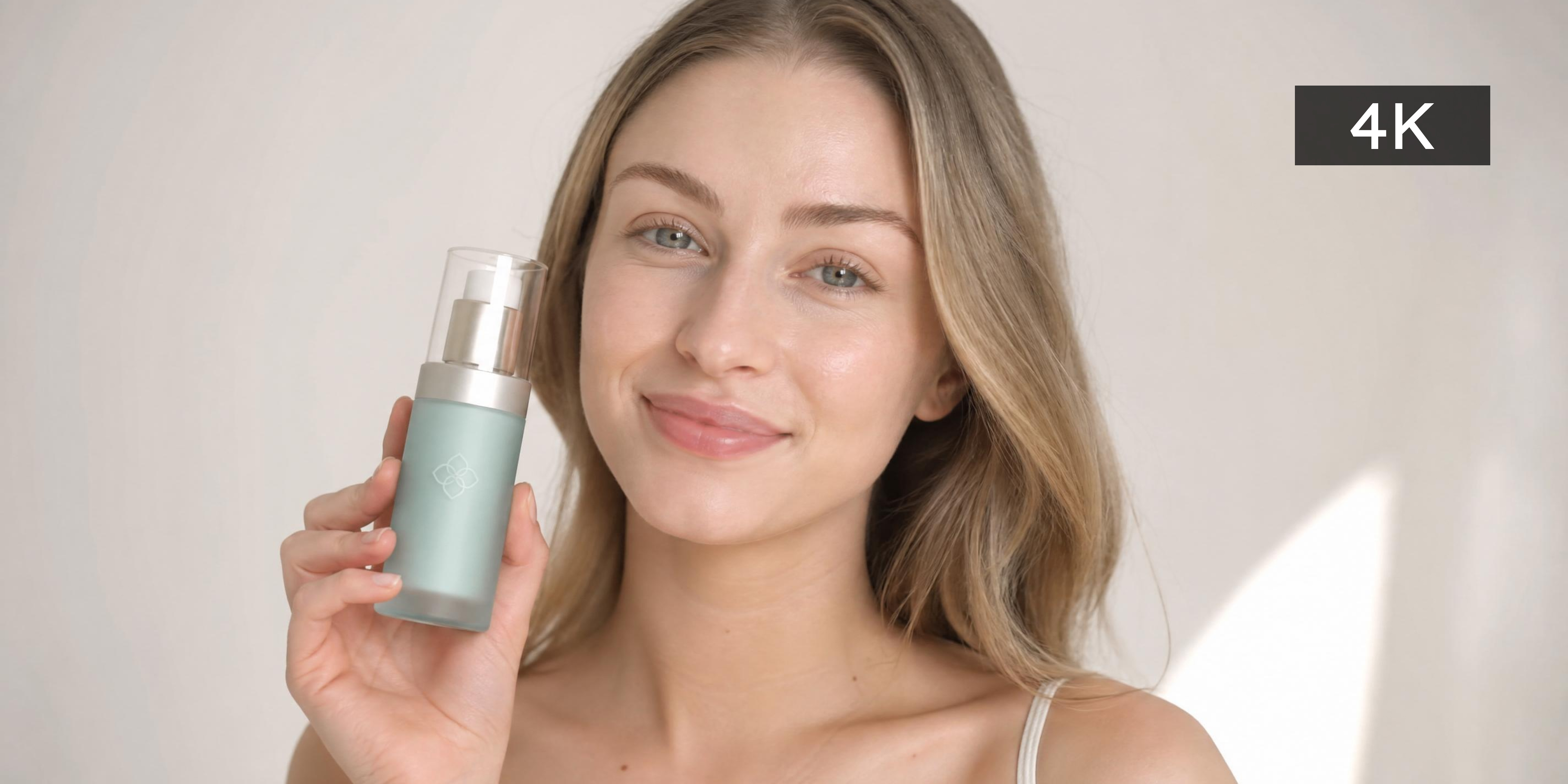
Why Vmake Labs 4K video converter works
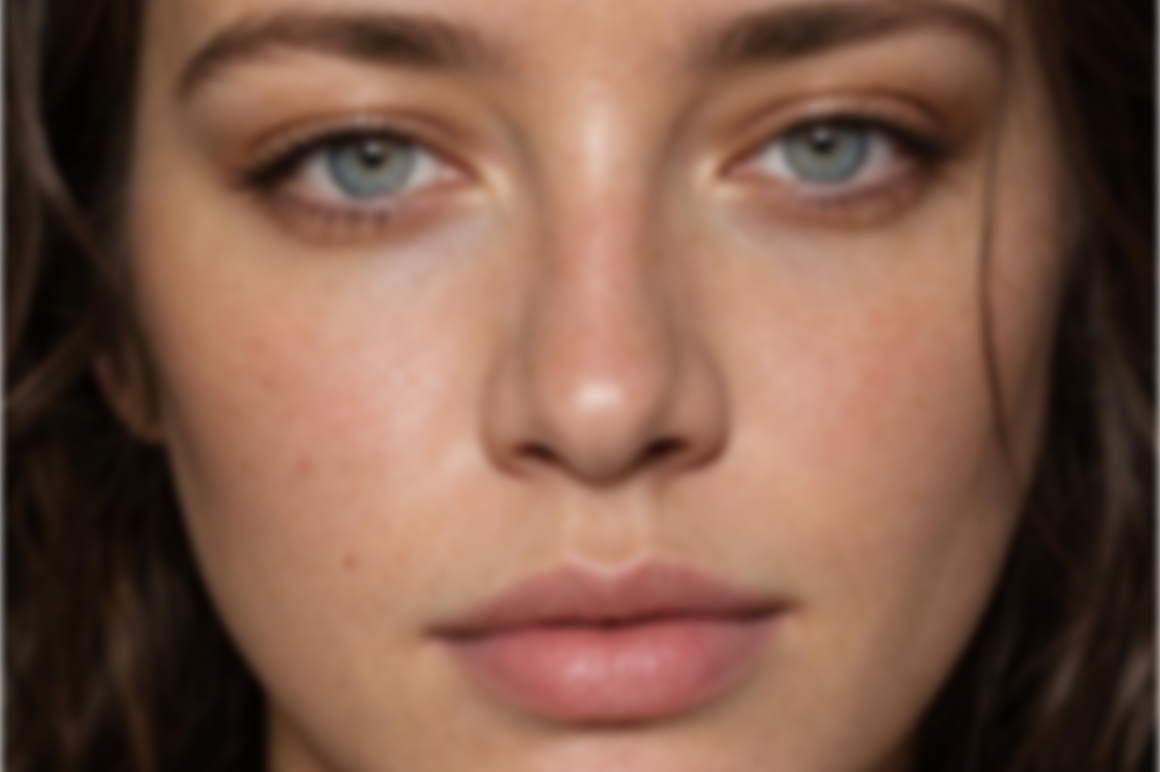
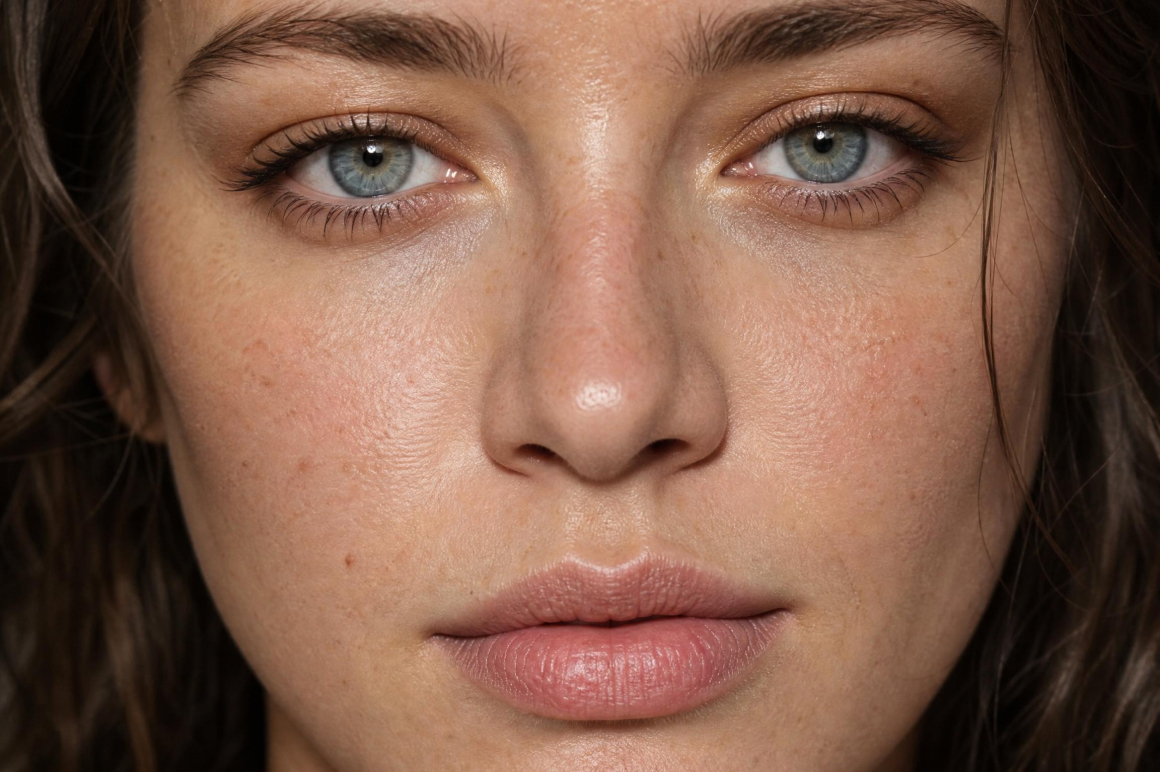
AI reconstruction, true 4K
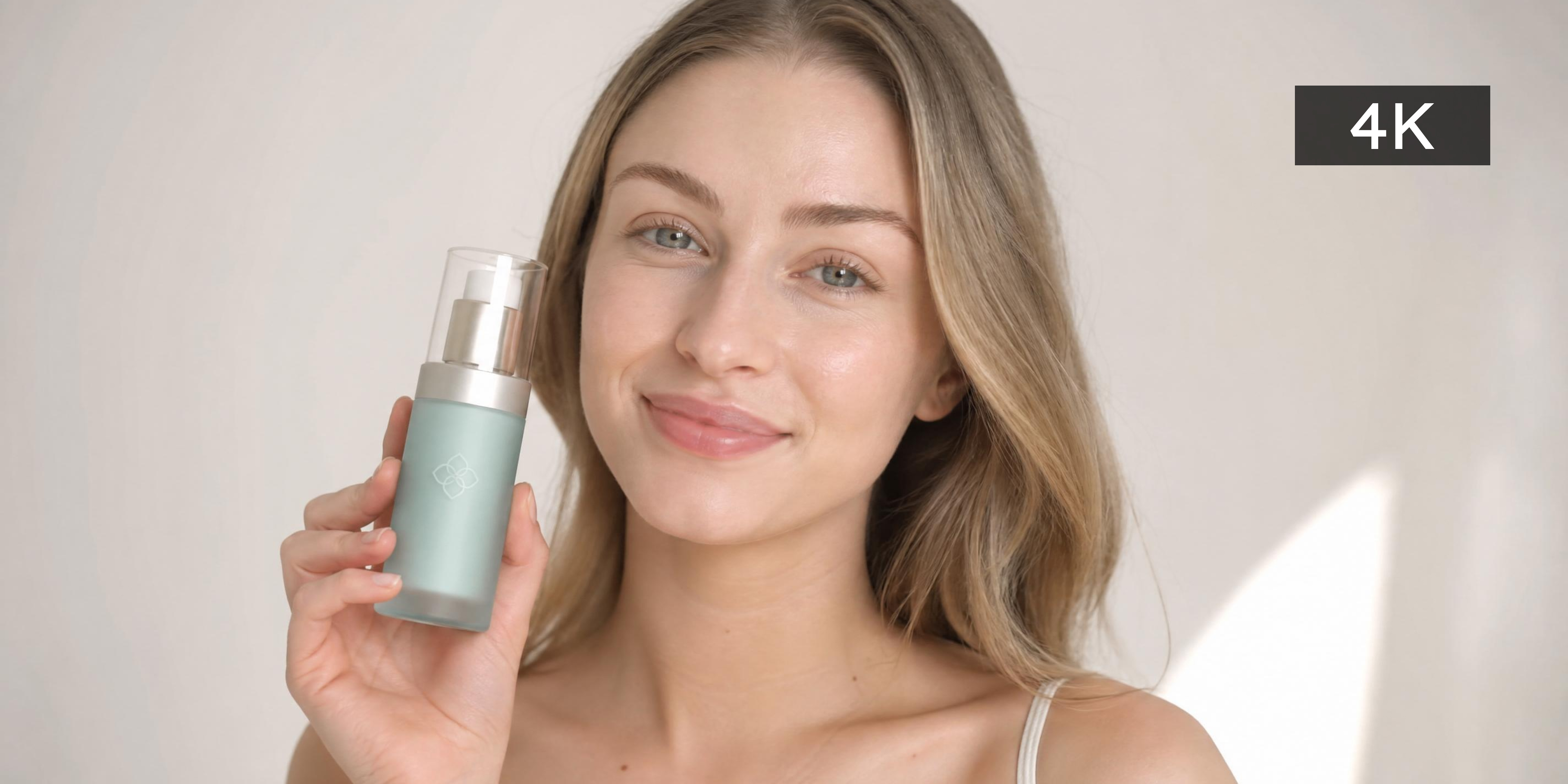
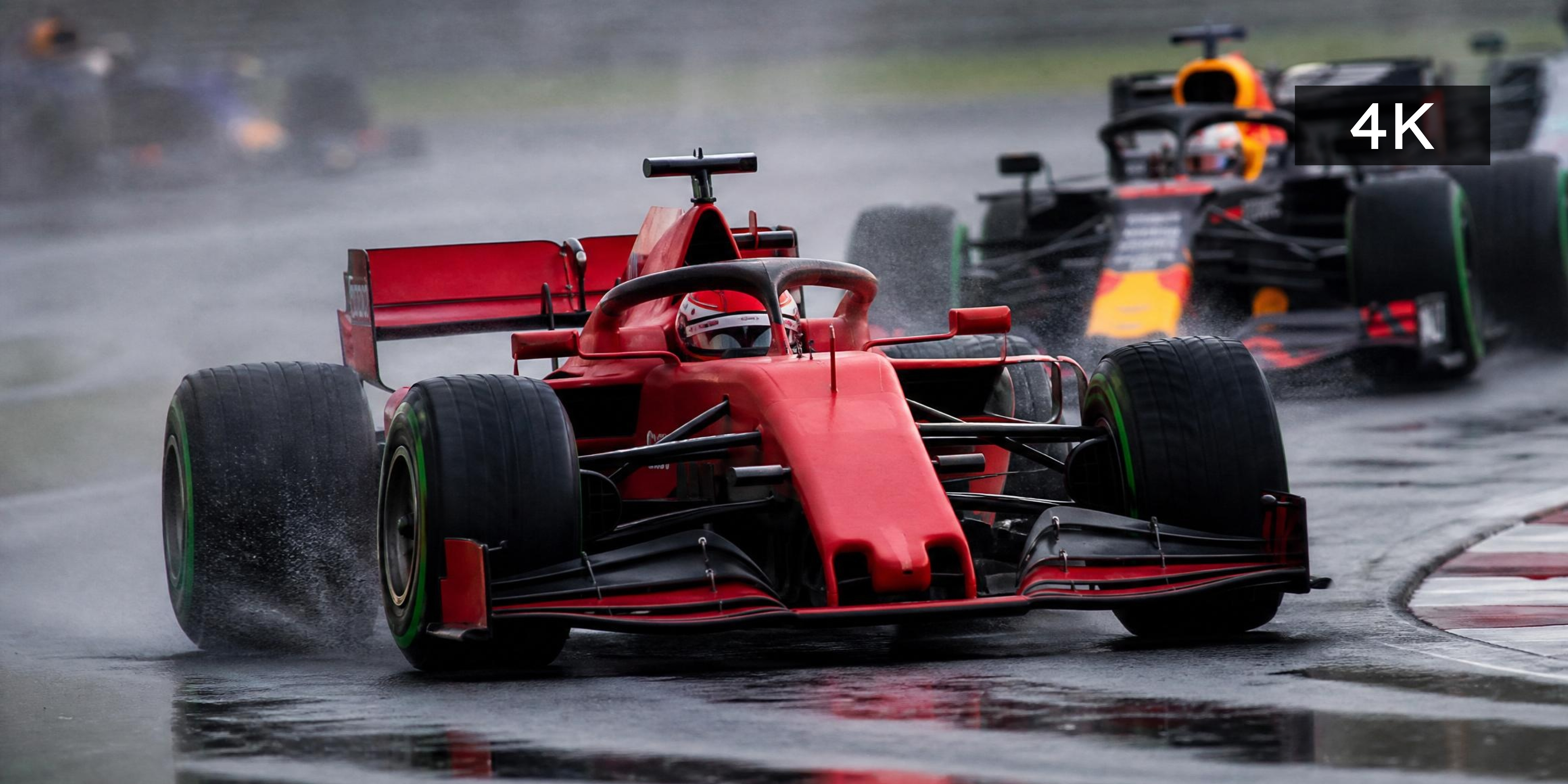
Most tools simply stretch pixels to fill a 4K frame. Vmake Labs analyzes and rebuilds every detail using AI, reconstructing fine textures, edges, and motion from the ground up. The result is true 4K quality, not just a larger version of a low-resolution file.


Original video settings preserved
Converting to 4K should enhance footage, not alter it. Vmake Labs retains the original frame rate, aspect ratio, and audio quality throughout the reconstruction process, ensuring the final output stays true to the source without any unwanted changes.


Frame-by-frame video 4K enhancement
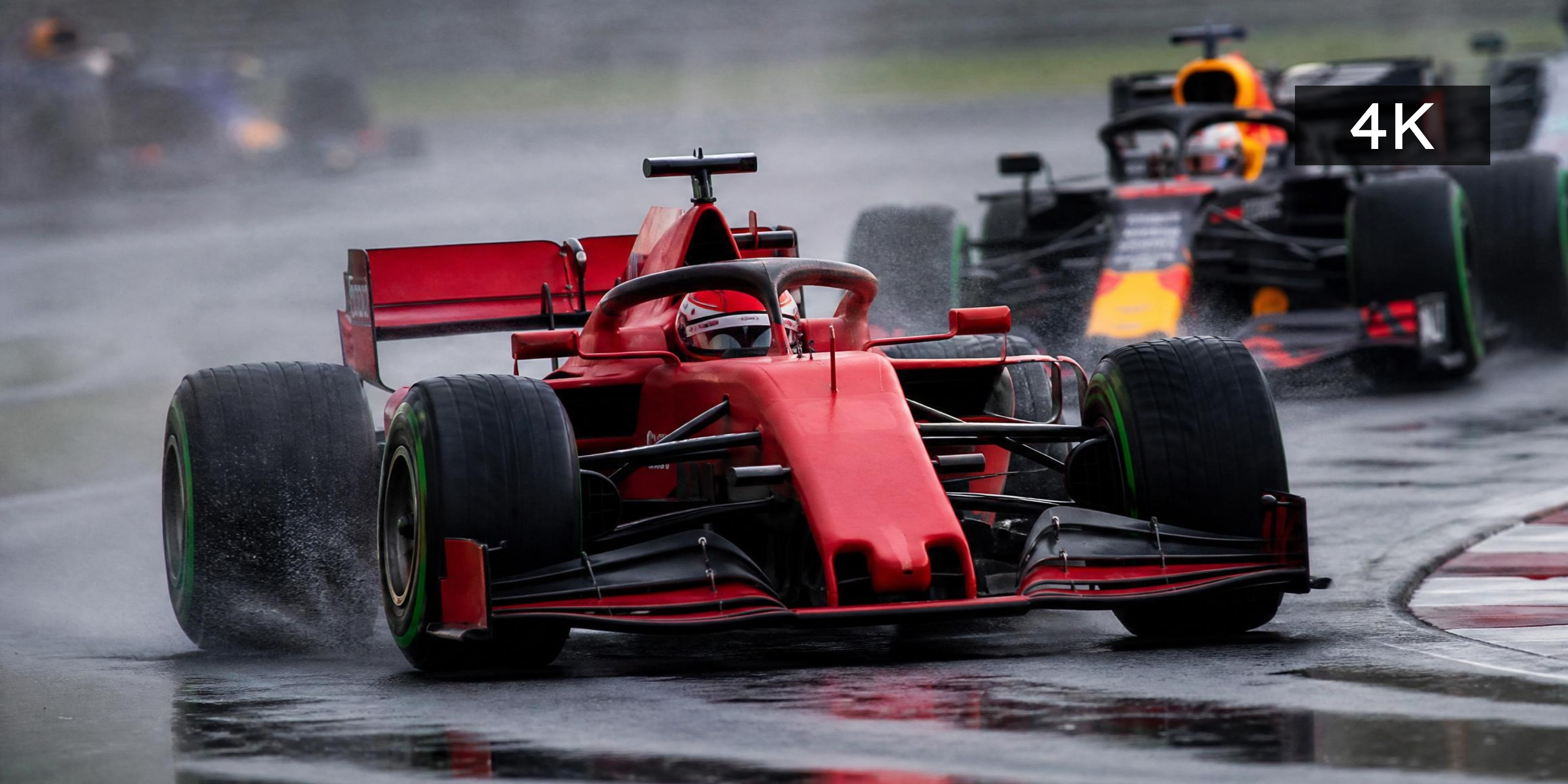
Every frame is individually analyzed and rebuilt to 4K resolution by AI, ensuring consistent quality throughout the entire video. From fast-moving action shots to subtle background textures, no detail is lost from the first frame to the last.
Who uses Vmake Labs 4K video converter
Content creators & YouTubers
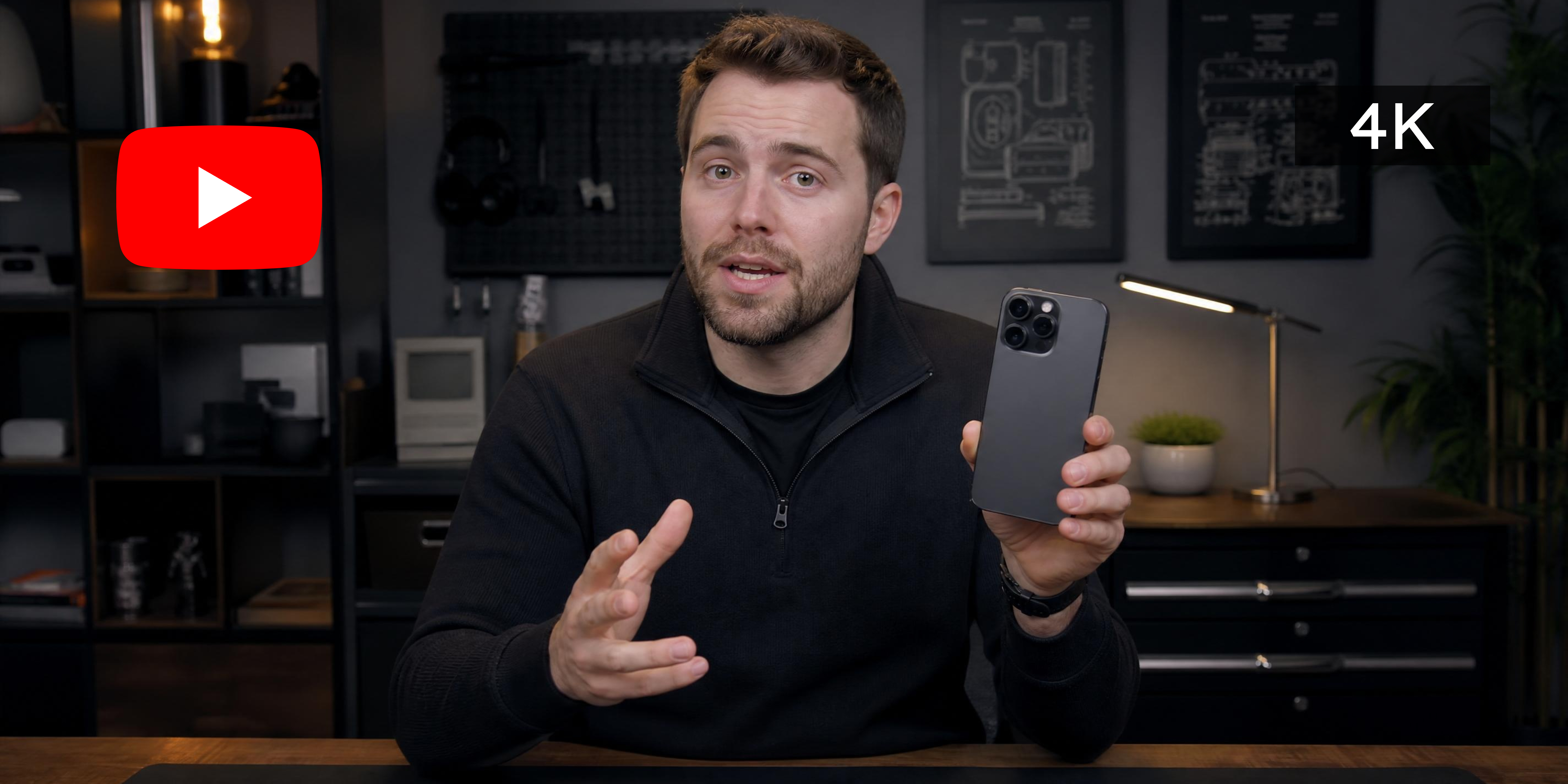
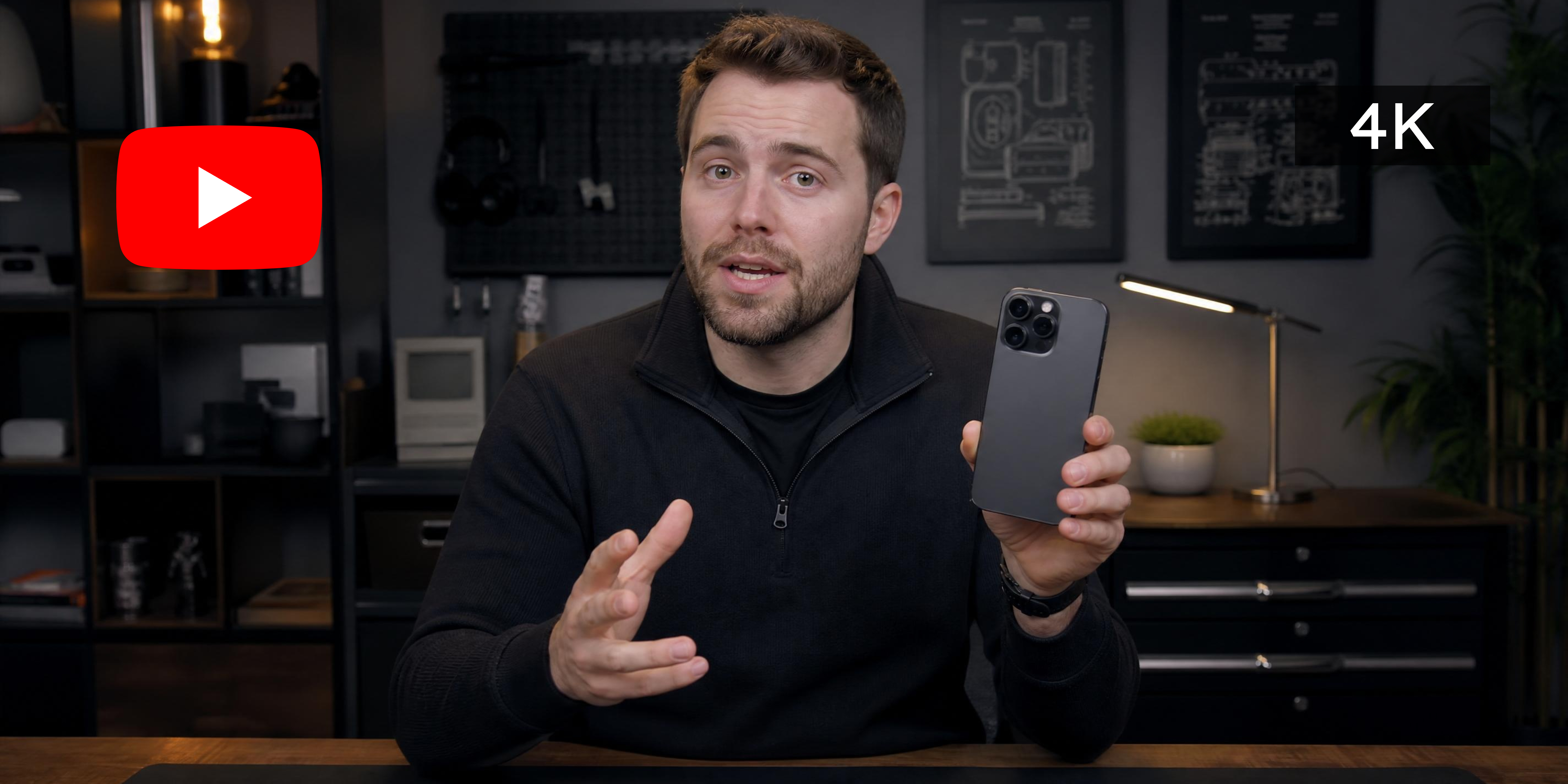
Low-resolution footage loses views and credibility. AI-powered 4K conversion automatically enhances video quality to meet platform standards, so every upload looks sharp, professional, and ready for any screen. No expensive camera equipment or technical editing skills required.

E-commerce and marketing teams
Poor video quality undermines product appeal and ad performance. Convert product videos and campaign assets to 4K automatically, delivering sharper visuals that build brand trust and drive higher engagement across every channel. No production team or technical expertise needed.
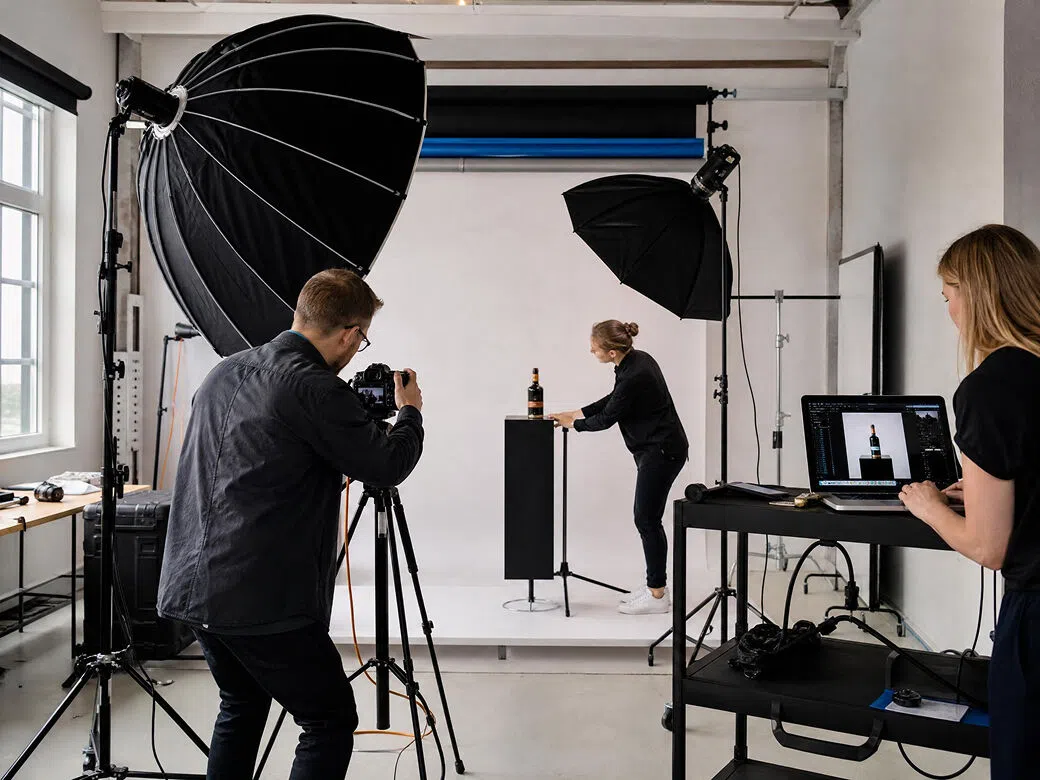
Video editors & post-production teams
Working with mixed-resolution footage slows down the entire workflow. Batch convert clips to 4K in one go, maintain consistent quality across every project, and deliver polished final cuts to clients faster. No manual upscaling or frame-by-frame processing required.
Frequently asked questions
How do I convert video to 4K online free?
Is the 4K video converter really free with no watermarks?
Yes. Every export from Vmake Labs is clean at every plan level with no watermark.
Does it improve quality or just change the resolution?
Vmake Labs generates new pixel data based on scene content in each frame. The output is sharper because the pixel information is genuinely better.
What formats can I convert to 4K?
Most common video formats work without conversion before uploading.
How long does 4K conversion take?
Most clips finish in under a minute. Processing runs on Vmake Labs cloud.
Why choose Vmake Labs 4K video converter

New pixel data per frame. Sharper output because the information is genuinely better, not just larger.

All exported videos stay completely clean and free from Vmake Labs branding, regardless of the resolution or selected processing workflow.
Review the enhanced 4K result before downloading so you can confirm the sharpness, clarity and overall video quality first.
Discover More Features

Video & Image Enhancer

Watermark & Text Remover

Video Upscaler

AI Video Generator

Video Background Remover

Video & Audio to Text

Video Noise Reducer

AI Video Translator
Ready to convert your video to 4K?
Upload your video, let the AI reconstruct every frame at 4K and download a sharper, cleaner result.Free to start. No account required. No watermarks on exports.
What our users say
Converting existing content to 4K before YouTube upload made a visible difference in how it looks after compression. The AI reconstruction is better than rendering at 4K in my editor.
Product video at lower resolution was soft on 4K display screens. Vmake Labs converter sharpened the material and label detail. The listing looks professional at any screen size.
We present brand video on large 4K screens. Converting with Vmake Labs means the content holds up. The free 4K video converter does what it says without watermarks or limitations.
Standardizing a mixed timeline to 4K. Vmake Labs converts the lower-res clips and the output matches well with the native 4K footage. Clean, watermark-free exports.
Old product videos converted to 4K for a campaign relaunch. The 4k quality video converter produced output sharp enough for paid placements.
Convert video to 4K online free and get real quality improvement. Upload, convert, download. No watermarks. Better output than what I get from my editing software.