Free Video to GIF Converter
Fully local processing, protecting your privacy. Supports batch selection and trim settings.
Max file size 500MB
By continuing, you agree to our Terms of Use.
How to Convert Video to GIF in 3 Steps
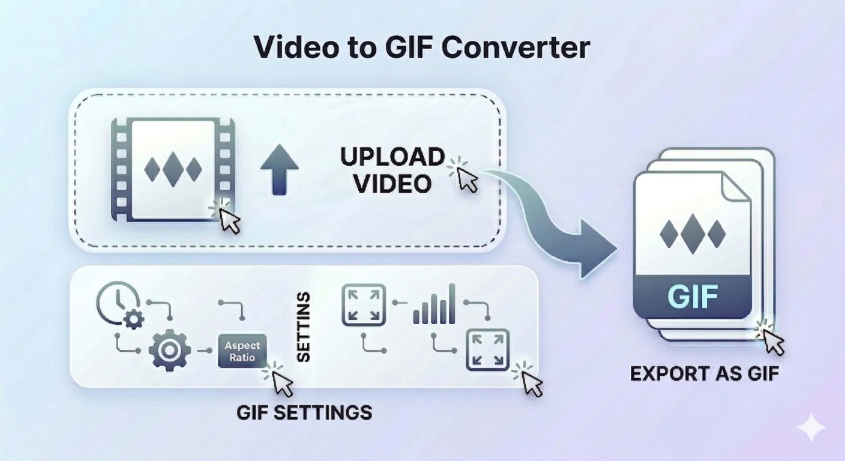
Upload your video file
Add MP4, MOV, WEBM, AVI, or MKV files by drag and drop or by selecting them from your device.
Adjust GIF settings
Choose the clip range, output width, and frame rate to control the size and smoothness of the final GIF.
Convert and download
Click Convert and download the GIF once the conversion is complete.
Feature Highlights
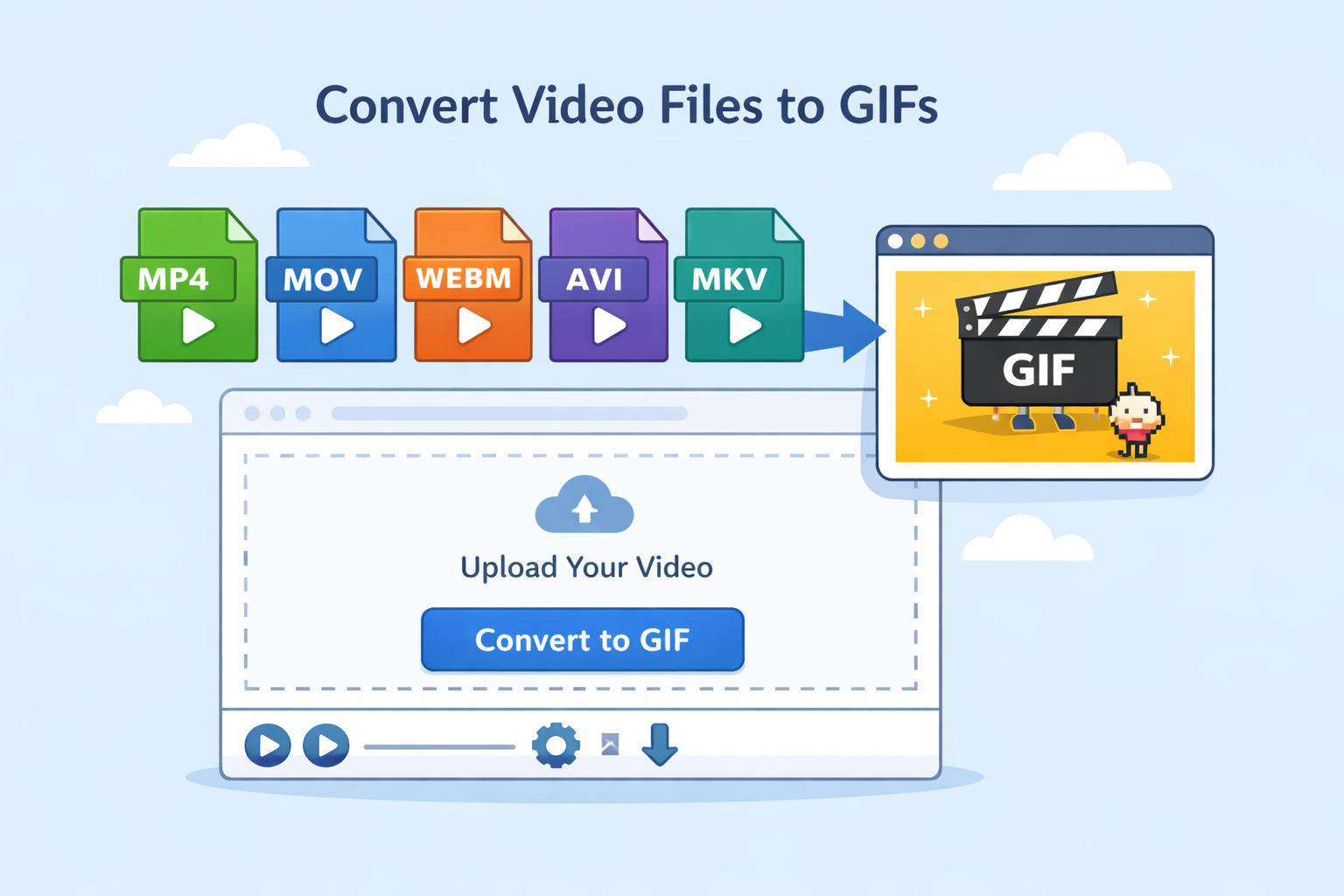
Supports common video formats
Convert MP4, MOV, WEBM, AVI, and MKV files into GIFs from one browser-based tool.
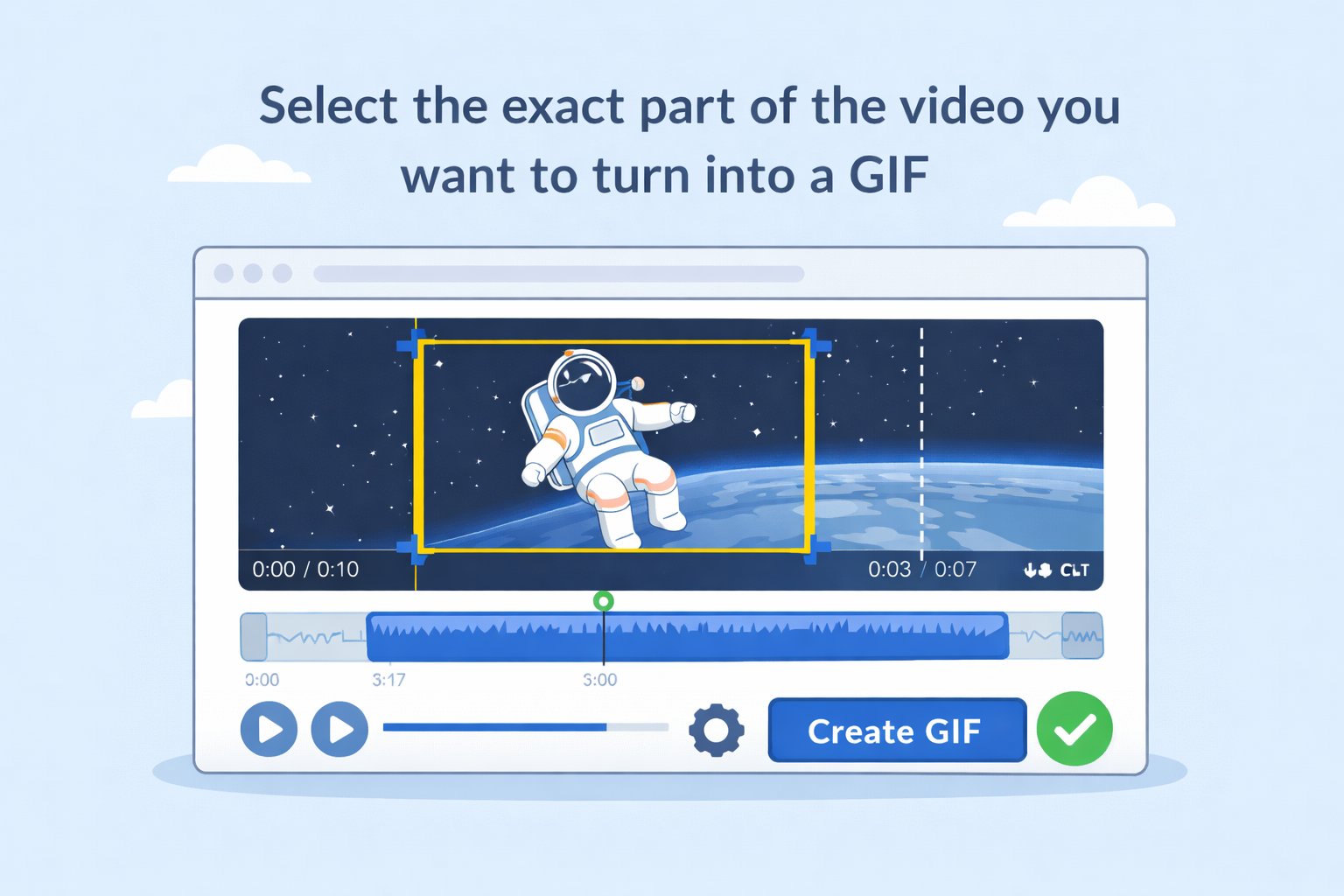
Clip trimming before export
Select the exact part of the video you want to turn into a GIF, so the result stays focused and easier to share.
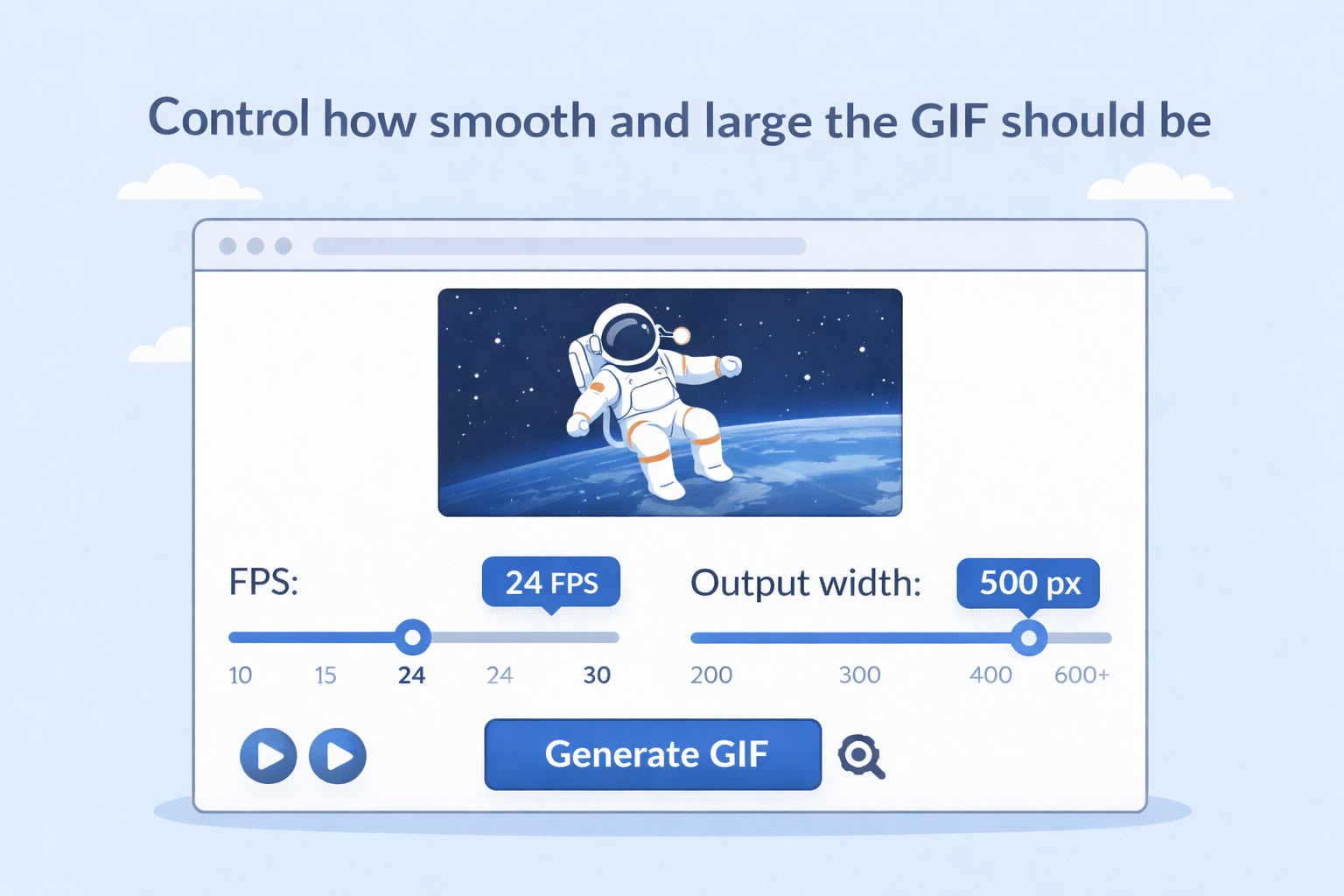
Adjustable frame rate and width
Control how smooth and how large the GIF should be by changing FPS and output width settings.
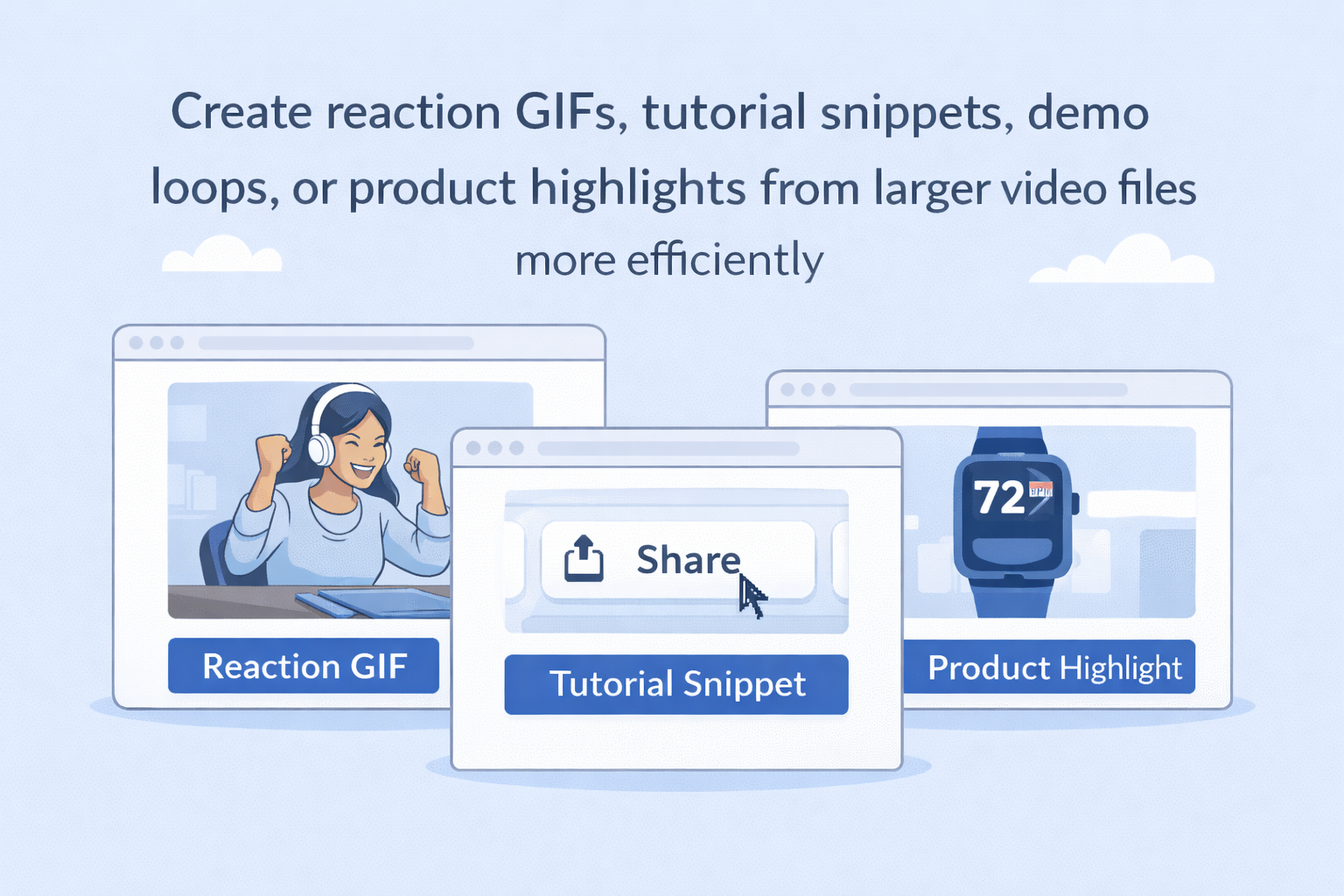
Good for short shareable moments
Create reaction GIFs, tutorial snippets, demo loops, or product highlights from larger video files more efficiently.
FAQ
Is this video to GIF converter free?
Which video formats are supported?
The tool supports MP4, MOV, WEBM, AVI, and MKV input files.
Can I trim the video before making the GIF?
Yes. You can set trim start and trim end times before conversion.
Can I adjust the GIF output settings?
Yes. You can change settings such as FPS and output width.
Is there a maximum clip length?
Yes. The exported GIF clip is limited to a short duration, up to 15 seconds.
Discover More Features
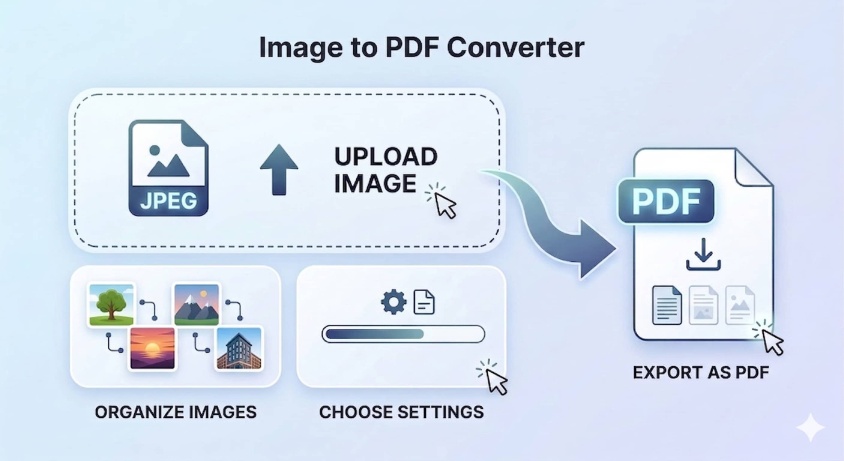
Image to PDF Converter
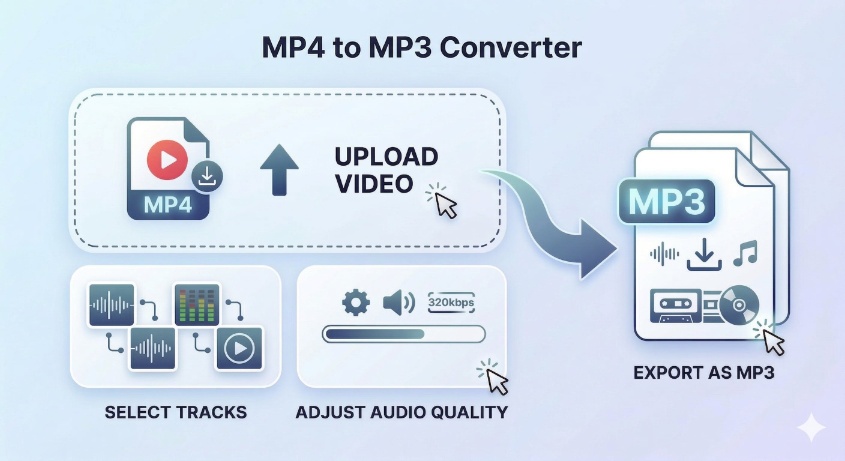
MP4 to MP3 Converter
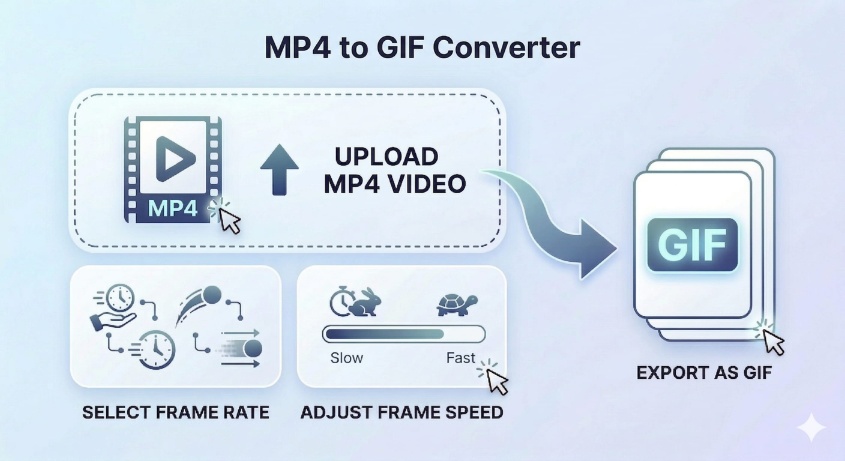
MP4 to GIF Converter
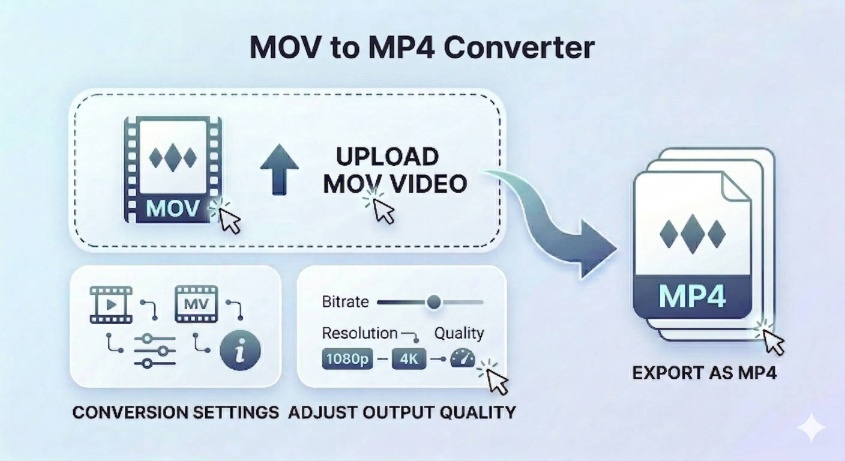
MOV to MP4 Converter
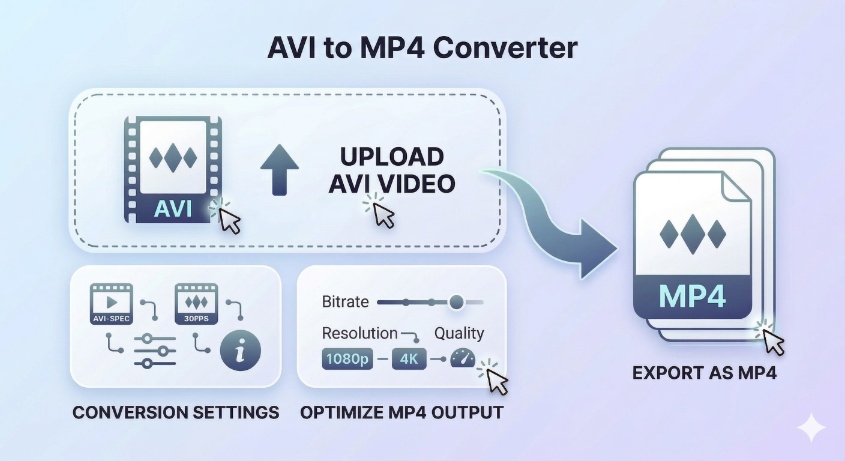
AVI to MP4 Converter
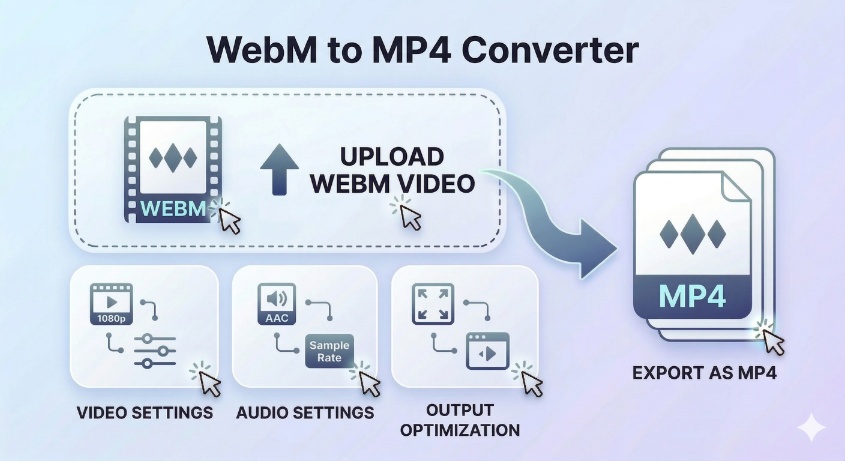
WebM to MP4 Converter
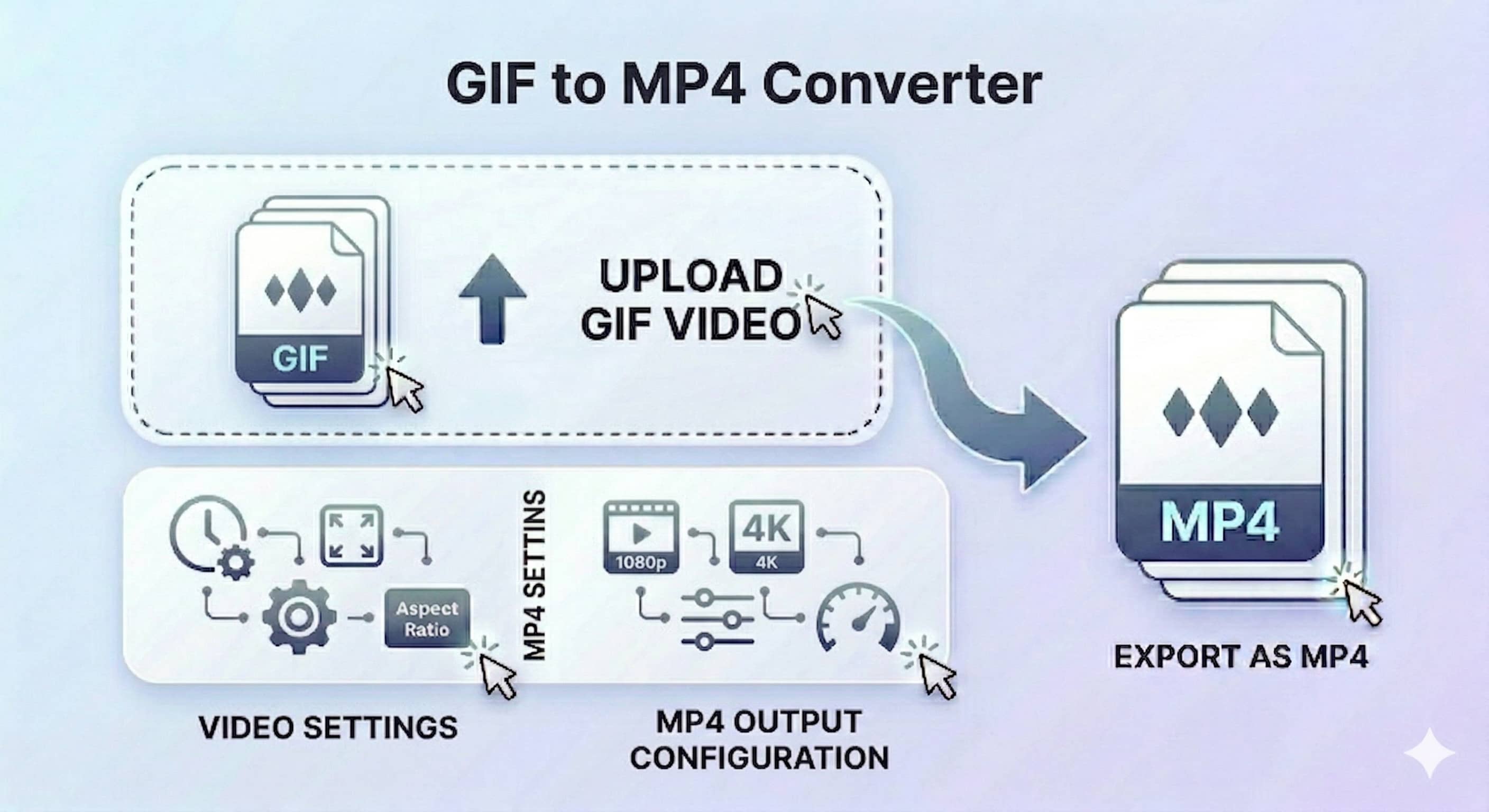
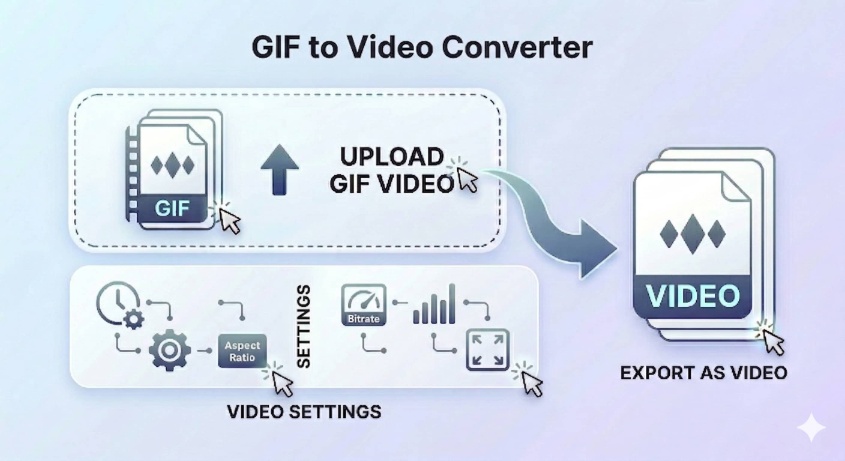
GIF to MP4 Converter
GIF to Video Converter
Video to GIF Converter