

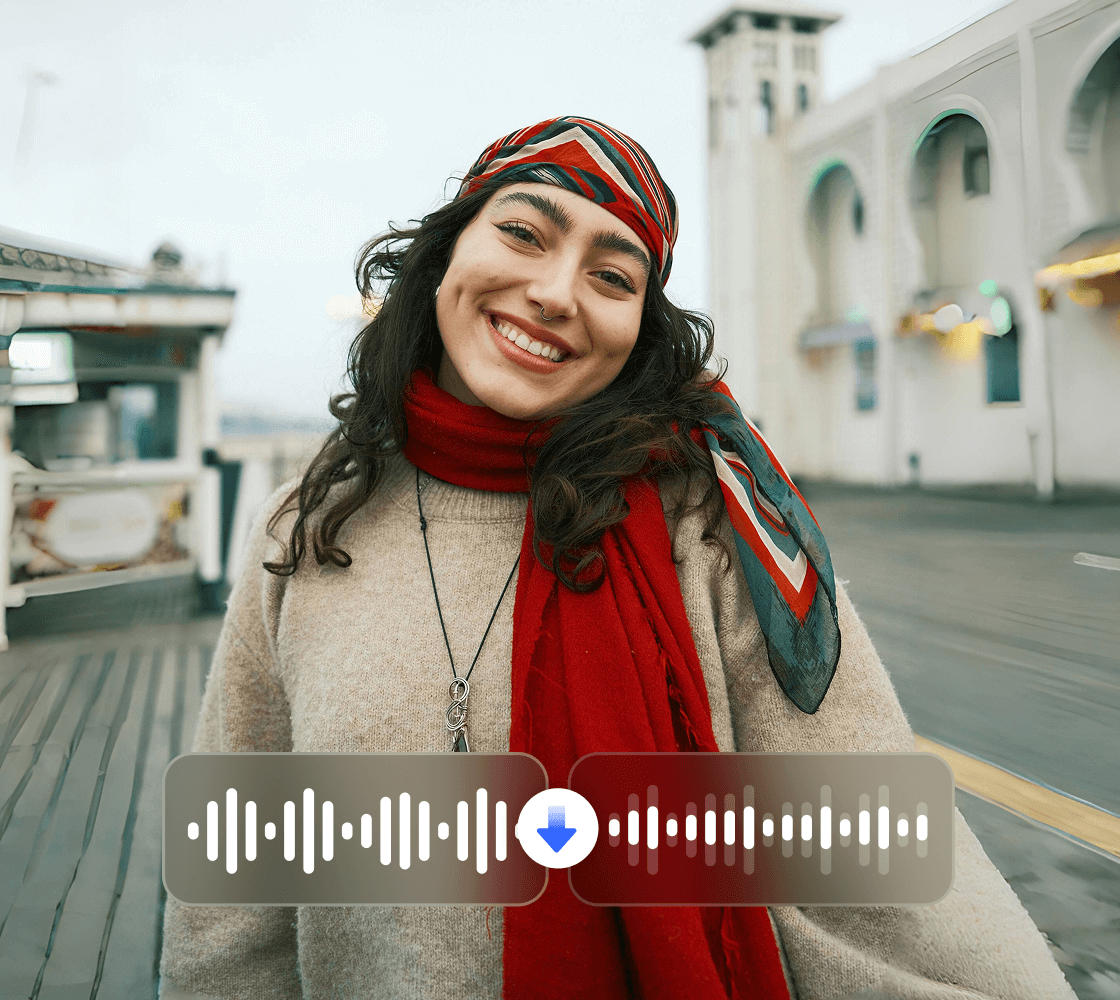




Boost Audio Quality in Any Video
Enhance your video sound with AI-powered audio enhancement. Remove background noise, amplify voice clarity, and balance sound levels for a professional audio experience. Whether for YouTube videos, online meetings, or film production, achieve the best sound in just a few clicks.







What Our Customers Say about Vmake Labs Audio Enhancer
Vmake Labs stands out for both ease of use and output quality. The interface is simple and well-organised, reducing time. Uploading, enhancing, and exporting videos is straightforward, reducing workflow stress. The final videos look sharper, clearer, and more refined without requiring advanced editing skills.
I have used Vmake Labs since its early release, and it has remained dependable. The 4K upscaling works smoothly. The watermark removal feature performs exactly as expected. Though new tools have been added over time, the core functions continue to deliver strong results. It provides solid value for users focused on video enhancement.
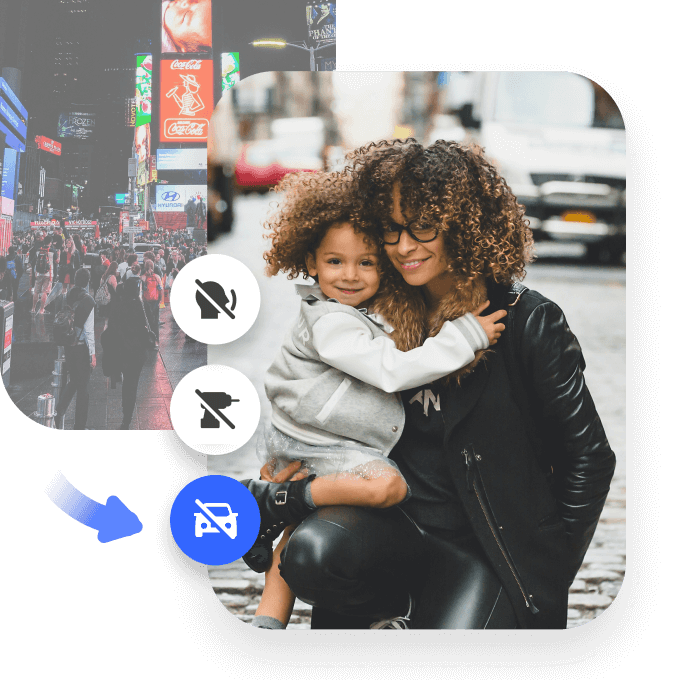
Vmake Labs helped me complete audio and video projects I had abandoned because other tools could not handle them properly. The tool resolved background noise in older footage, removed unwanted watermarks, and improved low-quality videos. The watermark removal works well enough in most situations, making footage reusable. The video enhancement restored clarity to files I would have otherwise discarded.
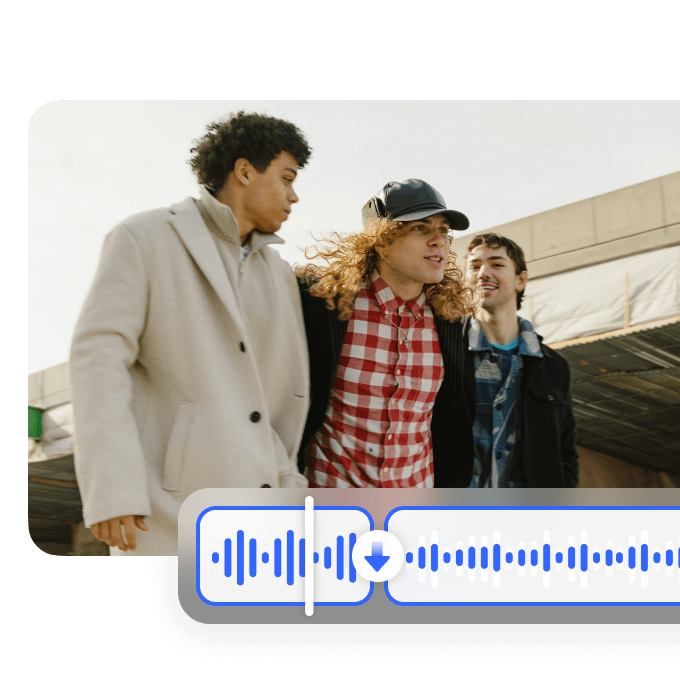
I tested this AI audio tool on a podcast video with uneven volume levels. It balanced everything automatically and produced voices that sounded clear and natural, without distortion. There was no need for plugins or manual editing. The process was simple from upload to download, making it suitable even for users with no technical background.
After testing several AI video tools, Vmake Labs stood out for speed and consistency. It combines scripting, editing, and enhancement in one place, which makes it practical for frequent content production. The layouts highlight key messages, and tools for removing watermarks or stray elements reduce the need for additional editing. It is useful for creating daily short videos and quick promotional content without sacrificing quality.