





Your 24/7 viral content machineTry now
logo
Get Started

AI Video Enhancer: Enhance Video Quality in One Click

Free online AI video enhancer with advanced detail restoration. Upscale videos to 2K, 4K, or 8K, restore missing detail, reduce blur, noise, and artifacts, and make motion look smoother frame by frame. Designed for AI-generated clips, portraits, old videos, gameplay, animation, and heavily compressed footage. 100% safe.

Social content
Social content
Content
Old video
Portrait
Store
Film
Click or drop to upload, paste files.

How to enhance or upscale low-quality videos with Vmake Labs?

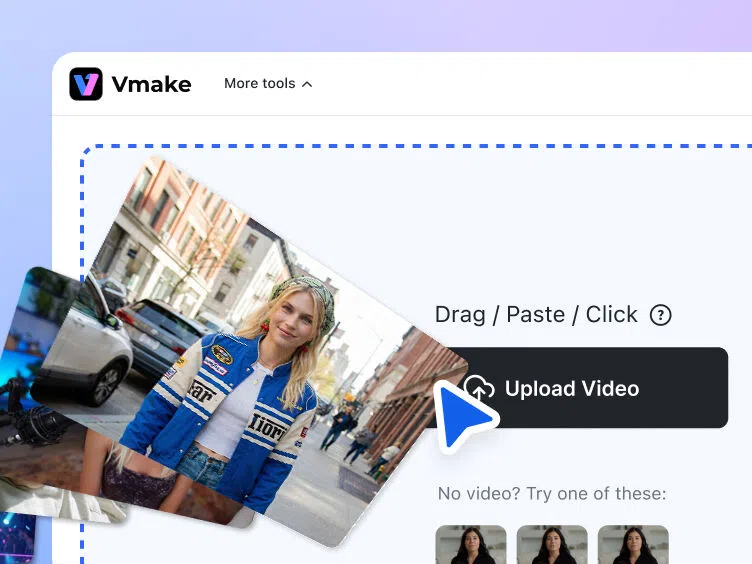
Step 1. Upload your video

Drag, paste, or click to upload your video from your gallery. We support all major video formats, including MP4, MOV, M4V, 3GP, and AVI


Upload your video

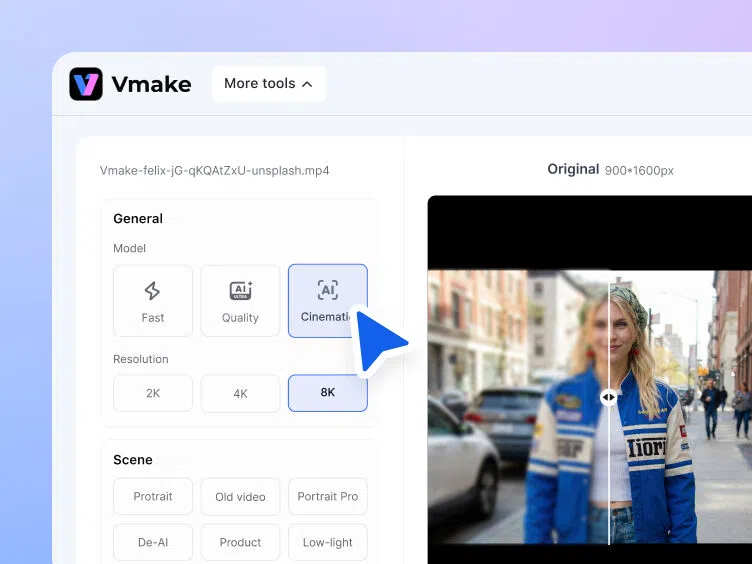
Step 2. Automatic AI video enhancement

Upload your video and let AI automatically choose the best enhancement model, or manually select 2K, 4K, or 8K. Specialized models optimize Portrait, Product, Low-Light, Gaming, and Anime.

Automatic AI video enhancement

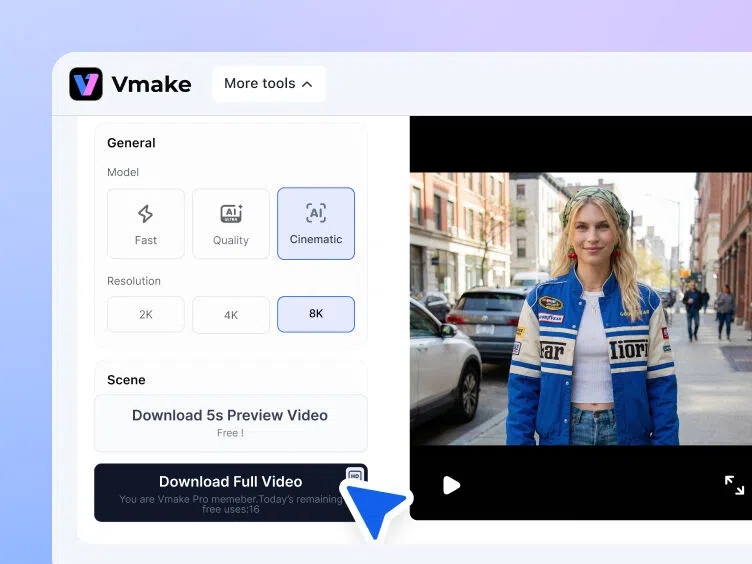
Step 3. Download your enhanced video

Check your enhanced video, choose your format, and now your perfectly optimized video is just one export away.


Download your enhanced video

Scene optimized AI video enhancement models

Enhance to 4K, 8K, and more

Enhance to 4K, 8K, and more

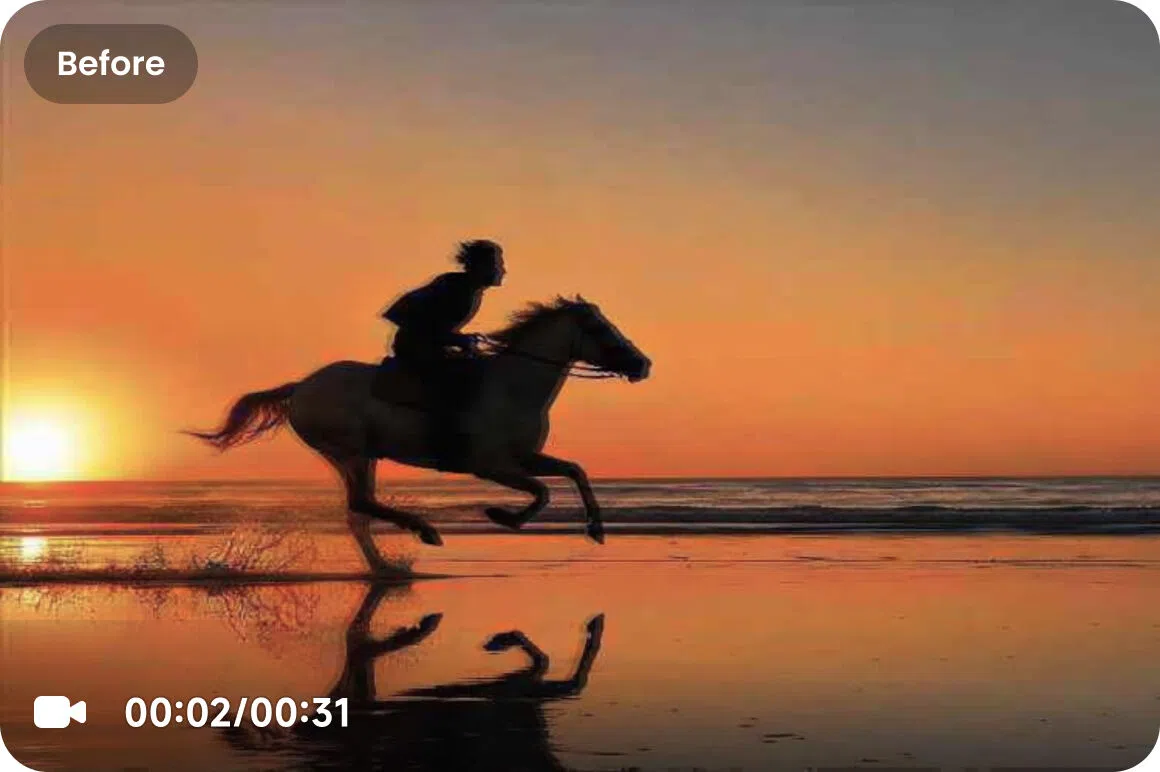
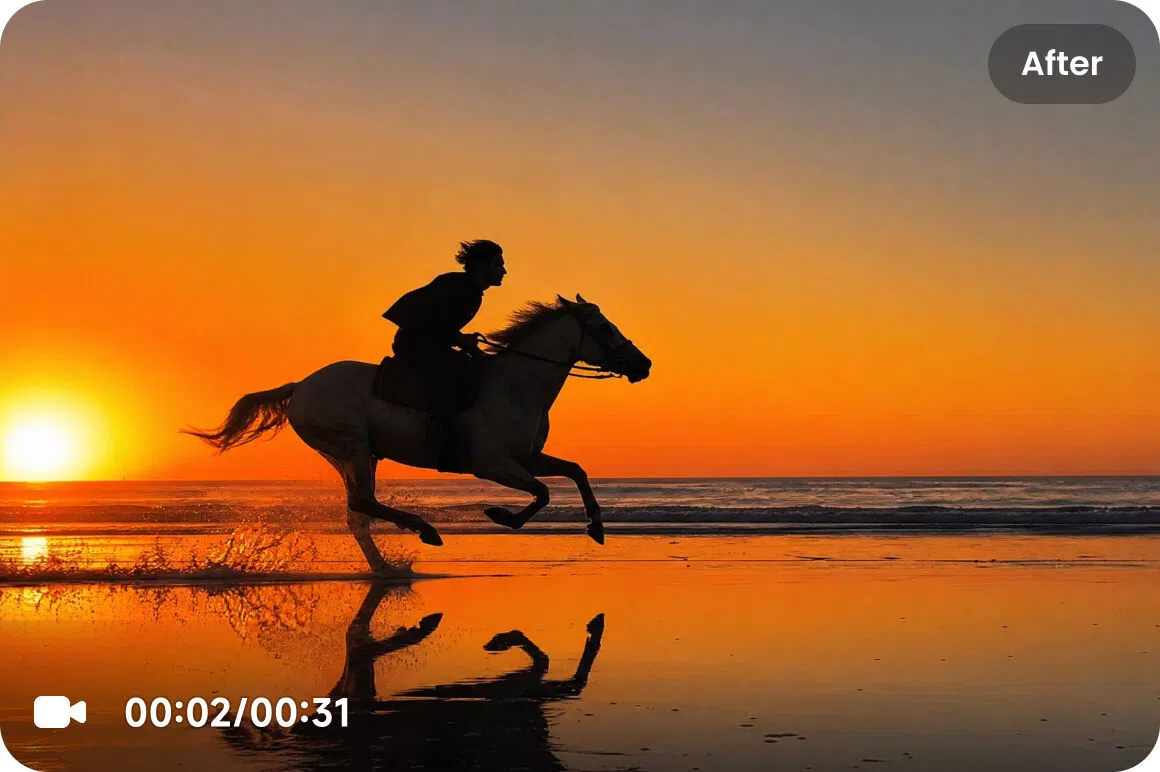
Turn low-resolution videos into sharper, cleaner, higher-resolution footage. Enhance to 4K, 8K, or other export-ready resolutions when you need more detail for close-ups, product shots, large screens, or high-quality content. Hair, skin, fabric, product surfaces, and backgrounds look clearer, while noise, compression marks, and unwanted artifacts are reduced without making the video look over-processed.

Try it now
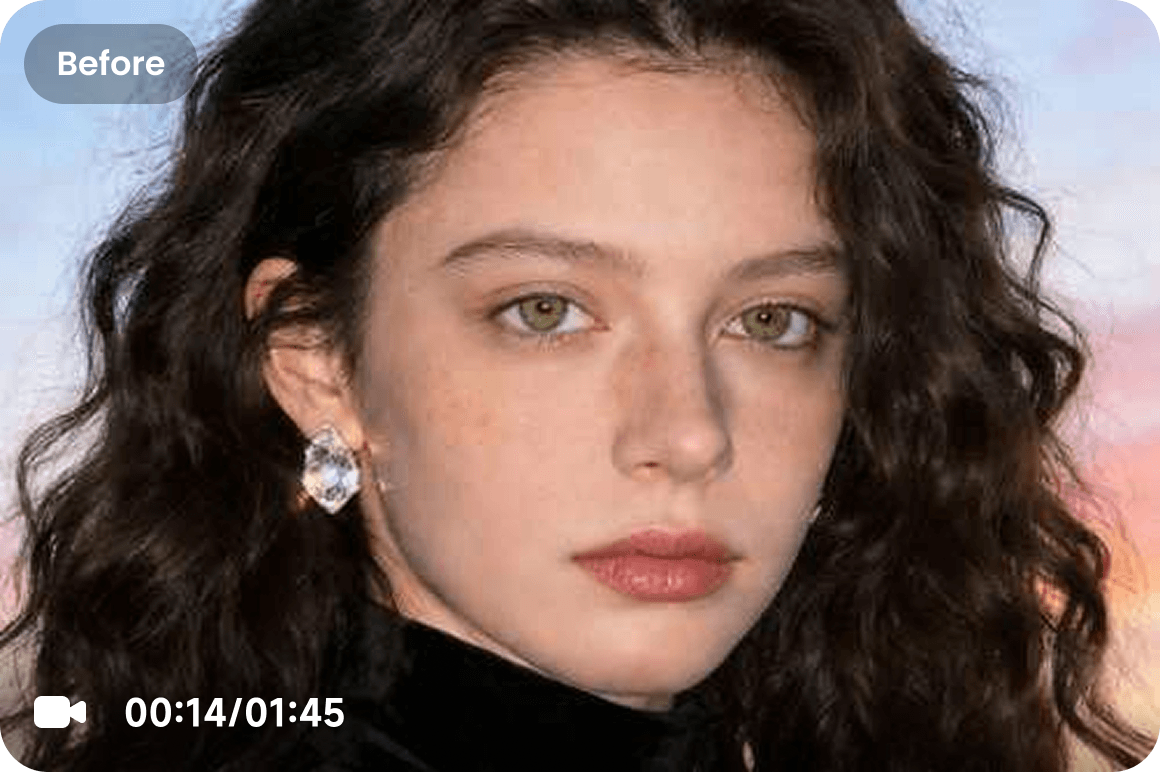
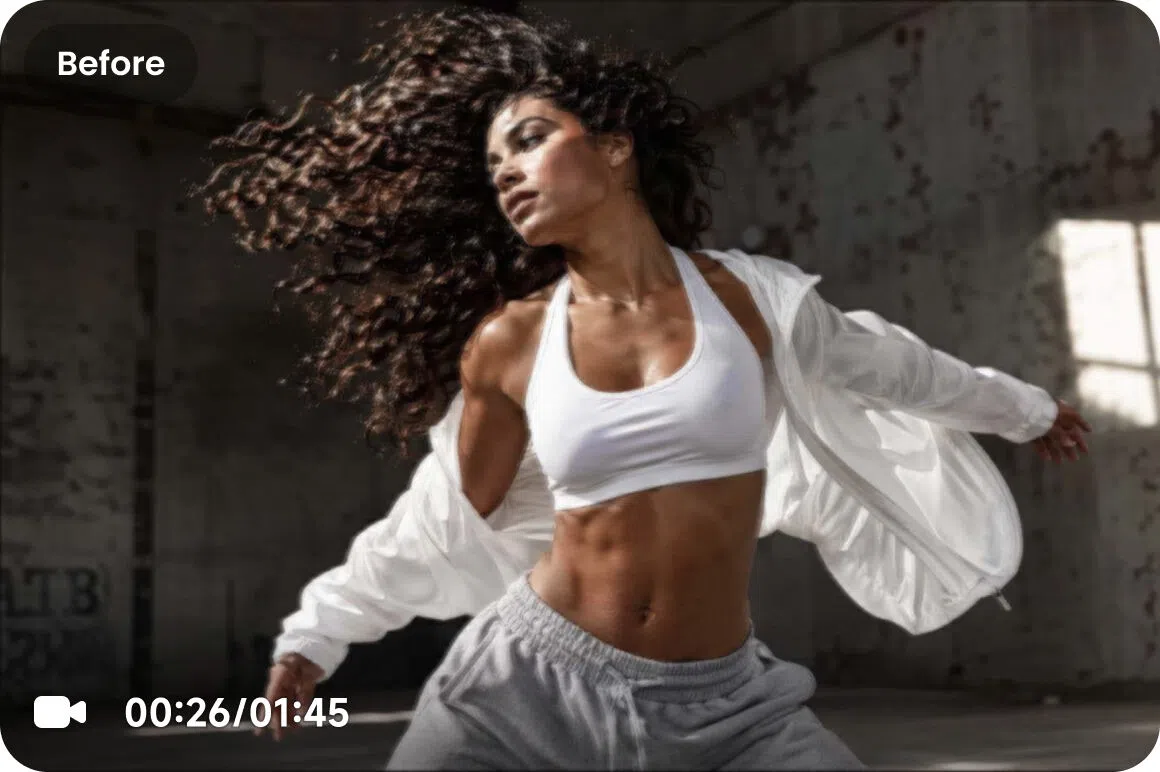
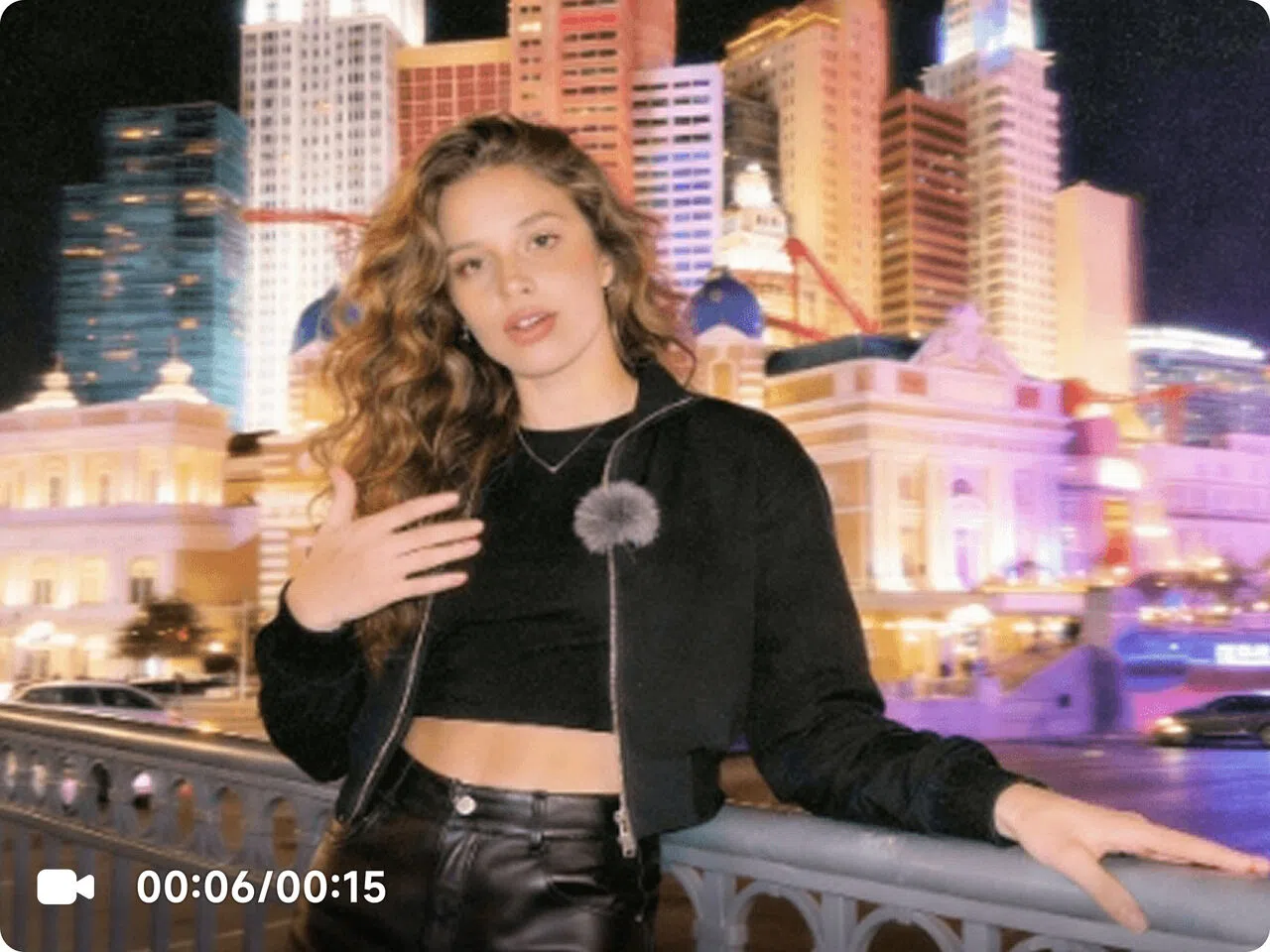
Portrait Restoration Mode Before
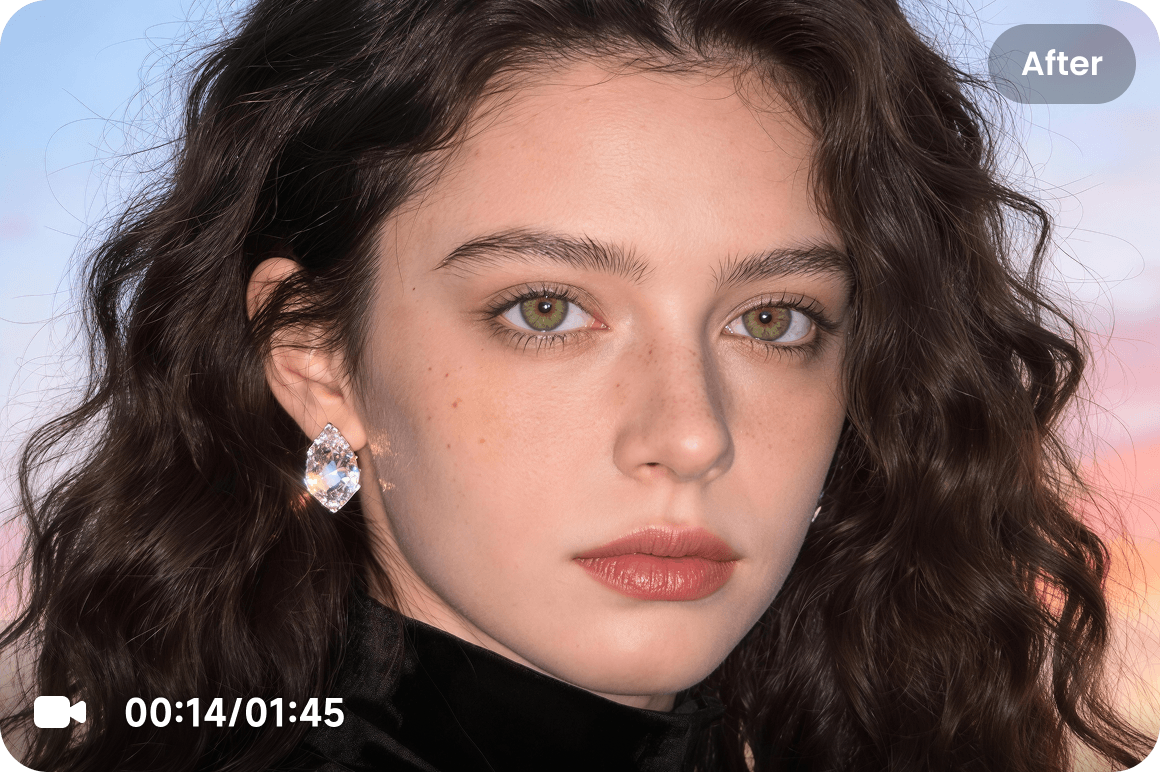
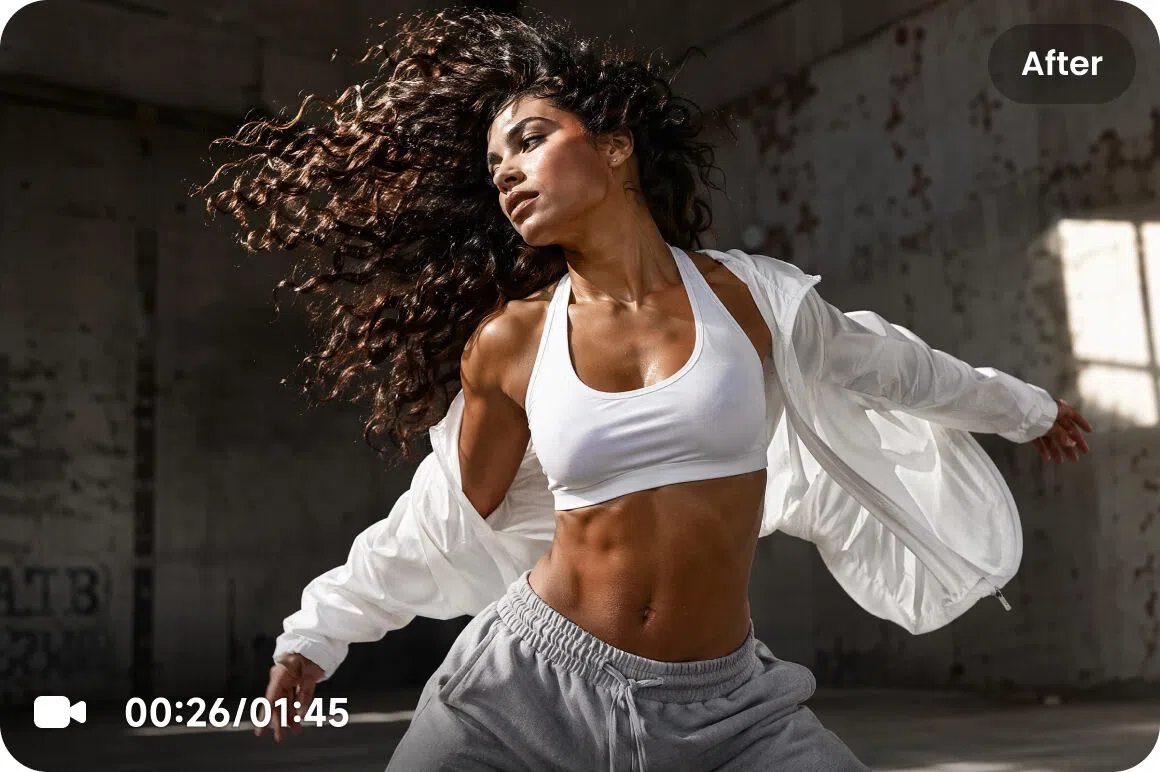
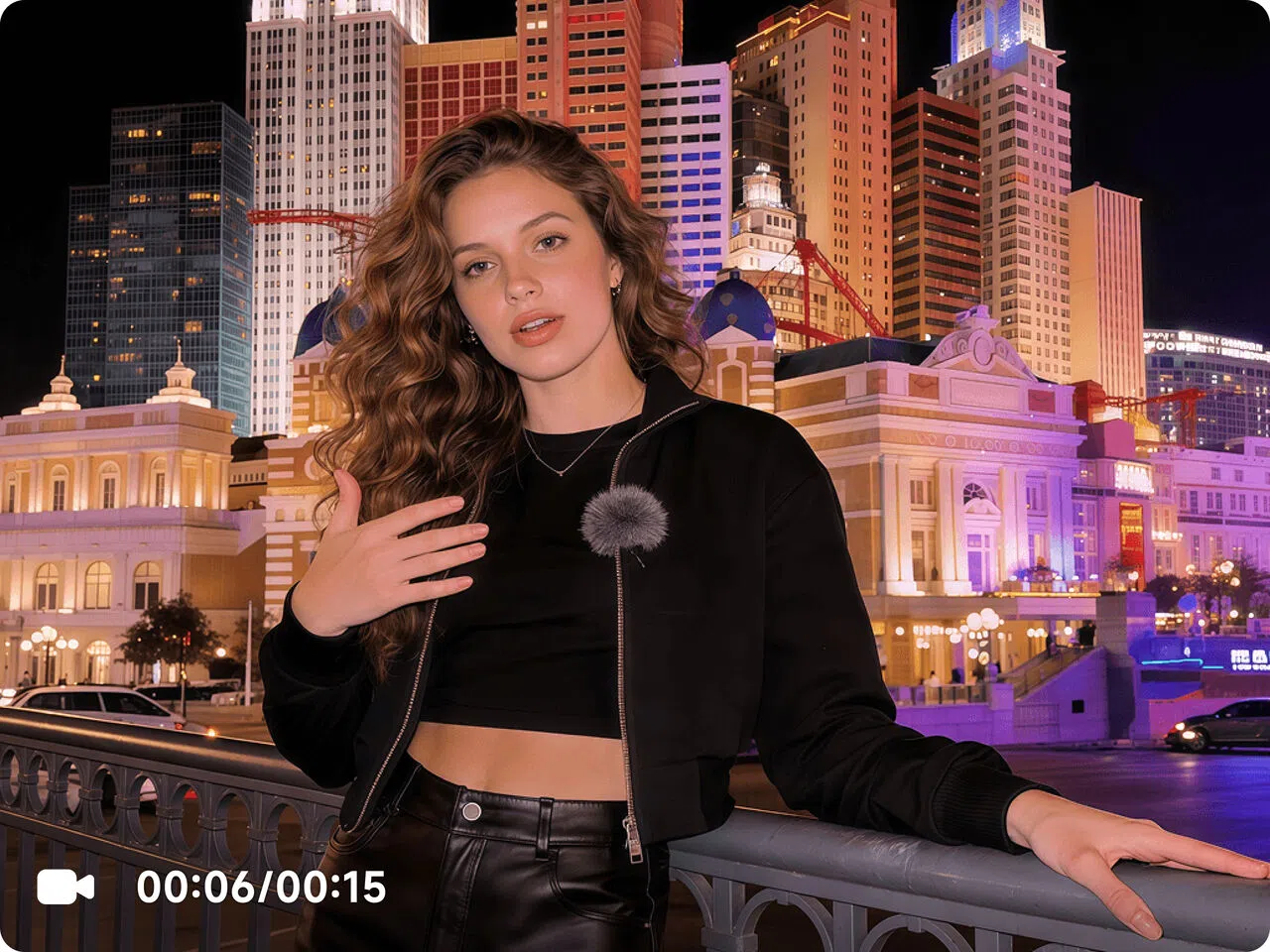
Portrait Restoration Mode After

Clearer portraits, natural skin

Bring out the facial details that standard upscaling often misses. Improve features, hair detail, skin texture, edges, and overall clarity for a cleaner 4K or even 8K-quality look. Reduce flicker, jitter, waxy skin, and over-processed backgrounds, so portraits and talking videos look sharper, smoother, and more natural.

Try it now
Premium generative detail enhancement

Premium generative detail enhancement (coming soon)

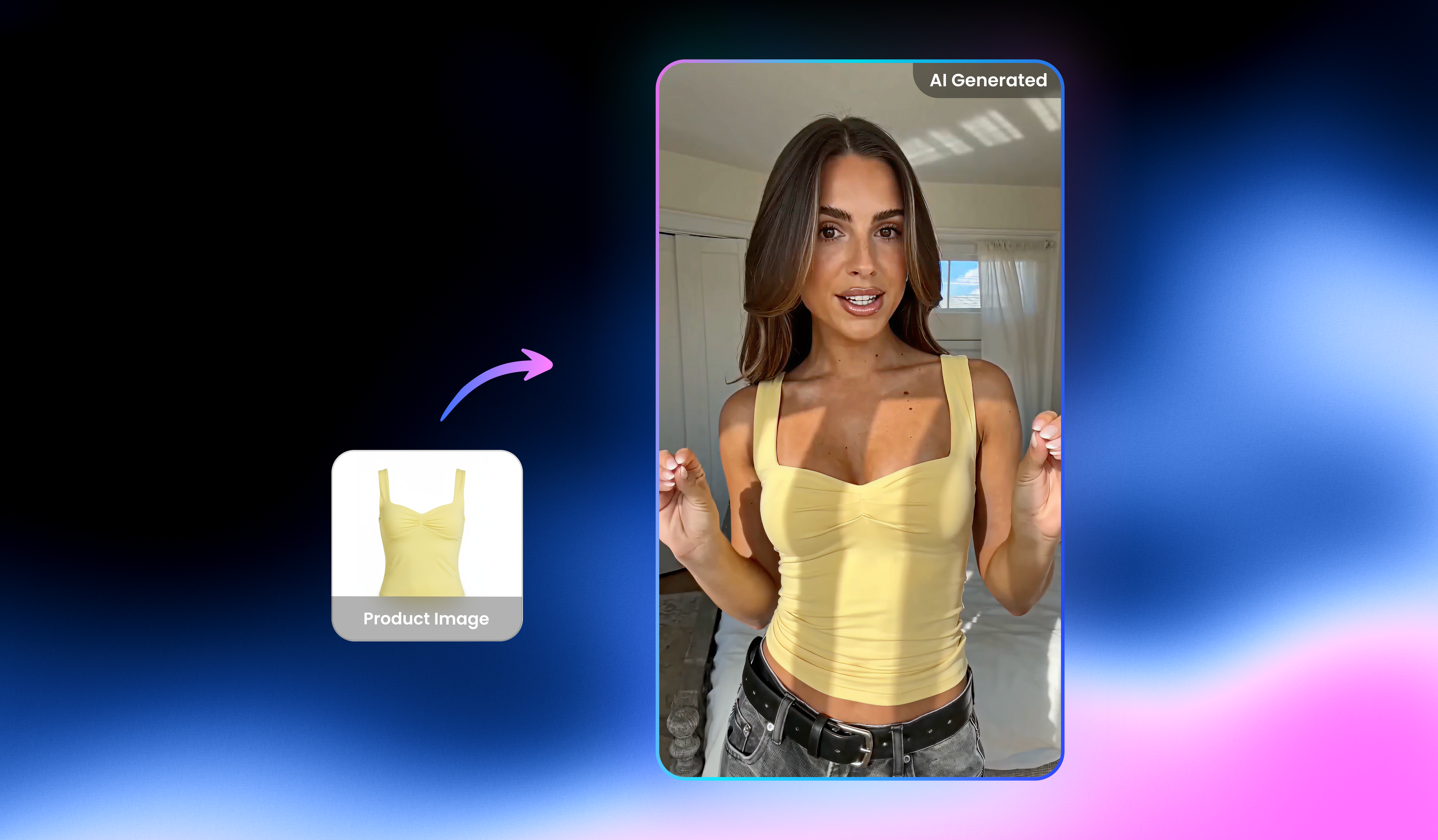
Turn everyday phone clips into ready to post footage. Stabilize shaky clips, improve clarity, and reduce the dull, blurry look of quick recordings. People, products, and backgrounds look cleaner, brighter, and more polished, so casual videos feel more like social-ready content for TikTok, Reels, Shorts, and product posts.

De-AI video cleanup for a more natural finish

De-AI video cleanup for a more natural finish

Make AI-generated footage feel more real. Reduces over-smoothing, fixes texture repetition, improves light and color balance, and rebuilds detail while keeping artifacts under control—great for Sora-style outputs and composited content.

Try it now

Discover more specialized AI models

Make product details look clearer

Make product details look clearer

Help shoppers see what they need before they buy. Sharpen labels, text, graphics, and small surface details, while making colors and materials look cleaner and more consistent. Great for product listings, ads, close-up shots, and demo videos.

Try it now

Advanced video enhancement technology

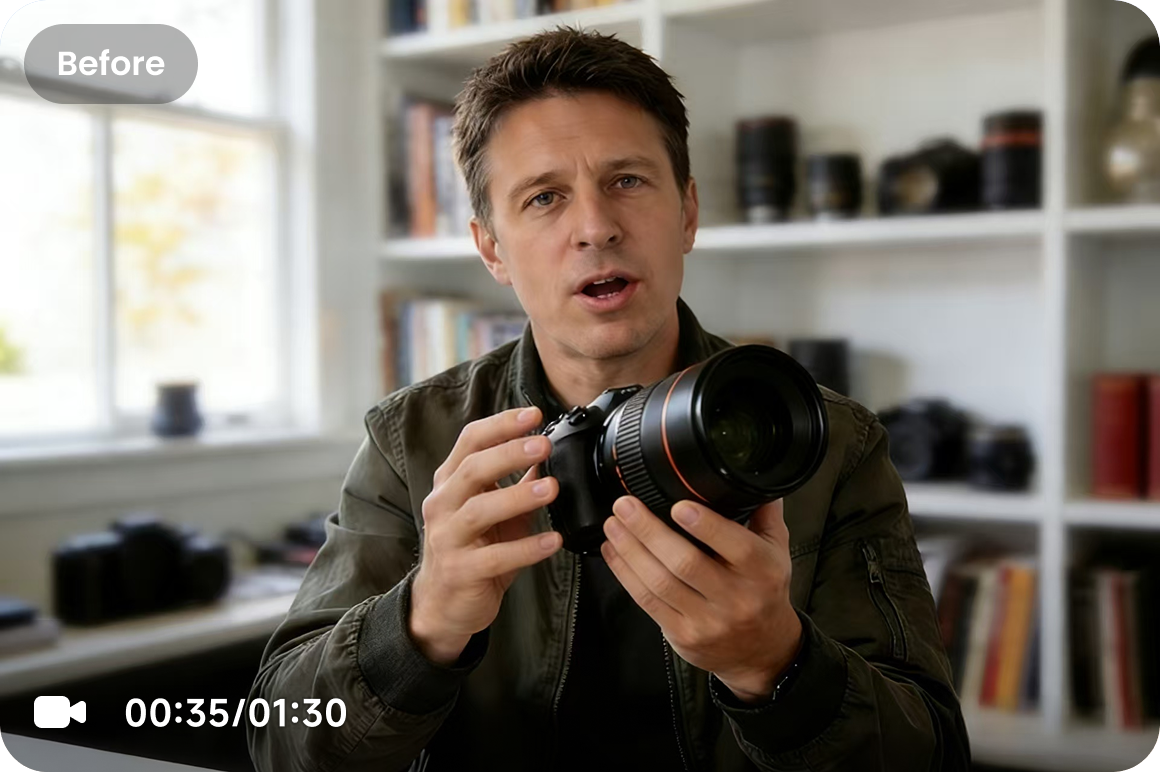
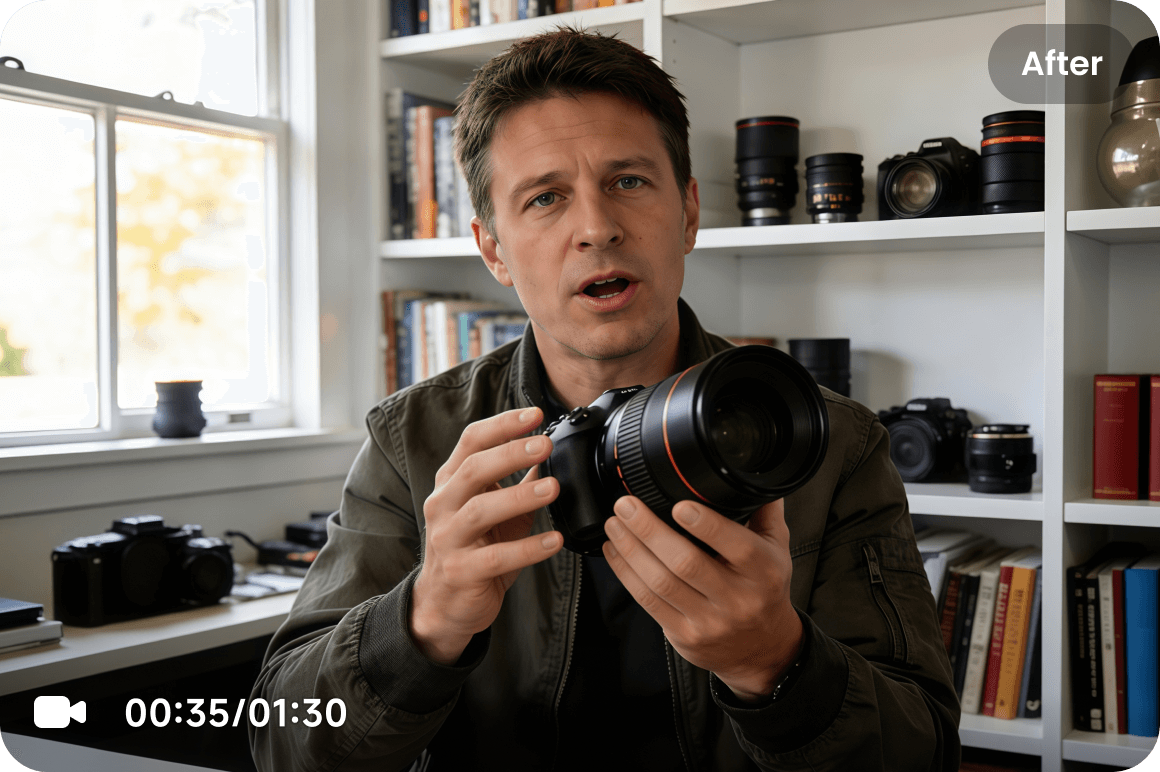
Clarity is only the start. Unlike typical enhancers that rely on filters, Vmake Lab's AI model applies generative scene reconstruction—understanding what’s in the frame and rebuilding fine detail and texture that compression or low resolution removed. You get sharper video without the crunchy edges, waxy skin, or artificial look.
Artifact Cleanup & Control Before
Artifact Cleanup & Control After
Generative Detail Rebuild Before
Generative Detail Rebuild After
Smart Texture Recovery Before
Smart Texture Recovery After
Semantic Motion Repair Before
Semantic Motion Repair After
High-Ratio Stable Upscaling Before
High-Ratio Stable Upscaling After
Artifact Cleanup & Control Before
Artifact Cleanup & Control After
Generative Detail Rebuild Before
Generative Detail Rebuild After
Generative Detail Rebuild Before
Smart Texture Recovery
Semantic Motion Repair
High-Ratio Stable Upscaling
Artifact Cleanup & Control

Who's it for

Content creators

  • Rescue footage that looks too soft, noisy, or compressed to publish.
  • Improve video quality without reshooting the entire scene.
  • Make older or low-resolution clips look ready for social platforms.
Content creators

Affiliate creators

  • Make product videos look sharper, cleaner, and more premium.
  • Bring out packaging, fabric, texture, and surface details.
  • Turn basic product footage into more polished selling content.
Affiliate creators

Brand & marketing teams

  • Make AI-generated videos feel more natural and brand-ready.
  • Reduce plastic-looking skin, repeated textures, and visible artifacts.
  • Create cleaner, more realistic content for campaigns and ads.
Brand & marketing teams

Game streamers

  • Sharpen gameplay footage, HUD elements, and fast-moving scenes.
  • Reduce blur, compression artifacts, and visual noise.
  • Deliver clearer highlights, clips, and stream replays.
Game streamers

Why choose us

Batch Enhancement
Batch Enhancement

Enhance multiple videos at once and save time on repetitive work. Perfect for creators, marketers, and teams who need to process product clips, social videos, or large batches of footage faster.

Privacy & Security
Privacy & Security

We take your privacy as our priority. Only you can view and edit your files. All your uploaded and enhanced files will be automatically deleted after 7 days.

Enhance Different Video Scenarios
Enhance for various scenarios

Vmake Labs supports different enhancement needs, including portraits, AI-generated videos, product clips, gameplay, animation, low-light, and more.

Intuitive Interface & Easy Steps
Intuitive interface & easy steps

Vmake Labs AI Video Enhancer requires no technical skills. All you need is to upload your video, then AI will do the rest and provide you with satisfied high-quality video.

Professional Results with One Click
Professional Results

One-click to receive the top AI enhancing results with our intuitive interface. Get instant access to the world's top high-end AI technology. No downloads, no signups, no ads.

Clean Product with No Ads or Viruses
Product with no ads or viruses

No need to worry about annoying ads or viruses. Vmake Labs AI Video Enhancer provides a smooth and safe experience for every user.

Real stories, real results: voices of our users

4.5Trustpilot
5M+Exports
500K+Users
100+Countries

Hi staff and everyone!

I just wanted to share a heartfelt thank you for creating such an amazing Vmake Labs video and image app. It has been incredibly helpful for bringing my ideas to life. I love making videos, and the video enhancers and sizing options are truly my favorite features—they make everything look sharper, cleaner, and so much more impressive. Every time I use them, my confidence and creativity get a little boost.


I tried Vmake Labs for the first time today. Received a wonderful video to use in an 80th Birthday Congratulations Video but it was so much more out of focus than all the others ... It just looked out of place when viewed in the compilation ...What to do 🤔

I went to Google search looking for a video enhancer website online and decided to try yours first.

Boy did I pick the right one!

The enhanced video came out so nice and looks great with the rest ... And no one is ever going to know it was enhanced.

Thank you so much for a quality tool ... I know I will be using it again in the future.

It works AMAZING for Video Enhance. I use professionally all the time

Bought it largely because of the Video enhancer and the removers, quite efficient and quick response.

Instead of having to pay for multiple AIs like video 

enhancer, Noise reducer or more, you get that all under one cheap subscription.

(I personally love the video enhancer the most, its very fast.)

FAQ about Vmake Labs video enhancer

What is 8K video enhancement, and how is it different from 2K or 4K?

2K, 4K, and 8K refer to different video resolution levels. The higher the resolution, the more detail the video can show. 2K is good for basic cleanup, 4K gives you a much sharper and more polished result, and 8K is best when you need extra detail for close-ups, product shots, large screens, or high-quality exports. With Vmake, you can improve low-resolution footage and enhance it up to 8K when your video needs a clearer, more detailed finish.

How does a video enhancer work?

Vmake Labs video enhancer operates by using intuitive AI technology to increase the resolution of a video. You can upscale to 4K+, restore details, reduce artifacts, improve low-light footage, and make AI-generated videos look more natural.

How does it help remove the “AI look”?

Vmake Labs reduces the overly smooth, plastic feel and repeated textures that often show up in AI-generated footage. It also stabilizes edges and cleans up artifacts, so the result looks more natural and consistent frame to frame.

Does it work for night or low-light videos?

Yes. Vmake Labs helps reconstruct shadow details, reduce noise and flicker, and auto-balance brightness and contrast for better visibility.

What apps can I use to enhance my video quality?

Vmake Labs AI video enhancer is a browser-based app for improving the quality of your footage. Using our tool, you can adjust the sharpness of your video without needing any editing skills.

Can I use an AI video enhancer for my business training materials?

Yes, you can use the Vmake video enhancer to boost the quality of your business training materials. Our AI video enhancer ensures the clarity of your business training videos.

What do Fast, Detail, and Cinematic mean?

Fast, Detail, and Cinematic are different enhancement levels for different needs. Fast is best when you want a quicker result for everyday video cleanup. Detail gives you higher quality with stronger detail recovery, better clarity, and smoother results. Cinematic is designed for the best possible enhancement, especially for low-resolution footage, AI-generated videos, portraits, product videos, and clips that need more advanced repair. Choose Fast for speed, Max for balanced quality, and Ultra when you want the strongest result.

Best 4K to 8K AI video enhancer right next to you

Upload your blurry video now and dive into the all-new world of high-quality videos with Vmake Labs AI Video Enhancer!

Try Vmake Labs AI enhancer now