
AI Caption Remover: Remove Caption from Video Online Free
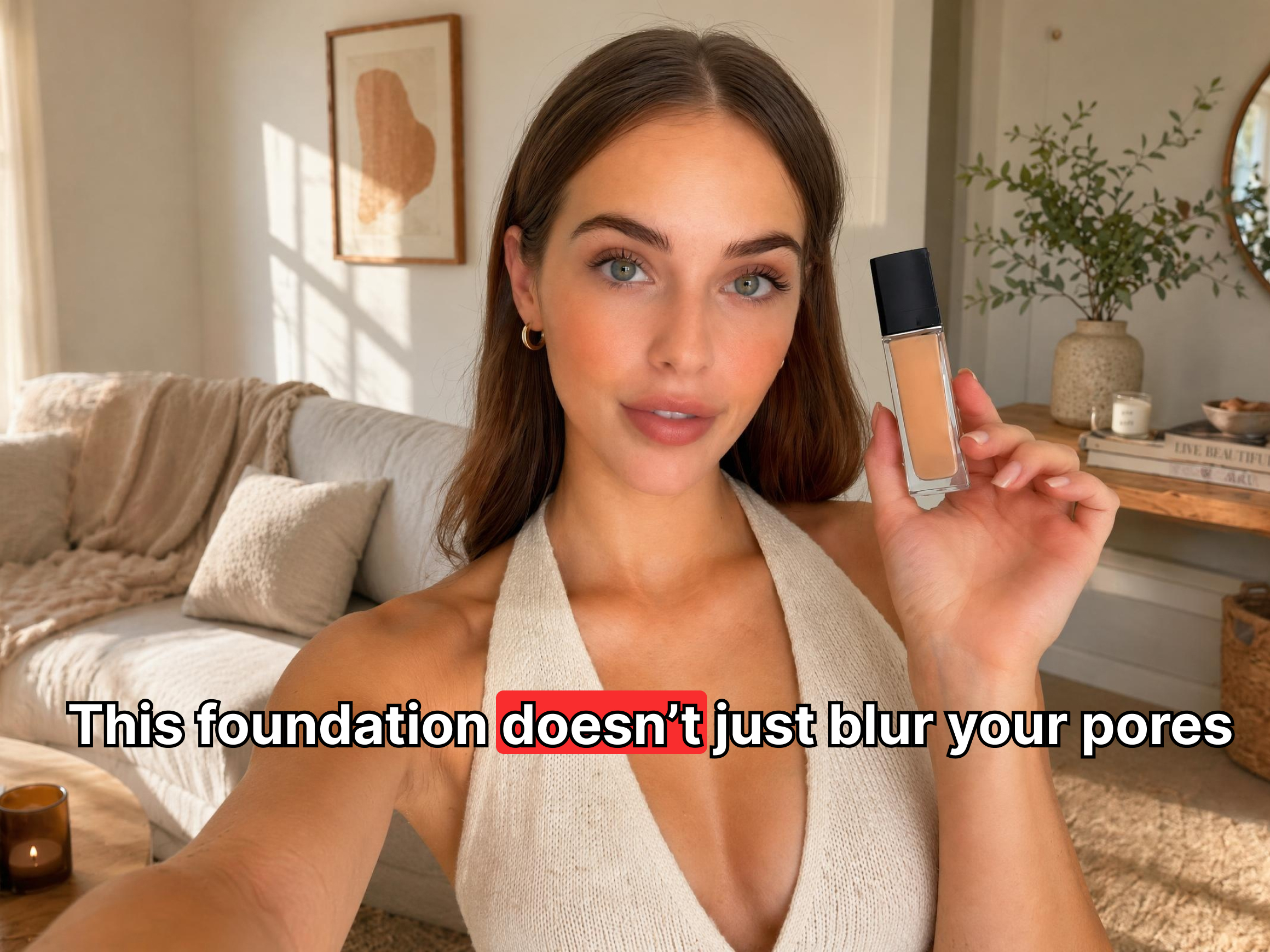
Vmake caption remover from video detects hardcoded subtitles automatically and erases captions, then fills in the background behind them so no patch or blur remains. Works on fixed captions, animated text, scrolling subtitles and live-stream overlays.



3 simple steps to remove caption from video
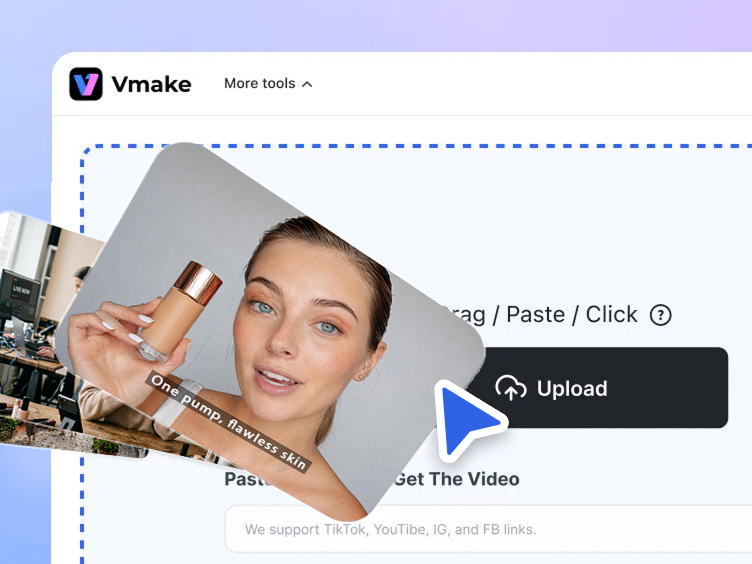
Upload your video file
Drag your video into the upload area or click to browse. MP4, MOV, AVI, and other common formats all work.
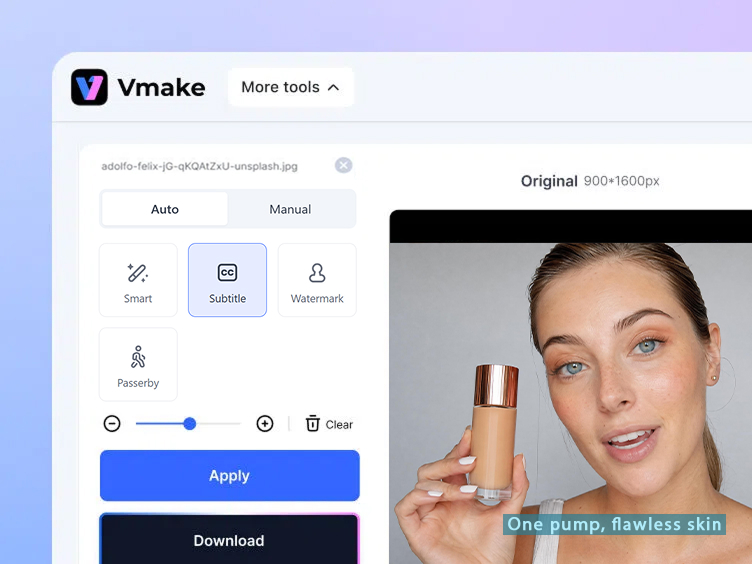
Automatic detection and removal
Vmake AI caption remover automatically removes captions and reconstructs the background for a seamless result.
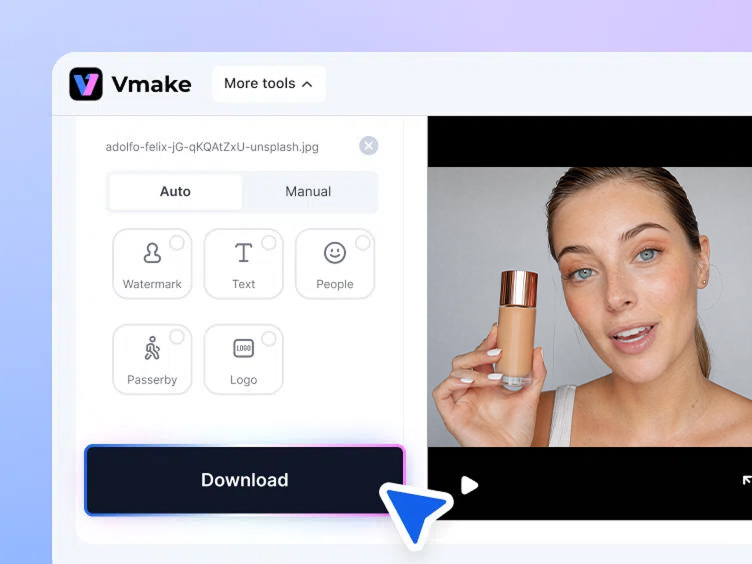
Preview and download
All done! Now you can preview and download your video without any annoying captions. Clean and seamless, as if there were no captions at all.
Why people need to remove captions from video
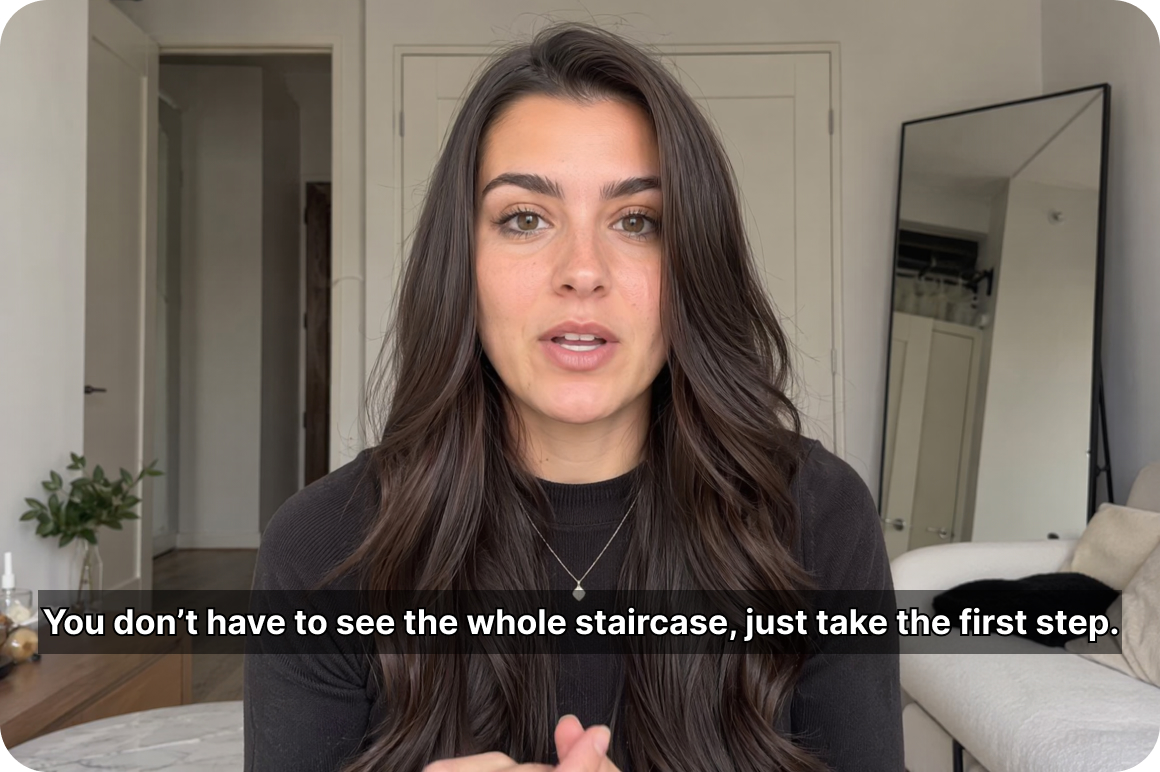
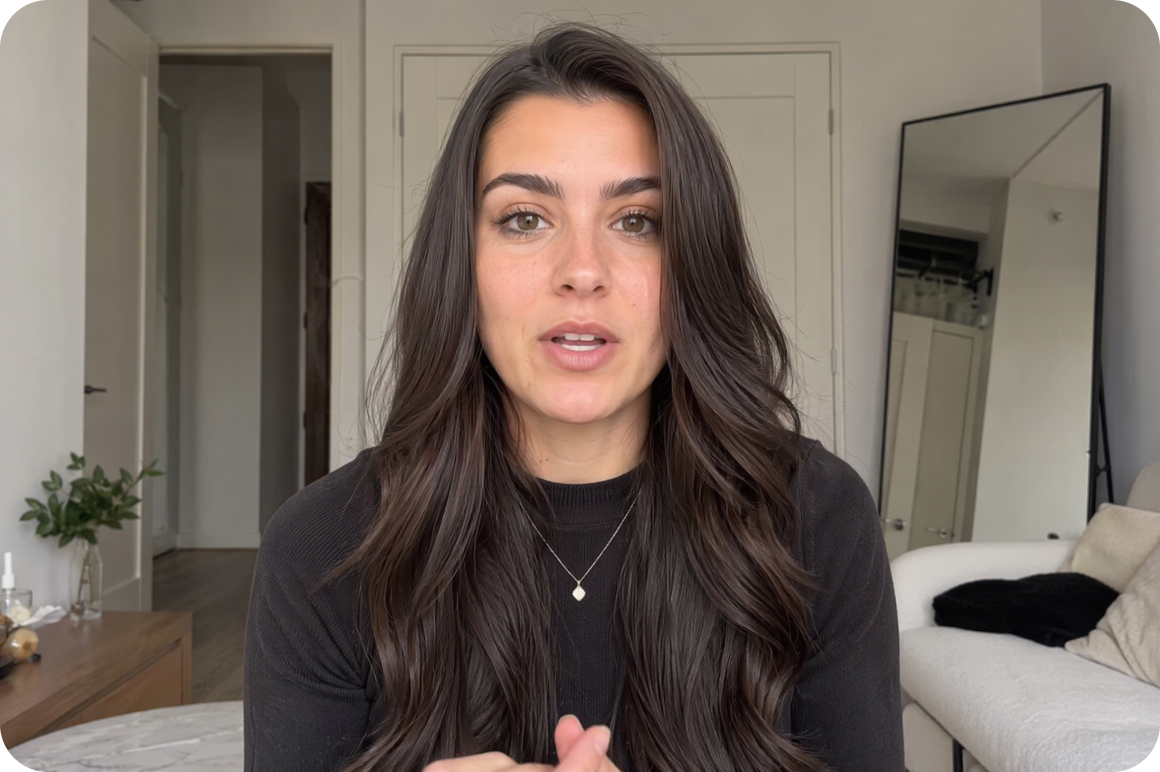
Video content re-editing and mashups
Editors building compilation videos, reaction content or remixed clips often work with source footage that has captions already burned in. Running the source clips through Vmake's remove captions from video ai strips the old text cleanly so the editor starts with footage that can be re-captioned, translated or left clean for the final cut.
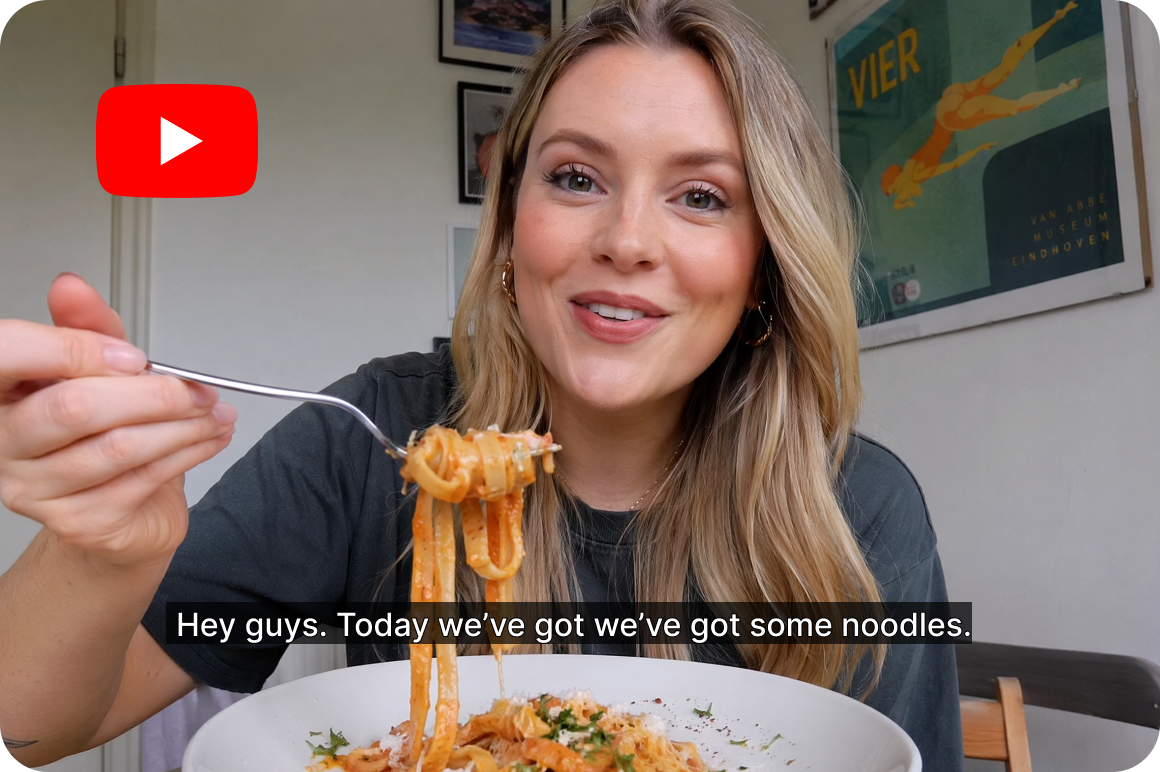

Cross-platform repurposing
A video made for Instagram with hardcoded captions doesn't transfer well to YouTube or TikTok. The captions may be positioned wrong, sized for a different aspect ratio, or simply out of date if the content is being reused for a new campaign. Vmake removes them in one pass so the clip becomes a clean base for any platform-specific caption style or language.


Live stream recording caption remover
Live stream recordings often carry chat overlays, donation alerts, auto-generated captions and broadcast text baked across the frame. Vmake‘s remove captions from video free online workflow handles the varied text sizes, positions and animation styles that live stream recordings produce, returning clean footage that can go straight into an edit.
What Vmake Labs caption remover actually does
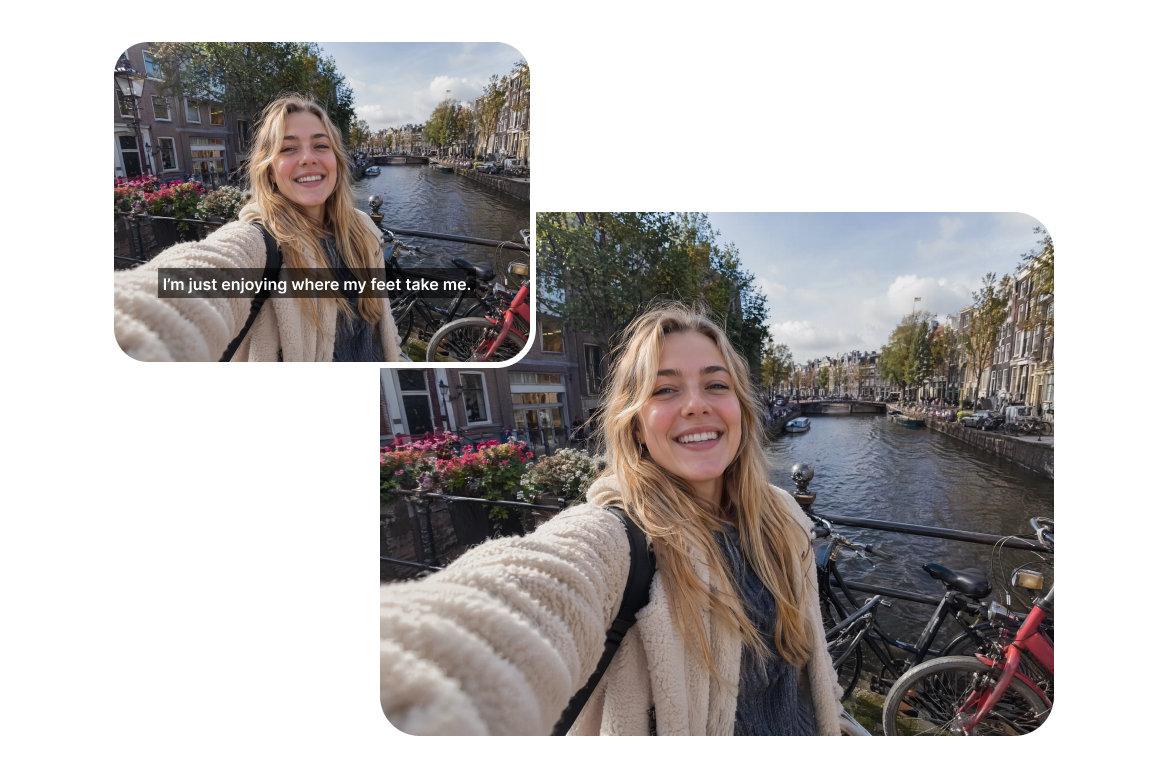
Generative-level background repair
Erasing a caption and leaving a blank patch is easy. The hard part is what comes after. Vmake's AI reconstructs the background behind each removed caption using surrounding color, texture and motion data. On a complex background — a textured wall, a moving crowd, a live stream set — the fill matches the scene so naturally the removal is invisible at full resolution. No blur, no smear, no visible patch where the text was
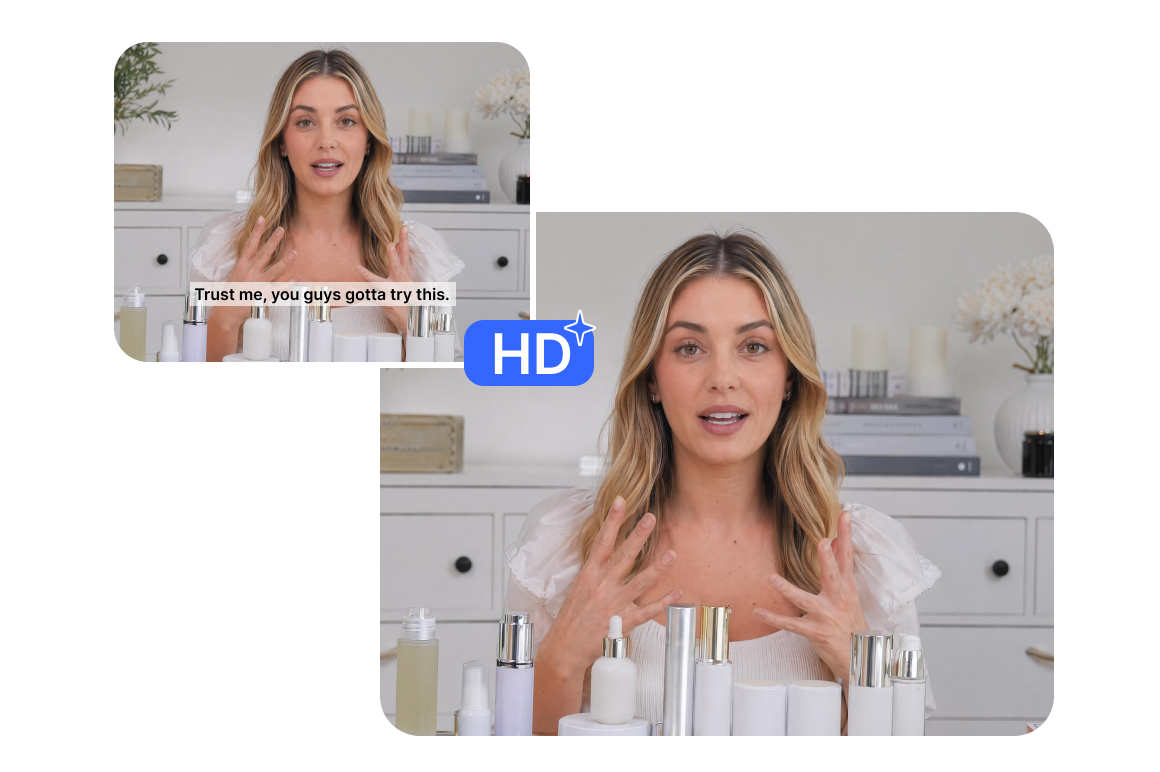
Full-resolution output
Caption removal doesn't downgrade the video. Vmake maintains the original resolution, color depth and motion quality throughout. The output is the same quality as the source, just without the captions. Useful for anything that needs to hold up at HD quality: ads, listings, course content, highlights.
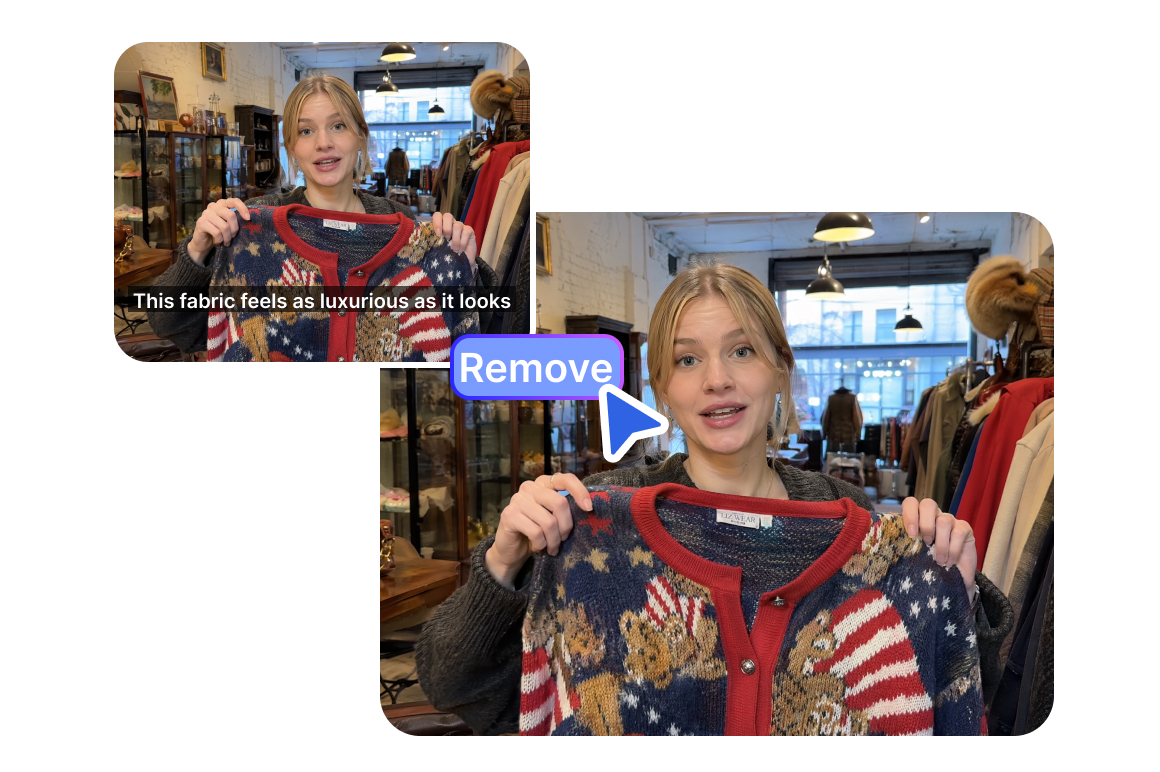
Intelligent one-click processing
Select Subtitle mode and Vmake finds and removes all captions automatically without you marking or selecting anything. It handles any font, color, size or animation style. Fixed subtitles at the bottom of the frame, animated caption effects, scrolling broadcast text — all detected and removed in a single processing pass.
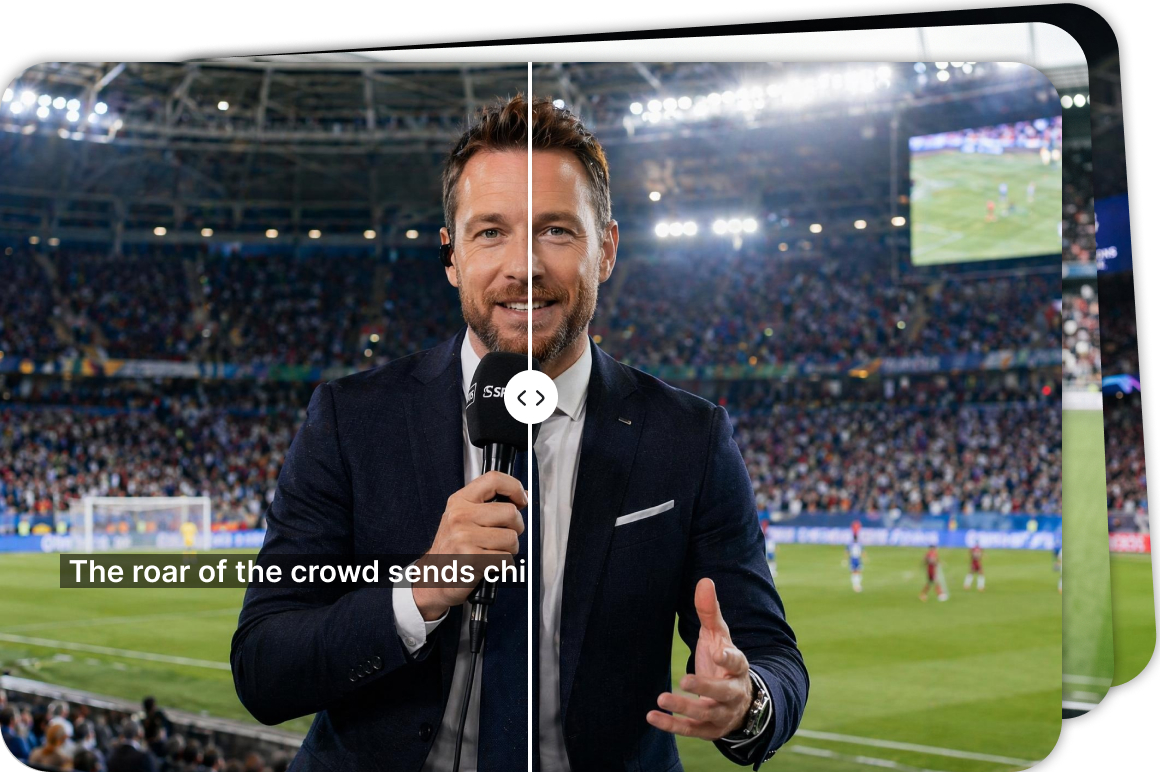
Batch processing for multiple videos
Upload up to 30 videos simultaneously. Each file runs on its own card so the results are independent. Useful for content teams cleaning multiple clips before a campaign goes live, or editors processing a full batch of source footage at once.
Why choose Vmake to remove captions from video

AI reconstructs the background behind where the caption was. The result looks like the video was never captioned.

Fixed subtitles, animated effects, scrolling broadcast text ,and live stream overlays
are all removed in the same automatic pass.

Upload a video and remove captions from video free — preview and download without creating an account.
Frequently asked questions
What is the best way to remove captions from a video?
How can I remove captions from a video for free?
Upload your video to Vmake's caption remover from video tool. Processing is free, and the first 5 seconds download free without creating an account. Full video export uses credits. No watermarks are added to any export.
How to remove caption from Instagram video?
Download the Instagram video to your device, then upload it to Vmake. Select Subtitle mode and the AI detects and removes the burned-in captions automatically. The result is a clean clip ready to re-upload with new captions or a different language.
How does the AI reconstruct the background after removing captions?
Vmake uses a generative fill process that analyzes the color, texture and motion data in the area surrounding each removed caption. It rebuilds what should be in that space based on the surrounding scene. On complex backgrounds like live stream sets or moving footage, the fill matches the original well enough that the removal is invisible at full resolution.
Does it handle animated and scrolling captions, not just fixed ones?
Yes. Vmake detects fixed subtitles at the bottom of the frame, animated caption effects that pop in and out, and scrolling broadcast text that moves across the screen. All three types are identified and removed in the same processing pass.
What video formats and file sizes does Vmake support?
MP4, MOV, AVI, and other common formats. Upload up to 30 videos at once. Each file runs on its own card so a failure on one doesn't affect the others.
Discover more features

Video & Image Enhancer

Watermark & Text Remover

Video Upscaler
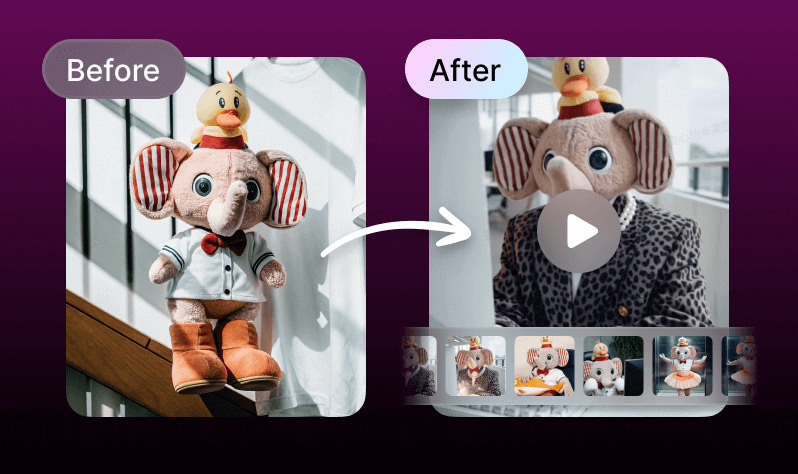
AI Creative Ads

AI Video Generator

Video Background Remover

Video & Audio to Text

Video Noise Reducer
Ready to remove captions from your video?
Upload your video, let the AI detect and erase every caption, and download clean footage with the background restored. No editing skills needed. Nothing to install.
What our users say
I repurpose TikTok content to YouTube and the hardcoded captions always got in the way. Vmake removes them cleanly and the background fills in naturally. I've tried three other tools and this is the only one where you genuinely can't tell the text was there.
I build mashup videos from source clips that almost always have subtitles burned in. The free caption remover from video workflow in Vmake handles a batch of three clips at once and the results are consistent across all of them. Saves me the manual cleanup step entirely.
We repurpose Facebook video ads across platforms and the captions are always the blocker. Knowing how to remove captions from facebook video quickly has become a standard part of our content workflow. Vmake handles it in under a minute per clip.
Live stream recordings are full of overlays and auto-captions that make the footage unusable. Vmake's remove captions from video ai picks up all of them including the animated ones. The output comes back clean and ready for the highlights reel.
I had older lesson recordings with burned-in captions in the wrong language for a new market. Removing them with Vmake took less time than I expected. The background reconstruction is solid even on screen recordings with complex UI in the frame.
We reuse campaign video assets across markets and platforms. The old captions and copy need to come out before the new ones go in. Vmake's remove captions from video free online approach is fast enough to fit in a same-day production workflow.