
AI 3D Image Generator: Create 3D Art Online
Flat photos and plain prompts do not have to stay flat. Vmake Labs 3D image generator adds shading, depth, and dimension to any character, product, or icon you describe or upload, so the result looks rendered instead of drawn. Pick a ratio, generate, download.
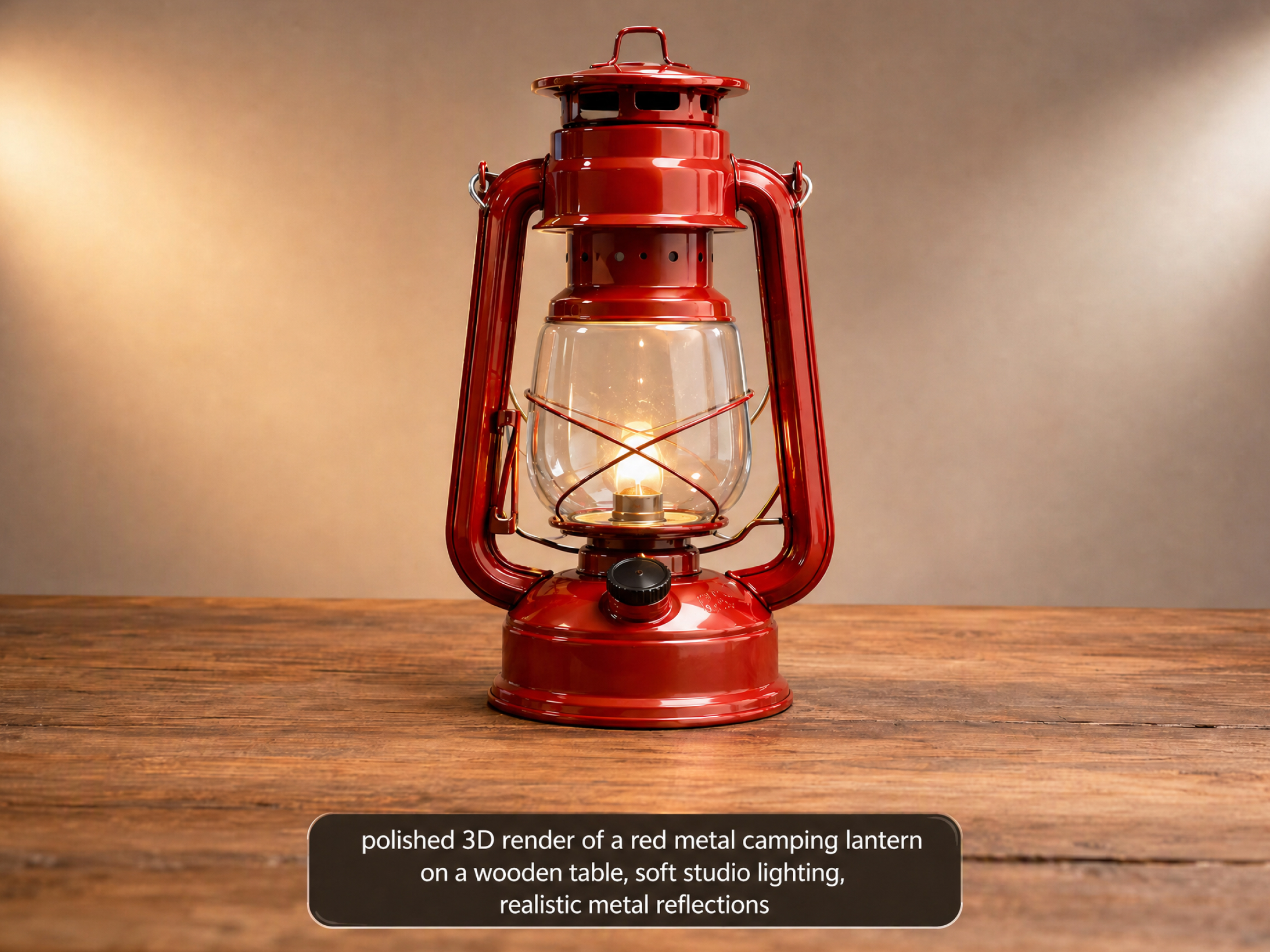
Create realistic 3D images in three simple steps
Step 1. Enter your idea
Type out a description of the object you want to build, or upload a flat photo from your device.
Step 2. Pick your style
Select a visual style ranging from realistic digital models to clean studio product shots and creative lighting.
Step 3. Download your art
Click generate, wait a few seconds, and download your realistic 3D picture directly to your device.
Create high quality 3D visuals for any scene
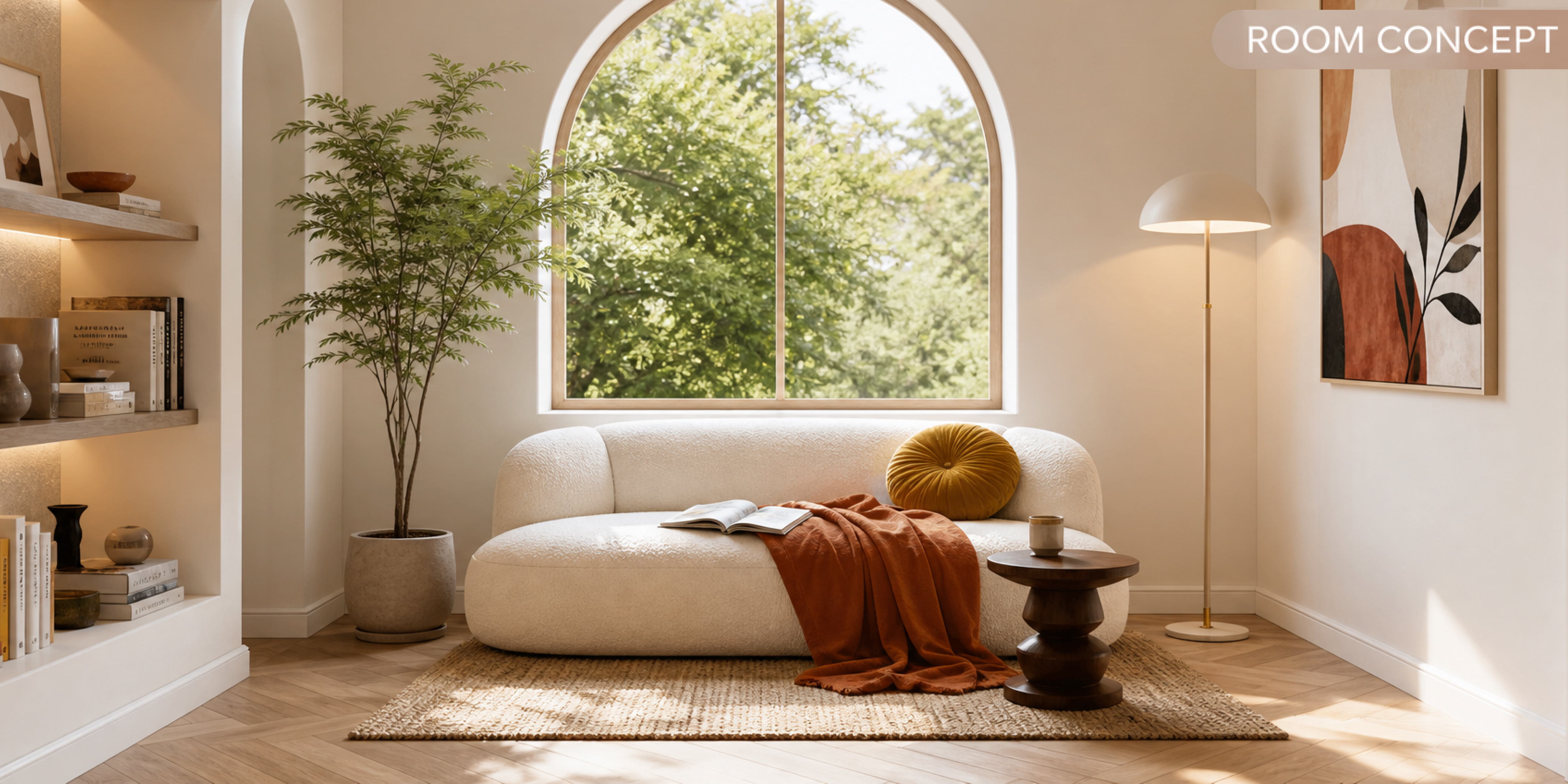
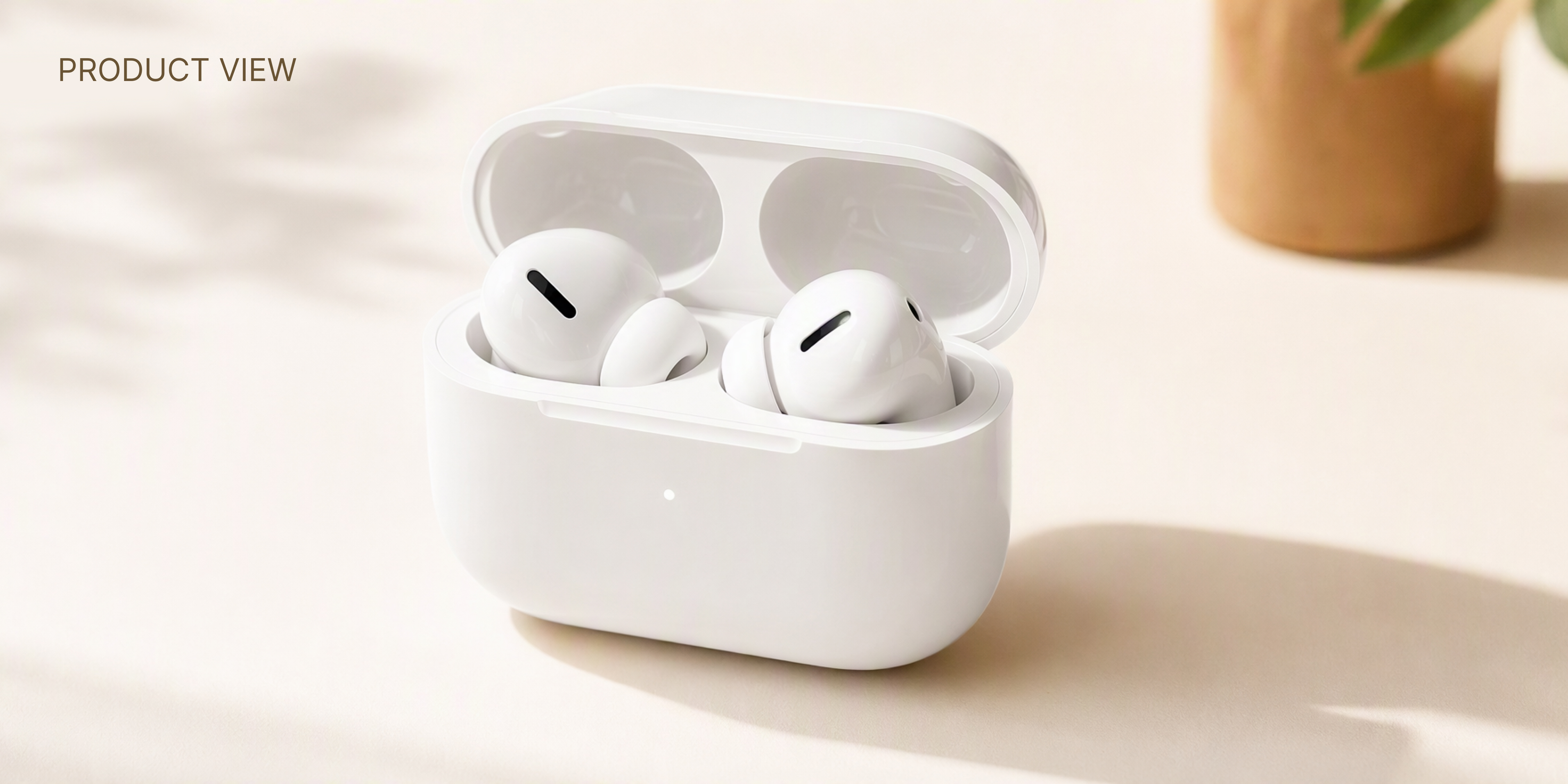
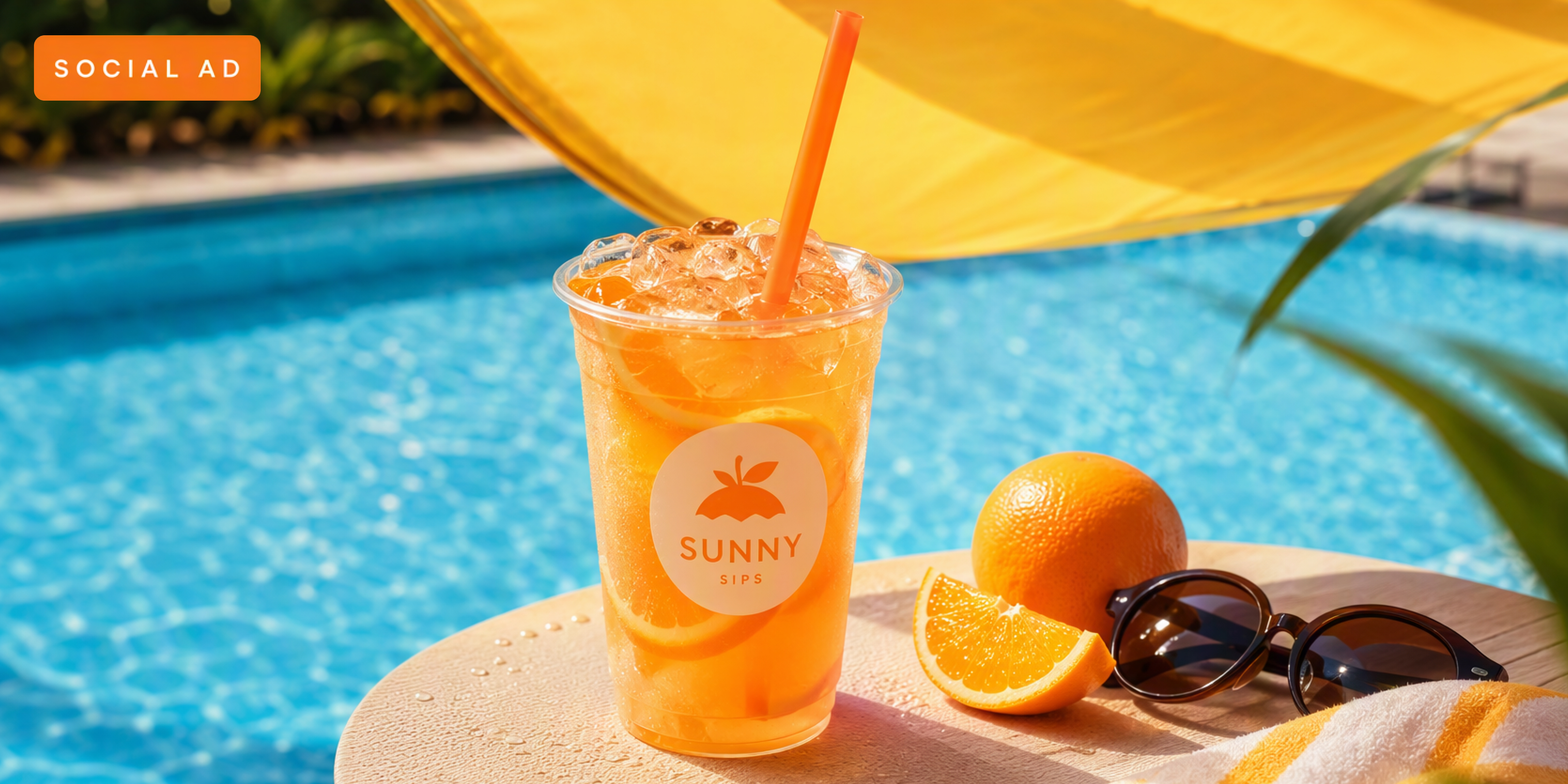
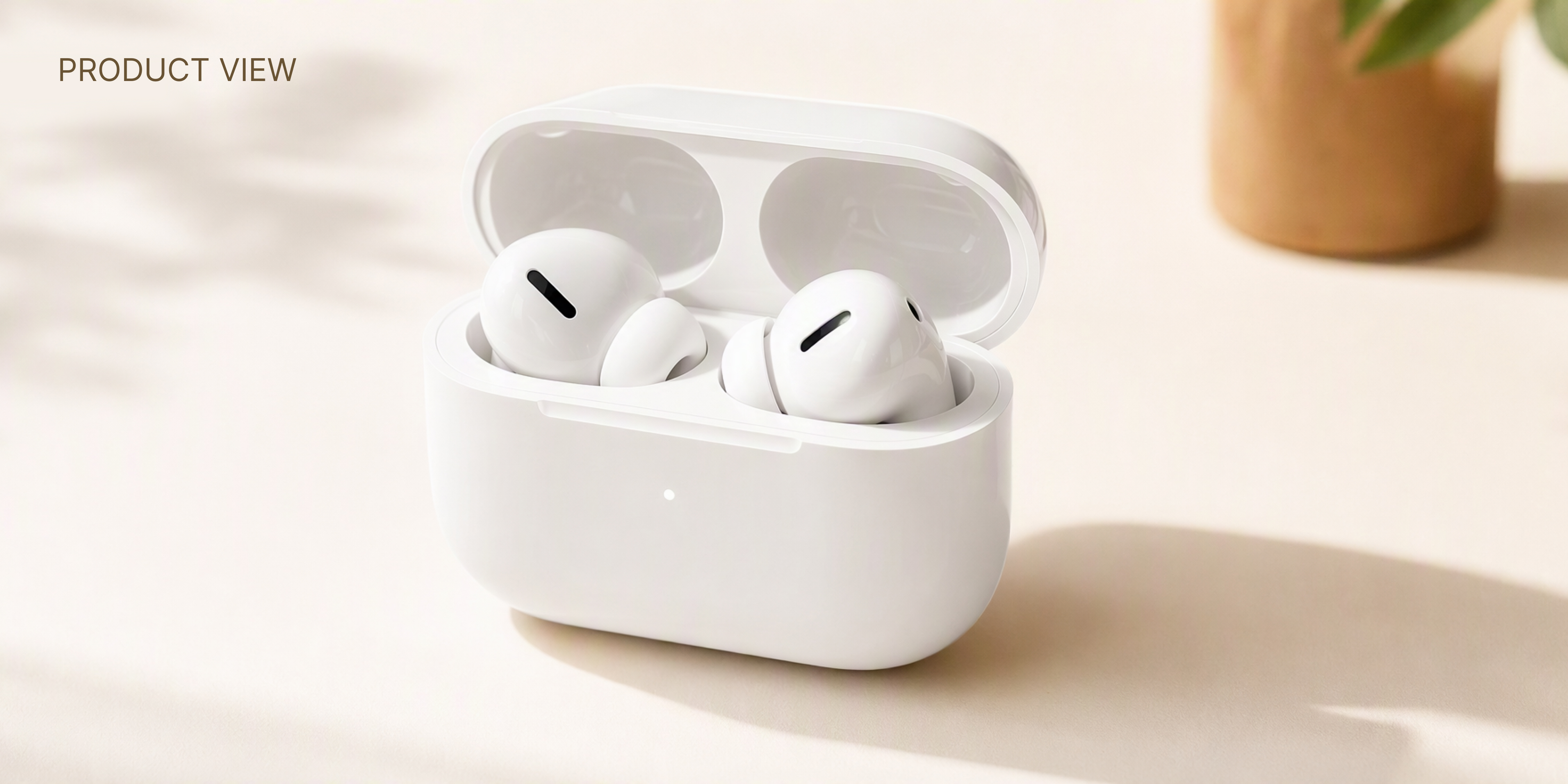
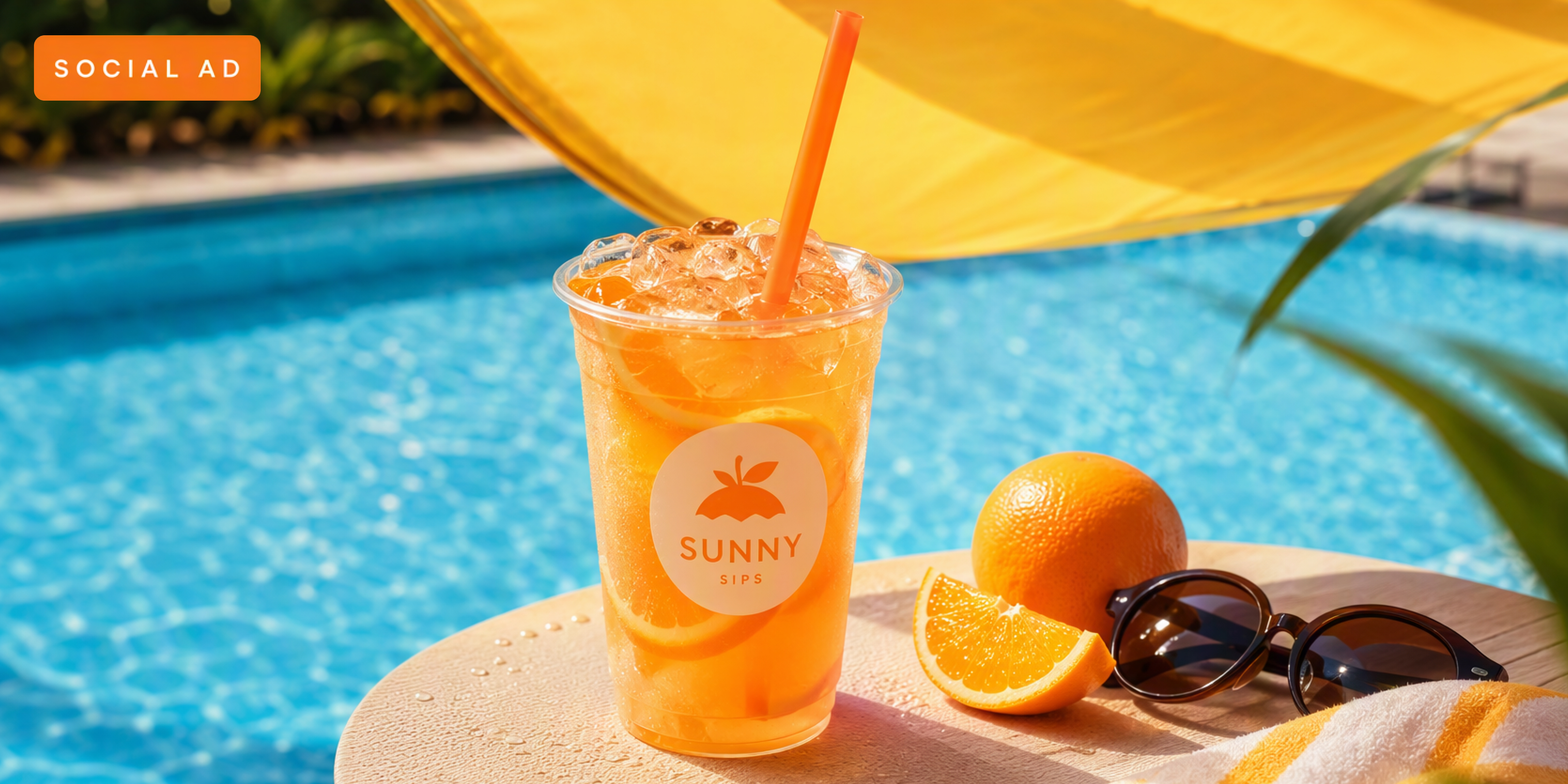
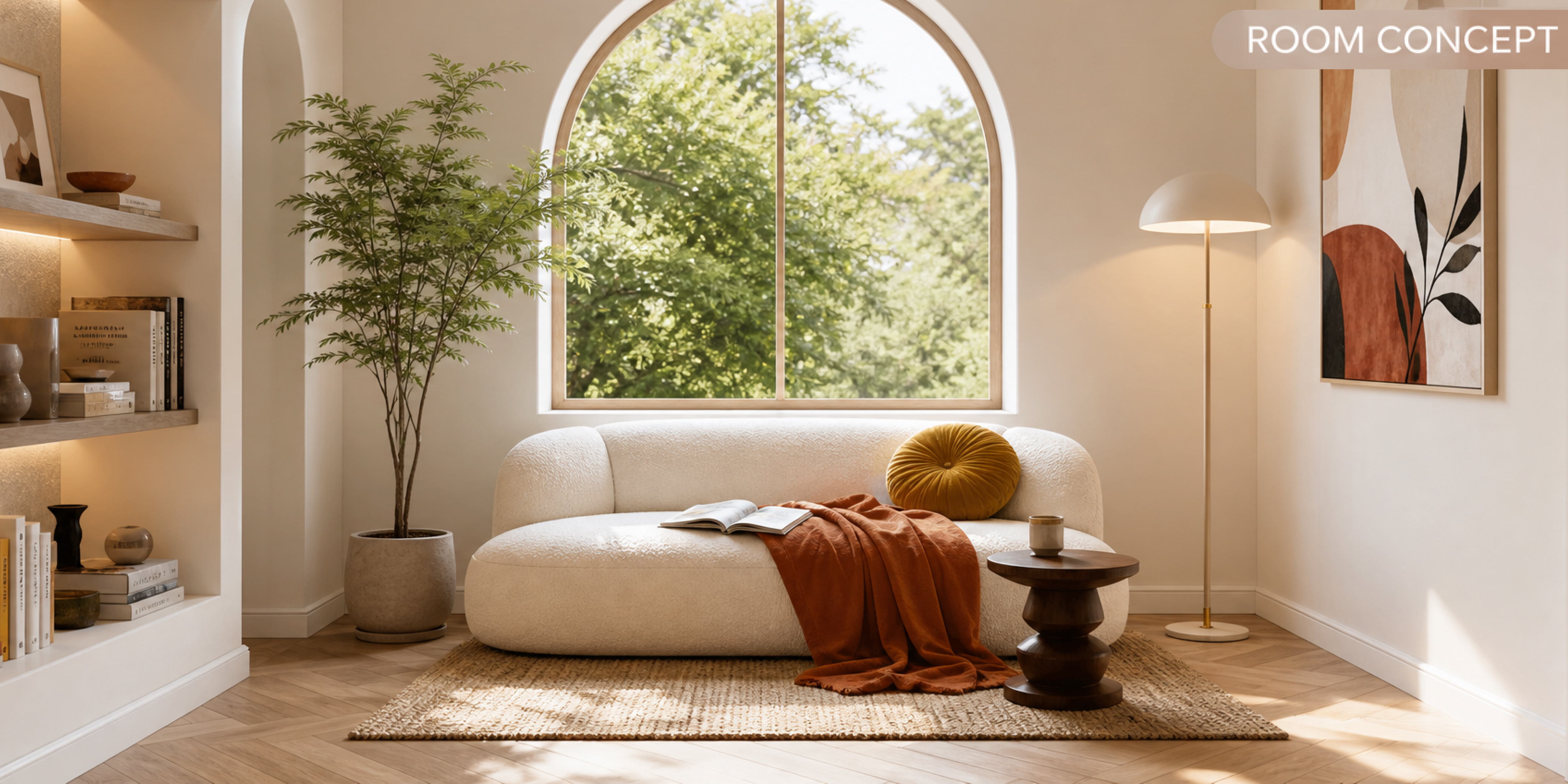
Easy tools to create realistic 3D visuals
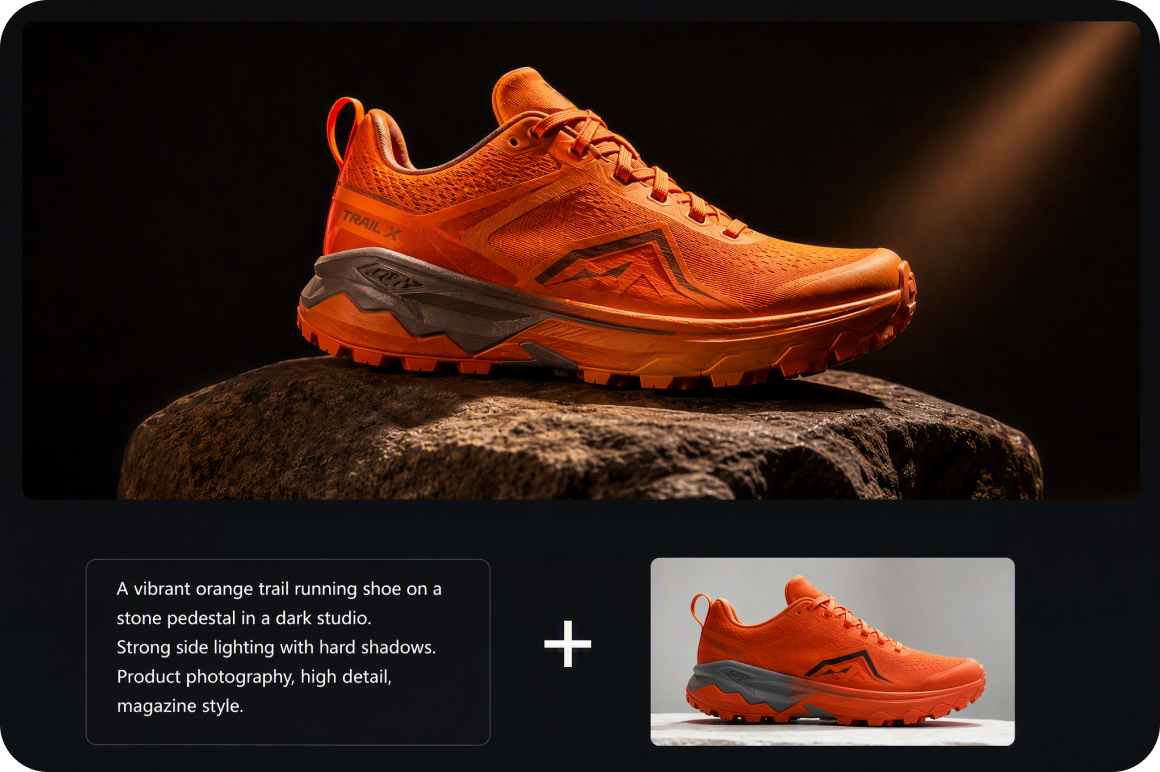
Multiple image generation modes
Choose between Text to Image and Image to Image modes inside Vmake Labs AI Image Generator. Type detailed text descriptions to build 3D visual concepts from scratch, or upload reference photos to guide the overall shapes, compositions, and visual styles of your generated artwork.
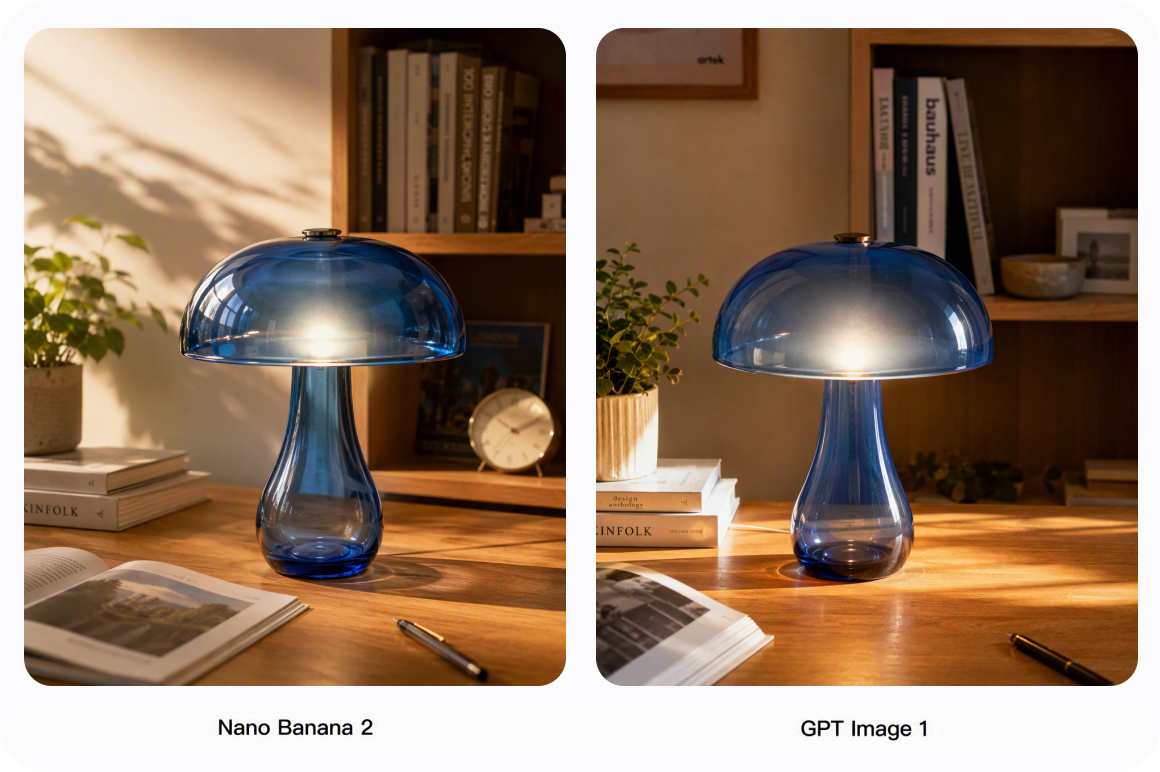
Built in Popular AI models
Choose from a broad range of top AI models optimized for different rendering styles. Switch effortlessly between distinct model engines to achieve realistic product renders, digital sculpture styles, anime aesthetic modeling, or stylized dimensional artwork that perfectly fits your creative direction.
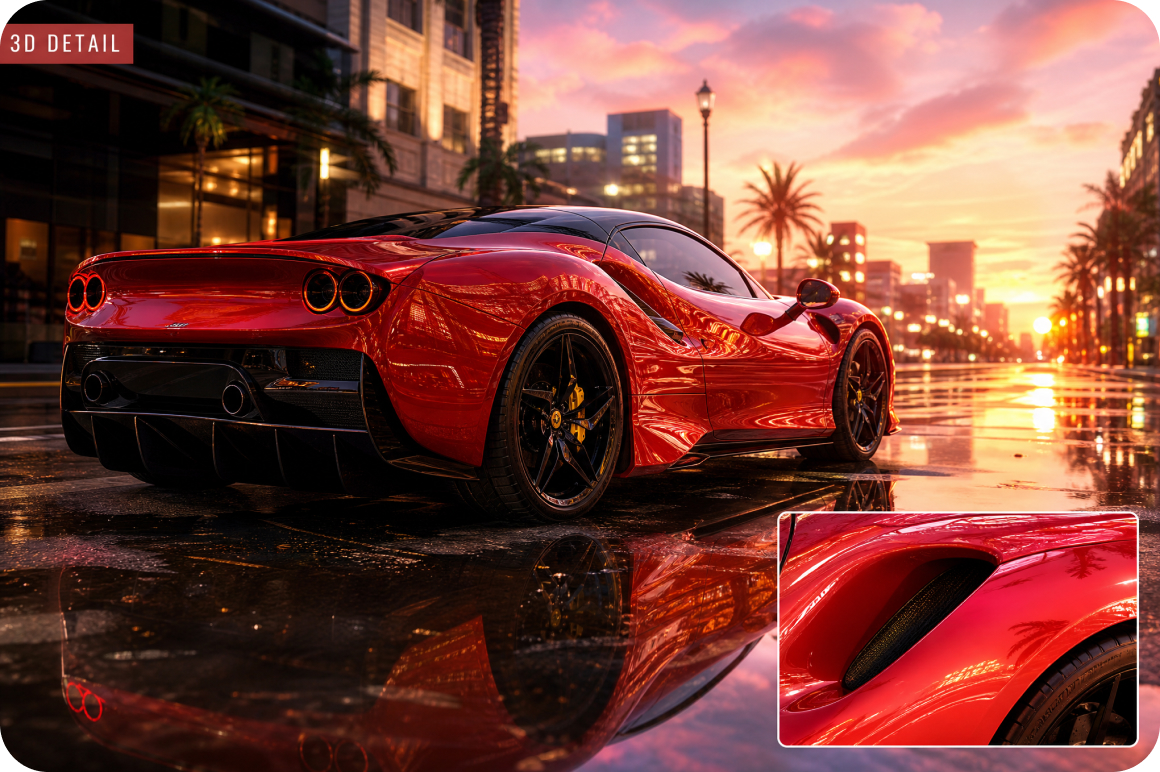
High quality 3D picture generation
Generate sharp, finely detailed 3D artwork with a single click. The generator processes your text descriptions and visual inputs to apply realistic lighting contrast, clean surface textures, and natural depth, delivering polished visuals ready for immediate use in digital portfolios and projects.
How creators build better visuals with 3D AI
Personal entertainment users
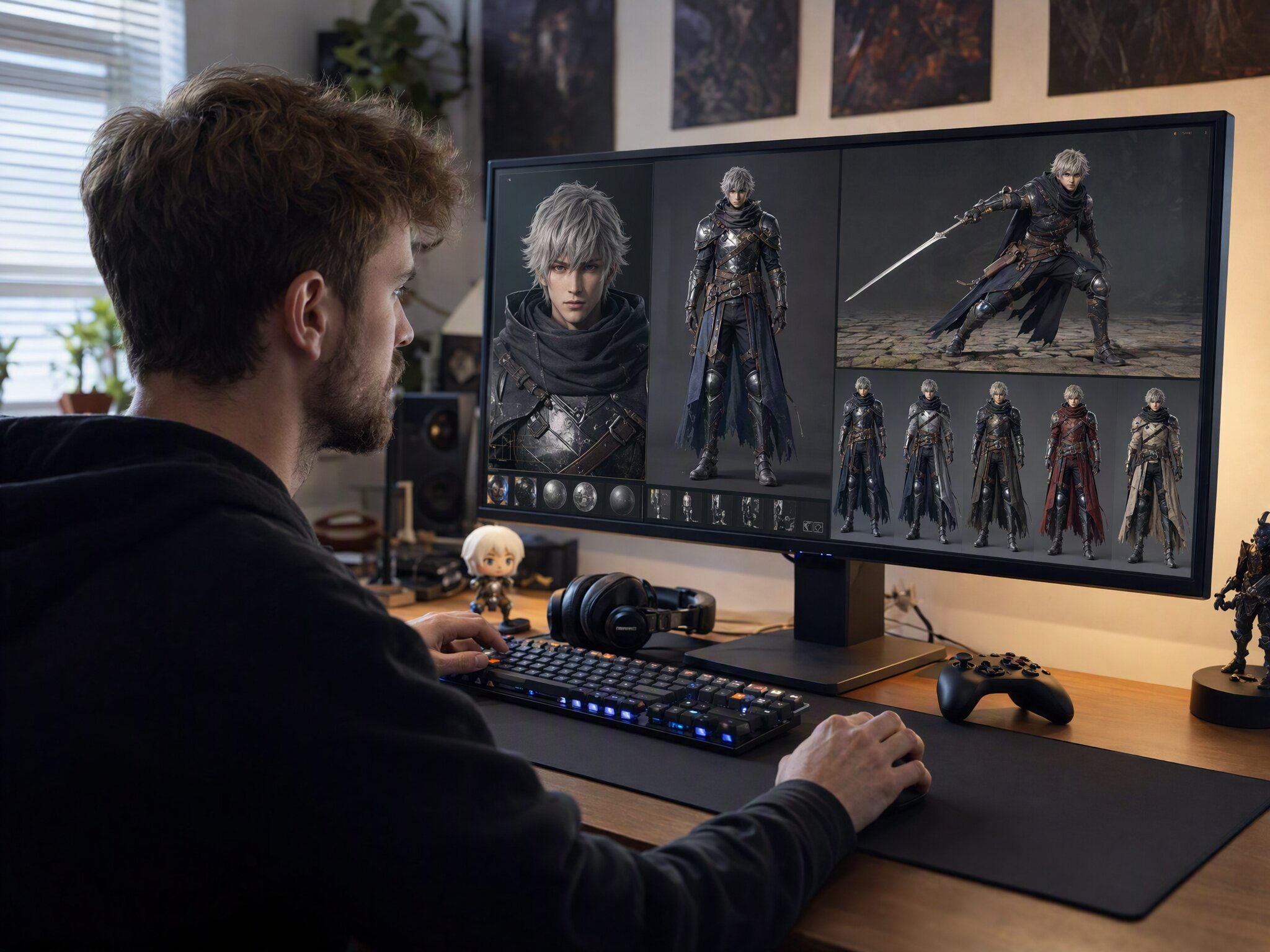
Creating custom digital avatars, gaming fan art, or personal wallpapers often requires complex design software and advanced 3D modeling skills. Vmake Labs generates detailed character illustrations from text prompts or reference photos using the AI image generator, allowing users to render high quality 3D character without complex design tools.
Independent project creators
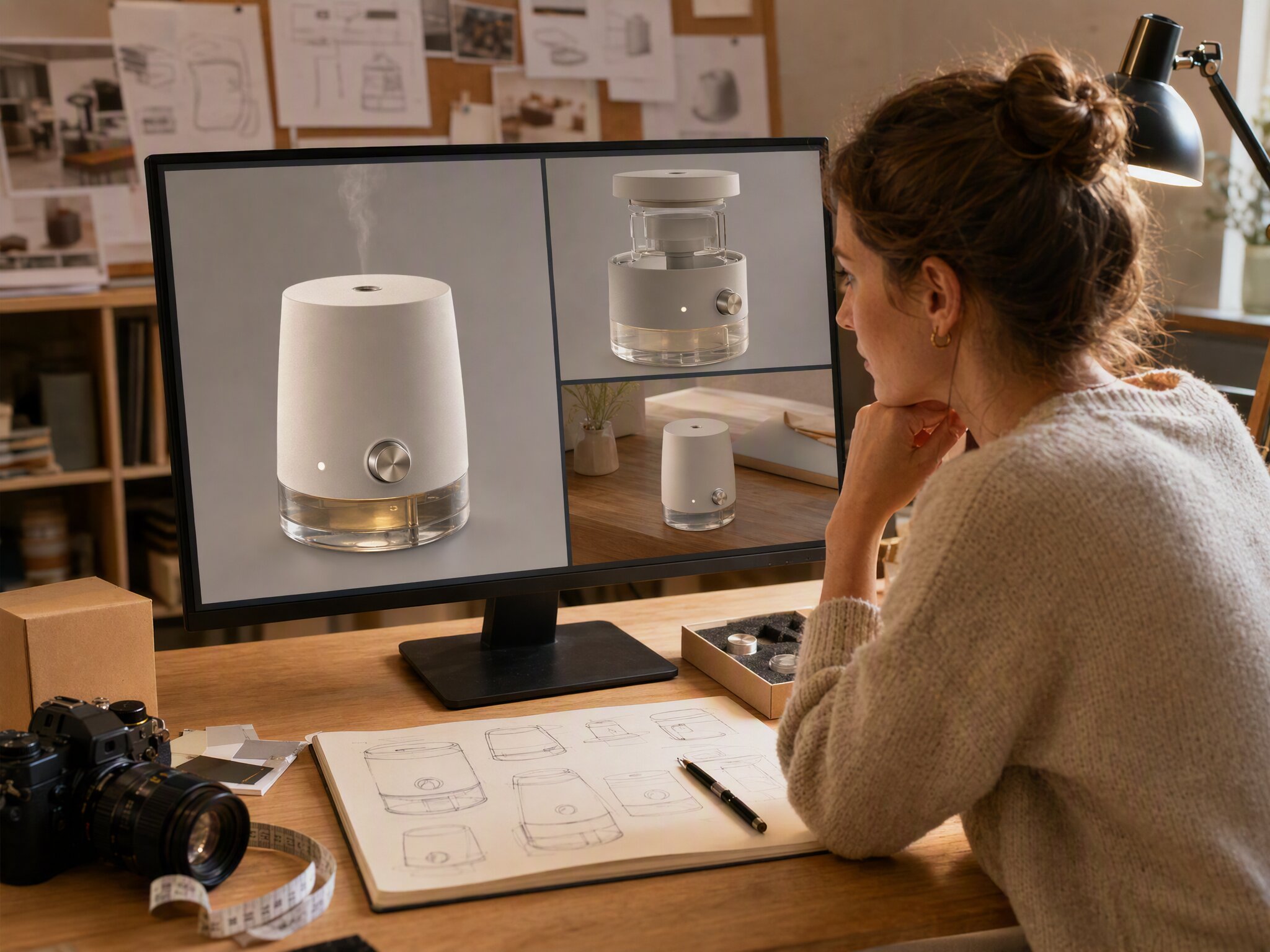
Setting up physical product photography shoots requires budget and equipment that small personal projects rarely have. Vmake Labs creates realistic 3D product concept graphics from written descriptions and uploaded reference photos, allowing independent creators to visualize item concepts, plan showpieces, and design polished commercial displays while maintaining total creative control.
Social content posters
Basic flat promotional banners and simple text posts often get overlooked inside crowded social media feeds. Vmake Labs generates detailed 3D graphics and multidimensional visual elements directly from text inputs, helping individual bloggers transform flat artwork into distinctive visuals that highlight key brand messages effectively across competitive digital channels.
Frequently Asked Questions
What is the best image to 3D AI generator for flat photos?
Can I convert a text description into a 3D graphic?
Yes, type a clear description of the object, materials, and lighting you want, and the AI creates a high quality 3D image instantly.
Do I need graphic design experience to use a 3D image generator AI?
No design skills are needed because the generator handles surface textures, complex lighting contrast, and camera depth automatically for high quality results.
What photo formats can I upload for conversion?
You can upload common image formats including PNG and JPG files directly to start generating custom 3D art quick.
Can I pick different lighting styles for my graphics?
You can write down the prompts to describe the different visual styles, studio setups, and custom lighting presets and let AI help you generate the grahpics.
Turn your flat photos into realistic 3D art
Type a detailed prompt or upload an image to convert simple flat visuals into high-quality 3D art effortlessly.
What creators say about our 3D image generator
Generating custom 3D visuals used to take hours of manual 3D modeling work. Vmake Labs AI Image Generator transforms simple text descriptions into clean product graphics smoothly, helping our creative team outline design concepts much faster.
The lighting contrast and visual depth from this AI generator are impressive. I can explore room layout ideas with realistic dimensional quality and show clients visual concepts before building formal project pitch decks.
Adding realistic visual depth to our online advertising graphics made a noticeable difference. Turning simple prompt ideas into eye catching 3D promotional artwork gave our digital marketing campaigns a huge visual upgrade.
I use the image to image mode constantly to test character designs and fantasy environment art. Switching between different built in AI models helps me generate diverse 3D aesthetic options from a single reference image.
As a personal entertainment user, I love making custom 3D avatars and anime style character art. Entering detailed prompt descriptions gives me unique, high quality pictures that I can use across all my social media profiles.
Vmake Labs makes it remarkably easy to visualize product ideas in 3D styles. Using simple text prompts and reference photos allows us to test campaign imagery quickly without booking expensive commercial photo studios.