
Remove People from Video & Photo Online for Free




How to remove people from photos & videos online in seconds
Upload your files
Drag and drop your images or videos, or click to select them from your device. The tool accepts all common formats and prepares your media for instant processing.

Automatically detect and remove people
The system automatically detects and removes people from your uploaded videos or photos. You can preview the results immediately.

Download your clean media
Click the download button to save your clean photo or video with a seamless, perfectly restored background.

Powerful AI Erasing People Designed for Every Need
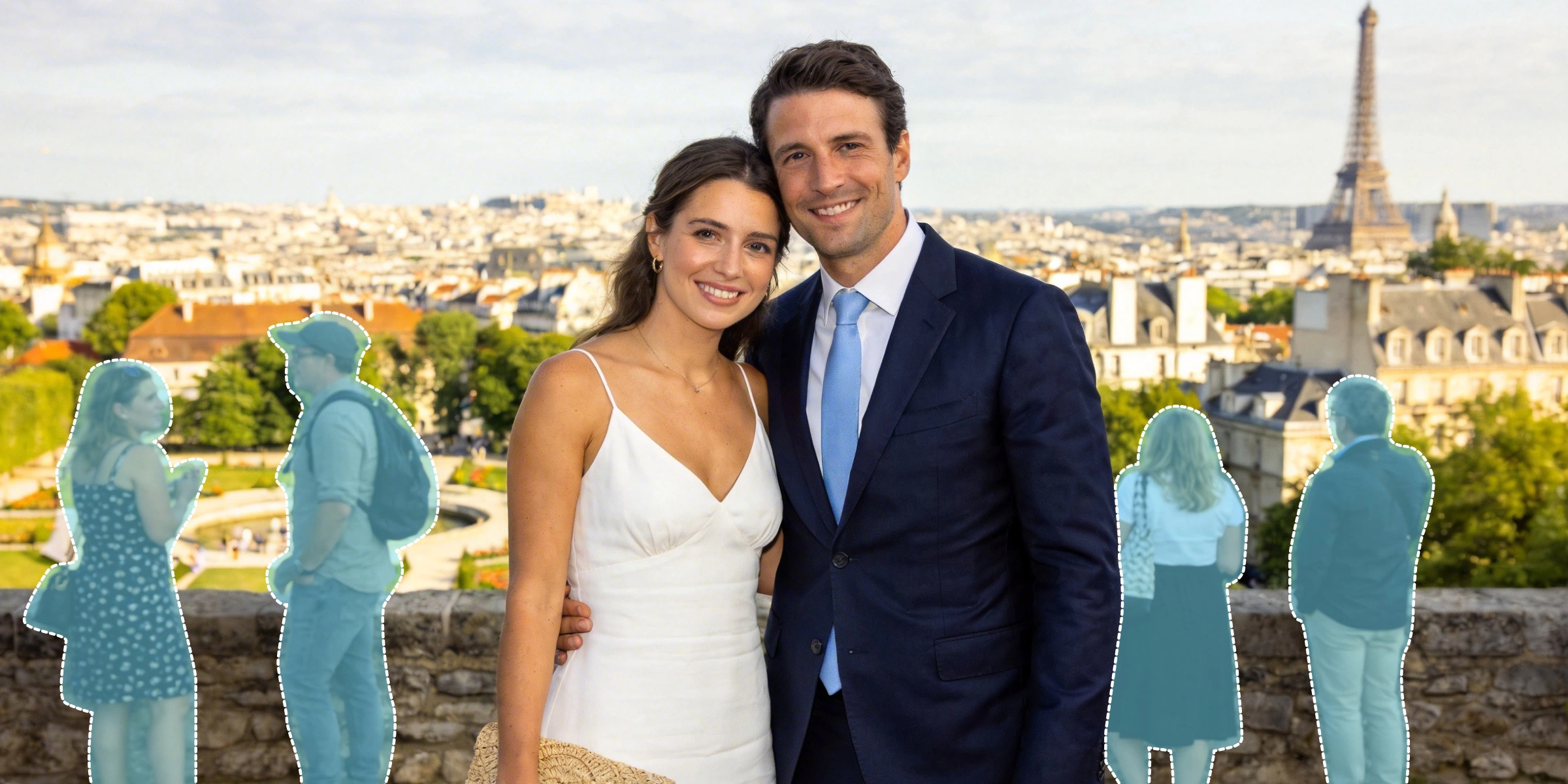
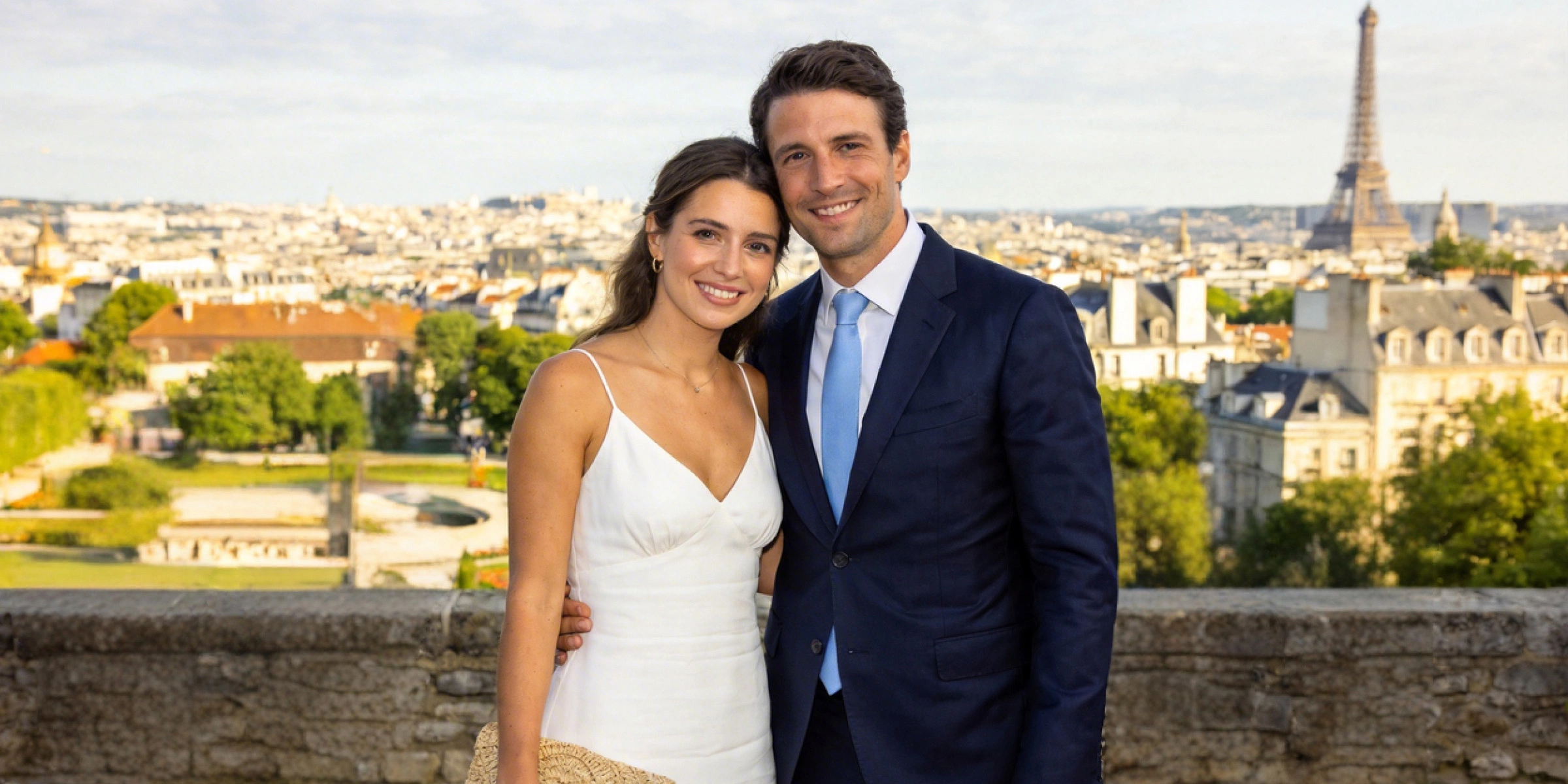
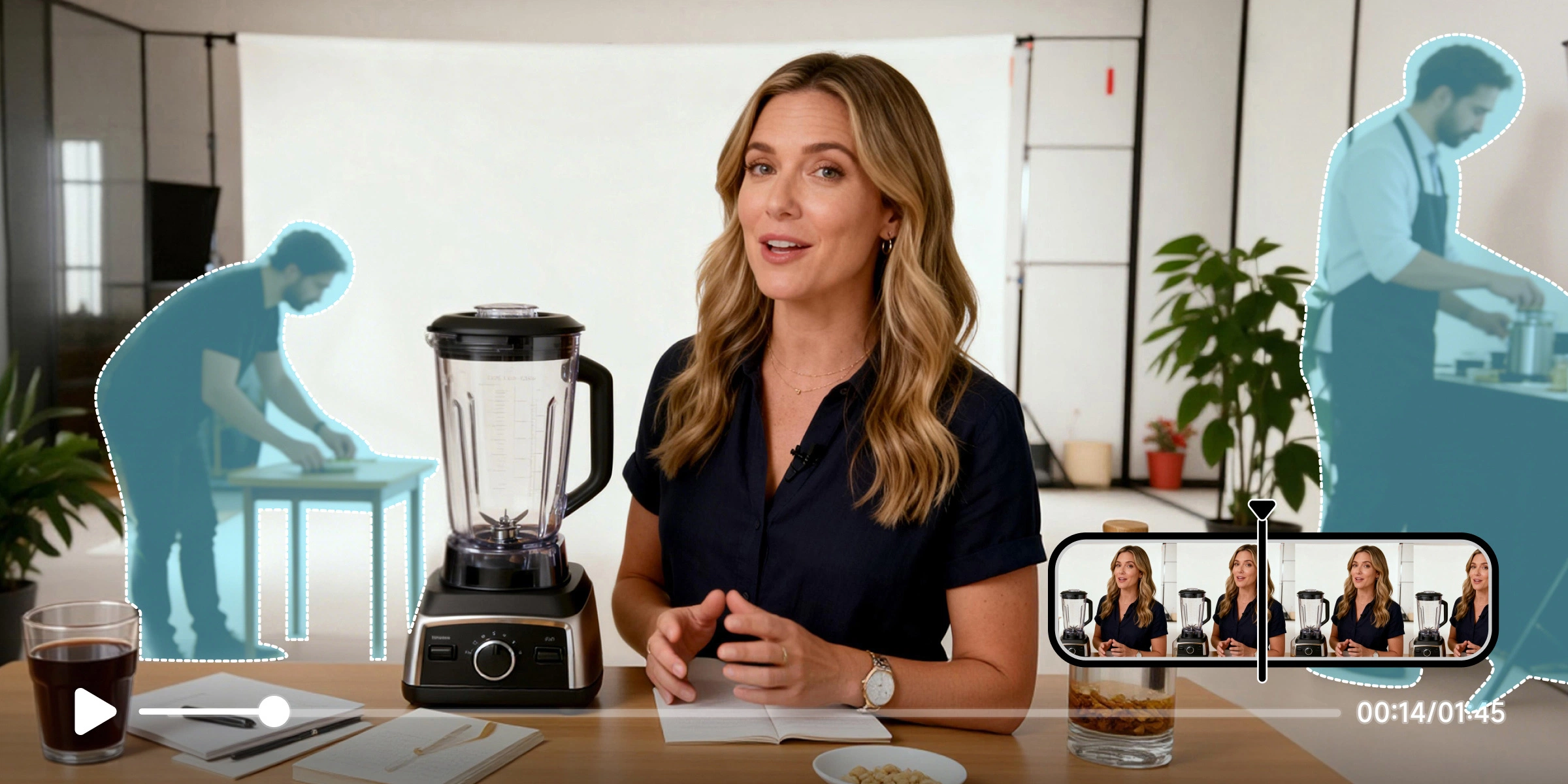
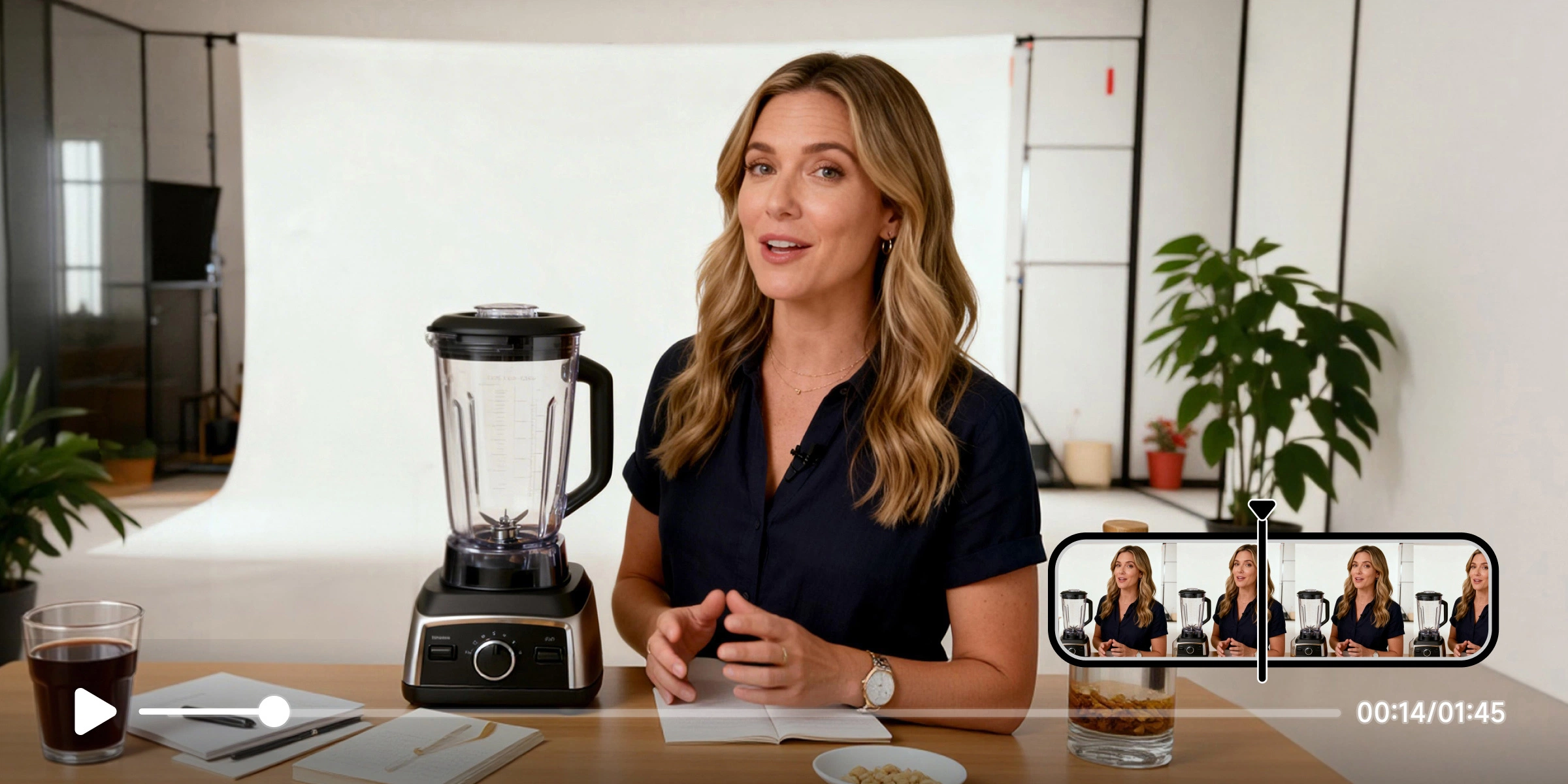


Edit out person in videos and photos, like a pro


Fast and Accurate Detection
Vmake Labs finds people in your photos and videos instantly. It works perfectly even if they are moving in the background. You can remove people from background in just a few seconds. Whether you are in a busy street or a crowded office, Vmake Labs handles everything for you and saves you hours of work.


Clean and natural background reconstruction
Once the unwanted people are gone, Vmake Labs fills in the background automatically. The results look natural and seamless. It keeps the textures and lighting consistent so your videos and photos look like they were never edited.


One click batch processing
You can process many videos or photos at the same time with just one click. It is the fastest way to handle large projects. This tool is perfect for social media managers and online sellers who need high quality content quickly.
Who Is It For?
Content creators and influencers
You can easily remove people from your videos and images to keep the focus on your subject. Our AI finds and erases unwanted people instantly. It saves you hours of manual editing work. You get polished and professional results for social media or YouTube with very little effort.

E-commerce and product photography
Get clean product shots by removing distractions and passersby from your photos. The AI fills in the background perfectly for your online store or marketing ads. You can save time and keep all your product images looking high quality and consistent.

Personal use and social sharing
Clean up your personal photos and videos effortlessly before you post them online. The AI blends the background naturally to give you beautiful memories. You can remove unwanted people in seconds without any special technical skills.

Why choose us

Our AI tool works on any device, including desktop, tablet, and mobile. You can remove people from photos and videos anytime, anywhere, without installing extra software or worrying about compatibility.

Enjoy professional-grade results with every edit. The AI precisely removes unwanted subjects and reconstructs backgrounds, delivering seamless visuals that look natural and polished in both photos and videos.

Editing has never been easier. With just one click, our system automatically detects and removes people from your images or videos, saving you time and effort while providing consistent, reliable results.

Our platform is completely safe to use. It runs entirely online without downloading any software, ensuring your devices remain free from viruses, malware, or other security risks.

Your files are private and secure. All uploads are processed safely on our servers, and we do not store or share your photos and videos, giving you peace of mind while editing.

We continuously improve and expand our features. New tools and enhancements are added regularly, ensuring you always have access to the latest AI technology for removing people from photos and videos.
FAQs about removing people from videos and photos
How do I remove people from a video?
Can I remove more than one person from a video?
Yes. Vmake Labs can handle multiple people in one video at the same time. The background stays smooth and natural. This saves you hours of work compared to old editing methods.
How do I remove people from photos?
This feature is coming very soon. Once it is ready, Vmake Labs will erase people from your images and fix the background automatically. It will make photo editing fast and easy.
Can I remove multiple people from one photo?
Yes. When the photo tool launches, you can erase many people in a single image. The AI blends the background perfectly to give you clean and natural results.
Are my videos and photos safe?
Yes. Vmake Labs processes all files securely. We do not store your photos or videos permanently. Your content stays private so you can edit your personal media with peace of mind.
Can I try removing people from video and photo for free?
Yes. You can try our video removal tool online for free. This lets you see the quality before you use advanced features like batch processing or high-quality downloads.
Discover more features

Watermark & Text Remover

Video & Image Enhancer

Video Upscaler
AI Creative Ads

AI Video Generator

Video Background Remover

Video & Audio to Text

Video Noise Reducer
Start removing people online today
Experience how easy it is to remove people from your photos and videos with AI. Get professional results instantly on any device. Your files stay safe and private while you save time with just one click.
See What Our Users Are Saying
I removed unwanted people from my video in seconds. The AI is so precise and saved me hours of editing. My followers noticed the clean look right away!
Cleaning product photos is easier than ever. The AI removes distractions perfectly and the background looks professional. I can upload polished images to my store in minutes.
I wanted to share family photos without strangers in the back. This tool removes people effortlessly and the results look natural. It is perfect for personal use!
Editing people out of my videos used to take hours. With this AI tool it is instant and the quality is amazing. My workflow has never been faster.
As a photographer I often need clean shots for my clients. The batch processing lets me remove people from many photos at once. It saves me so much time.
Travel photos always have strangers in them. Using this AI to erase people is easy and the scene looks like it was always empty. I highly recommend it!