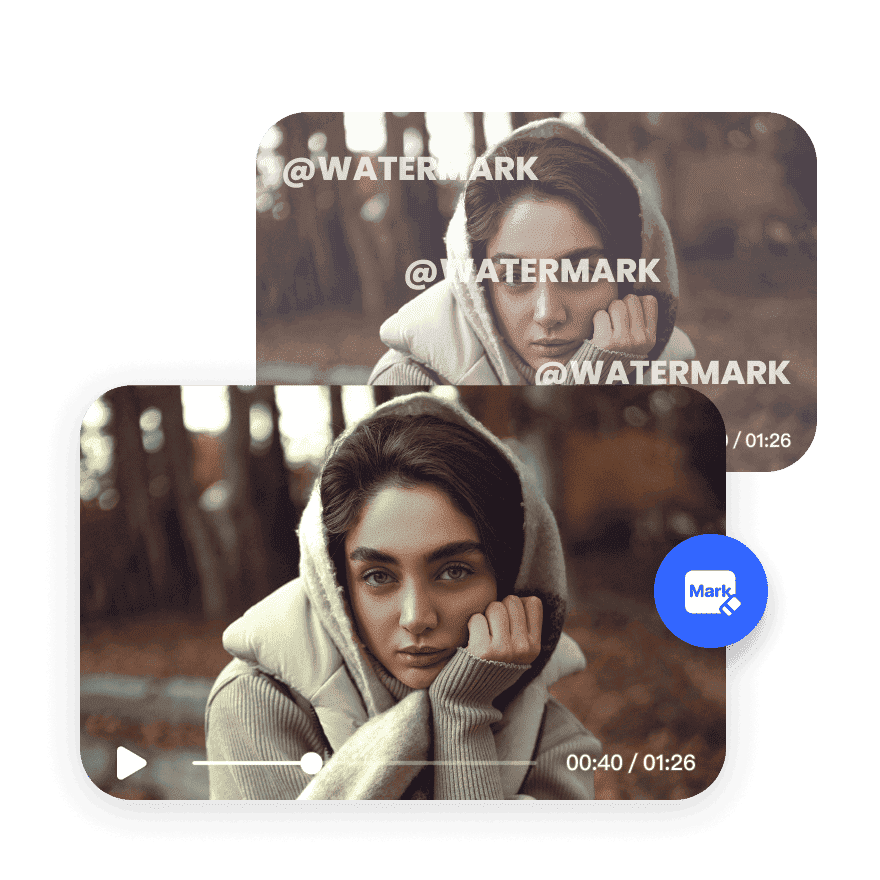


Erase Sora 2 Watermarks Instantly

Remove logos from videos in seconds. Our online tool is fast, simple, and works directly in your browser—no downloads, no editing skills needed.
Support format: .mp4, .mov, .m4v, .3gp, .avi

How to remove Sora 2 watermark from videos?

Step1

Upload your videos

Open up to 3 videos at a time in the upload window. One card is created for each file you upload to ensure that one processing failure won't affect the others.
Step2

Bulk process files

The video watermark remover process is completely automatic. You can see the preview of videos without watermark on the right side of a card.
Step3

Download your videos

Removing watermarks is free using Vmake. Downloading the first 5 seconds of your files is free, while downloading the whole video requires further credit usage.

How to remove logo from Sora 2 videos?

Vmake Removes Logos in Seconds

Vmake removes logos from videos online with a quick and professional solution. Simply upload your video, mark the watermark or logo, and the tool automatically erases it. No editing experience required—ideal for clean, polished, and brand-free content.

Vmake Removes Logos in Seconds

Perfect for Content Reuse & Repurposing

Repurpose edited videos without distractions. The Watermark & Subtitle Remover online ensures watermark-free videos ready for YouTube, TikTok, or client use. Ideal for creators, marketers, and editors who need to reuse their footage without branding.
Perfect for Content Reuse & Repurposing

No Software or Signup Needed

Remove watermarks from your video directly in your browser—no need to download apps or create an account. Vmake's logo remover is fast, secure, and optimized for high-resolution video files, making it perfect for mobile and desktop use.
No Software or Signup Needed

FAQ

How do I remove the brand logo from a Sora 2 video?

Use Vmake’s Watermark & Subtitle Remover to erase brand logos from videos. Simply upload your file to Vmake, highlight the logo, and our tool will process it instantly online without quality loss.

How do I remove the background from a logo in Vmake?

Vmake does not alter logo designs but removes full overlays. For backgrounds of logos, export the video and use Vmake’s AI-powered Watermark & Subtitle Remover tool to remove the area entirely.

How do I make logos transparent?

To eliminate visibility, remove the logos entirely using Vmake’s Watermark & Subtitle Remover tool. Simply upload the video to Vmake and our AI-powered tool will clear the watermark without needing transparency edits.

How do I remove symbols from a video?

Symbols and overlays can be removed with Vmake’s Watermark & Subtitle Remover tool. Simply mark the area containing the symbol, and our AI-powered tool will clear it automatically online.

Can you remove logos from videos?

Yes. Vmake’s Watermark & Subtitle Remover tool is optimized to remove logos from videos. Upload the file to Vmake, mark the logo, and remove it quickly without extra software.