
Video Background Remover: Remove Backgrounds from Video in One Click




How to remove background from video in 3 steps
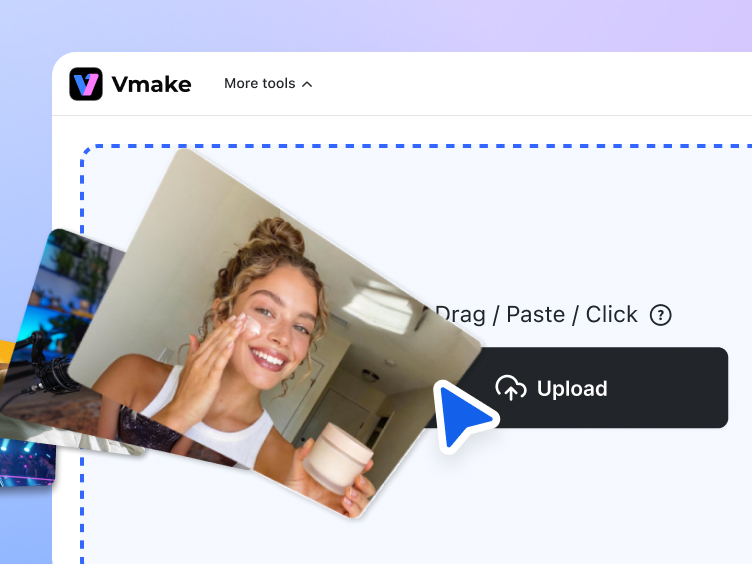
Upload your video
Upload the video you want to edit. Whether it is a product demo, talking-head video, or explainer content, you can get started in seconds.
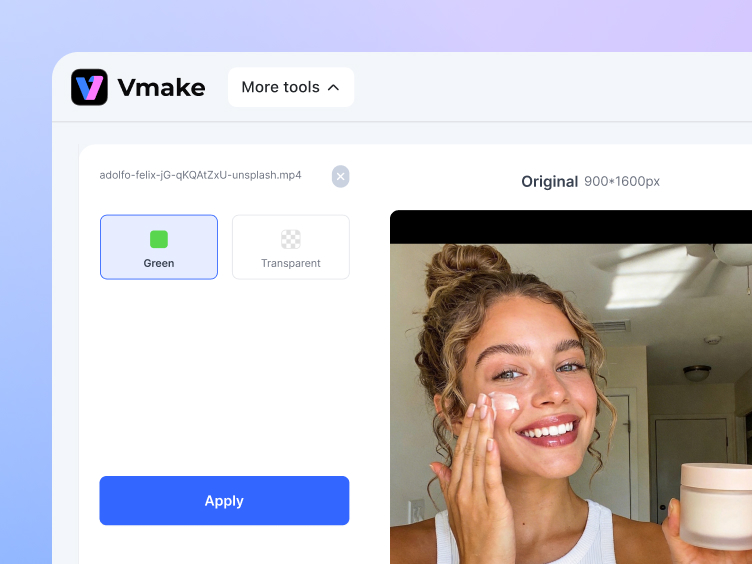
Choose your output format
Based on how you plan to use it, choose a green screen background or a transparent background video, so it fits smoothly into different editing and design workflows.
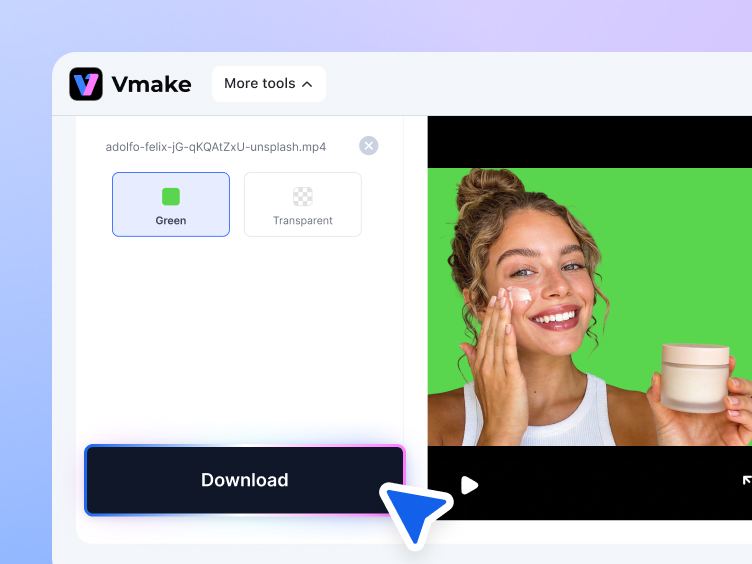
Download and keep editing
Once completed, download your video and use it for background replacement, compositing, visual effects, ad creatives, or publishing across different platforms.
Standout features of Vmake Labs video background remover
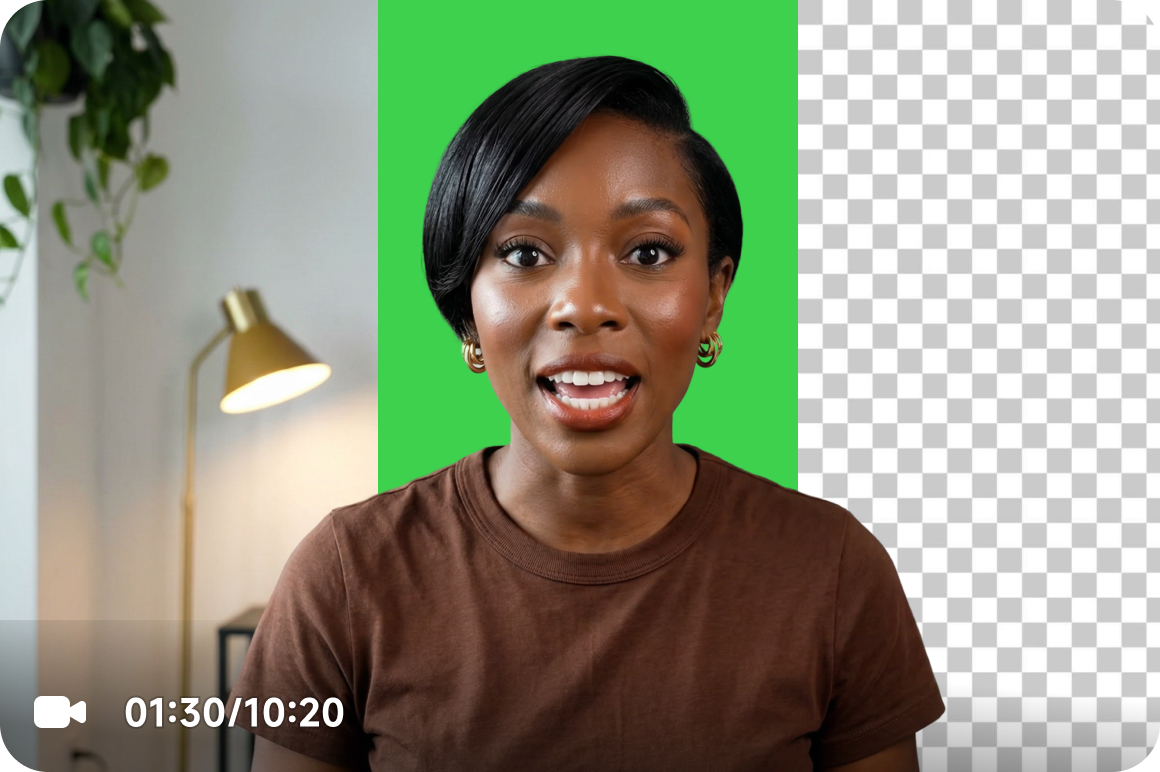
Export green screen or transparent background video
Vmake Labs gives you two flexible output options in one AI video background remover. You can export a green screen video for scene replacement and compositing, or export a transparent background video for overlays, motion graphics, and creative edits. It is an easier way to remove background from video and keep your footage ready for different editing needs.
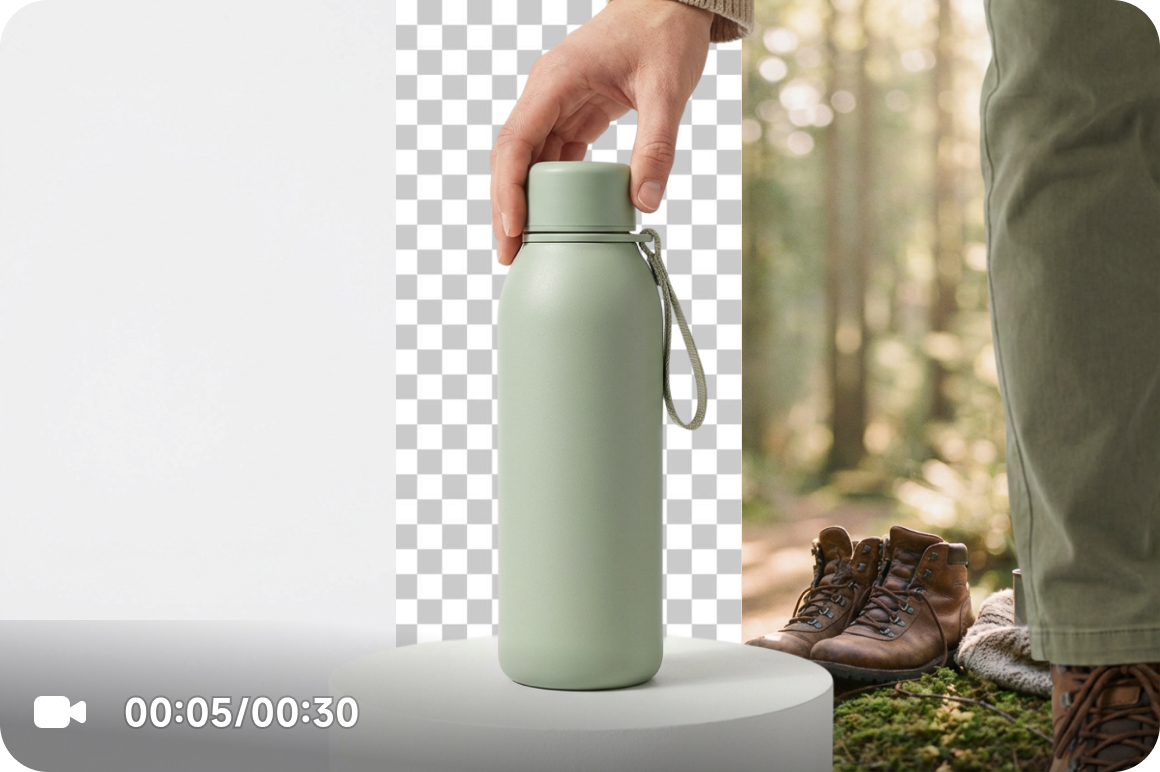
Remove video background and make footage usable
A lot of editing time goes into background cleanup before the real work even starts. With Vmake Labs, you can remove background from video quickly and turn raw footage into usable assets sooner. Whether you are working with product videos, talking-head clips, or explainer content, it helps you move from source footage to ready-to-edit content with fewer manual steps.
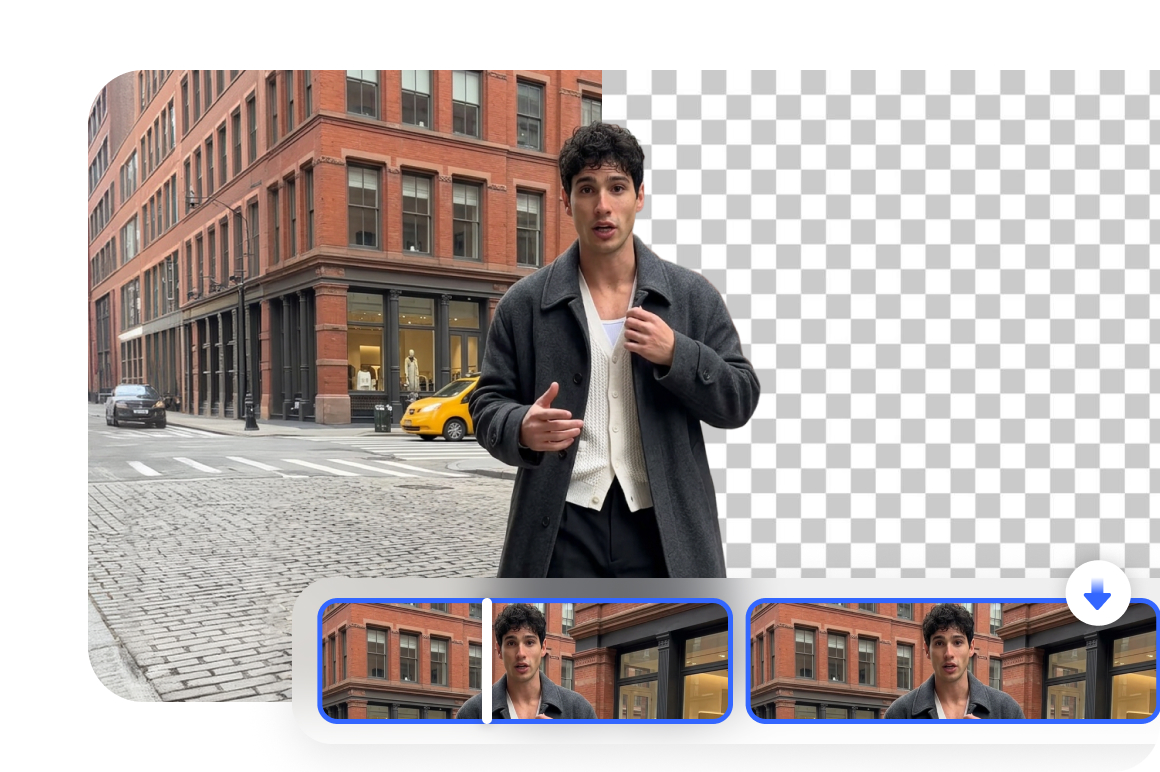
AI background remover for video that fits real workflows
After you delete video background, your footage is easier to use across editing, design, advertising, and content production workflows. Instead of spending extra time on file prep and conversion, teams can move straight into scene edits, visual packaging, or campaign production. Vmake Labs works as a practical background remover for video when speed and usability both matter.
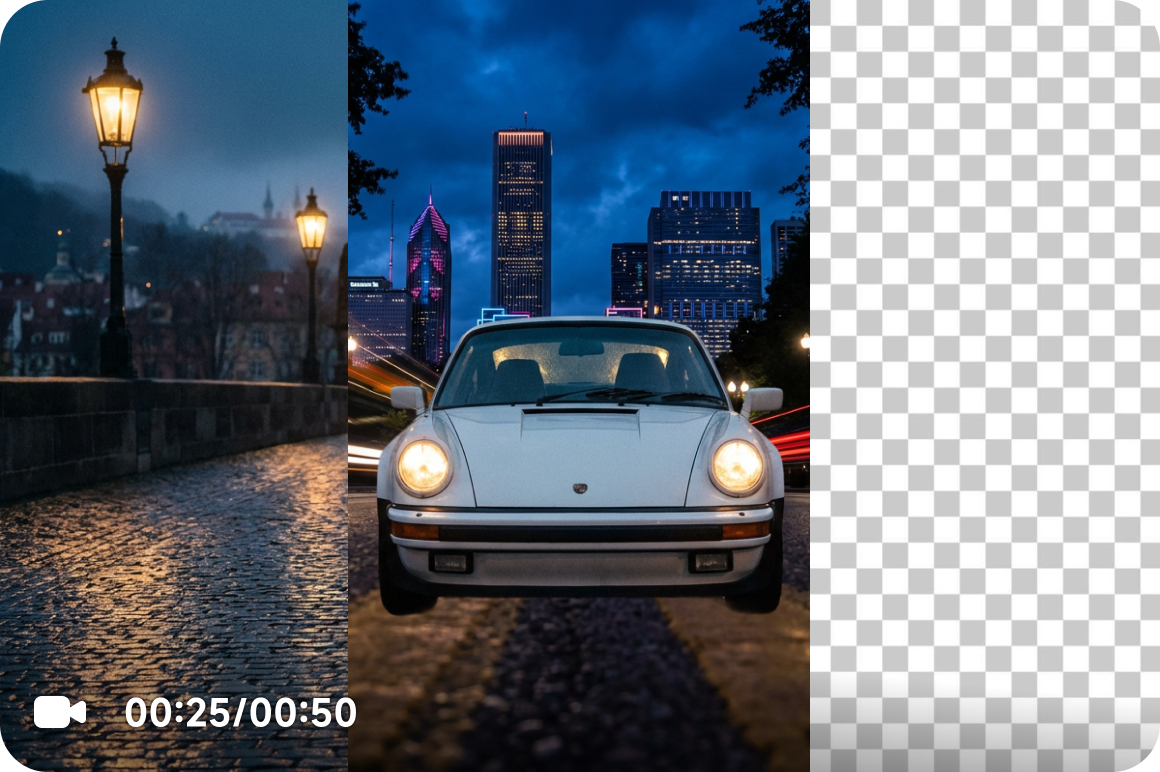
Get more content versions from one video
You do not need to reshoot footage just because the original background no longer works. Once you erase video background, the same clip can be reused across different templates, campaign visuals, seasonal creatives, and platform formats. That makes it easier to scale content production and get more value from every shoot.
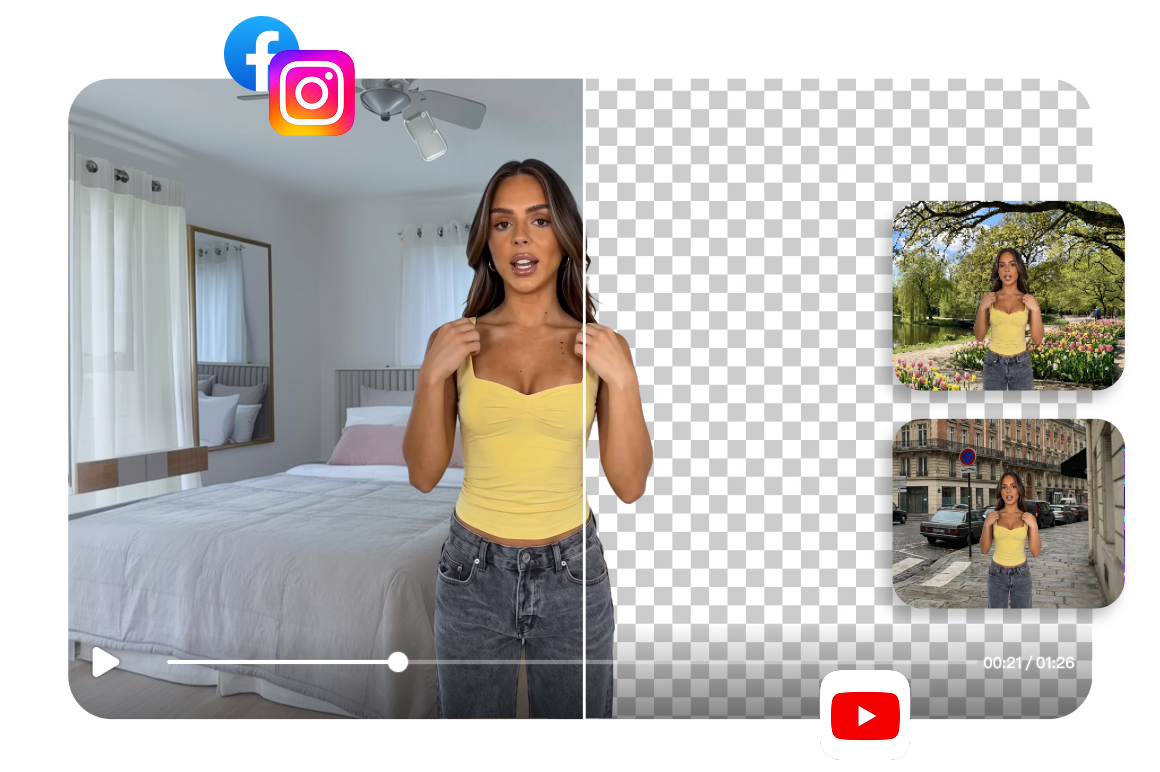
Use the same footage across more content types
Product demos, presenter videos, tutorials, promo clips, and social content all become easier to reuse after background removal. Instead of being locked into one setting, your footage becomes more flexible for editing, repackaging, and redistribution. For teams looking for a simple video background remover free without extra complexity, this makes everyday production much easier.
Who's it for
E-commerce
- Extract product subjects from their original scenes for campaign videos, product detail pages, ad creatives, and promotional content.
- Reduce visual clutter caused by inconsistent backgrounds, so product content fits more easily into different campaigns and creative templates.
- Get more consistent product visuals, more efficient asset reuse, and more flexibility in marketing content production.

Content creators
- Isolate talking-head footage, explainer clips, or existing video subjects for new backgrounds, new versions, and multi-platform distribution.
- Avoid locking one piece of content into a single filming setup, so existing footage can be extended into more versions more easily.
- Achieve higher video reuse, faster version iteration, and a lighter content production workflow.
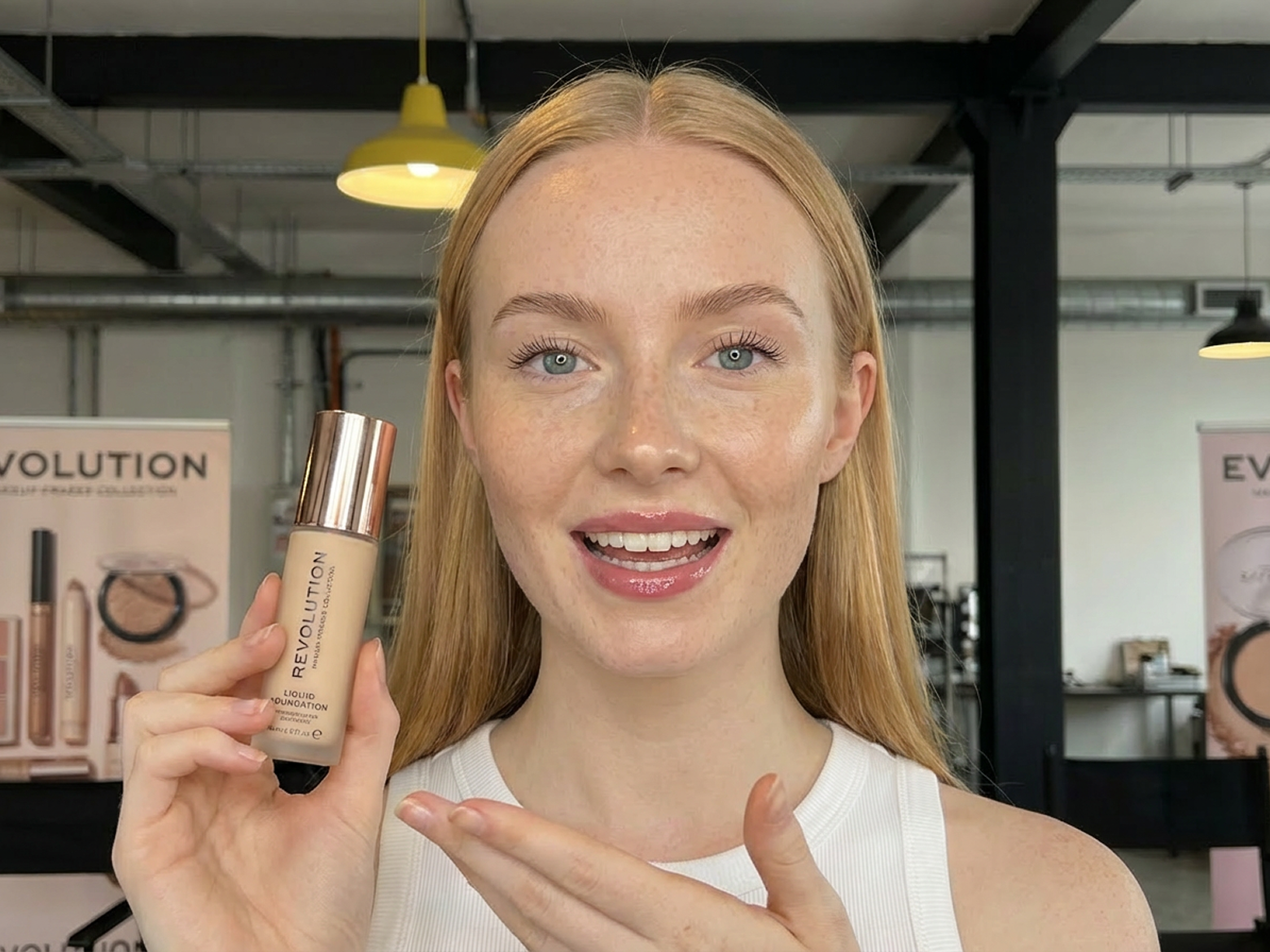
Video producer
- Use transparent background or green screen videos directly in motion graphics, ad compositing, brand visuals, and creative projects.
- Reduce the time spent on manual background removal, so editing and design work connect more smoothly.
- Benefit from a more streamlined production process, easier-to-use asset formats, and higher overall delivery efficiency.

Why choose Vmake Labs video background remover

Your files stay yours. Videos are processed securely, so you can remove backgrounds without worrying about exposing sensitive product footage, internal materials, or unpublished creative assets.

No complicated setup, no steep learning curve, and no need for advanced editing skills. Just upload your video, choose the output you want, and get a result that is ready for the next step.

Everything works directly in your browser, so you can start editing without downloading heavy software or switching devices. That means faster access and a more flexible workflow for anyone who want to process videos anytime, from anywhere.
FAQ about Vmake Labs video background remover
How can I remove the background from a video without a green screen?
How does the video background remover work?
The video background remover detects the main subject in your footage and separates it from the original background. Once the background is removed, you can export the result as a transparent background video or switch it to a green screen for editing, compositing, and content reuse.
Will using the video background remover affect video quality?
A good video background remover is designed to keep your subject clear and usable while removing the original background. The final result may vary depending on your source footage, but in general, clear subjects and well-defined edges help produce smoother and more consistent output for editing and publishing.
What is the purpose of removing a video background?
Removing a video background makes your footage easier to reuse, re-edit, and adapt for different projects. It helps you place the subject into new scenes, create cleaner ad creatives, make motion graphics, and repurpose the same video across different platforms, campaigns, or visual styles.
Can I export both transparent background and green screen video?
Yes. Vmake Labs lets you choose the output that fits your workflow best. You can export a transparent background video for overlays, motion design, and creative edits, or export a green screen version for scene replacement and post-production work.
What kind of videos work best with a video background remover?
Video background removal works especially well for product videos, talking-head clips, tutorials, explainers, and other footage with a clear main subject. The more clearly the subject stands out from the background, the easier it is to get a clean and flexible result.
Discover more features
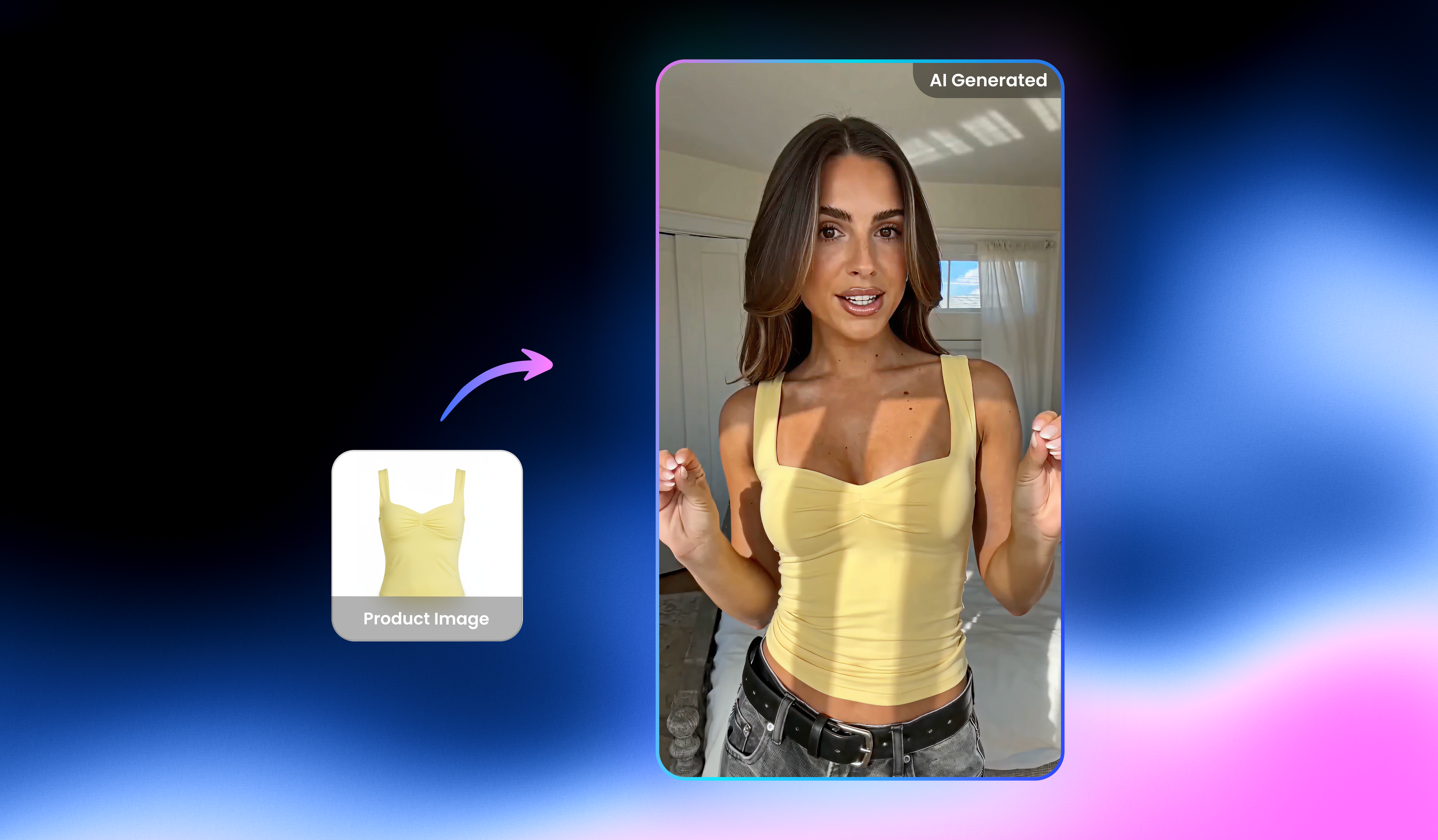
UGC video

Video & image enhancer

Watermark & Text Remover

Video upscaler

Video translator

AI video generator

Video & audio to text

Video noise reducer
Best video background remover right next to you
Upload your video now and remove background in minutes—so your footage looks clean, reusable, and ready to post with Vmake Labs!
Real Stories, Real Results: Voices of Our Users
this website is genuinely so good bro
not gonna lie this website is so good, like genuinely the watermark removal comes in so handy especially when making AI vids, and i also use the background remover and image upscaler for building websites
Vmake Labs has been very helpful for quickly creating clean, professional-looking videos without a steep learning curve. I especially appreciate how easy it is to remove backgrounds, enhance visuals, and format content for social media platforms. The interface is intuitive, which makes editing fast even when working on multiple projects. Overall, it’s a solid tool for saving time while maintaining quality.
for me, it's very convenient to those people who wants a easy and very affordable video background remover
Really great tool did exactly what I needed it to do was remove watermarks from videos for my projects
Only good experience
The best Ai tool to remove background from video, so greatful i found this tool!! 😃
Thise is beat ty for removing for free tysmm!
Ty for removing the water mark and this Is the best to remove background and something this can remove ty.!