
AI LinkedIn Image Generator For Professionals
Create polished LinkedIn profile photos with Vmake Labs using text prompts or reference images. Explore multiple AI models, customize professional portrait styles, and generate business-ready visuals for networking, job applications, and personal branding directly from your browser.
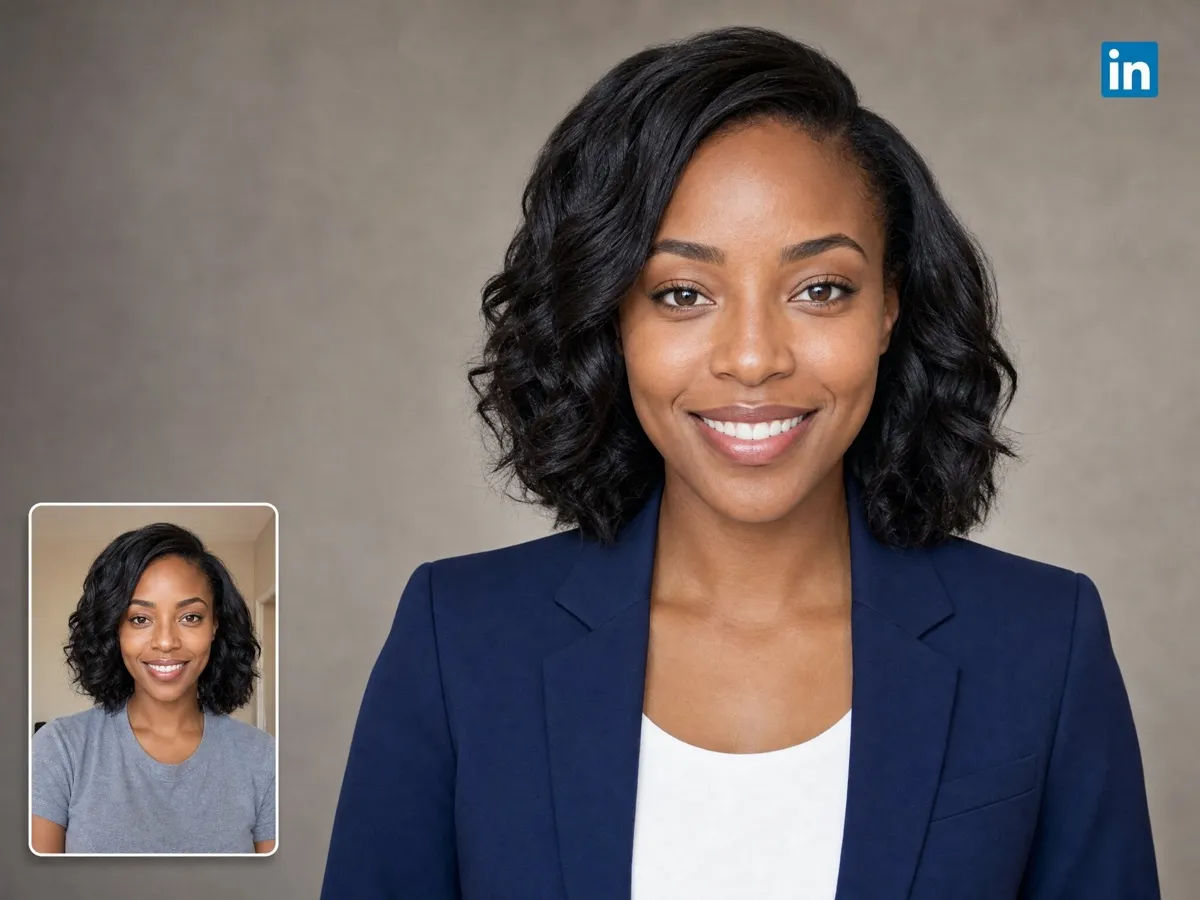
How to use Vmake Labs AI image generator for LinkedIn portraits?
Step 1. Choose an AI model
Access Vmake Labs "AI image generator", and choose either "Text to Image" or "Image to Image" to start your project. After that, select your preferred AI image generation model.
Step 2. Describe your ideal portrait
Next, provide a detailed prompt regarding the type of LinkedIn profile picture you want to create. For image to image generations, you can provide your own portrait picture as well. Additionally, select a 1:1 aspect ratio.
Step 3. Generate and download
Once done, click on "Generate" and Vmake Labs will start the image generation process. After successful generation, you can download it to use it for your LinkedIn profile.
Create LinkedIn profiles that leave stronger first impressions
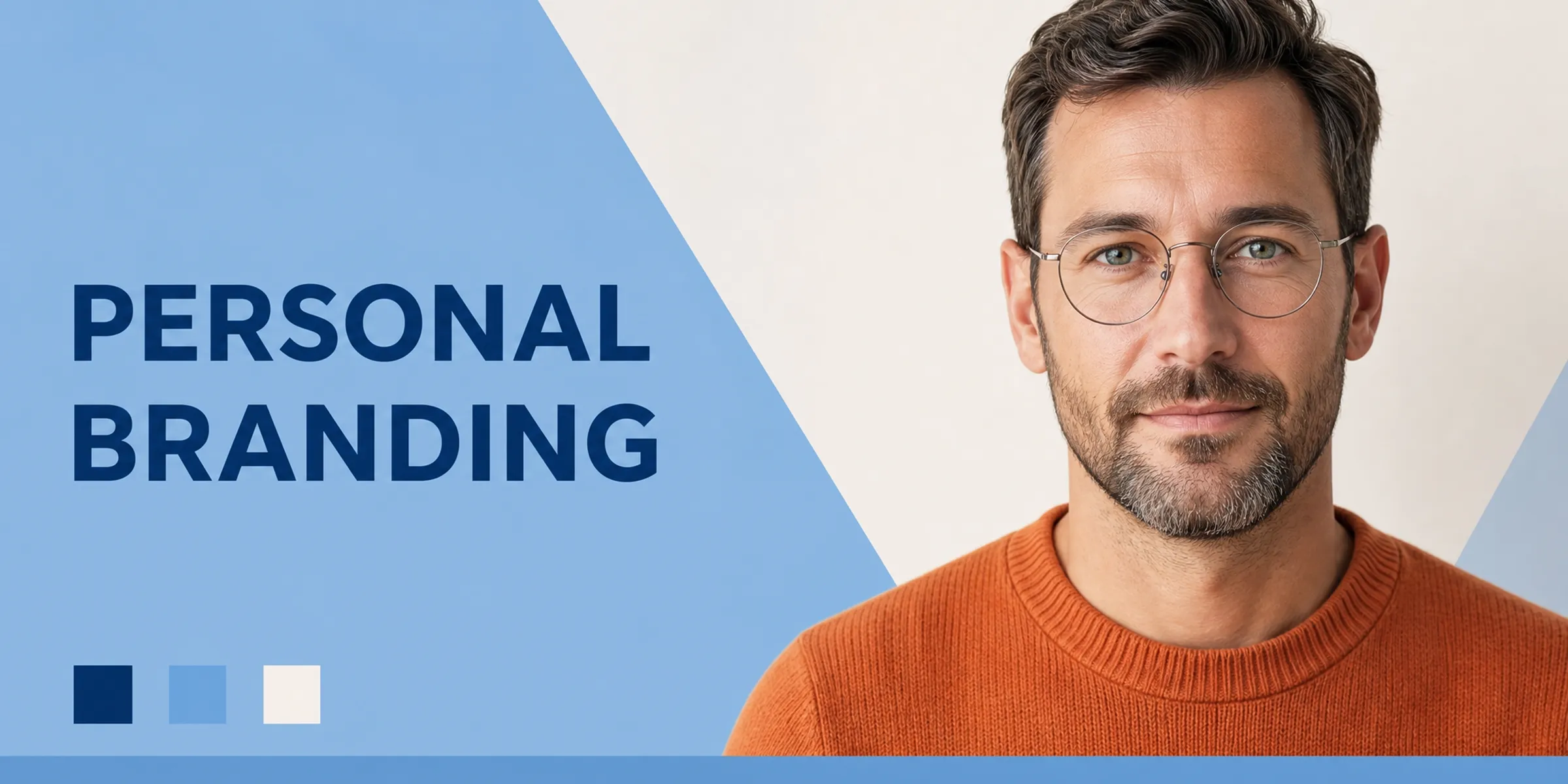
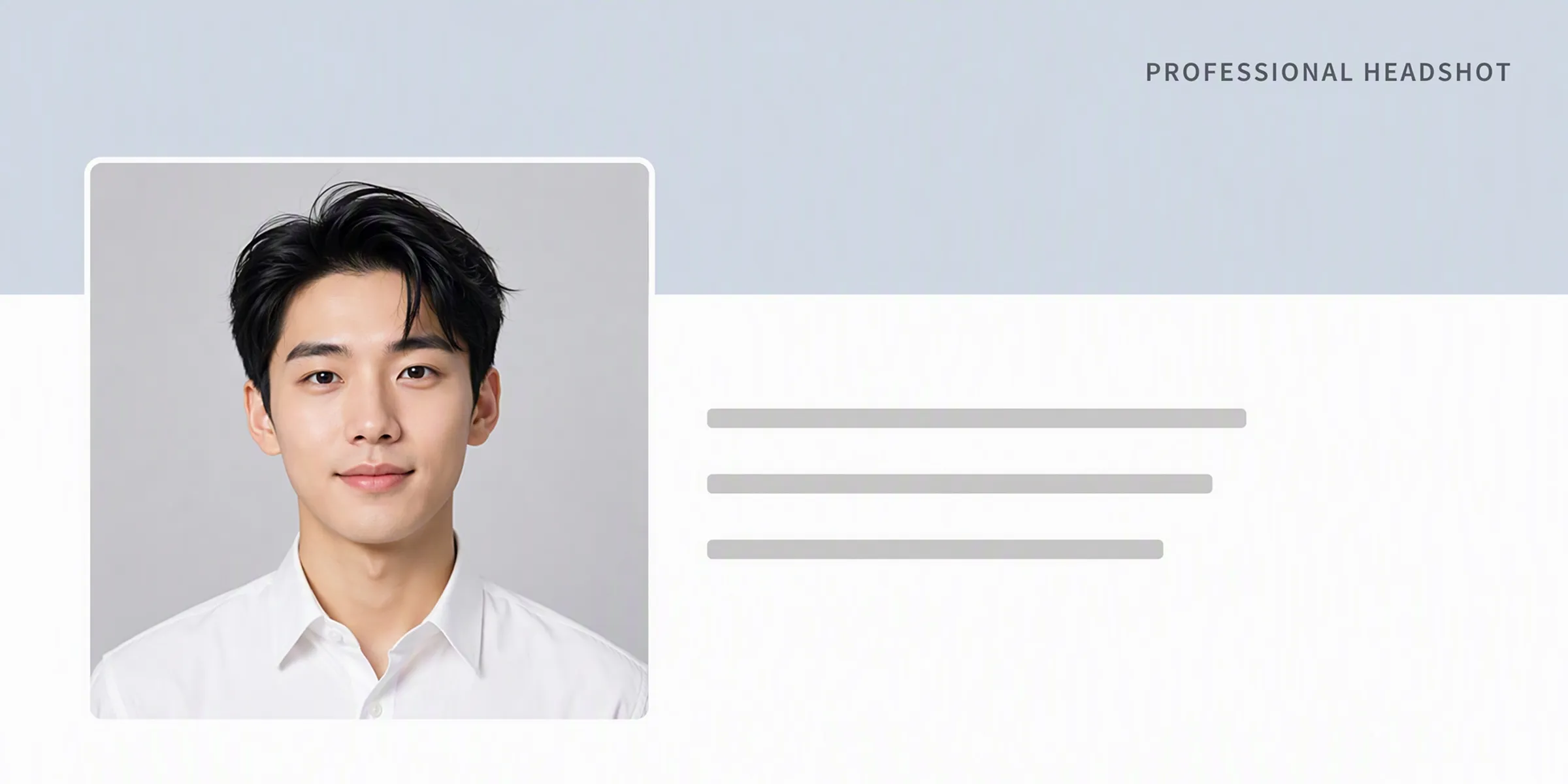
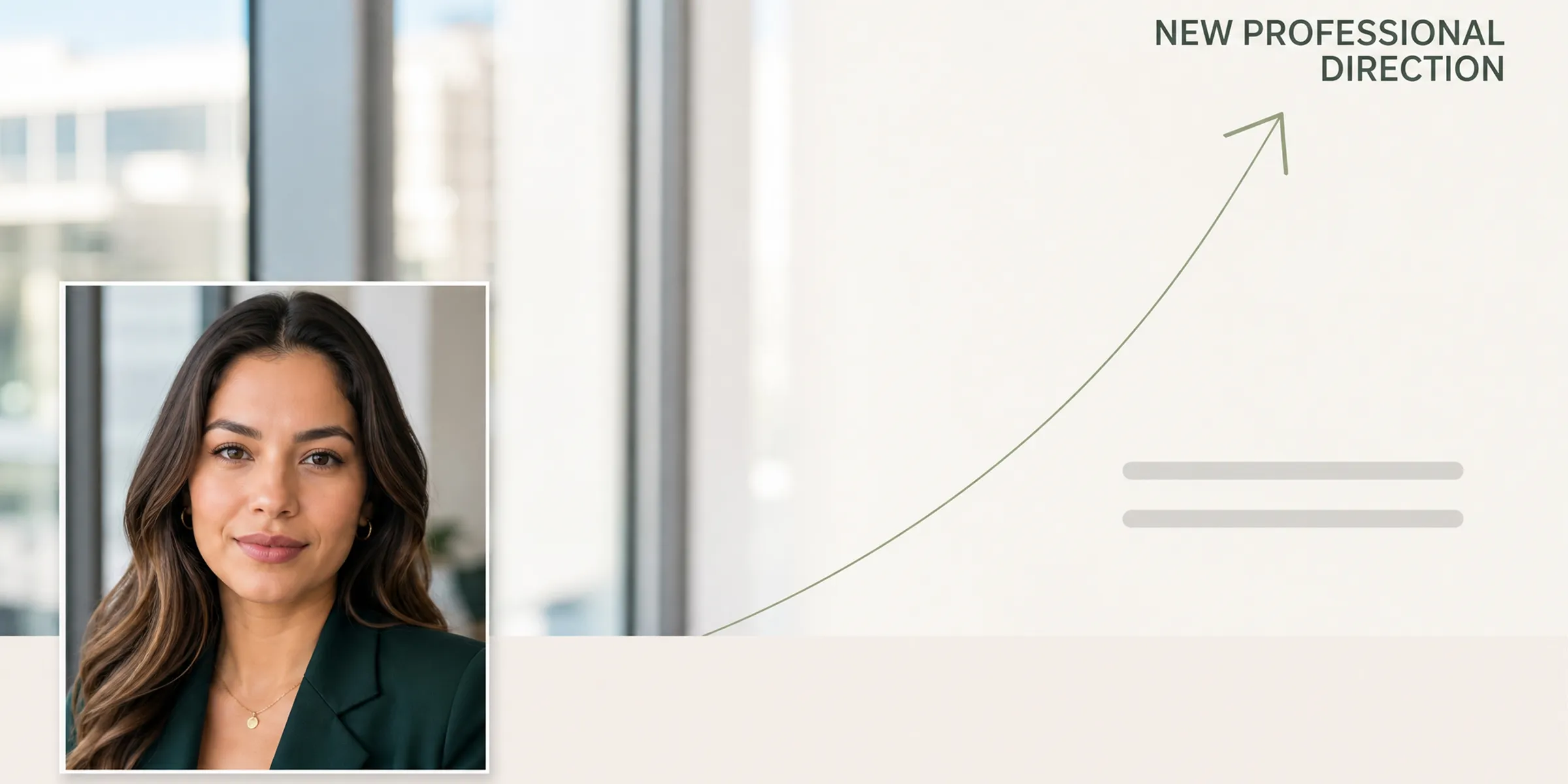


Robust AI capabilities for professional profile image creation with Vmake Labs
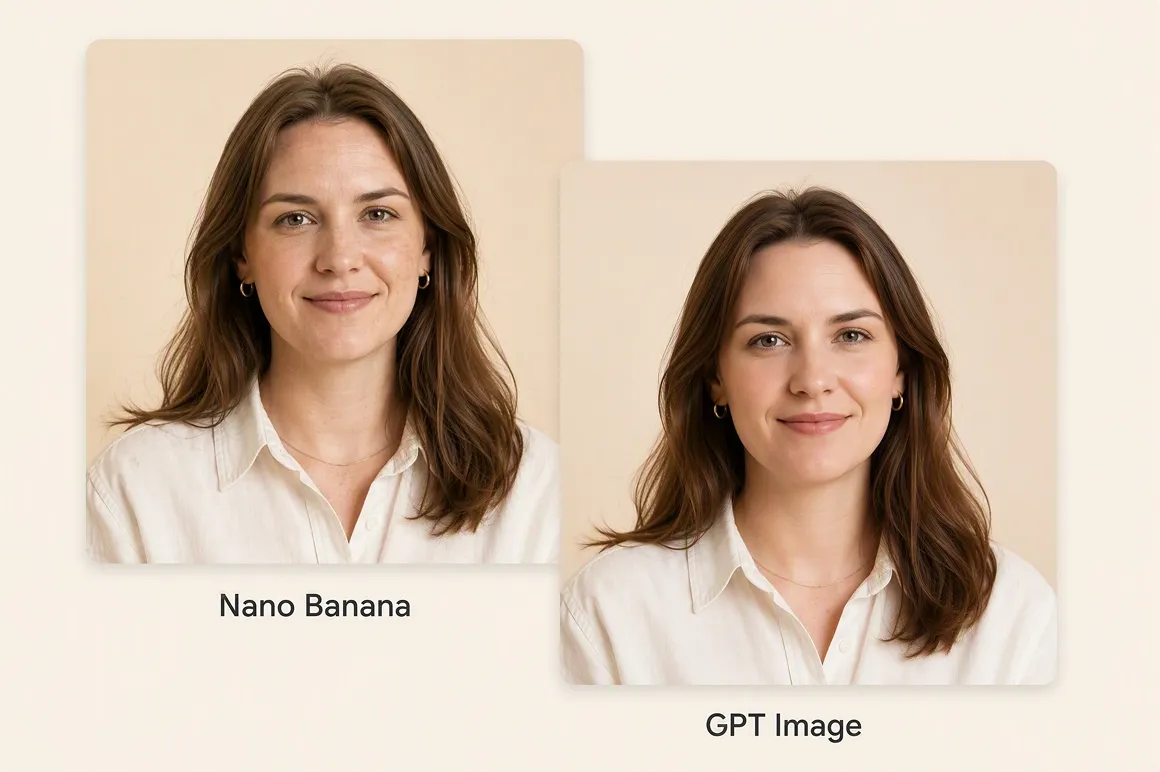
Multiple AI models
Choose from advanced image generation models including Nano Banana, Seedream, and GPT Image to create portraits with different visual styles. Switching between models allows you to explore professional looks, refine creative direction, and generate profile images that better match your personal branding preferences.
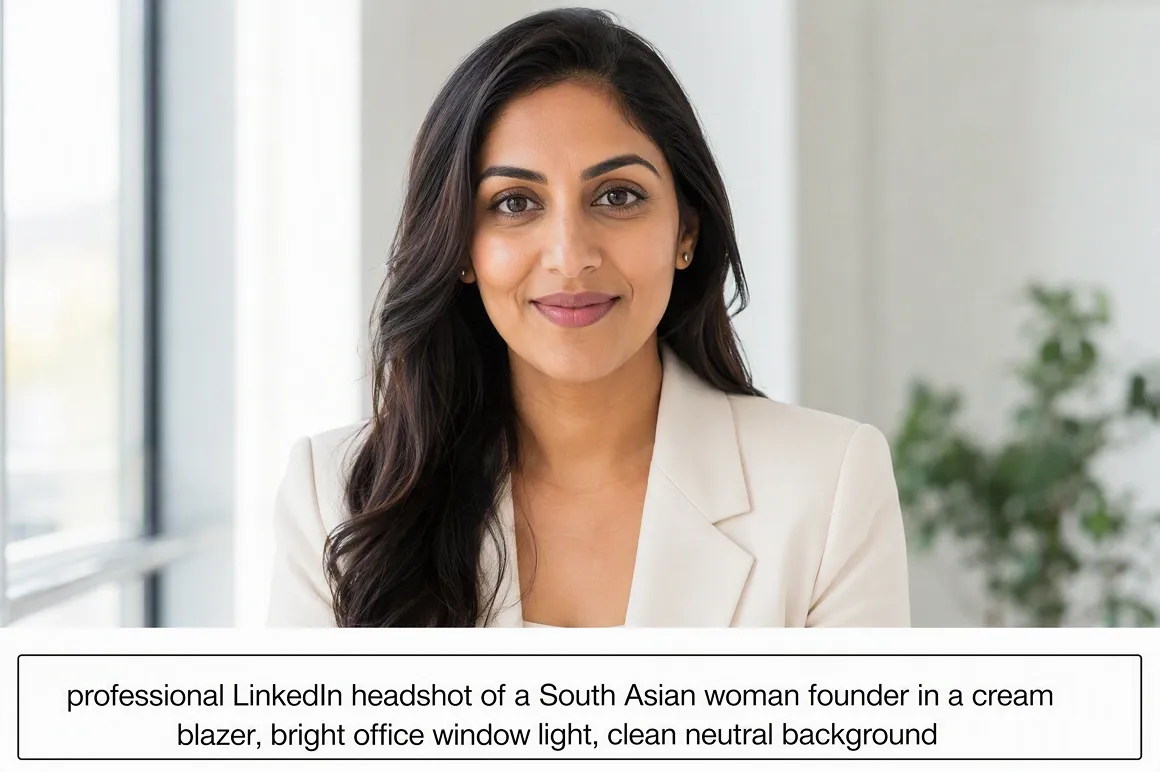
Text-to-image generation
Describe your ideal LinkedIn portrait using natural language prompts instead of complex editing tools. Specify attire, lighting, background, camera angle, facial expression, or business environment to generate personalized profile photos that reflect your professional identity while reducing manual design effort.
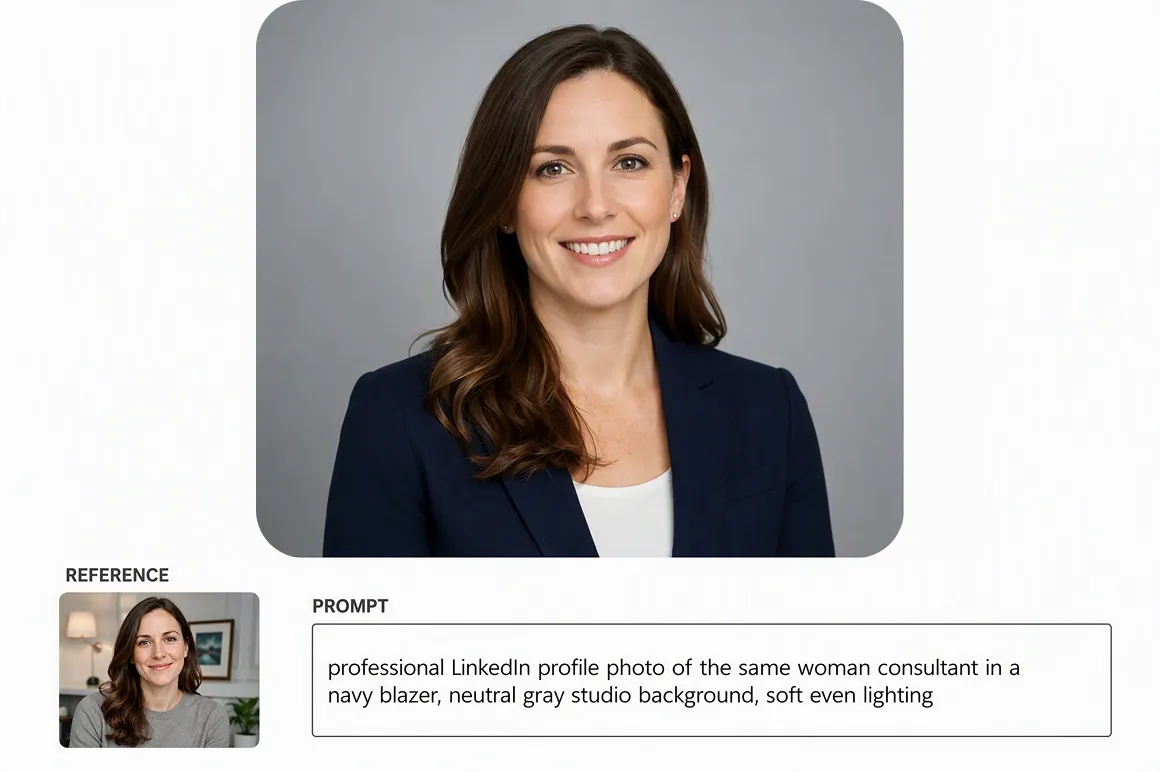
Image reference support
Upload an existing portrait or inspiration image to guide AI generation with greater consistency. Reference image support helps preserve preferred facial characteristics, composition, or styling while allowing creative adjustments that produce polished LinkedIn-ready profile pictures for different professional scenarios.
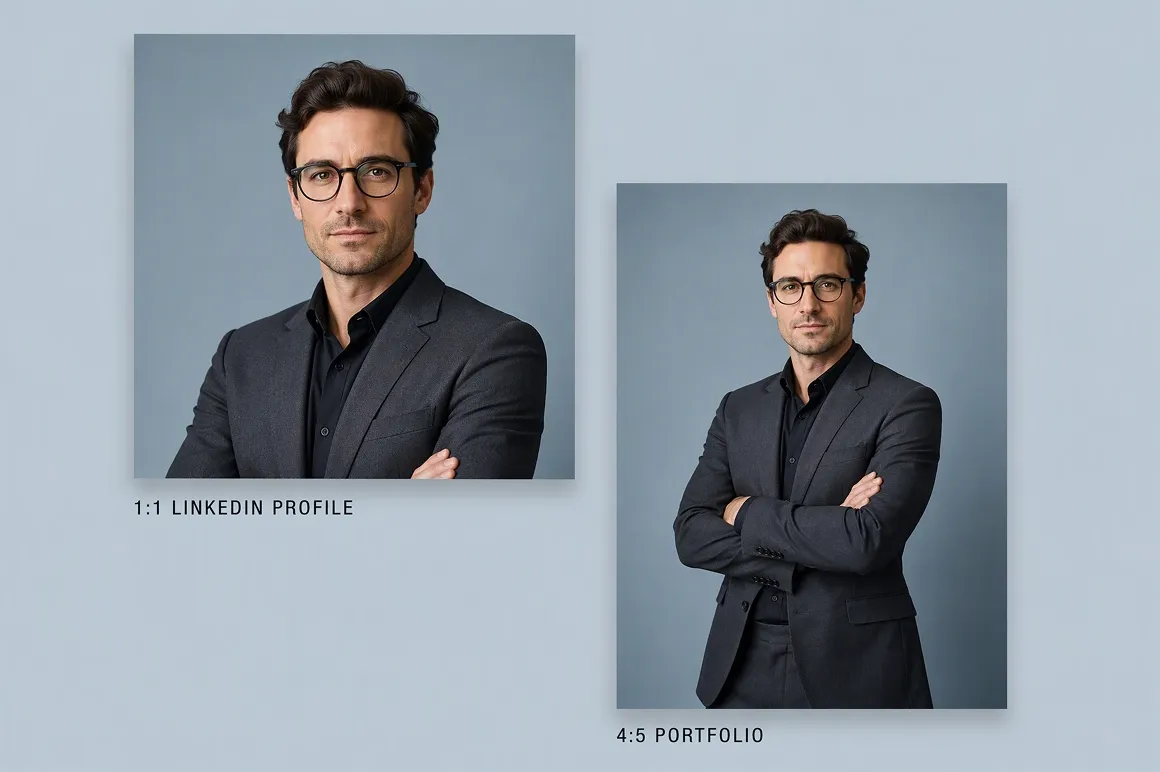
Flexible aspect ratios
Generate images in multiple aspect ratios suitable for LinkedIn profile photos, business presentations, social media, portfolios, and digital branding. Flexible output formats make it easier to reuse professionally generated portraits across various online platforms without repeatedly recreating similar visuals.
Designed for professionals building stronger online identities
Job seekers
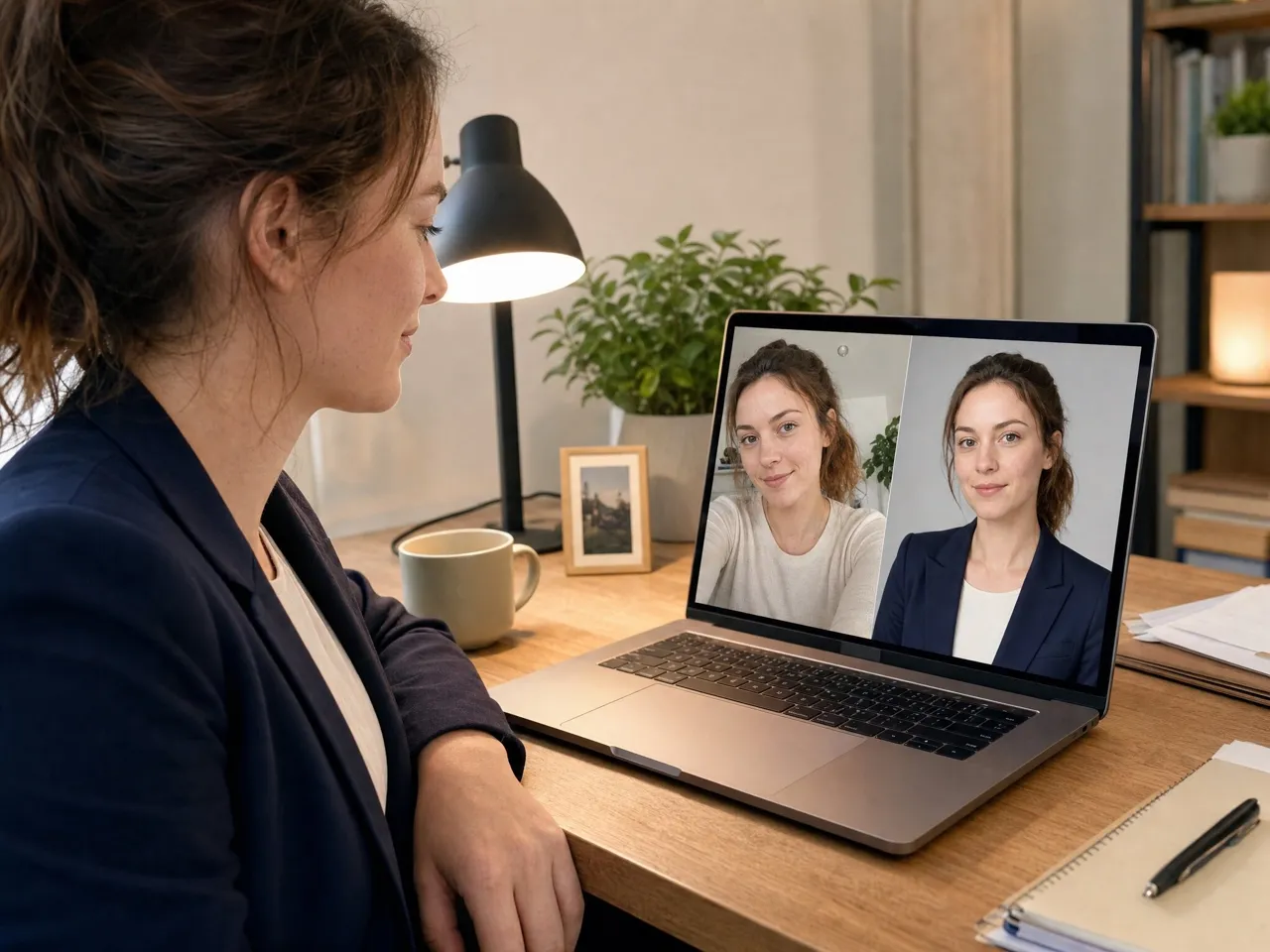
Job seekers often struggle to make strong first impressions because casual profile photos appear less professional to recruiters. Vmake Labs helps them generate customized business portraits that present a polished appearance, strengthen credibility, and better support applications across hiring and networking platforms.
Corporate professionals
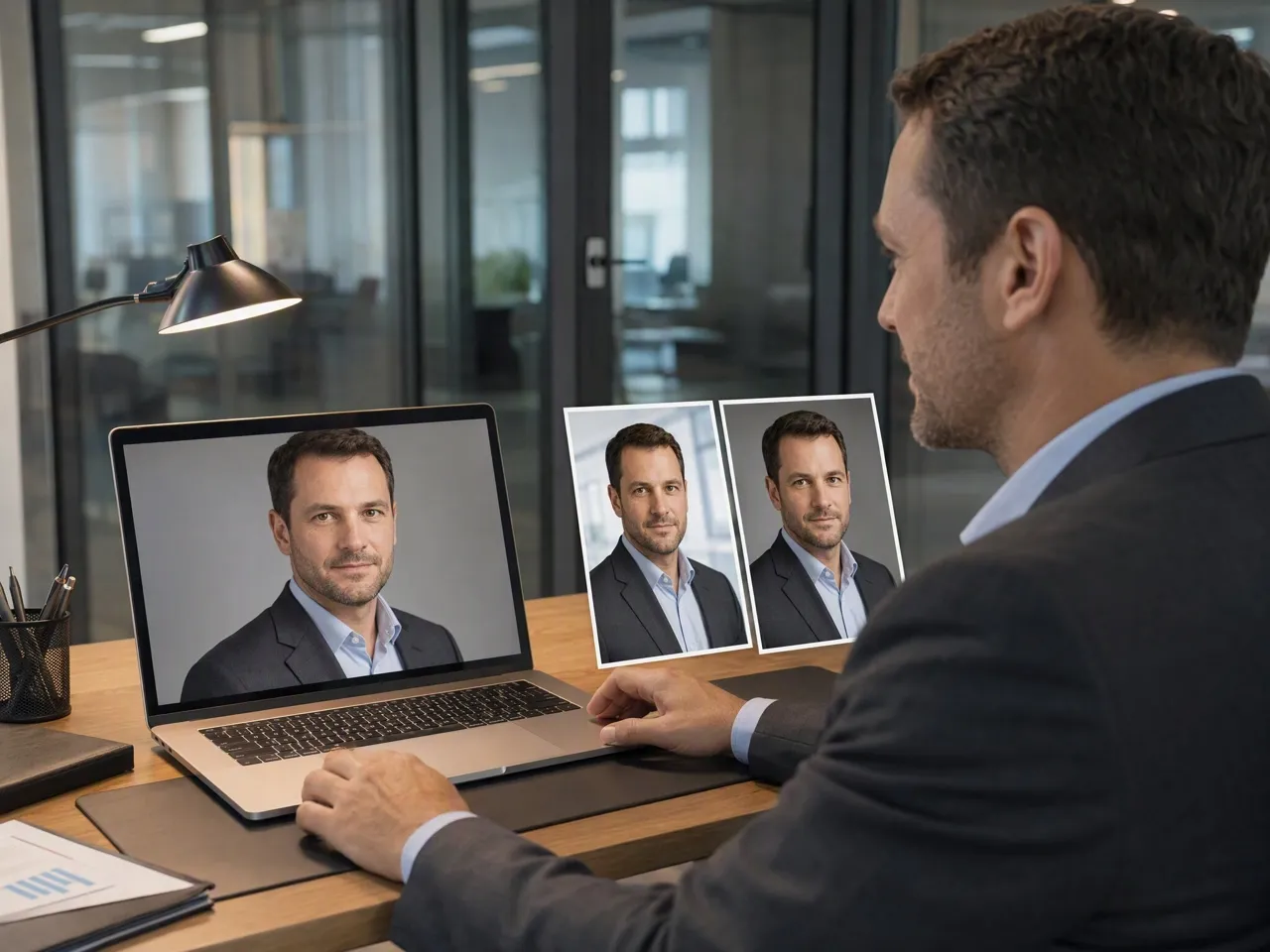
Corporate professionals frequently postpone profile updates because arranging professional photography requires additional time and coordination. Vmake Labs offers a browser-based workflow that simplifies portrait creation, helping them maintain an updated professional image with considerably less effort and planning.
Freelancers & consultants
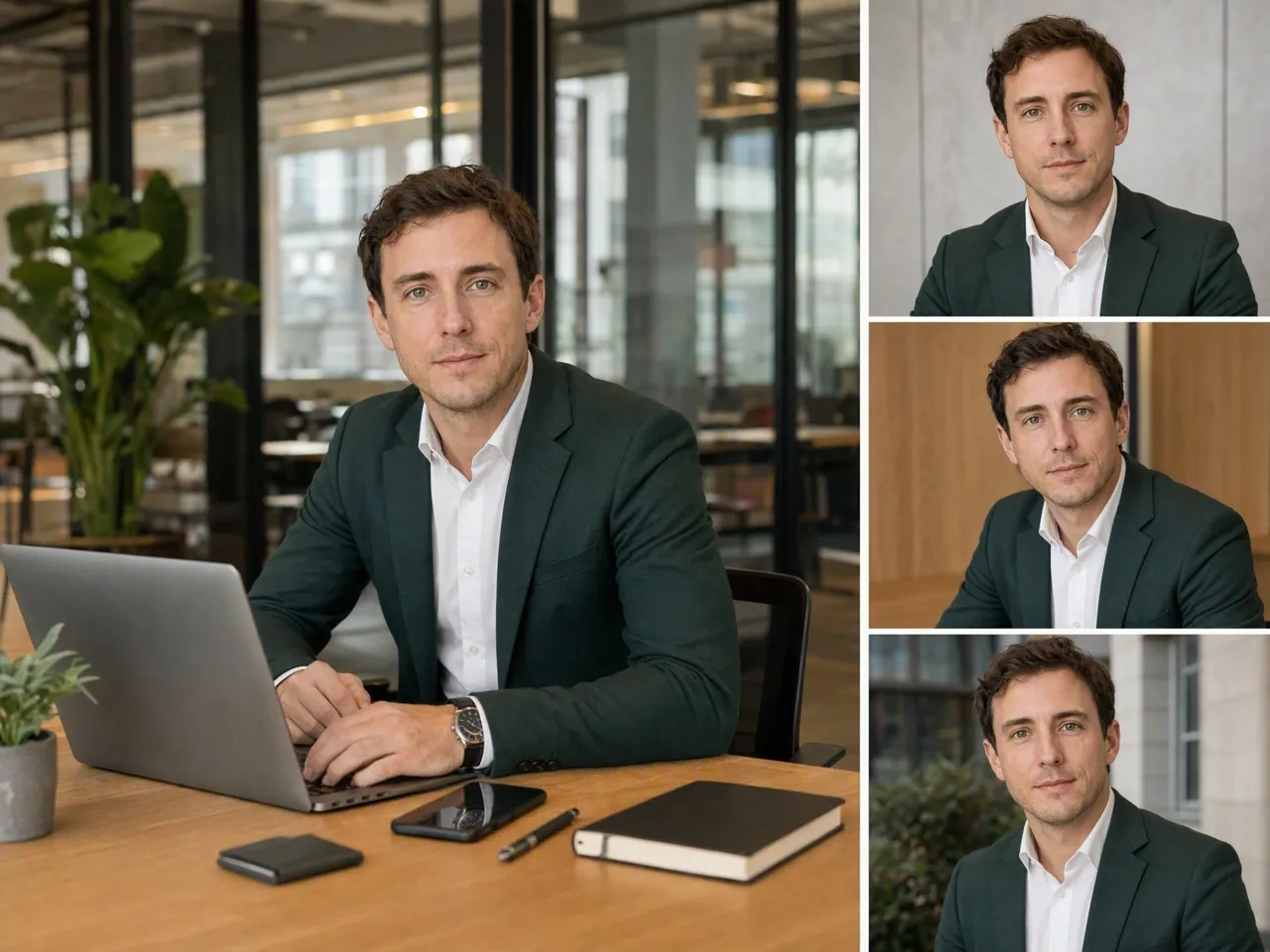
Freelancers and consultants often use inconsistent profile images across different business platforms, making personal branding less recognizable. Vmake Labs supports reference-guided portrait generation that helps create cohesive professional visuals, improving consistency while presenting a stronger and more memorable online identity.
Frequently asked questions
How can I create a professional LinkedIn profile photo using AI?
Can I upload my own reference photo?
Yes. Reference images help guide the AI toward preferred facial characteristics, composition, styling, or overall appearance while still allowing creative adjustments through prompts to produce professional-looking LinkedIn portraits with greater visual consistency.
Do I need graphic design experience?
No. Vmake Labs AI portrait image generator is designed with a straightforward workflow that lets beginners create professional portraits using prompts and optional reference images instead of requiring advanced photo editing or graphic design knowledge.
Can I customize portrait styles and appearance?
Yes. You can describe clothing, hairstyle, lighting, background, facial expression, business setting, camera angle, and other visual details within your prompt to generate LinkedIn portraits that better align with your professional image and branding.
How quickly are AI images generated?
Generation time may vary depending on the selected AI model and current workload, but images are generally produced quickly enough to let you compare multiple portrait variations before choosing and downloading your preferred professional profile photo.
Create your next professional LinkedIn profile photo with Vmake Labs AI image generator
Build a stronger professional presence with AI-generated LinkedIn portraits designed for networking, recruitment, and personal branding. Start creating multiple profile-ready variations in minutes.
Vmake Labs is trusted by professionals creating polished digital profiles
I wanted a more professional LinkedIn profile without scheduling a studio session. Vmake Labs helped me create several polished portrait options using prompts, making it much easier to choose an image that looked appropriate for networking, recruitment, and everyday professional communication.
After changing roles, my old profile photo no longer represented my professional image. I generated multiple business-style portraits, experimented with different prompts, and quickly found a version that better matched my current position and personal branding across platforms.
I appreciated how quickly I could create different professional portrait styles without learning complicated editing software. The prompt-based workflow made experimenting with clothing, backgrounds, and lighting straightforward while producing several LinkedIn-ready options to compare before downloading.
Maintaining a consistent professional identity across LinkedIn and other business platforms has always been challenging. Using reference images alongside prompts helped me generate portraits that felt visually cohesive while still allowing different styles for various professional situations.
I'm not experienced with image editing tools, but the interface felt approachable from the beginning. Creating professional portraits only required selecting a model, writing a prompt, and reviewing multiple generated results until I found the one I preferred.
As someone building a stronger online presence, I wanted a profile photo that looked more polished than casual selfies. Vmake Labs gave me several professional-looking variations that worked well across LinkedIn, company pages, speaking events, and networking opportunities.