





AI Video Enhancer: Enhance Video Quality in One Click

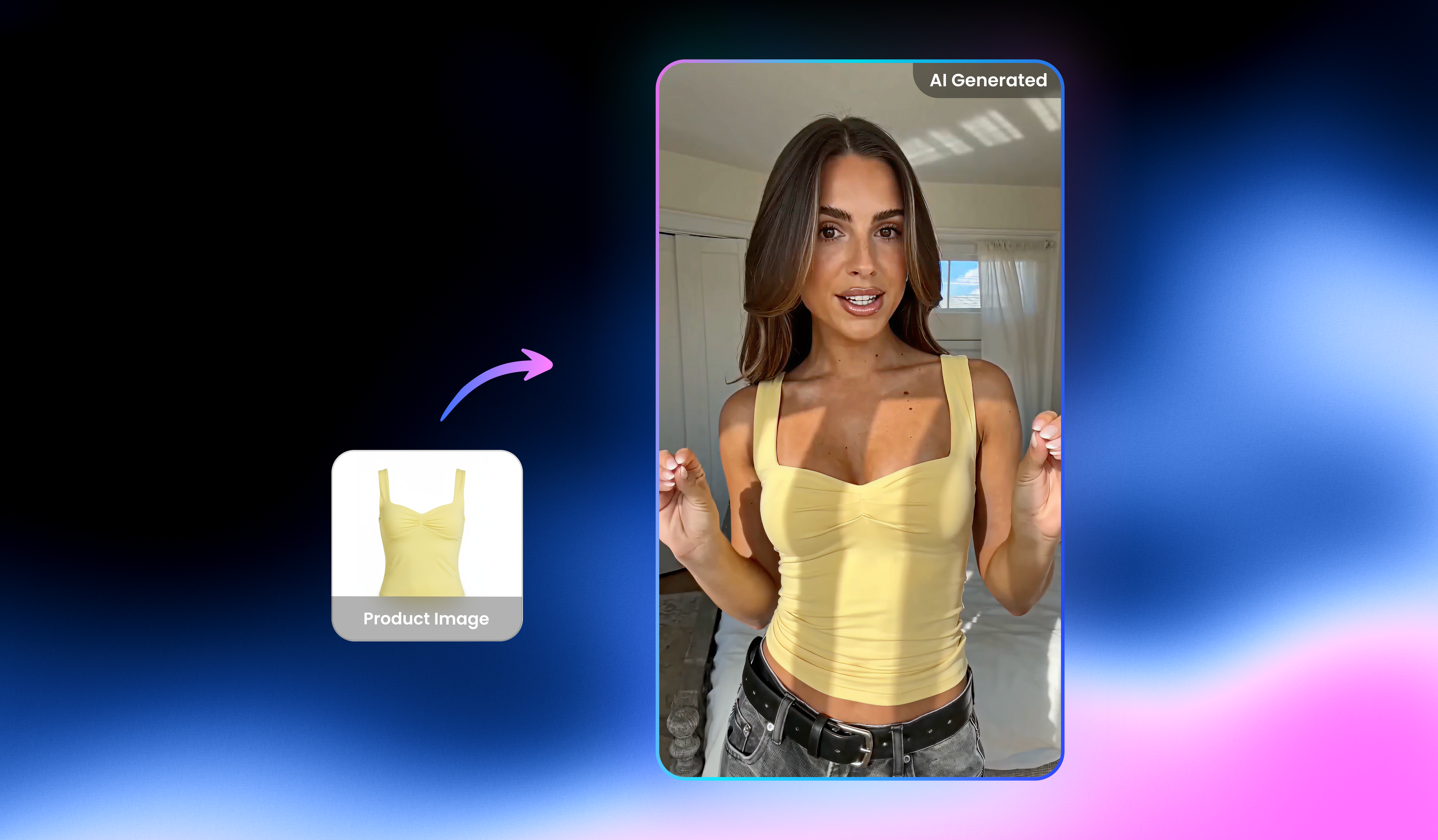
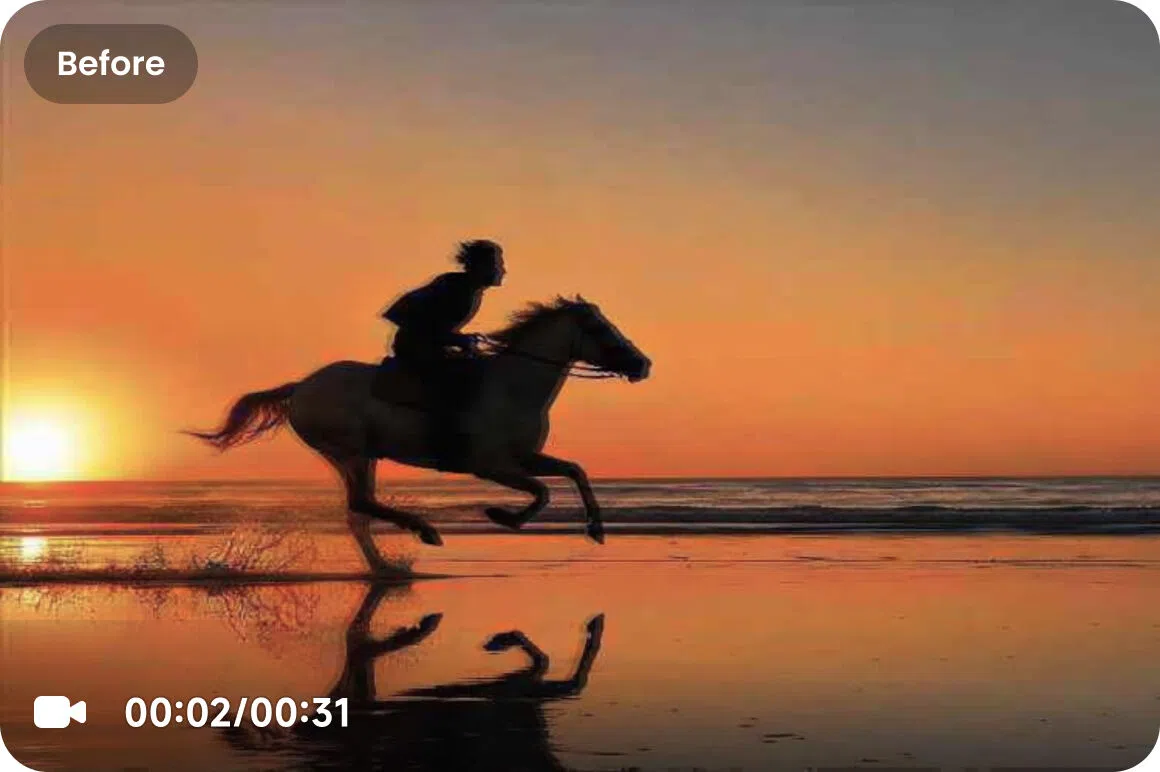
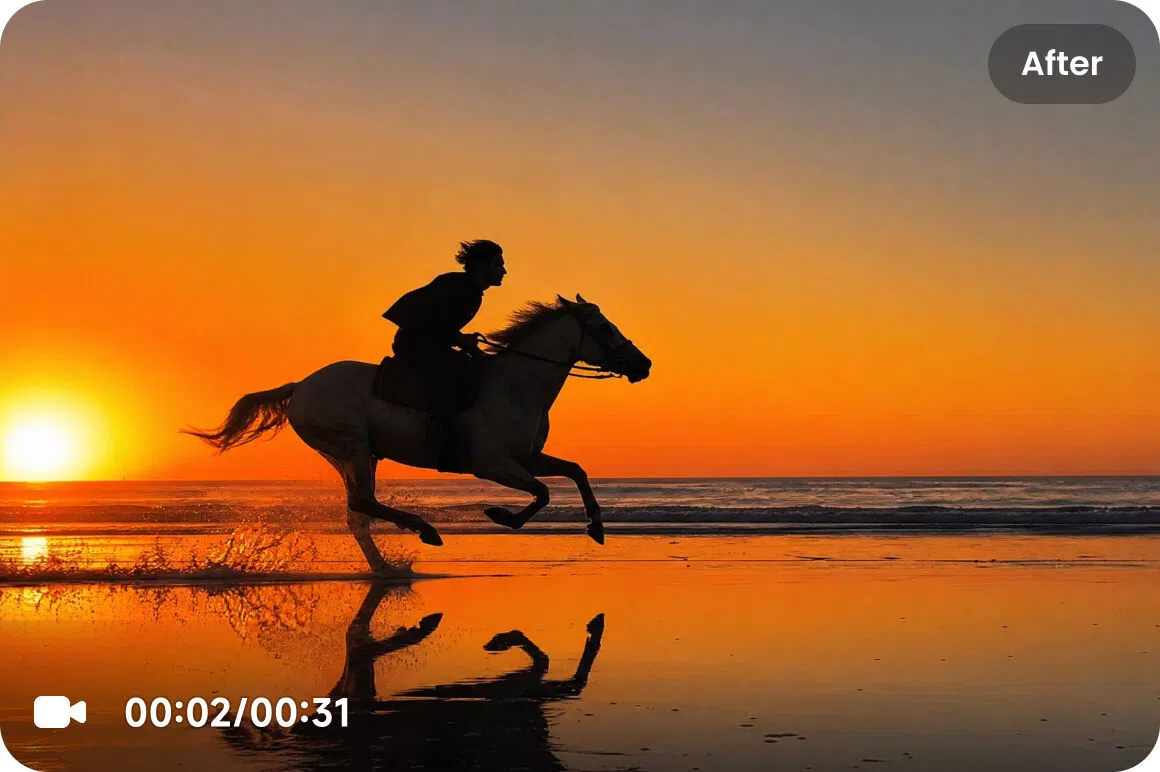
One-click free online Al video enhancer to turn low-resolution videos into stunning 2K, 4K, and our featured Al 4K+. Unblur low-res video now with sharper details, smoother motion, higher resolution frame by frame. Designed for Al-generated clips (Sora, Seedance, Kling, etc.), portraits, gameplay, animation, and heavily compressed videos. 100% Safe.
Drag / Paste / Click
No video? Try these.
AI Video Enhancer: Enhance Video Quality in One Click 0
AI Video Enhancer: Enhance Video Quality in One Click 1
AI Video Enhancer: Enhance Video Quality in One Click 2
hero
hero

How to Enhance or Upscale Low-quality Videos with Vmake?

Step 1

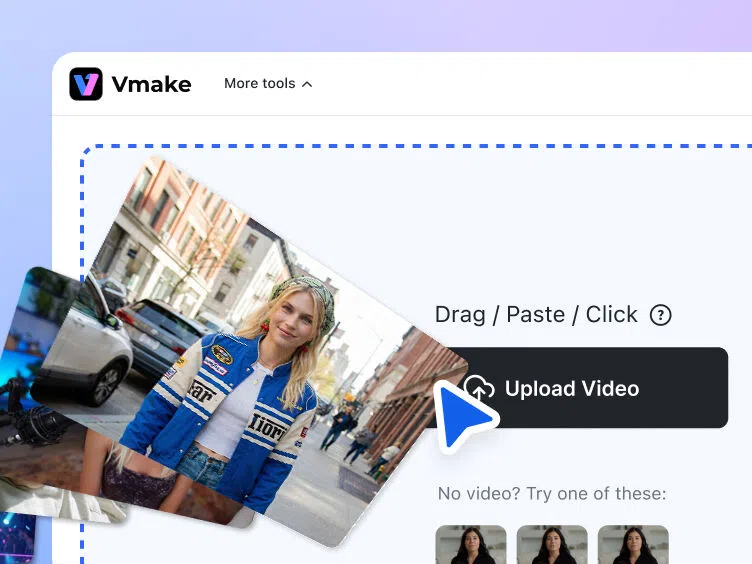
Upload your video

Drag, paste, or click to upload your video from your gallery. We support all major video formats, including MP4, MOV, M4V, 3GP, and AVI.


step-1
Step 2

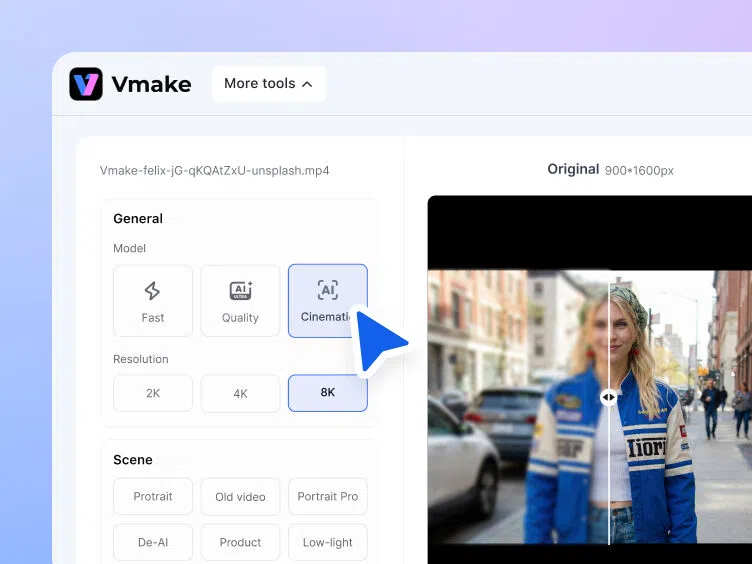
Automatic AI video enhancement

After uploading, Vmake automatically selects the best enhancement model. Or manually choose 2K, 4K, or AI 4K+. Specialized models are available for Portrait, Product, Low-Light, Gaming, and Anime.

step-2
Step 3

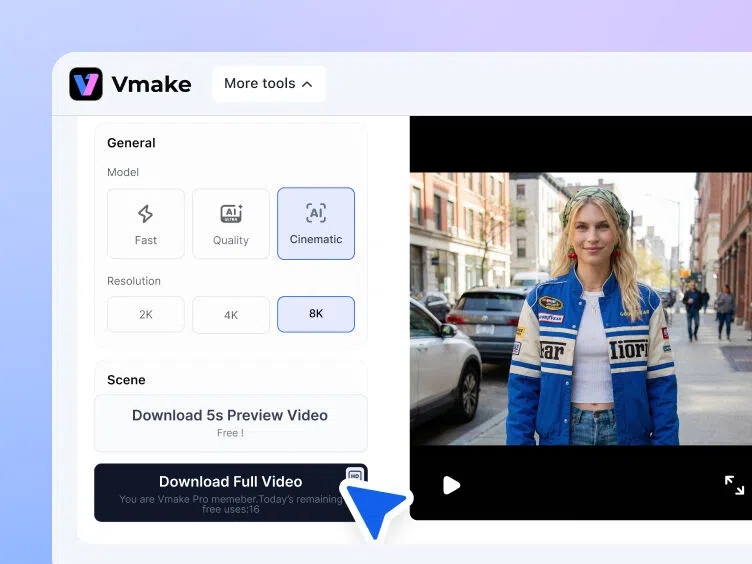
Download your enhanced video

Check your enhanced video, choose your format, and now your perfectly optimized video is just one export away.


step-3

AI 4K+: Setting a New Standard in AI Video Enhancement

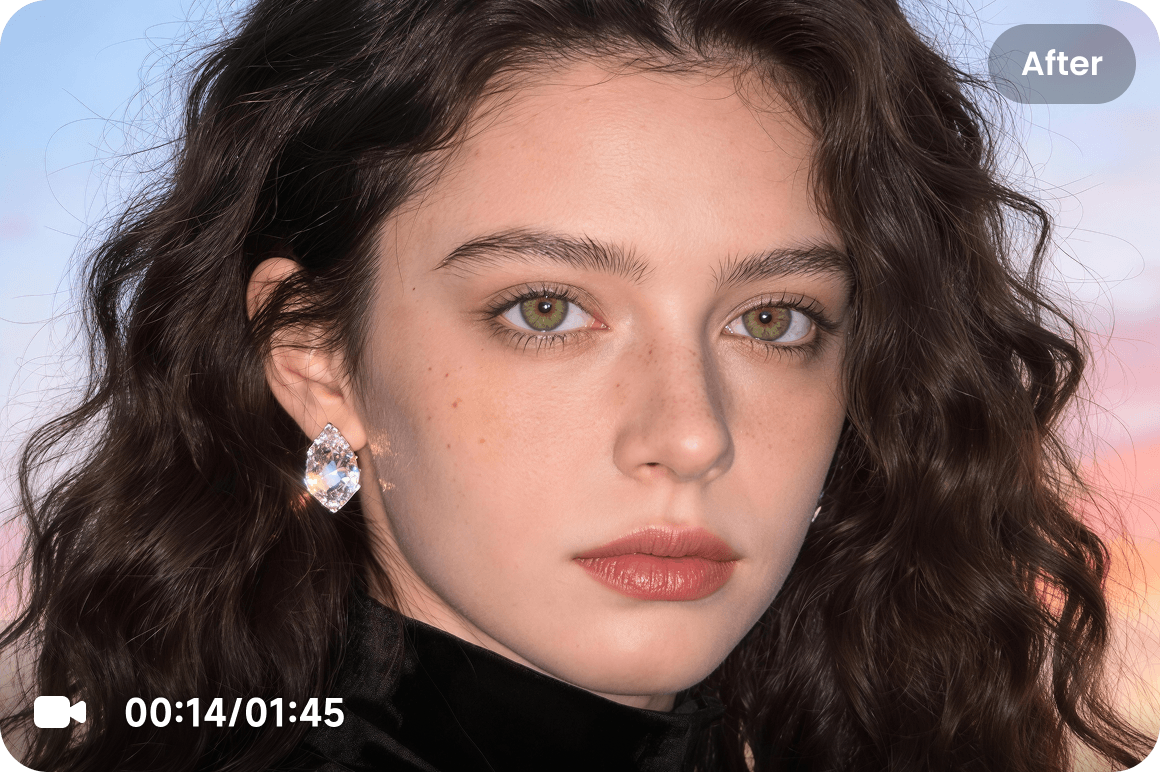
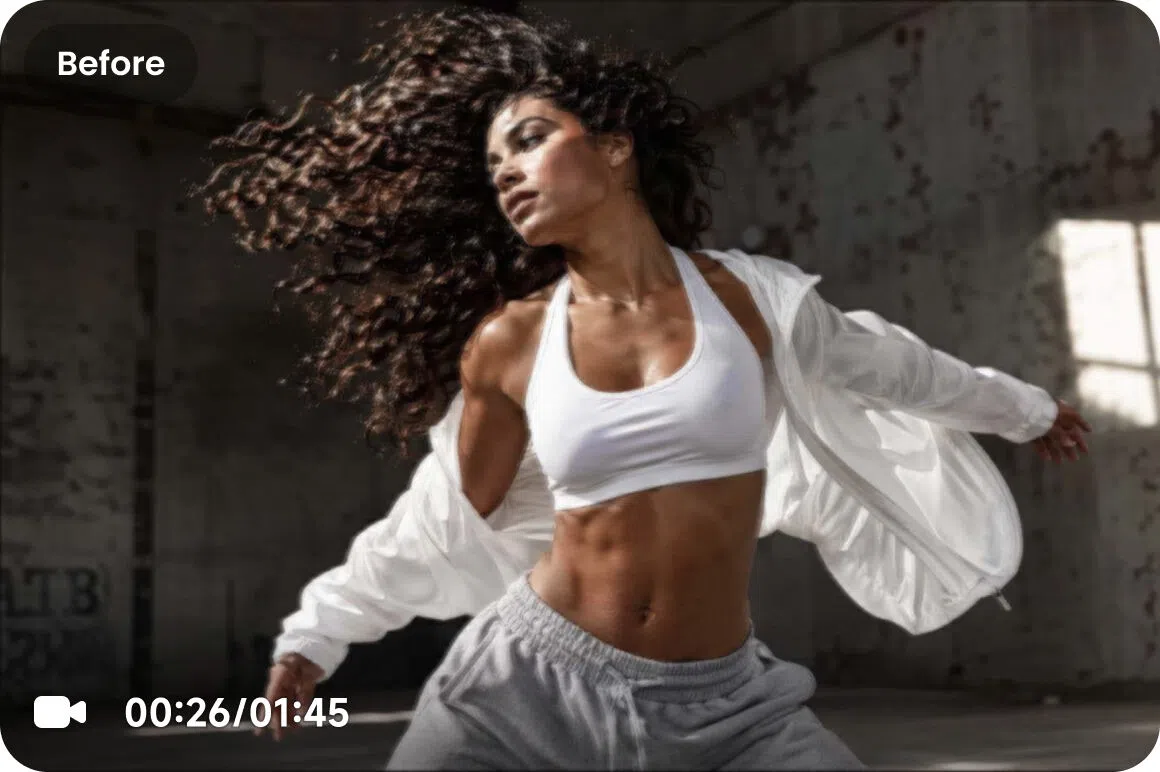
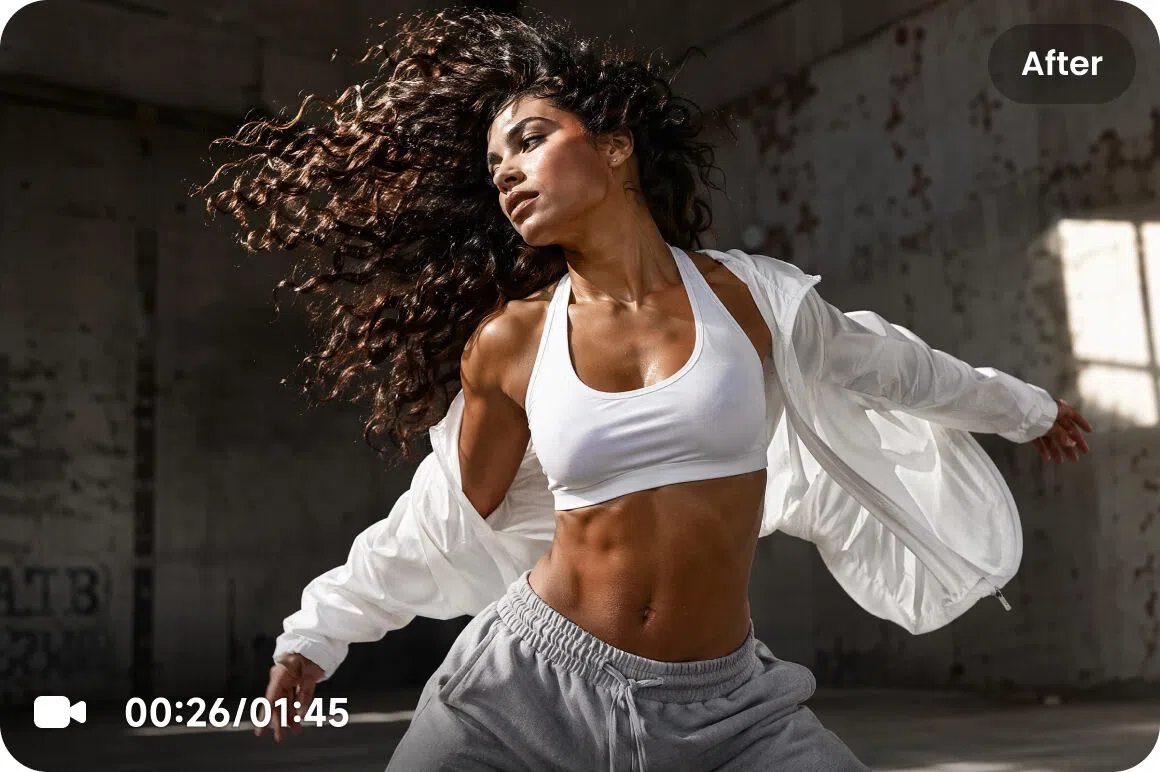
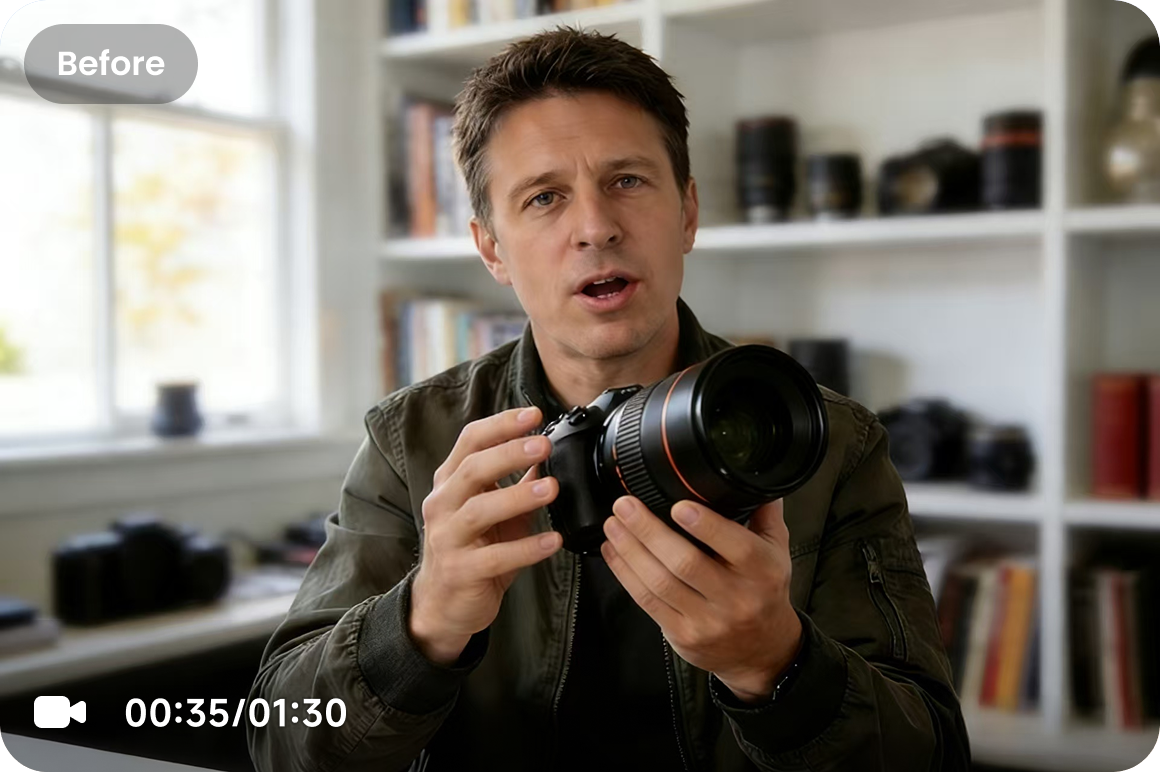
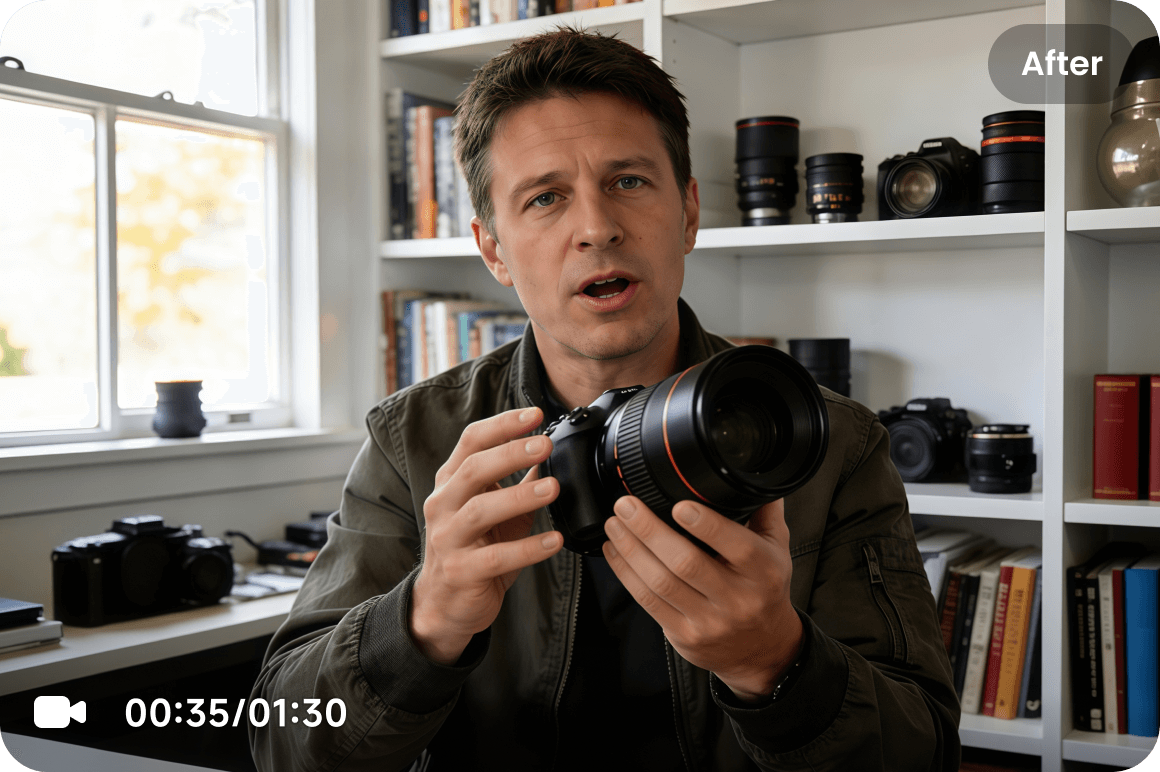
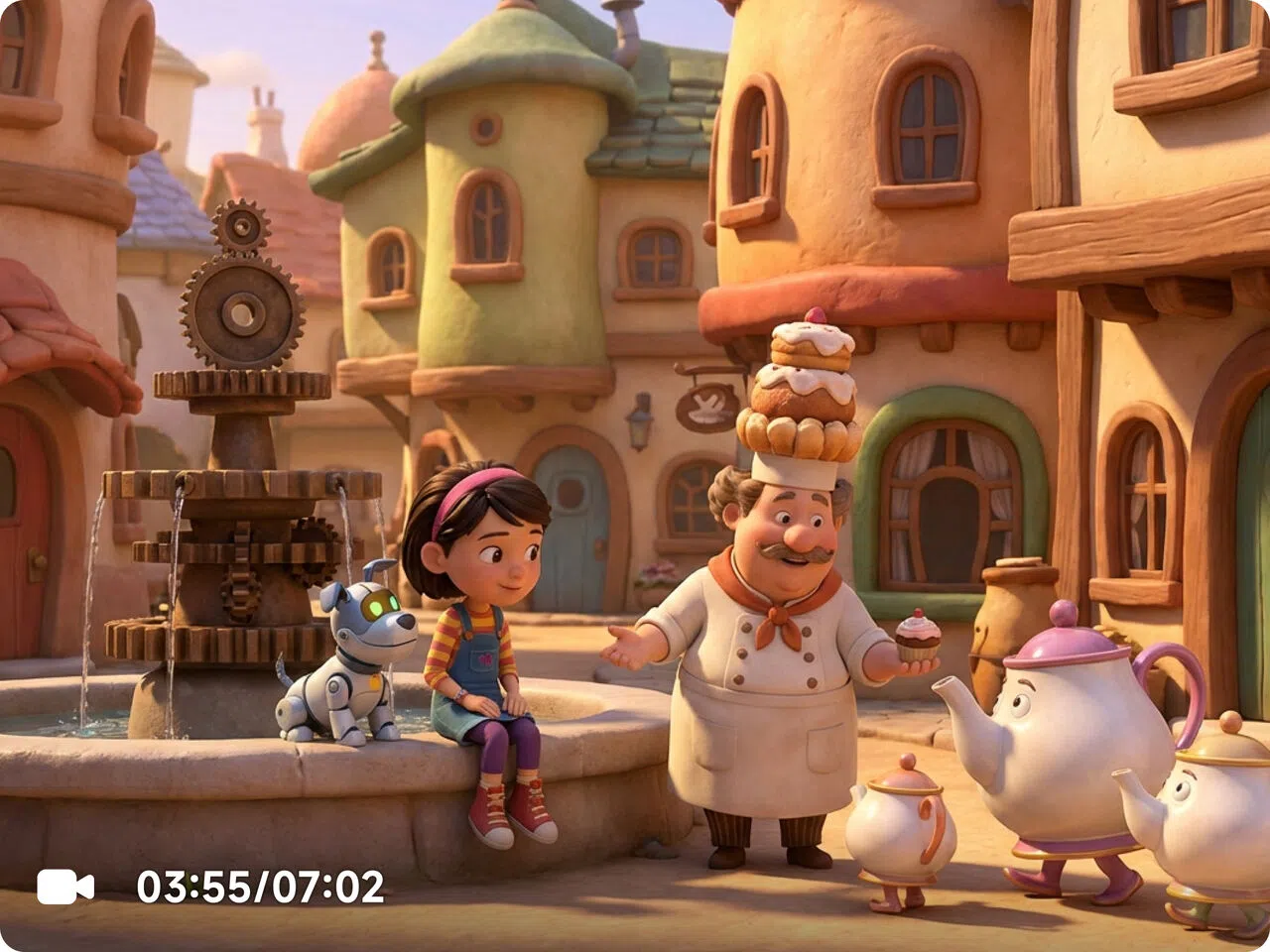
Clarity is only the start. Unlike typical enhancers that rely on filters, AI 4K+ applies generative scene reconstruction—understanding what’s in the frame and rebuilding fine detail and texture that compression or low resolution removed. You get sharper video without the crunchy edges, waxy skin, or artificial look.
02
02
02
03
04
05
06
03
03
02
03
04
05
06
04
04
02
03
04
05
06
045
05
02
03
04
05
06
大卡摩托
06
02
03
04
05
06

Scene Optimized AI Enhancement Models for Every Scenario

企业微信截图_e8e1a581-171d-4281-b834-eb2e26e2cc04
企业微信截图_411f0864-12af-43d9-ab40-32eac80f1afe

De-AI Mode

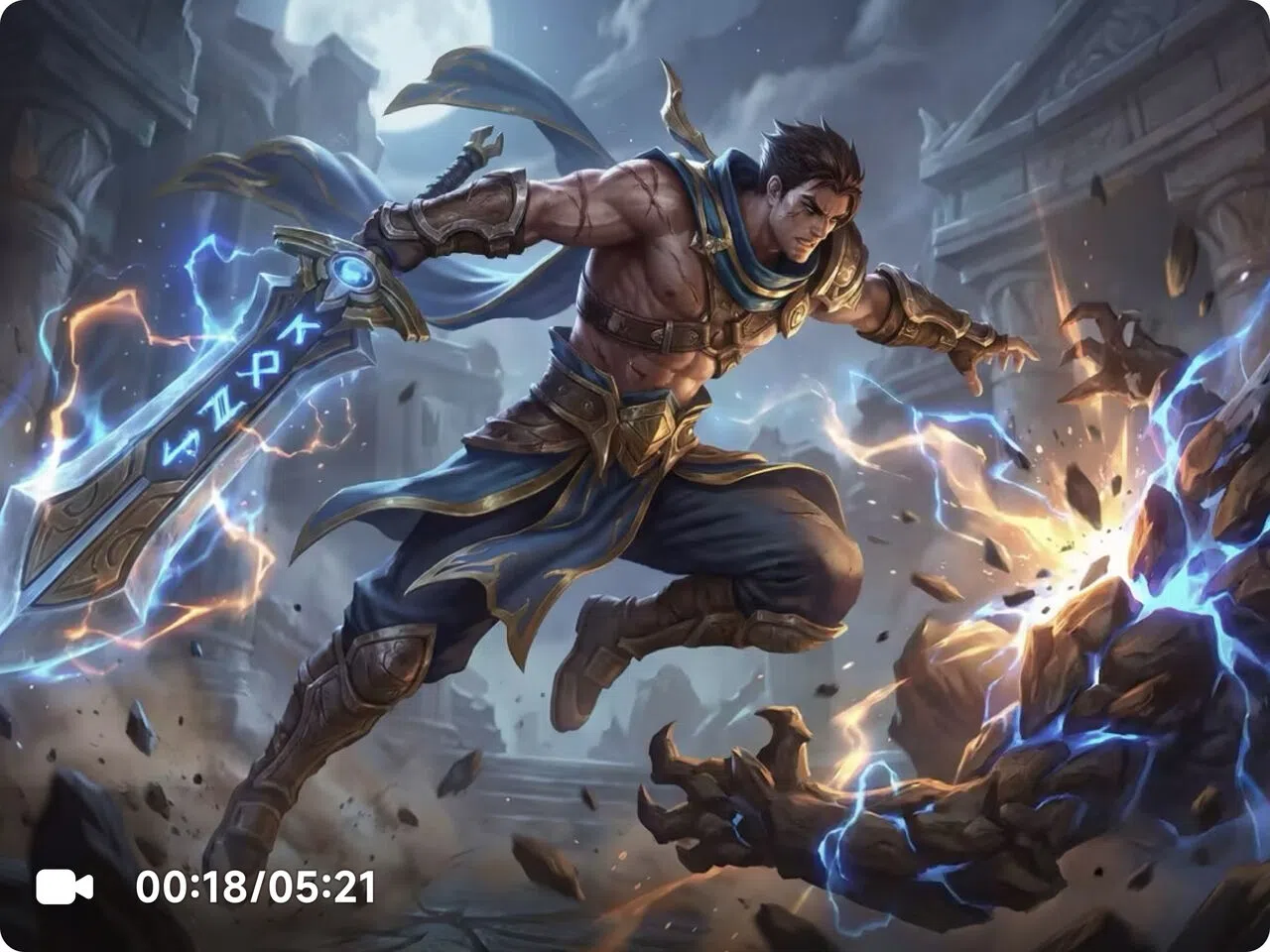
Make AI-generated footage feel more real. Reduces over-smoothing, fixes texture repetition, improves light and color balance, and rebuilds detail while keeping artifacts under control—great for Sora-style outputs and composited content.

Try it now
企业微信截图_8a2d4ddb-3672-4129-afde-86096cb4f73b
08

Portrait Restoration Mode

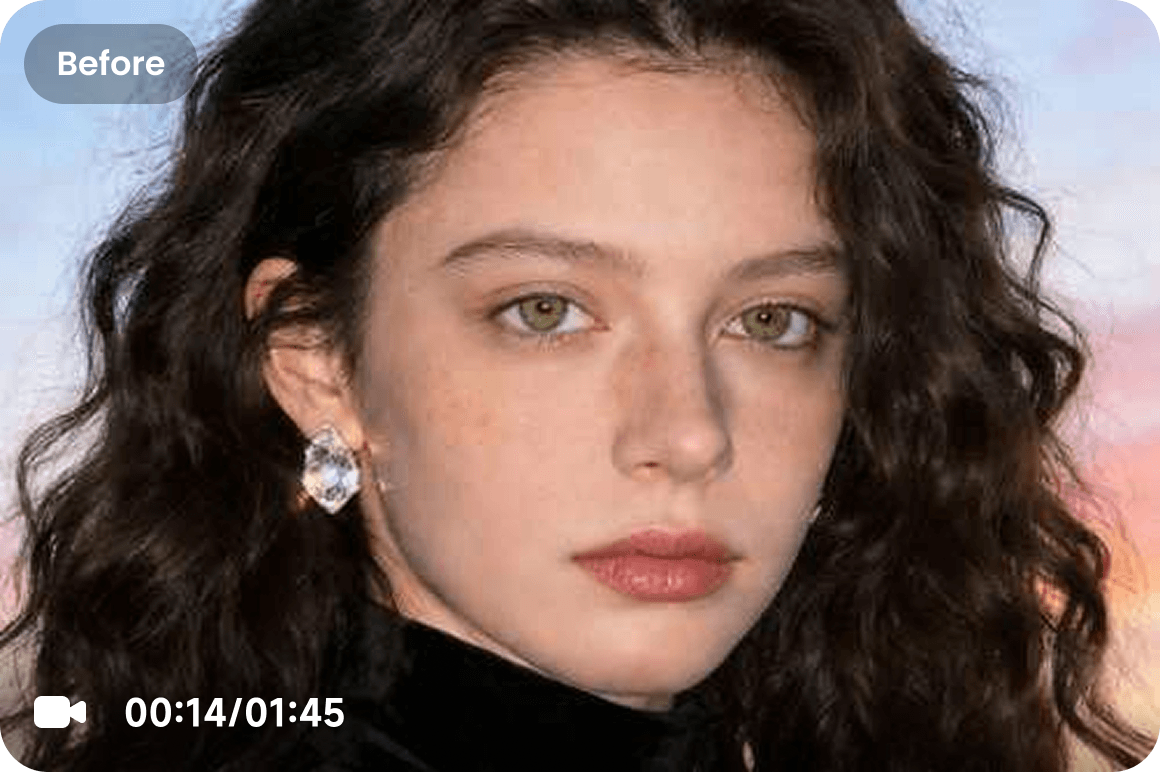
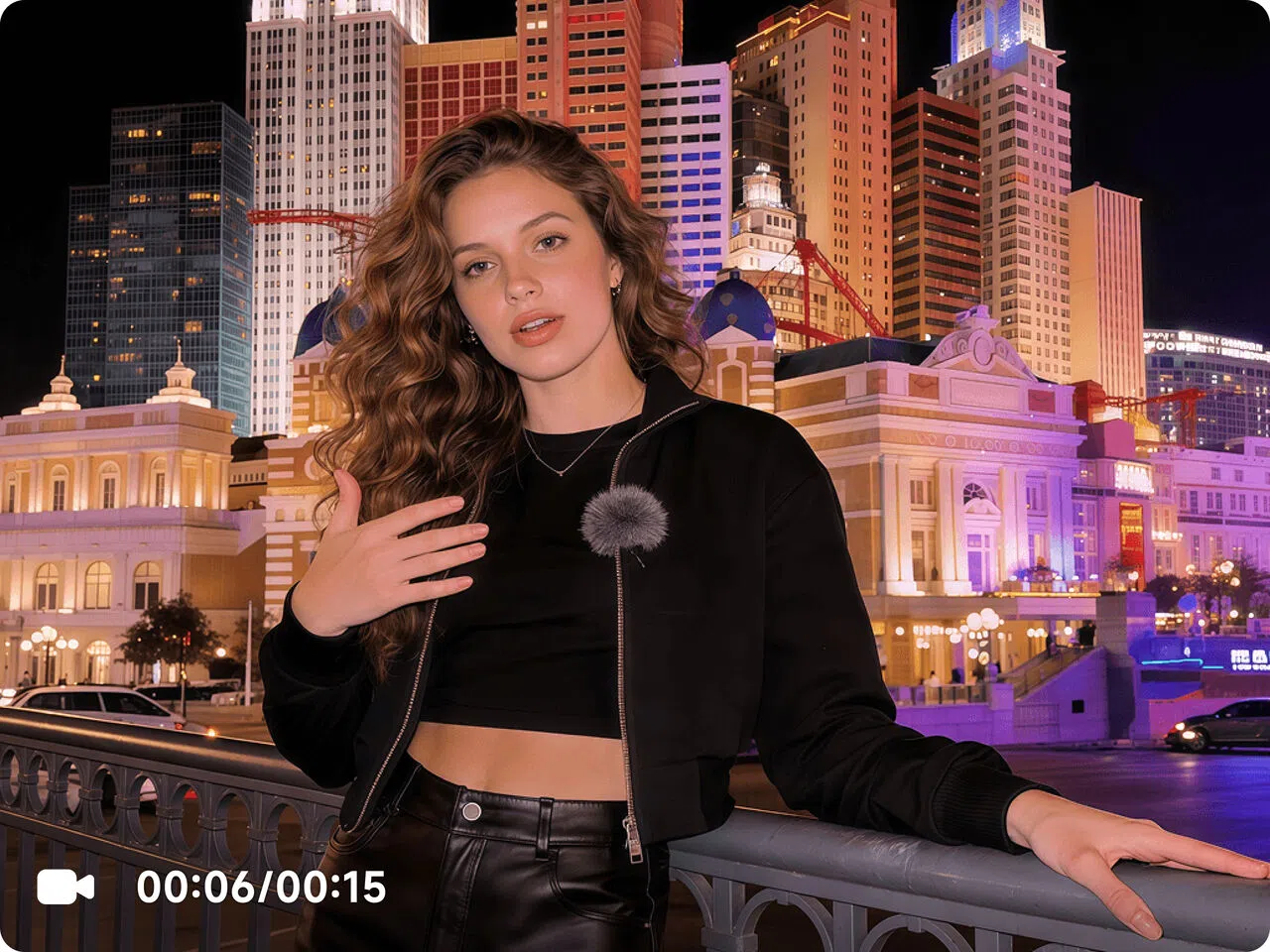
Sharper facial features, cleaner hair detail, and more natural skin texture—without harsh over-sharpening. Helps with flicker, jitter, background over-processing, and “wax skin” results for a more lifelike look.

Try it now
企业微信截图_2aa574c9-f8c7-4355-a2db-4b9eede352fc
09

Product Enhancement Mode

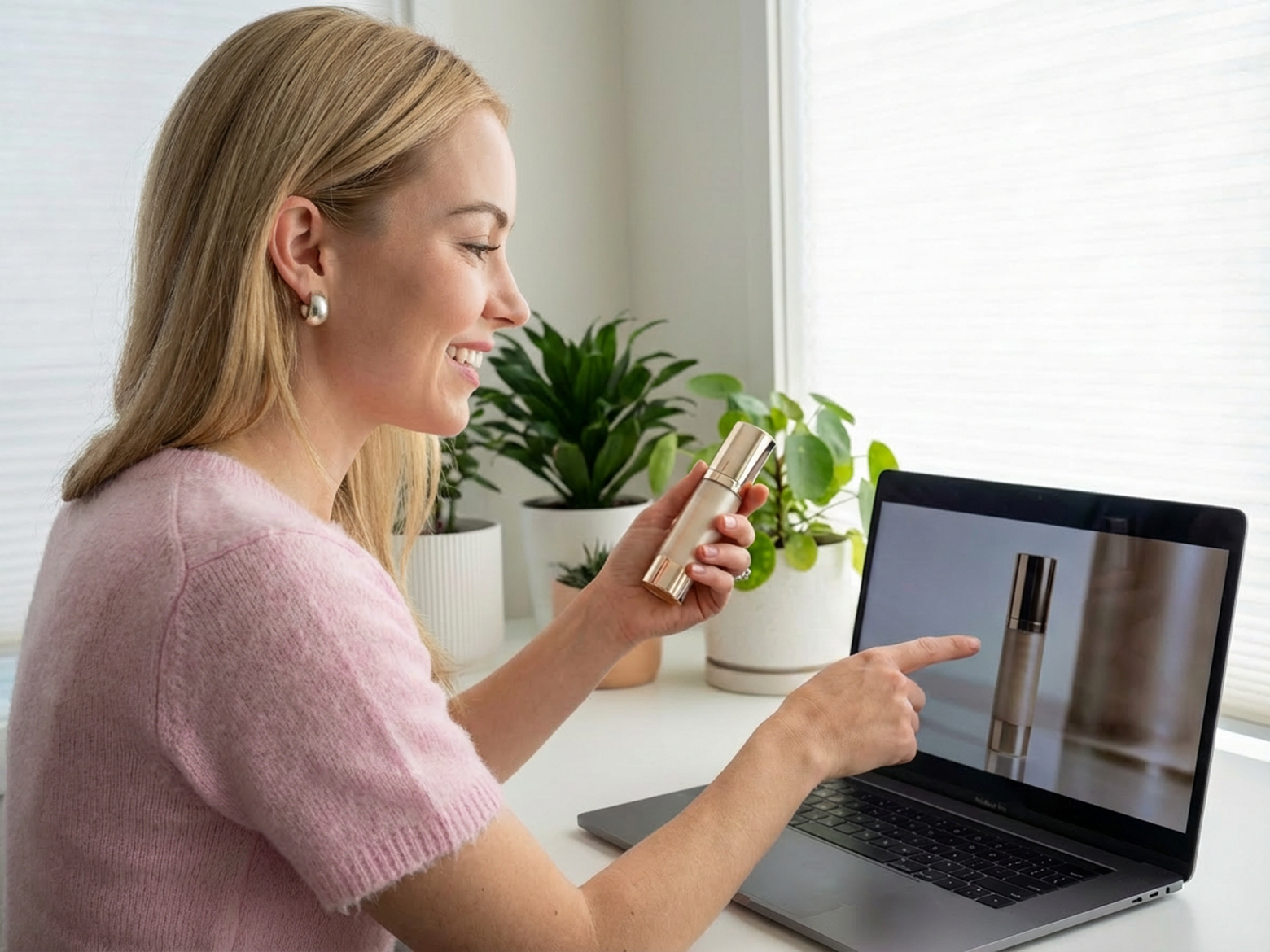
Crisper text and graphics, corrected color consistency, and cleaner material texture—so details stay solid even when zoomed in. Built for eCommerce listings, ads, and product demos where trust depends on clarity.

Try it now
企业微信截图_dd127730-d095-40d3-b7e8-6510187812ab
10

Low-Light & Night Repair Mode

Reduce noise and flicker, recover shadow detail, and boost visibility without blowing out highlights. Ideal for night scenes, indoor dim light, phone footage, and security-style clips that look muddy or unstable.

Try it now
企业微信截图_e9ce7e0e-4a2e-4816-842b-ece431ef9be9
11

Gameplay & Screen Recordings Mode

Reduce jagged edges and blur, improve clarity, enhance color, and optionally increase smoothness for a cleaner, more immersive viewing experience—great for streams, clips, and compressed recordings.

Try it now
企业微信截图_175cff7b-5c5d-4d72-8820-a41d2aeaeb32
12

Anime & Animation Mode

Correct faded color and improve clarity while keeping the original style intact. Adds stability across frames so the viewing experience feels more consistent and less “washed out.”

Try it now

Who's It For

Creators & Social Teams

  • Sharper, smoother playback that stays clean after TikTok/Reels/Shorts compression, so your edits look crisp and hold attention longer.
  • Fix re-compressed, re-uploaded, or screen-recorded clips where details get mushy and motion starts to look choppy.
  • Upgrade older posts for reposting and repurposing, keeping your feed quality consistent across platforms.

eCommerce & Performance Marketers

  • Cleaner product playback that keeps key details readable even after compression, so creatives look trustworthy and conversion-ready.
  • Make text, logos, and packaging clearer at a glance, especially on mobile where every second counts.
  • Keep colors and overall look consistent across multiple ad variants, placements, and creative refreshes.

Streamers, Gaming & Animation

  • Sharper, smoother playback that holds up under heavy platform compression, keeping motion cleaner and viewers watching longer.
  • Improve gameplay clips and livestream highlights by reducing softness and making fast movement look less smeared.
  • Restore anime and older/archival footage so linework, textures, and compressed uploads look cleaner and more stable.

Why Choose Us

9m3897yl0pyoi1em
Privacy & Security You Can Trust

We take your privacy as our priority. Your file can only be viewed and edited by yourself. All your uploaded and enhanced files will be automatically deleted after 7 days.

v9tzh3f8xvz20x9o
Enhance Anywhere, on Any Device

No matter if you're on a desktop/mobile devices, Vmake allows you to enhance your video quality anywhere anytime. Vmake AI Video Enhancer is a browser-based tool waiting for you to apply it to your stunning video anytime.

avlly2jhgiudtw47
Professional Results with One Click

One-click to receive the top AI enhancing results with our intuitive interface. Get instant access to the world's top high-end AI technology. No downloads, no signups, no ads.

dl4ejasxqnswu76r
Intuitive Interface & Easy Steps

Vmake AI Video Enhancer requires no technical skills. All you need is to upload your video, then AI will do the rest and provide you with satisfied high-quality video.

nylqply2nvgfilv8
Clean Product with No Ads or Viruses

No need to worry about annoying ads or viruses. Vmake AI Video Enhancer provides a smooth and safe experience for every user.

24t2ro4zg1gjbzz4
Constantly Updated Features

We continuously monitor market trends and understand user needs. Whenever you need us, we are here, and we regularly update our features.

Real Stories, Real Results: Voices of Our Users

4.5
Over 800 reviews from our users

FAQ about Vmake Video Enhancer

What is the difference among 2K, 4K and AI 4K+?

2K and 4K refer to the resolution of a video. AI 4K+ represents the most advanced AI video enhancement technology, delivering higher-quality, sharper, and more detailed videos than standard upscaling. AI 4K+ provides AI generative features that create details from scratch, achieving an overall upgrade of clarity, realism, and stability.

How does a video enhancer work?

Vmake video enhancer operates by using intuitive AI technology to increase the resolution of a video. You can upscale to 4K+, restore details, reduce artifacts, improve low-light footage, and make AI-generated videos look more natural.

How does it help remove the “AI look”?

Vmake reduces the overly smooth, plastic feel and repeated textures that often show up in AI-generated footage. It also stabilizes edges and cleans up artifacts, so the result looks more natural and consistent frame to frame.

Does it work for night or low-light videos?

Yes. Vmake helps reconstruct shadow details, reduce noise and flicker, and auto-balance brightness and contrast for better visibility.

What apps can I use to enhance my video quality?

Vmake AI video enhancer is a browser-based app for improving the quality of your footage. Using our tool, you can adjust the sharpness of your video without needing any editing skills.

Can I use an AI video enhancer for my business training materials?

Yes, you can use the Vmake video enhancer to boost the quality of your business training materials. Our AI video enhancer ensures the clarity of your business training videos.

Best 4K AI Video Enhancer Right Next to You

Upload your blurry video now and dive into the all-new world of high-quality videos with Vmake AI Video Enhancer!

Try Vmake AI Enhancer