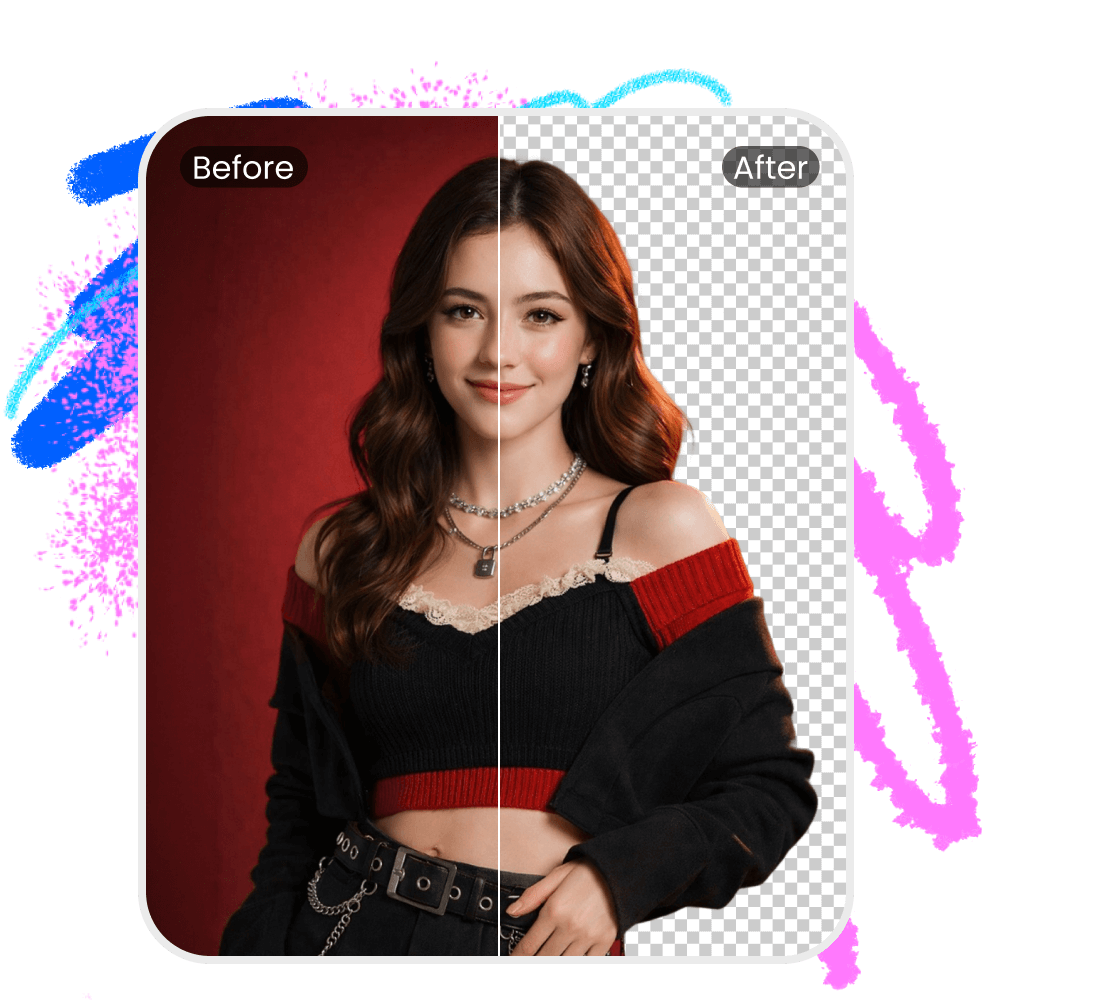


Kling Background Remover
Achieve surgical precision when stripping backdrops from your Kling AI outputs. Our Kling Background Remover offers a simplified yet sophisticated solution for experts requiring sharp, industry-standard edits while eliminating the frustration of traditional editing software.

How to remove background from Kling images?
Step 1
Upload your Kling imagesStep 2
Recognize and removeStep 3
Download or refineWhy Choose Vmake's Kling Background Remover?
Superior AI Precision
The Kling Background Remover uses neural networks to extract subjects with surgical precision. Our engine preserves intricate edges and fine details, delivering high-fidelity, transparent assets that maintain total clarity for professional commercial use.
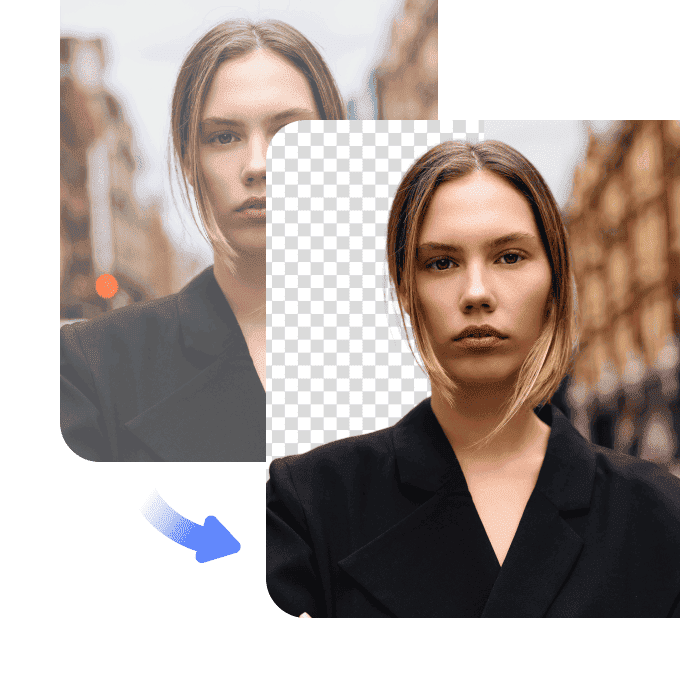

Frictionless One-Click Workflow
Skip complex software with our intuitive, web-based tool. The Kling Background Remover empowers creators of all levels to generate polished cutouts instantly—simply upload your file and let our automated system handle the rest.

Versatile Professional Results
From e-commerce to social media, the Kling Background Remover delivers consistent quality across all digital platforms. It fits seamlessly into any production pipeline, providing high-impact visuals for marketing, branding, and creative projects.

FAQ about Kling Background Remover
Discover More Features
Recommended

Video & Image Enhancer
Elevate video and image quality in seconds.

Watermark & Text Remover
Remove watermarks and subtitles from videos automatically.

AI Creative Ads
Upload your product images to instantly create promotional videos.

AI Video Generator
Create videos using text, images, or even other videos.

Video Background Remover
Erase video background with accuracy.

Video & Audio to Text
Convert your audio and video files into subtitles and transcripts.

Noise Reducer
Remove background noise from the video.

AI Animation
Turn your idea into a video in just 3 steps.