
Free AI YouTube Video Quality Enhancer: Upscale to 4K Online
Stop settling for grainy footage. Turn your YouTube uploads into cinematic masterpieces with one click. Vmake Labs enhances your YouTube video quality and upscales to 1080P, 2K or 4K automatically. No editing skills needed.
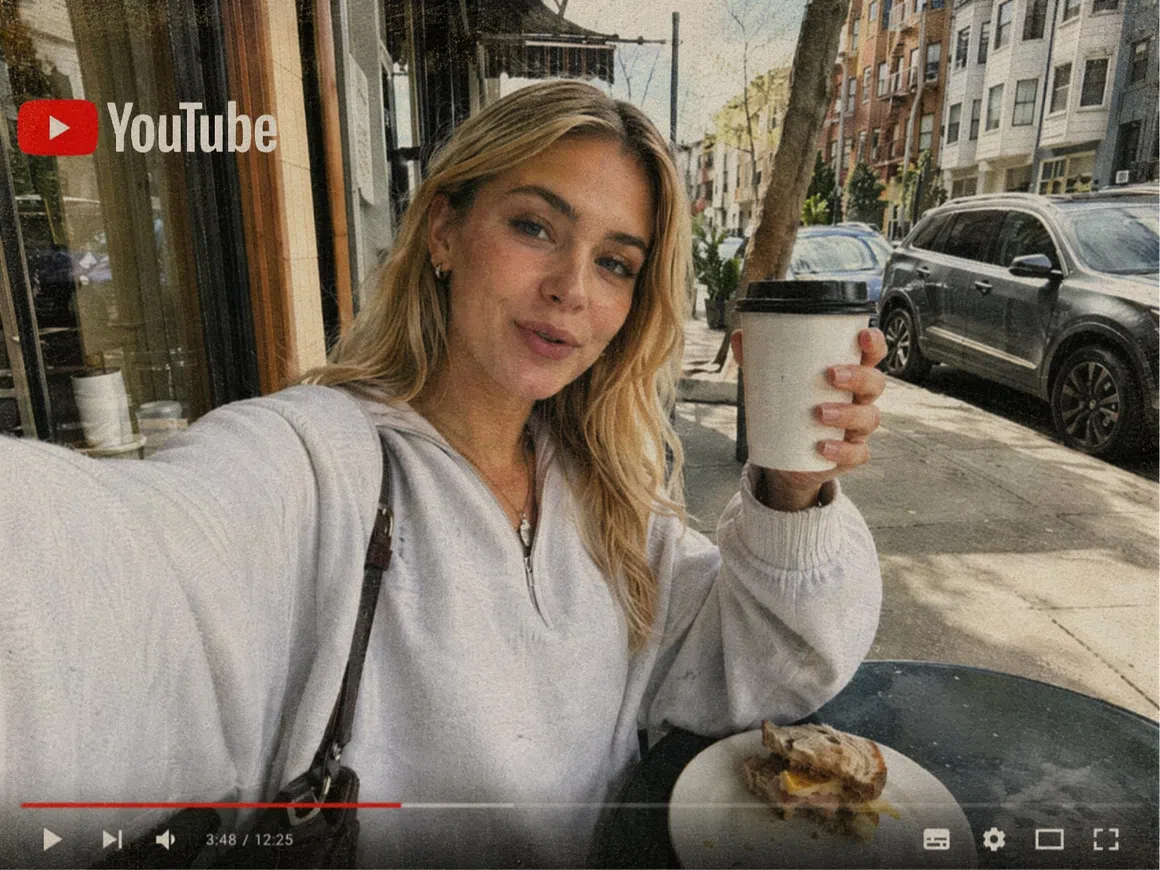
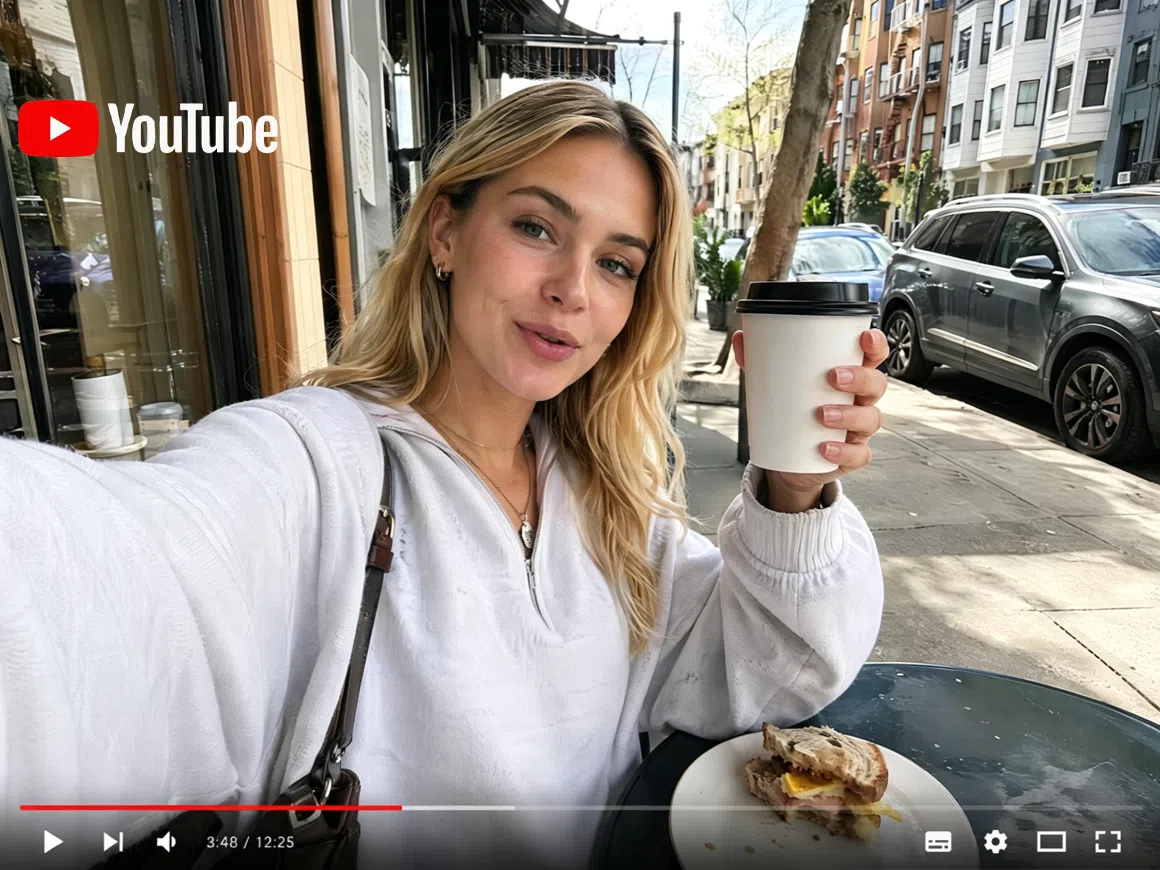


How to enhance your YouTube video quality in 3 steps
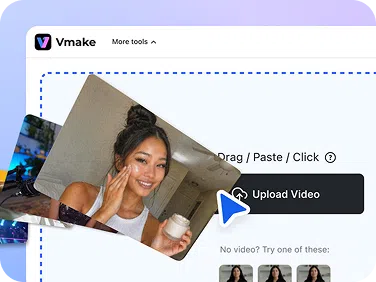
Upload your video
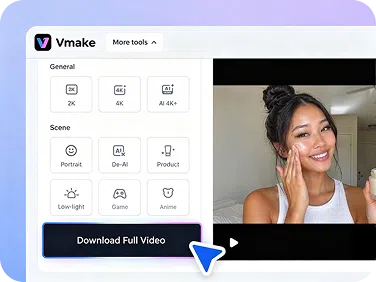
Enter Vmake Labs official website first. Then, drag your clip into the box or click it to browse.
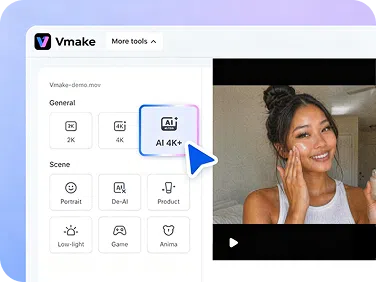
Choose your target resolution
Pick 1080P, 2K or 4K. Vmake Labs AI sharpens edges, recovers detail and boosts colour clarity frame by frame.
Download and upload to YouTube
Preview the enhanced version and download it. Your video is ready to publish on YouTube.
What you can fix with Vmake Labs
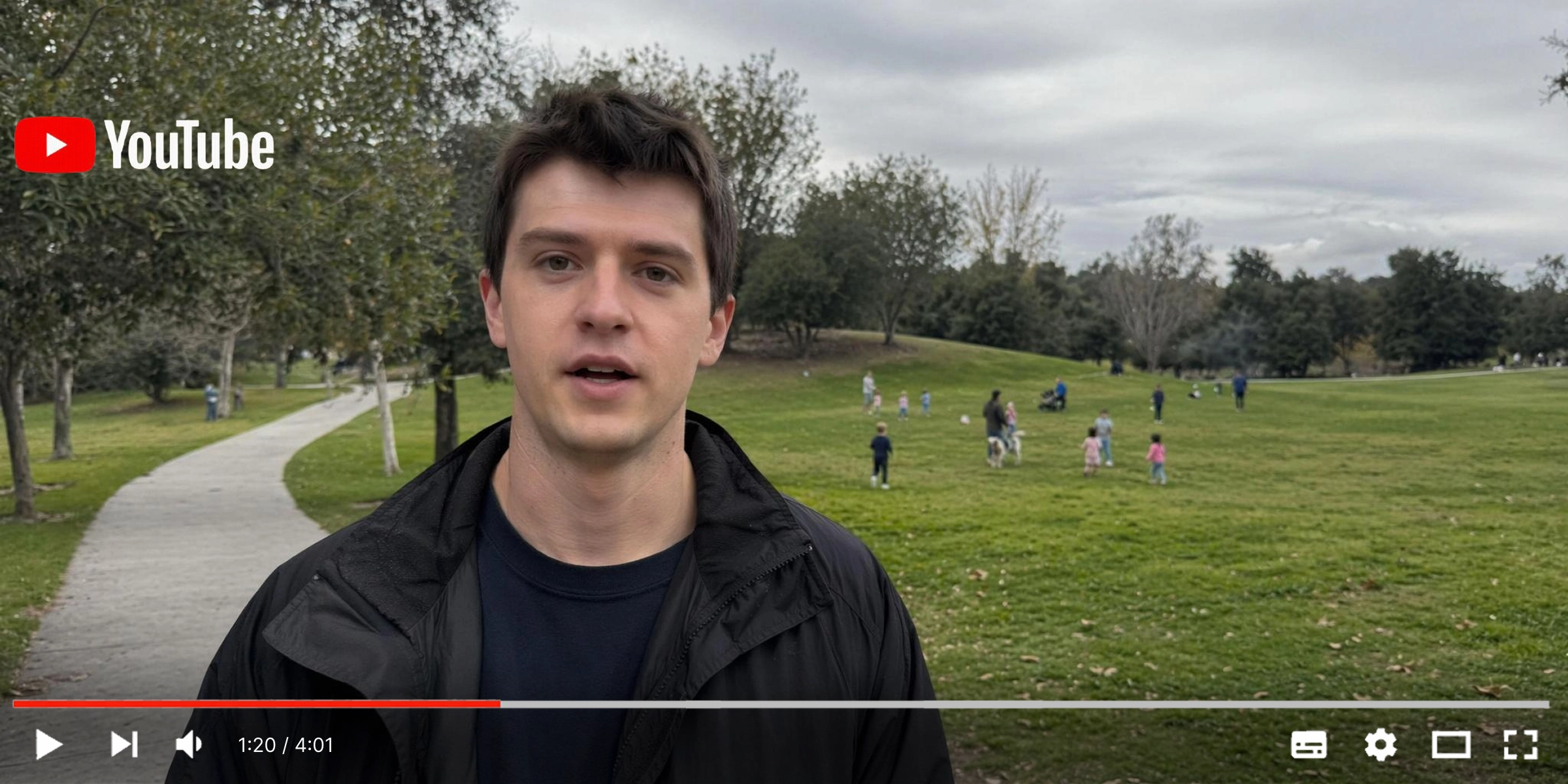
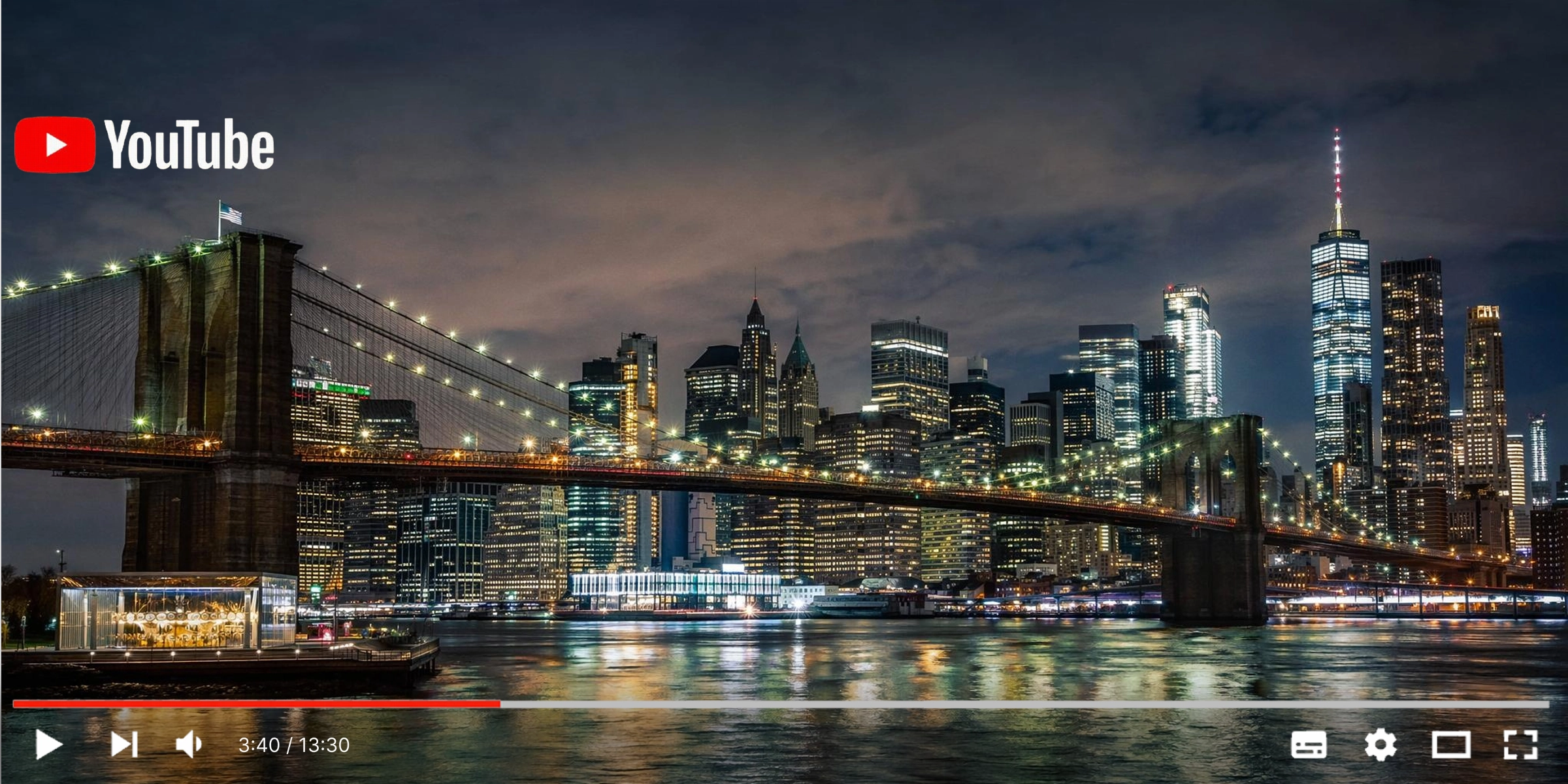
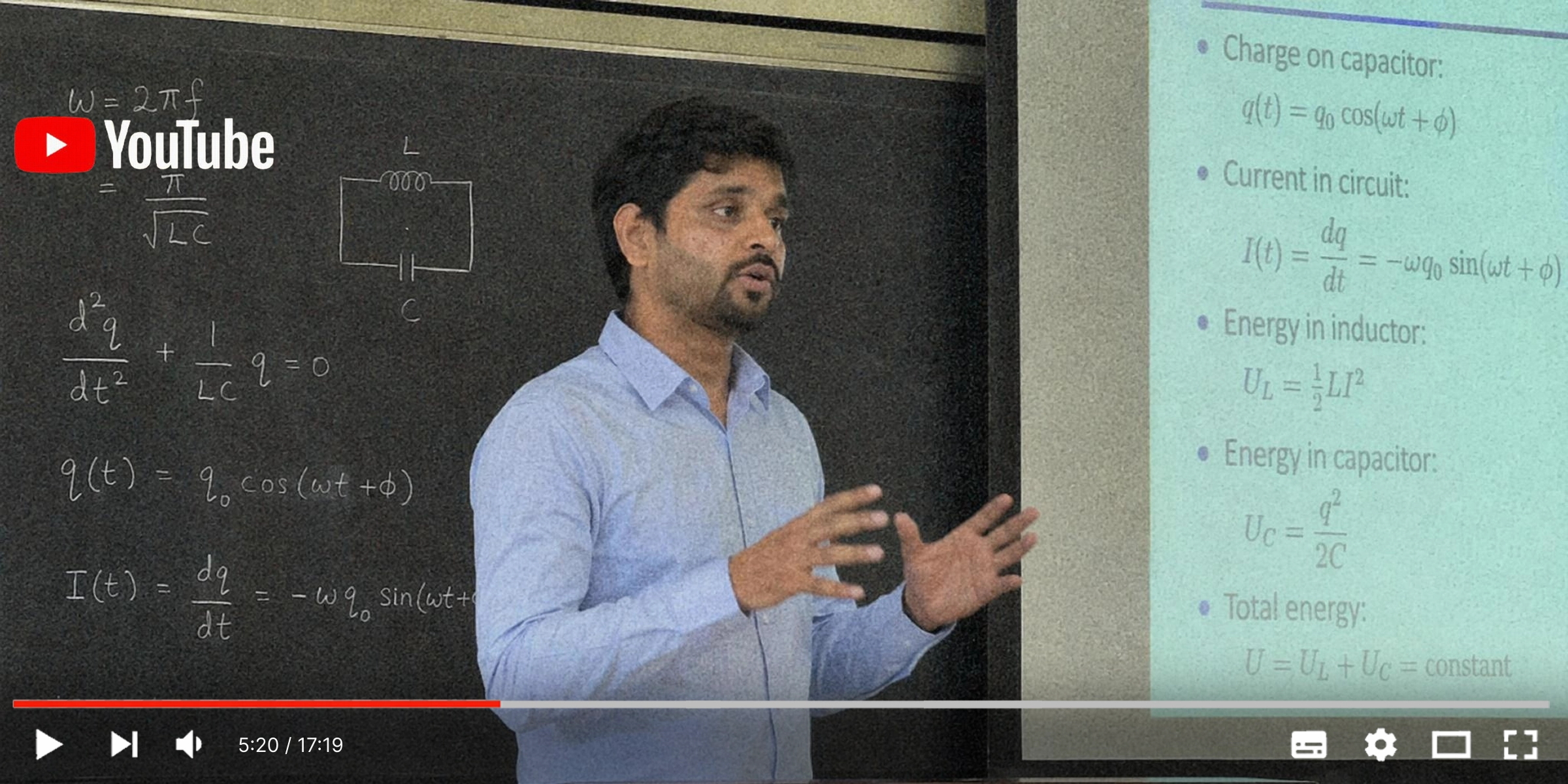
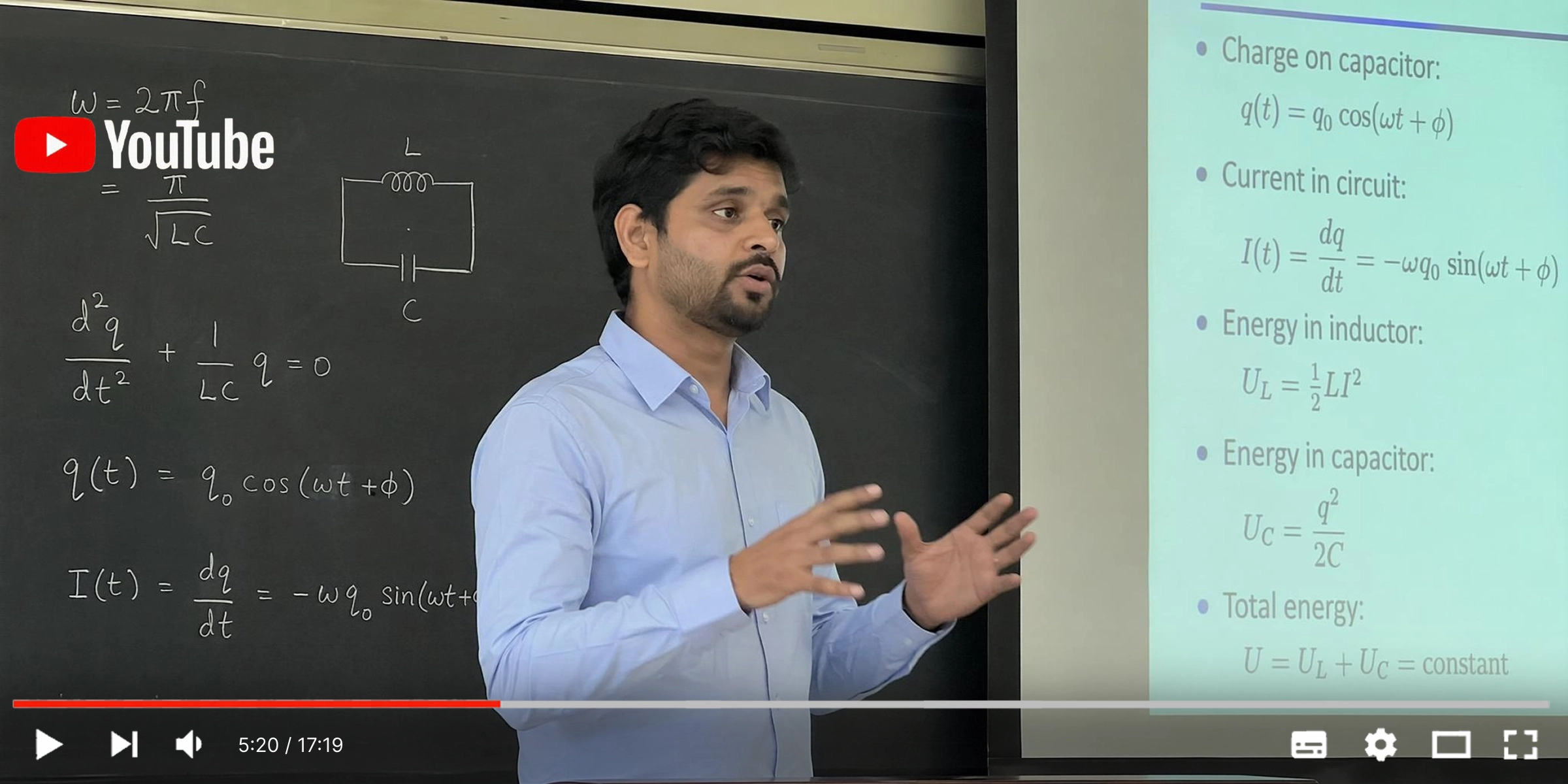




Why Vmake Labs works for YouTube
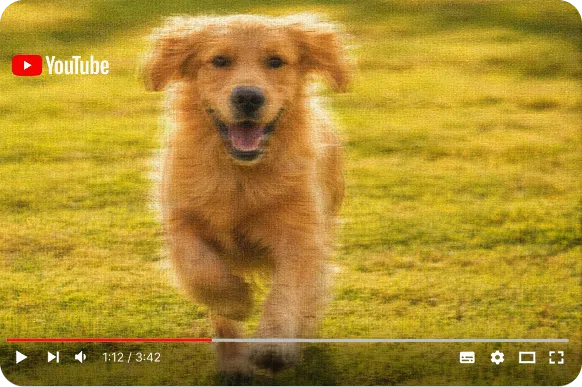
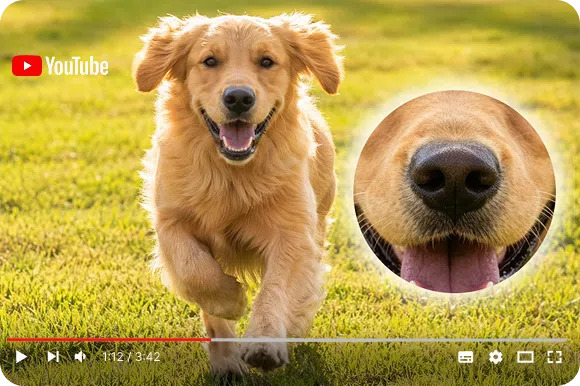
AI frame-by-frame enhancement
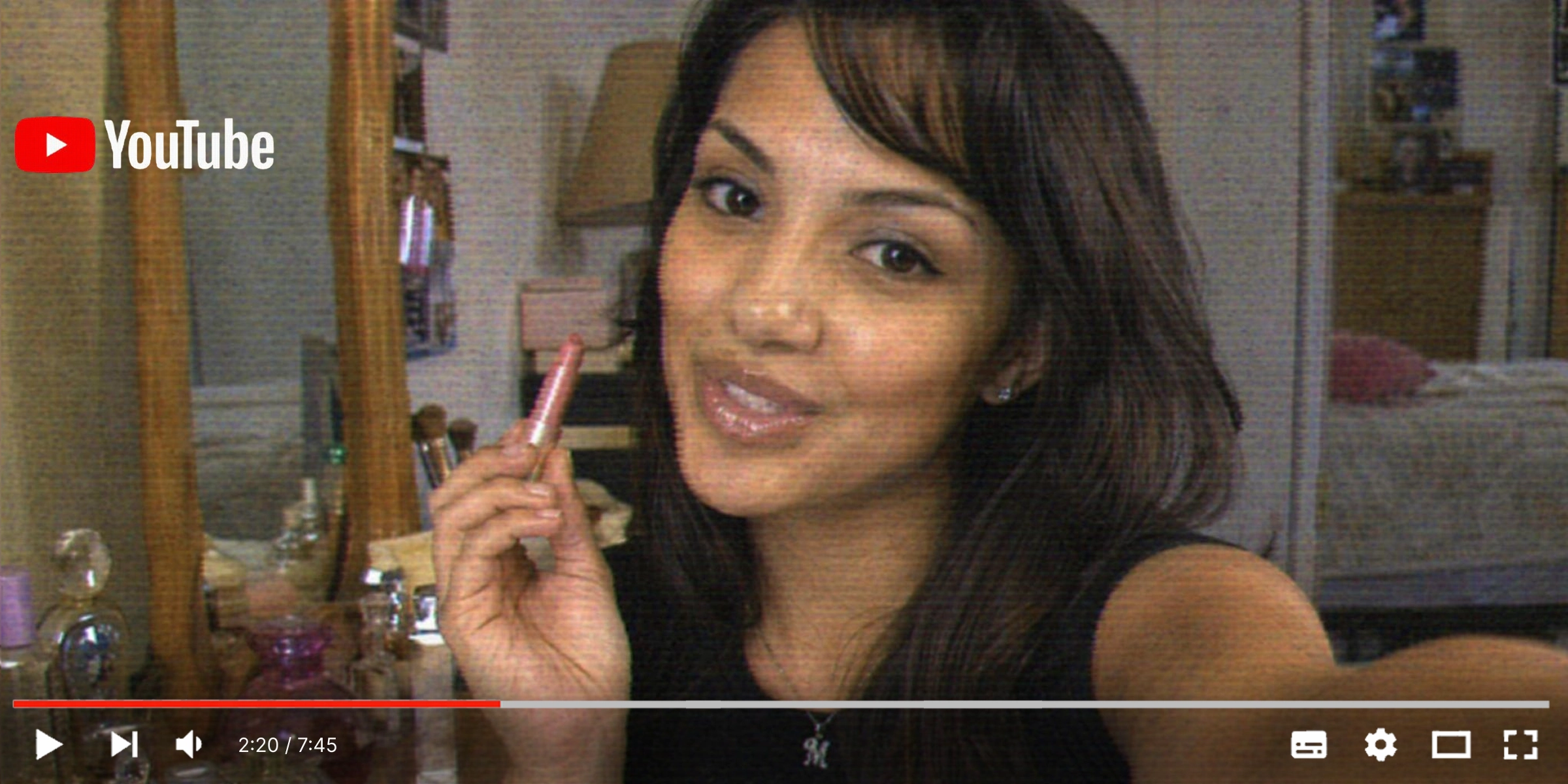
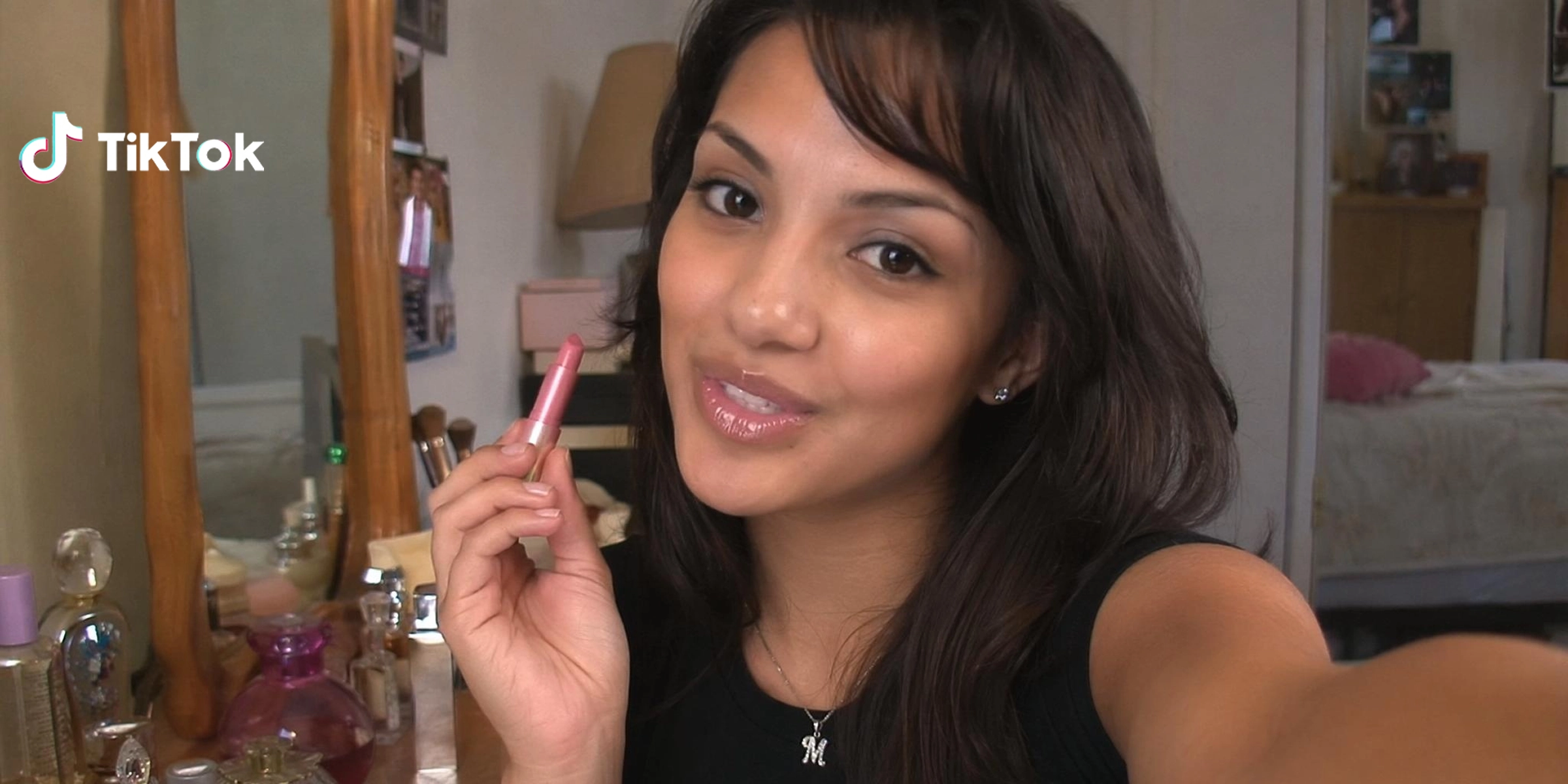
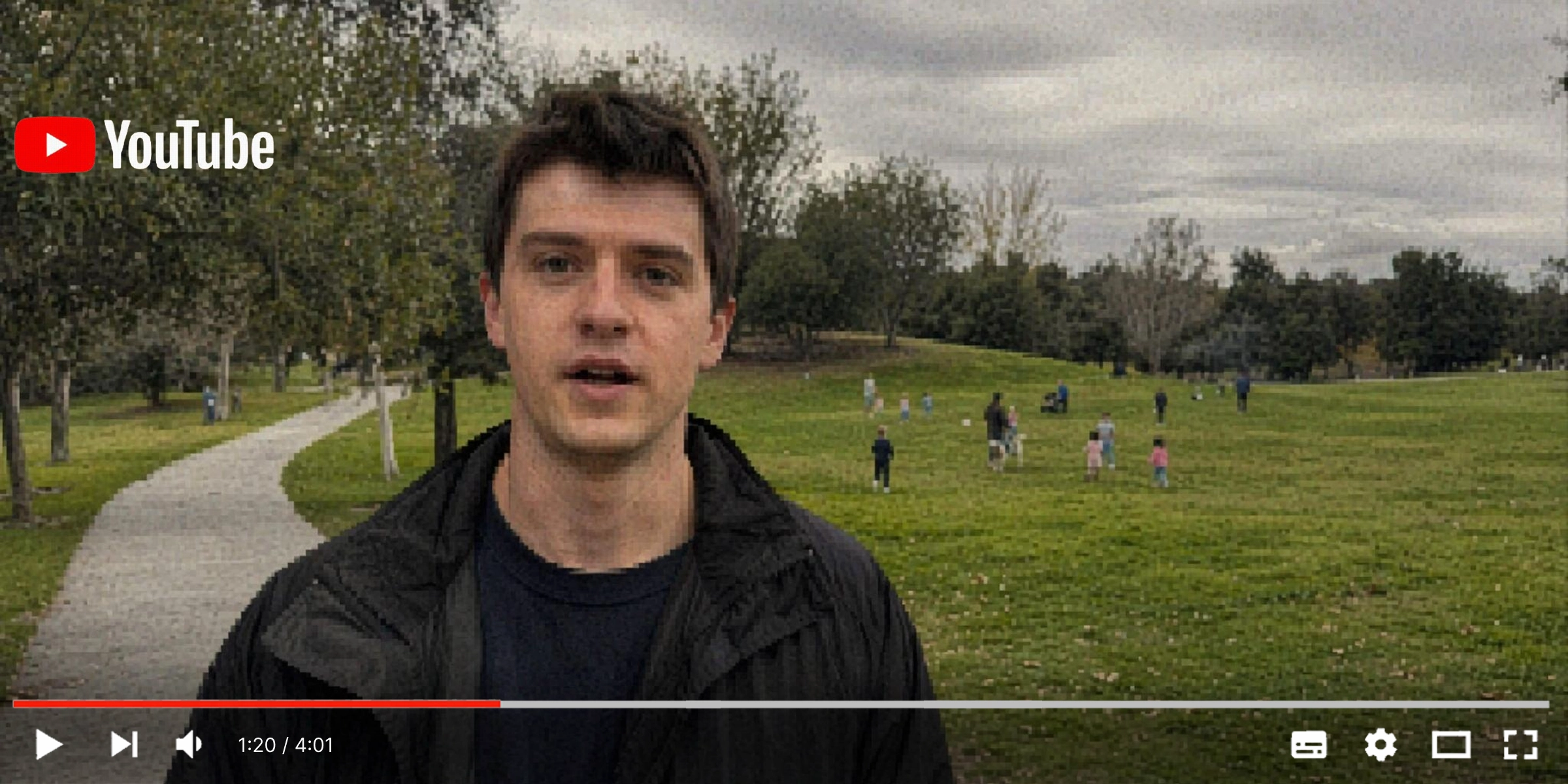
Vmake Labs analyzes every frame individually, sharpening edges and recovering detail rather than just increasing the resolution number. The result looks sharper because the pixel information is genuinely better.
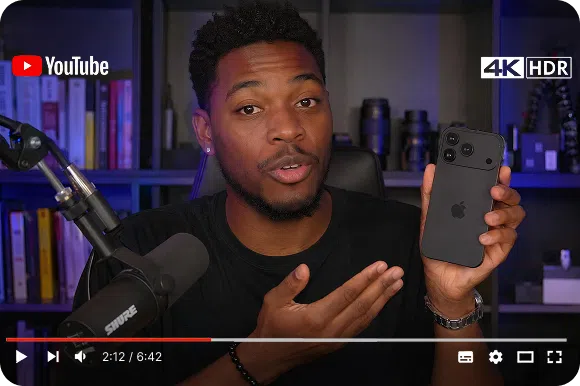
Three resolution options
Choose 1080P, 2K or 4K to match your YouTube upload strategy. Higher source resolution gives YouTube more to work with during its compression process, so your video looks better to viewers.
Who uses Vmake Labs to enhance YouTube videos
YouTubers building a consistent channel
You want your whole library to look sharp, not just your newest uploads. Vmake Labs brings older videos up to the same visual standard as your recent content without reshooting.

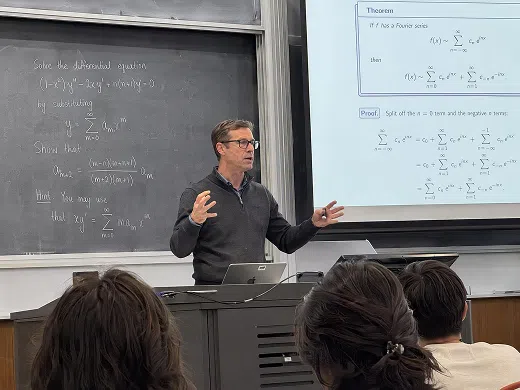
Course creators and educators
Your tutorial recordings need to look clear on any screen. Vmake Labs enhances the sharpness and clarity so students can follow your content without squinting at soft text.
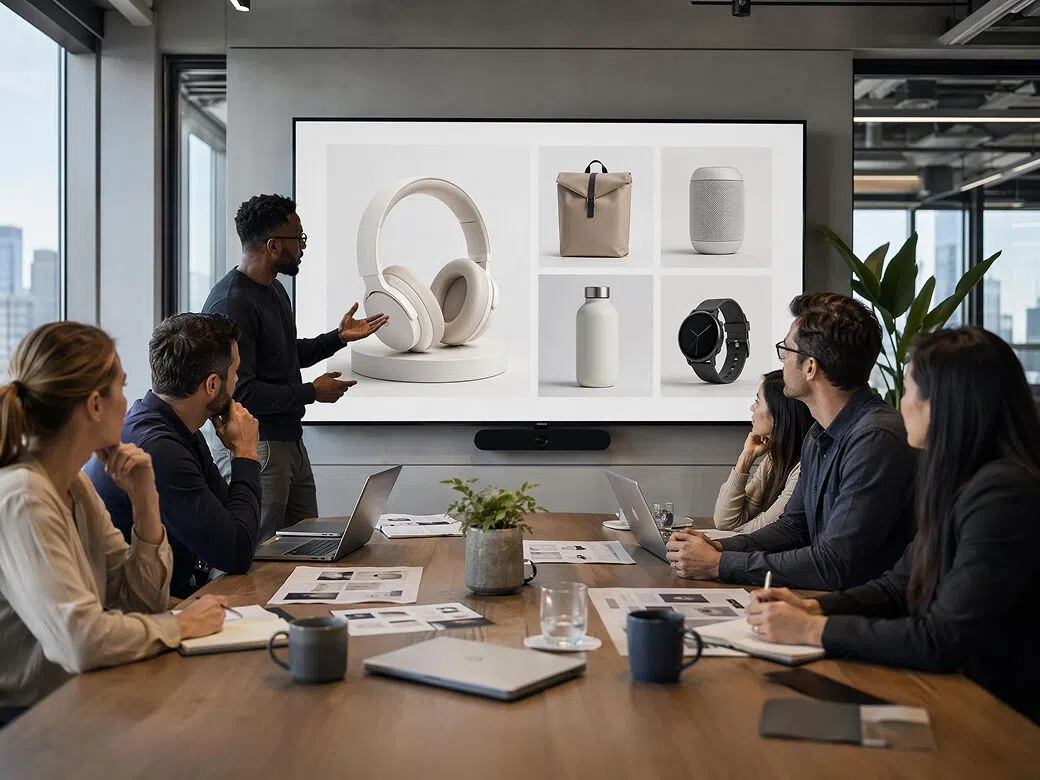
Marketers and brand teams
You publish product and brand videos on YouTube and need them to look polished. Vmake Labs gives footage shot on phones or older cameras the quality lift needed for a professional-looking channel.
FAQ
How do I enhance the quality of a YouTube video?
What resolutions can Vmake Labs upscale to?
1080P, 2K and 4K. Choose the one that matches your YouTube upload strategy.
Will enhancing the video add watermarks?
No. Every export from Vmake Labs is completely clean with no watermarks at any plan level.
Does it work on older or low-resolution YouTube videos?
Yes. Vmake Labs is particularly useful for older uploads shot at 480P or 720P that look soft on modern screens.
How long does enhancement take?
Most clips process in under a minute. Processing runs on Vmake Labs cloud so your device speed has no effect.
Can I use this for other platforms, not just YouTube?
Yes. The enhancement works for any video. YouTube is the most common use case but the output works for any platform.
Why choose Vmake Labs for YouTube quality

Vmake Labs reconstructs pixel detail frame by frame. The output looks sharper because the information is genuinely better, not just stretched to a larger canvas.

Every export is clean at every plan level. Your YouTube content stays yours with no Vmake Labs branding added.

1080P, 2K or 4K depending on your needs. Higher source resolution gives YouTube more to work with during compression.
Discover More Features

Video & Image Enhancer

Watermark & Text Remover

Video Upscaler
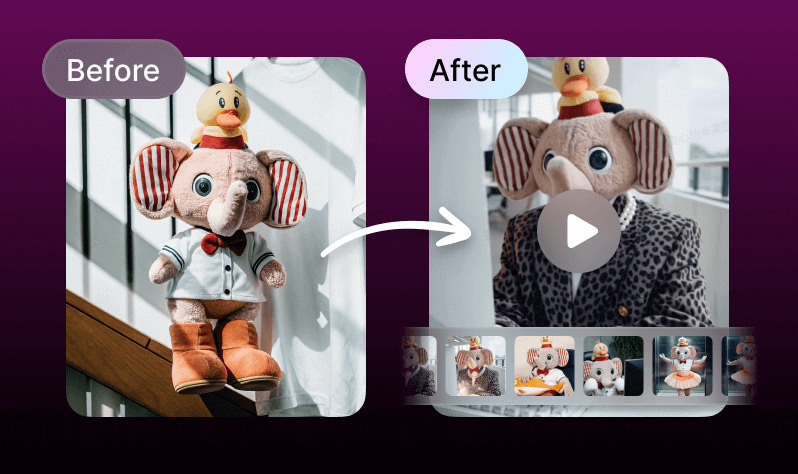
AI Creative Ads

AI Video Generator

Video Background Remover

Video & Audio to Text

Video Noise Reducer
Ready to enhance your YouTube videos?
Upload your clip, choose a resolution and download a sharper, clearer version ready for YouTube. Free to start. No account required. No watermarks on exports.
What our users say
My older YouTube videos looked embarrassingly soft next to my recent ones. Vmake Labs upscaled them to 2K and the difference is visible. The channel looks consistent now.
Tutorial recordings always looked fine on my monitor but soft on student screens. After Vmake Labs the text and UI elements are sharp on any display. Fewer complaints about video quality.
We publish brand videos on YouTube and the phone-shot ones always looked lower quality. Vmake Labs enhancement brings them up. No one can tell which were shot on a phone anymore.
Repurposing content from Instagram to YouTube always meant a quality drop. Vmake Labs fixes that. Upload the clip, enhance, download. The YouTube version matches the original.
Lecture recordings from a few years back were too soft for the current course library. Vmake Labs brought them up to a standard I am comfortable publishing alongside newer content.
The frame-by-frame processing is what makes the difference. It is not just a resolution increase. The sharpness improvement is real and holds up at full screen on a 4K monitor.