
AI Character Image Generator
Hero Description: Got a character stuck in your head? Describe them, or hand Vmake Labs a reference photo, and this character image generator sketches them out in seconds. No drawing skills needed, no long wait. Pick a ratio, generate, done.
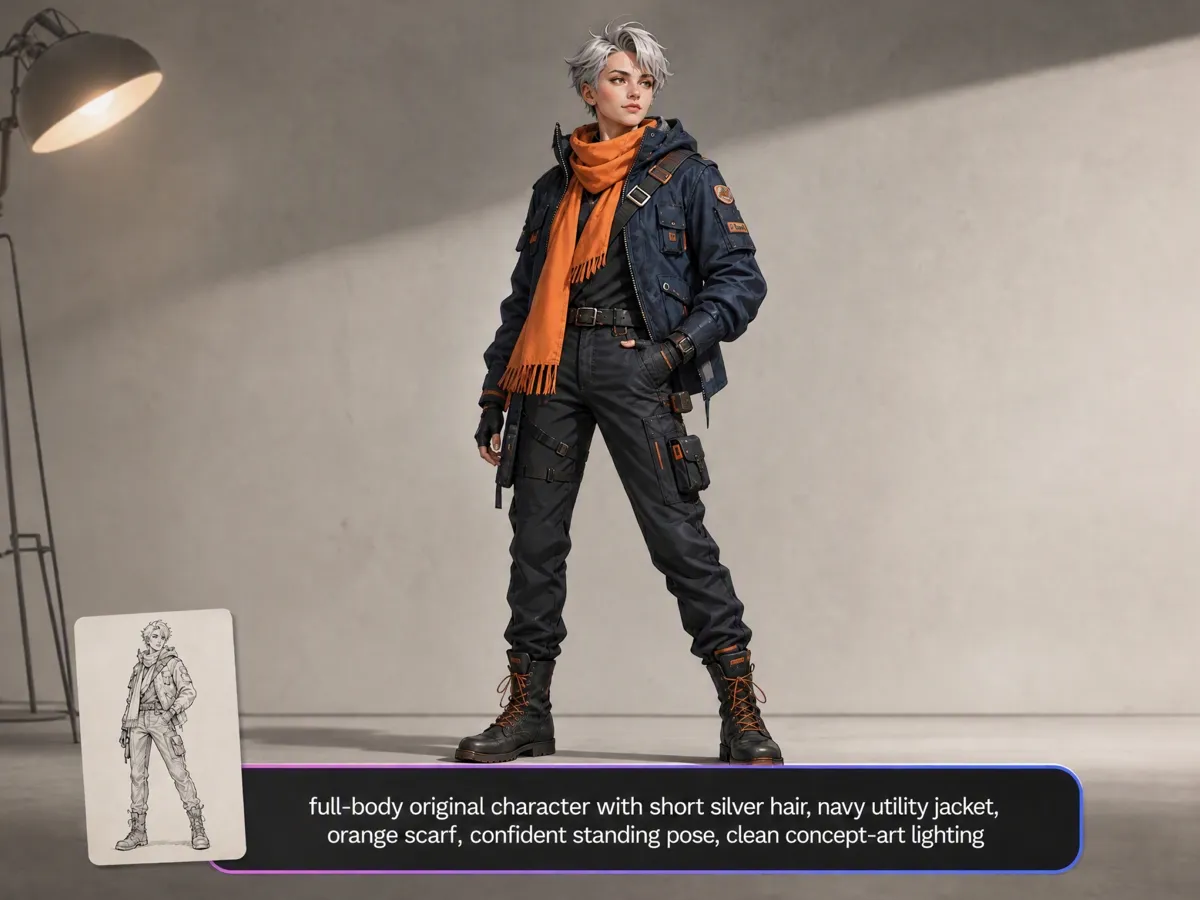
How to use our AI character generator
Step 1. Start typing
Type out who your character is, what physical traits they possess, and what outfit they wear. That complete text description serves as your main prompt.
Step 2. Set the shape
Select square, portrait, or landscape dimensions based on what your current visual project calls for. Leaving options on Auto works smoothly if you feel undecided.
Step 3. Hit generate
Click generate, wait briefly for online processing, and download your final character artwork directly. Your brand new character design is completely ready for immediate publication.
Tailored visual workflows for every creative project
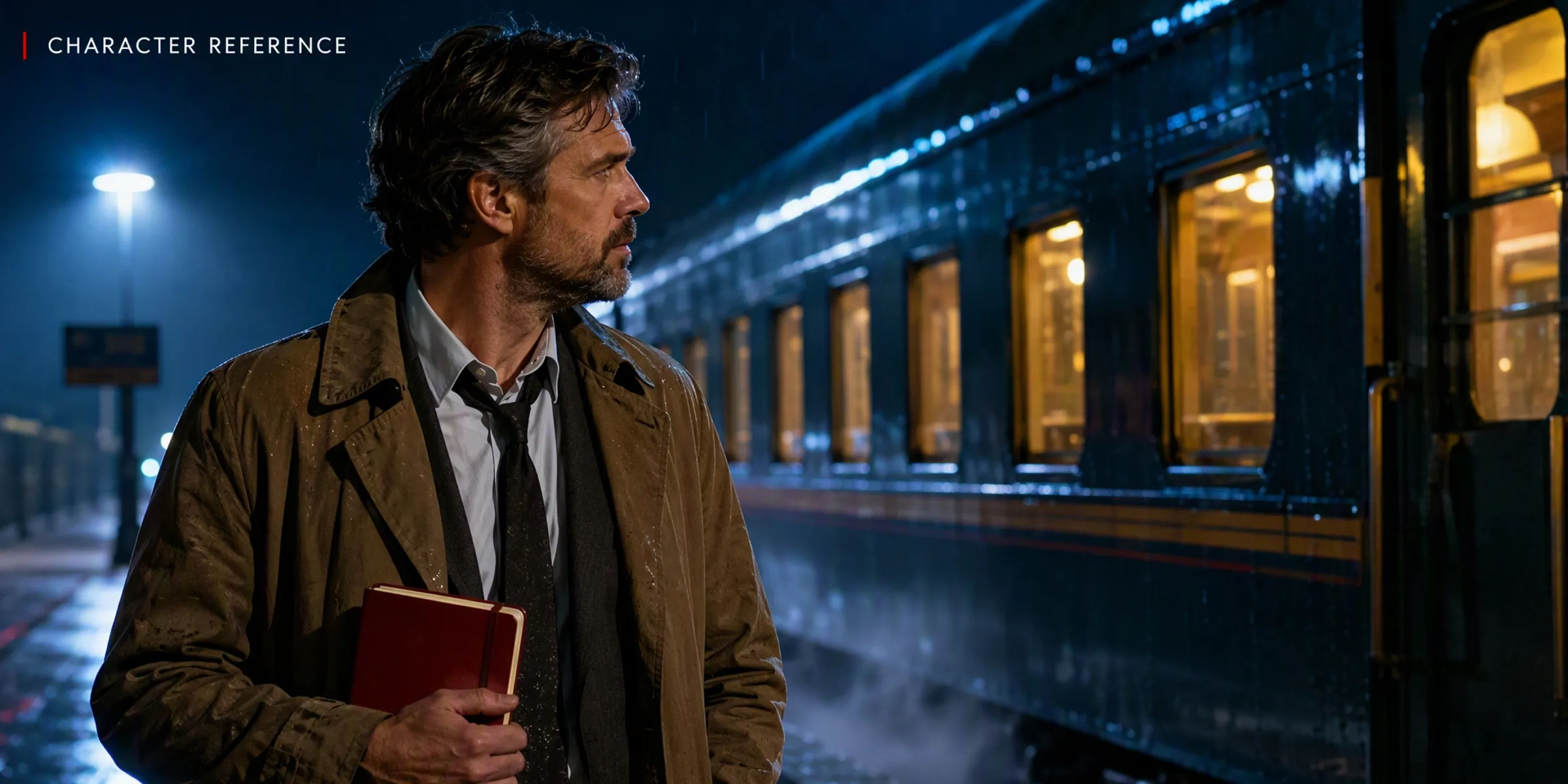
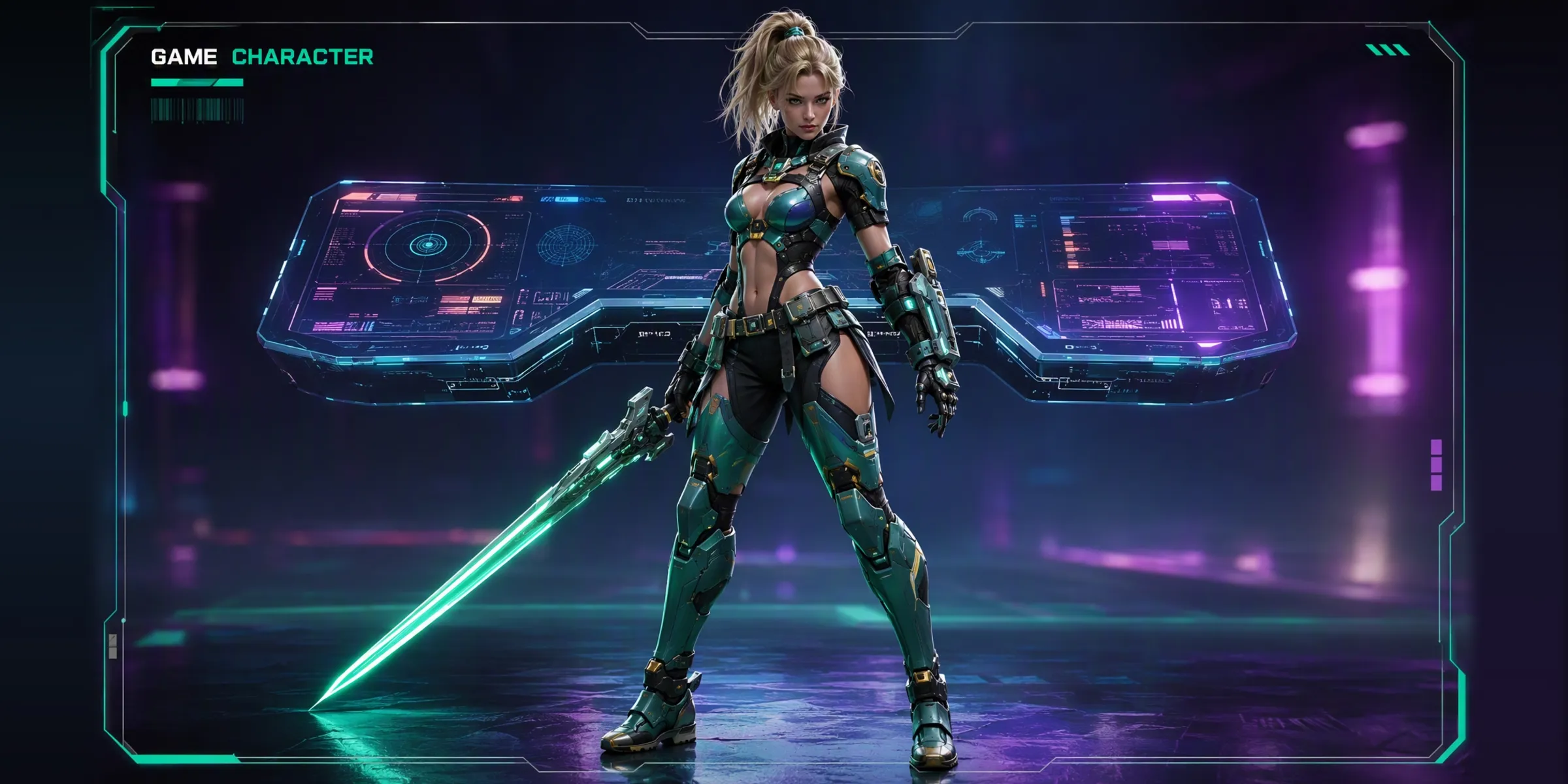
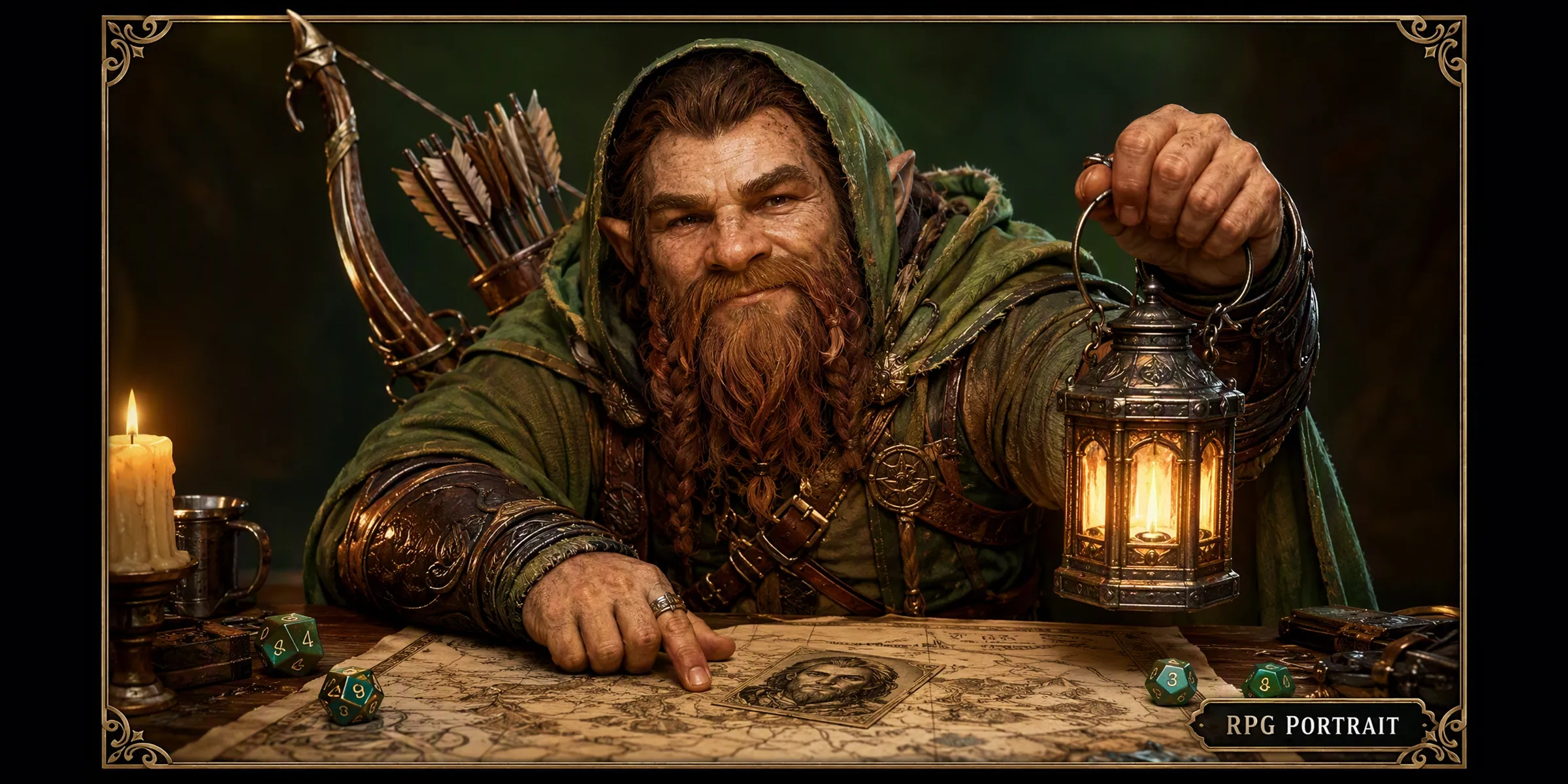


Powerful rendering technology built for AI characters
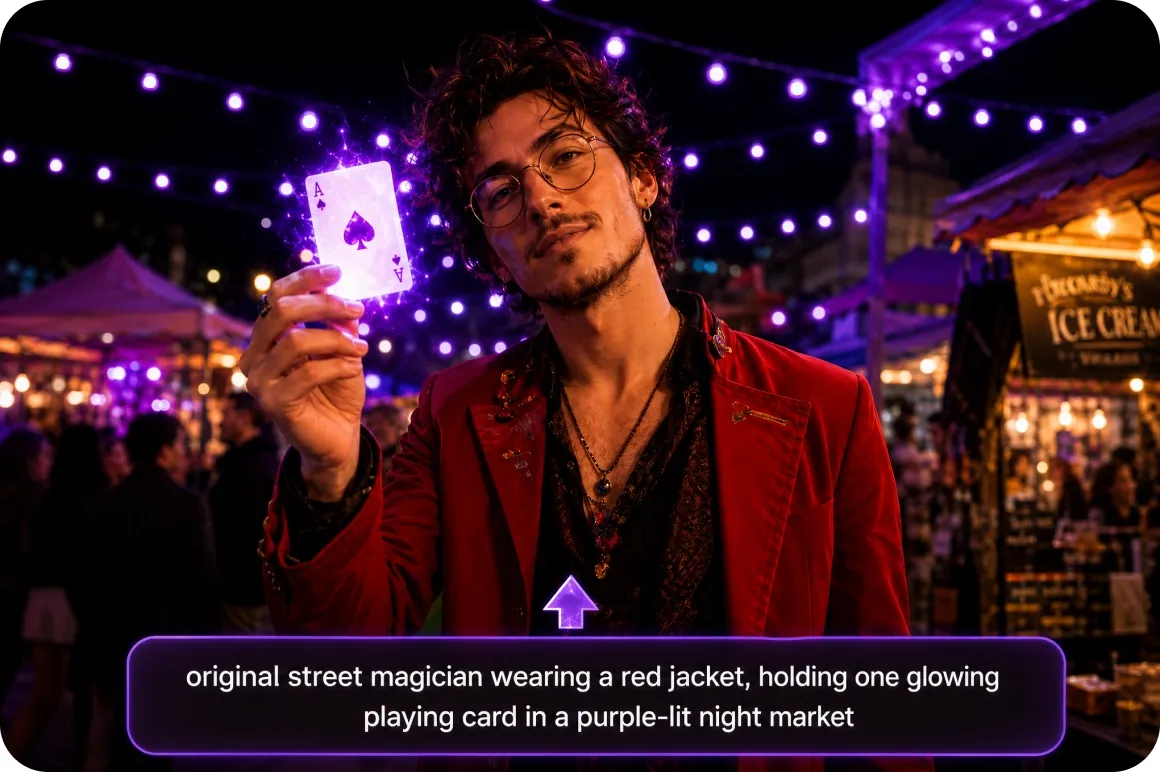
Text to image character generation
Enter character details directly into the description field to generate original artwork from scratch. Describe physical traits, outfits, background settings, and visual themes to turn written ideas into character illustrations. Combining text prompts with reference images helps refine fur textures, specific costumes, and distinct poses for your original character concept.
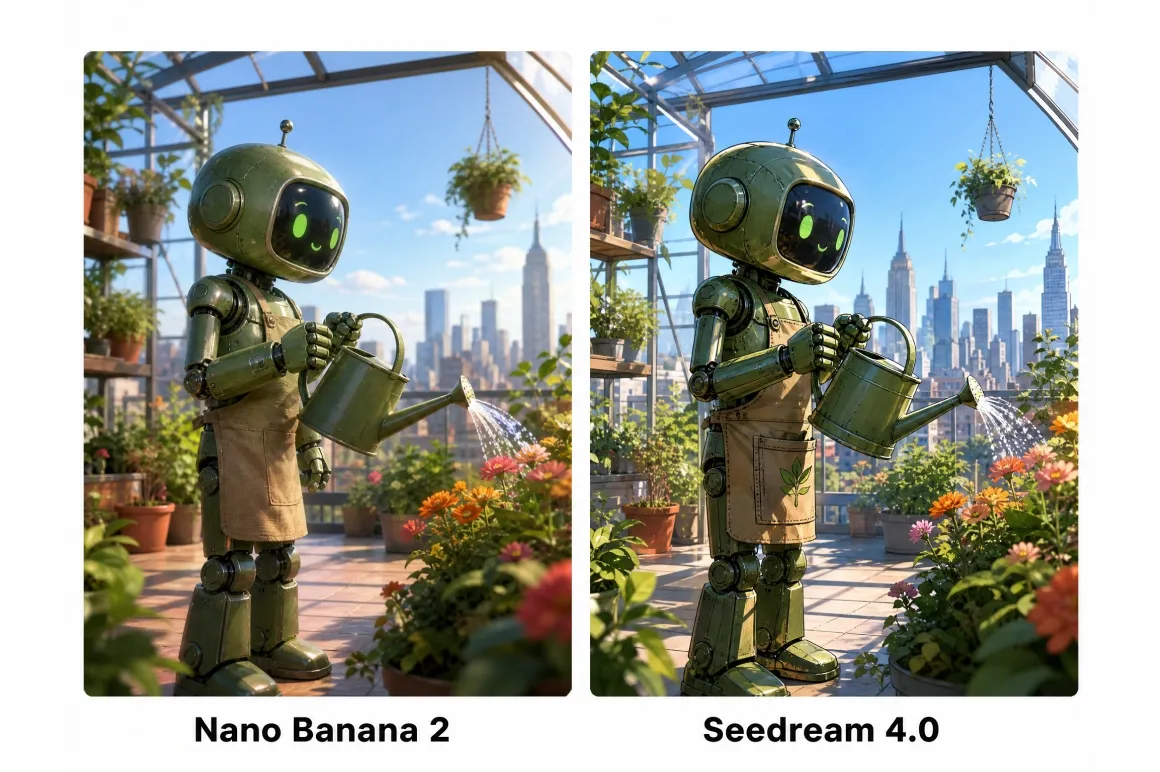
Diverse built in AI models
Select built-in AI models like Nano Banana 2, Seedream 4.0, or GPT Image 1 to explore different rendering styles. Switching models gives creators complete control over shading, line art, and overall visual output across varied creative projects, allowing rapid exploration of anime, fantasy, or painterly character aesthetics for any project.
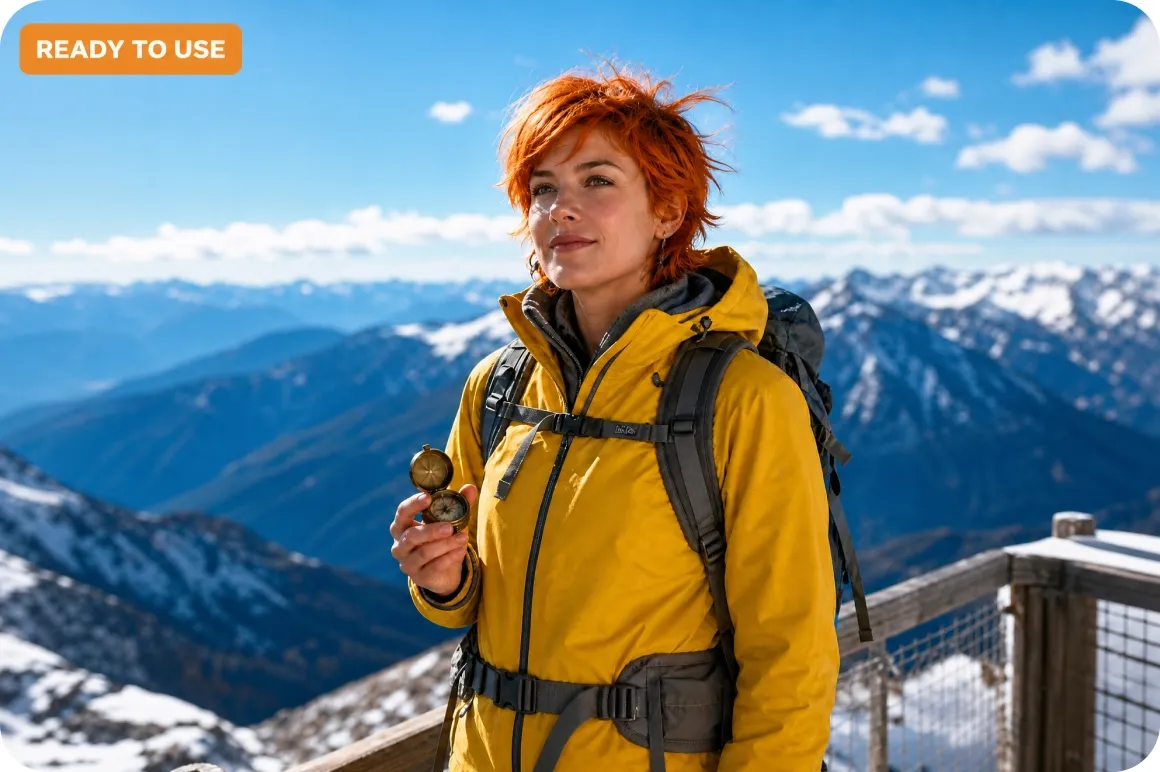
One click to professional character images
Enjoy a clean user interface designed for seamless creative workflows. With simple input fields, accessible settings, and instant visual previews, our AI cartoon generator lets creators of all skill levels produce polished character art directly without steep learning curves.
How creators accelerate production with AI character generation
Indie game developers
Indie game developers use Vmake Labs to generate multiple character visual concepts rapidly from short text prompts. Rapid exploration narrows down enemy, non-player character, or protagonist designs efficiently before allocating team budget toward final artwork production and high-polygon model assets.
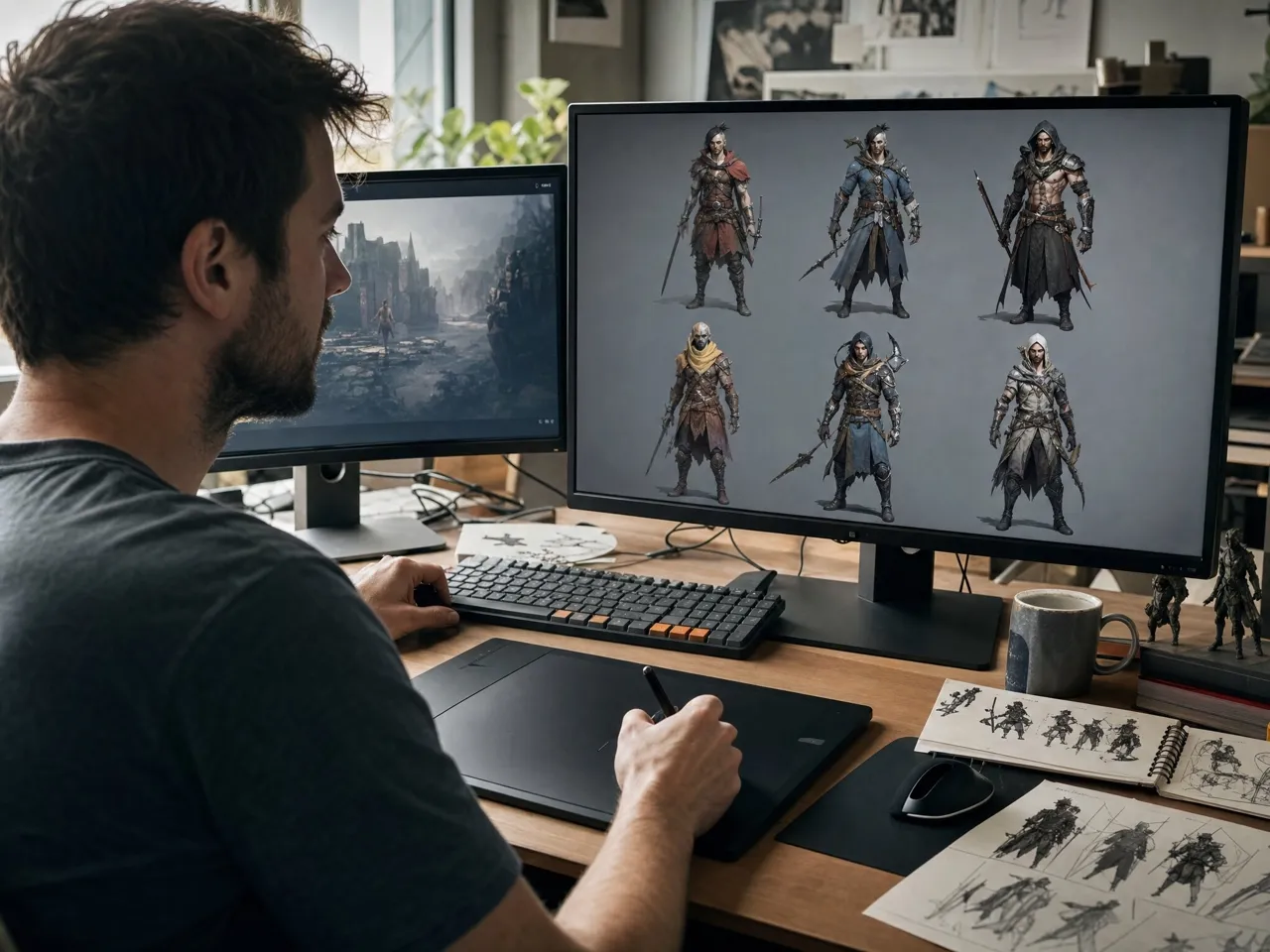
Tabletop RPG players
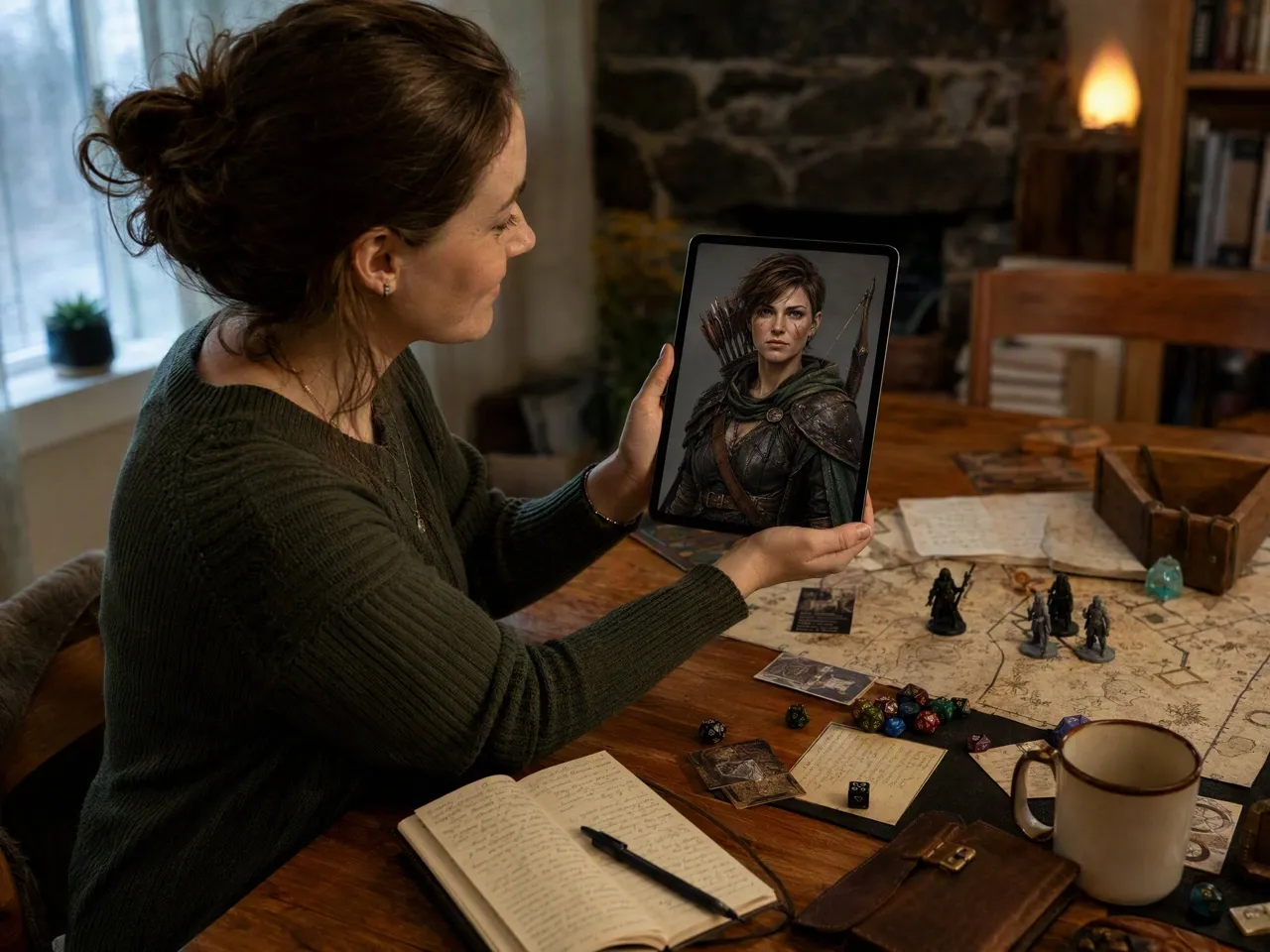
Tabletop RPG players convert written backstories and stat notes into detailed character portraits for gaming campaigns. Converting descriptions into visual reference artwork delivers a clear, shared mental picture for the entire gaming group before the first campaign session even begins.
Fan fiction and original fiction writers
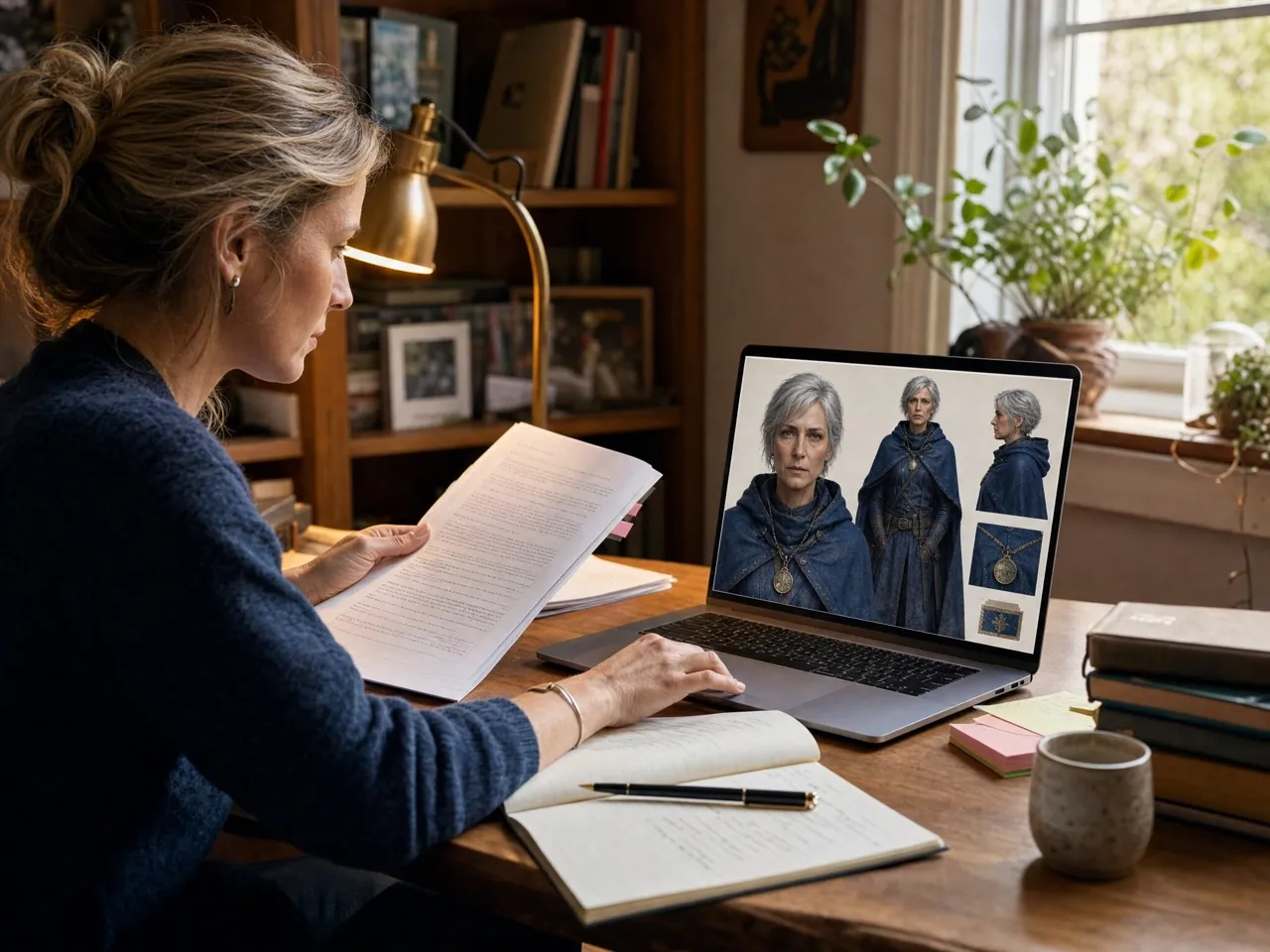
Authors and worldbuilders transform character descriptions written across story chapters into clear visual reference images for readers. Converting text ideas into single artwork files ensures readers and collaborators visualize identical character designs throughout full story arcs without misinterpreting physical character traits.
Questions people actually ask
Can I generate a character from a photo instead of text?
How detailed can the character description be?
Vmake Labs allows character descriptions to include specific fur textures, detailed clothing items, color palettes, facial expressions, ambient background scenes, lighting conditions, and specific character posing details for optimal AI character generation results on every creative run you execute online.
Can I pick the image size or ratio?
Creators using Vmake Labs can choose between standard portrait, landscape, or square aspect ratios, or select Auto mode to let the generator match prompt context automatically for seamless downloading and publishing across online social media platforms and digital projects today.
What file types can I upload as a reference?
Vmake Labs accepts standard JPG, PNG, and WebP image formats under 7MB each to serve as visual character references for your custom generation process, allowing seamless transformation from simple reference photos to complete polished character art pieces without any friction.
Can I download the character art afterward?
Yes. Once Vmake Labs completes generation, preview the visual result, use unblur image to enhance clarity if needed, and download the high-resolution character image directly to your local desktop device with a single click.
Stop describing your character. Start seeing them.
Type a description or upload a reference photo, and get character art back in moments. Turn your character concept into complete visual artwork quickly with Vmake Labs.
Real experiences from artists and storytellers
Testing non-player character designs used to take days of back-and-forth iteration with external freelance artists. Now I type simple text prompts into Vmake Labs and receive clear visual direction immediately. It streamlined our early studio preproduction workflow immensely while helping us manage overall production resources effectively.
I needed custom portrait artwork for several player characters before our new tabletop campaign started up. Vmake Labs created accurate, detailed character images from basic backstory notes quickly and without any technical friction. The entire gaming group was thrilled with how their heroes looked.
Visualizing my main web novel characters helped me write consistent physical descriptions across multiple fantasy chapters. Uploading reference pose photos alongside detailed text prompts delivered character visuals that matched my written concepts. It made my entire writing and planning process much smoother overall.
Switching between different built-in AI rendering models lets me experiment with varied artistic styles effortlessly. It helps me explore new character visual concepts without having to start drawing from scratch every time. The variety of shading and linework options gives me tremendous creative flexibility.
Combining detailed text prompts with uploaded reference photos made it simple to keep character outfits and hairstyles consistent across scene concepts. It saves visual planning time for my digital comic, allowing me to organize and finalize complete story panels faster than before.
The clean web interface is simple and intuitive to navigate. I generated custom channel avatar artwork for my live stream without installing heavy software packages or dealing with complicated configuration settings. It produced ready-to-use character art quickly directly from my initial prompt.