
AI Video Generator: Turn Ideas into Stunning Videos Online
Power your social videos with MiniMax H3, Seedance 2.5, Kling 3.0, and more in Vmake Labs AI Video Generator. Chat to generate impressive short clips in vertical or landscape, and ship social-ready content without any hassle.
Try it now
Turn your creative ideas into reality now.
Top video models, all in one place
















How to create stunning videos with Vmake Labs
Step 1. Add your content or ideas
All it takes is a short piece of text, an image, or an existing video. No complicated setup is required, just start with a simple idea.
Step 2. Choose your preferences
Set the model, resolution, aspect ratio, and length to match your goal. No guesswork needed, just pick what fits and move on.
Step 3. Get your video right away
Get your video in no time. Preview the results, download it or chat to refine it in the agent room until it feels right.
Powered by AI, power with AI
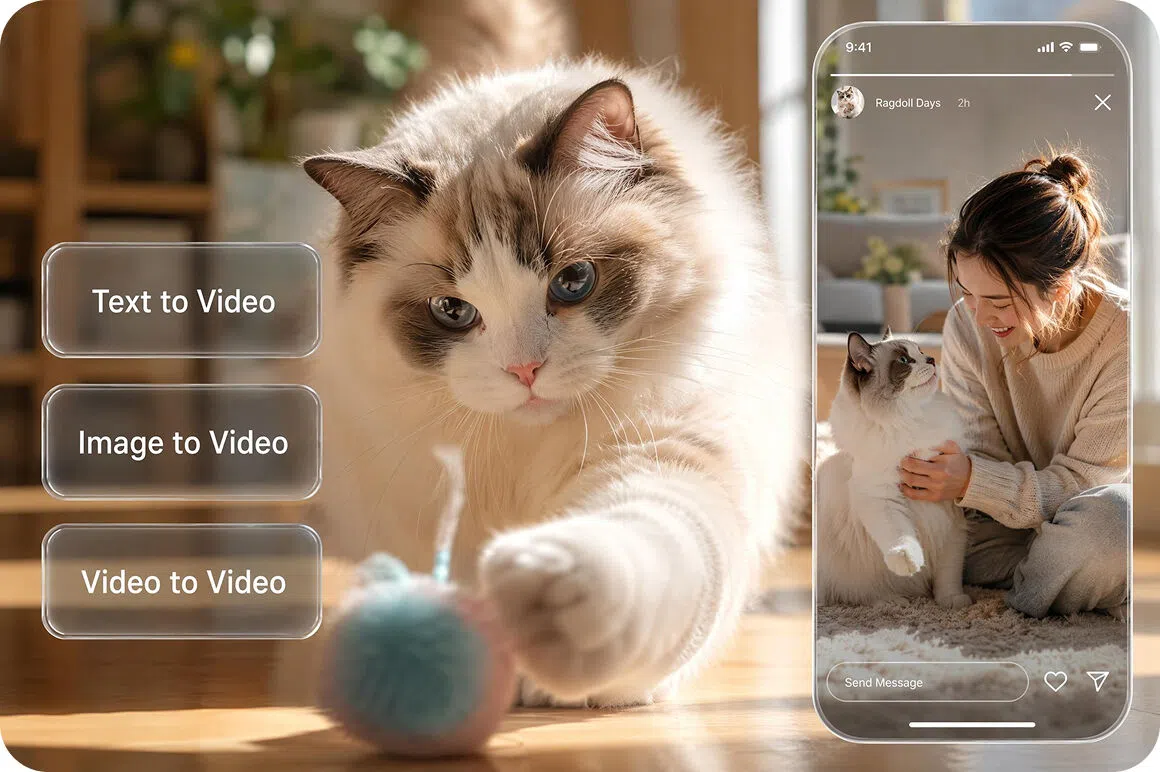
Generate video with AI any way you like
Describe your idea, upload images, or drop in reference videos, then let the Agent build a social-ready video. Vmake Labs unites text to video, image to video, video to video in one chat-style flow, so you go from brief to first cut without switching tools or restarting the creative process for every new angle.
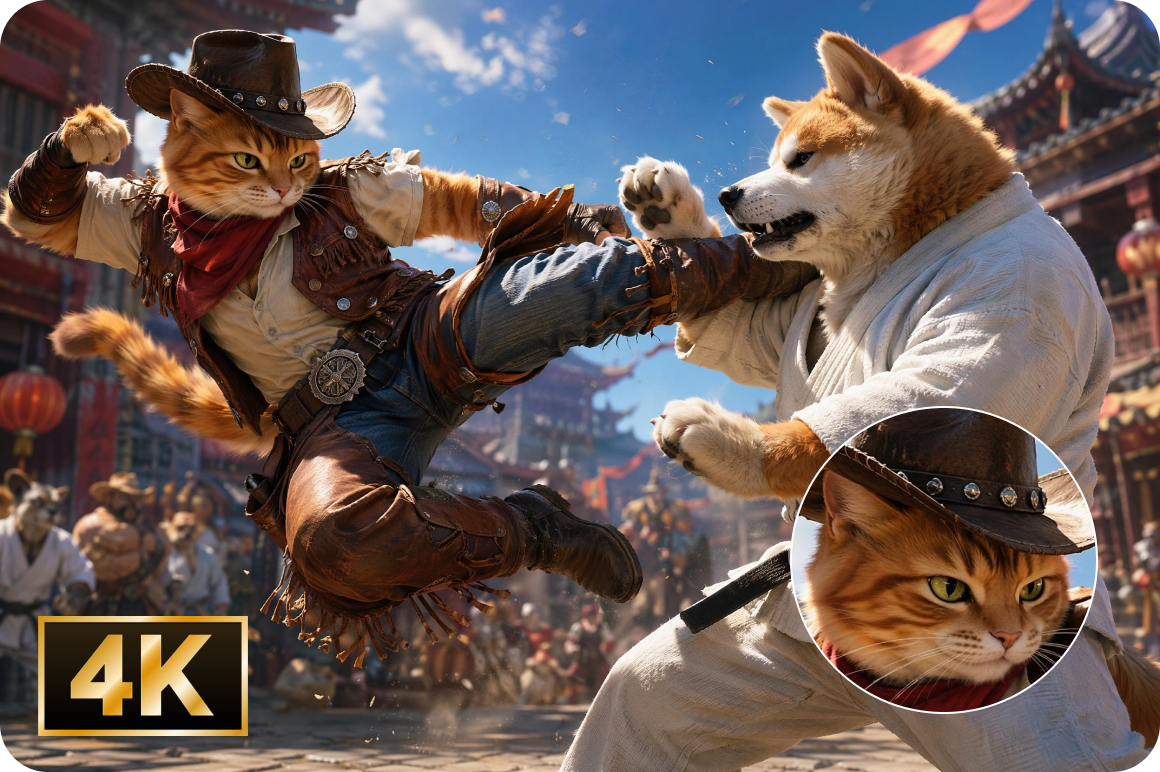
High-quality video up to 4K with advanced models
Pick from advanced built-in models such as Seedance 2.5, MiniMax H3, Kling 3.0, Gemini Omni to match quality, motion, and creative control for each brief. Selected models deliver short-form video up to 4K, so product demos, UGC-style clips, and ad creatives stay sharp across organic feeds, stories, and paid placements where detail matters.
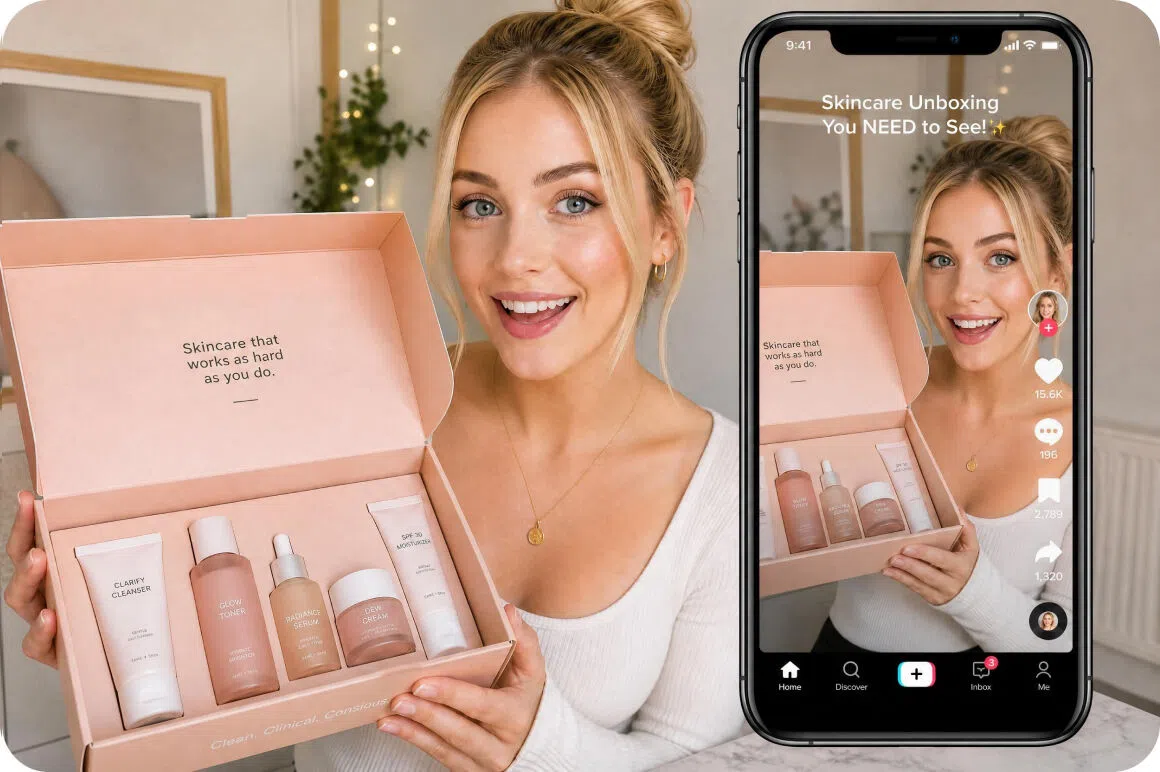
Always ready for any social content
Create once and ship for the platforms you post to every day. Switch between portrait and landscape framing for TikTok, YouTube, Instagram, and any social media platform you need. One concept covers multiple placements without rebuilding the edit for every channel you need to keep active.
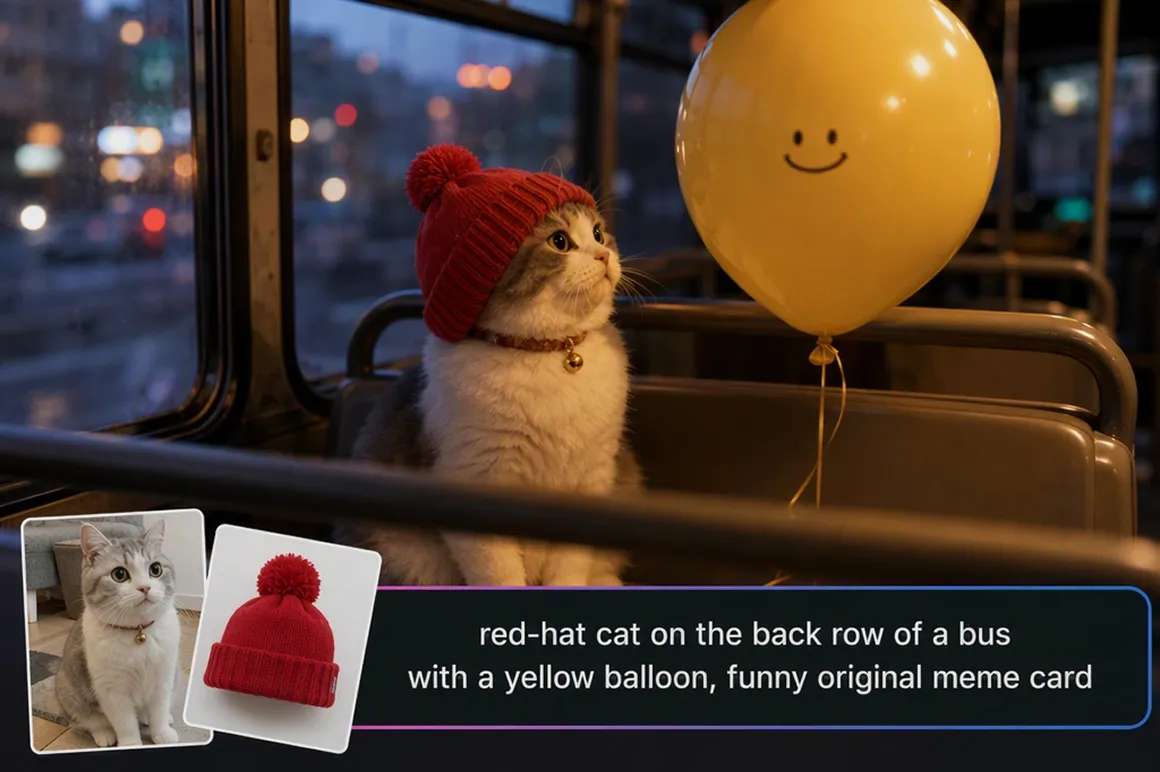
All-in-one AI video generation in one workflow
Generate your video, then refine it in the same agent room canvas. Get quick access to watermark remover, video enhancer, or tell the agent what to adjust, so you can polish and package videos before you publish without leaving the canvas or jumping between tools.
Unleash video creativity in any scene
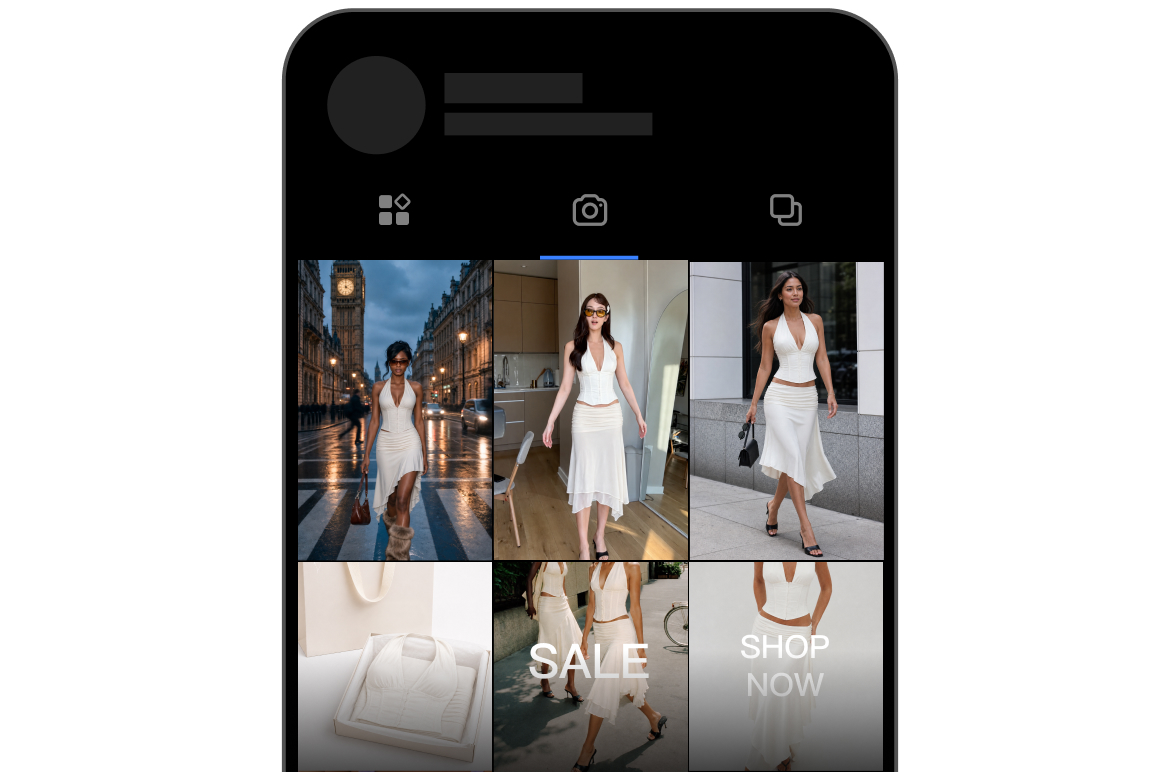
Social media content creation
Vmake Labs video generator helps you chase trends, keep accounts fresh, and ship UGC-style posts with powerful agent and built-in templates. You can lean into viral entertainment formats, meme-style hooks, and scroll-stopping clips that feel ready to share and spread.
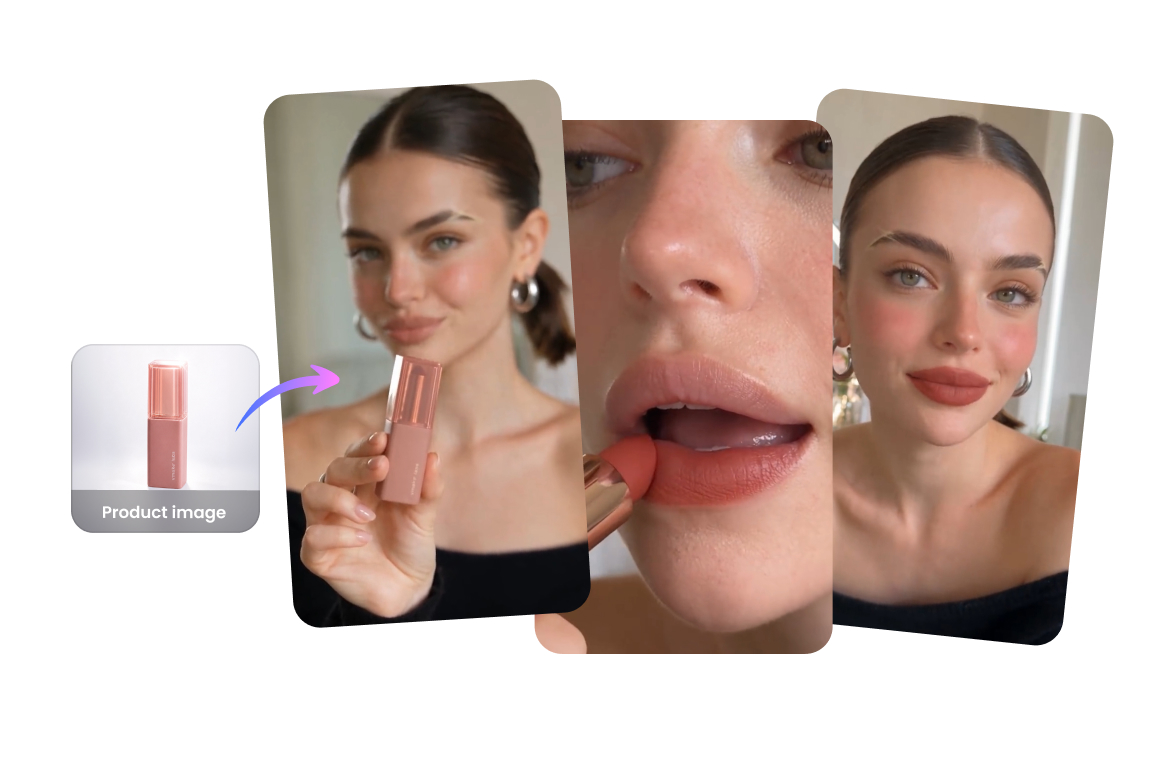
Product showcase and basic promotion
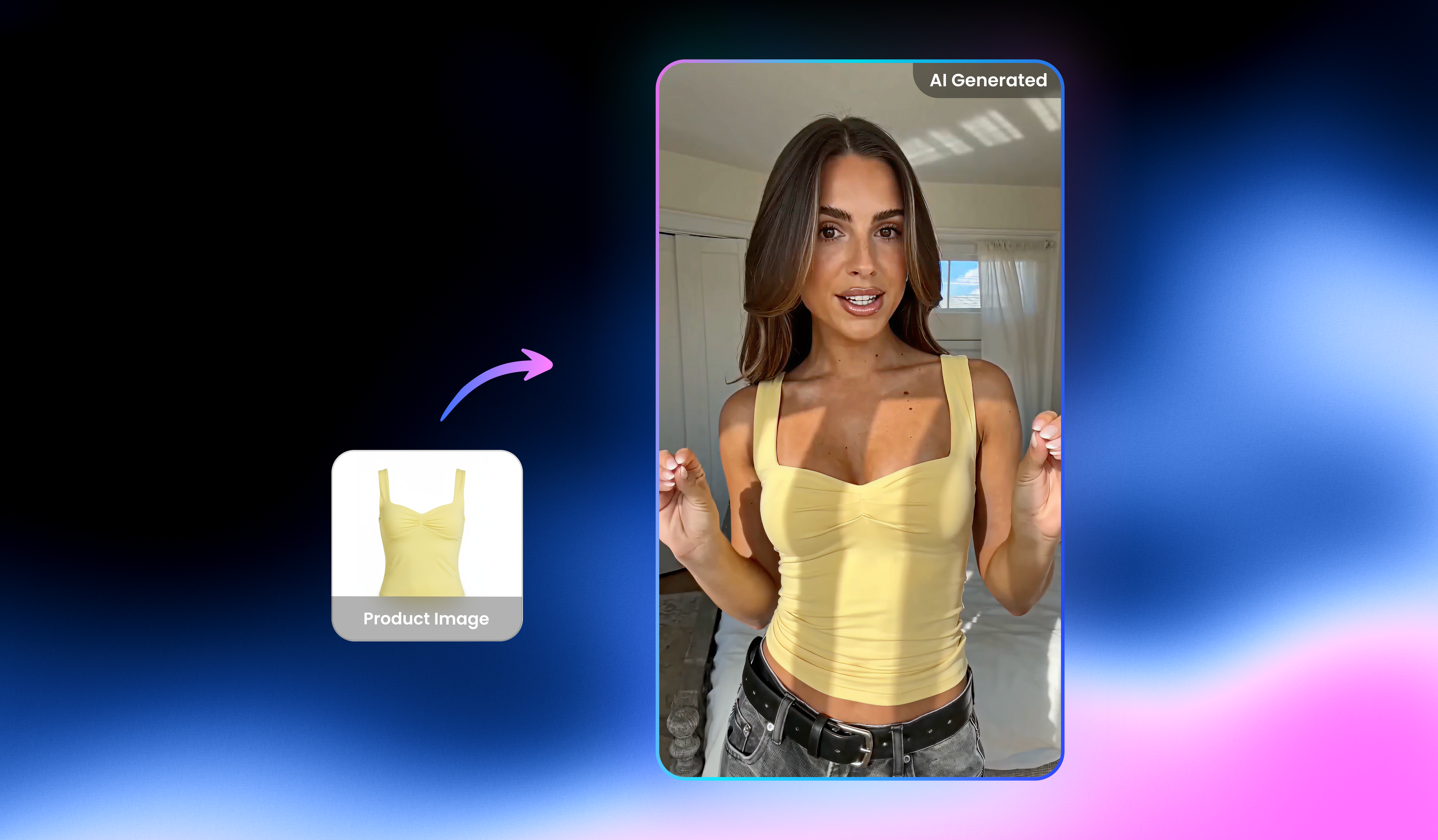
Upload product shots and let the Agent build short demos for listings, ads, and social selling. You get clear showcase clips for unboxing, benefit callouts, and basic promotion without a shoot day or heavy edit, helping you move from static catalog assets to scroll-stopping product videos that are ready to publish or drop into paid campaigns.

Test your creative ideas quickly
With the help of Vmake Labs, you can try a few versions of the same idea before you lock in a final cut. Compare hooks, angles, and looks side by side, then keep the one that feels ready to post or pitch. You spend less time guessing and more time improving the creative that actually gets attention from your audience.
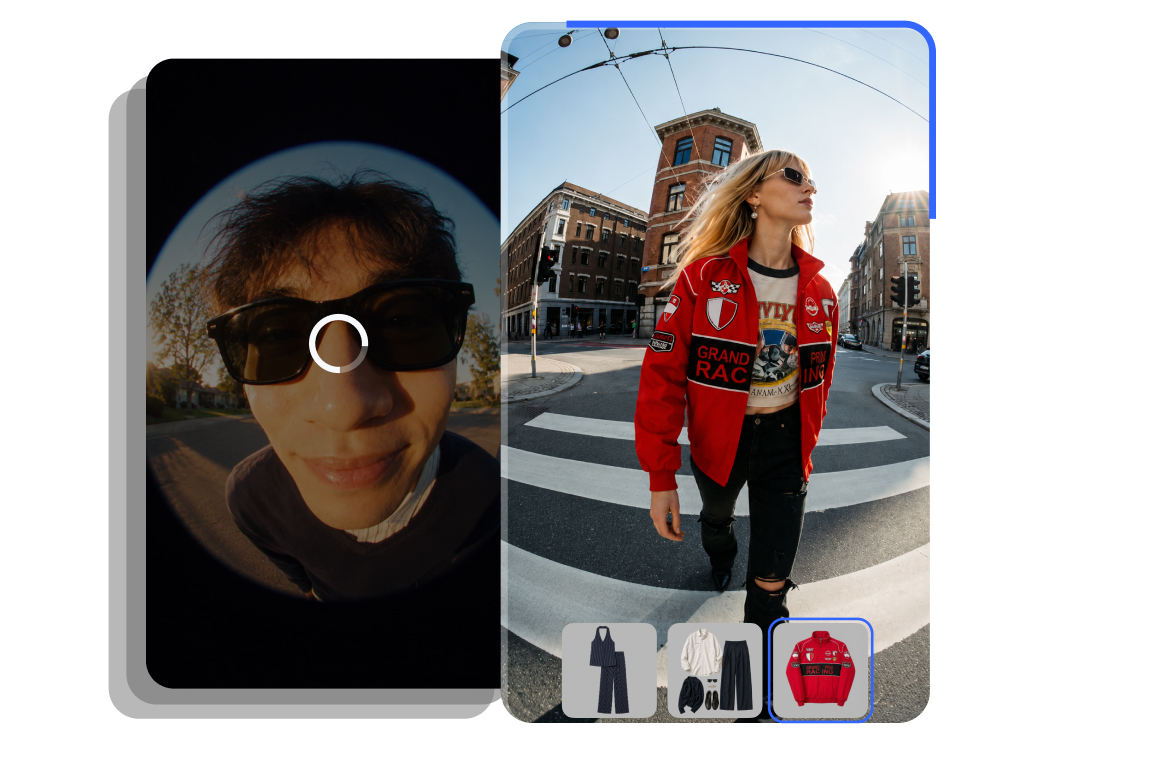
Repurpose and optimize your assets
Bring existing images or videos back into the Agent and reshape them for a new format or platform. You can refine, restyle, and reuse what you already have so your library keeps working harder, turning one strong asset into fresh variations for TikTok, YouTube, Instagram, and more without starting over every time.
Who is it for
Creators & social teams
Designed for those who manage multiple accounts or need to update content regularly. By quickly generating short videos, you can save time on editing while ensuring more consistent and efficient content production.

Small and medium sized businesses
Perfect for small and medium sized businesses needing to create product promotional videos. This tool can produce ready-to-use video quickly, without additional filming or complex steps.
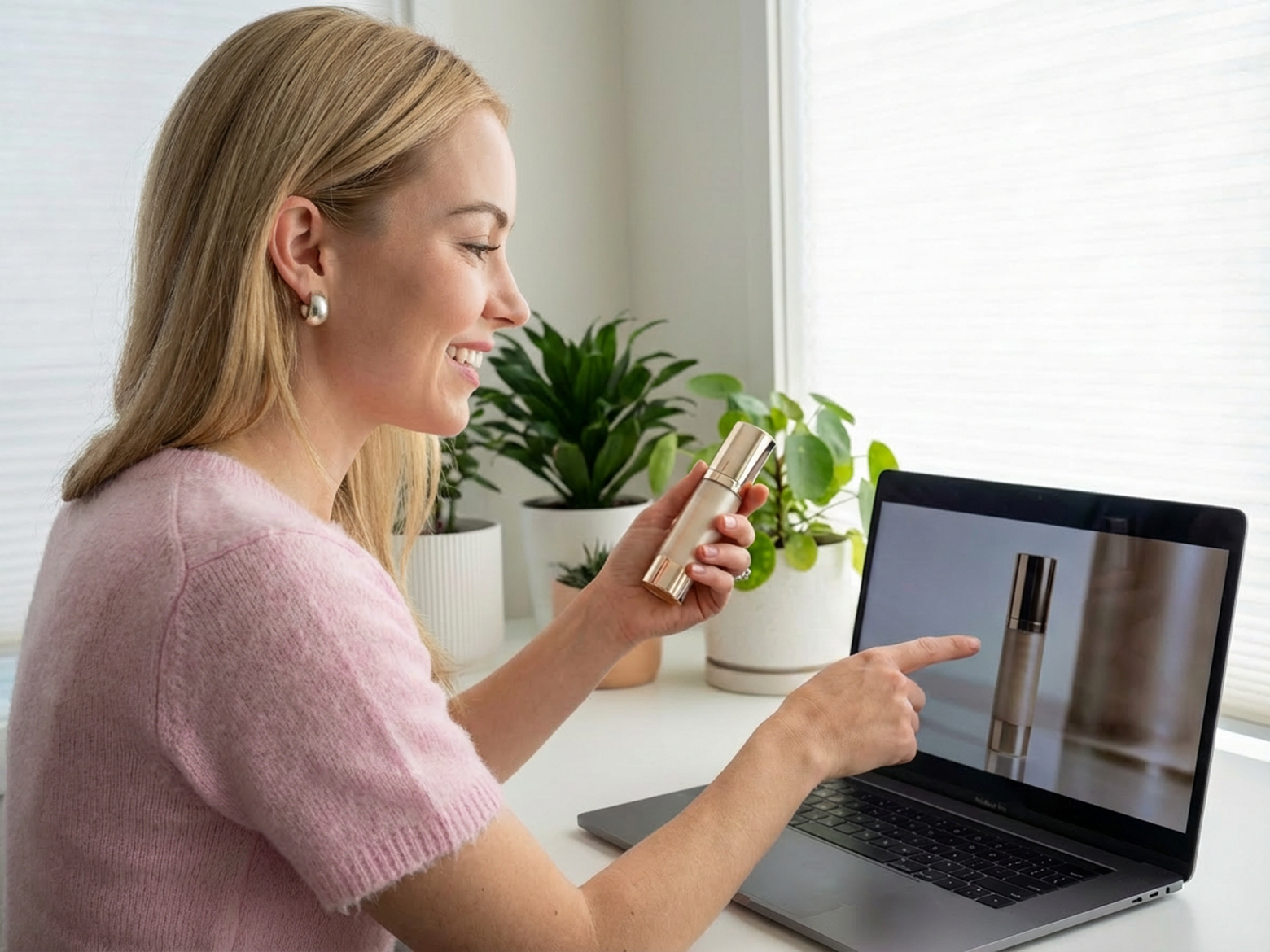
Planning & marketing teams
Suited for proposal presentations, content brainstorming, and early stage demos. Text, images, or simple assets can be turned into videos in moments, helping ideas come across more clearly and intuitively.

Why choose us

Multiple model options
We bring together leading AI video models so you don't have to juggle different tools. Simply pick the model that fits your content and get results that are more consistent and diverse.

Multiple generation methods
Powered by Vmake Labs agent, we support text-to-video, image-to-video, and video-to-video generation in one place. Just chat to bring what’s in your mind to life.

Simple to use
No professional skills or complex operations needed. Just a few simple setups and inputs, then you’ll get your video right away. Describe what you want and refine it any way you like.

Privacy & security
Your privacy comes first. Your videos are only accessible to you, and all uploaded and processed files are automatically stored in your account history.

Clean & safe
Enjoy a smooth experience with no ads, no pop-ups, and no security risks. Focus on intuitive video generation and enhancing your videos without distractions.

Constantly improving
We continuously update and improve our features based on user needs and industry trends, so you always get a better, more reliable video generation experience.
FAQ about Vmake Labs AI video generator
What is an AI video generator?
How does Vmake Labs video generator work?
Add a short prompt, an image, or a reference video, then choose your model, resolution, aspect ratio, and length. Start generation to enter the agent room, preview the result, and chat to refine it until it feels right.
Which models can I use in Vmake Labs AI Video Generator?
Vmake Labs brings together leading AI video models such as Seedance 2.5, MiniMax H3, Kling 3.0, and Gemini Omni, and we keep adding new models over time. You can switch models to match each brief, and always create with the latest options for a better video generation experience.
Can I create videos from text, images, and videos?
Yes. Vmake Labs supports text to video, image to video, and video to video in one place. Describe your idea, upload images, or drop in reference videos, then let the Agent build a social-ready clip without switching tools.
What can I use this AI video generator for?
It is built for social content and marketing workflows, including UGC-style posts, product showcase clips, quick creative tests, and asset repurposing for TikTok, YouTube, Instagram, and other platforms. Create in portrait or landscape and refine in the same agent room before you publish.
What devices and platforms are compatible with Vmake Labs AI Video Generator?
Vmake Labs AI Video Generator works on both desktop and mobile. You can generate and refine videos on the device you prefer, with no device restrictions.
Discover more features
UGC video
Create UGC video that sells, in one place.

Video & image enhancer
Elevate video and image quality in seconds.

Watermark & text remover
Remove watermarks and subtitles from videos automatically.

Video upscaler
Enhances videos to 2K or 4K without quality loss.

Video translator
AI dubbing, translate, and lip sync videos.

Video background remover
Erase video background with accuracy.

Video & audio to text
Convert your audio and video files into subtitles and transcripts.

Video noise reducer
Remove background noise from the video.
Best AI video generator at your fingertips
Turn your ideas into high-quality videos in minutes. Start creating with Vmake Labs right now!
Customer reviews about Vmake Labs AI video generator
This tool helped me create short videos from text ideas in minutes. The model felt different enough to give variety, and the output worked well on social platforms.
I run several social accounts and needed volume. This AI video maker let me generate clips quickly without editing. The short video option saved a lot of time during weekly planning.
I tested many tools before choosing this one. The video generator gave me more control over style through different models. That made a real difference when pitching concepts to clients.
I wanted to create AI video content for tutorials. The process stayed simple. Add text, pick a model, generate. The results looked clean and ready to post.
I like that it focuses on video creation without clutter. The AI video-generation models gave me options without confusion. For short content, it fits perfectly.
Our small team uses this as a daily AI video generator. It helped us make quick product clips. The speed alone made it worth using.