
Online Passport Photo Generator
Prepare passport style photos for passports, visas, and ID cards with this online passport photo generator. Upload a portrait or describe your preferred look, then use the Vmake Labs AI Image Generator to create a clean passport style photo ready to download.
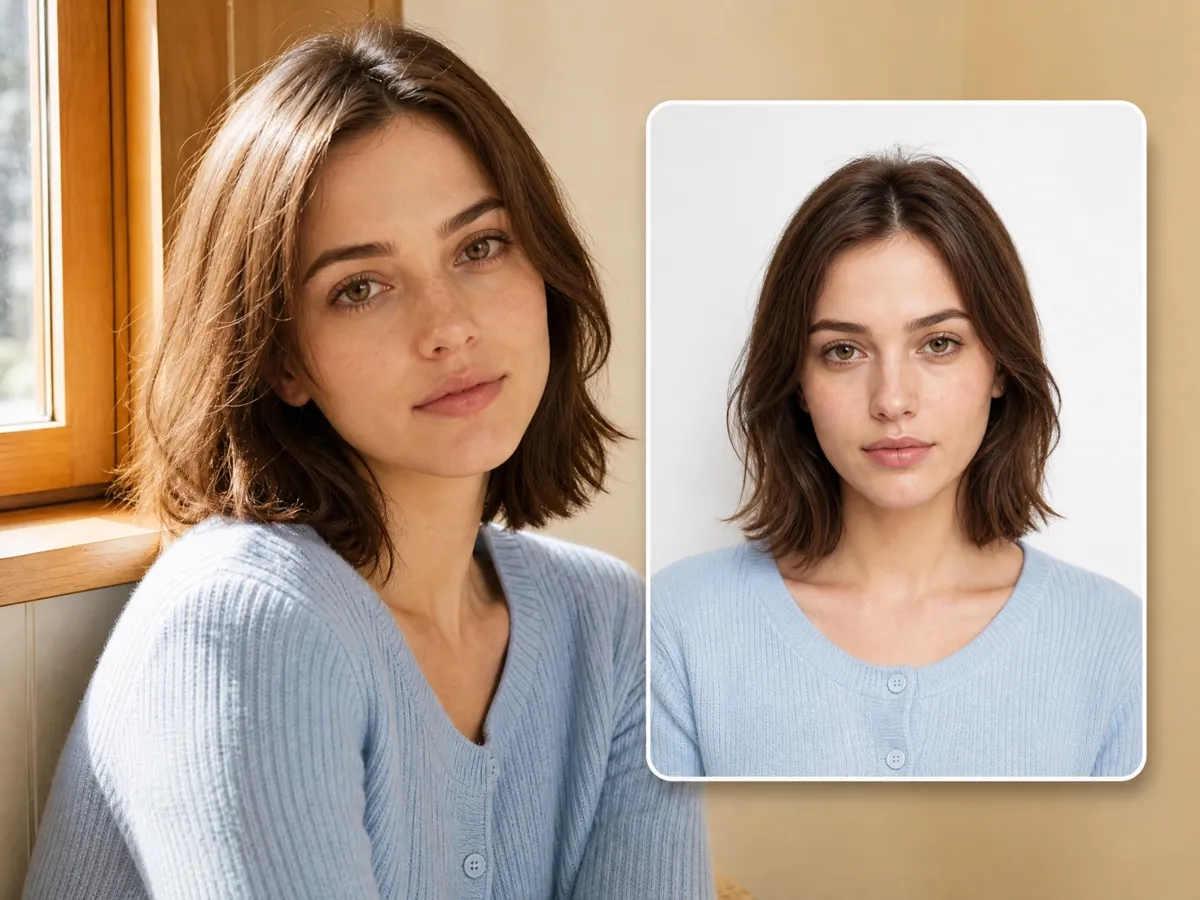
How to create a passport photo
Step 1. Select your starting point
Open the Vmake Labs AI Image Generator and choose Text to Image or Image to Image. Upload a reference photo or start with a text description.
Step 2. Configure your photo
Enter the details for your passport photo or refine your uploaded image. Select the AI image model that matches your needs, then generate.
Step 3. Export your image
Review the generated passport photo, choose your preferred resolution, and click Download to save it to your local device.
Create passport photos for every official application
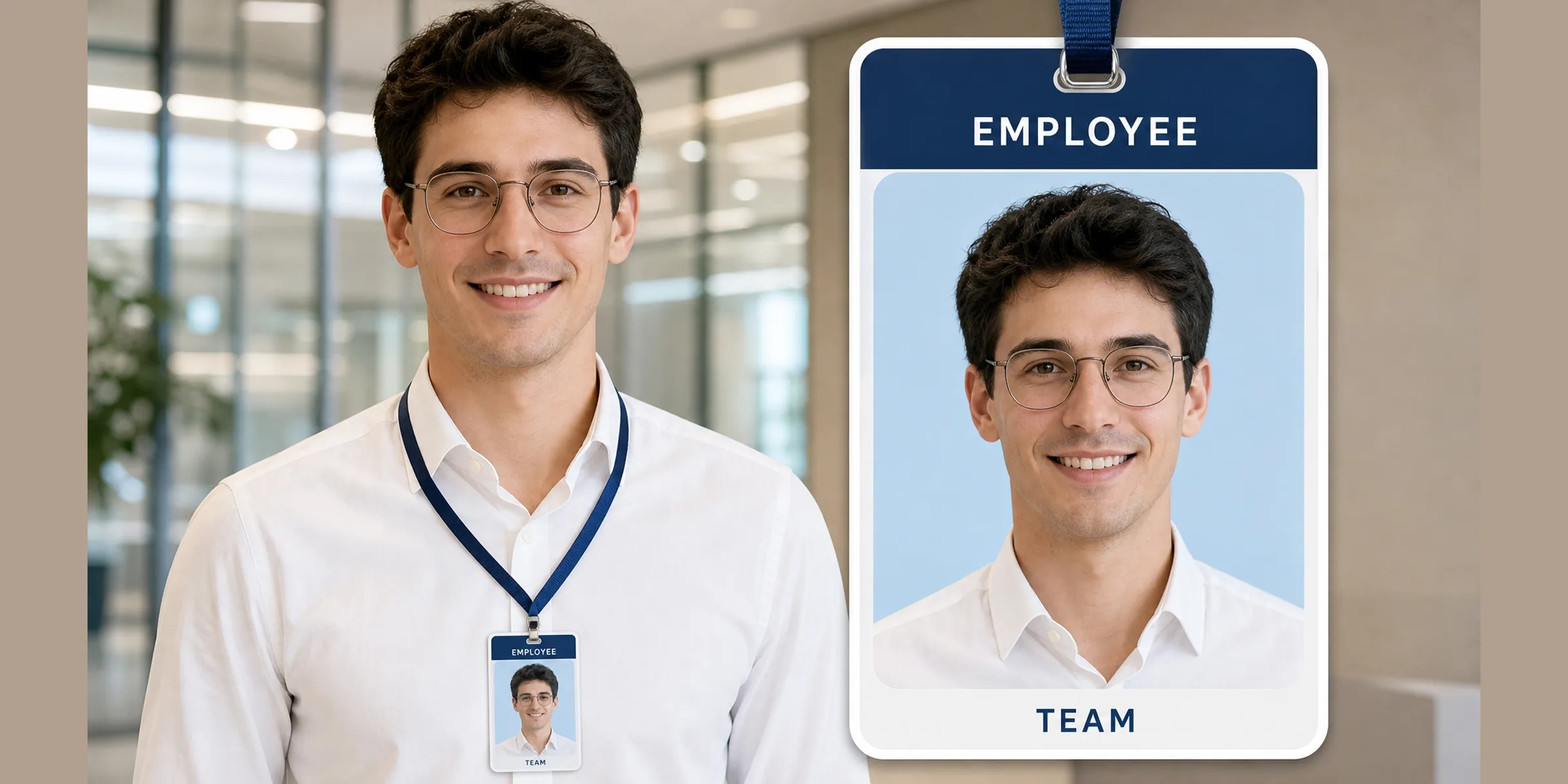
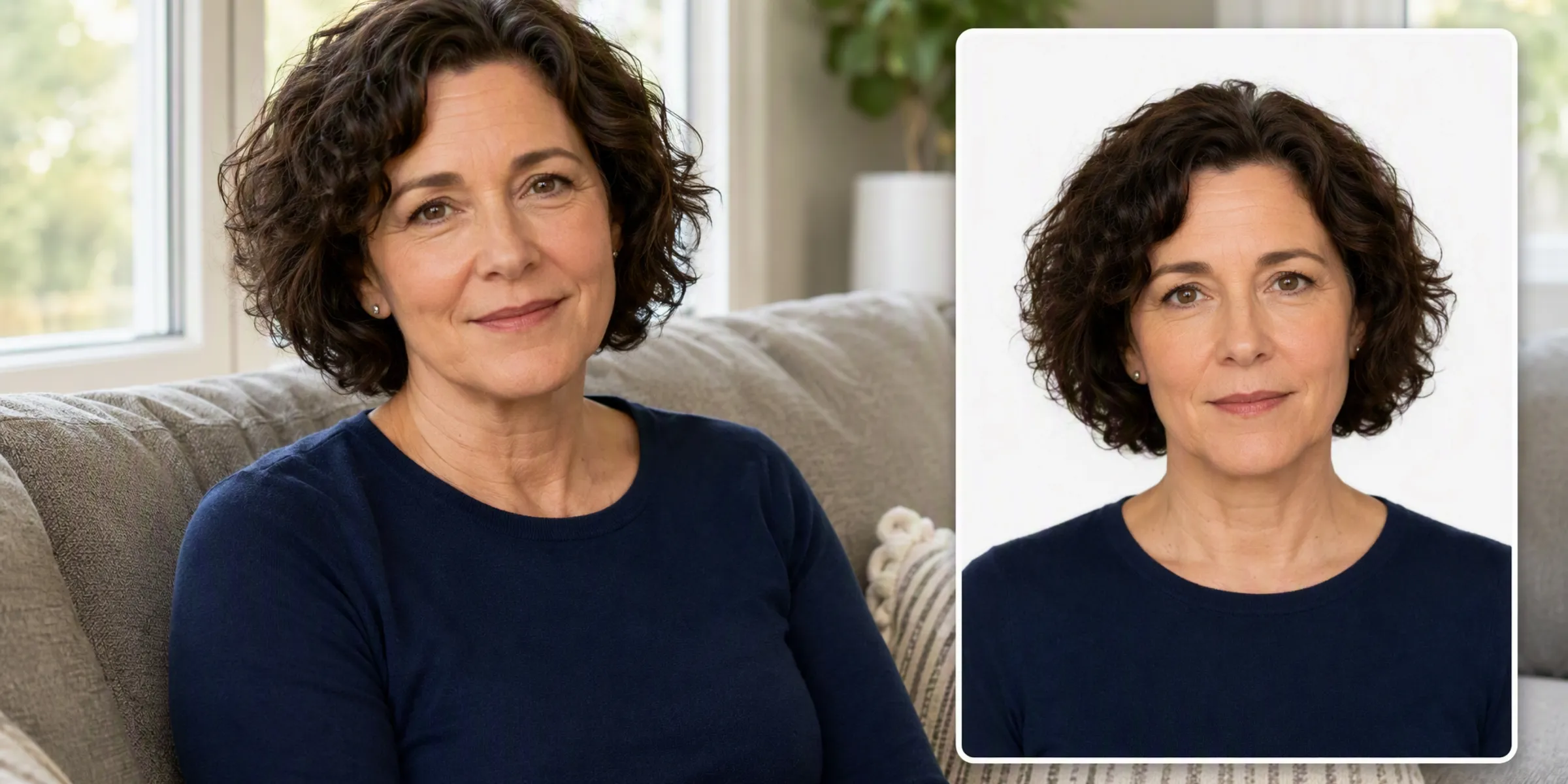
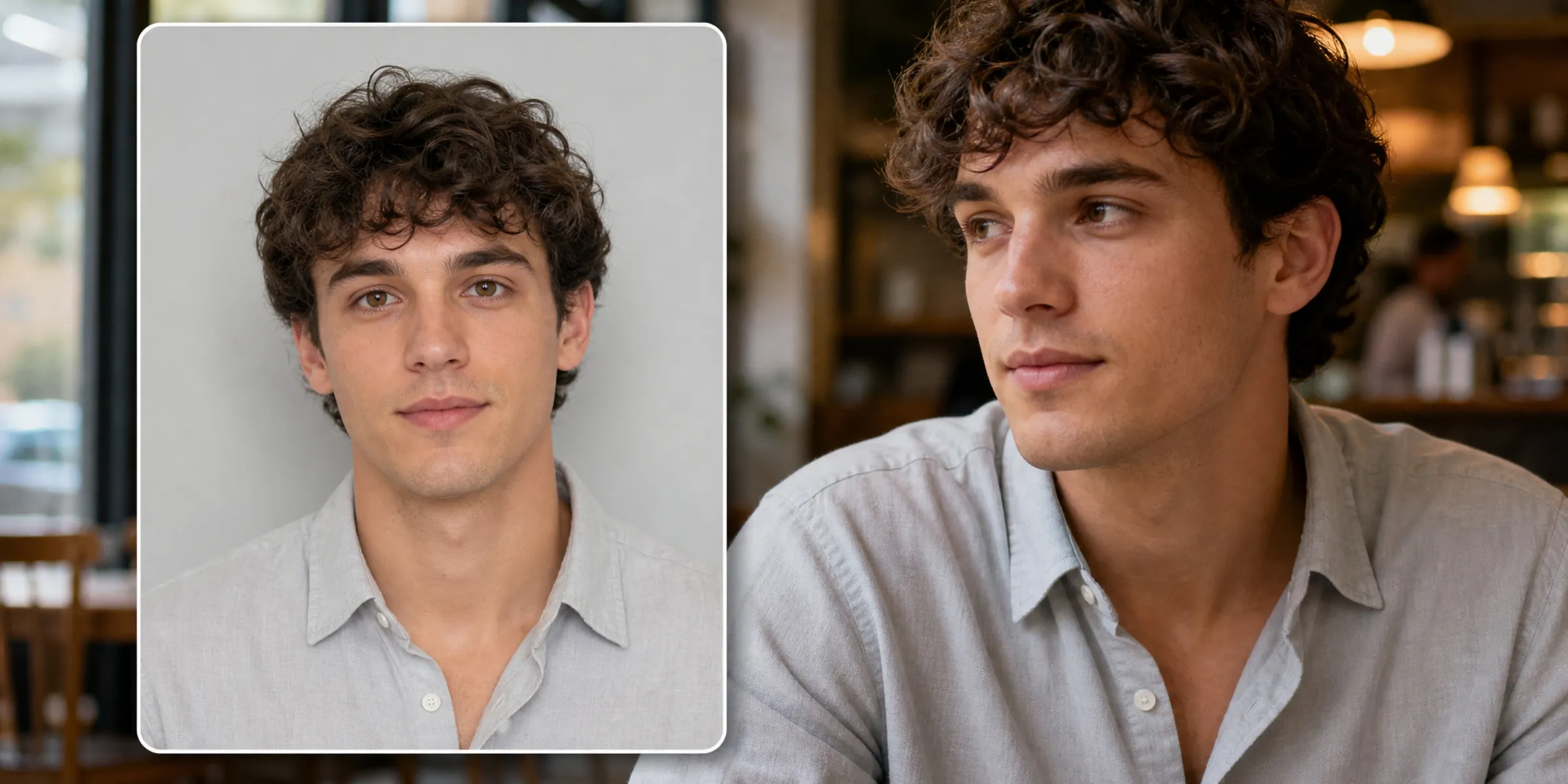


AI powered features for passport photo creation
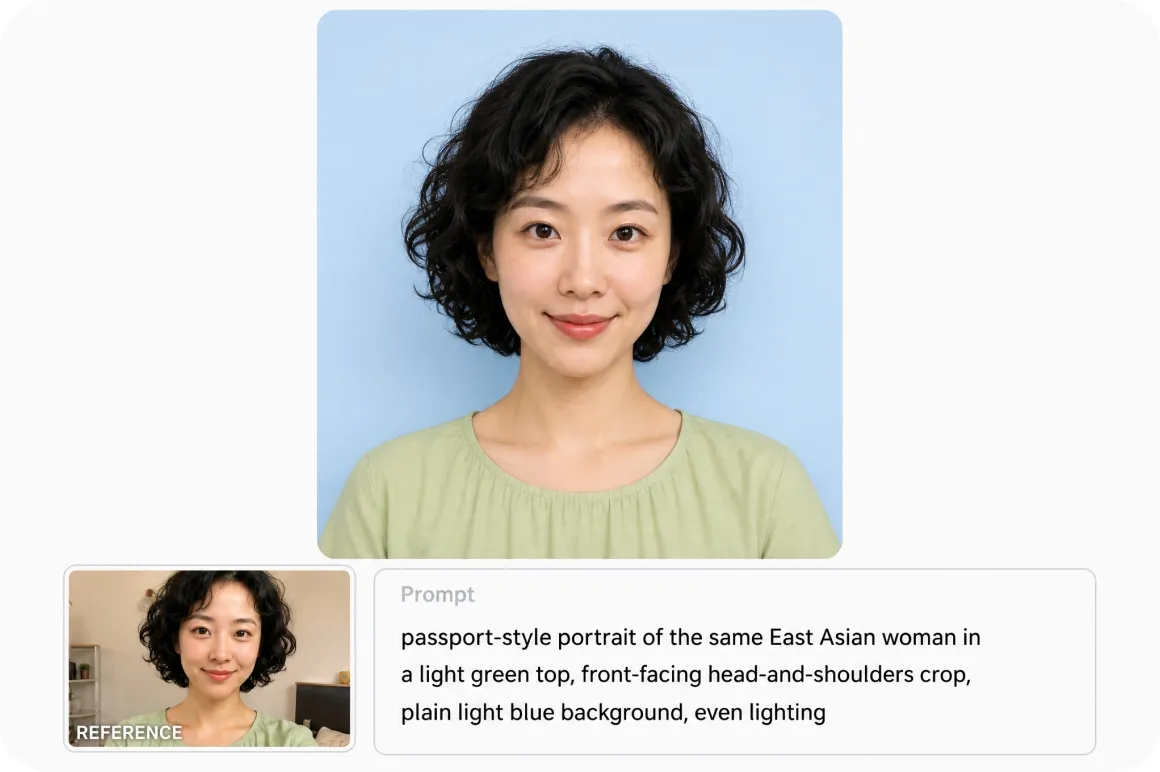
Flexible portrait generation
Start with a simple text description or upload reference images using Image to Image generation to guide facial features, composition, and visual style. Older or lower quality old portraits can be prepared first with photo restoration, so the final passport style photo matches your preferred appearance.
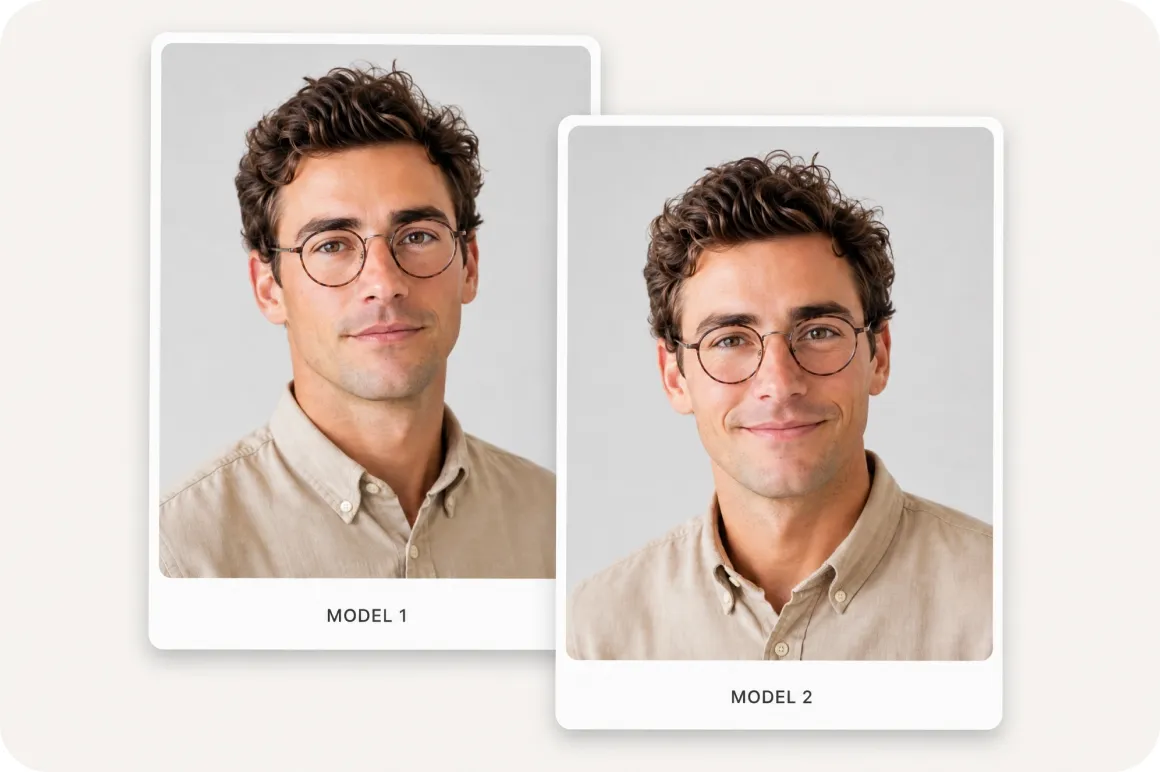
Specialized built in AI-models
Select from a variety of advanced built in AI model engines to generate passport style portraits with distinct rendering qualities. Compare output characteristics across different models to find the clean lighting, sharp detail, and natural texture that works best for your final image.
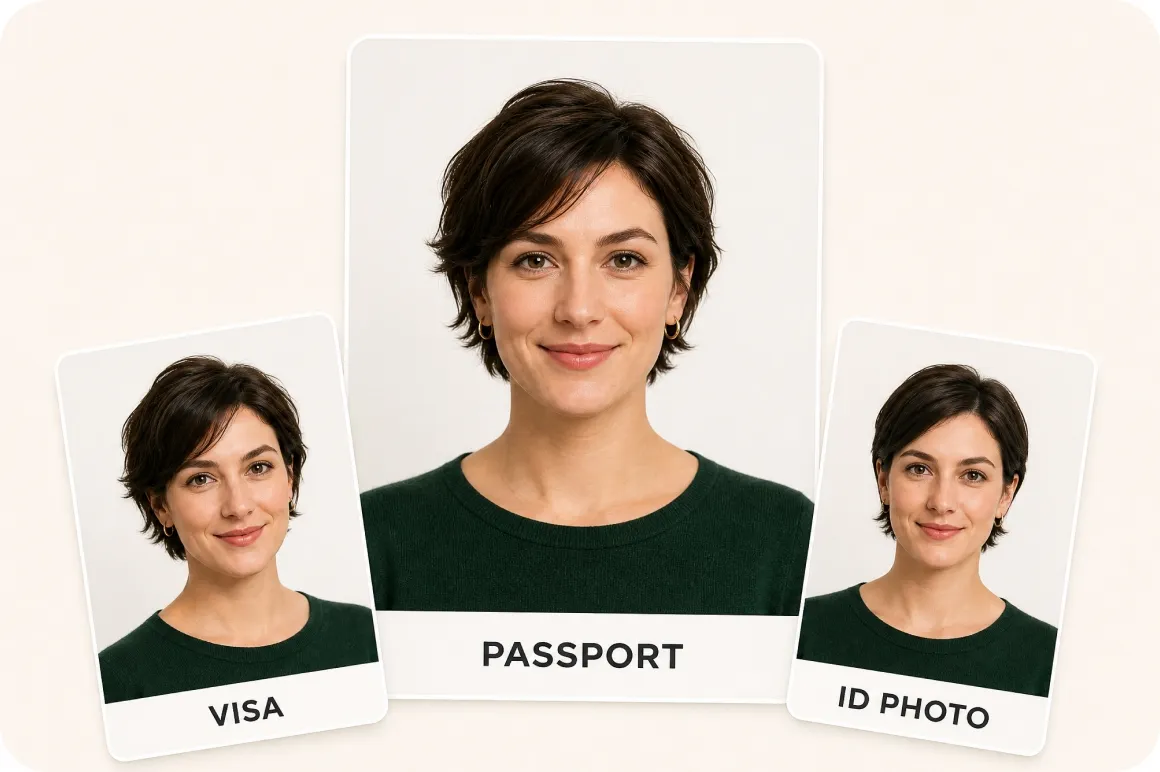
Versatile document photo creation
Generate passport style portraits suitable for various document photo use cases, including passports, visas, ID cards, residence permits, and employee badges. Prepare multiple versions for different applications using one single streamlined creation workflow.
Who gets the most value from Vmake Labs passport photo generator
International travelers
Passport renewals and travel applications often require updated passport photos, making repeated studio visits inconvenient and time consuming. Vmake Labs transforms portrait photos into passport style images using AI powered image generation and customizable photo settings. International travelers prepare passport photos more conveniently before submitting applications for travel documents and related requirements.
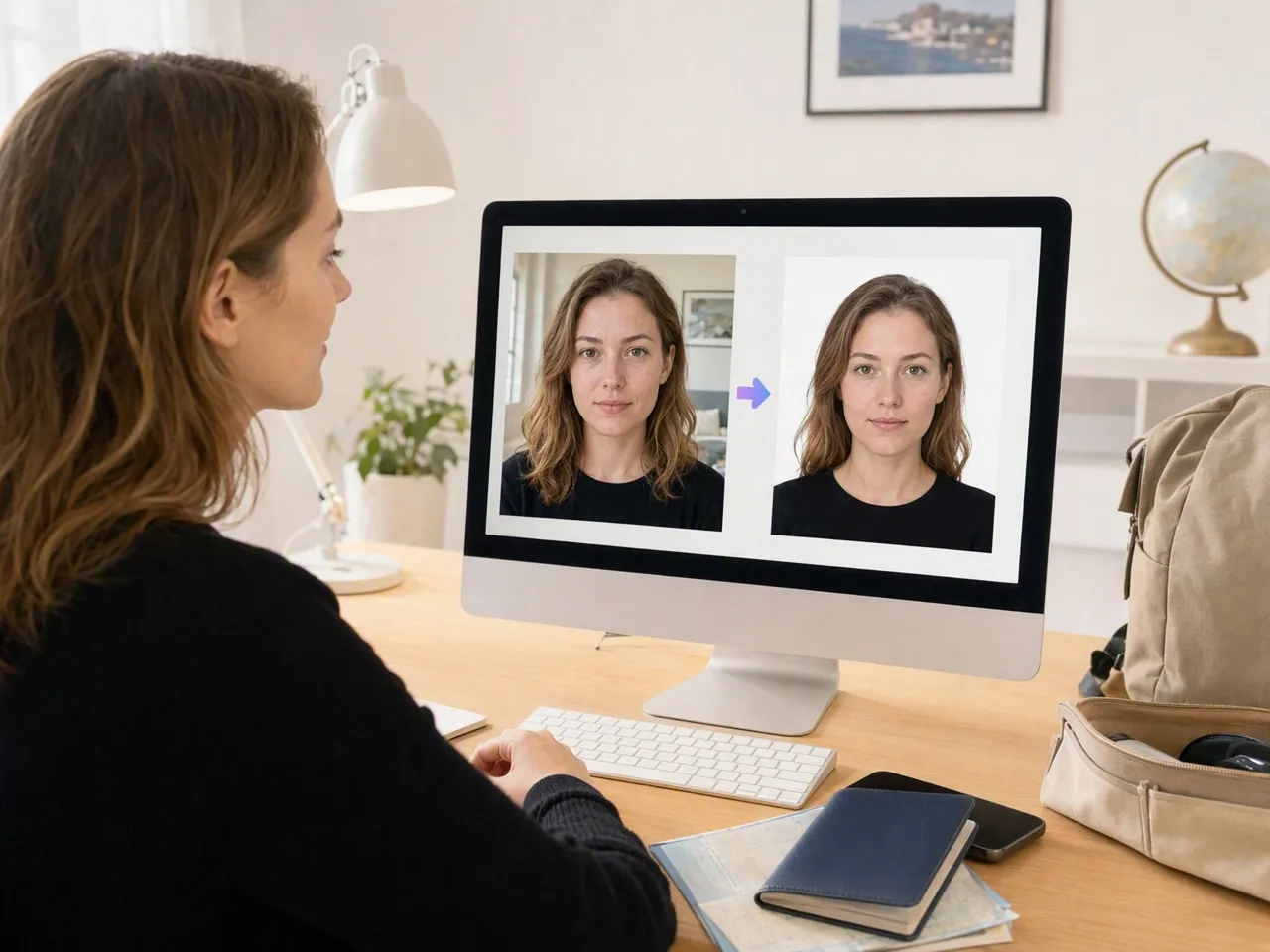
Visa applicants
Visa applications frequently require passport size photos, creating additional preparation work before submitting supporting documents. Vmake Labs generates passport style photos from uploaded portraits while allowing users to refine the final image before downloading. Visa applicants prepare document photos more efficiently and keep digital copies ready for multiple application processes.
Frequently asked questions about passport photo generator
What is a passport photo generator?
How do I generate a passport photo?
Choose Image to Image to upload an existing portrait or Text to Image to create a new image. Select your preferred AI image model, generate the photo, and download your preferred result.
Can I use my own photo to generate a passport photo?
Yes. Upload a clear portrait in Image to Image mode to generate a passport style photo while preserving your overall appearance. If the photo looks blurry, try unblur image first for a sharper result.
Can I generate passport style photos for different document types?
Yes. The generated images can be prepared for passports, visas, ID cards, residence permits, and other official document applications.
Can I create multiple passport photo versions?
Yes. Generate multiple variations, compare the results, and download the passport photo that best suits your application requirements.
Create your passport photo online without any hassle
Generate passport style photos from an existing portrait or AI generated image. Prepare photos for passports, visas, ID cards, and other official applications with Vmake Labs.
How users prepare passport photos with Vmake Labs
I needed a new passport photo before renewing my passport and didn't want to book a studio appointment. I uploaded a recent portrait to the Vmake Labs AI Image Generator, adjusted a few details, and had a passport style photo ready to download.
Applying to a university abroad meant preparing several official documents, including a passport size photo. I used one uploaded portrait in the Vmake Labs to create a clean, passport style photo that matched the admission office's requirements without extra editing software.
I help clients prepare paperwork for visa applications, and passport style photos are always part of the checklist. The Vmake Labs AI Image Generator lets me generate consistent, clean photos for multiple clients from their existing portraits, which keeps the document preparation process simple.
Our office needed updated employee photos for ID badges and internal records. Instead of scheduling individual photo sessions, I generated passport style photos from existing portraits using the Vmake Labs, which made updating our records more convenient.
Before my exchange program, I needed passport style photos for visa paperwork and student identification. I uploaded a portrait to the Vmake Labs AI Image Generator, adjusted the image, and generated a passport style photo I could use across several application forms.
Our agency helps travelers organize documents for international trips, and passport style photos come up often. The Vmake Labs AI Image Generator helps us prepare these photos directly from client portraits, which simplifies part of the travel documentation process for our team.