
AI Image Extender: Online Expand Photos in One Click
Vmake Labs AI image extender expands a tight crop into a new composition for social posts, product visuals, banners, and campaign creative. Expand your images with extended version for the next layout now!
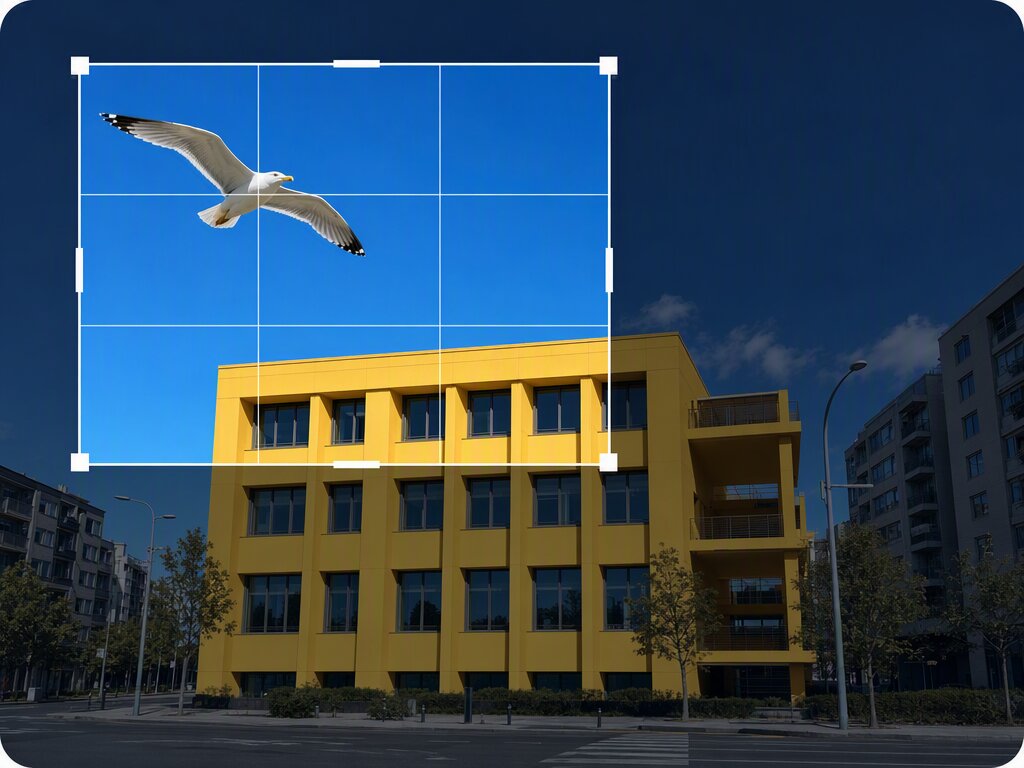


How to expand an image in 3 steps
Step 1. Upload your image
Upload the image you want to extend. It can be a product photo, portrait, or any visual asset that needs more space around the subject.
Step 2. Select the mode you need
Choose Scale to extend the image by 110%, 125%, 200%, or 300%. Or choose Freeform to set a fixed ratio, including 1:1, 16:9, 9:16, 4:3, or 3:4.
Step 3. Position and generate
Move the uploaded image freely within the canvas and adjust its position as needed. Vmake Labs uses AI to fill the blank areas, then generates the extended image for export.
AI image extender for any scene
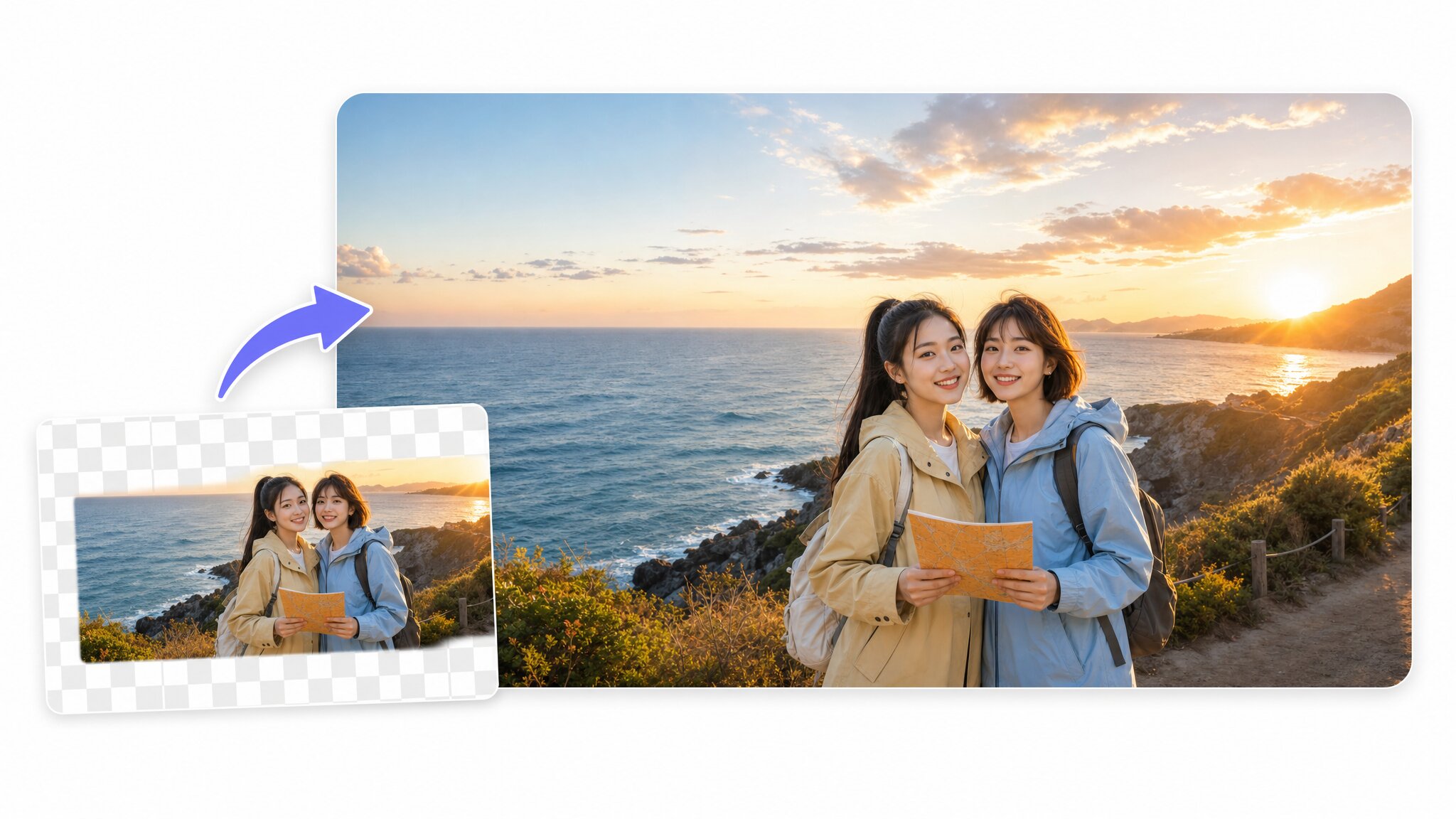
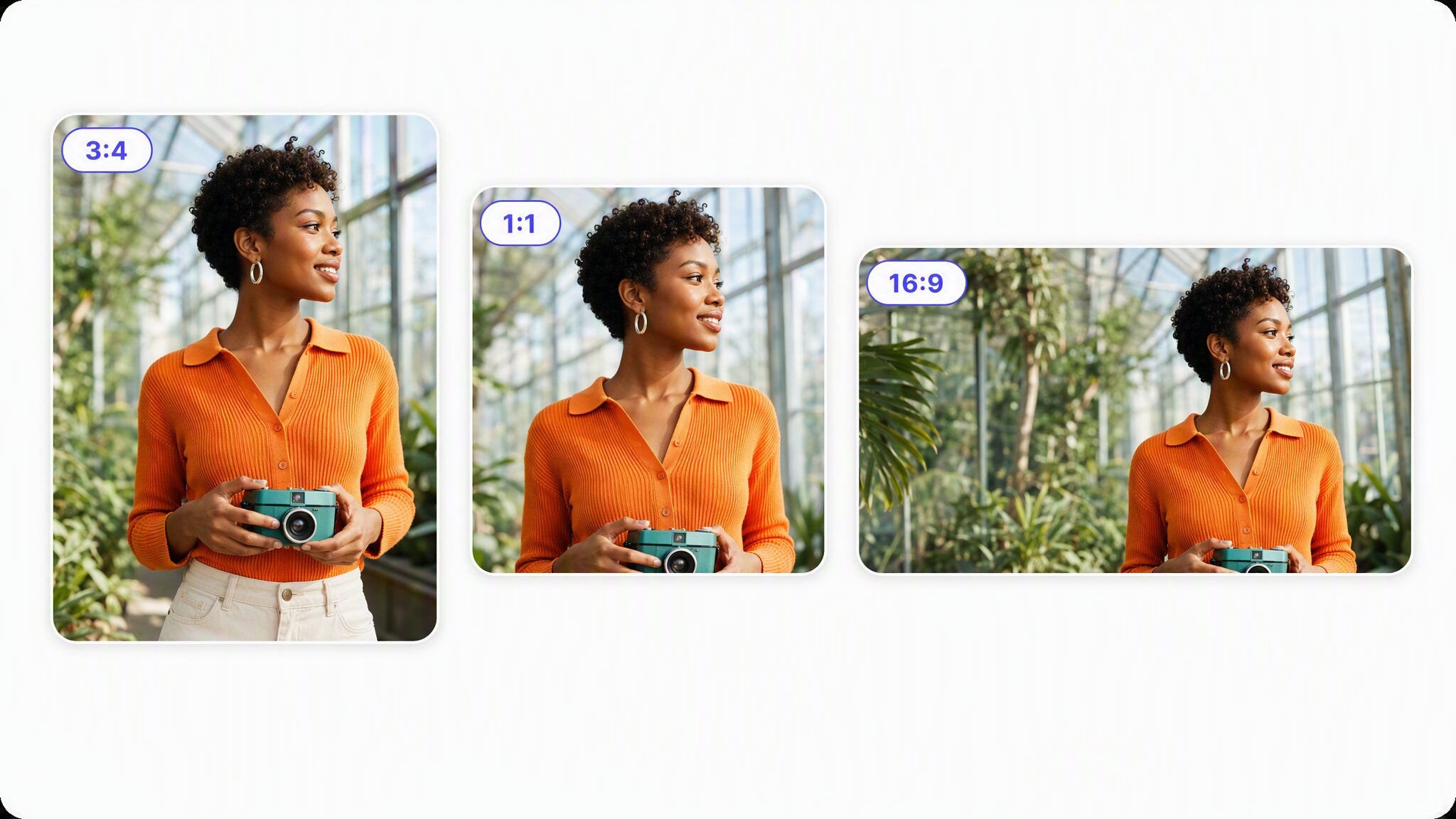
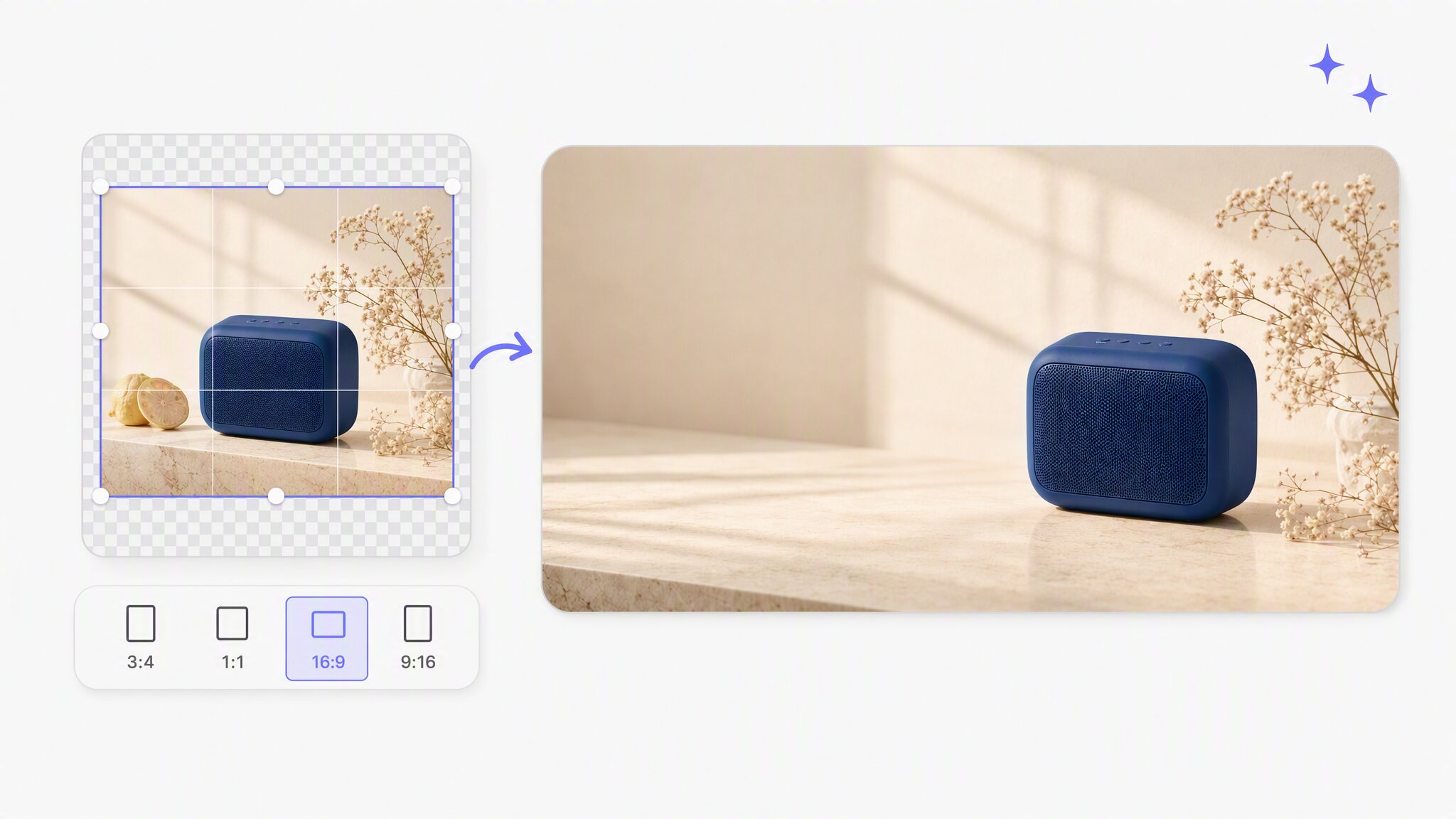
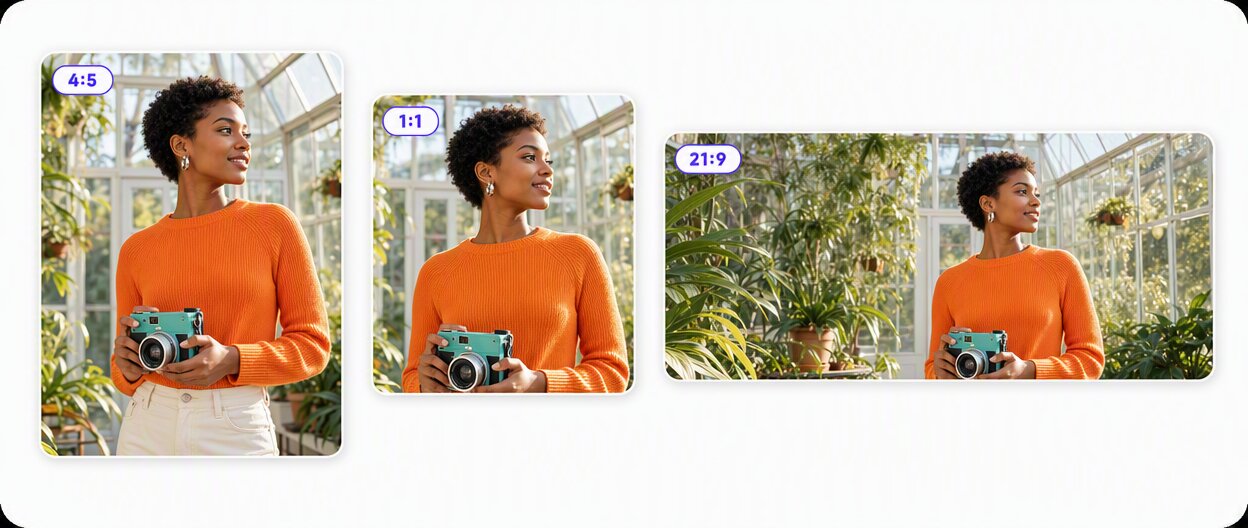
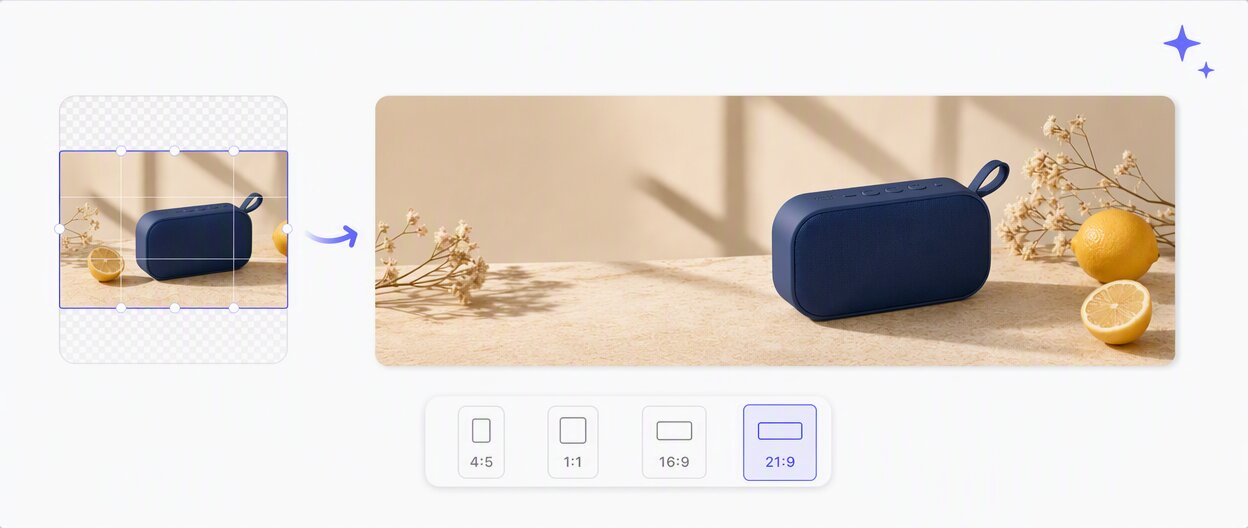
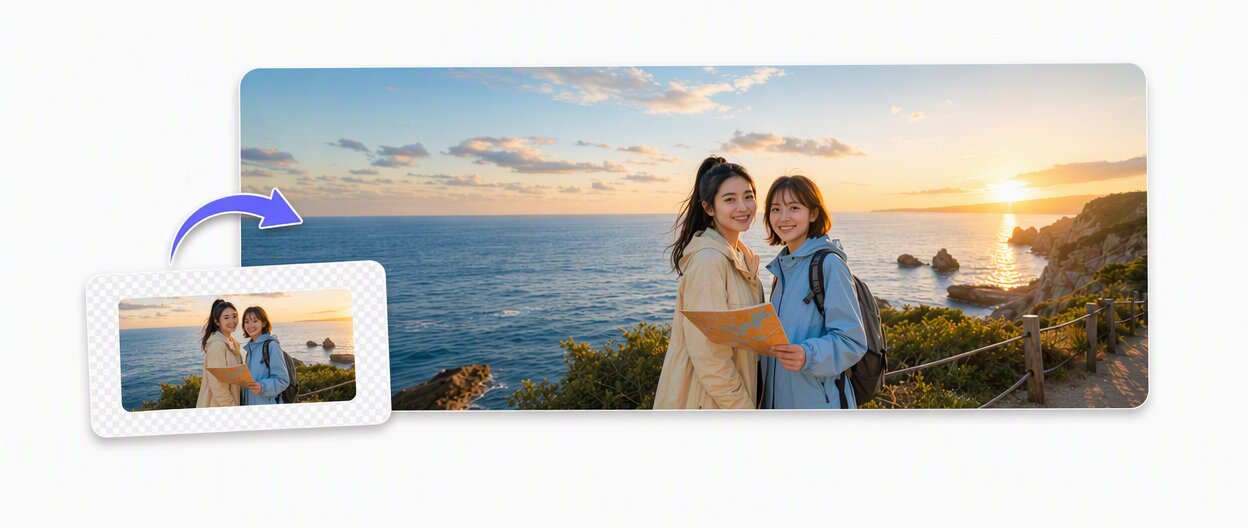
More control over the frame with AI image extender
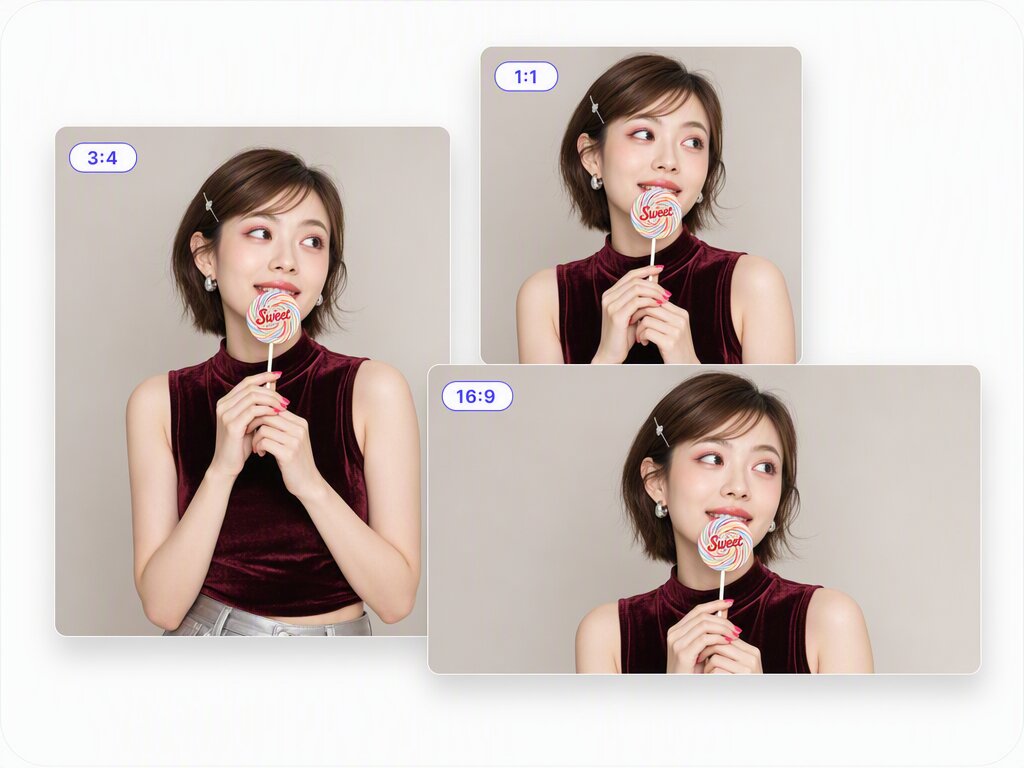
Adapt visuals for every channel
Turn one finished image into creative assets for social posts, stories, banners, covers, and ads. Vmake Labs AI Image Extender expands the canvas to match different content formats, helping marketing teams reuse existing visuals while creating compositions that feel natural across every channel.
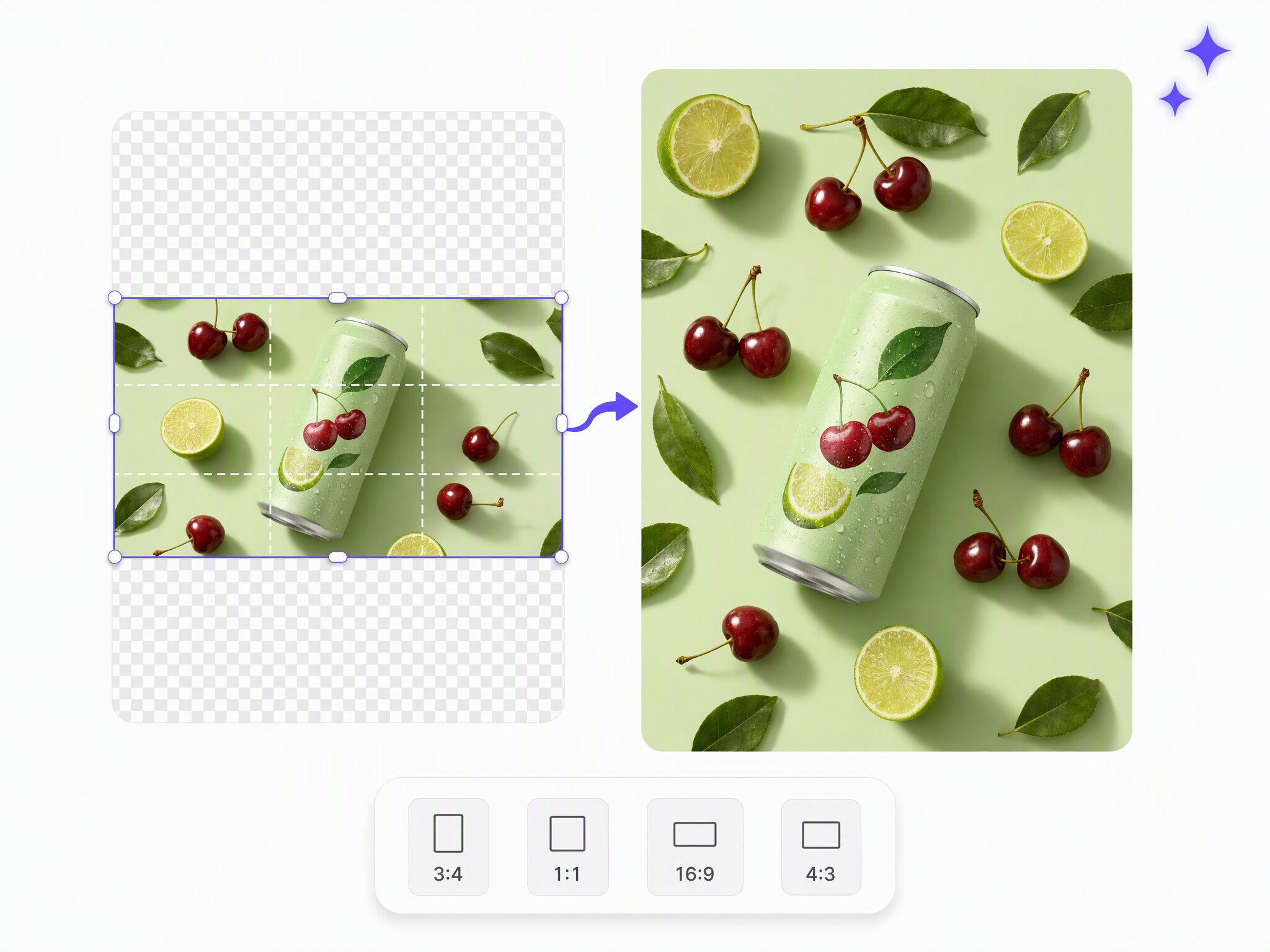
Create more space for product content
Give product images room for promotional copy, prices, feature highlights, and campaign messaging. AI Image Extender helps ecommerce teams transform a tightly cropped product photo into a more flexible visual asset for product pages, advertisements, and merchandising designs.
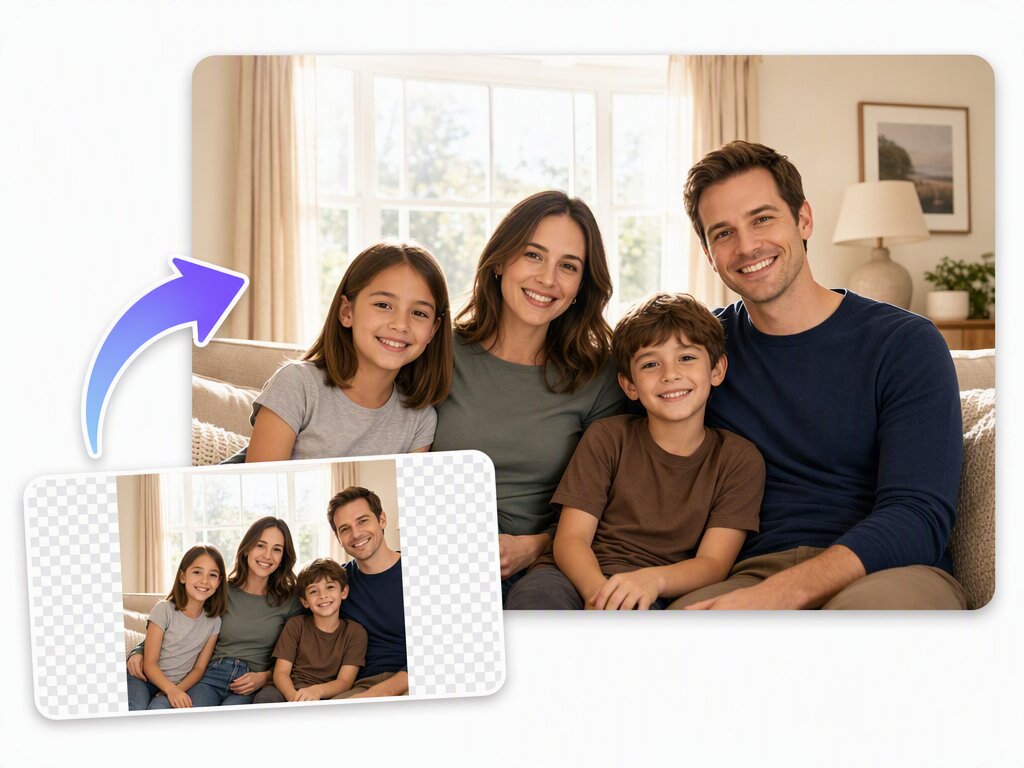
Build flexible creative layouts
Support different design requirements with Scale expansion from 110% to 300% or fixed ratios such as 1:1, 16:9, and 9:16. By extending the surrounding canvas while preserving the original focal point, teams can prepare more adaptable image assets from a single source.
Who uses Vmake Labs AI image extender
Social content teams
Social teams often turn one finished image into posts, stories, covers, and ad variations. When each placement needs different framing, AI Image Extender lets the team try subject positions and added space, then choose a version that better suits each channel.
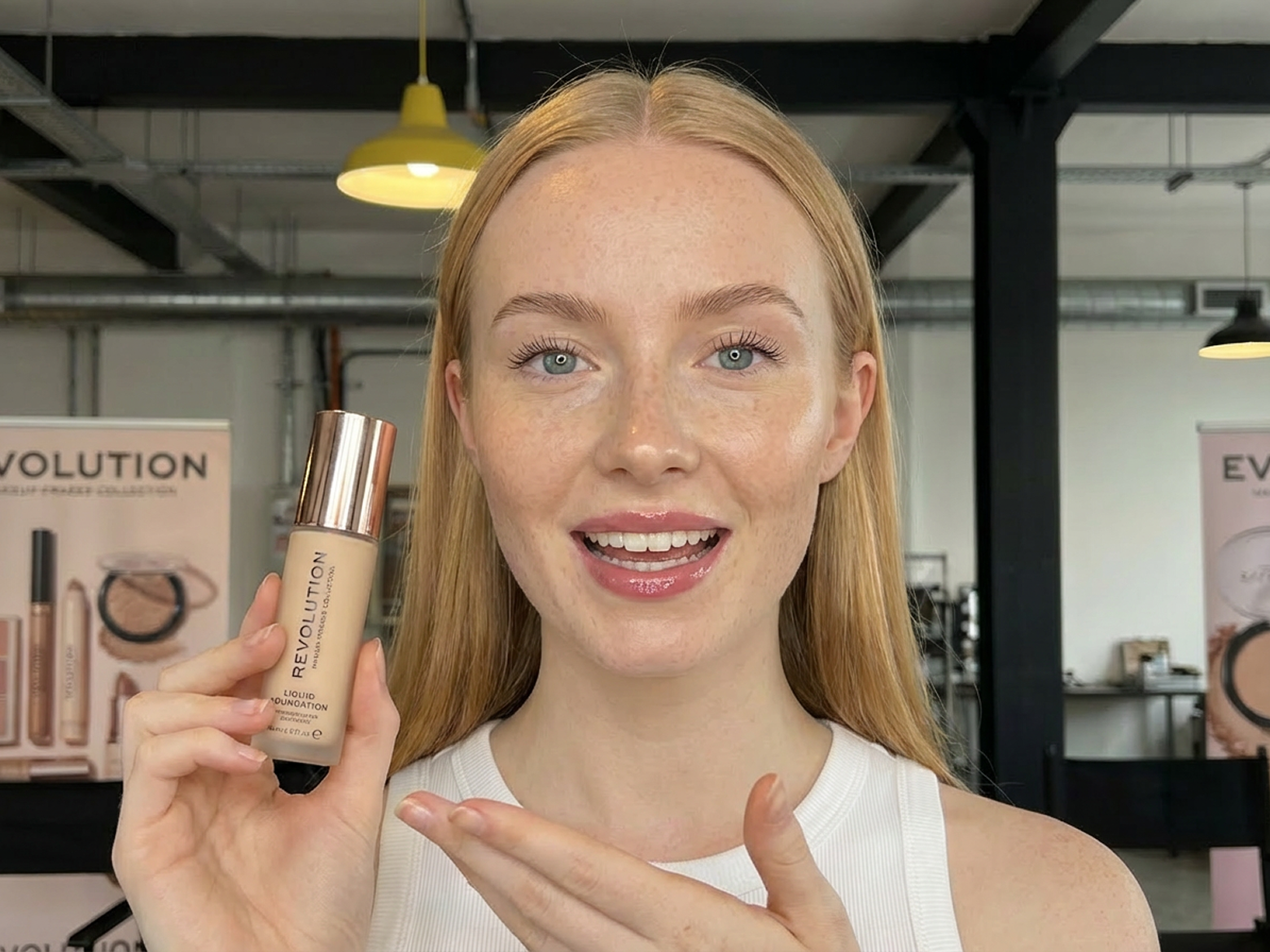
Ecommerce teams
Ecommerce teams often use one product image for product detail, promotional information, and campaign creative. When the original frame leaves little layout room, AI Image Extender can add space around the product for headlines, prices, benefits, and more flexible merchandising layouts.
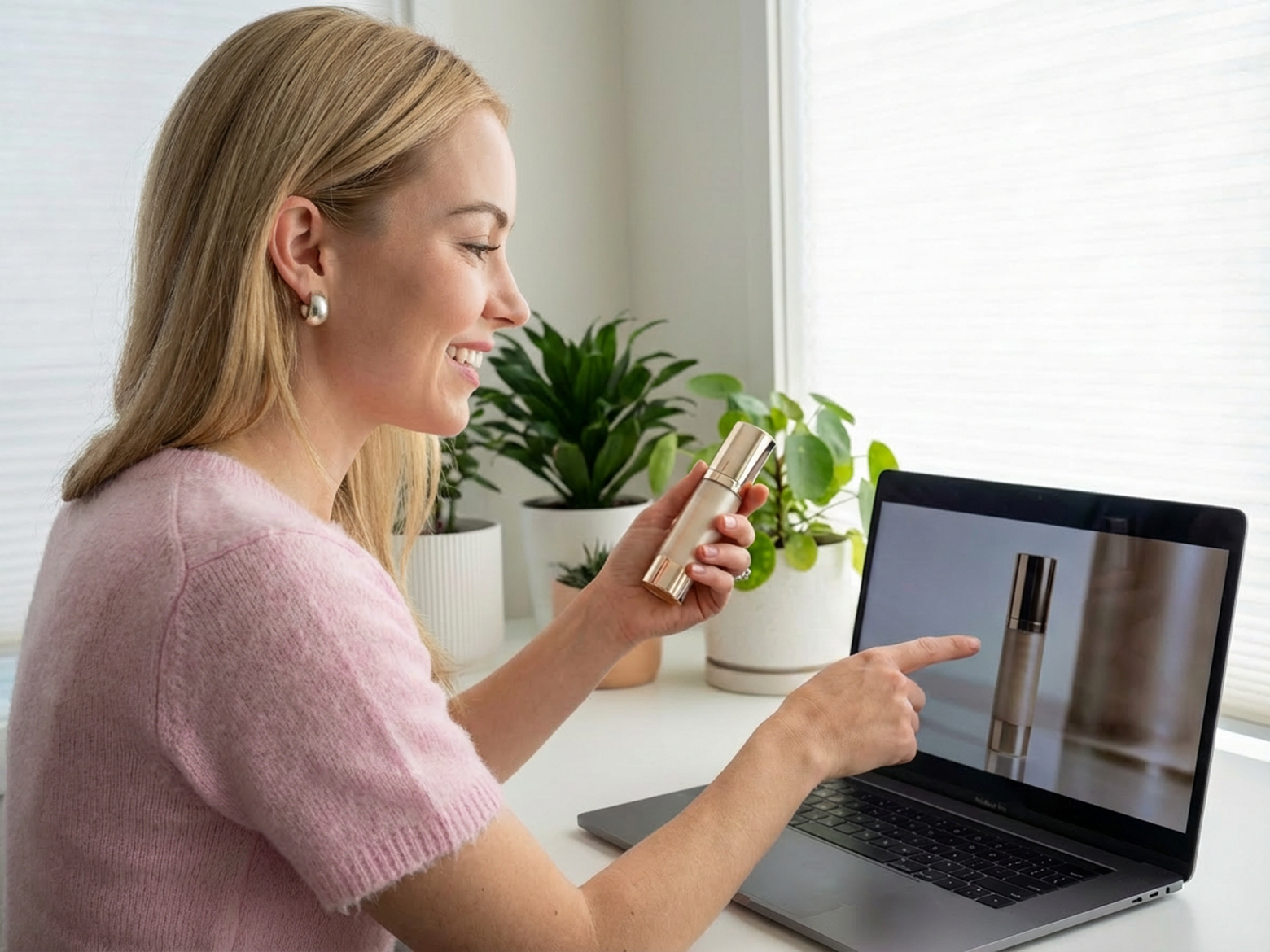
Marketing Teams
Marketing teams often need to adapt one creative for multiple ad placements, but resizing images manually is slow and expensive. AI outpainting instantly expands visuals for different aspect ratios, helping teams launch campaigns faster, maintain brand consistency, and maximize creative performance across channels.
Why choose Vmake Labs AI image extender?

Create expanded images in just a few clicks with an intuitive interface. No design skills or complex editing software required.

Expand images directly in your browser without downloading software, making it easy to edit from any device, anytime.

Your uploaded images are processed securely and handled with strict privacy protection to keep your content safe and confidential.
FAQ about Vmake Labs AI image extender
What is an AI Image Extender?
Can AI Image Extender change an image aspect ratio without cropping?
Choose Scale or Ratio and place the original image before generation. Instead of removing content inside the original frame, Vmake Labs AI Image Extender generates new visual space beyond the image for a new composition or supported placement.
Which images can I extend?
JPG, JPEG, and PNG are supported. Image files can be up to 20 MB, with a shortest side of at least 300 px and a longest side of up to 6000 px. Use an image with a clear subject when you want to assess a new composition or ratio.
Can I extend a video?
Yes. AI Video Extender is now available for extending video frames and adapting footage to new aspect ratios. It supports MP4, MOV, M4V, 3GP, and AVI. Files can be up to 300 MB, the default source video length is up to 20 minutes, and generated videos support a maximum length of 10 seconds.
Expand you images without any hassle
AI Image Extender adds usable room to a tight image. Place the subject, generate an extended version, and prepare a new composition for social posts, product pages, banners, or campaign creative.