


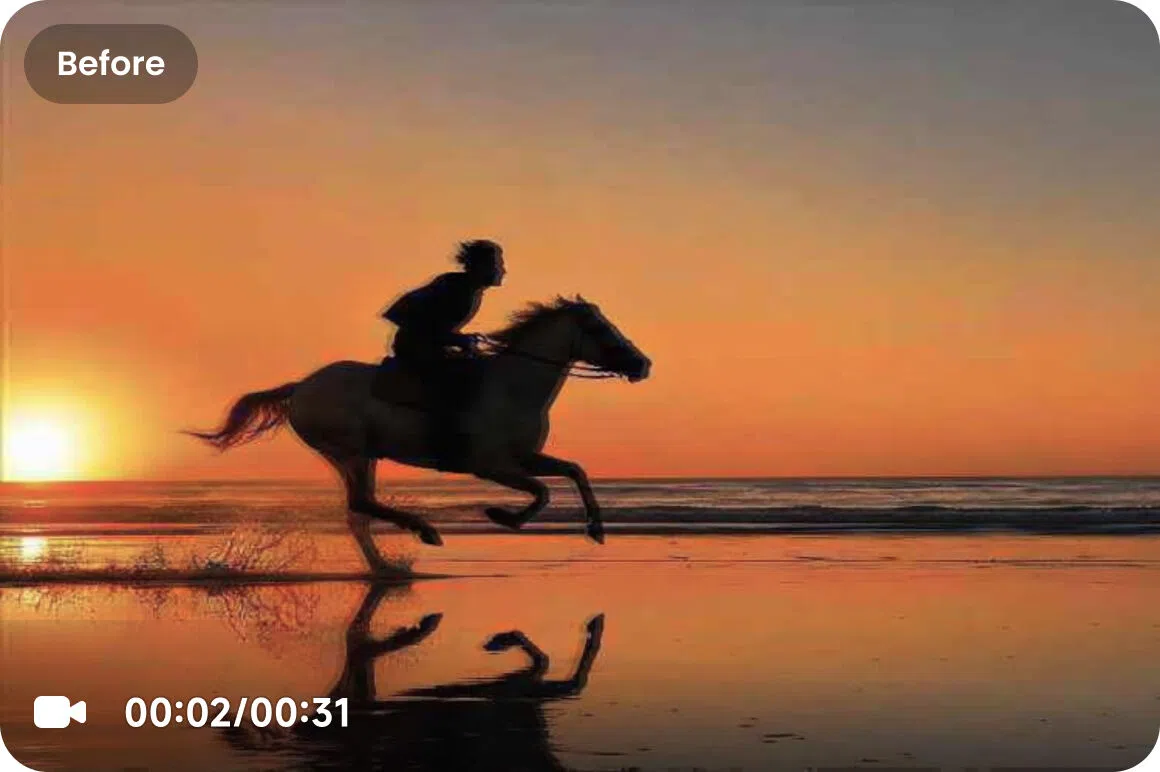
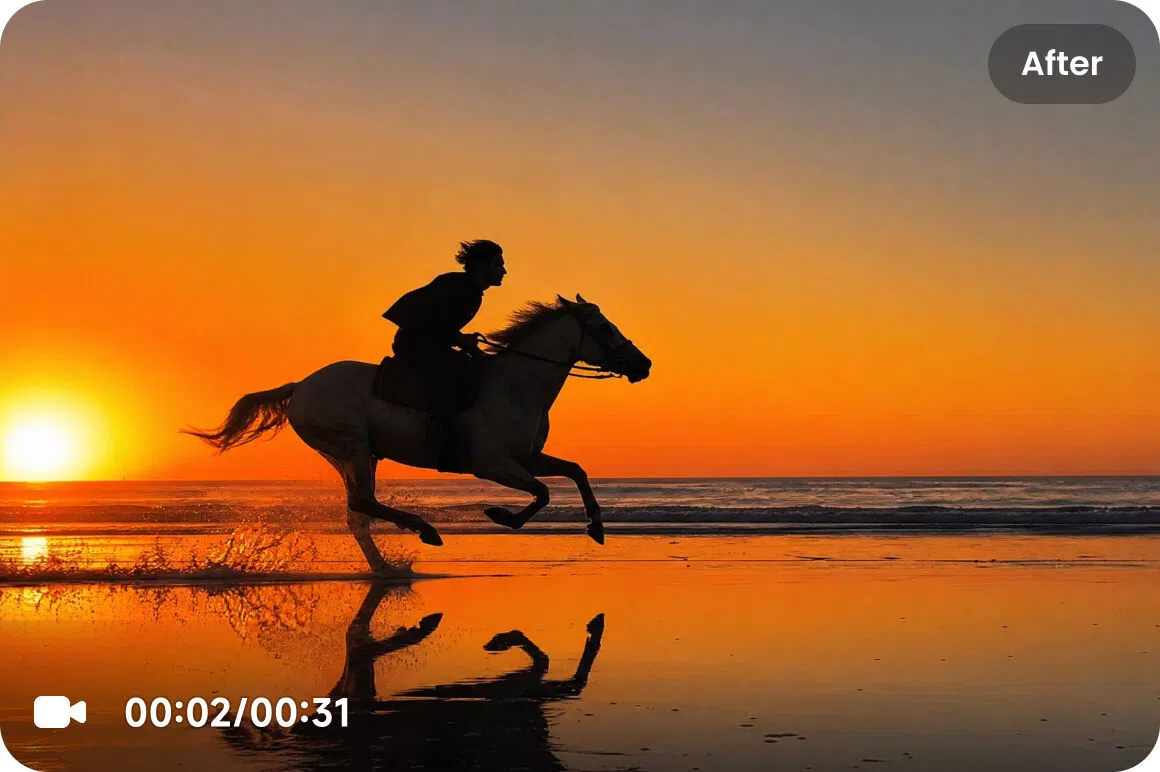
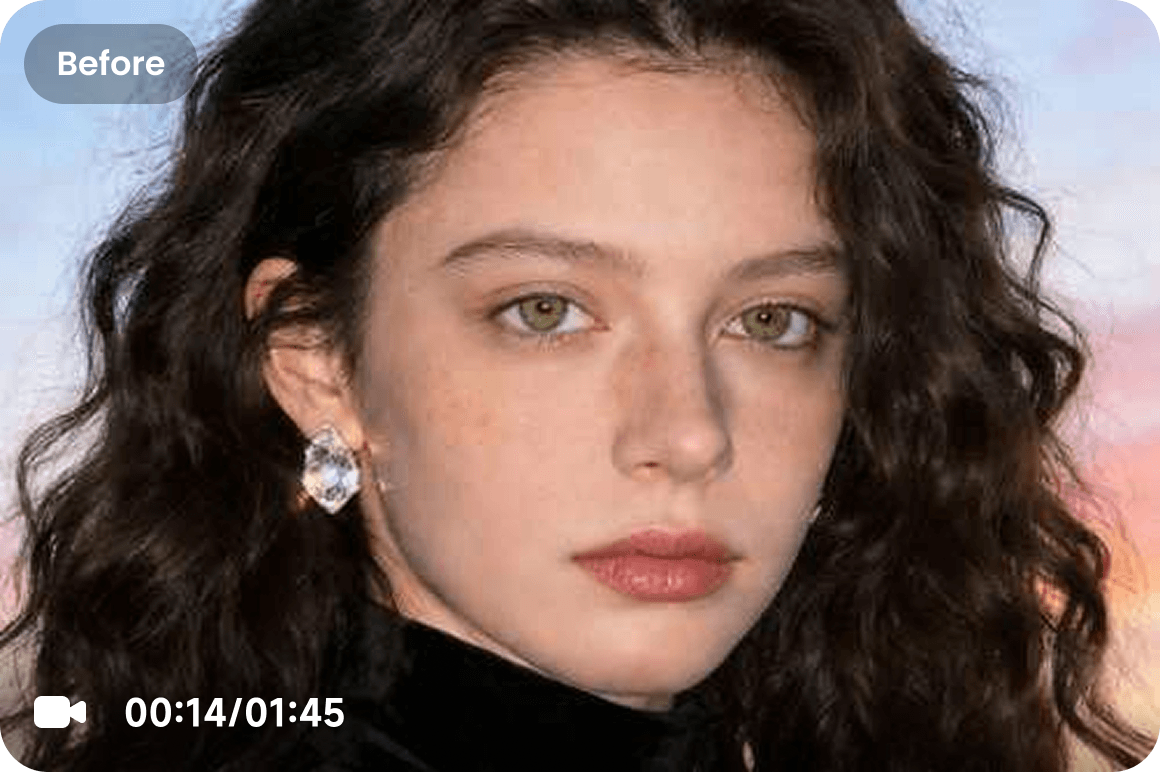
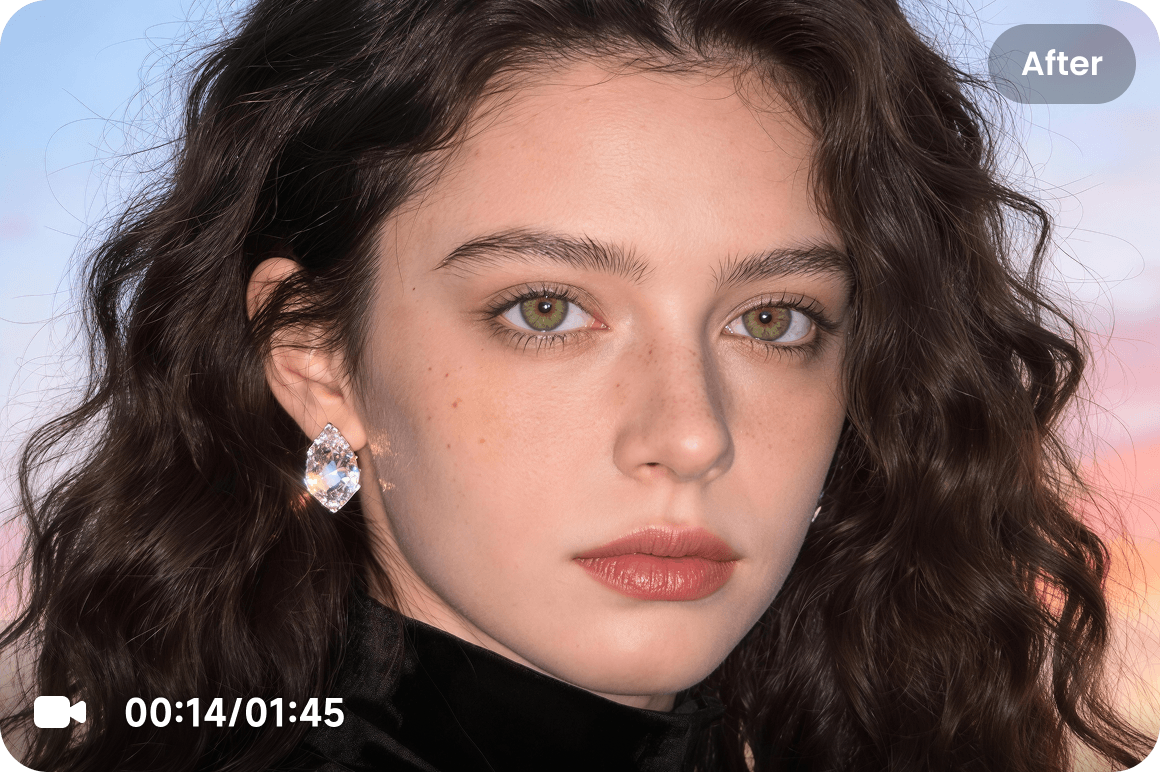



Smart 720P Upscaling
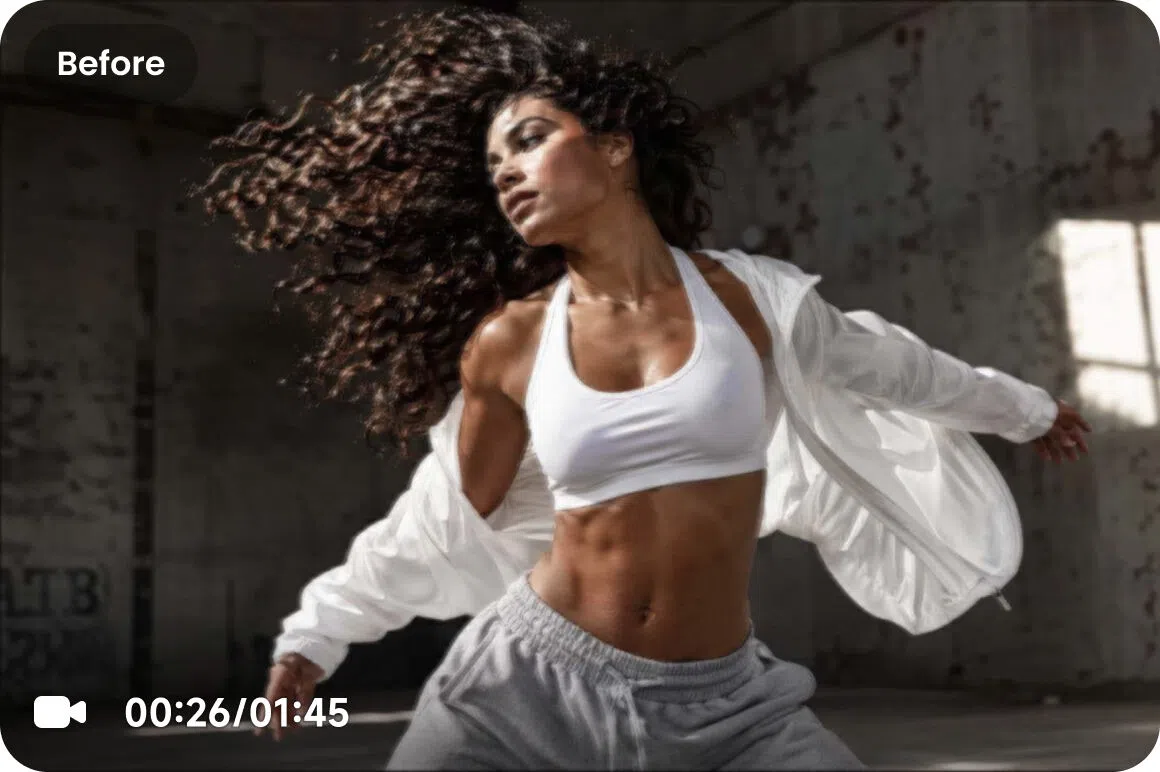
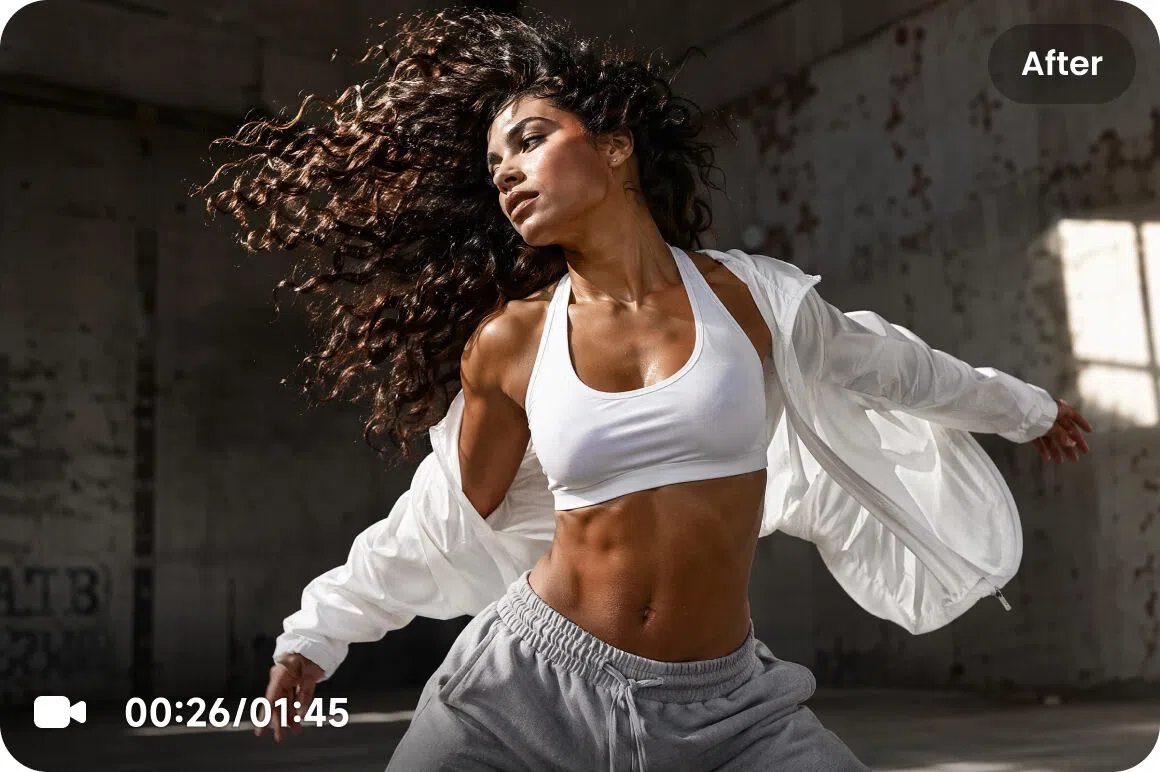
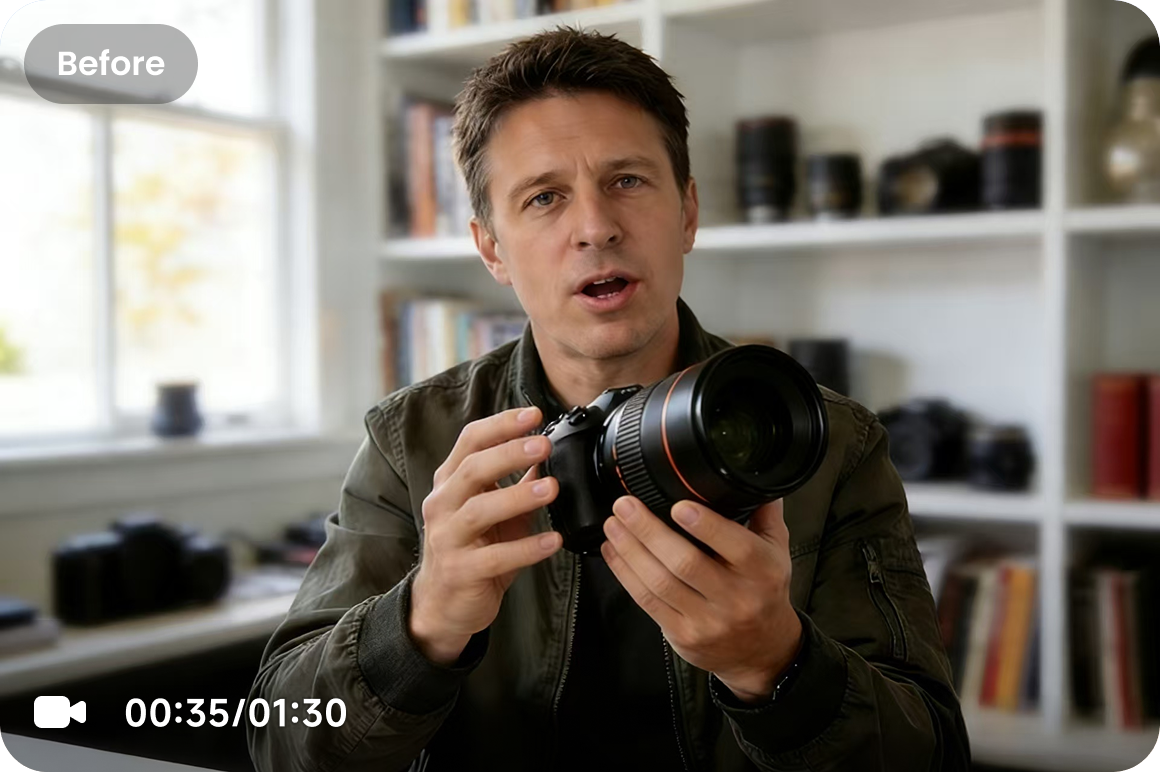
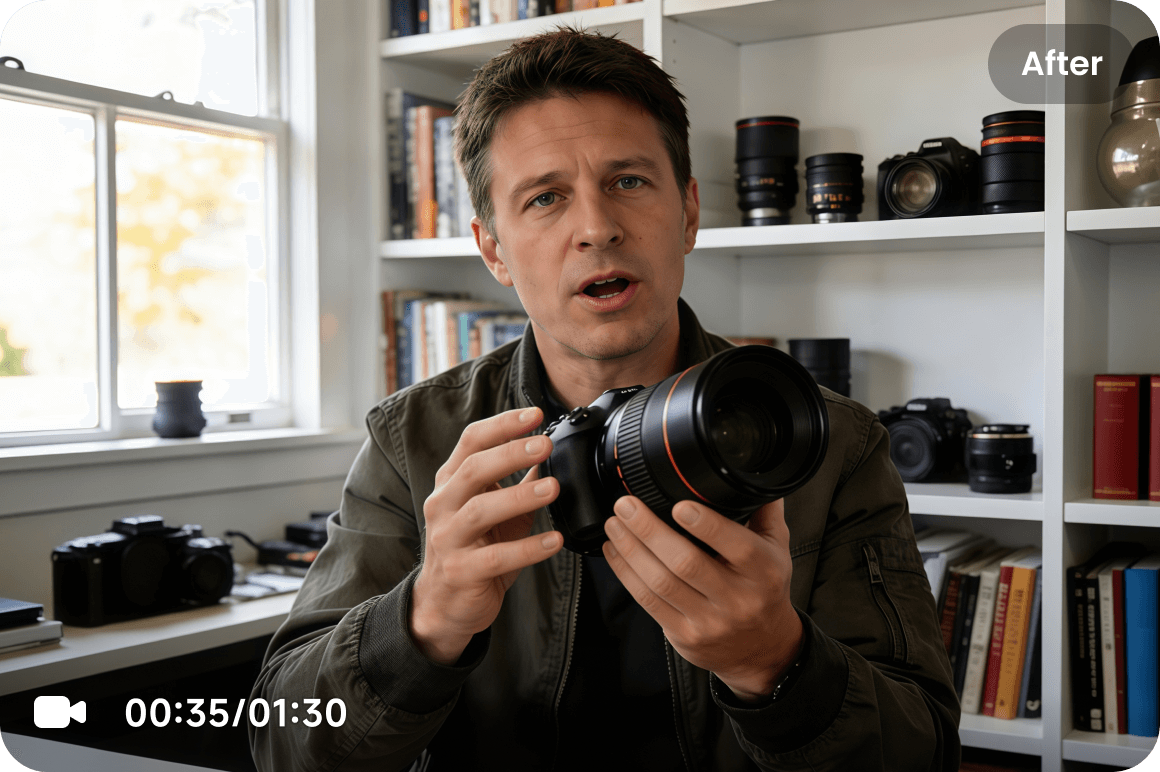
Sharpen & Upscale Videos with Our 360P to 720P Converter

How to Convert Videos from 360P to 720P?
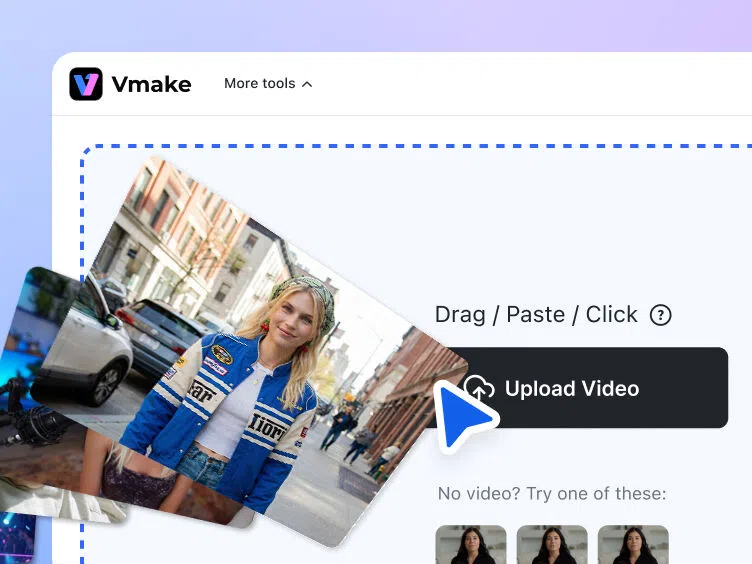
Upload File
Drag and drop a 360P video that’s under 200MB and in a supported format.
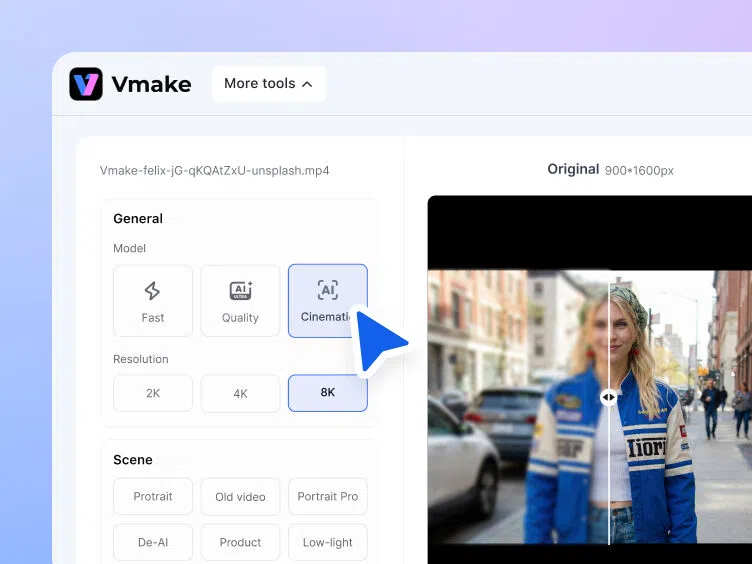
Pick Resolution
After processing, preview the output and then download it to your device.
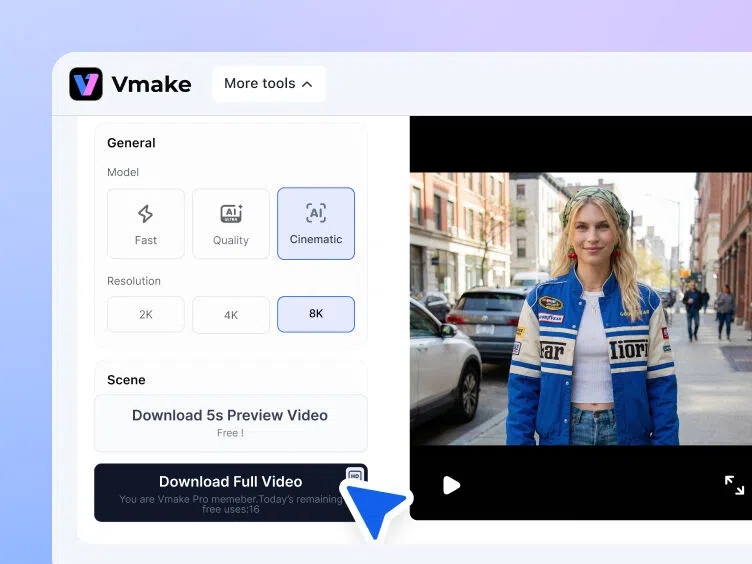
Download Results
After processing, preview the output and then download it to your device.
Top Features of Our 360P to 720P Converter

Broad Format Support

Ready for Social Media

FAQ
How do I convert my video from 360P to 720P?
Is there any upload file size limit?
Yes. You can upload a video under 200MB. For larger videos, you will have to resize or compress them beforehand.
Can I convert a video in any format?
Yes. You can upload a video in any standard format, like the ones mentioned above, to have it enhanced to 720P.
Can I batch process multiple videos?
Yes, you can upscale up to three videos simultaneously to save time. For more than 3 videos, go for a subscription plan.
Is it safe to use an online 360P to 720P converter?
Yes, our converter is completely safe. You can trust our security protocols as your videos are processed securely. There will be no risk of data leakage or misuse.
Discover More Features

Video & Image Enhancer

Watermark & Text Remover

Video Upscaler

AI Creative Ads

AI Video Generator

Video Background Remover

Video & Audio to Text


Customer reviews about Vmake
We used CapCut for a while, but for some reason, they removed the video upscaling feature. So we cancelled our subscription and went elsewhere. We found Vmake - does the job brilliantly, and it’s half the price of CapCut too. Vmake had big shoes to fill - and you’ve done just that!
For this price, you won’t find better AI software for video enhancement. The upload and processing process is quite fast, and the results are good to excellent.
The AI enhancement is solid, though - you don’t get any weird shapes, it just makes the image or video a little crisper and more “in focus.” Sometimes you can tell the file has AI enhancement, like when there’s small text. But for the most part, it’s not super noticeable.
Vmake has been helpful for quickly creating professional-looking videos without learning curve. I appreciate how easy it is to remove backgrounds, enhance visuals, and format content for social platforms. The interface is intuitive, which makes editing fast when working on multiple projects.