
Text to Image Generator
Turn written ideas into original visuals with Vmake Labs Text to Image Generator. Describe your subject, choose an AI model, and create custom images in different artistic styles for social content, presentations, personal artwork, and creative projects.
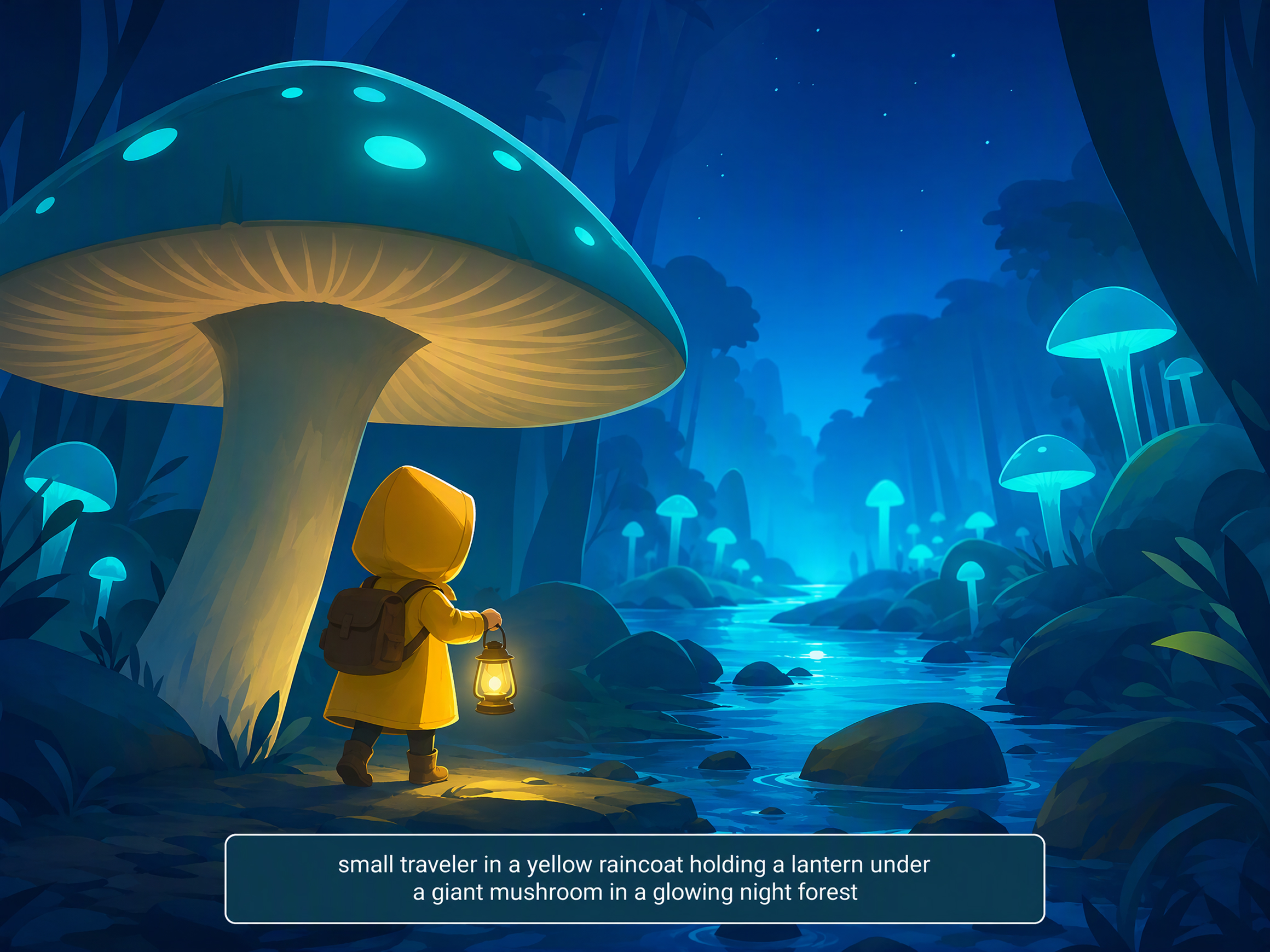
How to generate images from text
Step 1. Describe your idea
Open Text to Image and write a detailed prompt describing your subject, artistic style, colors, composition, lighting, or mood. The more specific your description, the easier it is to generate visuals that reflect your original concept.
Step 2. Customize your image
Choose the AI image model that best matches your creative direction, then adjust the image ratio and refine your prompt. Small prompt changes can produce noticeably different results, making it easier to experiment before selecting your preferred visual style.
Step 3. Generate and download
Generate multiple images from the same text prompt, compare different creative interpretations, and download the version that best matches your project or creative concept. You can continue refining your prompt until you are satisfied with the final result.
Turn text prompts into images for every creative need
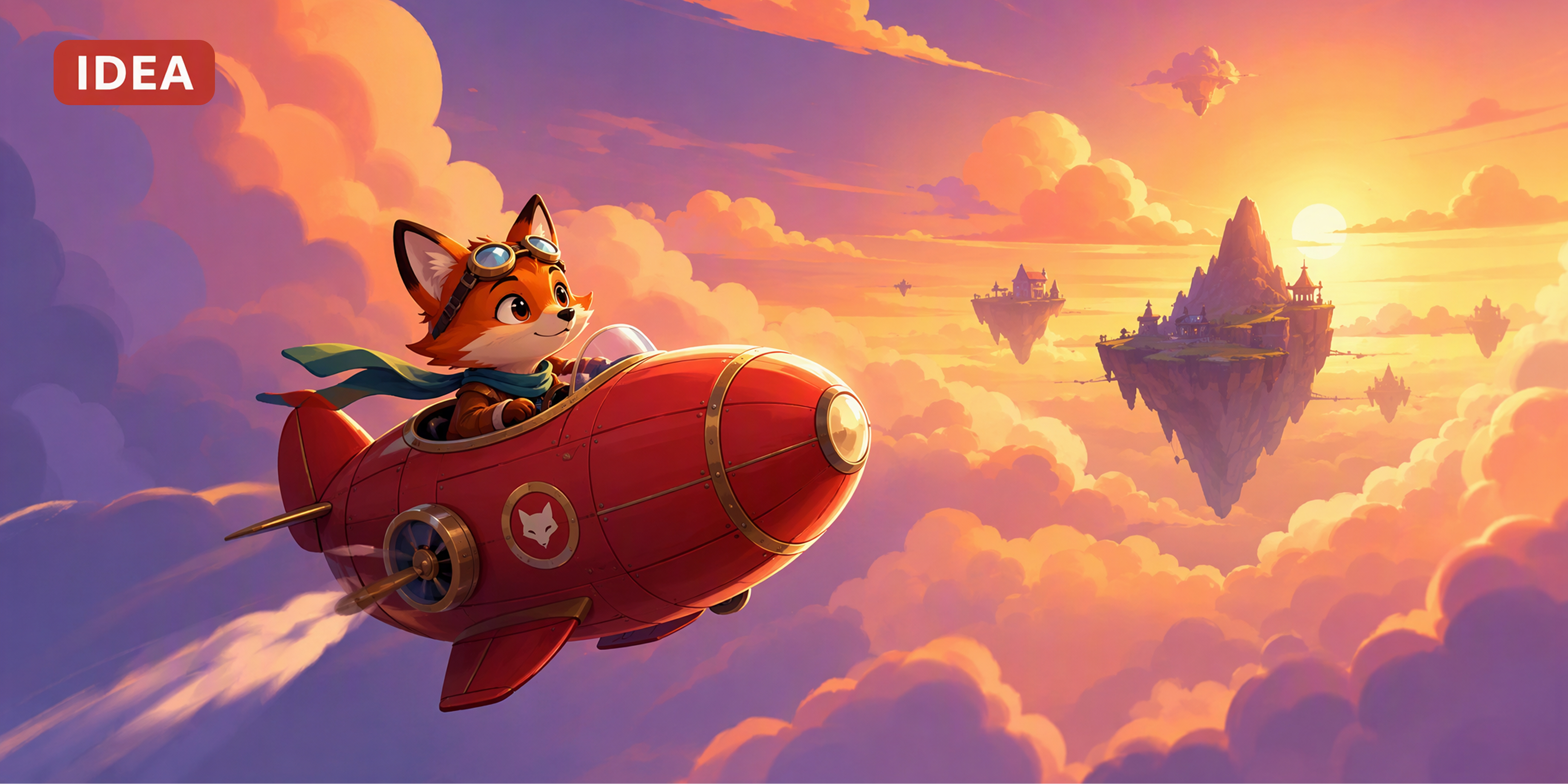
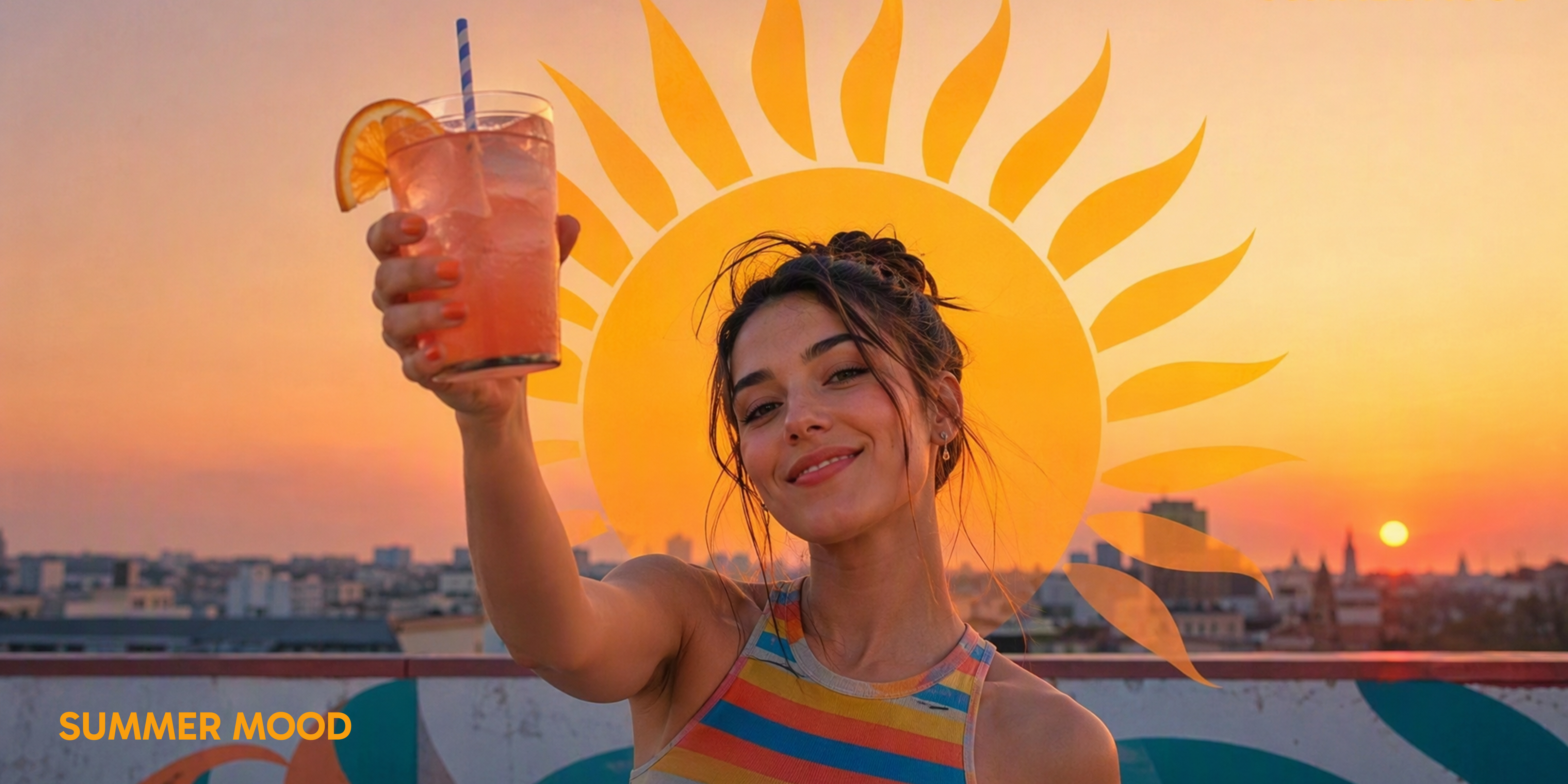
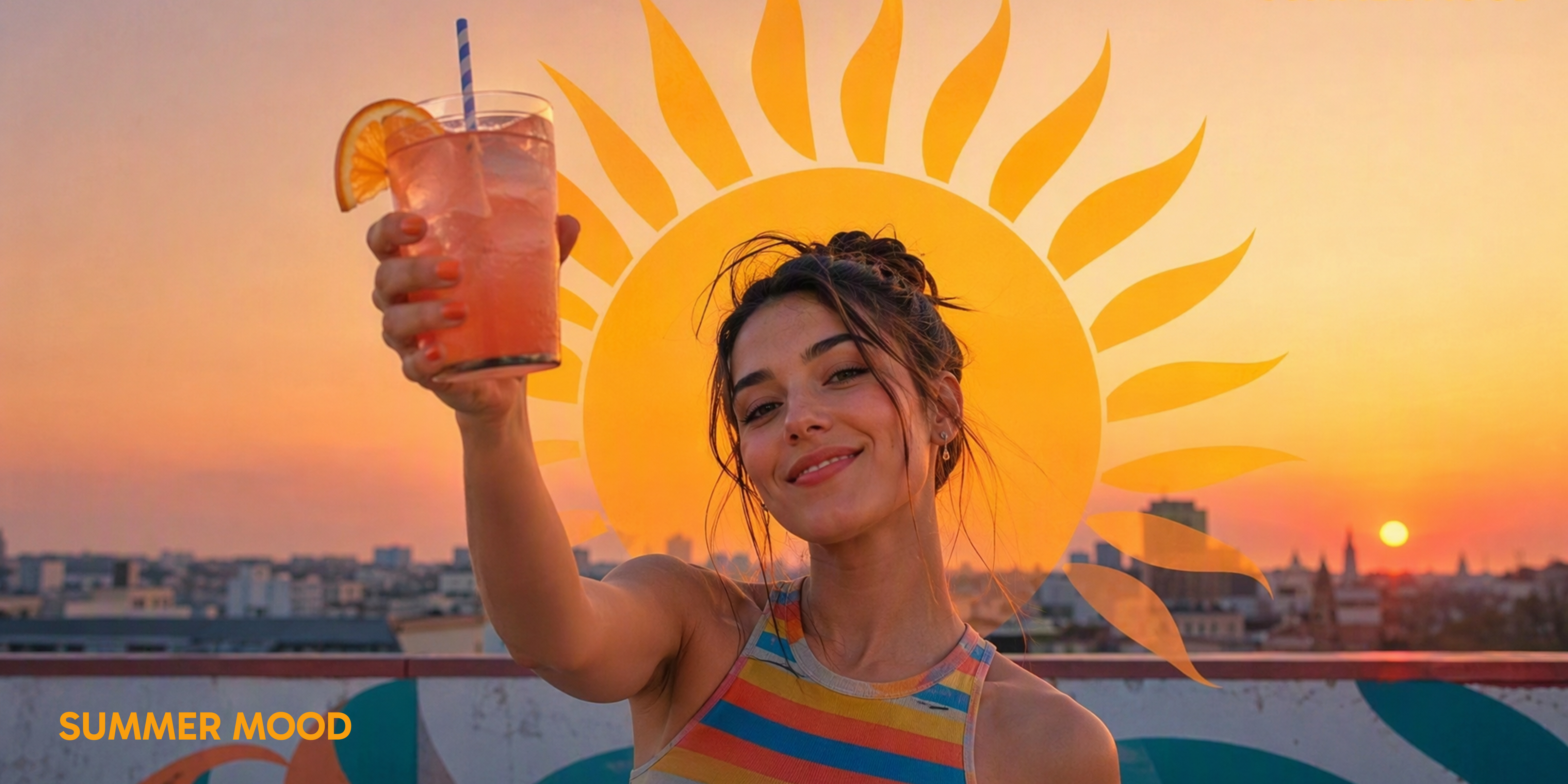
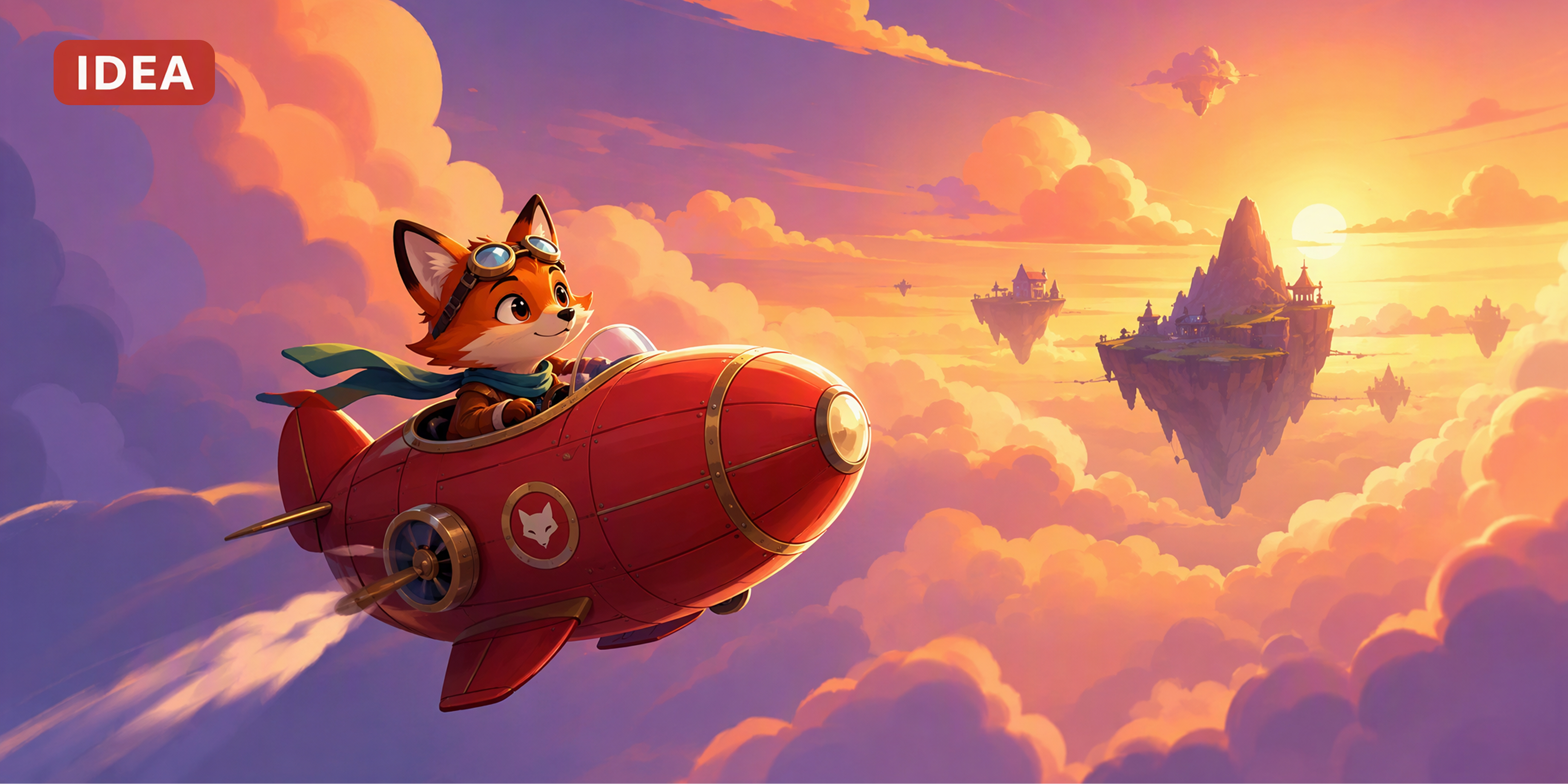
Advanced capabilities for text to image generation
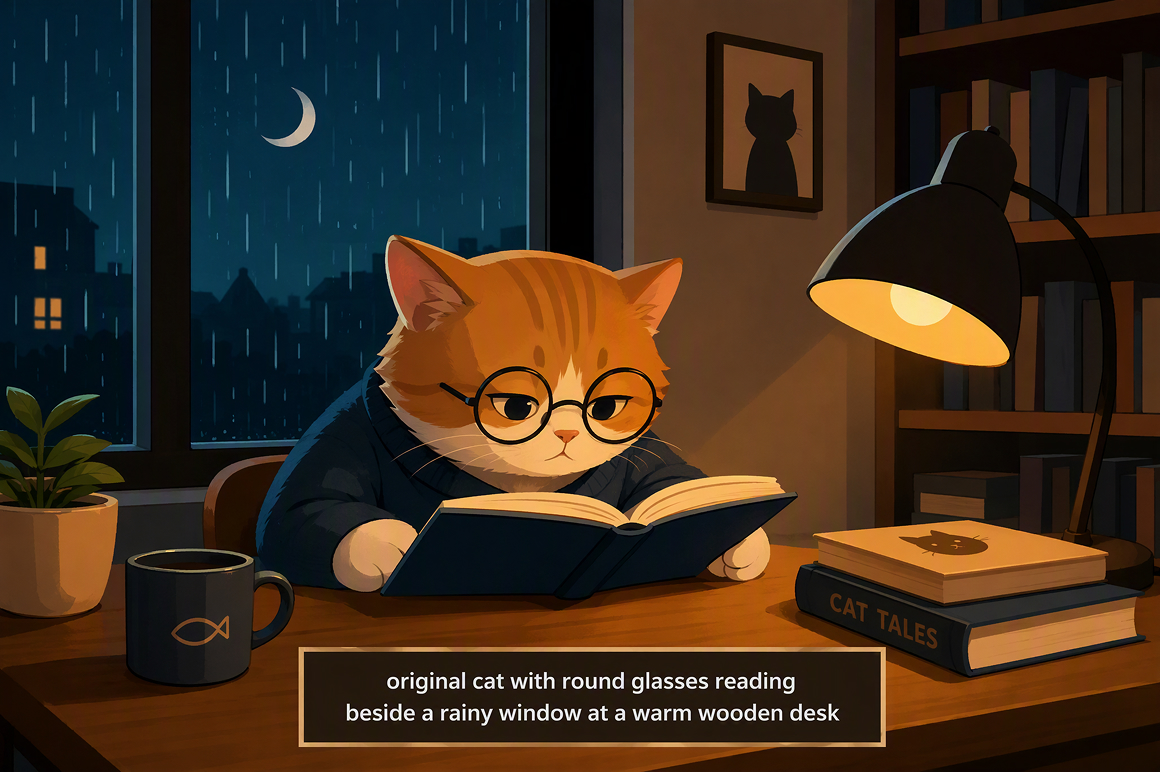
Prompt driven image creation
Every prompt becomes the starting point for something original. Describe your subject, lighting, colors, composition, artistic style, or environment, and Vmake Labs transforms those written instructions into AI generated images. The more detail you provide, the more refined and personalized your creative results can become.
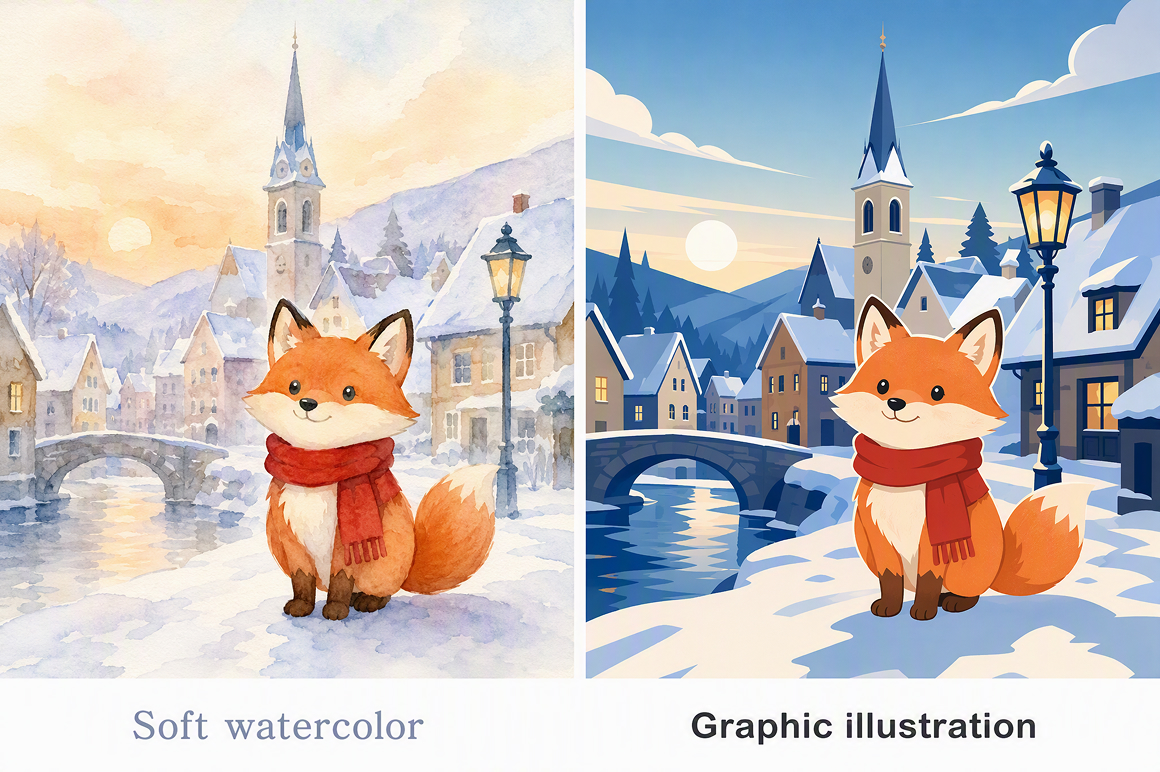
Style focused image generation
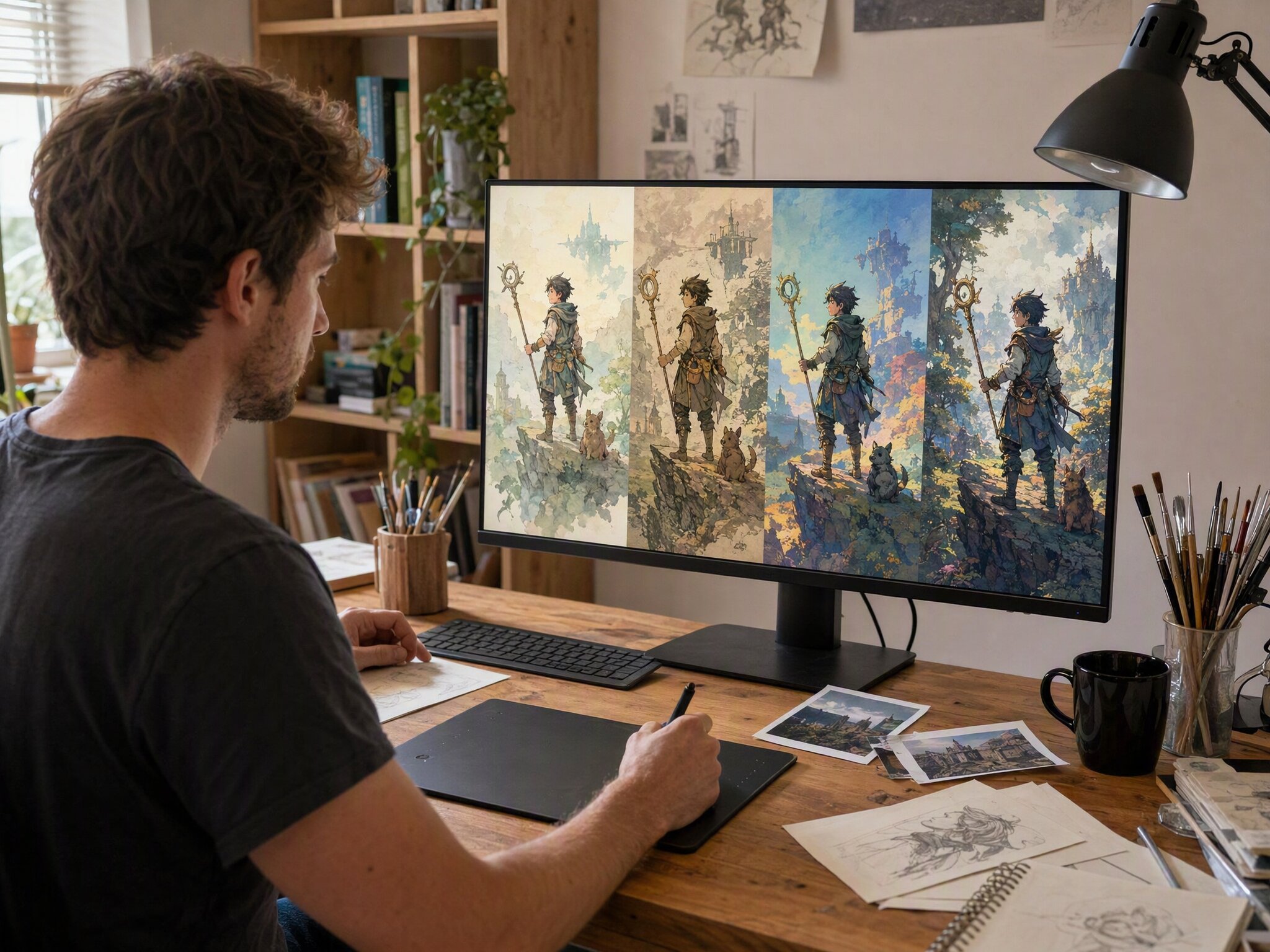
A single idea can take many artistic directions. Adjust your prompt to create realistic portraits, digital paintings, fantasy scenes, concept art, or stylized illustrations while exploring different visual approaches. This flexibility makes it easy to experiment before choosing the artwork that best suits your creative project.
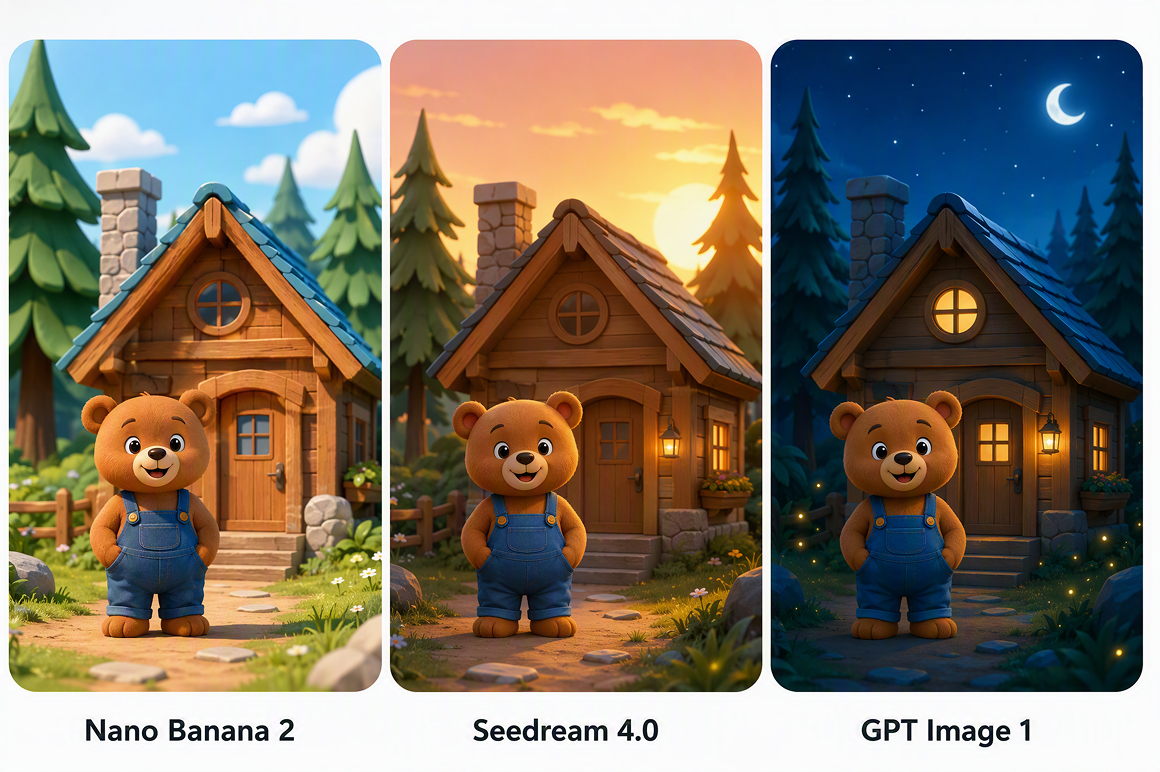
Multiple AI image models
Choose from Nano Banana 2, Nano Banana Pro, GPT Image 1, and Seedream 4.0 to match different creative goals. Each model offers its own visual strengths, giving you greater flexibility when generating artwork. Learn more about the AI image generator for additional creative possibilities.
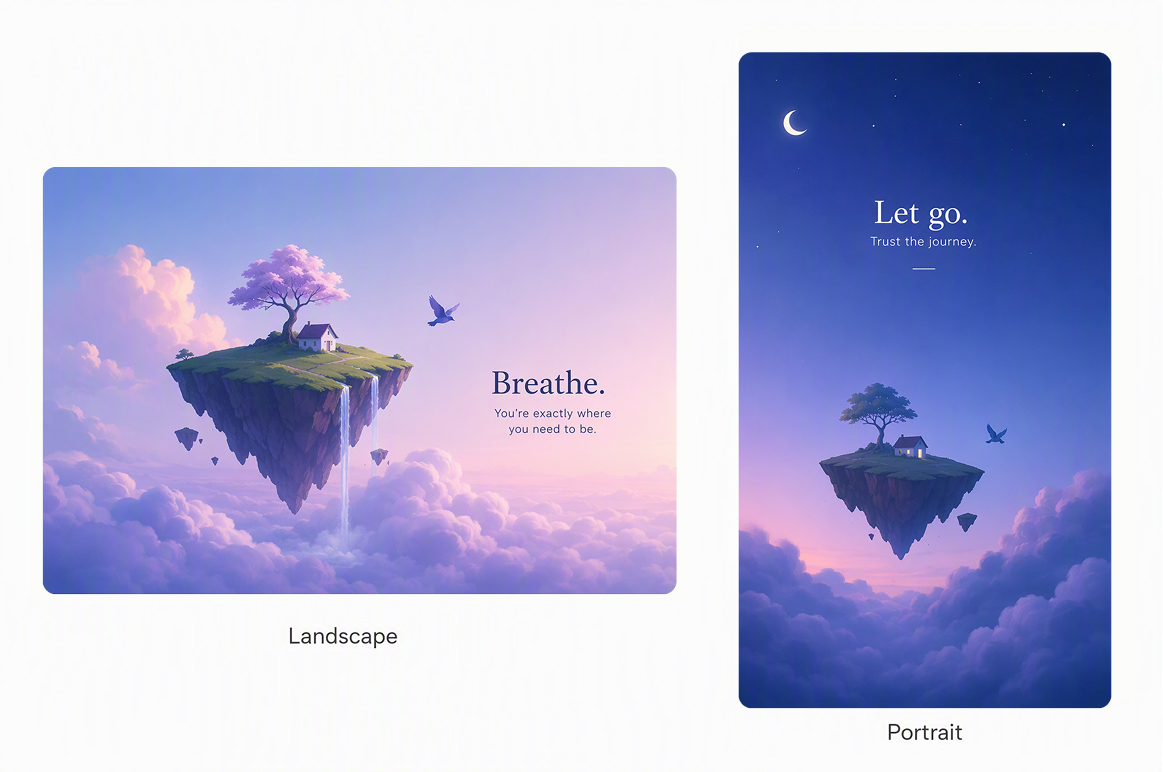
Flexible image layouts
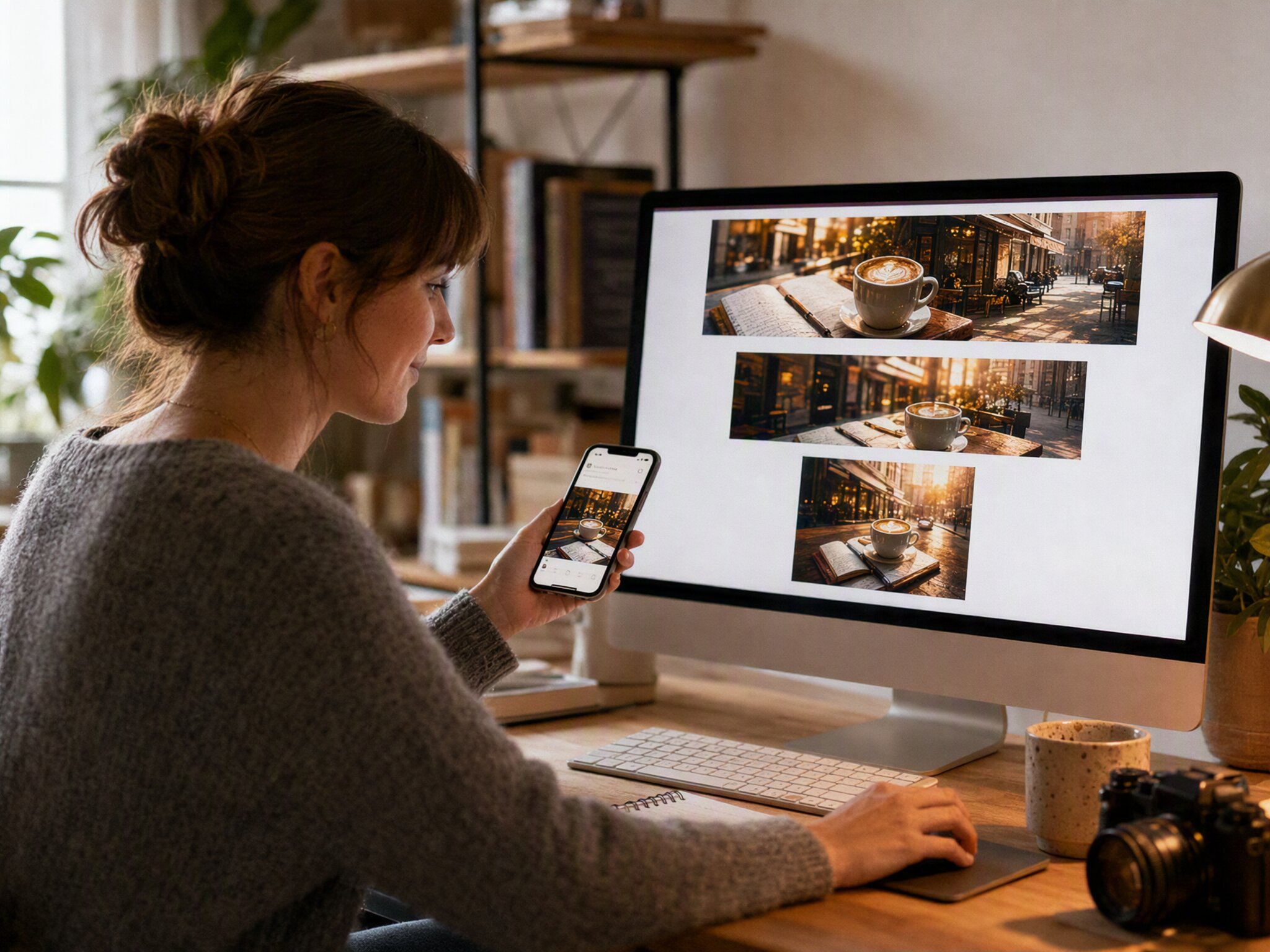
Different projects often require different layouts and proportions. Choose the image ratio before generation begins to create visuals for social posts, presentation slides, desktop wallpapers, or personal artwork. This flexibility helps every generated image fit your intended purpose while preserving your original prompt and supporting consistent results across different formats.
Who gets the most value from Vmake Labs text to image generator
Students
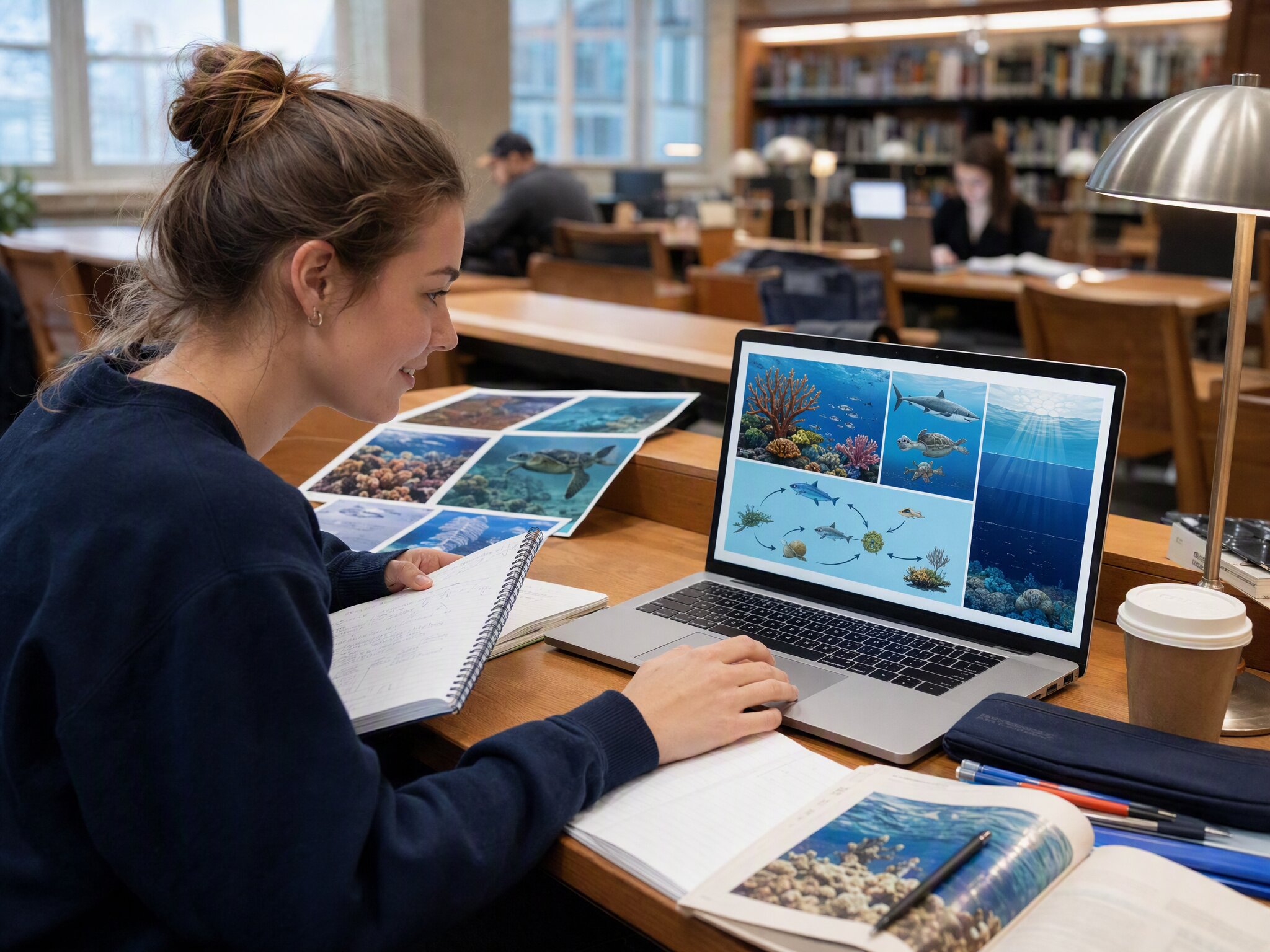
Finding visuals that match school topics can be difficult when generic images do not fit the subject. Vmake Labs converts written prompts into original illustrations for presentations, reports, and study materials. Students create visuals that support learning and make educational projects more engaging and easier to understand.
Hobbyists
Creative ideas often remain unfinished because producing original artwork requires time and artistic experience. Vmake Labs transforms detailed text descriptions into images across multiple styles. Hobbyists explore new concepts, develop personal artwork, and experiment with different creative directions without relying on advanced drawing skills.
Content creators
Maintaining fresh visual content across blogs and social platforms can become challenging over time. Vmake Labs generates original graphics from descriptive prompts and flexible layouts. Content creators produce distinctive banners, cover images, and illustrations that help every post maintain a consistent visual identity.
Frequently asked questions about text to image generator
What is a text to image generator?
How do I get started with text to image generation?
Open Vmake Labs Text to Image Generator and tell me what image you want to generate. Pick an AI model, find the aspect ratio that best fits your project and generate your artwork. You can continue to modify your prompt and generate additional versions until you achieve a result that matches your vision.
How detailed should my text prompt be?
The more descriptive your prompt, the more the AI has to work with when generating an image. To generate images that better match your creative concepts and style, specify the subject, background, artistic style, lighting, colors, composition, and mood.
Can I generate images in different artistic styles?
Yes. You can describe artistic styles directly in your prompt or choose a different AI model to create realistic scenes, fantasy artwork, digital illustrations, or concept designs. If you want to experiment with illustrated and stylized artwork, explore the AI Cartoon Generator for additional creative inspiration.
Can I adjust the aspect ratio of my generated images?
Yes. You can choose the aspect ratio best suited to how you want to use the image before it is generated. Make pictures for social media posts, slides for presentations, desktop wallpapers, and other personal creative projects with various layouts without changing your original prompt.
What can I use text to image generation for?
Text to image generation can serve as a tool for a variety of creative tasks, including blog illustrations, educational presentations, story ideas, social media graphics, hobby artwork, and personal design projects. A single prompt can generate multiple visual variations, rather than just one image, so you can explore ideas before selecting your favorite outcome.
Generate original images from text prompts
Turn your ideas into original visuals with Vmake Labs Text to Image Generator. Describe what you want to create, explore different AI models and artistic styles, then download the image that best matches your project, creative concept, or personal inspiration.
How professionals create AI images with Vmake Labs
Creating presentation graphics used to involve searching through image libraries that rarely matched my topic. With Vmake Labs, I describe my idea in a few sentences and receive original illustrations that fit my project, making classroom presentations more engaging and visually consistent.
Finding artwork that complements my articles has become much easier. I can turn a short description into a custom banner or illustration, experiment with different styles, and choose the version that best reflects the tone of each blog post.
Trying different AI models has become one of my favorite parts of the creative process. Each model brings a different artistic style, making it enjoyable to experiment with character concepts, fantasy scenes, and personal artwork before deciding on a final direction.
I enjoy creating profile images, cover art, and creative posts without starting from a blank canvas. The generated images give me fresh ideas, and adjusting the prompt helps me discover different visual styles for every new project.
Custom illustrations make my study guides and presentation slides easier to follow. Instead of relying on generic visuals, I can create images that match each lesson and present information in a way that feels clear and engaging.
Testing several image variations from one prompt helps me compare creative directions before choosing a final design. It is a practical way to explore different visual styles while keeping every project original and closely aligned with my initial concept.