
Seedance 2.5 Flash AI Video Generator for Faster Creation
Make product ads, social videos, short dramas or any video with Seedance 2.5 Flash. SD 2.5 Flash generates nearly twice as fast as Seedance 2.5 and costs around 34% less for 720p text-to-video and image-to-video generation. Experience now!
Why choose Seedance 2.5 Flash?
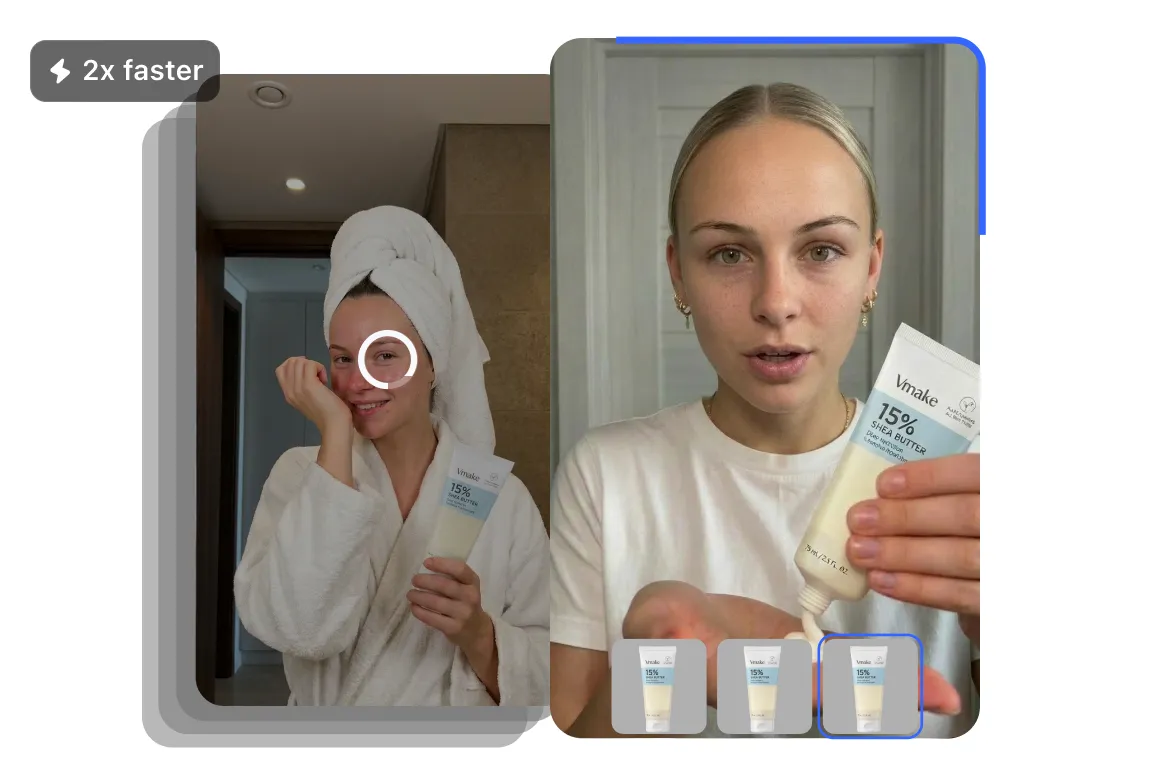
Nearly 2× faster than Seedance 2.5
Test more versions of a product ad, social video, or storyboard without waiting as long between generations. BytePlus reports that Seedance 2.5 Flash generates at nearly twice the speed of Seedance 2.5. Try a different opening, camera move, or action in each version, then choose the one that fits your project.
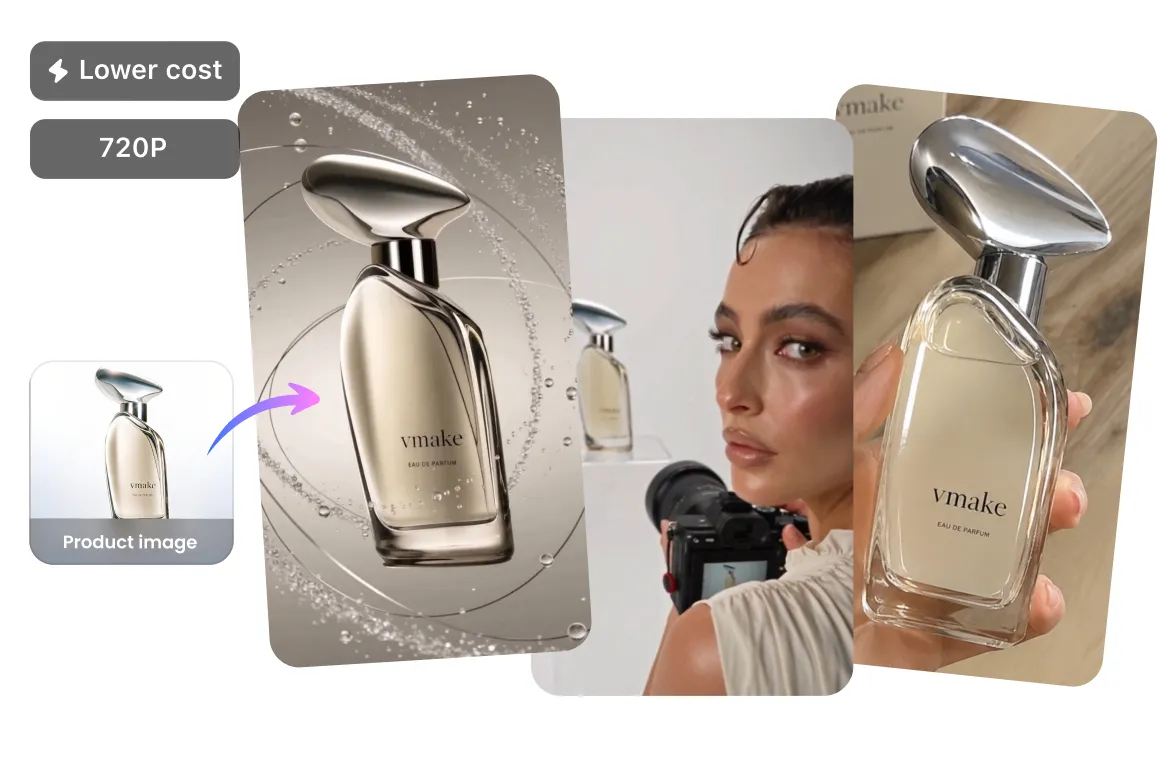
Around 34% lower 720p pricing
For 720p text-to-video and image-to-video, BytePlus prices Seedance 2.5 Flash around 34% below Seedance 2.5. A lower model cost can make it easier to explore several hooks or product shots before choosing a direction. This comparison uses BytePlus pricing; the credits charged by Vmake Labs may differ.
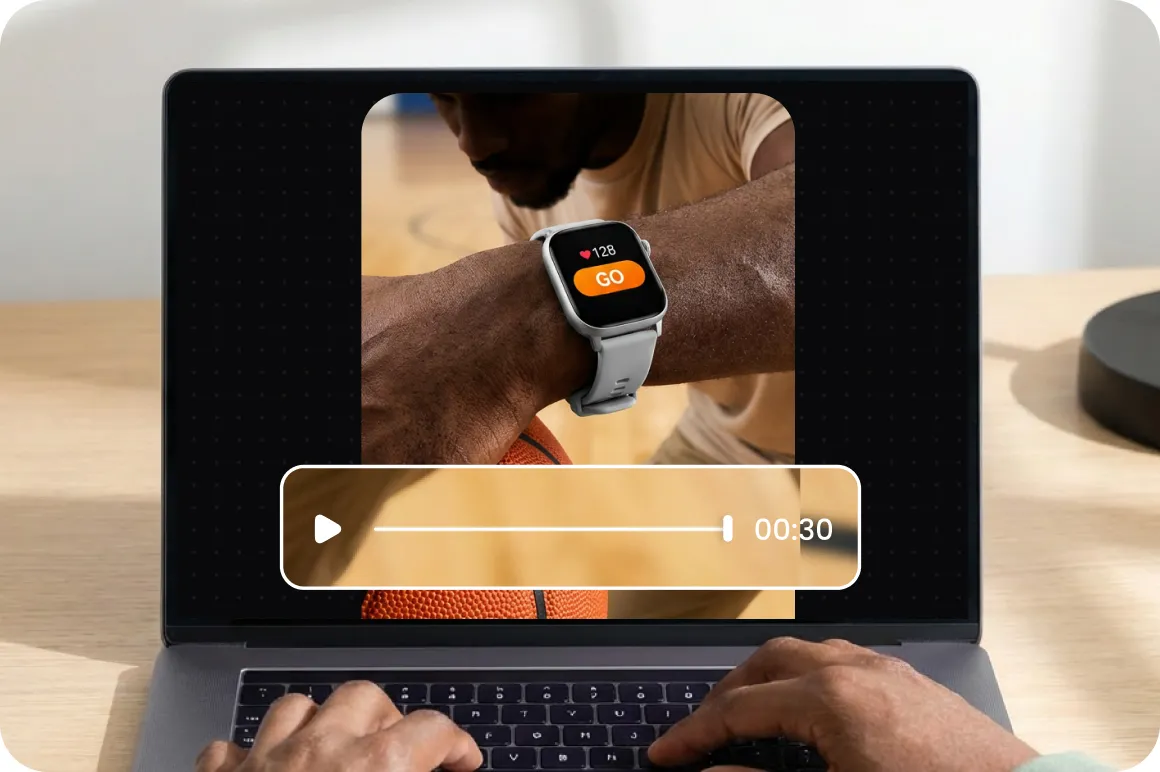
Up to 30 seconds in one video
Generate a video of up to 30 seconds in a single request. Give a product ad room to introduce the item, show it in use, and end on a close-up. For a short story, use the extra time to establish the setting, develop the action, and bring the scene to a close.
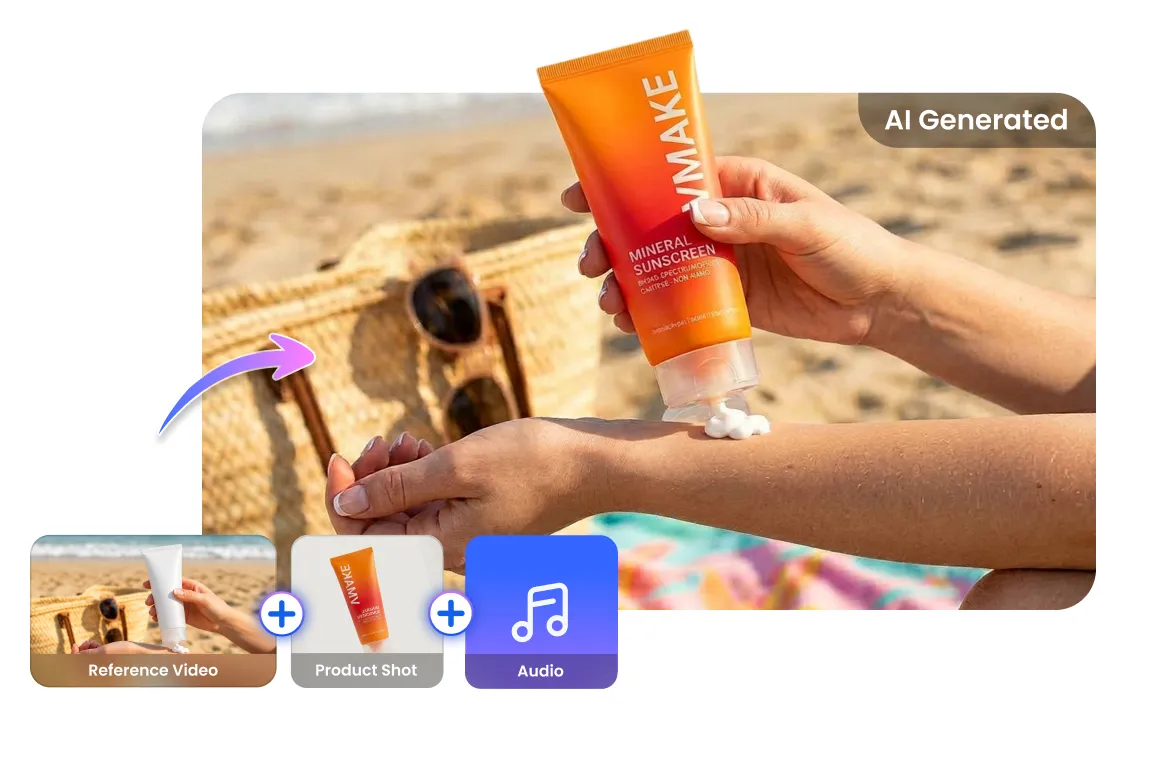
Direct your video with image, video, and audio references
Combine reference images, videos, and audio with your prompt to guide a scene. For example, use a product photo for its appearance and a video to show the camera movement you want. Identify each reference and describe its role so the model has a clearer brief for the scene.
Generate video and sound together
Create a video with dialogue, music, or ambient sound alongside the visuals. Describe what happens on screen and what the viewer should hear: a barista pouring coffee, for example, with café chatter in the background. You can also specify the words a character says or ask for a scene without music.
How to make a video with Seedance 2.5 Flash
Step 1. Use video generator and select Seedance 2.5 Flash
Open the AI video generator in Vmake Labs on your browser and select Seedance 2.5 Flash as the video generation model.
Step 2. Add your prompt and references
Describe the scene, action, and camera movement. Add reference images, videos, or audio to guide the result.
Step 3. Choose your settings and generate
Choose your available video settings and click Generate. Review the result, refine your prompt if needed, and download your video.
Seedance 2.5 Flash vs Seedance 2.5 vs Kling 4.0 Flash
| Feature | Seedance 2.5 Flash | Seedance 2.5 | Kling 4.0 Flash |
| Video duration | 4–30 seconds | 4–30 seconds | 3–20 seconds |
| Resolution | 480p, 720p | 480p, 720p, 1080p | 720p |
| Text-to-video | Yes | Yes | Yes |
| Image-to-video | Yes | Yes | Yes |
| Reference inputs | Images, video, audio | Images, video, audio | Images, video, voice reference, elements |
| Audio generation | Yes | Yes | Yes |
| Video editing | Yes | Yes | Yes |
Tips for Seedance 2.5 Flash video generation
Divide your clip into time slots and give each one an action. For example: “0–5s: a hand places a candle on a shelf; 5–10s: the wick catches fire; 10–15s: the camera moves closer to the flame.”
Frequently asked questions
What is Seedance 2.5 Flash?
Is Seedance 2.5 Flash free to use?
Pricing and free access depend on the platform.
Can I use Seedance 2.5 Flash videos for ads and commercial projects?
Vmake Labs lists commercial use with its Plus and Pro plans. Check the terms for your plan and make sure you have the rights to any images, video, and audio you upload.
Can I create a video from a product photo?
Yes. Seedance 2.5 Flash supports image-to-video generation. Add a product photo and describe the movement or camera angle you want, then review the result for details such as labels and packaging.
How much does Seedance 2.5 Flash cost on Vmake Labs?
A 15-second video at 480p costs 240 credits with Seedance 2.5 Flash, compared with 450 credits using Seedance 2.5. That is about 47% less for the same length and resolution.
Are videos downloaded from Vmake Labs watermarked?
No. Seedance 2.5 Flash videos downloaded from Vmake Labs do not have a watermark.
Can I enhance my video after generating it?
Vmake Labs offers video enhancement and upscaling tools.
Create your next video with Seedance 2.5 Flash
Turn your ideas and references into product ads, social videos, and short scenes with sound.