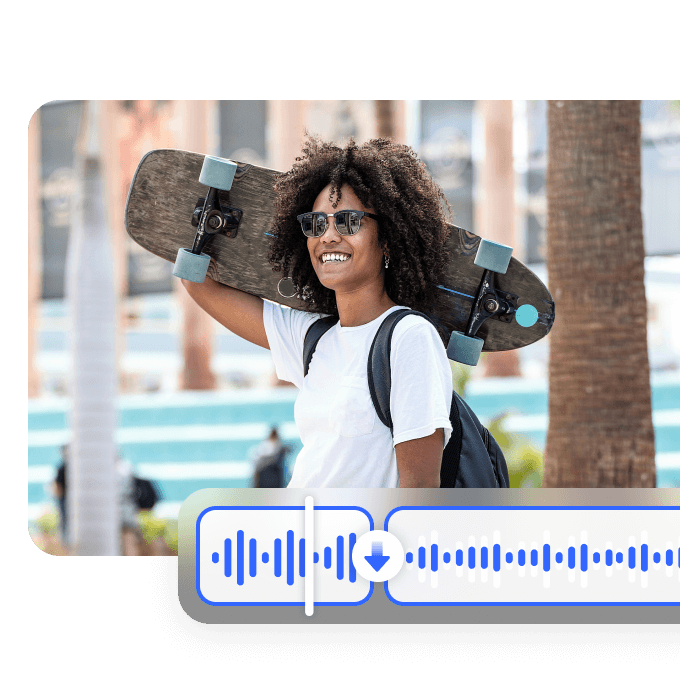



Effortless Video Restoration

Discover easy ways to restore your videos with precision. We fix issues like scratches, blurs, and fading, enhancing details and contrast for vibrant, engaging visuals.
Support format: .mp4, .mov, .m4v, .3gp, .avi

No video? Try these

How to remove background noise from videos?

Step1

Upload a video file

Open Vmake and locate the online noise reducer feature, click "upload" to select the video file you want to remove noise.
Step2

Remove background noise automatically

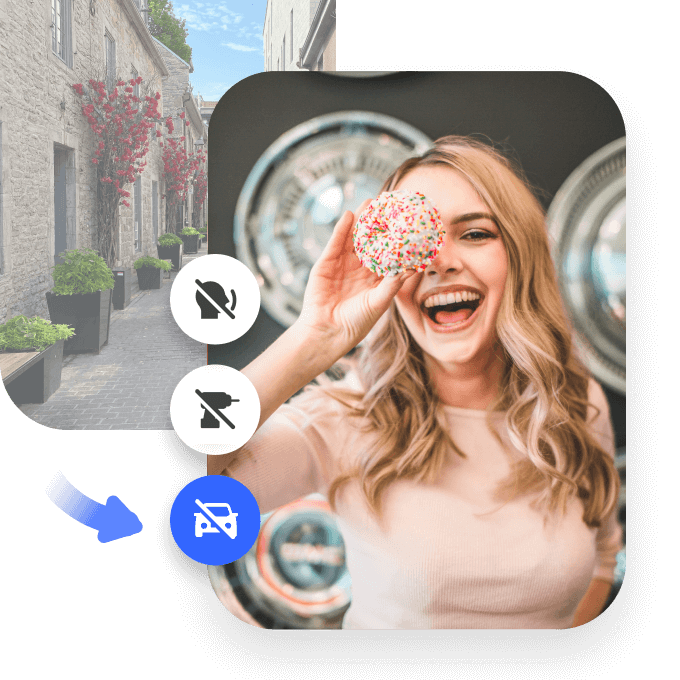
Once the video is uploaded, the AI will do its magic and auto-apply removement options- remove drums, fan noise, tapping, and traffic noise.
Step3

Export denoised videos

After the video is processed, you will see a preview of the resulting quality, choose a file format and video length to save and export.

Why use it?

Fast and Efficient Processing

Our video restoration tool is designed to process videos quickly and efficiently. It can handle large-sized video files without significant slowdown, ensuring that you don't have to wait for extended periods to obtain the restored video. Whether you're in a rush to complete a project or have a tight schedule, our tool will meet your needs promptly.
Fast and Efficient Processing

Multi-Format Compatibility

Our solution is fully compatible with a wide variety of video formats. Whether it's MP4, AVI, MOV, or other common video formats, you can easily upload and process your videos. This multi-format compatibility allows you to integrate our video restoration tool seamlessly into your existing video production or editing workflow, providing maximum convenience.
Multi-Format Compatibility

User-Friendly Interface

We have designed a highly intuitive and user-friendly interface for our video restoration platform. Even if you have no prior experience in video restoration or technical operations, you can easily navigate through the interface. With clear instructions, simple controls, and a well-organized layout, you can start restoring your videos right away and achieve excellent results.
User-Friendly Interface

FAQ

How does Vmake perform audio restoration for video?

At Vmake, we perform audio restoration through our state-of-the-art algorithms. These algorithms are trained to understand different audio patterns. First, they scan the audio to detect issues. For instance, if there's wind noise, our system can isolate and remove it. Then, for volume adjustments, we analyze the overall audio dynamics and make the necessary corrections. We also focus on restoring the original tone and clarity of the audio. Our technology ensures that the restored audio seamlessly integrates with the video, providing a high-quality viewing and listening experience.

What audio issues can be restored by Vmake for video?

Vmake can address a variety of audio issues in videos. Background noise is a common problem we handle. Whether it's a low hum or a bustling environment sound, our algorithms can effectively remove it. Distortion caused by improper recording or equipment problems can also be fixed. We can correct uneven volume levels, making sure all parts of the audio are at a balanced and appropriate volume. Additionally, issues like audio dropouts or crackling sounds can be resolved, ensuring smooth and clear audio playback for your videos.

Do I need special skills to use Vmake for audio restoration?

Vmake is designed to be user-friendly for everyone. Whether you're a novice or an experienced user, you can easily navigate our platform. Our intuitive interface guides you through the audio restoration process. You simply upload your video and our system takes care of the rest. There's no need for in-depth knowledge of audio engineering or complex technical skills. Everyone can enjoy the benefits of high-quality audio restoration on our platform.

Can I use Vmake for audio restoration on mobile devices?

Yes, Vmake is fully optimized for mobile use. Whether you're using an Android or iOS device, you can access our app. Our user interface is designed to be responsive and easy to use on mobile screens. You can upload your videos, initiate the audio restoration process, and download the processed videos directly from your mobile device. Enjoy the convenience of enhancing your video audio on the go.

Can Vmake restore audio for different video formats?

Yes, Vmake supports a wide range of video formats. Whether your video is in MP4, AVI, MOV, or other common formats, you can upload it to our platform for audio restoration. Our system is designed to be compatible with various media file types. This allows you to focus on the audio restoration task without worrying about format compatibility issues, ensuring a seamless experience for enhancing the audio quality of your videos.