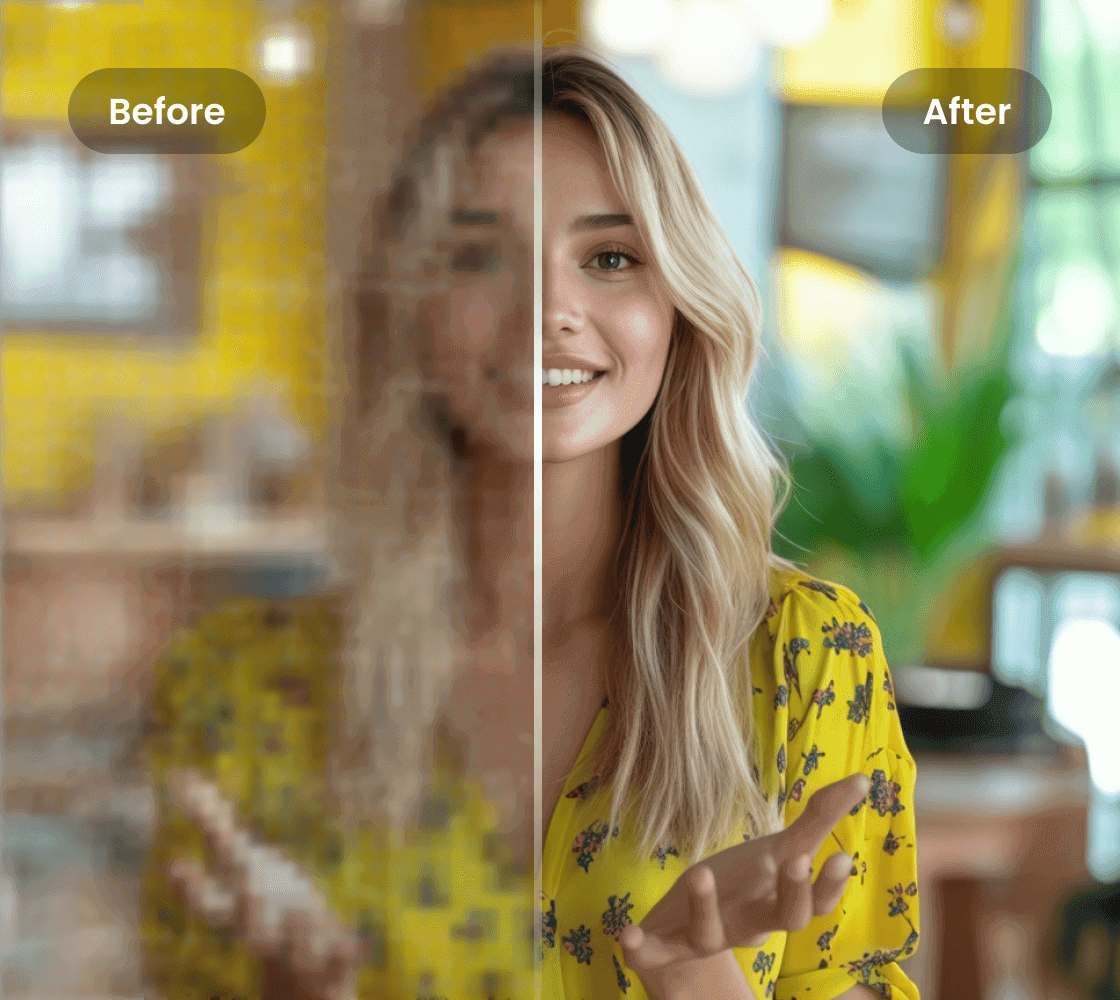


Refine Photos for Better Quality

Enhance your photos effortlessly with the photo refiner. Improve photo clarity, sharpness, and color for high-quality visuals perfect for professional use.
Support format: .mp4, .mov, .m4v, .3gp, .avi

How to upscale the video?

Step1

Upload a video file

Select a video file under 200MB and in the appropriate format. It might take a few seconds of waiting time to upload your video.
Step2

Choose upscaling resolution

Select the resolution you need to upscale your video to: 1080P, 2K, or 4K.
Step3

Download the video

Once the video is upscaled, select your preferred resolution to download.

Can I use a photo refiner online?

Refine Photos for Better Image Quality

Our photo refiner allows you to enhance your images for clearer, sharper, and more vibrant results. Whether you’re working on personal projects, product images, or professional photography, our AI technology ensures that every detail stands out.

Refine Photos for Better Image Quality

AI-Powered Photo Refinement

Using advanced algorithms, our photo refiner automatically analyzes and enhances your images by correcting blurriness, adjusting color saturation, and improving overall sharpness. Whether you need to refine a portrait or product photo, our AI tool offers exceptional quality and precision.
AI-Powered Photo Refinement

Professional Results with Ease

You don’t need to be a professional photographer to achieve stunning photo results. With our photo refiner, anyone can transform their images into polished, professional-quality visuals. Perfect for marketers, photographers, or anyone looking to enhance their photo quality quickly and effortlessly.
Professional Results with Ease

FAQ

Is there a free photo refiner tool available online?

Yes, Vmake offers a free Image Enhancer to enhance your images. It sharpens details, improves color, and increases resolution using AI technology, making your visuals clearer and more professional.

Can I use the photo refiner to improve old or blurry photos?

Yes, Vmake’s Image Enhancer can improve old or blurry photos. The tool uses AI algorithms to reduce blur, sharpen details, and enhance overall clarity, giving your photos a fresh, high-quality look.

How does the photo refiner improve the quality of photos?

Vmake’s Image Enhancer improves photo quality by analyzing and enhancing resolution, sharpness, and color. It corrects blurriness, noise, and low resolution to deliver crisp, vibrant images with natural detail.

Can I refine photos for e-commerce product listings?

Yes, Vmake’s Image Enhancer is ideal for e-commerce product listings. It enhances image resolution and sharpness, helping your product photos stand out with clearer details and vibrant colors to attract customers.

Is the photo refiner suitable for enhancing portraits?

Yes, Vmake’s Image Enhancer works well for enhancing portraits. It improves skin tone, sharpens facial features, and boosts resolution to make portraits more detailed and visually appealing.