
AI Video Resizer: Resize Video for Social Media Online
Use AI Video Resizer to adapt one clip for TikTok, Instagram Reels, YouTube Shorts, websites, and ads. Choose a new aspect ratio, position the source video, and let Vmake Labs expand the surrounding frame while keeping people, products, and important action visible.
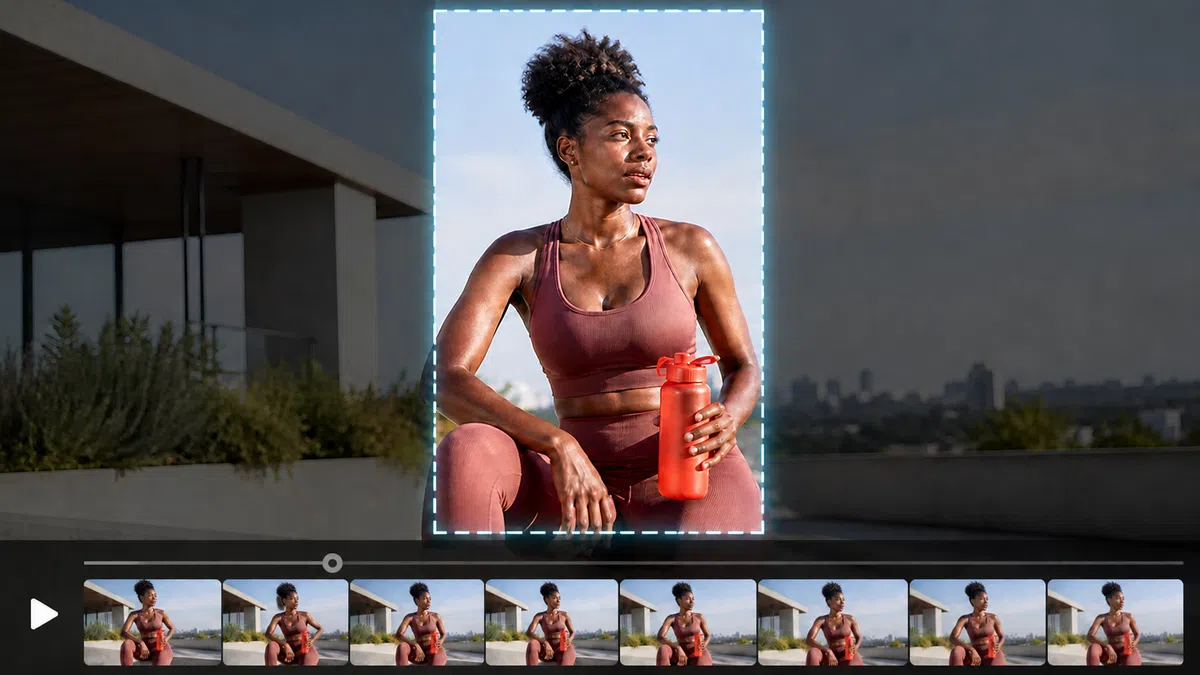
How to resize a video with AI
Step 1. Upload a video
Upload the MP4 clip you want to resize and select a segment between 1 and 10 seconds.
Step 2. Choose the output format
Select 16:9, 9:16, 4:3, 3:4, or 1:1 and position the source video inside the new frame.
Step 3. Generate and download
Let AI fill the empty canvas, compare the result with the original, and download the resized video.
Resize videos for every platform and placement
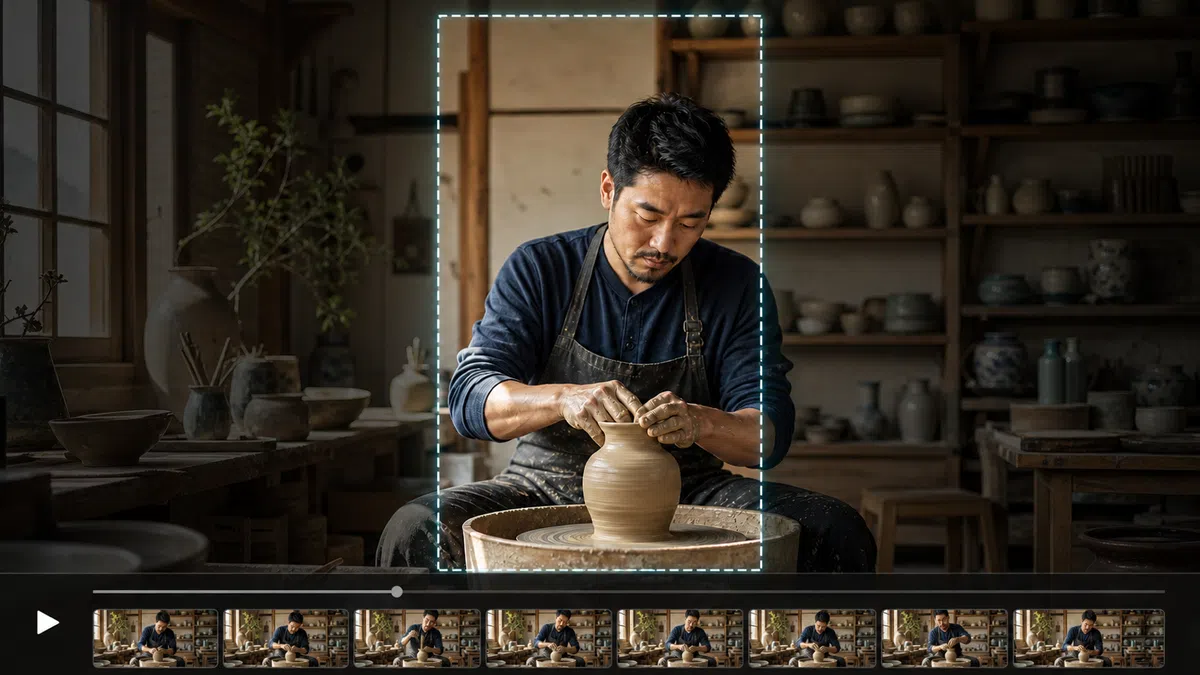
Resize videos for TikTok, Reels, and Shorts
When a landscape clip needs a vertical format for TikTok, Reels, or Shorts, you can create a 9:16 frame while keeping the person, product, and important action visible.
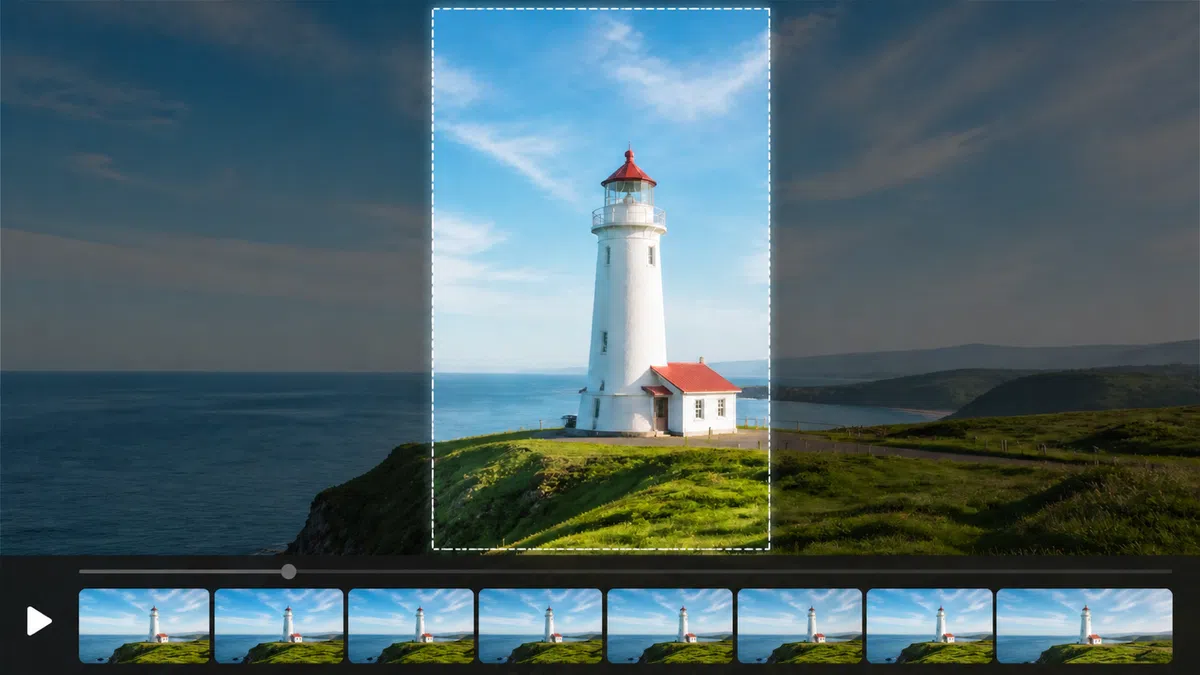
Create square and landscape ad formats
When one approved video must serve feeds, websites, and ads, you can prepare square and landscape versions from the same source while keeping the core message consistent.
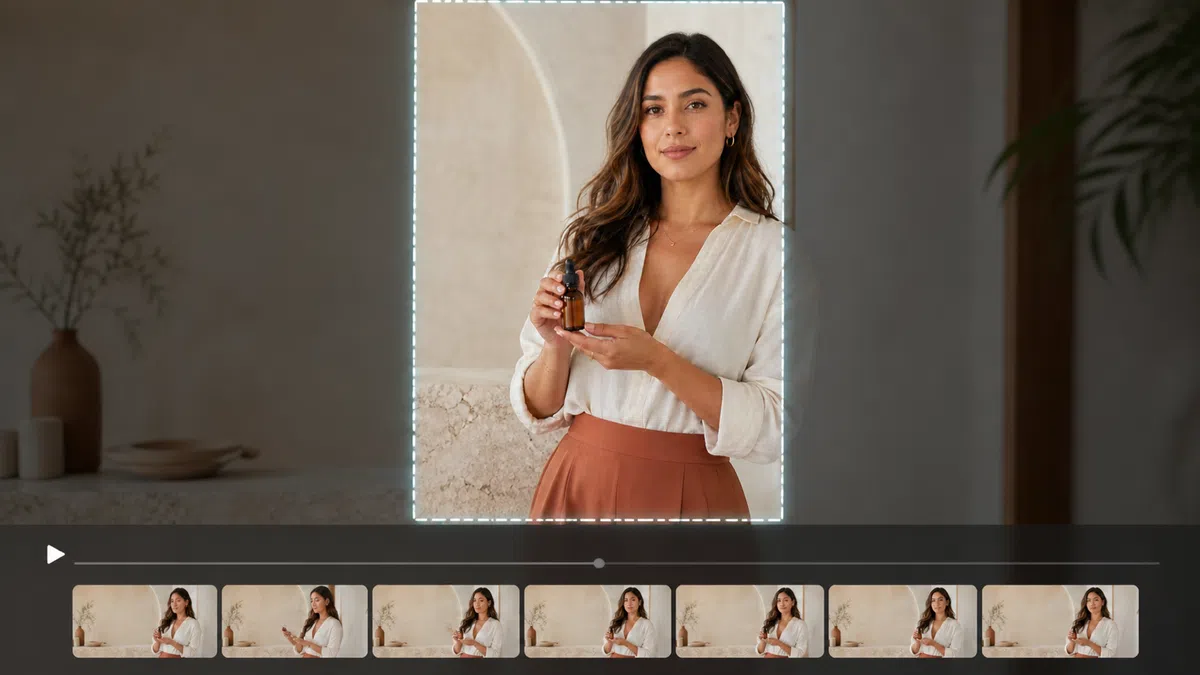
Keep people and products in frame
When a tighter crop would remove a person, product, or key action, you can reposition the source video and let AI generate scene content for the added canvas.
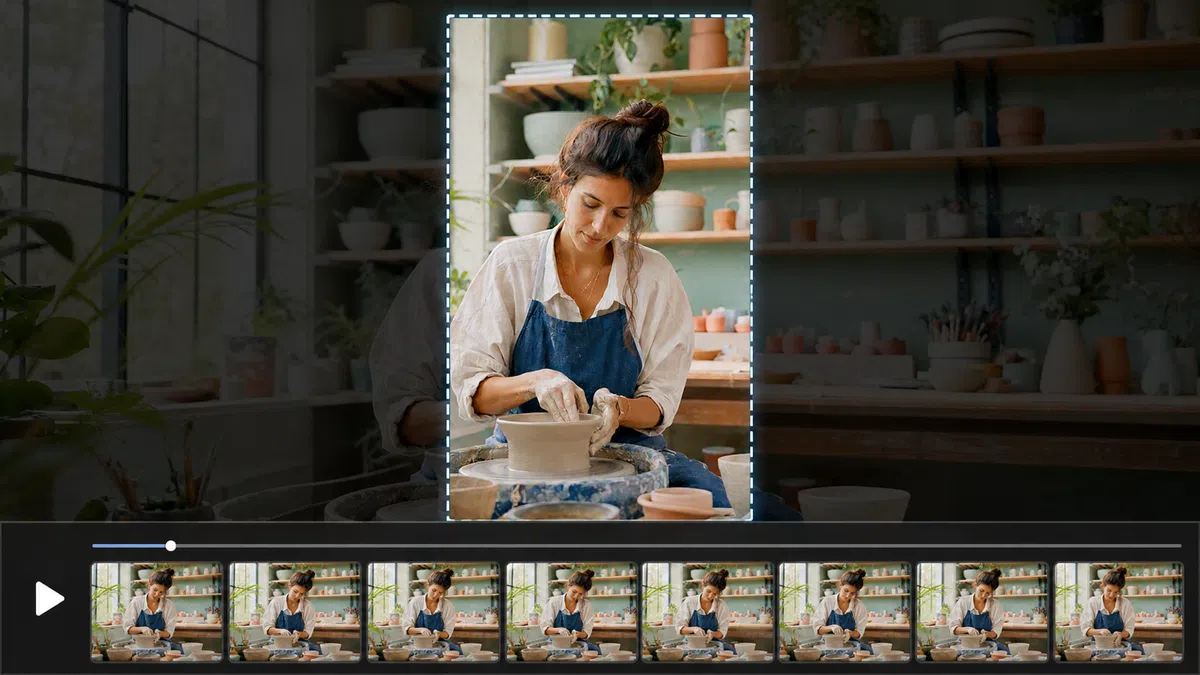
Turn one edit into multiple versions
When one edit needs versions for several channels, you can reuse the same footage across social media, websites, and campaigns without rebuilding the timeline for every aspect ratio.
Expand the frame around your original video
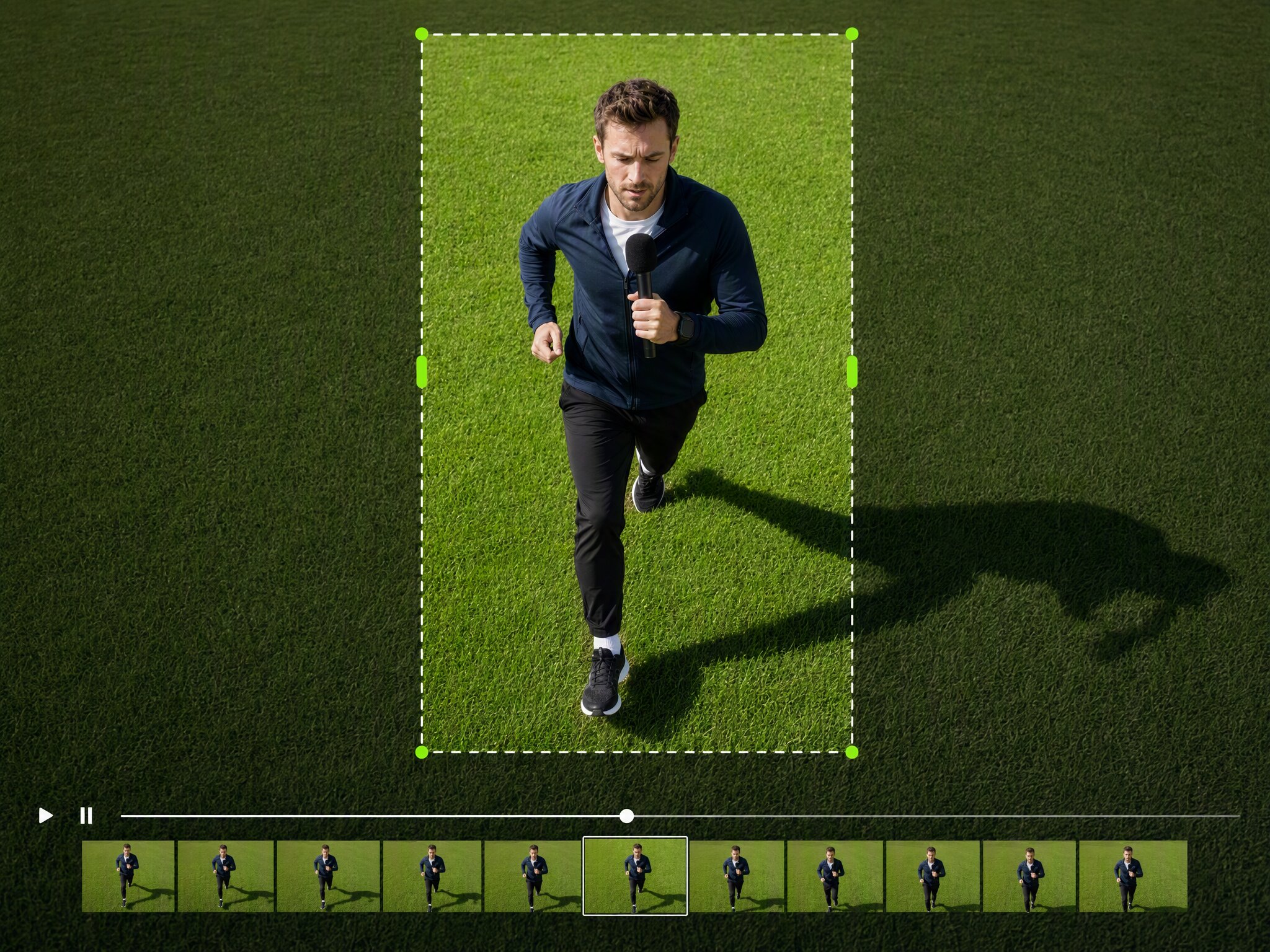
Change the ratio without losing the subject
Place the source video inside a new canvas and reposition it for the selected format while keeping people, products, and important action visible. This flexible framing helps a vertical or landscape clip move into a new aspect ratio without relying on an overly tight crop.
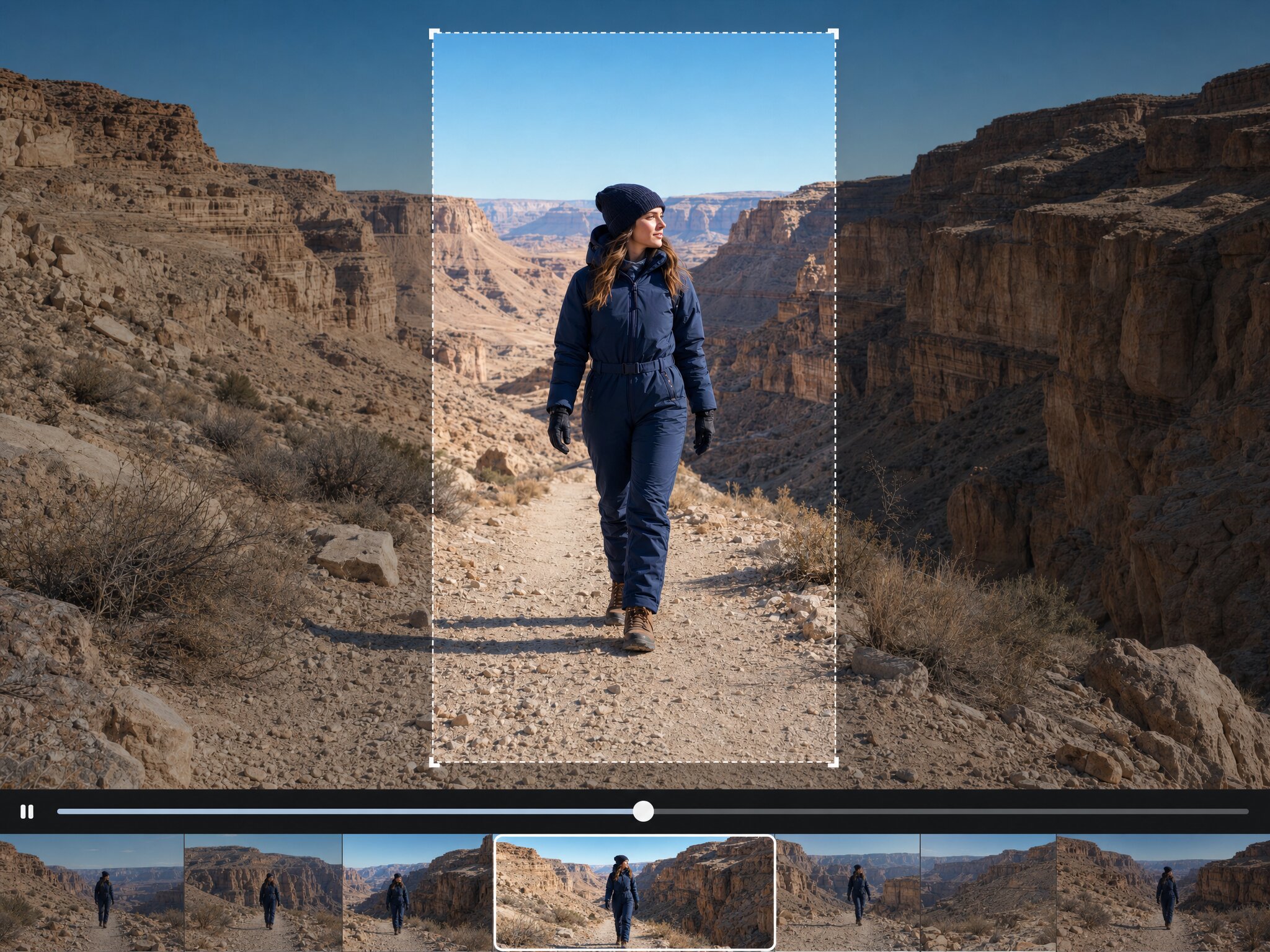
Generate a surrounding frame with AI
Fill the added canvas with AI generated scene content that follows the visual context of the source footage. The surrounding frame gives the resized video a more complete composition and reduces the need for black bars, blurred backgrounds, stretching, or aggressive cropping.
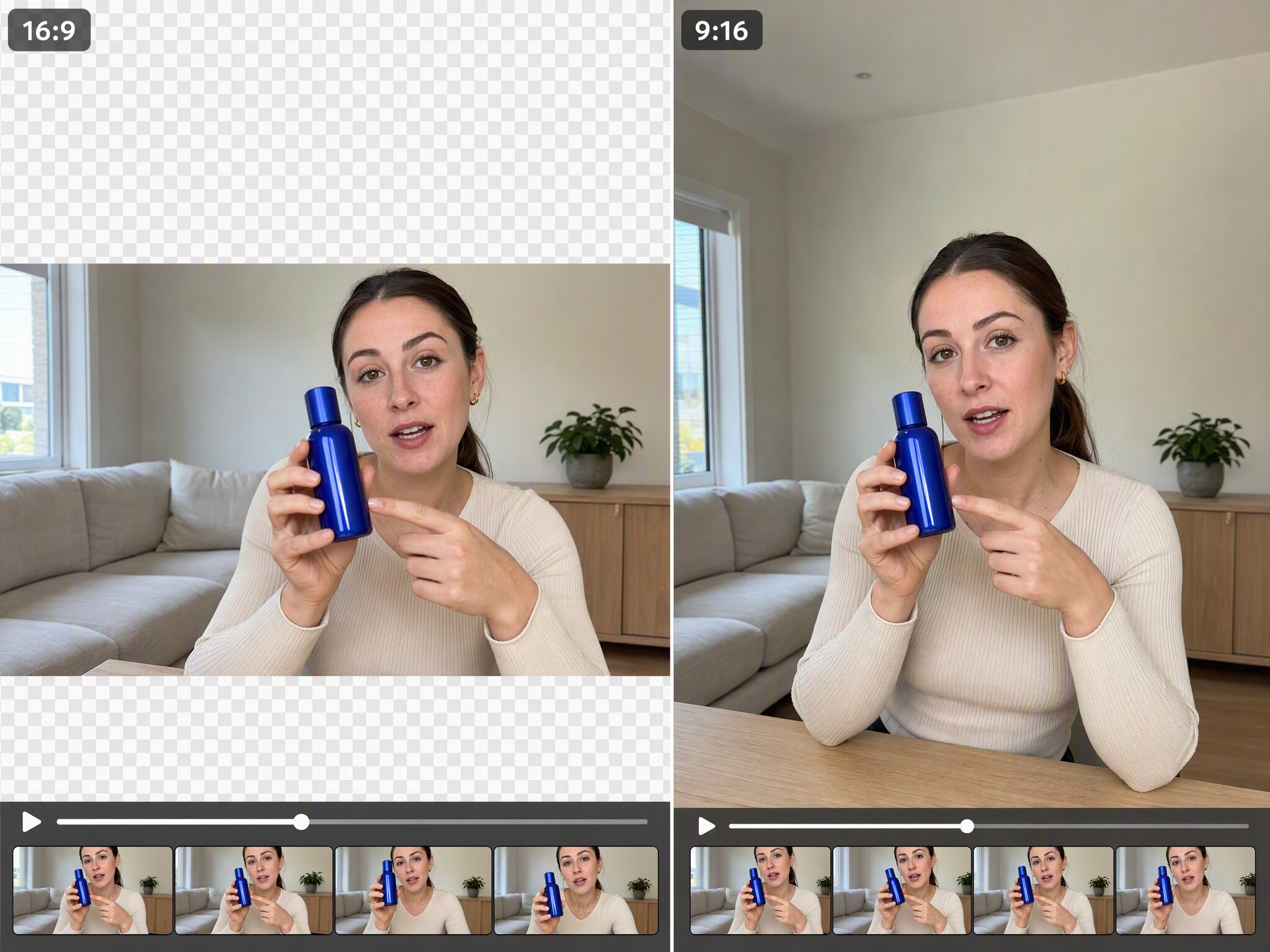
Create five useful aspect ratios
Move between 16:9, 9:16, 4:3, 3:4, and 1:1 for social platforms, websites, and advertising placements. These practical aspect ratios help one approved clip support vertical, square, portrait, standard, and widescreen layouts without rebuilding the edit for every channel from scratch.
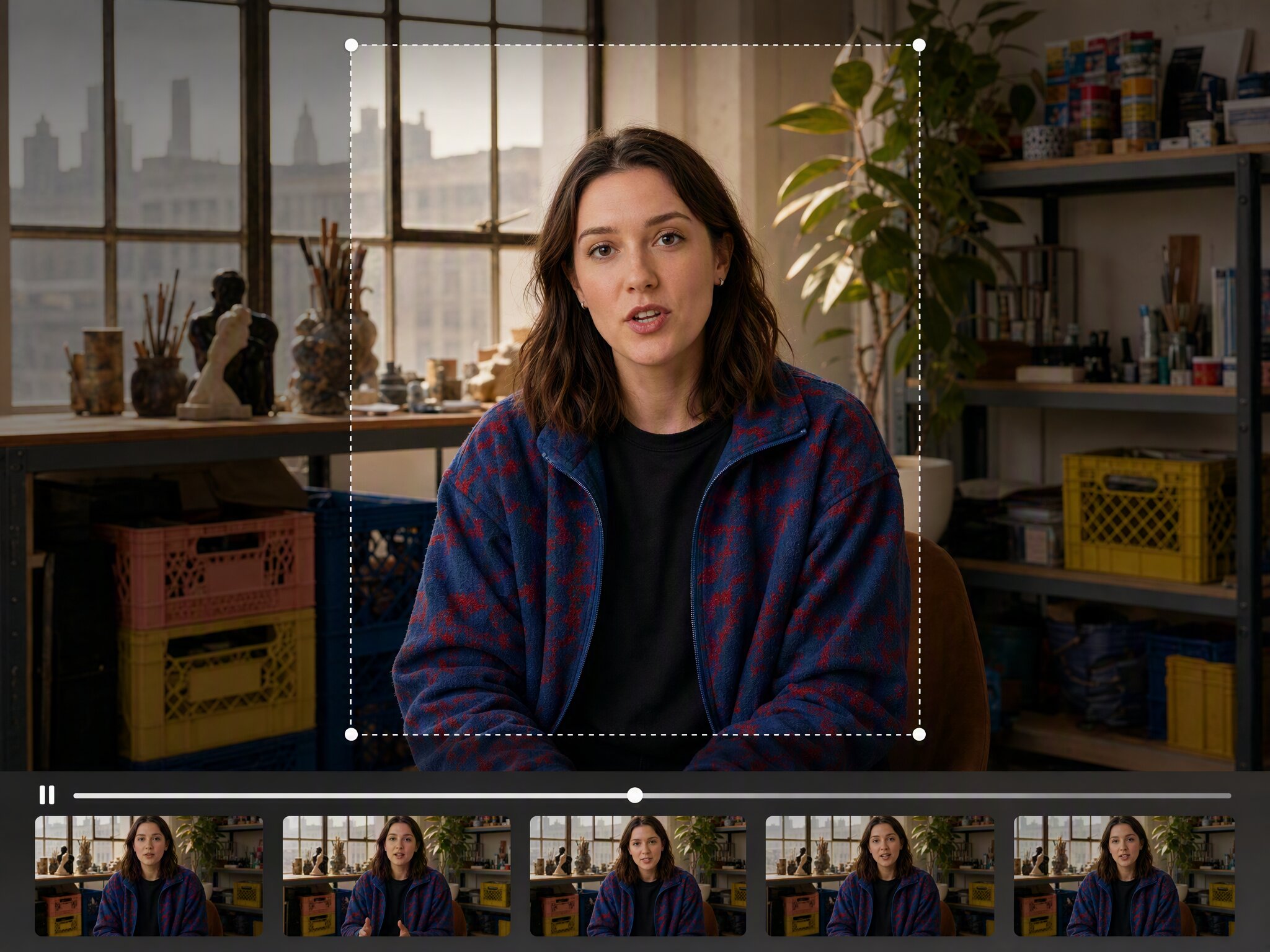
Compare before you download
Review the original and resized result side by side before exporting the finished clip. Check the subject, generated edges, movement, and newly added areas so the video remains clear, balanced, and ready for its intended social, website, or advertising placement.
Who uses an AI Video Resizer?
Social media teams
Social media teams often need one approved video to work across TikTok, Reels, Shorts, YouTube, and paid placements with different aspect ratios. The tool creates channel ready versions around the same source footage, helping teams keep the person, product, and key action visible while reducing repetitive editing.

Ecommerce marketers
Ecommerce marketers regularly adapt product videos for storefronts, social feeds, websites, and advertising placements while keeping the product clear. The tool expands the surrounding frame and supports multiple aspect ratios, helping marketing teams create room for offers, benefits, captions, and calls to action without rebuilding the approved edit.
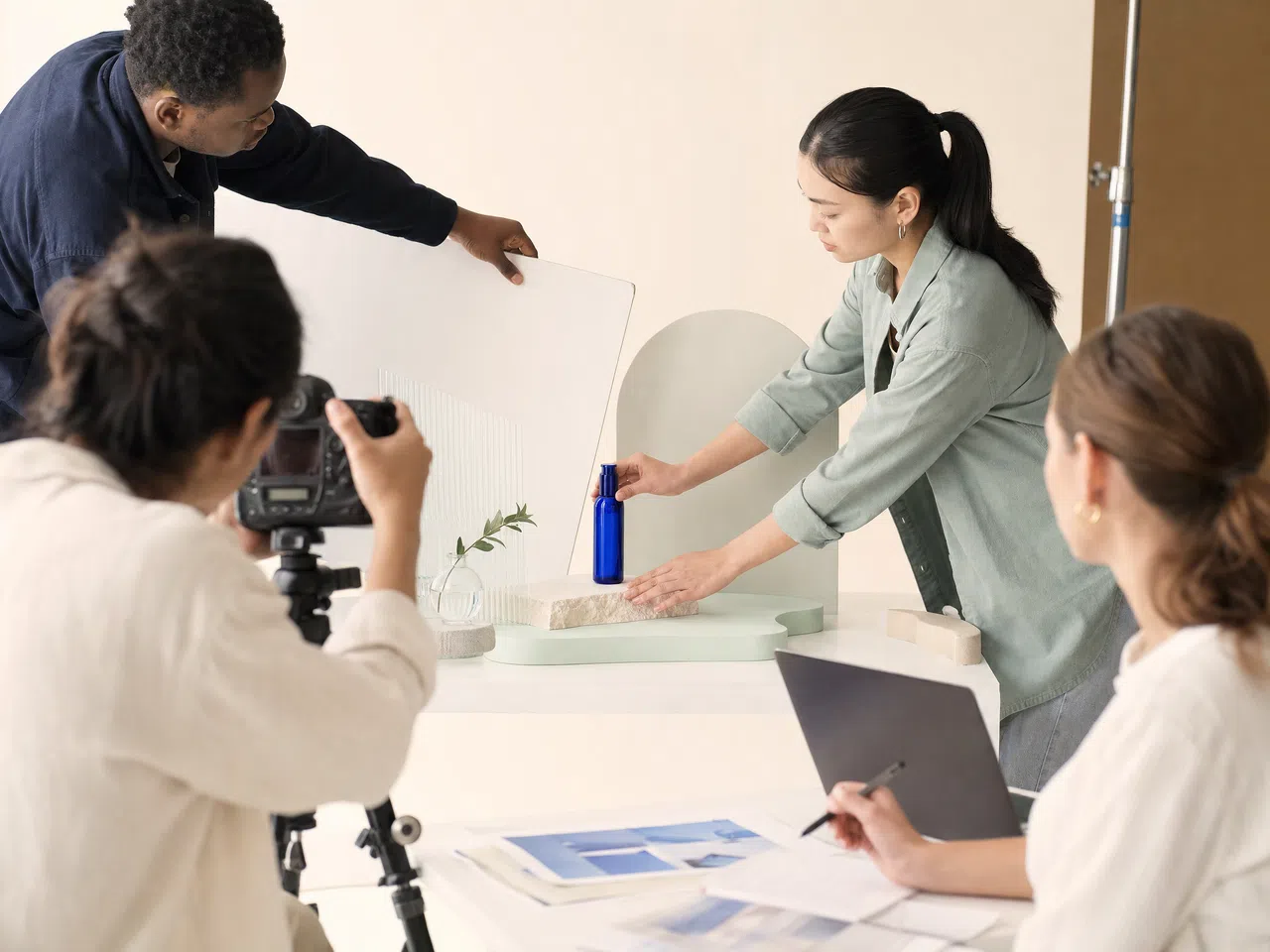
Creators and UGC editors
Creators and UGC editors often need existing footage to fit new social formats without losing facial expressions, gestures, product details, or important action. The workflow creates a new surrounding frame around the source clip, helping creators prepare vertical, square, and landscape versions while preserving the approved performance.

Agencies and production teams
Agencies and production teams frequently deliver several aspect ratios from one approved master video under tight campaign schedules. The tool adapts the canvas around the original footage, helping teams prepare consistent social, website, and advertising versions with fewer manual crops, less timeline rebuilding, and a clearer review process.

Why resize videos with Vmake Labs?

Generate scene content around the original video instead of adding black bars or forcing a tighter crop.

Create 16:9, 9:16, 4:3, 3:4, and 1:1 versions for social media, websites, and ads.

Keep faces, products, and important action visible while the source video moves into a new frame.
Video resizing FAQs
What does an AI video resizer do?
How do I resize a video online with Vmake Labs?
Upload an MP4 clip, choose an output aspect ratio, position the source video, and generate the new canvas. You can compare the result with the original before downloading it.
Which video aspect ratios are supported?
Vmake Labs supports 16:9, 9:16, 4:3, 3:4, and 1:1 for common social media, website, and advertising placements.
Can I turn a vertical video into a landscape video?
Yes. Choose 16:9 or 4:3 and let AI generate new visual content around the vertical source video to complete the wider frame.
Will Vmake Labs crop or stretch my video?
Vmake Labs keeps the source footage intact and generates content in the empty canvas areas. You can reposition the original video before generating the result.
What videos can I upload?
The current video workflow accepts MP4 clips up to 300 MB and lets you select a segment from 1 to 10 seconds.
Does resizing change the video length?
Changing the aspect ratio does not extend the video's playback time. You can trim the selected segment before generating the resized version.
Resize your video for any screen
Upload a clip, choose an aspect ratio, and let AI create a platform ready version that keeps the main subject visible in the new frame.