
Video Montage Maker Online
Bring visual ideas to life with Vmake Labs video montage maker. Start from a text prompt, an authorized reference image, or a reference video to generate original montage-style videos. Explore multiple AI video models and creative workflows for storytelling, marketing, and social content without complex production.
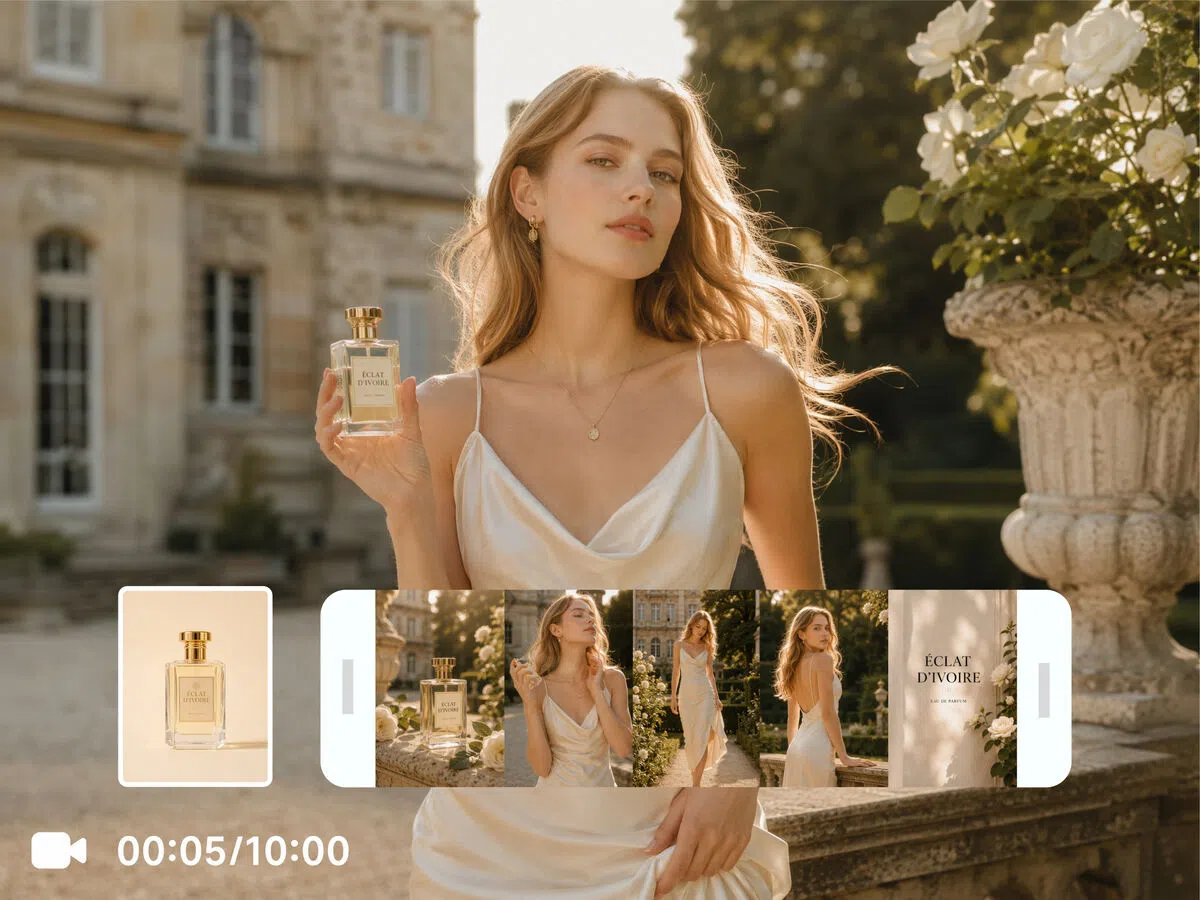


How to create a video montage with Vmake Labs
Step 1. Choose a video generation workflow
Every creative idea starts differently. Select Text to Video to work from a written prompt, Image to Video to animate an authorized reference image, or Video to Video to reinterpret a reference video with a fresh visual style.
Step 2. Add your content and customize settings
Write a prompt or upload an authorized reference image or reference video to guide the generation. Pick the AI video model that fits your project, adjust settings such as duration and aspect ratio, then begin creating your montage-style video.
Step 3. Generate and download
Once the video is ready, preview the result and compare it with previous generations if you'd like to explore another direction. Download the version that best matches your creative vision and share it wherever your content is published.
Popular ways to use a video montage maker
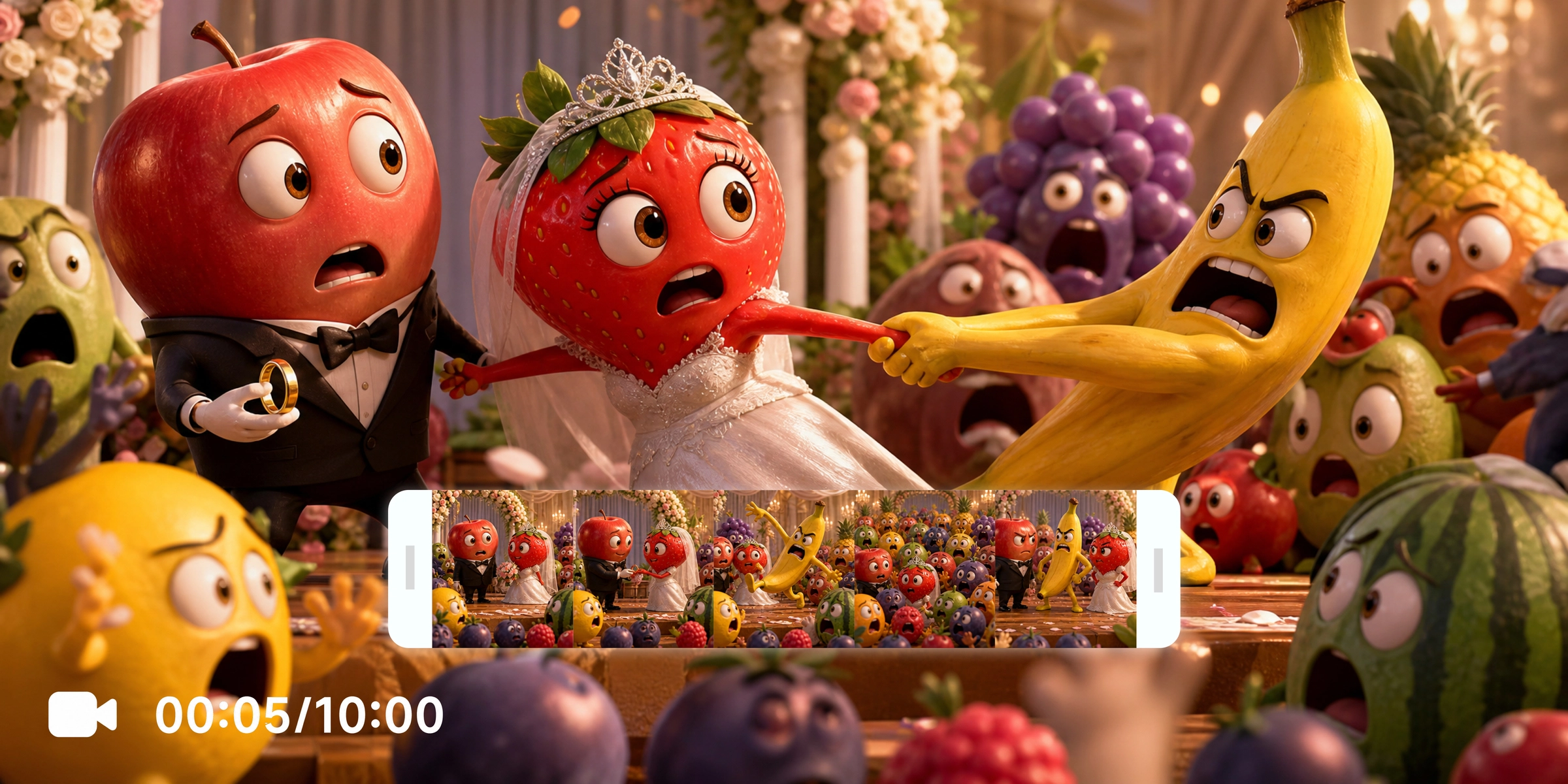
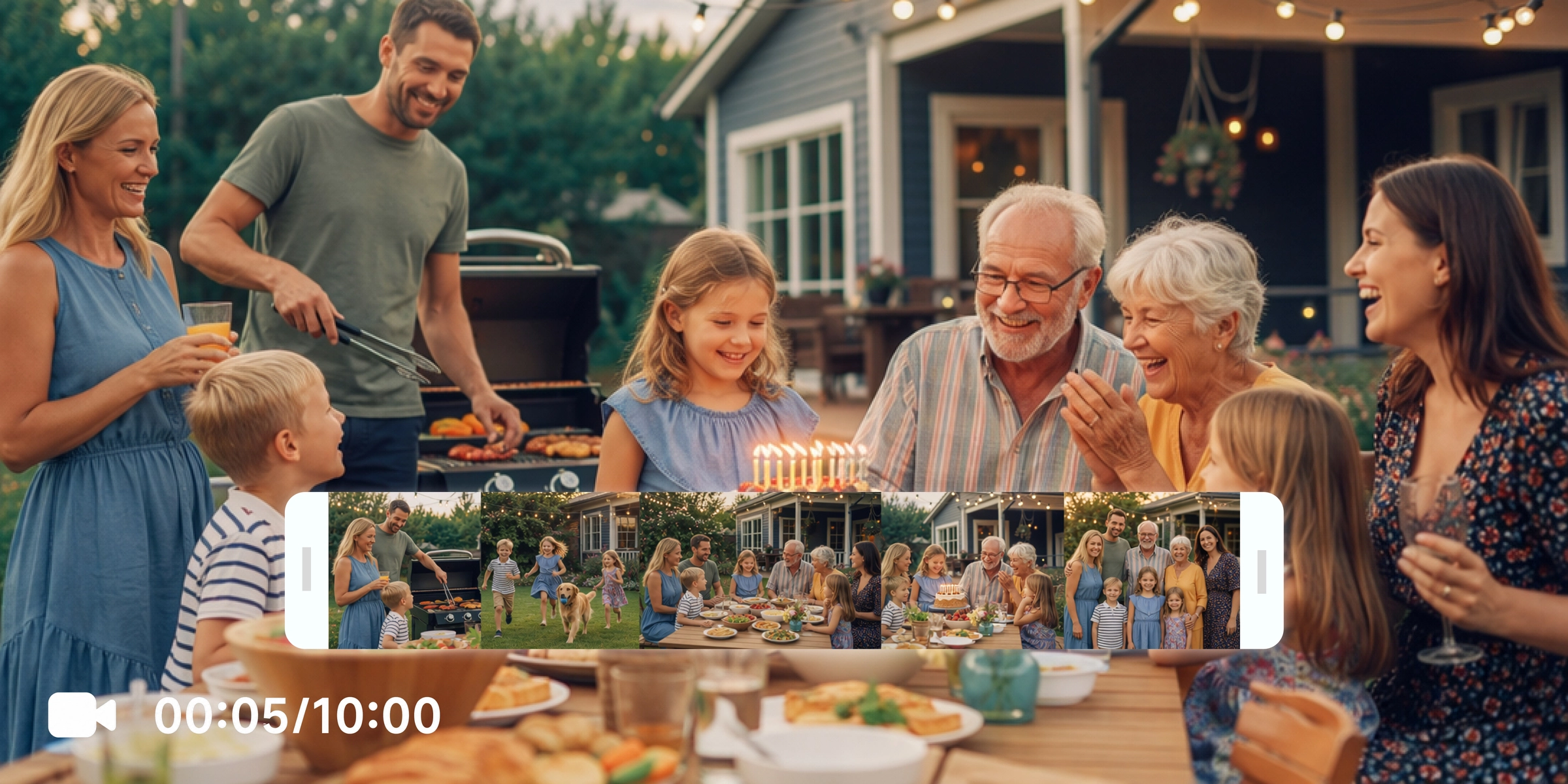
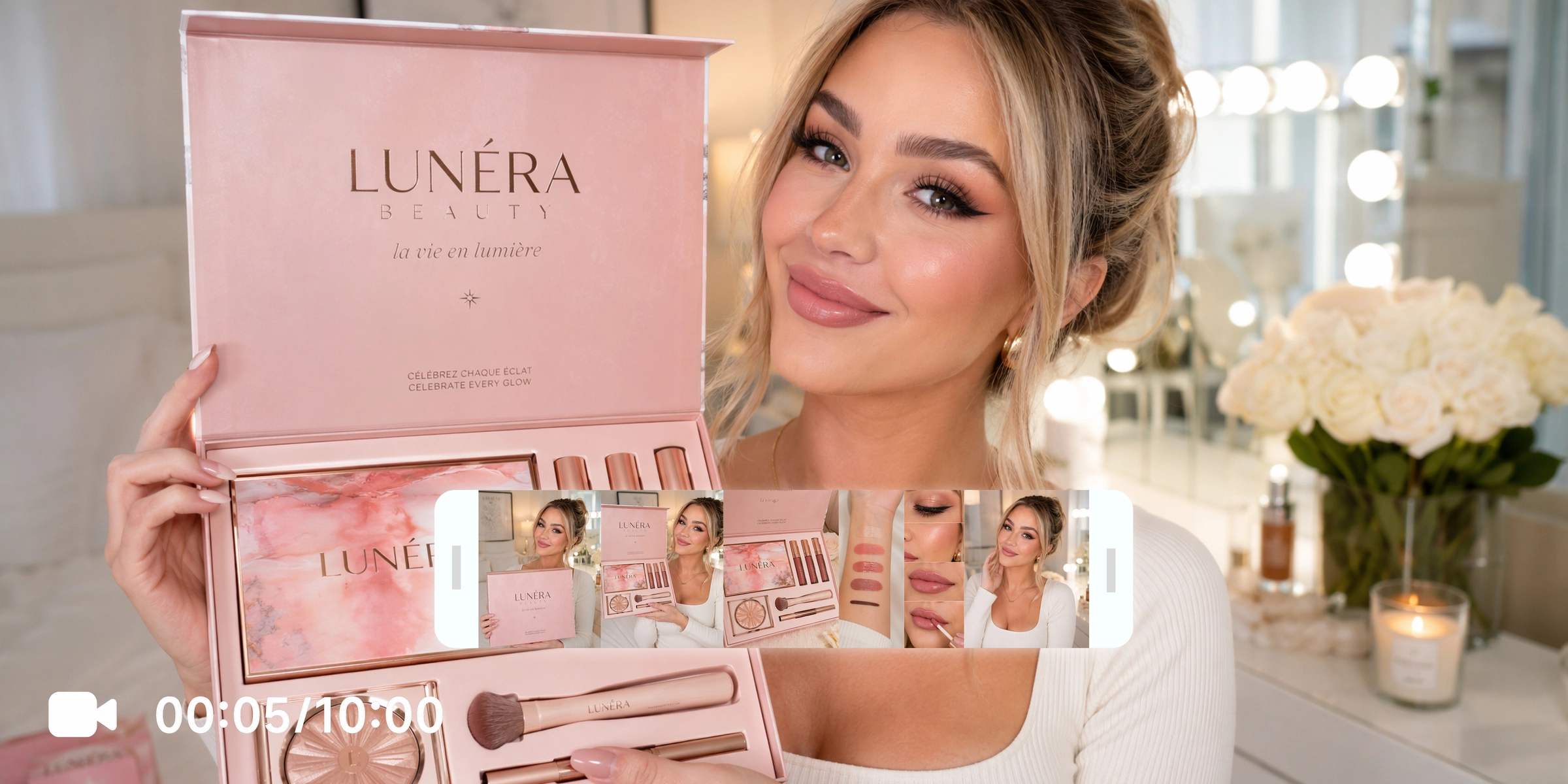



Explore powerful features of Vmake Labs video montage maker
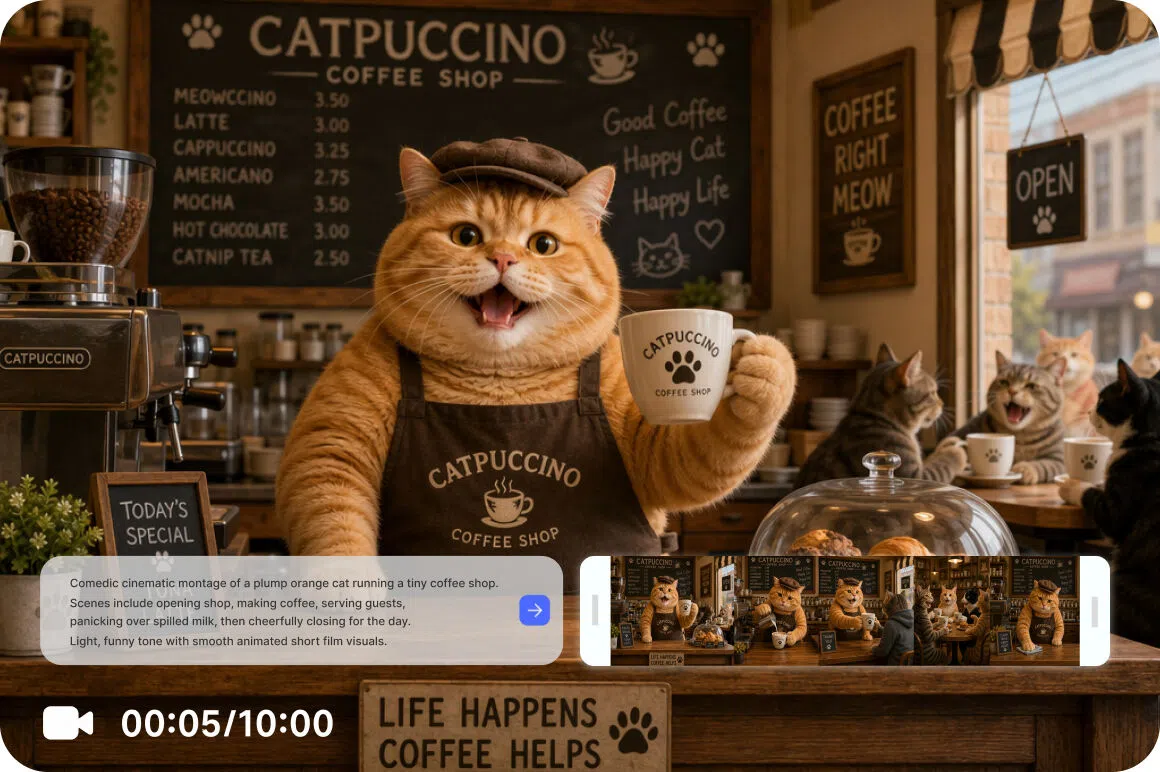
Turn words into cinematic montage clips
Transform written ideas into cinematic montage videos with Text to Video. Detailed prompts generate expressive visuals, dynamic motion, and creative storytelling sequences, making it easy to explore promotional campaigns, social media content, and artistic concepts while comparing different AI-generated styles from a single workspace.
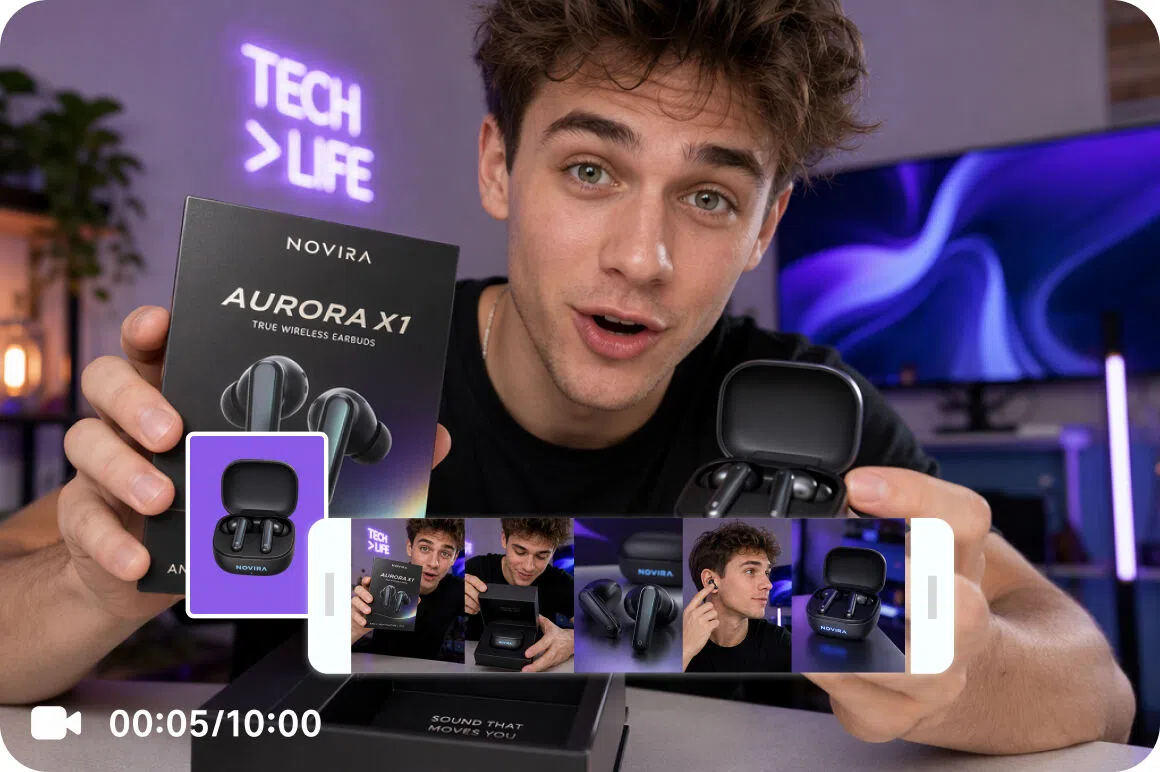
Create ideal montage videos from images
Start with an authorized reference image and transform it into an engaging montage video using Vmake Labs AI image to video generator. Image to Video, along with Elements, Frames, and built-in Effects, provides flexible creative controls for converting still images into dynamic montage scenes with smooth motion and distinctive visual styles.
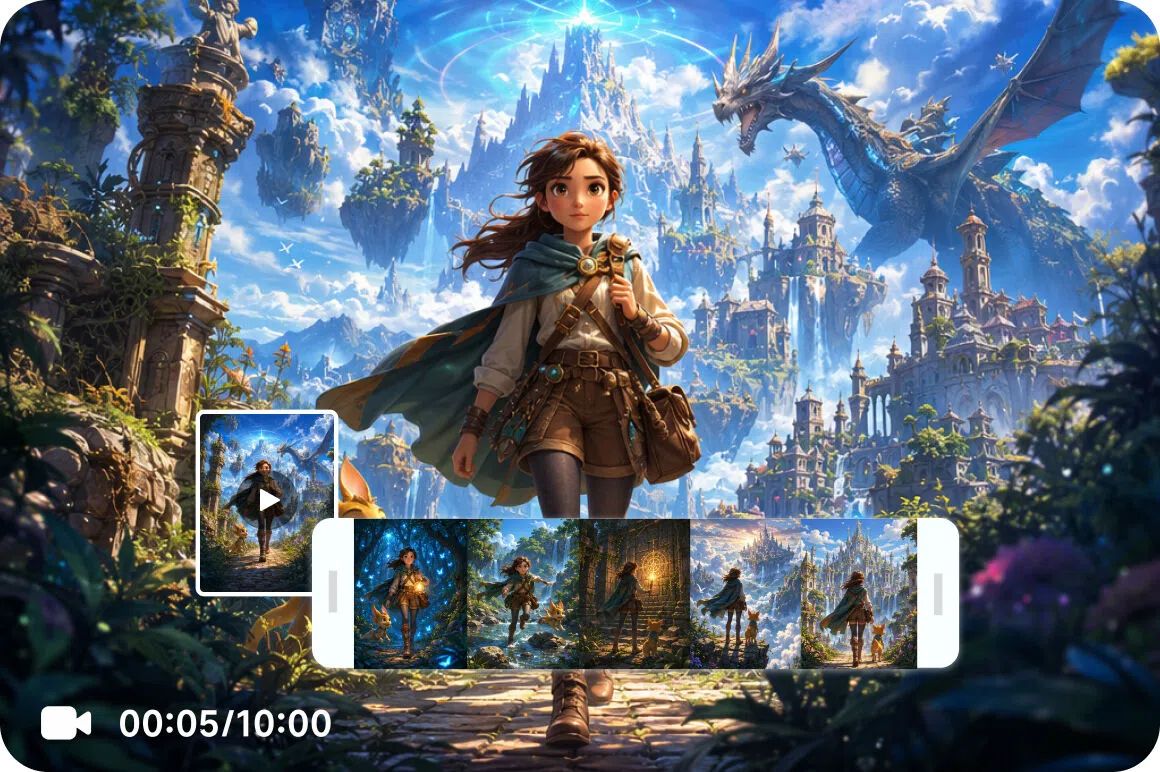
Reimagine existing videos with AI
Refresh existing footage without rebuilding every scene from the beginning. Video to Video transforms reference videos into new visual styles while preserving the original concept. Flexible AI controls help compare creative variations, refine motion, and develop montage videos with greater efficiency and creative freedom.
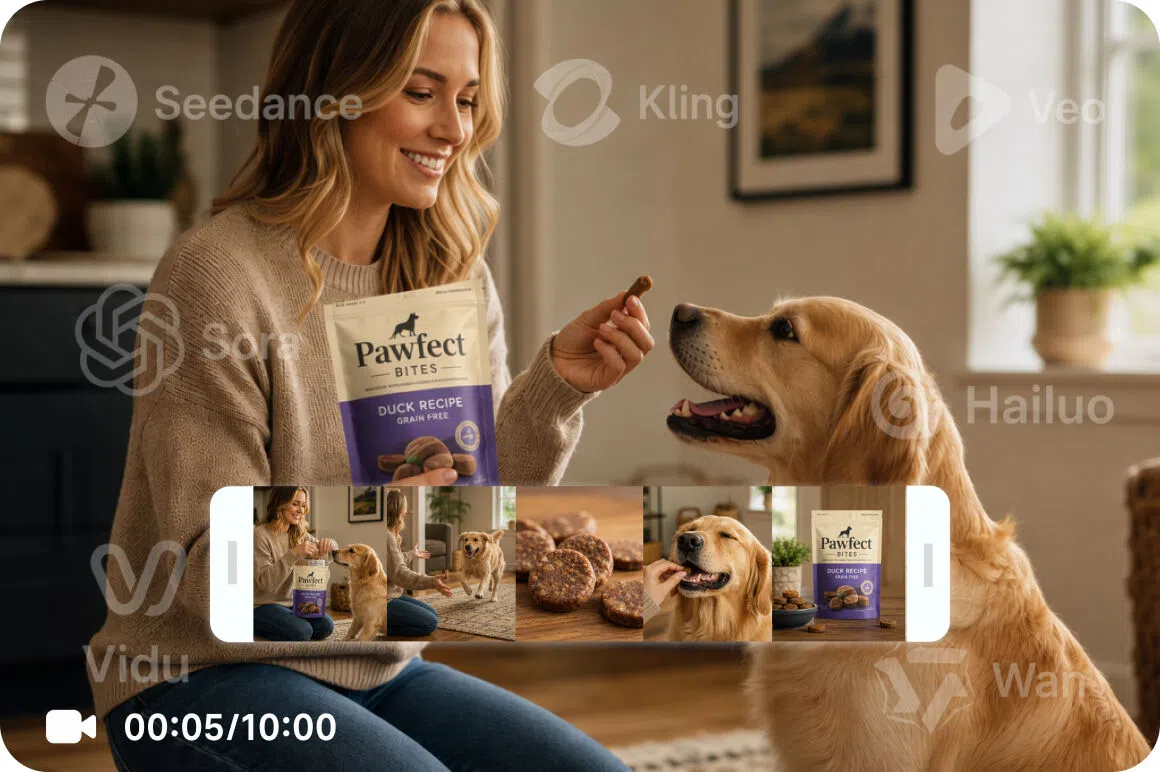
Access multiple top AI video models
Choose the AI model that best matches every creative goal. Vmake Labs brings together Seedance 2.0, Kling 3.0, Google Veo 3.1, Google Veo 3, Sora 2, Hailuo 2.3, Vidu Q2, and Wan 2.2, making it simple to compare visual styles and generate montage videos from one platform.
Who uses Vmake Labs video montage maker most
Content creators
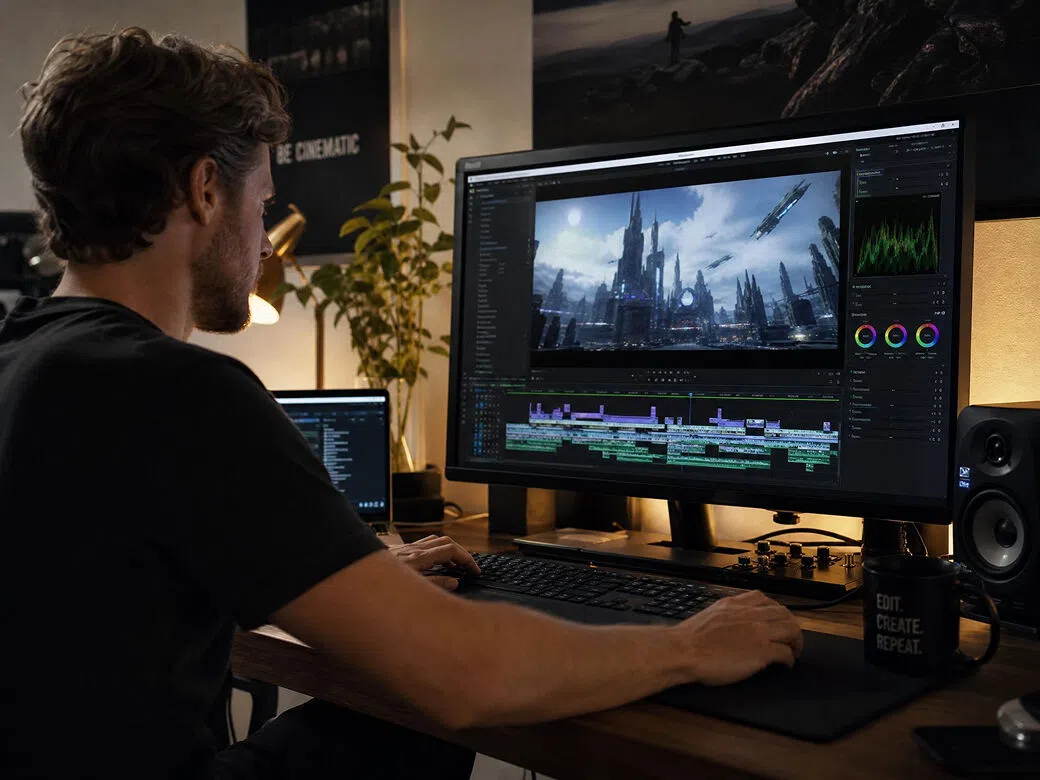
Media producers constantly battle demanding production deadlines while crafting unique video assets. Utilizing diverse AI generation pipelines, Vmake Labs transforms text prompts, approved images, and source videos into striking montage clips. This empowers users to share compelling narratives far faster across social and creative networks.
Marketing teams
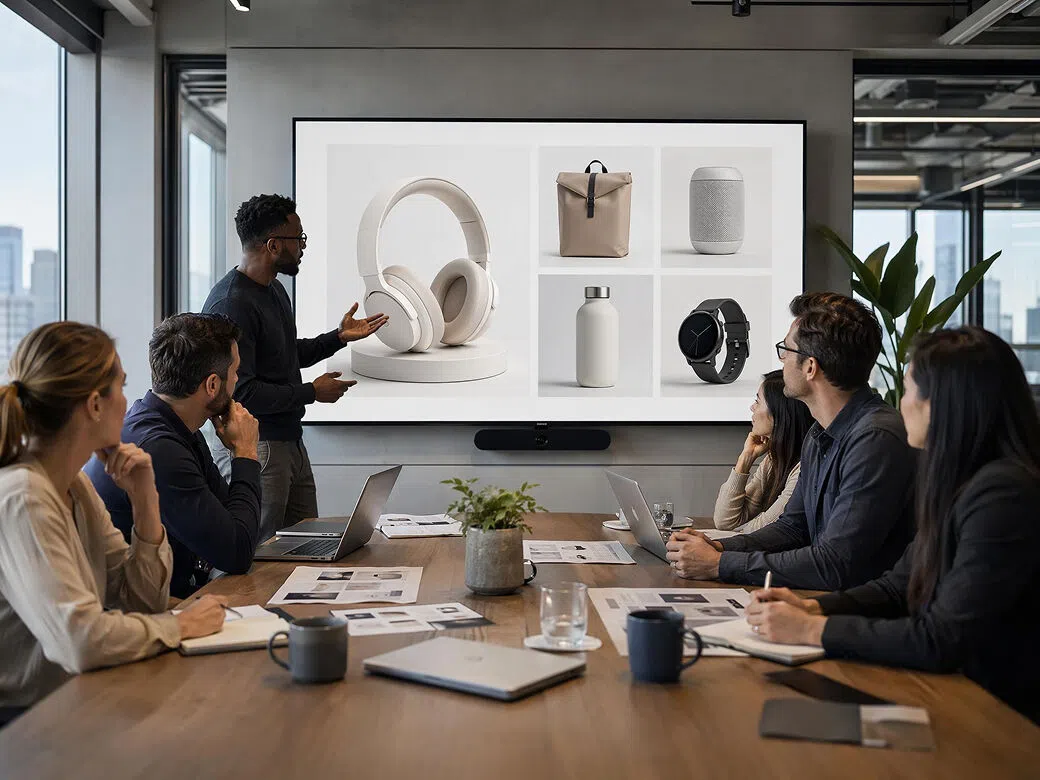
Marketing teams frequently manage campaign deadlines while producing content for launches, promotions, and seasonal events. Vmake Labs processes prompts, images, and videos through flexible AI generation workflows. Teams can deliver original montage videos, compare creative styles, and support marketing campaigns with greater production efficiency.
Small businesses
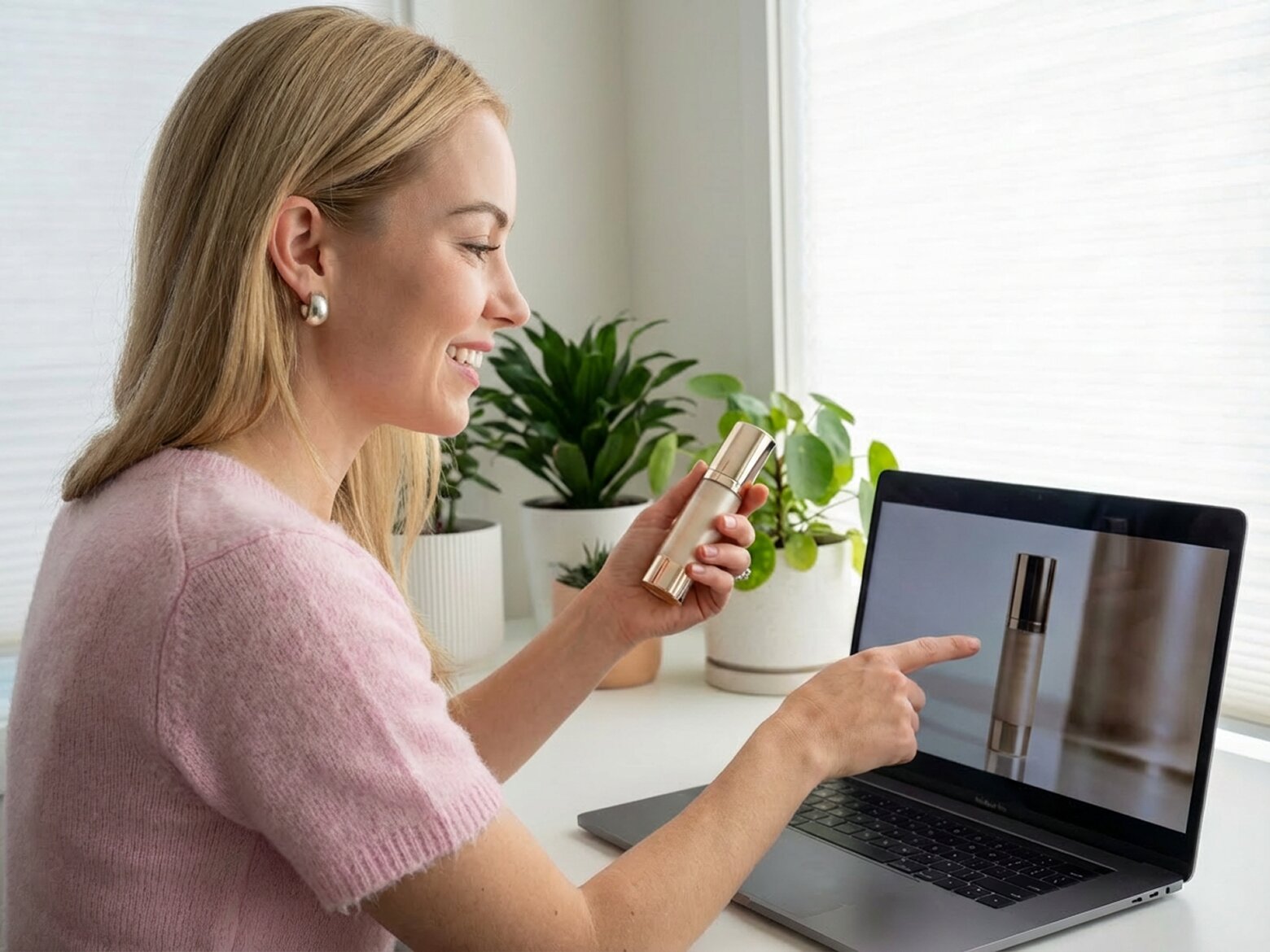
Small businesses often require professional video content without investing in complex production resources. Vmake Labs transforms creative prompts and authorized visual references into montage-style videos using multiple AI generation methods. Businesses can promote products, strengthen brand storytelling, and maintain a consistent digital presence with less production effort.
Frequently asked questions about video montage makers
What is a video montage maker?
How do I make a video montage?
Can I create a montage from photos?
Can I use video clips in a montage?
Which AI models are available?
Can businesses use montage videos?
Why users choose Vmake Labs for video montages

Every creative project begins with a different source of inspiration. Vmake Labs video montage maker supports prompts, authorized reference images, and reference videos, making it easy to explore montage-style concepts through multiple AI generation methods without changing platforms.

Developing visual content no longer has to involve lengthy production processes. Vmake Labs video montage maker helps transform creative ideas into montage-style videos in just a few steps, allowing creators and businesses to produce content more efficiently for a variety of projects.
Whether supporting storytelling, marketing, ecommerce, or social media content, Vmake Labs video montage maker adapts to different creative needs. Multiple AI video models and flexible generation workflows provide a practical solution for creators, teams, and businesses producing original visual content.
Create video montages with Vmake Labs
Turn prompts, reference images, or reference videos into original montage-style videos with Vmake Labs. Choose your preferred AI video model and start creating today.
What users say about Vmake Labs video montage maker
I used simple prompts to create montage-style videos inspired by my travel experiences. Comparing several AI video models helped me explore different visual styles before choosing the final version. The workflow made it easier to develop engaging travel content without spending hours editing every scene manually.
Image to Video transformed my reference images into montage-style clips for regular social posts. I experimented with multiple prompts and AI models to compare creative directions. The process stayed simple from start to finish and gave me several videos that matched different content ideas.
I wanted to visualize a celebration theme without relying on traditional editing software. Starting with a detailed prompt generated several montage-style videos that captured the mood I had in mind. Comparing different AI models helped me refine the final creative direction before sharing it.
I created promotional montage videos from product visuals and creative prompts for a seasonal campaign. Testing several AI models produced different visual styles that were easy to compare. The flexible workflow helped the team evaluate creative concepts before selecting the final campaign assets.
Uploading product images as reference material made it simple to create montage-style videos for my online store. Different AI generation methods gave me multiple creative options to compare, helping me develop promotional content that matched my brand without investing in a complex production process.
I uploaded a reference video to explore different visual styles for an event presentation. Trying several prompts and AI models generated multiple creative concepts that supported early planning. Comparing the results made it easier to choose a direction before moving into the final production stage.