
AI Relight: Change Lighting on Any Photo or Video
Change lighting on photos and videos with AI. For images, choose a custom light direction, one of seven style presets, or a reference image, then preview and download the result. Video Relight is also now available!


How to relight with AI
Step 1. Upload a photo or video
Add the photo or video you want to relight, from a product asset or portrait to UGC or an existing clip.
Step 2. Choose and tune the light
Choose a light direction with the spherical selector, then adjust Intensity, Softness, and Color. Use a preset or reference to shape the mood.
Step 3. Preview and download
Generate a photo or video preview, check the new light direction, highlights, shadows, and depth, then download the result for your campaign, post, or catalog.
AI Relight for Real Photo and Video Goals
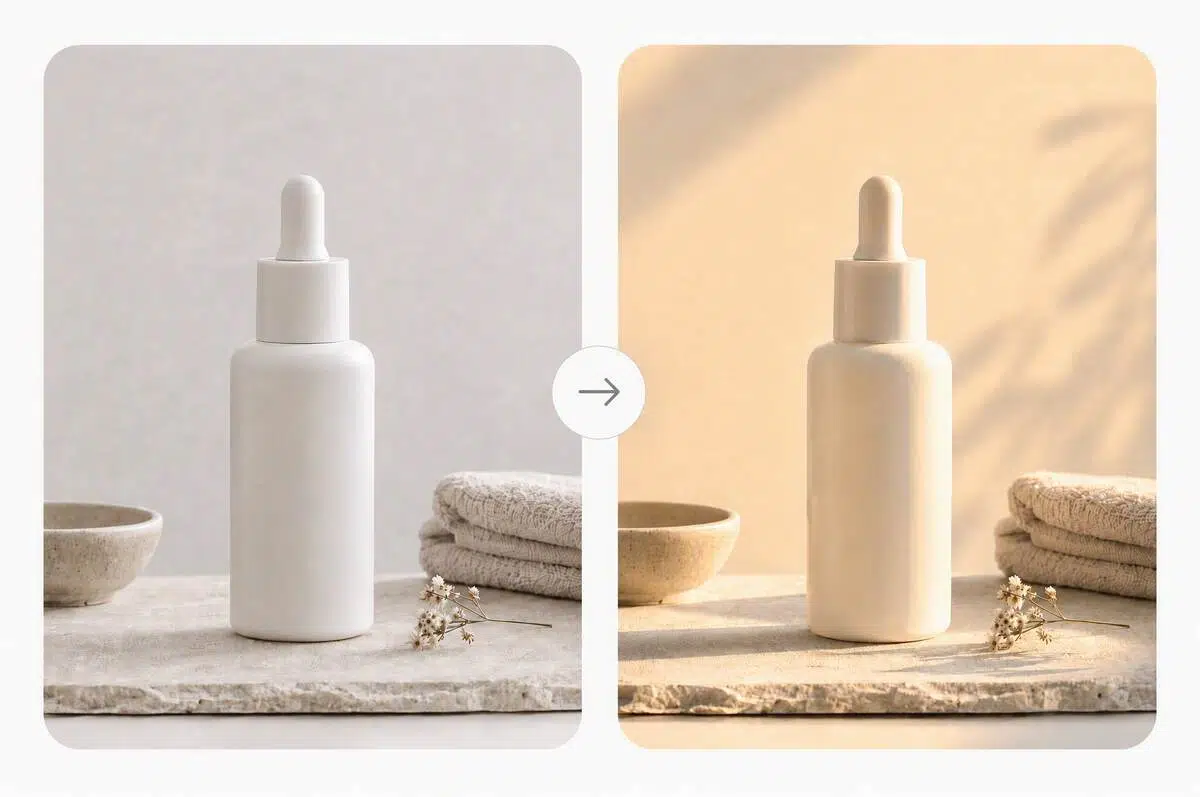
Make product images feel more considered
When product images were shot under plain or uneven light, test six Custom light directions or seven Style Presets to give key surfaces clearer definition before the image reaches a listing, ad, or social post.
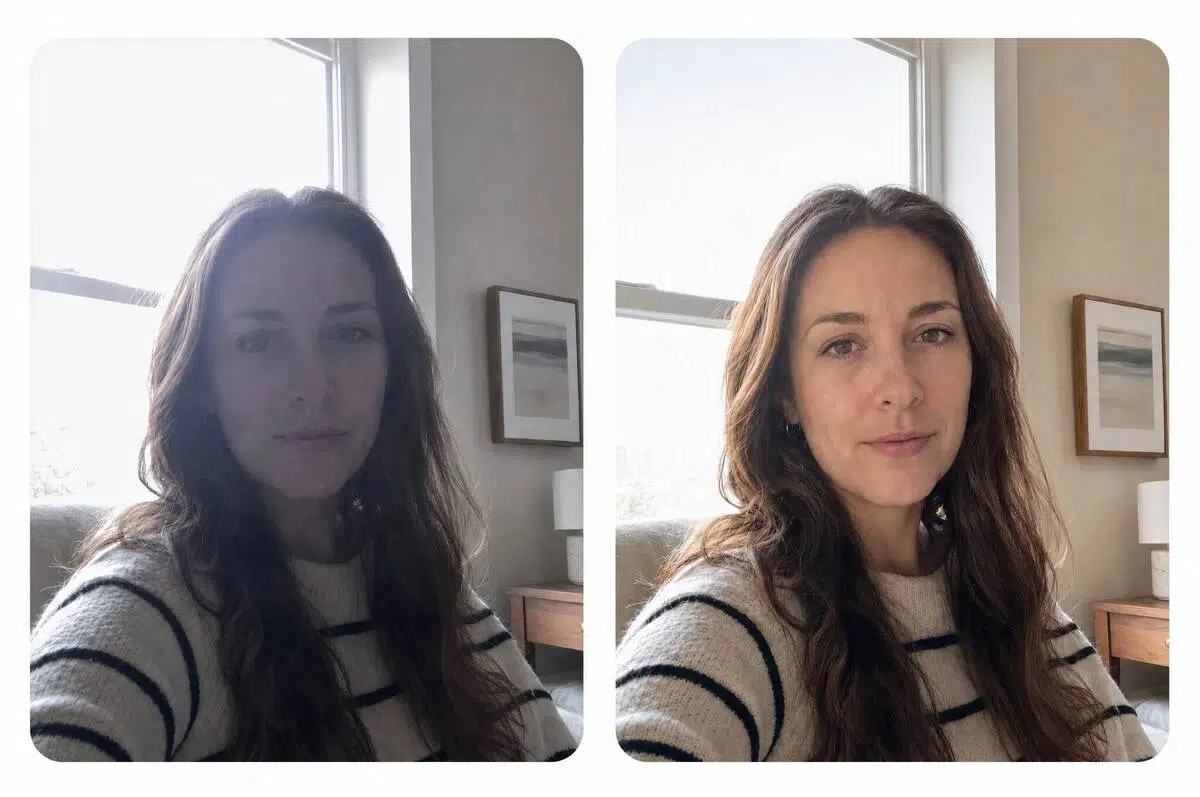
Rescue a photo you would rather not reshoot
Backlight, hard shadows, and a dim room can leave an otherwise useful image behind. Upload the existing photo, then use Custom light, Style Presets, or Light reference to explore a more usable treatment.
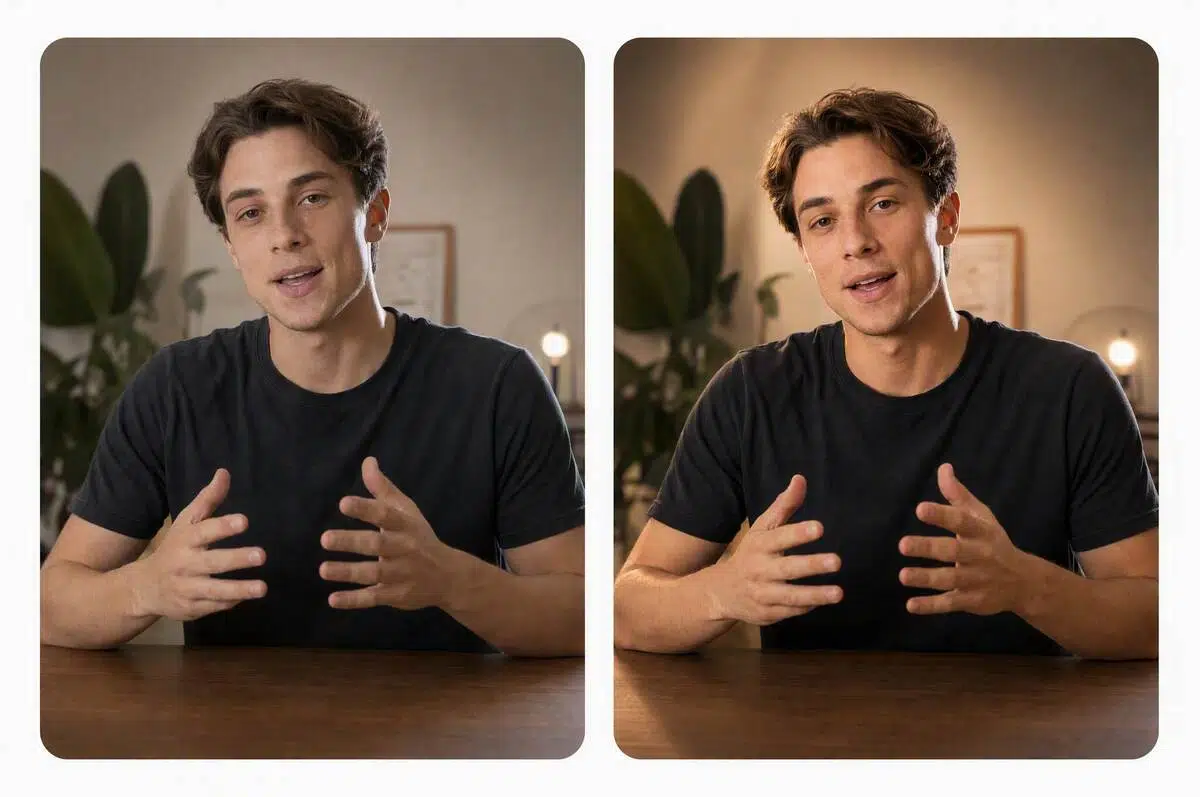
Give people in photos a stronger visual presence
For portraits and UGC images, use the spherical selector to position light, compare preset moods, or follow a reference image so the subject feels more intentional in frame, even when the original setup was imperfect.
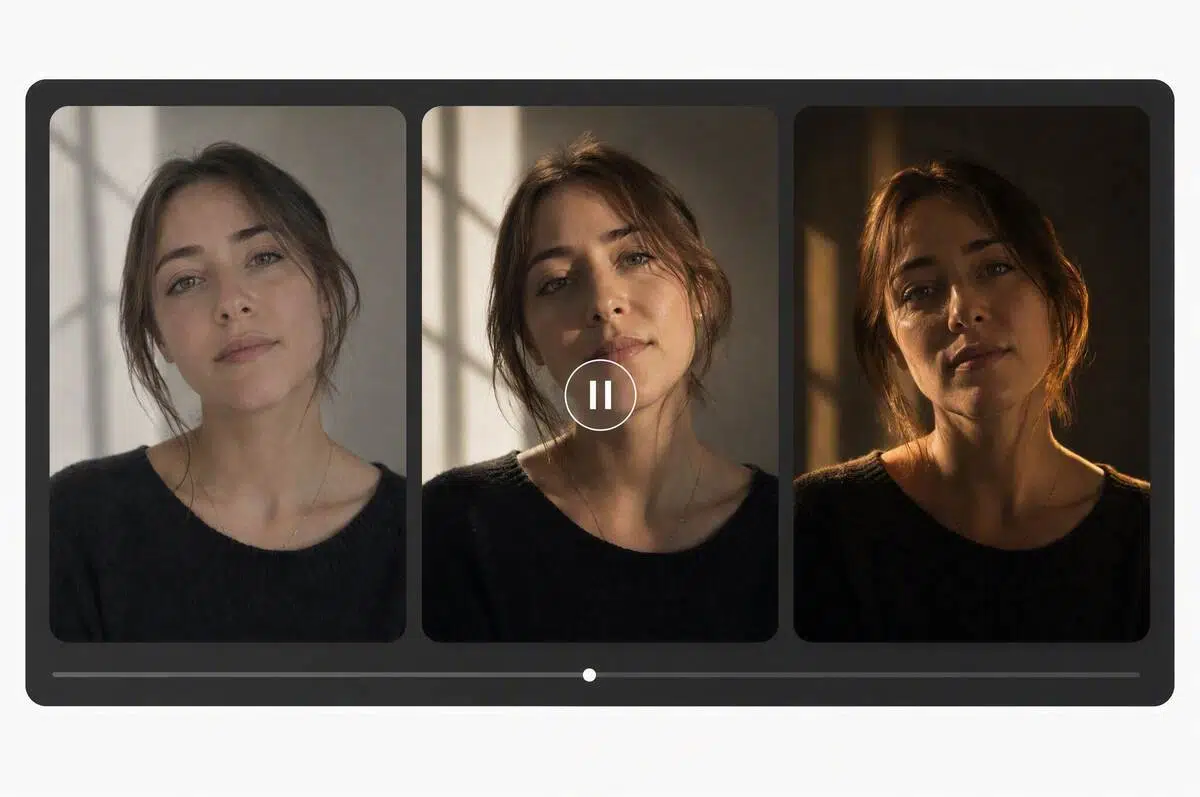
Refresh Existing Video for Campaigns
When existing footage feels inconsistent from shot to shot, explore a new lighting direction for ads, social posts, or branded stories. Bring the clips closer to the campaign mood.
Relight Photos and Videos for More Intentional Visuals
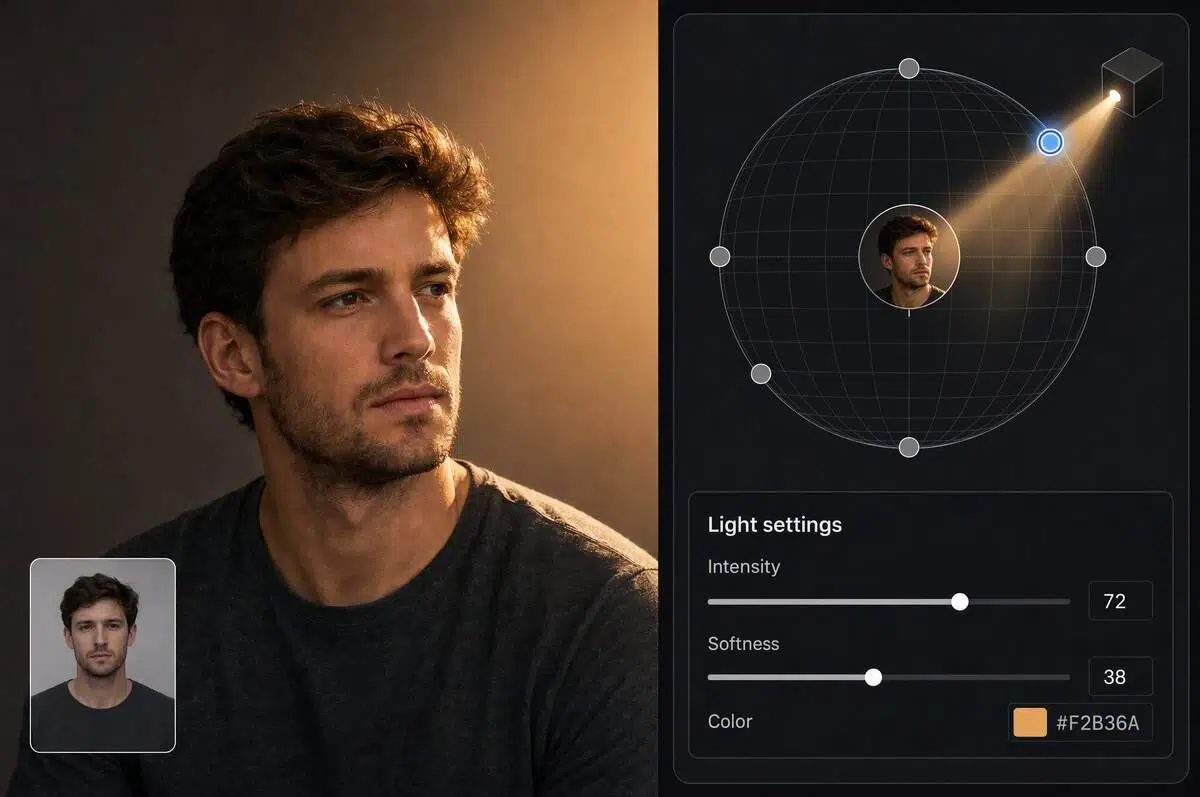
Use Custom light to control direction precisely
Choose from six preset directions, or use a spherical selector to position the light in 3D space. Then tune Intensity, Softness, and Color to shape highlights and shadows before generating a preview. Compare the lighting response on the subject and export a more intentional result without rebuilding the scene.
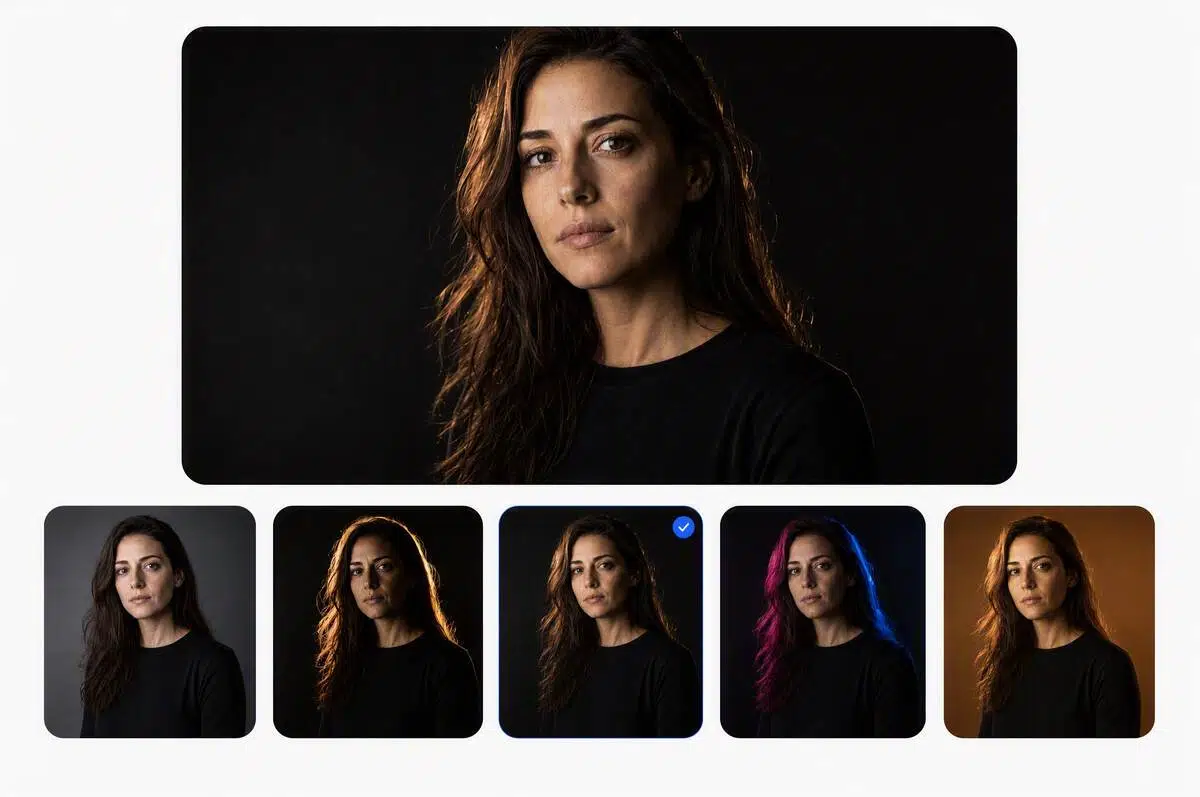
Find a look faster with seven Style Presets
Choose from seven preset lighting styles for a product, portrait, or creative image. Presets give you a clear starting point without building the look from scratch, so you can compare moods and generate a preview that fits your direction. Use them when the brief is still taking shape.
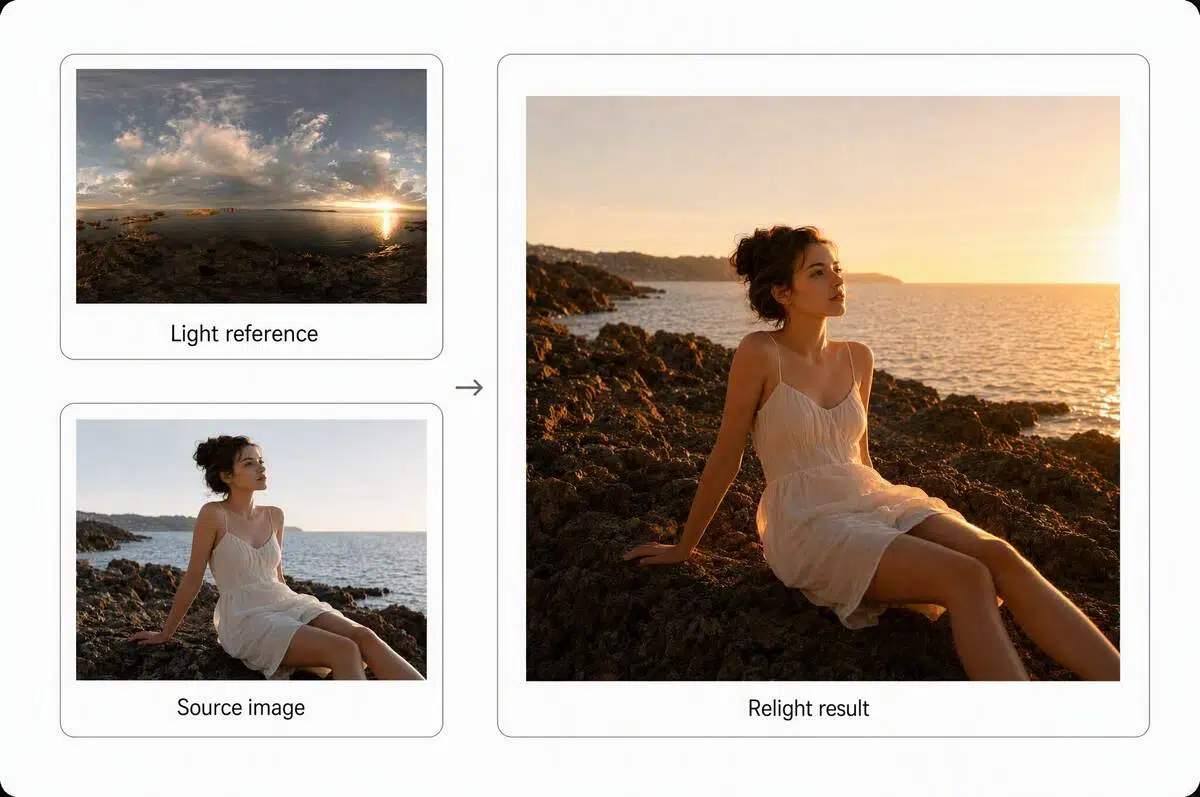
Follow a lighting direction with Light reference
Upload a reference image with the lighting you want, and let AI follow its light direction and overall mood. Turn an abstract visual brief into a more concrete photo treatment, then preview and download the result. The visual match stays grounded in the source image.
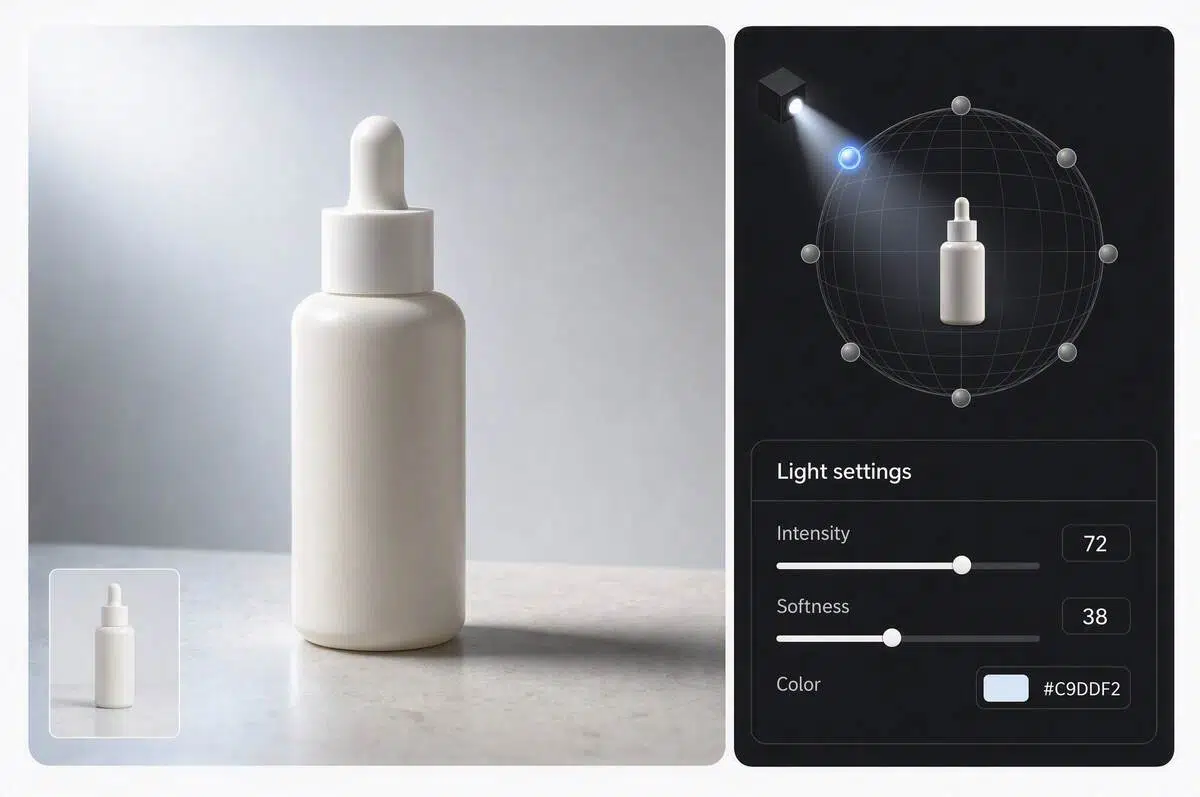
Shape light instead of only raising brightness
A brighter file is not always a better lit one. AI relight works with light direction, highlights, shadows, and depth so you can create a more intentional result for surfaces, facial contours, and the space around the subject. This helps the image feel shaped, not simply brighter.
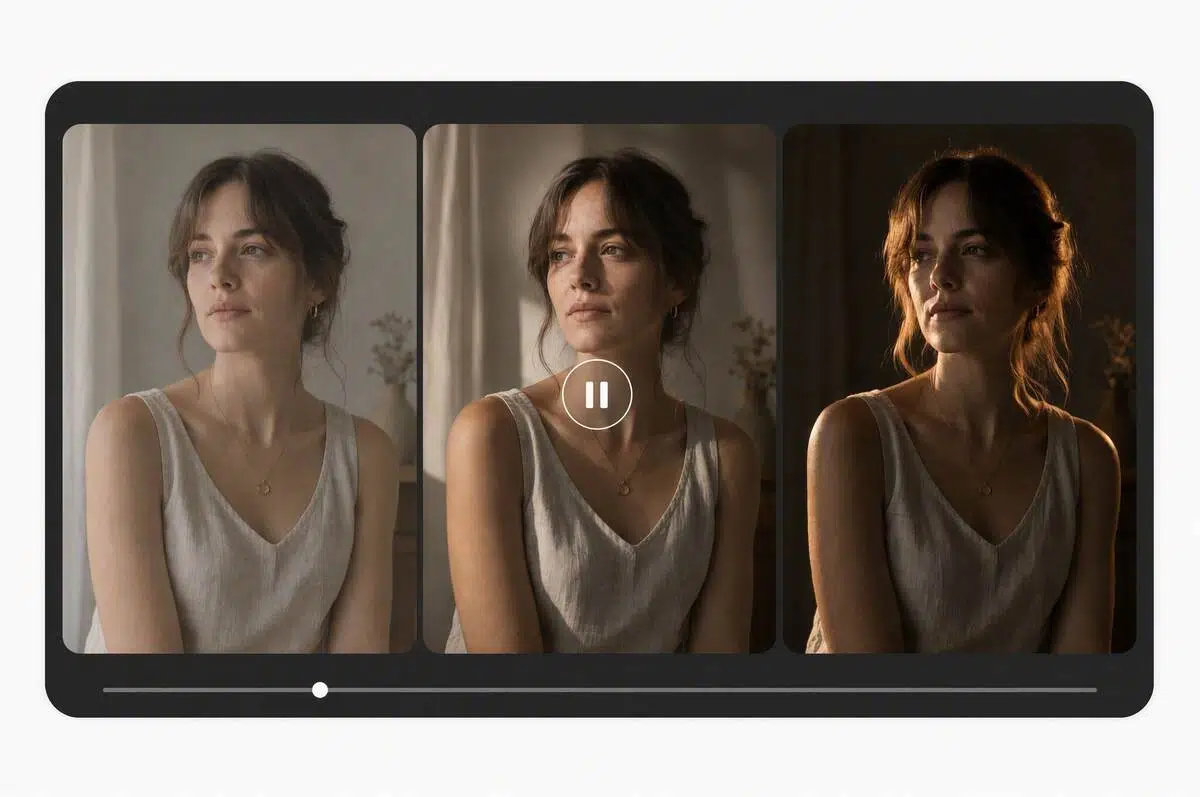
Carry One Lighting Mood Across Video
Extend a chosen lighting direction and mood across multiple clips so transitions feel more intentional from shot to shot. Keep products, people, and environments visually connected while shaping a cohesive sequence for ads, social posts, and branded stories.
Who gets results from AI relight
Ecommerce seller or brand team
They need product images that look considered across a listing, campaign, or social feed. They can test six light directions or seven style presets to explore clearer texture, intentional shadows, and a more unified visual mood, then preview and download the result.
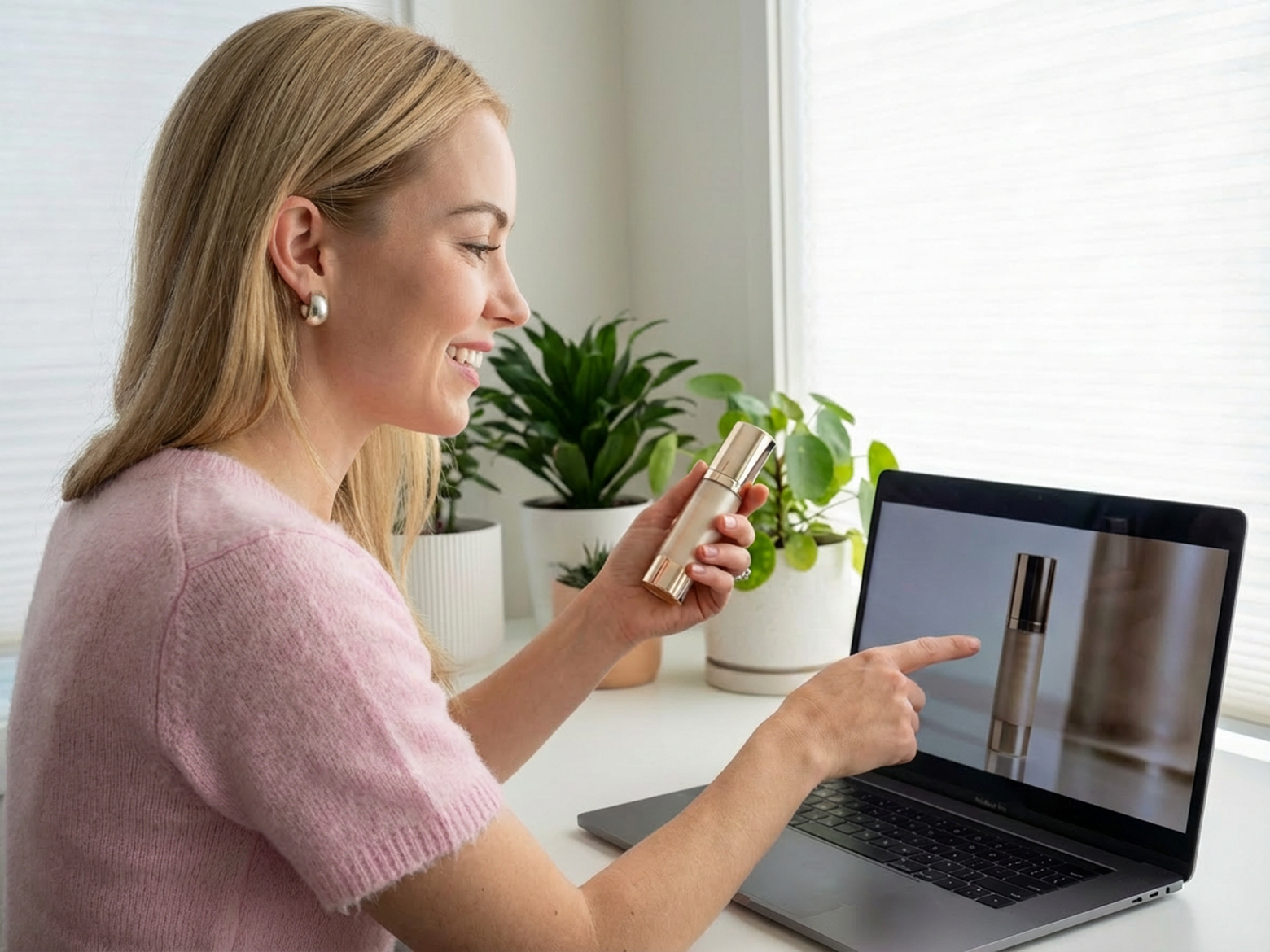
Creator or social media team
They produce quickly across portraits, UGC images, and short videos, often with mixed locations and changing daylight. They can use Custom light, Style Presets, or Light reference to shape a consistent visual mood across fast moving content.
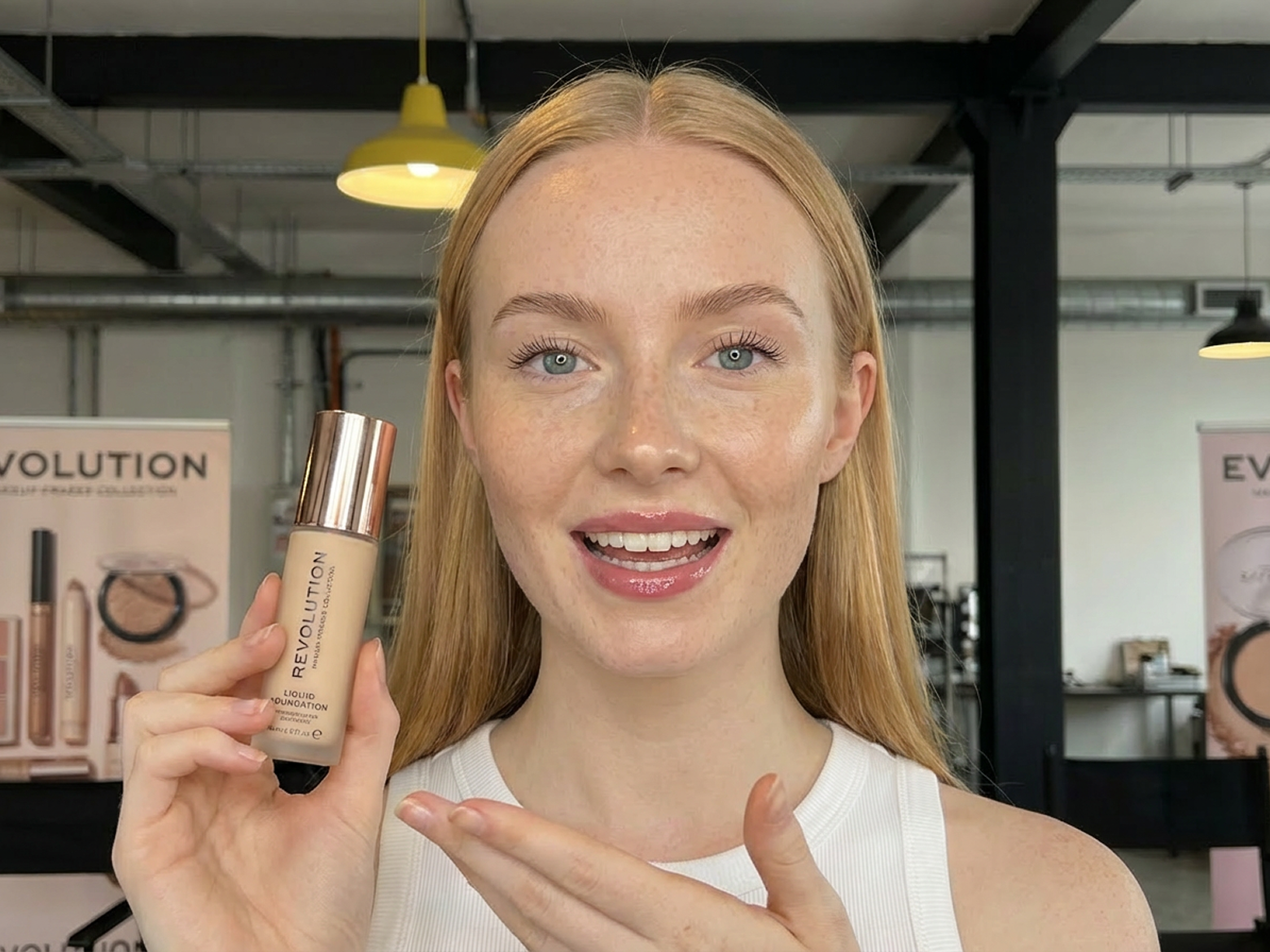
Photographer, video creator, or editor
They understand how lighting changes a scene and need flexible ways to test directions after a shoot. They can shape lighting across photos and video clips, compare preset moods, or follow a reference image to keep a sequence visually consistent.

Why choose AI relight

Use Custom light for precise direction, seven Style Presets for a faster mood, or Light reference to follow a target.

Explore a new treatment for product images, portraits, or UGC photos without rebuilding the original shoot.

Keep your creative work in a focused browser workflow while you prepare new formats.
Frequently Asked Questions
What is AI relight?
How can I relight a photo?
Upload a photo, choose Custom light, Style Presets, or Light reference under Lighting method, then generate a preview and download the result.
How does Custom light control direction?
Choose from six preset directions or use a spherical selector to position the light in 3D space, then generate a photo preview.
What are Style Presets?
Style Presets offer seven preset lighting styles, making it faster to compare different moods before generating a preview.
What is Light reference?
Upload a reference image and AI follows its light direction and overall mood to create a new lighting treatment for your photo.
Is AI relight different from changing brightness?
Yes. Brightness changes the overall light level, while AI relight focuses on the relationship between direction, highlights, shadows, and depth.
Can I relight video with AI?
Video Relight explores new lighting directions and moods across existing clips for ads, social posts, and branded stories. Video Relight is coming soon.
Explore a new lighting for photos and video
Upload a photo or video, choose the right lighting method, then preview and download a more intentional treatment.