
Online AI Anime Image Generator
Create original anime artwork from text prompts or reference images with Vmake Labs AI Image Generator. Explore different AI models to develop anime characters, expressive portraits, dynamic scenes, and stylized illustrations for personal or creative projects.
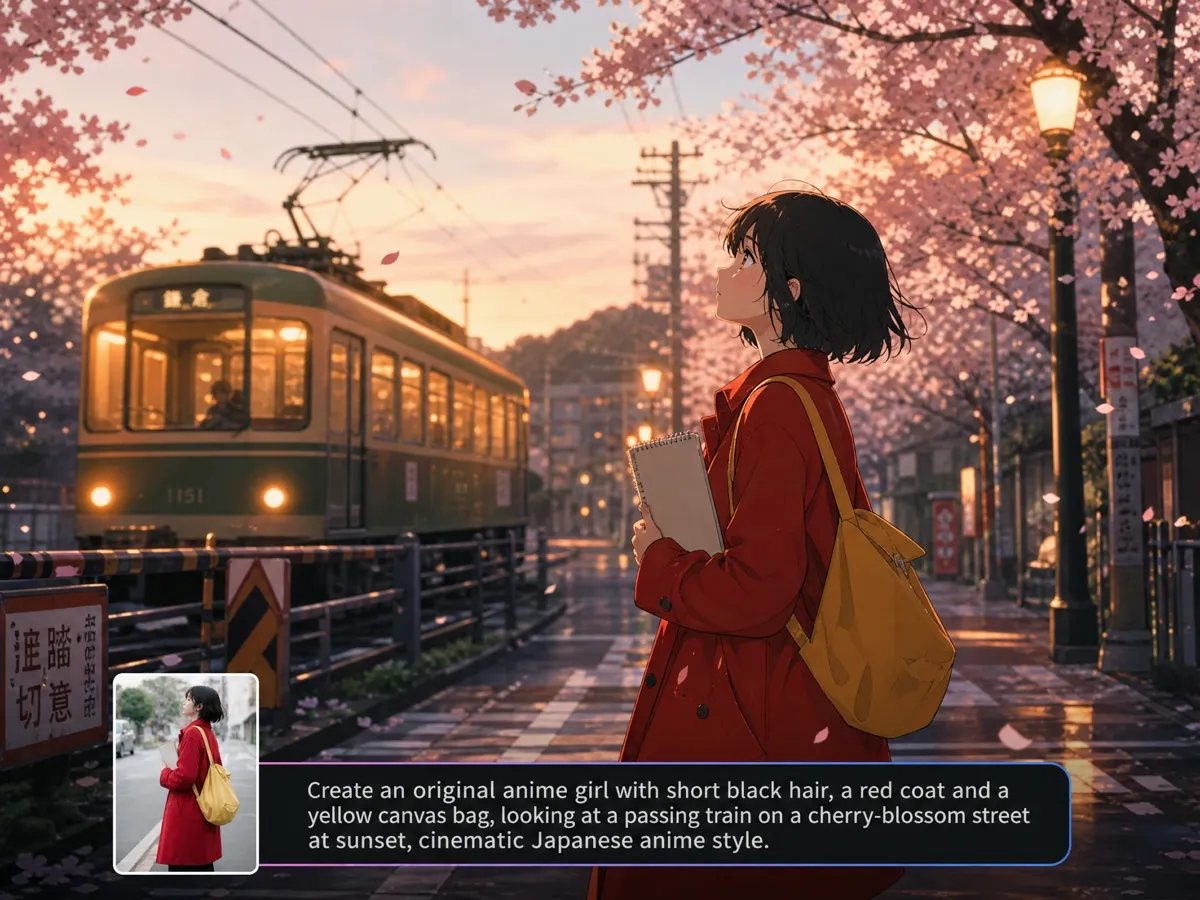
How to create anime artwork in 3 simple steps
Step 1. Start with an idea
Start with a character, scene, or visual concept. Describe the details in a text prompt, or upload one to three reference images to give Vmake Labs AI Image Generator more visual context for the direction you want to explore.
Step 2. Explore different styles
Pick an AI model, then adjust the prompt to change the character, setting, mood, or anime-inspired look. Trying another model can also give the same concept a noticeably different visual interpretation, which helps when the first result is not quite what you had in mind.
Step 3. Save and share
Review the artwork and make another generation if you want to try a different direction. Once you have a version you like, download it for a wallpaper, personal collection, social post, presentation, or another creative project.
Turn anime concepts into artwork


Unlock more anime creation possibilities
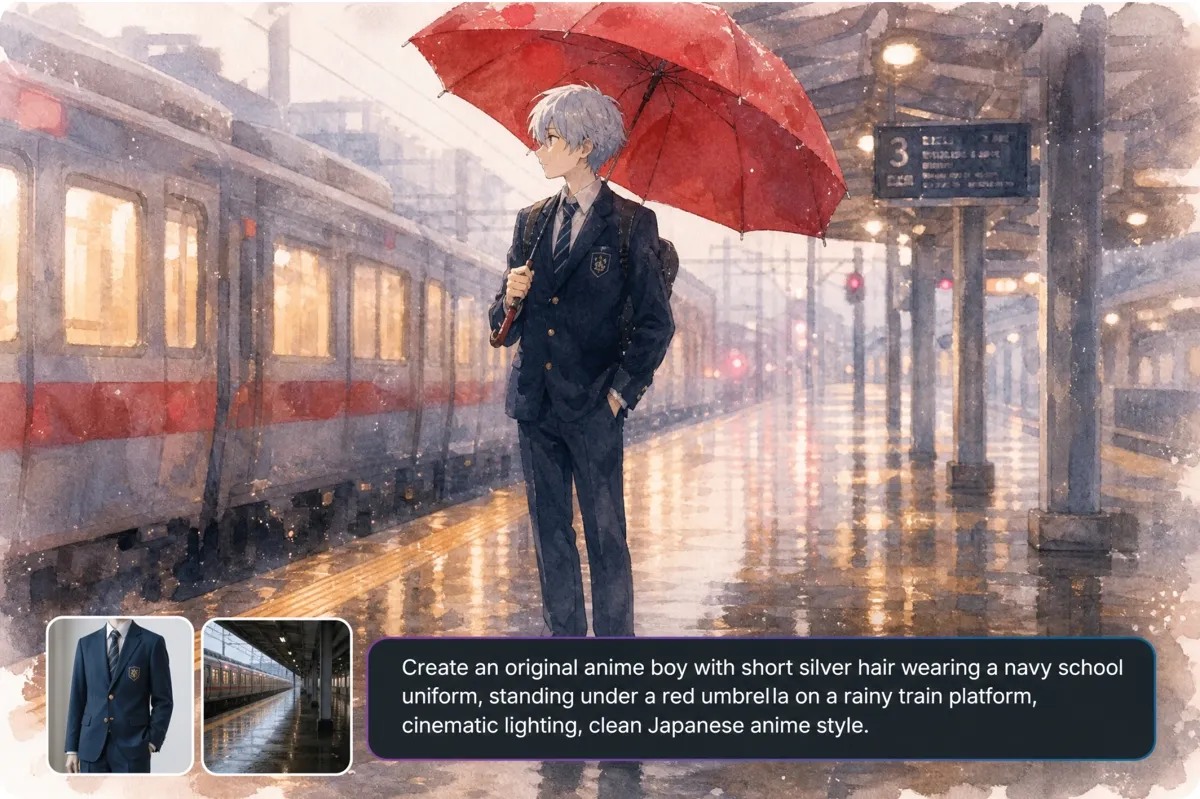
Shape every anime concept in different ways
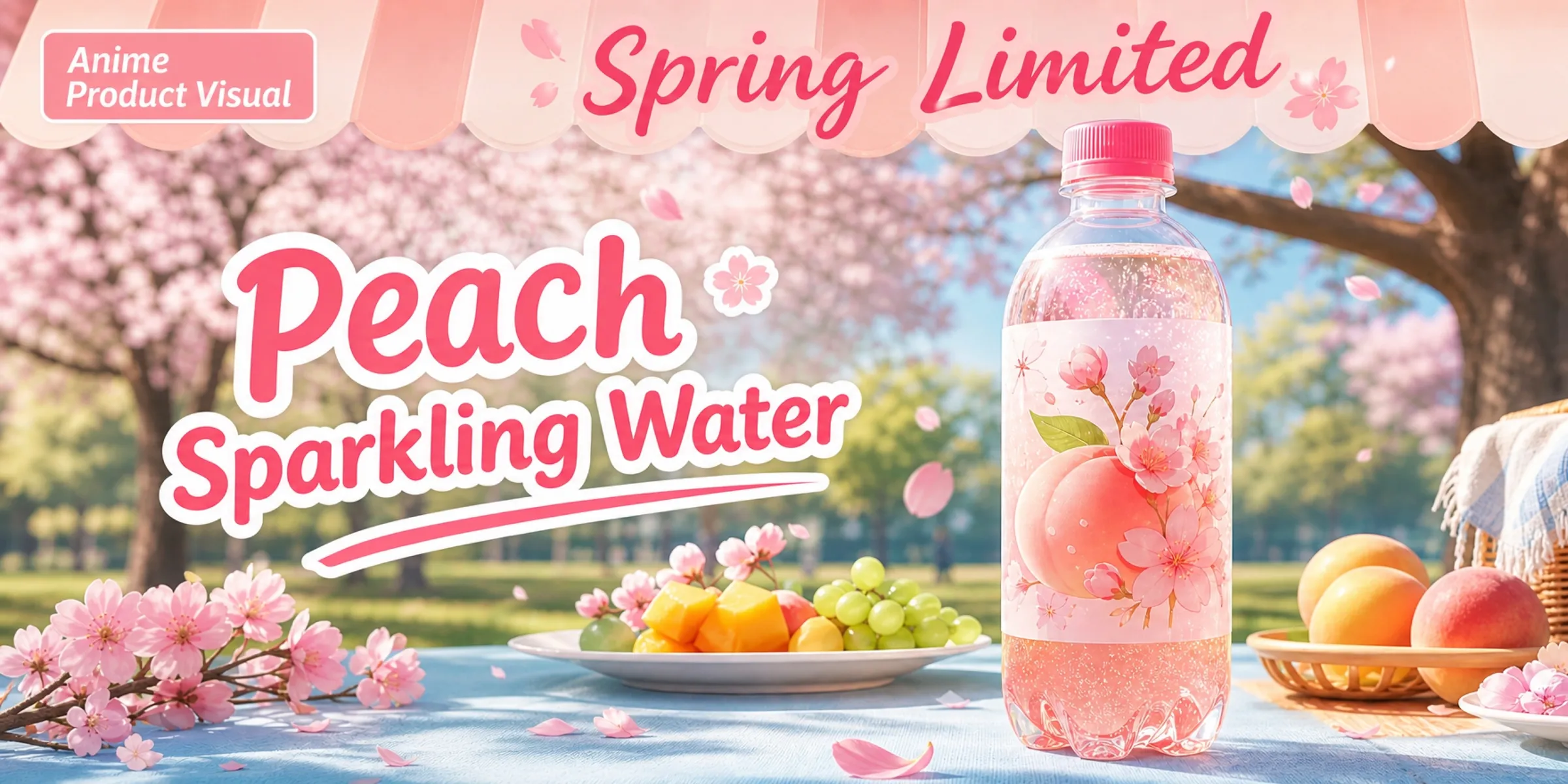
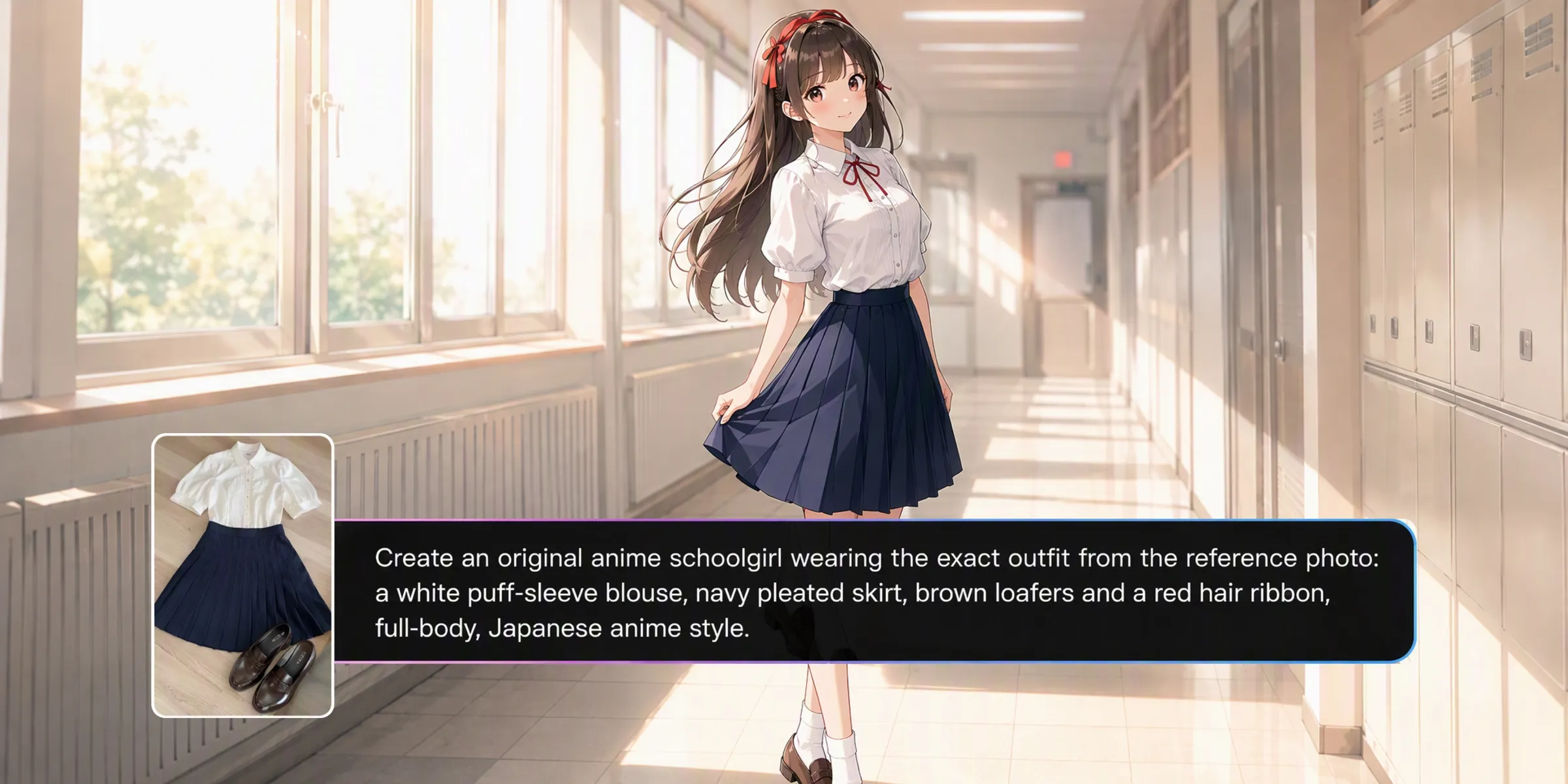
Describe a character’s appearance, clothing, expression, pose, or surroundings in the prompt, or upload one to three reference images for additional guidance. Vmake Labs AI Image Generator lets you combine these inputs when exploring anime artwork, giving each generation a clear creative starting point without requiring a finished sketch.
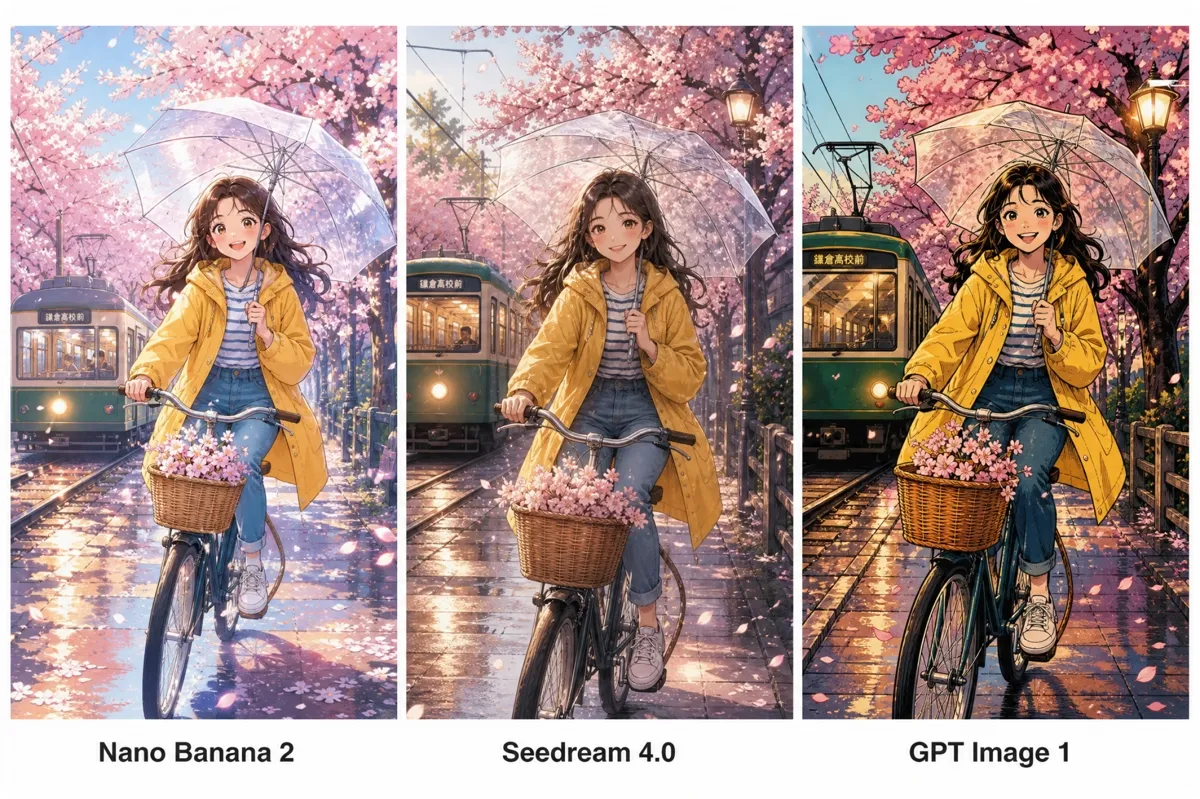
Explore distinct anime aesthetics with built-in AI models
Choose from Nano Banana 2, Nano Banana Pro, Seedream 4.0, GPT Image 1, and other supported models when exploring an anime concept. Different models can interpret the same prompt in their own way, giving you more results to compare when deciding on character details, composition, lighting, or overall artistic style.
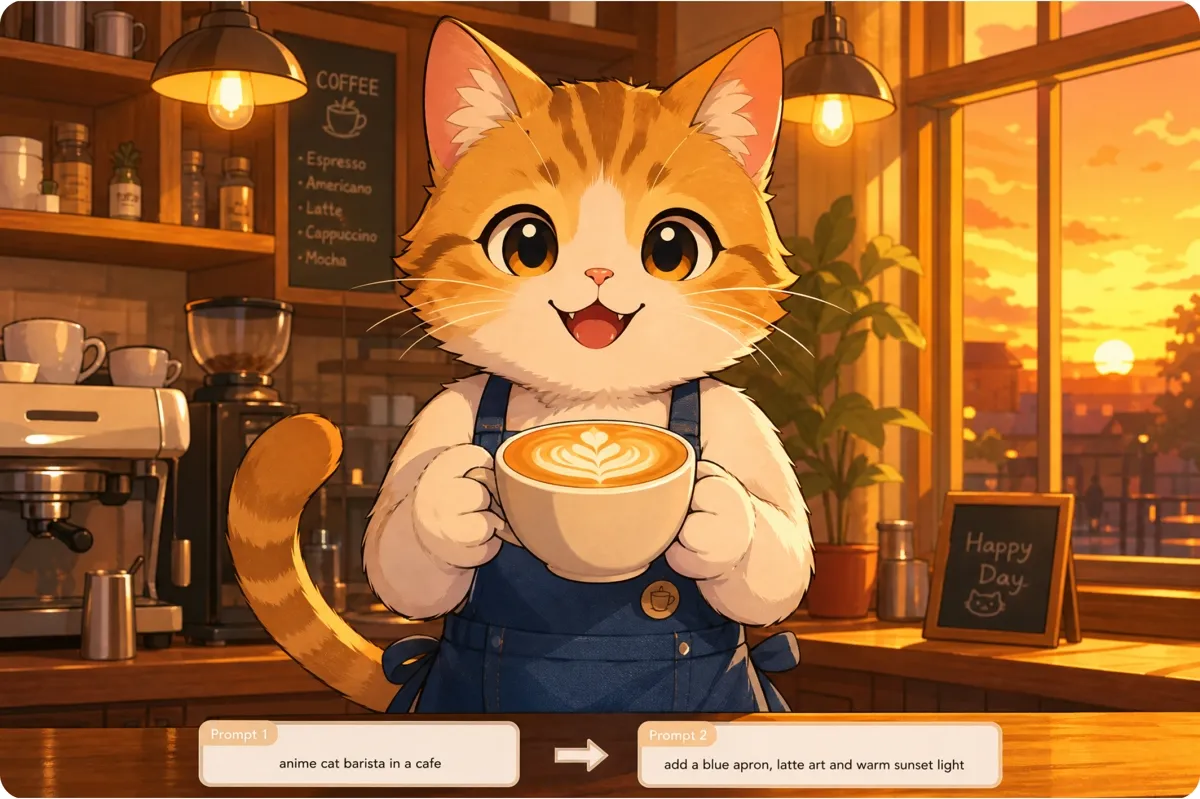
Master anime design in minutes, not years
You do not need advanced design skills to experiment with anime artwork. Start with a prompt or reference image, then adjust details or switch between AI models as the concept develops. The flexible AI Image Generator workflow gives you room to explore characters, scenes, outfits, and different visual directions.
Who uses Vmake Labs AI Image Generator for anime artwork
Anime fans
Anime fans may have a specific character, outfit, or scene in mind that is difficult to find in existing artwork. Vmake Labs AI Image Generator lets them use text prompts or reference images with different AI models to explore original characters, scenes, expressions, and anime-inspired visual styles.
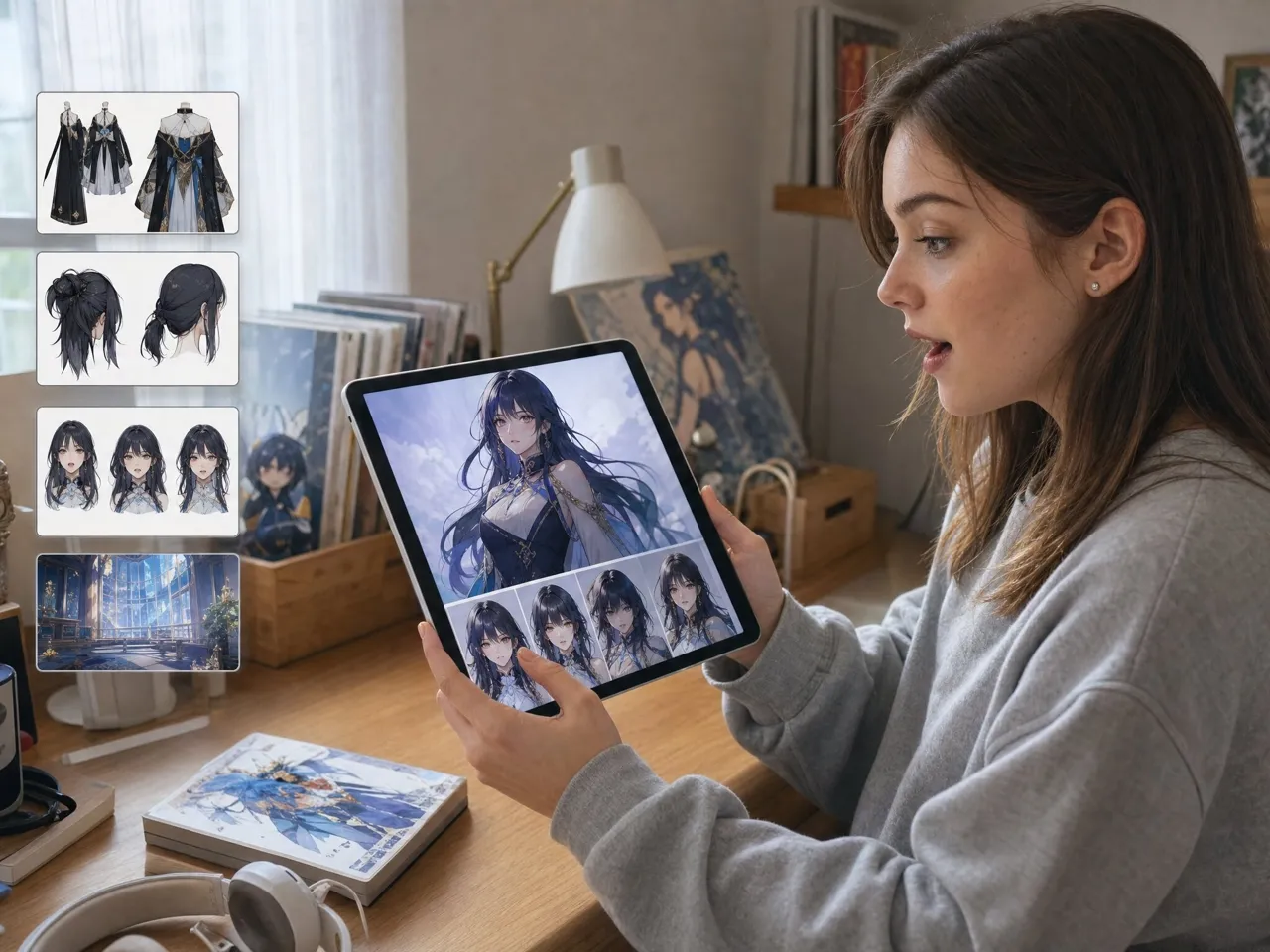
Hobby artists
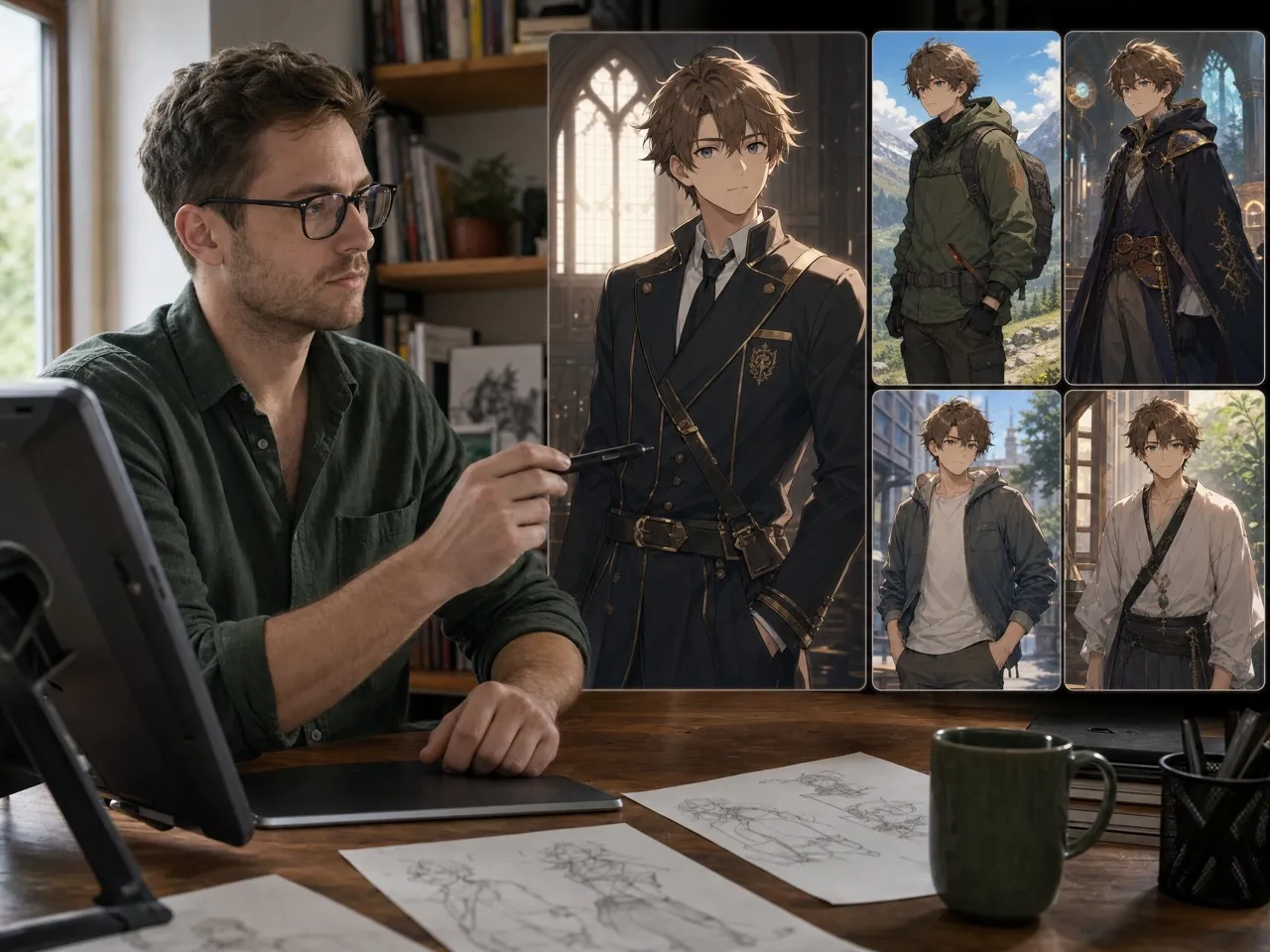
Hobby artists often experiment with different anime aesthetics while developing a character or scene. Vmake Labs lets them refine prompts, use reference images, and switch between AI models to explore separate interpretations of outfits, poses, expressions, and settings while developing ideas for practice or personal projects.
Content creators
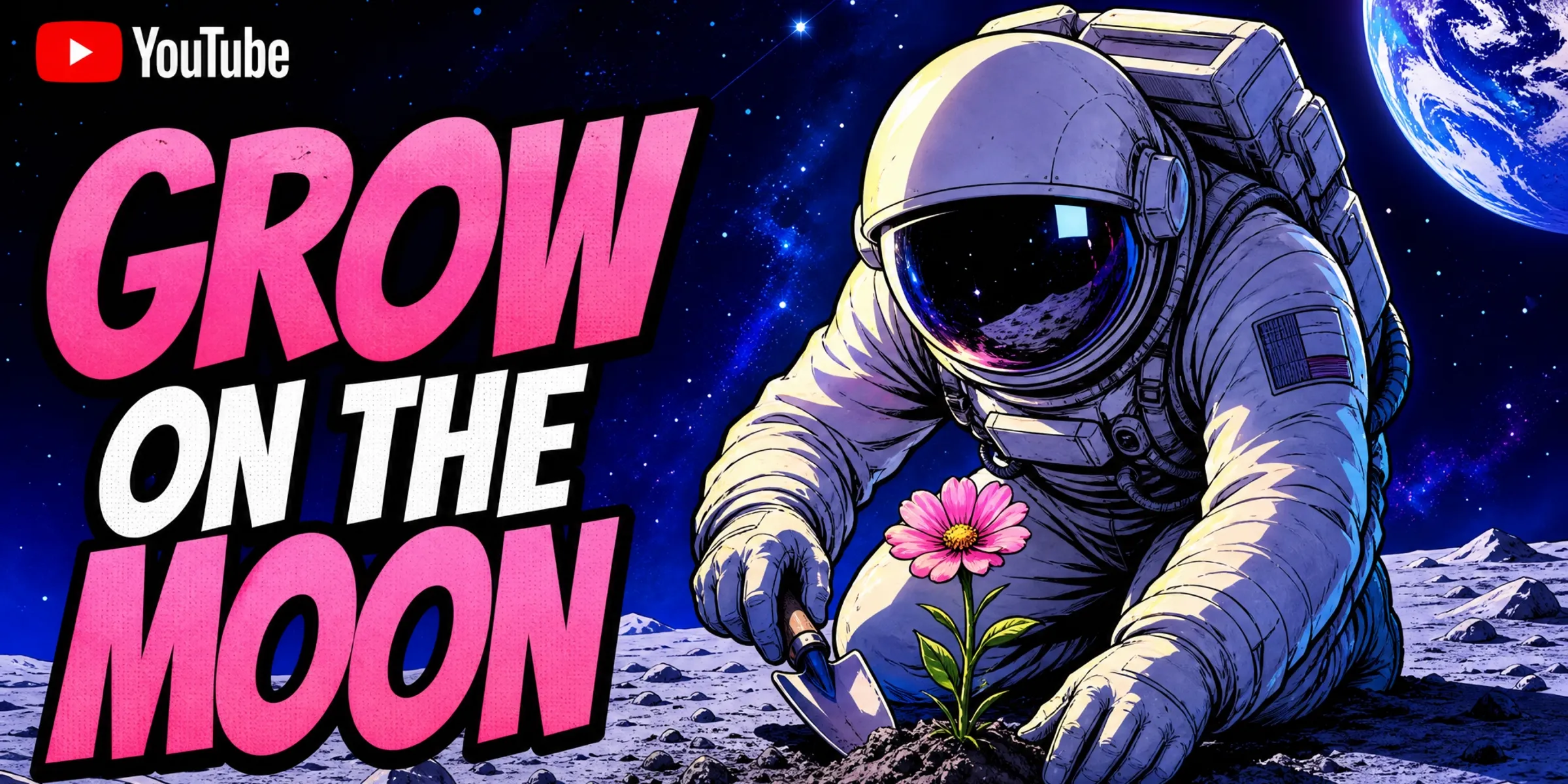
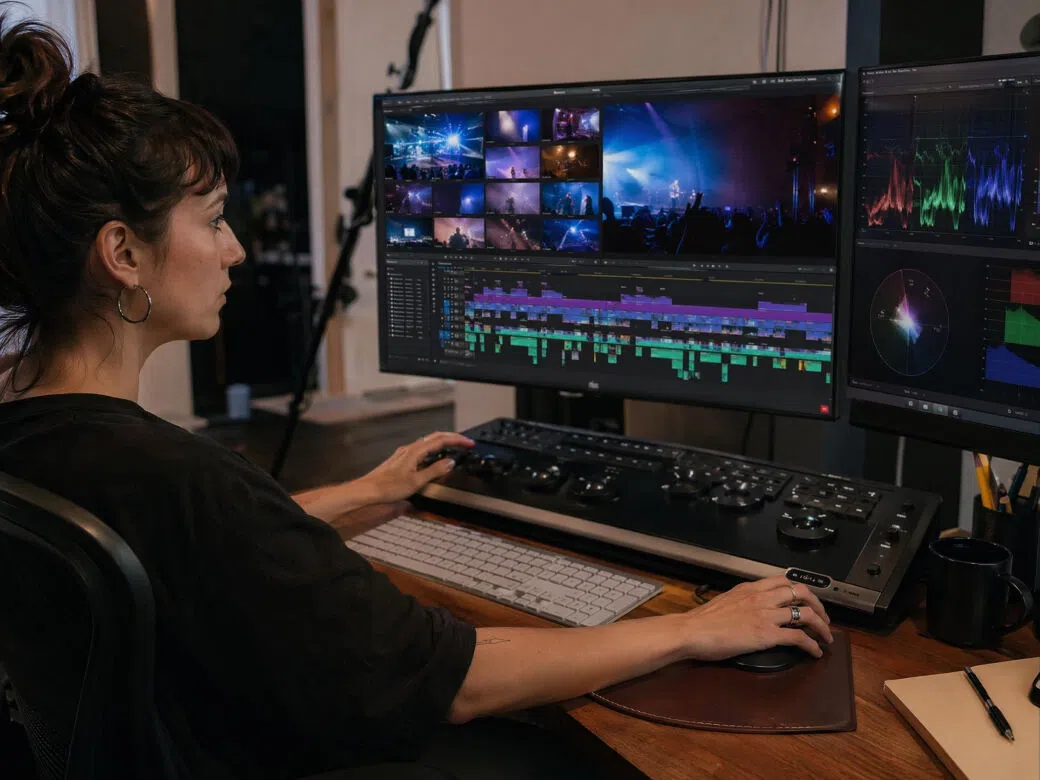
Content creators may need anime-inspired visuals for videos, blogs, presentations, or social posts without producing every asset manually. Vmake Labs AI Image Generator supports text prompts and reference images alongside multiple AI models, giving creators different ways to develop artwork suited to their content and visual direction.
Frequently asked questions about anime image generators
What is an anime image generator?
Can I create anime artwork from a reference image?
Yes. A reference image can help guide the character, pose, colors, clothing, or overall visual direction. If the source needs some preparation first, Vmake Labs AI Image Enhancer can help improve it before you use the image with Vmake Labs AI Image Generator.
Which AI models can I use for anime artwork?
Available options include Nano Banana 2, Nano Banana Pro, Seedream 4.0, and GPT Image 1, along with other supported models. Vmake Labs lets you switch between models and compare how they interpret the same anime concept, from character details and composition to overall visual style.
How can I create similar anime characters?
Use detailed prompts that repeat important character information, and add reference images when you have a visual example to guide the generation. Vmake Labs generates each image separately, so refining the prompt or reference lets you explore related character designs without promising automatic character consistency.
What can I use AI generated anime artwork for?
AI-generated anime artwork can be used for illustrations, concept development, presentations, social content, wallpapers, and personal creative projects. Vmake Labs gives you different ways to explore anime-inspired visuals when a project calls for a particular character, scene, or artistic direction.
How do I choose the right AI model for anime artwork?
There is no single model that suits every anime concept. Try the available models with the same prompt, compare their results, and continue with the one that best matches the visual direction you want. Vmake Labs makes model comparison part of the image-generation workflow.
Start creating anime artwork today
Create anime artwork from text prompts or reference images with Vmake Labs AI Image Generator. Explore different AI models to develop characters, scenes, wallpapers, and illustrations for personal or creative projects.
See how people create anime artwork with Vmake Labs AI Image Generator
I started with a basic character idea and explored different hairstyles, outfits, and expressions through the prompts. Trying a few versions helped me settle on a character design that felt closer to what I had pictured.
I needed anime-style visuals for a presentation and wanted something more specific than stock images. I tried a few prompts based on my topic and found artwork that fit the subject and worked well with the rest of the presentation.
I used different AI models while developing a character concept and compared how they handled the clothing, details, and overall anime style. Seeing different interpretations helped me decide which direction made the most sense for the idea.
I needed anime-inspired visuals for social posts and thumbnails with different themes. Experimenting with prompts and models gave me several directions to consider, so I could choose artwork that suited the tone of each piece of content.
I had several character and fantasy scene ideas but no artwork to go with them. Starting with prompts helped me explore the characters, outfits, and settings visually before deciding which concepts I wanted to develop further.
I used reference images alongside text prompts to explore anime artwork for wallpapers and profile images. Trying different models gave me another way to see how the same general idea could look across different visual styles.