Create Video Subtitles with Emojis Easily

Add expressive emoji subtitles to your videos in seconds.
Drag / Paste / Click
Create Video Subtitles with Emojis Easily 0
Create Video Subtitles with Emojis Easily

How to add Subtitles to Video

Step1

Auto-generate captions

Select ‘Auto Caption’ feature and upload your video, and the software will start transcribing. You can also upload a subtitle file.
Step2

Change subtitle styles and language

You can change the style, font, and colors of your subtitles. Meanwhile, you can translate your captions to the language you prefer.
Step3

Export your video or download the subtitle file

Export your video with the hardcoded subtitles or download the subtitle file

How to add auto captions to video?

Enhance Engagement with Emoji Subtitles

Emoji subtitles make videos more engaging and expressive. They add a playful touch, improve readability, and help convey emotions effectively, making content more relatable and fun.

Enhance Engagement with Emoji Subtitles
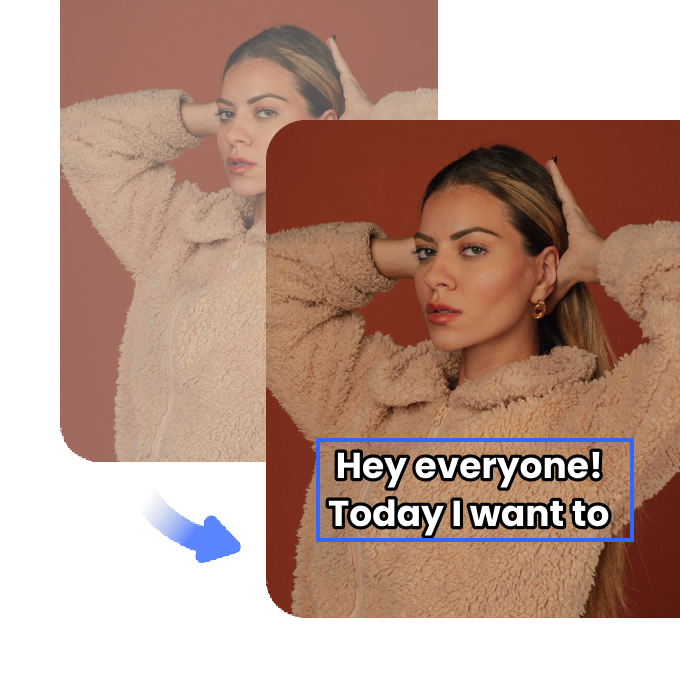
Easy-to-Use Emoji Subtitle Generator
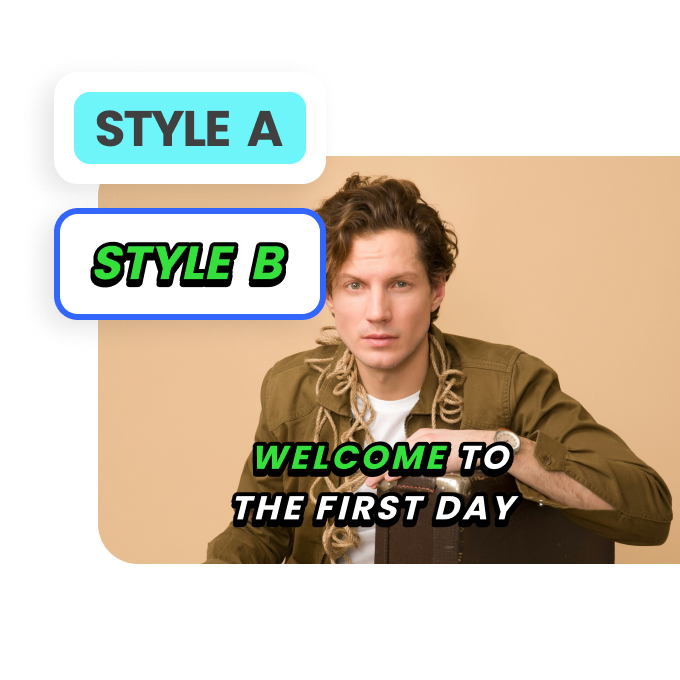
With our tool, adding video subtitles with emojis is simple. Just upload your video, customize your captions, and insert emojis effortlessly. No technical skills required.
Easy-to-Use Emoji Subtitle Generator

Perfect for Social Media & Content Creators
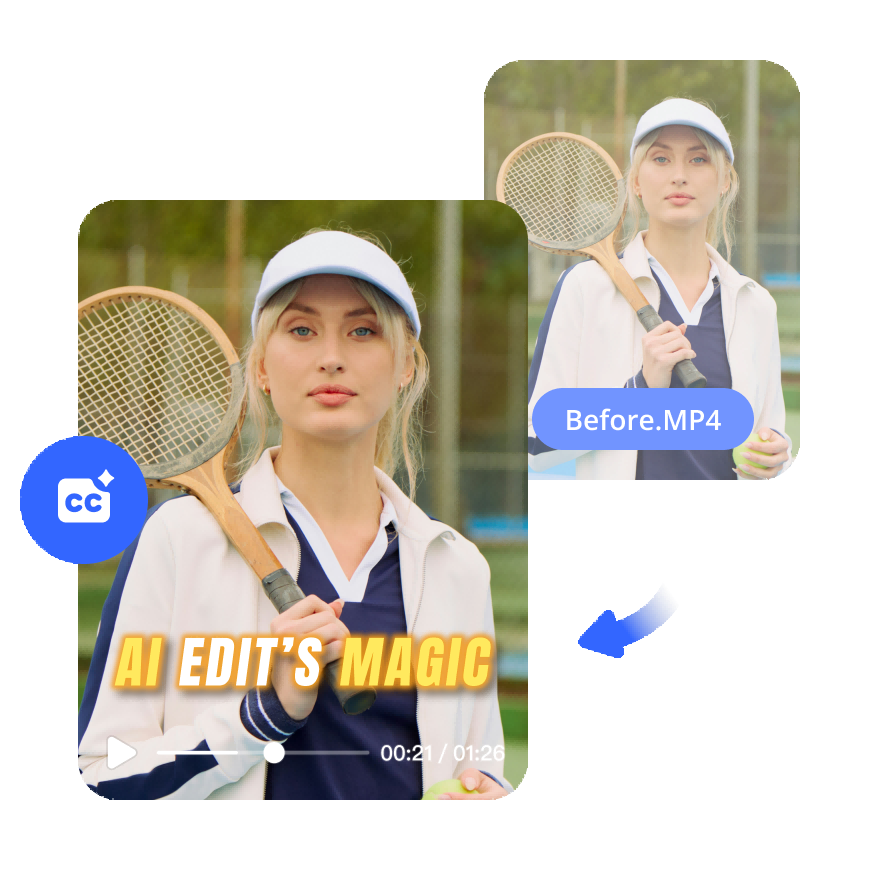
Stand out on platforms like TikTok, YouTube, and Instagram. Emoji subtitles make your videos more eye-catching, helping you attract more viewers and boost engagement.
Perfect for Social Media & Content Creators

FAQ

How to Add Subtitles with Emojis?

Adding subtitles with emojis is simple with Vmake. Upload your video, enter your text, and insert emojis directly into the subtitles. Customize font, size, and position for a seamless look. Preview and export your video with engaging emoji captions in just a few clicks.

How Do I Put an Emoji in a Video?

To add emojis to your video, use Vmake’s Auto Captions tool. Upload your clip, choose the emoji tool, and place emojis anywhere on the screen. Adjust size, animation, and timing for a perfect effect. Save and download your video with dynamic, expressive emojis.

How Do You Write a Caption with Emojis?

Writing captions with emojis is easy in Vmake. Type your text, insert emojis to match the tone, and adjust placement for readability. Use relevant emojis to enhance meaning and engagement. Export your video with eye-catching, emoji-rich captions in minutes.