



AI Video Green Screen Remover

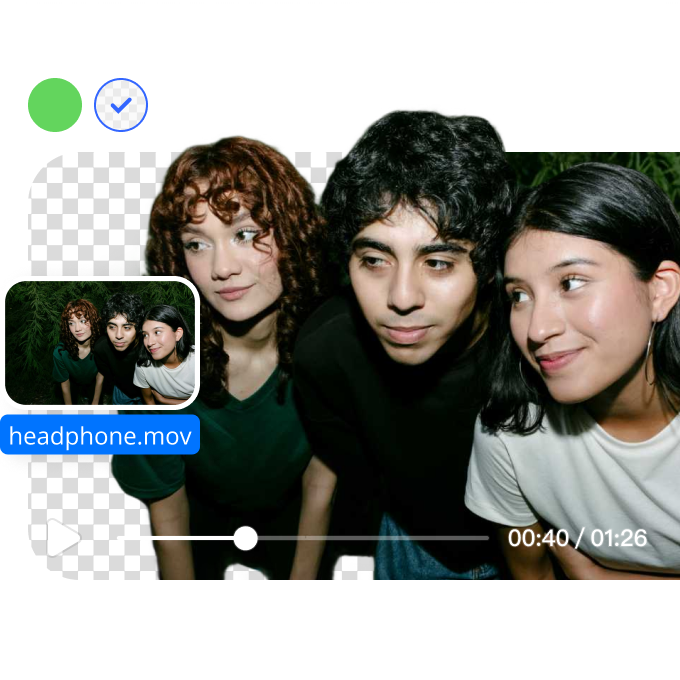
Easily remove green screens from videos with AI. Achieve clean background removal and replace it with any image or video for professional results.
Drag / Paste / Click
No Video? Try one of demo videos:
AI Video Green Screen Remover 0
AI Video Green Screen Remover 1
AI Video Green Screen Remover 2
AI Video Green Screen Remover

How to remove background from a video?

Step1

Upload a video file

Select a video file under 200MB and in the appropriate format. It might take a few seconds of waiting time to upload your video.
Step2

Detect and select

The AI video background remover will automatically detect the main subject of the video and remove the rest.
Step3

Refine and export video

Once the background has been removed from the video, choose the proper video format resolution and background type to download.

How to remove green screens from videos?

Effortless Green Screen Removal

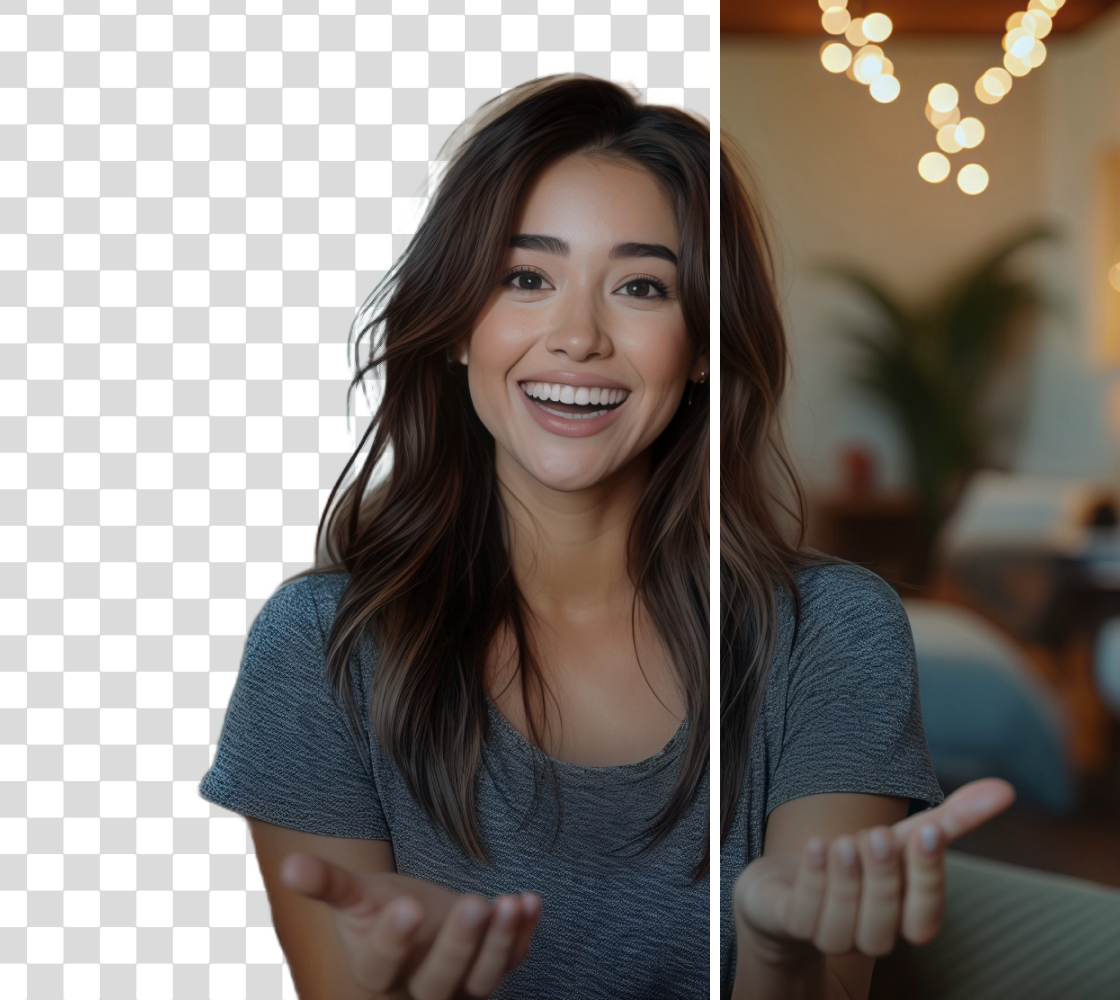
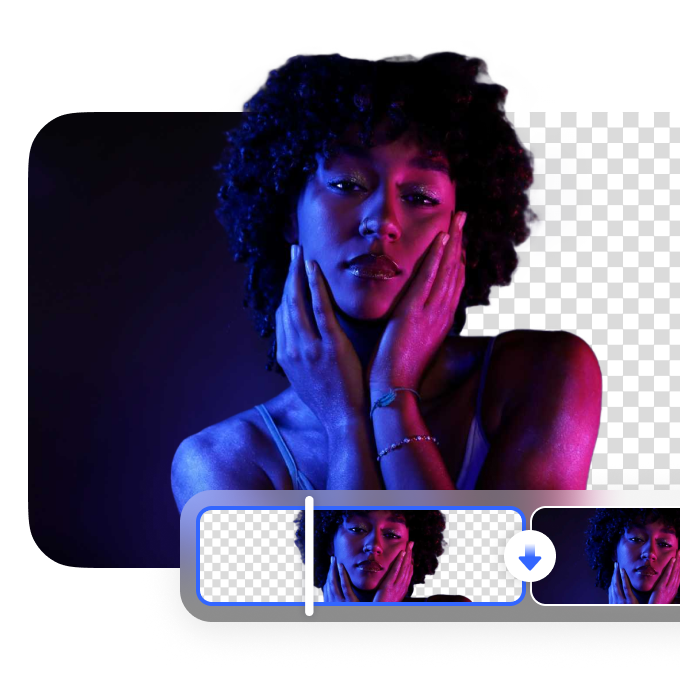
Remove green screens from videos with AI-powered precision. Our video green screen remover automatically detects and removes green backgrounds, ensuring a clean cutout of your subject. Upload your video, let AI process it, and replace the background with any image or video to match your project needs.
Effortless Green Screen Removal

Professional Editing Made Simple

Eliminate the hassle of manual keying with an AI-driven video green screen remover. Perfect for content creators, marketers, and video editors, this tool provides seamless background removal while maintaining high-quality visuals. Create polished videos for presentations, social media, or professional productions without complex editing software.
Professional Editing Made Simple

Custom Background Replacement

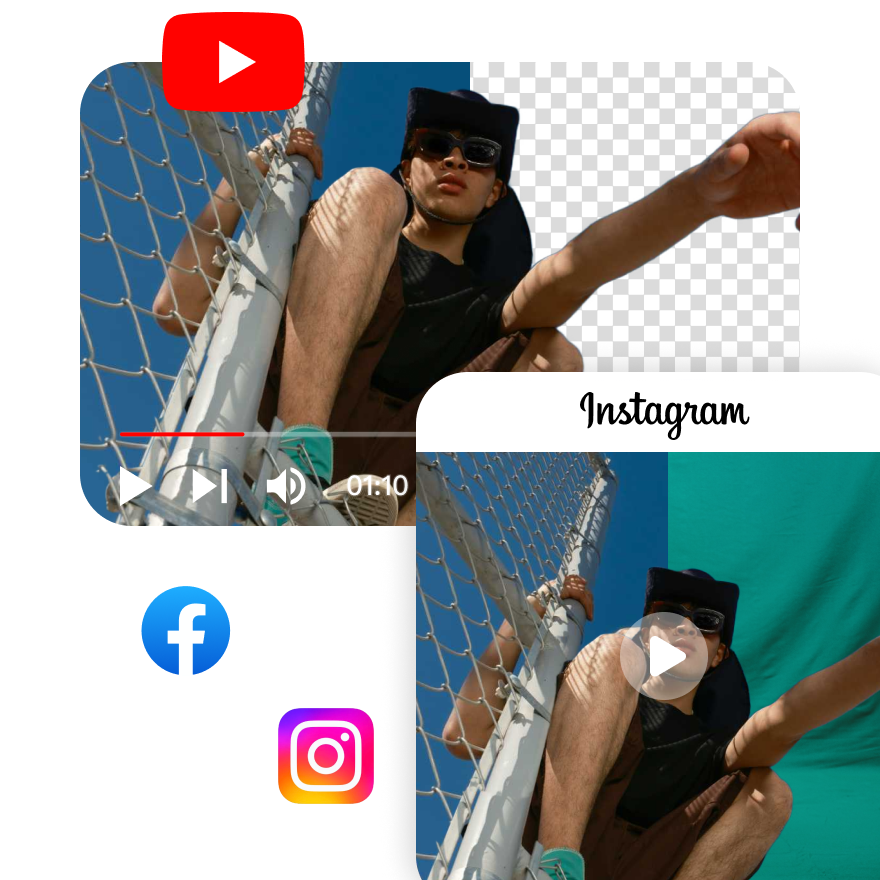
After removing the green screen, replace the background with any image, video, or transparent layer. Whether you're creating marketing videos, educational content, or cinematic scenes, our AI tool ensures smooth integration, allowing you to customize your visuals while preserving sharp edges and accurate color correction.
Custom Background Replacement

FAQ

How does a video green screen remover work?

Vmake's Video Background Remover detects and isolates the subject by analyzing the green screen background. It then removes the green screen, leaving the subject intact, allowing for easy background replacement.

Can I replace the green screen background with a custom image?

Yes, with Vmake's Video Background Remover, you can replace the green screen with a custom image or video. This provides flexibility in creating personalized, professional-looking content.

What video formats are supported for green screen removal?

Vmake's Video Background Remover supports popular video formats like MP4 and MOV, making it easy to upload and process your content. The tool ensures smooth integration for a variety of video projects.

Will AI green screen removal affect video quality?

No, the AI-powered green screen removal in Vmake maintains video quality. The algorithm ensures that the background removal process does not degrade the video’s resolution or sharpness.

Is this tool suitable for live streaming and real-time editing?

Vmake's Video Background Remover is not designed for live streaming or real-time editing. It works efficiently on pre-recorded videos for professional editing purposes.