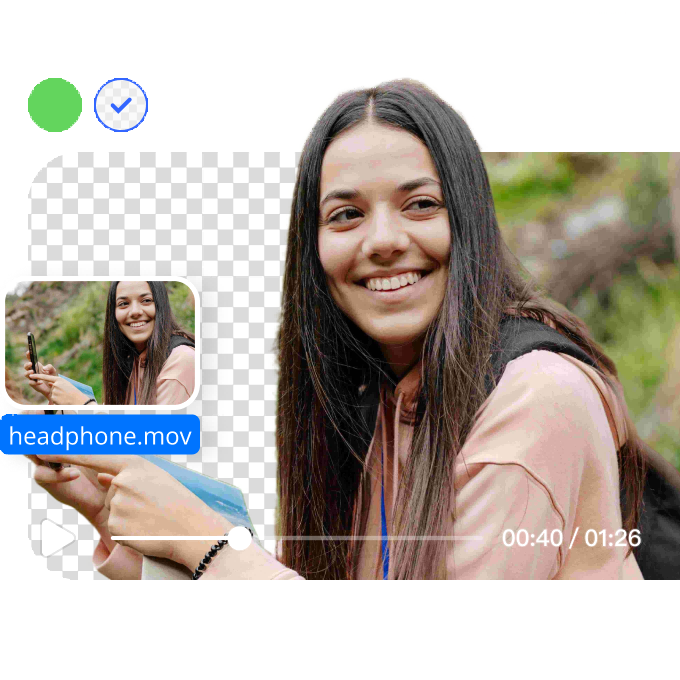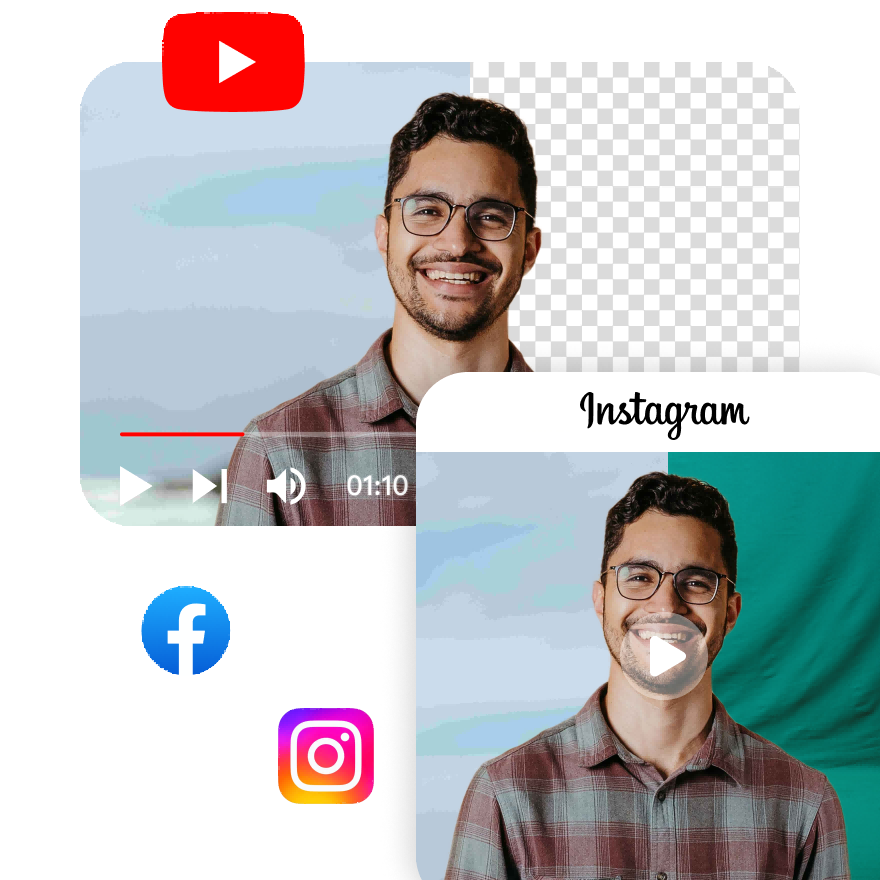





Change Your TikTok Video Background

Transform your TikTok videos by changing backgrounds instantly. Our tool offers easy, fast, and professional background removal for a perfect TikTok video.
Drag / Paste / Click
No Video? Try one of demo videos:
Change Your TikTok Video Background 0
Change Your TikTok Video Background 1
Change Your TikTok Video Background 2
Change Your TikTok Video Background

How to remove background from a video?

Step1

Upload a video file

Select a video file under 200MB and in the appropriate format. It might take a few seconds of waiting time to upload your video.
Step2

Detect and select

The AI video background remover will automatically detect the main subject of the video and remove the rest.
Step3

Refine and export video

Once the background has been removed from the video, choose the proper video format resolution and background type to download.

How to change the background in TikTok videos?

Easily Edit TikTok Video Backgrounds

Our TikTok video background changer simplifies the process of changing your video backdrop. Whether you want a transparent, green, or custom background, this AI-powered tool allows you to remove or replace the background in seconds. Create professional-looking TikTok content effortlessly.
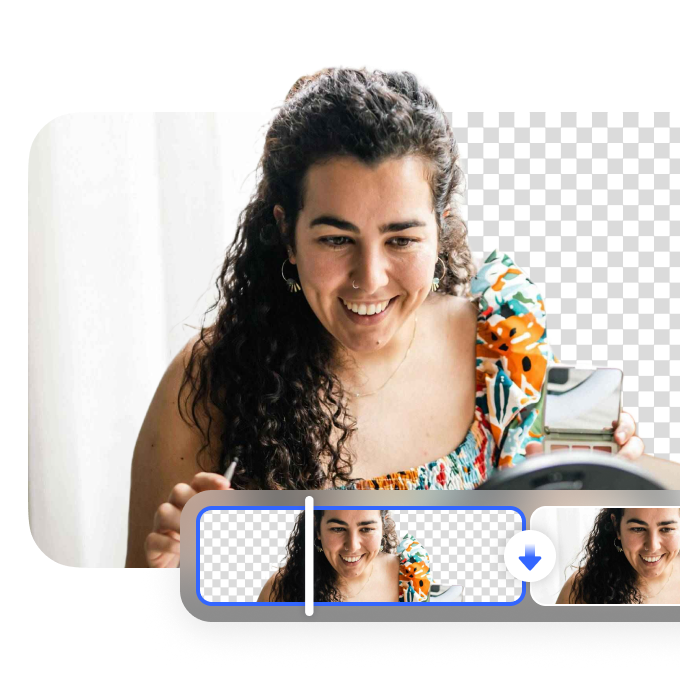
Easily Edit TikTok Video Backgrounds

Enhance Your TikTok Videos in Seconds

Use this TikTok video background changer to elevate your content. Replace boring or distracting backgrounds with eye-catching visuals, making your videos stand out. This easy-to-use tool provides fast results, allowing you to focus on the creative aspect of your TikTok content without spending hours on editing.
Enhance Your TikTok Videos in Seconds

Create Professional TikTok Content

Whether you're making tutorials, vlogs, or fun TikTok challenges, our background changer tool helps you create polished, professional content. With a few clicks, you can remove unwanted backgrounds and replace them with engaging, customized backdrops, perfect for any TikTok theme.
Create Professional TikTok Content

FAQ

Is there a free TikTok video background changer?

Yes, Vmake’s Video Background Remover offers a free TikTok video background changer. It allows you to quickly remove and replace backgrounds, creating engaging content for TikTok and other social media platforms.

How can I change the background of my TikTok videos online?

You can change the background of your TikTok videos using Vmake’s Video Background Remover. Upload your video, and the AI will automatically remove the background, enabling you to replace it with something more fitting for TikTok.

Can I use a background remover for my TikTok videos?

Yes, Vmake’s Video Background Remover can be used for TikTok videos. It removes backgrounds seamlessly, allowing you to create visually appealing TikTok content that stands out.

How can I edit the background in TikTok videos easily?

With Vmake’s Video Background Remover, editing the background in TikTok videos is simple. Upload your video, and AI will handle the background removal, making it easy to replace it with custom visuals or effects.

What tool can I use to change the background of my TikTok videos?

Use Vmake’s Video Background Remover to change the background of your TikTok videos. It’s a fast and efficient tool that removes unwanted backgrounds and allows you to enhance your TikTok videos with new, engaging visuals.