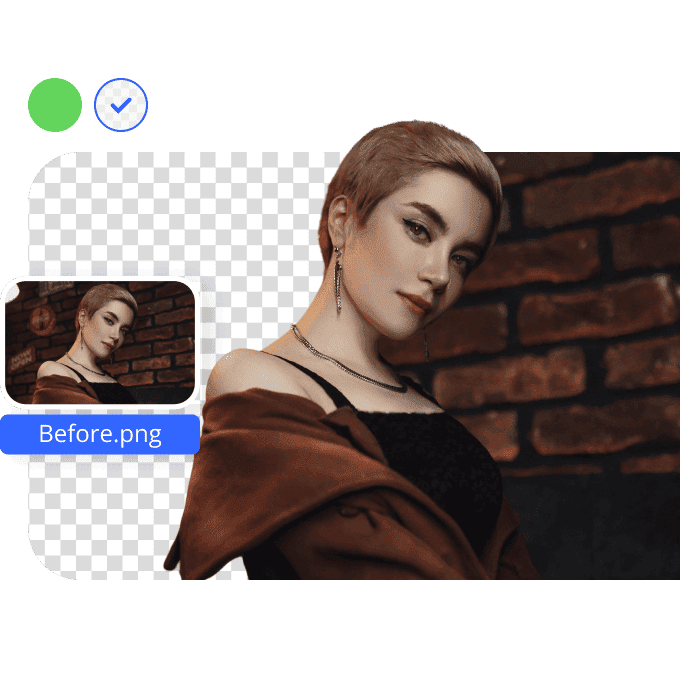


Effortless PNG Background Removal
Instantly Erase PNG Backgrounds

How to remove background from images?
Upload your images
You can click, paste the image URL or drag the image from your device into the image editor, which will take you directly to the next step.
Recognize and remove
AI will automatically mark the background and remove it while you sit back and relax! The processing time may vary depending on the size of your images.
Download or refine
You can now download the processed images in HD or SD based on your needs. If you wish to tweak the details, switch to manual edit mode to refine.
How to remove PNG background?

High-Quality Transparent PNGs

User-Friendly Online Interface

FAQ
How can I remove the background from a PNG image online?
Will the quality of my PNG image be affected after background removal?
Our Image Background Remover tool is designed to maintain the original quality of your PNG images. After background removal, your image will retain its resolution and clarity, ensuring professional results.
Can I use the background remover on different devices?
Absolutely. Vmake’s AI-powered Image Background Remover tool is compatible with various devices, including desktops, laptops, tablets, and smartphones, providing flexibility for users on the go.
Do I need to install any software to use the background remover?
No installation is required. Our AI-powered Image Background Remover tool operates entirely online, allowing you to process images directly through your web browser without additional software.
Can I edit the image further after removing the background?
Absolutely. After using our Image Background Remover tool, you can download the transparent PNG and use Vmake’s other features to make further adjustments as needed. Ideal for designers, marketers, and content creators.
Discover More Features

Video & Image Enhancer

Watermark & Text Remover

Video Upscaler

AI Creative Ads

AI Video Generator

Video Background Remover

Video & Audio to Text