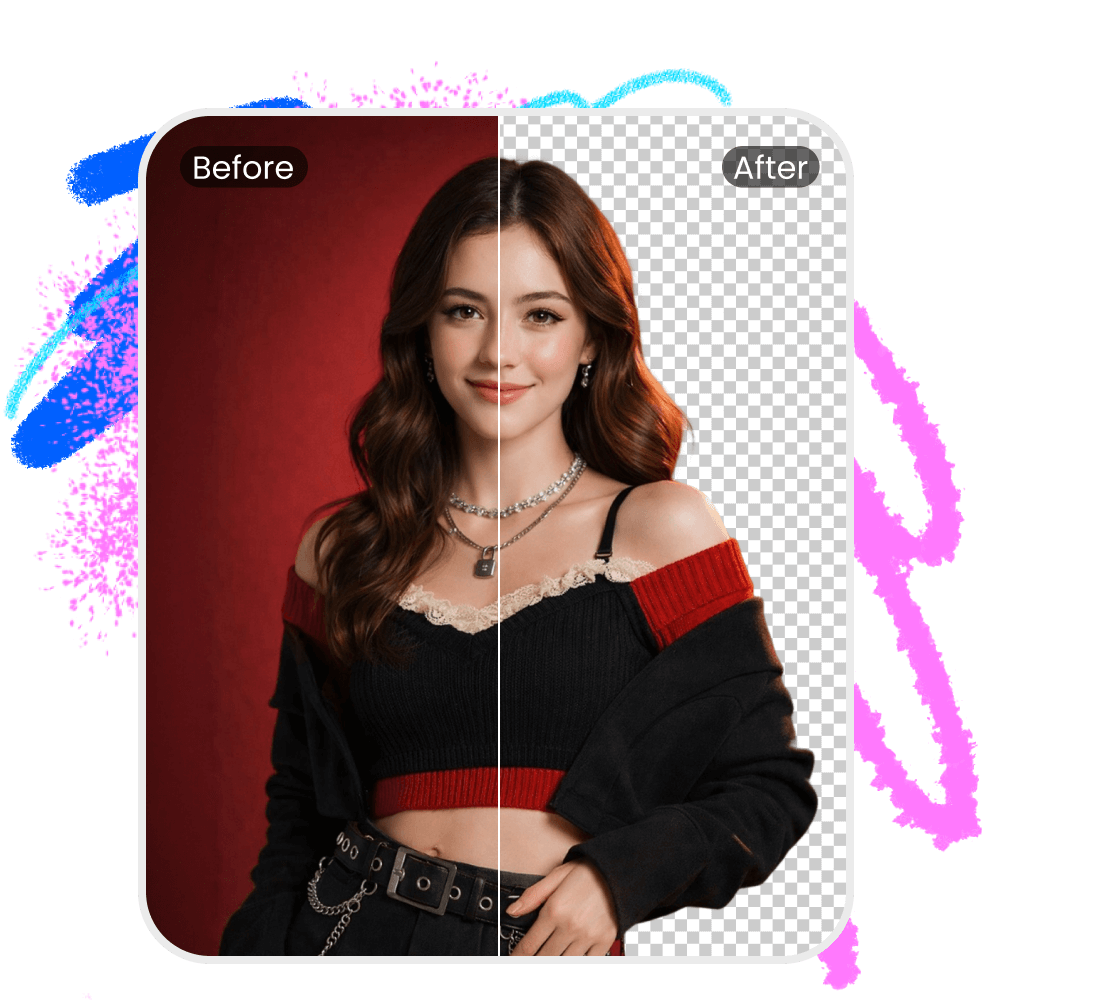


GPT Background Remover

Easily remove backgrounds from GPT Image outputs with a streamlined, user-friendly tool—perfect for professionals who need fast, clean, high-quality edits without extra friction.
GPT Background Remover

How to remove GPT background from images?

Step1

Upload your GPT images

You can click, paste the image URL or drag the image from your device into the image editor, which will take you directly to the next step.
Step2

Recognize and remove

AI will automatically mark the background and remove it while you sit back and relax! The processing time may vary depending on the size of your images.
Step3

Download or refine

You can now download the processed images in HD or SD based on your needs. If you wish to tweak the details, switch to manual edit mode to refine.

How to delete GPT background?

AI-Powered Precision

Use advanced AI power to remove GPT image backgrounds with accuracy and speed. Our cutting-edge algorithm intelligently identifies and isolates subjects, ensuring clean edges and smooth contours. The result is a polished, high-quality image that retains its visual integrity, ready for use across professional, commercial, or creative projects.
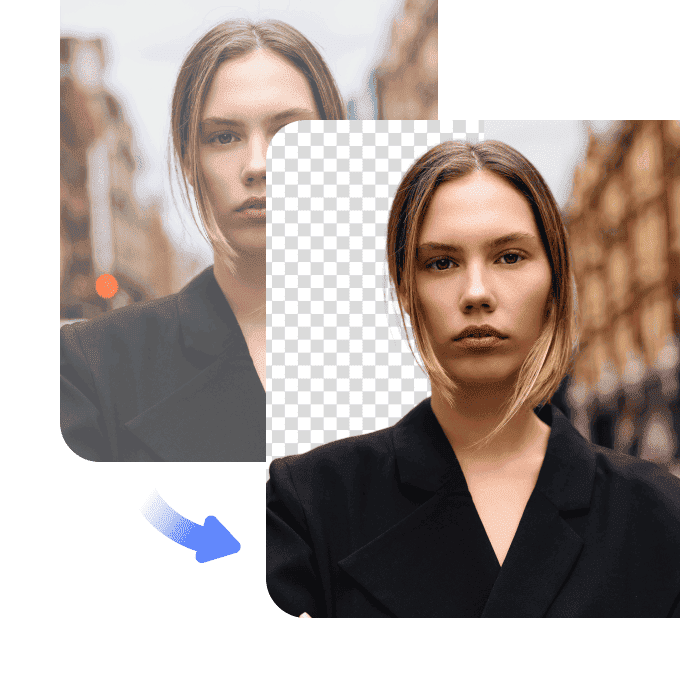
AI-Powered Precision

User-Friendly Interface

Built for efficiency and ease, our intuitive online platform empowers users of all experience levels to remove image backgrounds in just a few clicks. No need for design skills or complex software—simply upload your image, and our automated tool processes it instantly.
User-Friendly Interface

Versatile Applications

Adaptable to a wide range of use cases, our background removal tool delivers consistent, high-quality results for any image type. Perfect for eCommerce product photography, digital marketing assets, presentations, social media content, or personal use, it seamlessly integrates into your workflow.
Versatile Applications

FAQ about GPT Background Remover

How can I delete the background from an image?

To delete the background from an image, upload it to our platform and use the AI-powered Image Background Remover tool. The system automatically detects and removes the background, providing a clean, transparent result ready for use.

Is the background deletion tool suitable for all image types?

Yes, our tool is designed to handle various image formats and complexities. Whether it's a simple portrait or a detailed product shot, the AI ensures precise background deletion across different scenarios.

Can I process multiple images at once?

Absolutely. Our Image Background Remover tool supports batch processing, allowing you to delete backgrounds from multiple images simultaneously, saving time and increasing efficiency.

How accurate is the background deletion?

Our Image Background Remover tool, powered by AI technology, ensures high accuracy in background deletion, maintaining the quality of the subject while providing a clean, distraction-free background.

Do I need design experience to use Vmake’s remover?

No experience is needed. Vmake’s Image Background Remover is user-friendly and requires only an image upload. The system automatically removes the background with professional accuracy, making it accessible to users at any skill level.