

Convert Audio into Subtitles Easily

Generate subtitles from audio with AI-powered transcription. Upload files, convert speech into text, and create accurate captions for videos, lectures, and presentations.
Support format:.mp4, .mov, .m4v, .3gp, .avi

How to Convert Video or Audio to Text

Step1

Step 1: Upload Your Video or Audio

Click the "Upload" button to add video or audio files from your device. You can upload multiple files at once.
Step2

Step 2: Select the Language

Choose the language for transcription or translation. You can keep the original language or convert it into another language of your choice. Then, click "Convert" to start processing.
Step3

Step 3: Download Your Files

Once the conversion is complete, download your files, including SRT subtitles and text transcriptions.

How to convert audio to subtitles?

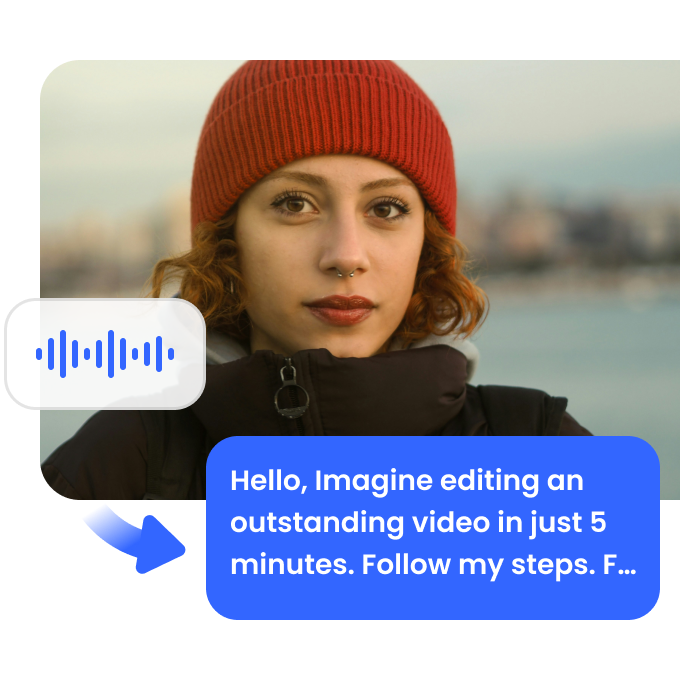
Automatic Audio-to-Subtitle Conversion

Transform speech into subtitles with an AI-powered audio to subtitle converter. Upload MP3, WAV, or other formats, and get precise, editable captions for videos, interviews, and lectures. This tool helps improve accessibility, content reach, and engagement with accurate speech-to-text conversion.
Automatic Audio-to-Subtitle Conversion

Multiple Languages and Formats Supported

Easily generate subtitles in multiple languages with automatic translation. Supports SRT, VTT, and other subtitle formats for seamless video integration. Whether you’re creating subtitles for YouTube, business presentations, or educational content, this tool provides accurate and fast results.
Multiple Languages and Formats Supported

Edit and Customize Subtitles Effortlessly

Refine your generated subtitles with built-in editing tools. Adjust timestamps, correct text, and format subtitles to match your video’s needs. Export your final subtitles in various formats to ensure compatibility with streaming platforms, social media, or professional video editing software.
Edit and Customize Subtitles Effortlessly

FAQ

Is there a free audio to subtitle converter?

Yes, Vmake’s Video & Audio to Text Tool offers a free version that can convert audio to subtitles. Simply upload your audio or video file, and the tool will generate subtitles in various formats, ready for use on platforms like YouTube or TikTok.

How can I generate subtitles from an audio file?

To generate subtitles from an audio file, upload the file to Vmake’s Video & Audio to Text Tool. The tool will automatically convert the audio into subtitles in your preferred format for easy editing and use on platforms like Instagram and YouTube.

Does this tool support multiple subtitle formats?

Yes, Vmake’s Video & Audio to Text Tool supports multiple subtitle formats, including SRT and VTT. This flexibility allows you to use your subtitles across various platforms such as YouTube, TikTok, and Instagram.

Can I edit the subtitles after they are generated?

Yes, after generating subtitles using Vmake’s Video & Audio to Text Tool, you can easily edit them to ensure accuracy or make changes as needed. This feature allows for precise control over your final subtitles.

How accurate is the AI speech-to-subtitle conversion?

Vmake’s Video & Audio to Text Tool is highly accurate, providing quick and reliable results for most audio and video files. Minor adjustments may be needed for complex speech, but overall, it delivers a high-quality transcription.