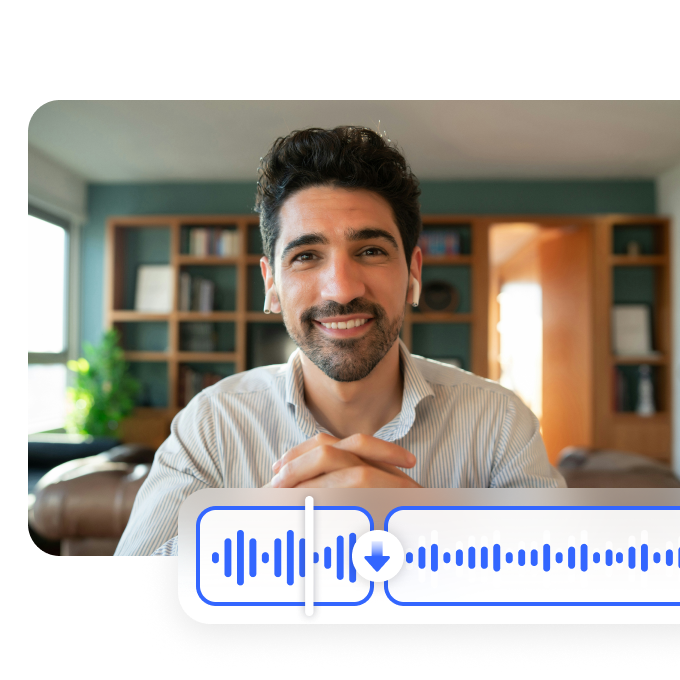



Clean Your Music with AI Precision

Our AI music cleaner removes unwanted noise, enhancing your music tracks. Whether you're a producer or musician, create cleaner audio with AI in minutes for professional sound.
Support format: .mp4, .mov, .m4v, .3gp, .avi

No video? Try these

How to remove background noise from videos?

Step1

Upload a video file

Open Vmake and locate the online noise reducer feature, click "upload" to select the video file you want to remove noise.

Step2

Remove background noise automatically

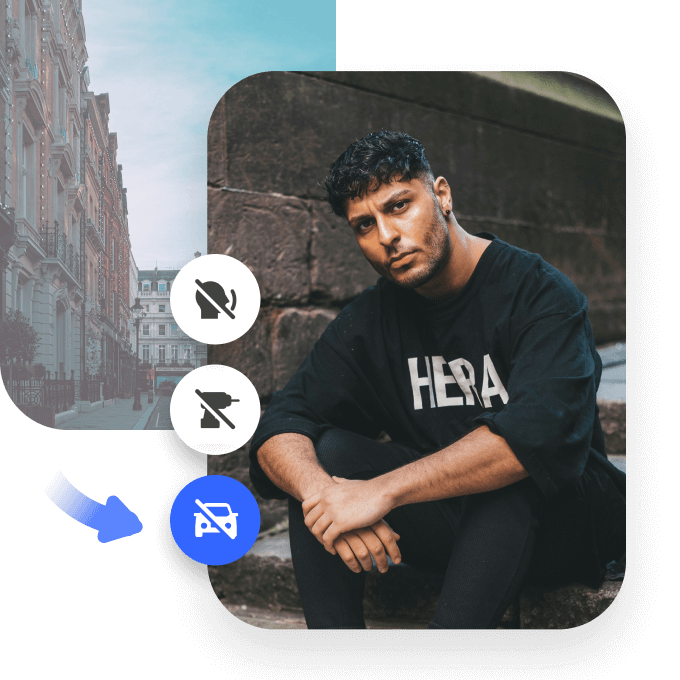
Once the video is uploaded, the AI will do its magic and auto-apply removement options- remove drums, fan noise, tapping, and traffic noise.

Step3

Export denoised videos

After the video is processed, you will see a preview of the resulting quality, choose a file format and video length to save and export.

How does AI clean music audio?

AI Music Cleaner for Professional Sound

The AI music cleaner uses advanced technology to detect and remove background noise from your music tracks. Whether it's hums, static, or unwanted interference, the AI ensures a pristine audio experience. Perfect for music producers, artists, and anyone seeking high-quality audio.
AI Music Cleaner for Professional Sound

Effortless Noise Removal for Music Tracks

Our AI-powered music cleaner simplifies the process of cleaning your music files. Upload your track, and let the AI do the work. In minutes, your music is free from unwanted noises, leaving only the crisp, clear sound of your performance. Ideal for professionals and hobbyists alike.
Effortless Noise Removal for Music Tracks

Enhanced Audio Quality with AI Technology

The AI music cleaner doesn’t just remove noise—it also enhances the overall audio quality of your tracks. Whether you’re recording vocals or instrumentals, your sound becomes sharper and more refined. Experience studio-level quality in an easy-to-use tool that saves you time.
Enhanced Audio Quality with AI Technology

FAQ

How does the AI music cleaner remove noise from my tracks?

Vmake’s AI Noise Reducer removes noise from your tracks by detecting and eliminating unwanted background sounds. It isolates and enhances the primary audio, leaving you with clearer, more professional-sounding music.

Any AI music cleaner suitable for vocals?

Yes, Vmake’s AI Noise Reducer is suitable for vocals. It effectively removes background noise from vocal tracks, ensuring that your voice is clear and distinct while maintaining the quality of the rest of your music.

How to clean a music track with AI?

To clean a music track with AI, upload your track to Vmake’s Noise Reducer. The AI will automatically filter out background noise, enhancing the clarity and quality of your music for a more professional sound.

Can AI clean music files?

Yes, Vmake’s AI can clean music files by automatically removing background noise and enhancing audio clarity. This tool ensures that your music sounds professional and polished, perfect for sharing on platforms like YouTube and TikTok.

Any free AI music cleaner?

Vmake offers a free version of its AI music cleaner. Upload your music file, and the AI will automatically clean it by removing unwanted noise, giving you clear, crisp audio without affecting the quality of your track.