

AI-Powered Voice Clarity

Achieve AI clear voice effortlessly. Remove noise, enhance speech clarity, and produce professional-quality audio with AI-driven noise reduction in seconds.
Drag / Paste / Click
No video? Try these
AI-Powered Voice Clarity 0
AI-Powered Voice Clarity

How to remove background noise from videos?

Step1

Upload a video file

Open Vmake and locate the online noise reducer feature, click "upload" to select the video file you want to remove noise.
Step2

Remove background noise automatically

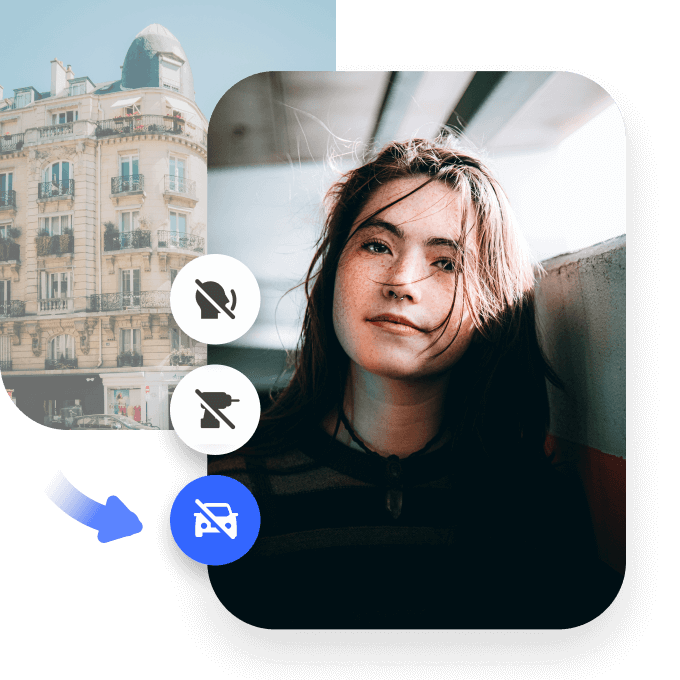
Once the video is uploaded, the AI will do its magic and auto-apply removement options- remove drums, fan noise, tapping, and traffic noise.
Step3

Export denoised videos

After the video is processed, you will see a preview of the resulting quality, choose a file format and video length to save and export.

How does AI enhance voice clarity?

Crystal-Clear Voice with AI

AI clear voice technology removes background noise and enhances speech clarity for professional-quality sound. Whether you're recording a podcast, creating online content, or in a virtual meeting, our AI ensures your voice is crisp and natural, free from echoes, static, or environmental interference.
Crystal-Clear Voice with AI

Perfect for Content Creators & Professionals

Make your voice stand out with AI-powered clarity. AI clear voice processing is ideal for YouTubers, educators, and business professionals who need polished, high-quality sound. It automatically enhances speech while reducing distractions, making it perfect for presentations, video calls, and content creation.
Perfect for Content Creators & Professionals

Fast, Smart & Easy to Use

No technical skills required—get AI clear voice with just a few clicks. Upload your file, let AI refine your audio, and download the improved version instantly. Supports multiple formats, including MP3, WAV, and MP4, making it the perfect solution for all voice enhancement needs.
Fast, Smart & Easy to Use

FAQ

What is the AI that makes your voice clearer?

Vmake’s AI Noise Reducer enhances voice clarity by automatically removing background noise. It sharpens and enriches audio, ensuring crisp, professional sound for YouTube, podcasts, and other content creation platforms.

What is the best AI tool for enhancing voice clarity?

Vmake’s AI Noise Reducer is the best tool for enhancing voice clarity. It automatically detects and eliminates background noise, improving audio quality and voice sharpness, making it ideal for podcasts, YouTube videos, and social media content.

Can AI clear voice software remove background noise?

Yes, Vmake’s AI Noise Reducer can remove background noise from voice recordings. The AI automatically detects and eliminates unwanted sounds, ensuring your voice remains clear and professional for podcasts, YouTube, and social media.

Can AI fix bad audio?

Vmake’s AI Noise Reducer can fix bad audio by removing background noise and enhancing voice clarity. Whether it's hums or traffic sounds, the AI automatically cleans up your audio, making it perfect for YouTube, podcasts, and other platforms.

What file formats are supported for AI voice enhancement?

Vmake’s AI Noise Reducer supports a variety of file formats, including .mp4, .mov, .m4v, .3gp, and .avi. It enhances voice clarity and removes noise, perfect for podcasts, YouTube videos, and other content creation formats.