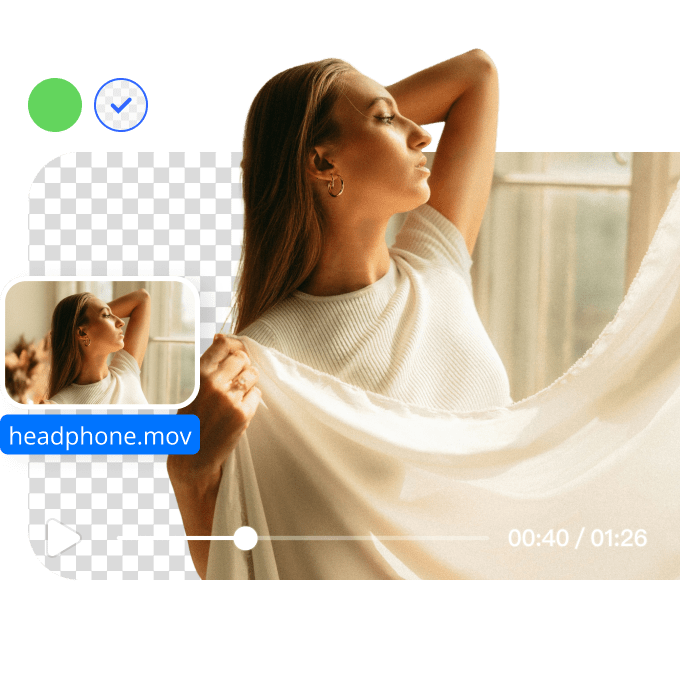





Add Background to Video with Ease

Add background to video in just a few clicks. Choose from various background options to enhance your video content with AI-powered editing tools.
Support format: .mp4, .mov, .m4v, .3gp, .avi

No Video? Try one of demo videos:

How to remove background from a video?

Step1

Upload a video file

Select a video file under 200MB and in the appropriate format. It might take a few seconds of waiting time to upload your video.
Step2

Detect and select

The AI video background remover will automatically detect the main subject of the video and remove the rest.
Step3

Refine and export video

Once the background has been removed from the video, choose the proper video format resolution and background type to download.

How to add a new background to a video?

Customize Your Video with New Backgrounds

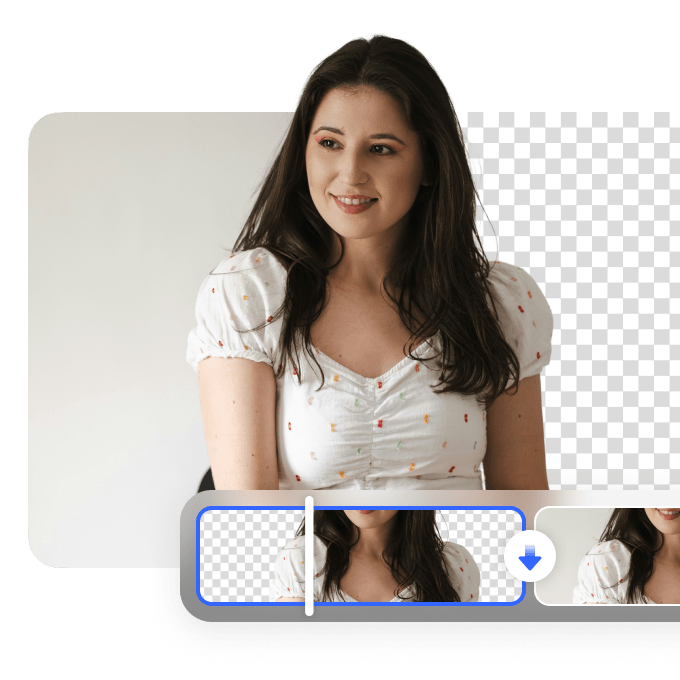
Easily add background to video with our intuitive editor. Upload your video, and with a few clicks, choose from solid colors, transparent, or custom backgrounds. This process helps personalize your video, making it stand out on social media, in marketing campaigns, and more.
Customize Your Video with New Backgrounds

Efficient and Professional Video Editing

Our video background editor uses AI technology to analyze your video, making the process of adding a background seamless and efficient. Whether you're adding a green screen, replacing the background with a custom design, or keeping it transparent, our tool ensures that your video looks professional and polished.
Efficient and Professional Video Editing

Elevate Your Brand with Custom Video Backgrounds

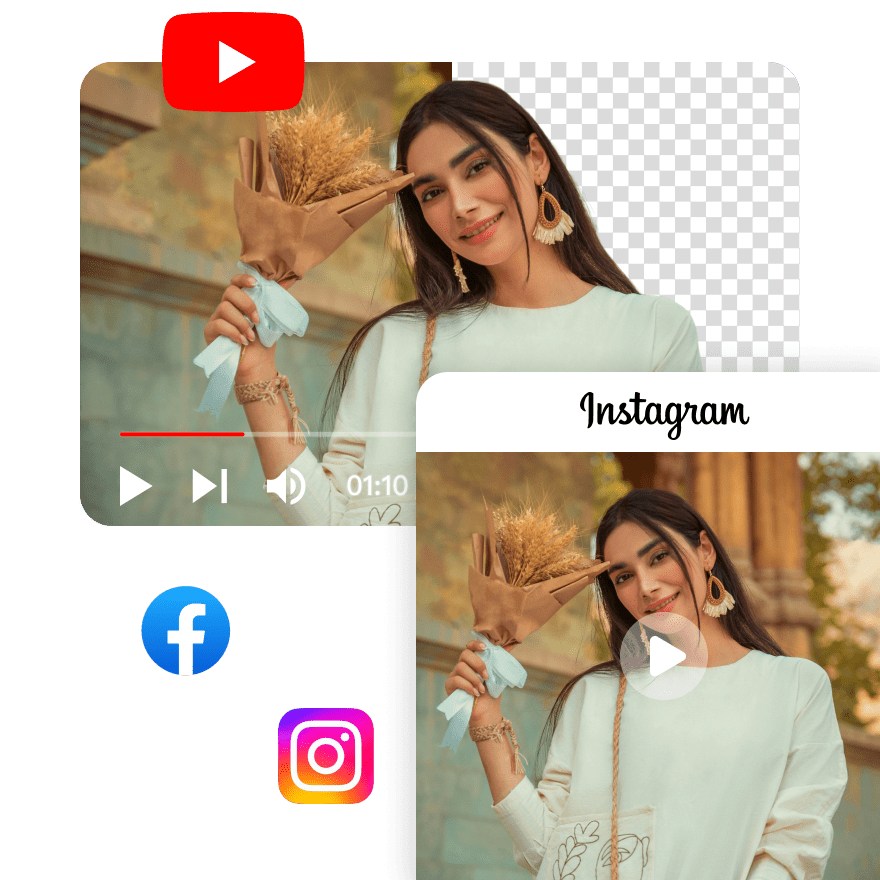
Adding background to video helps to showcase your branding, products, or personal style. The right background creates a stronger visual impact and enhances viewer engagement. Choose from a range of background styles and customize your videos to align with your brand identity.
Elevate Your Brand with Custom Video Backgrounds

FAQ

What types of backgrounds can I add to my video?

You can add various backgrounds to your video, including custom images, video clips, or transparent backgrounds. This flexibility allows you to create professional and creative content tailored to platforms like YouTube and Instagram.

How does AI help in removing a background in a video?

Vmake’s Video Background Remover helps by analyzing your video, identifying the subject, and removing the background. It then allows you to seamlessly insert a new background, whether an image, video, or transparent layer, ensuring a smooth and professional result.

Can I add a custom image as a background to my video?

Yes, Vmake’s Video Background Remover allows you to add a custom image as a background. After the AI removes the original background, upload your desired image to create a personalized and impactful video.

Can you add a background to a video?

Yes, with Vmake’s Video Background Remover, you can easily add a new background to your video. After the background removal process, choose from a variety of backgrounds, including custom images or videos.

How to change background in video for free?

Vmake offers a free solution to change the background in a video. Simply upload your video, let the AI remove the background, and choose a new one, all without any cost, making it accessible for content creators.