



4K Upscaling & Restoration
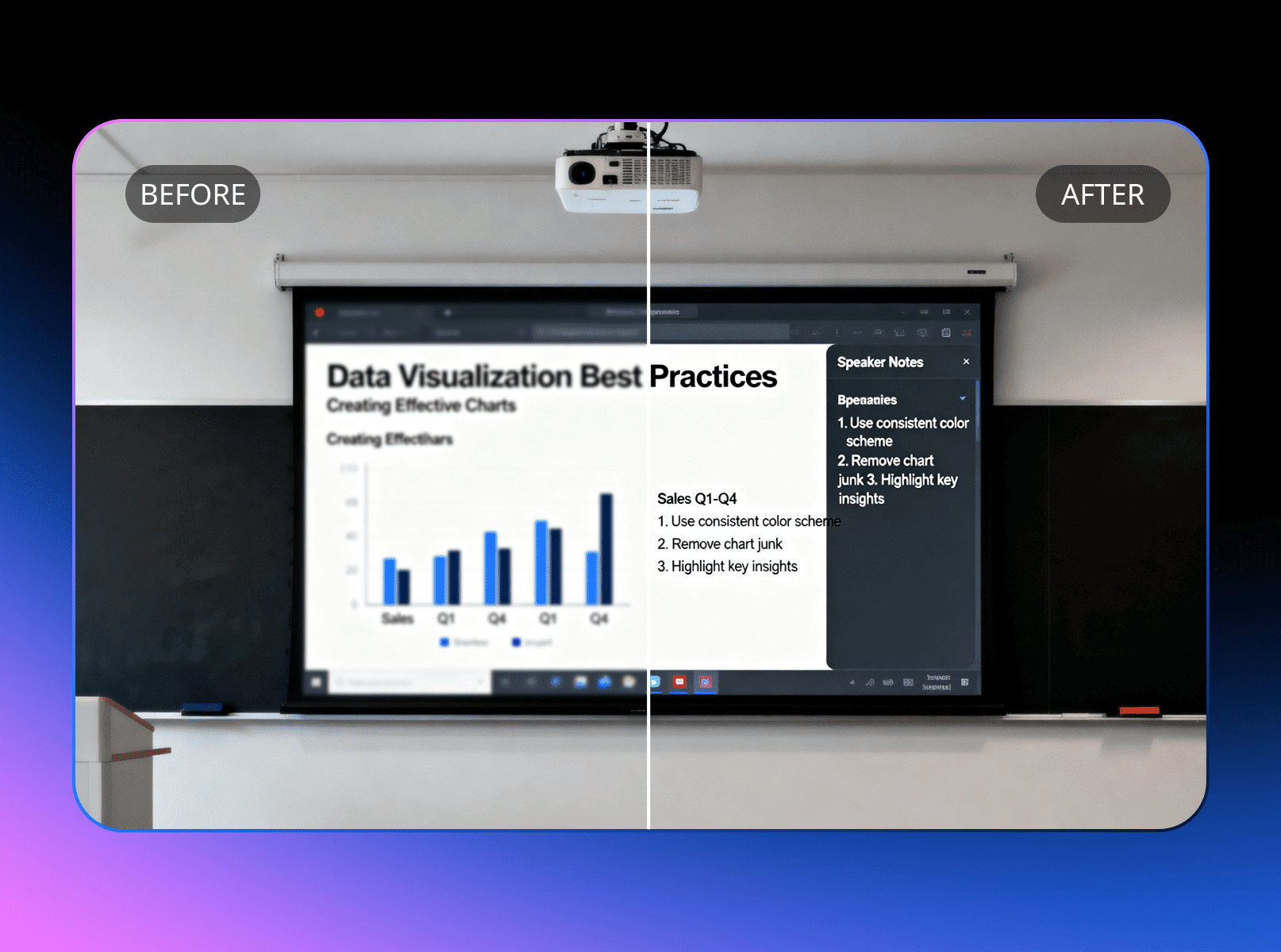
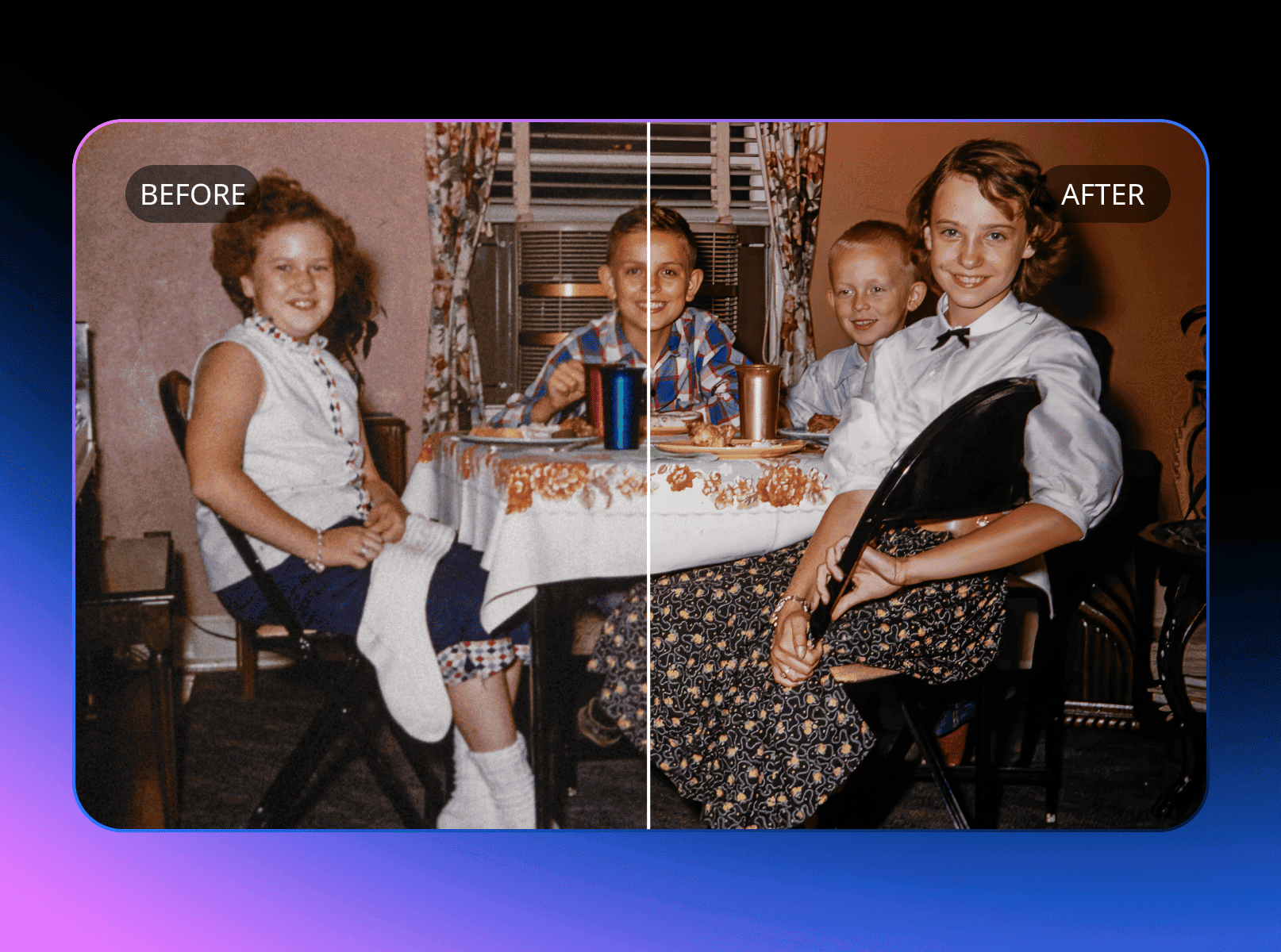
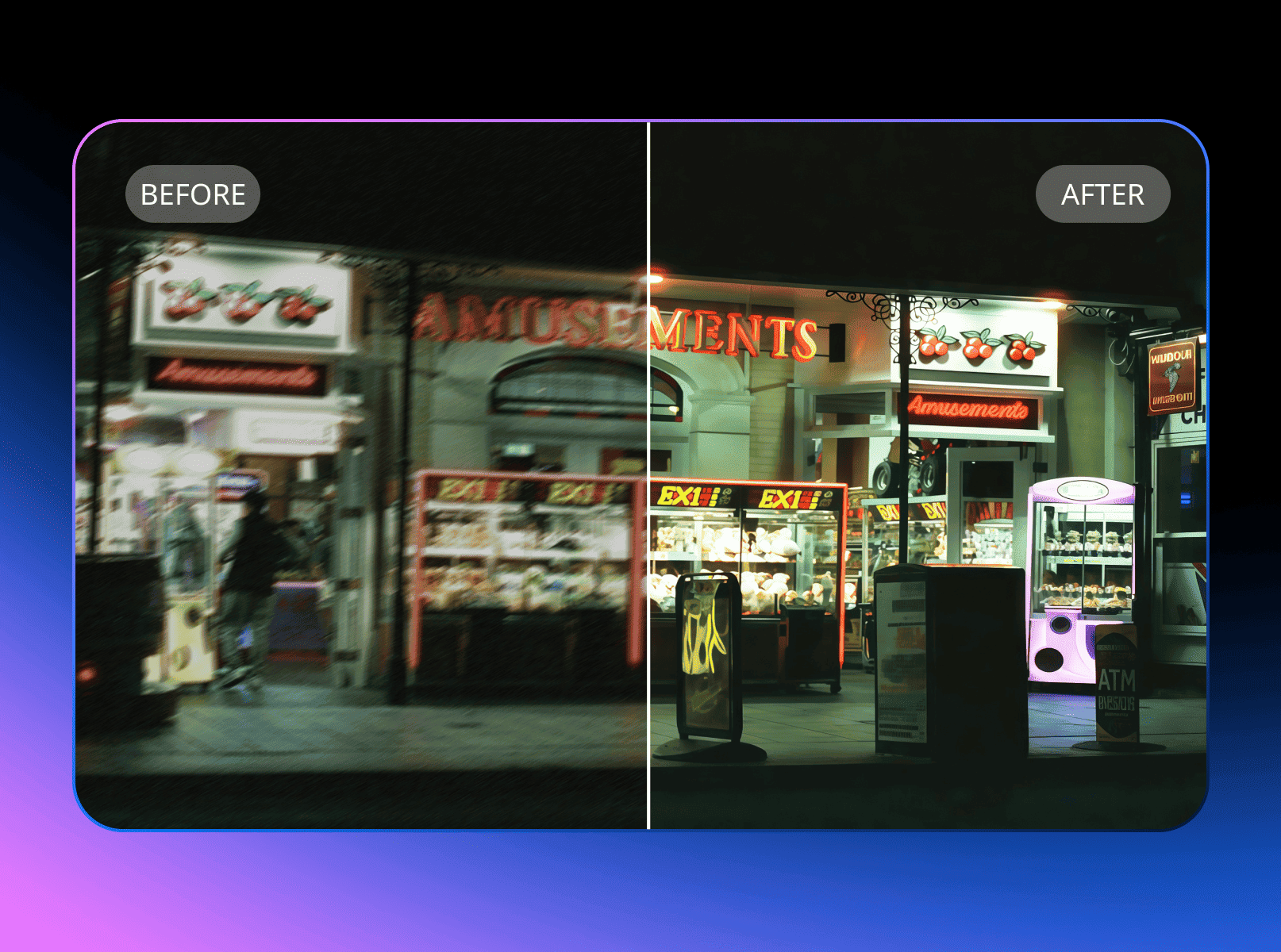
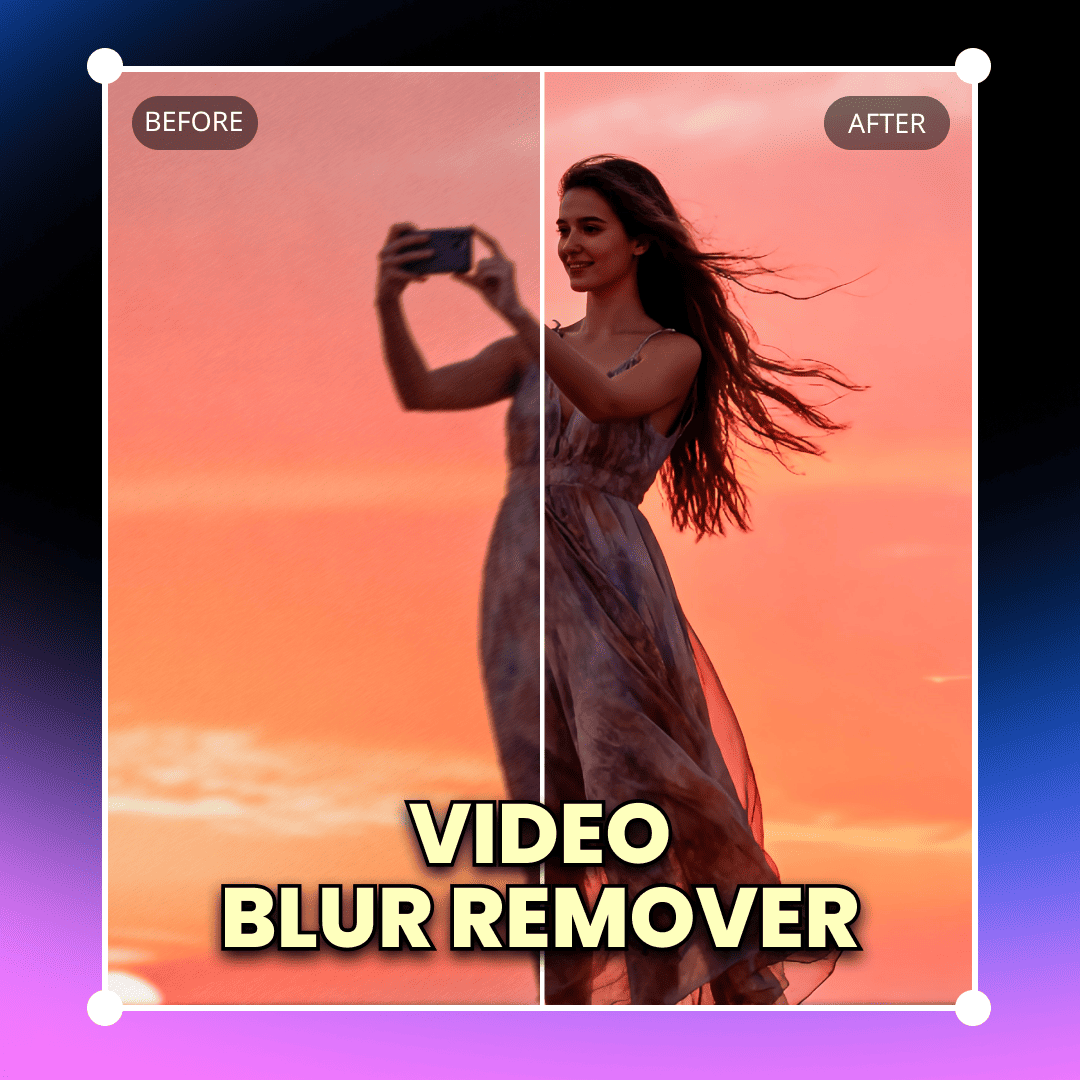
Convert low pixels videos to crisp 4K while removing blur. Restore old family videos or archived content to modern HD standards.



Drag MP4, MOV, or AVI files up to 2GB; supports up to 1080p inputs for easy blur video fixes.
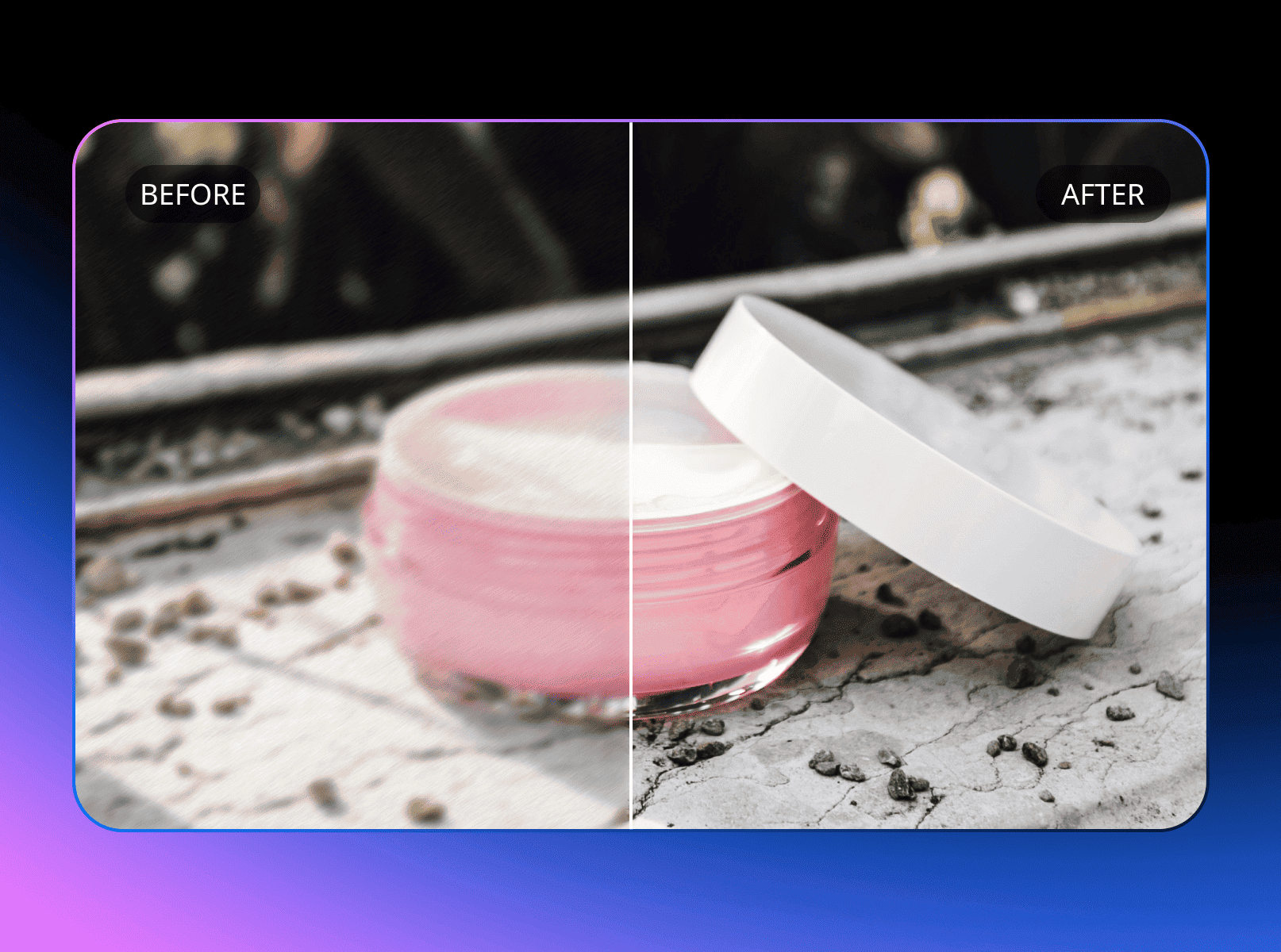
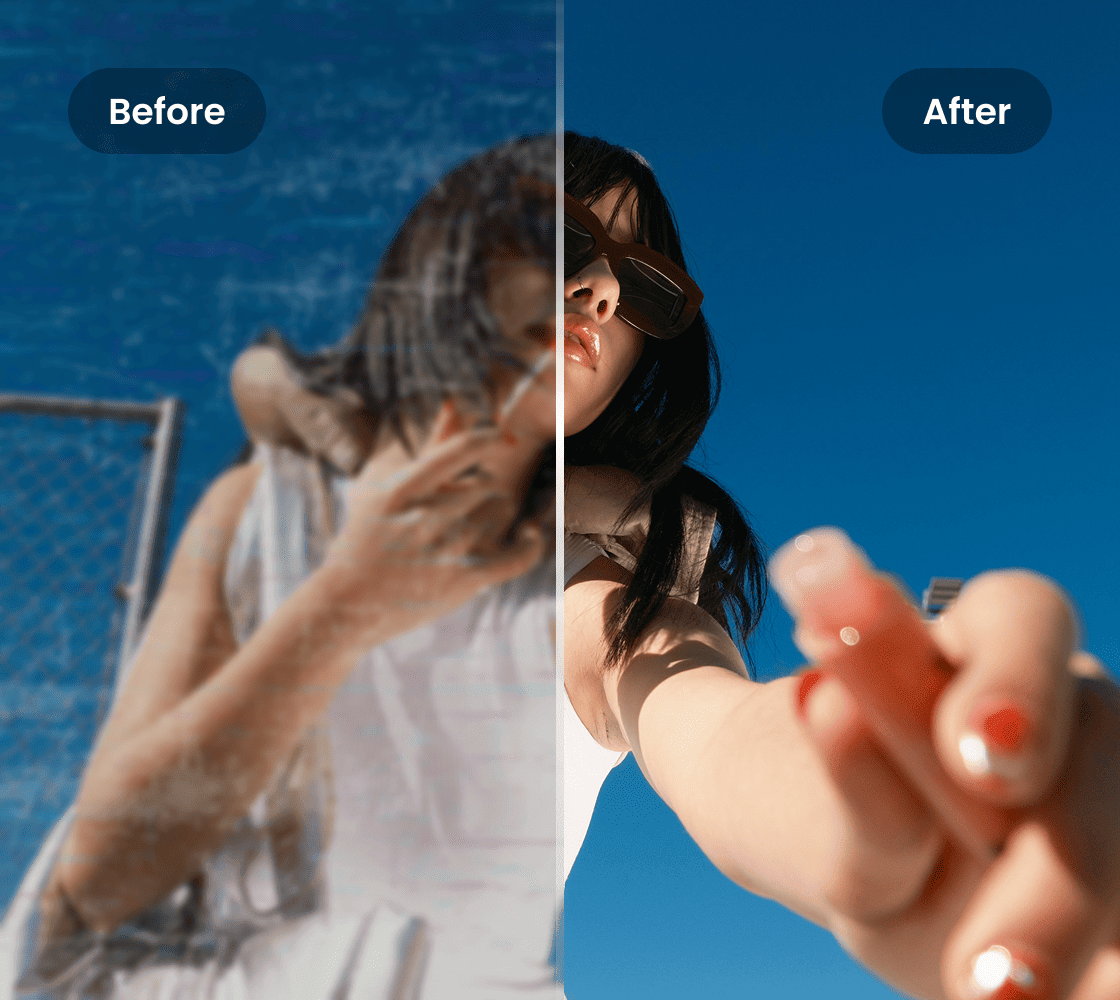
Our video blur remover scans for blur types like motion or compression, then auto-sharpens details, removes watermark from video without blur online free, and upscales with intelligent ai blur remover tech.
Review the unblurred results, tweak sliders if needed, then download in HD format without any remaining video blur.
4K Upscaling & Restoration
Elevate Your YouTube Content

Enhance Action Footage

Yes, Vmake offers free basic unblur for short clips (up to 1 minute or 100MB), no credit card required—perfect for quick fixes on blur video online. For unlimited batches, 4K upscaling, or watermark removal, upgrade to premium (see /pricing). This surpasses competitors' restrictions, like Kapwing's 10-second free limit or Flixier's ads, with watermark-free exports. Over 35,000 users unblur video monthly for free; start today and see the clarity boost.
Vmake supports popular formats including MP4, MOV, AVI, MKV, and WMV, processing files up to 2GB (5GB premium) in resolutions up to 1080p inputs (upscales to 4K). Upload from devices or cloud storage, exporting in original or optimized MP4. For incompatible files, use free converters like Online-Convert. This versatility beats Picwand's MP4-only focus, ensuring seamless unblur video for smartphone or pro camera clips without added blur video issues.
No, Vmake's blur remover ai enhances without degrading resolution or sync—upscaling blurry sources to HD while reducing artifacts like halos or noise. It maintains FPS (up to 60) and colors, ideal for remove watermark from video without blur online free. Tested on 5,000+ clips for 96% natural results, avoiding over-sharpening common in tools like TensorPix. If tweaks needed, use preview sliders. Perfect for pros—export sharp, artifact-free video blur fixes every time.
Unblur takes seconds for short clips (under 30 seconds) and 30-90 seconds for longer ones (up to 5 minutes), via cloud AI—depending on file size and blur severity (e.g., heavy motion blur). Premium queues prioritize for instant outputs. Faster than Clipfly's 2-minute averages or Fotor's variables, with real-time previews. For blur video online, use stable Wi-Fi—download your sharp results in no time.
Yes, export unblurred videos in standard formats for easy import into Adobe Premiere, Final Cut Pro, CapCut, or DaVinci Resolve—supporting seamless workflows for further edits. Our API enables automated unblur in pipelines (docs at /api). This pro integration saves time on manual sharpen, unlike isolated apps. For remove watermark from video without blur online free, pair with enhancers—upload, unblur, and integrate effortlessly.
All uploads use HTTPS encryption, with processing on secure servers and auto-deletion after 24 hours (or immediate on request). We comply with GDPR/CCPA, never storing or sharing without consent—anonymous mode available for sensitive clips. This tops some competitors' retention, trusted by 8,000+ pros for unblur video in confidential projects like ads. Your video blur fixes stay private—focus on creativity.
Customize with sliders for sharpness, contrast, and upscaling intensity (low/medium/high) to refine without over-processing. For tough cases like extreme video blur, enable 'De-Noise' or re-upload stabilized footage. Accuracy improves 25% with tweaks, per user tests—contact support@vmake.ai for personalized guidance or premium refunds. Outperforms one-click limits in Picwand; upload a sample for our quick fix!








Why They Choose Vmake Video Blur Remover
I used this tool to correct a blurry marketing video recorded in low lighting. The improvement was clear and natural, with no harsh sharpening. It helped us avoid re-recording the entire video. I also processed handheld clips that had previously appeared unusable, and the results were sharp enough for publication.
For what you pay, this thing's a steal. It removes watermarks, enlarges images, and cleans them up. It even lets you cook up images and clips with AI. The watermark thing ain't perfect for the tough jobs, but it's quick with the easy stuff and beats doing it yourself. Making images bigger and better works like a charm.
This thing makes videos look way better, 2K, 4K, you name it. Upscaling works each time, and the cleaner look makes old or junky vids watchable now.
This is among the cheapest ways I know to make vids and pics look better. It gives you sharp HD results and just works, no fiddling needed. I'd tell anyone to grab it if they want easy quality.
I've been using this for months, and it's solid and doesn't break the bank. I yank watermarks and pretty up vids and pics all the time. It keeps working, and it's cheap enough to keep around.