





Remove Subtitles from Video Easily

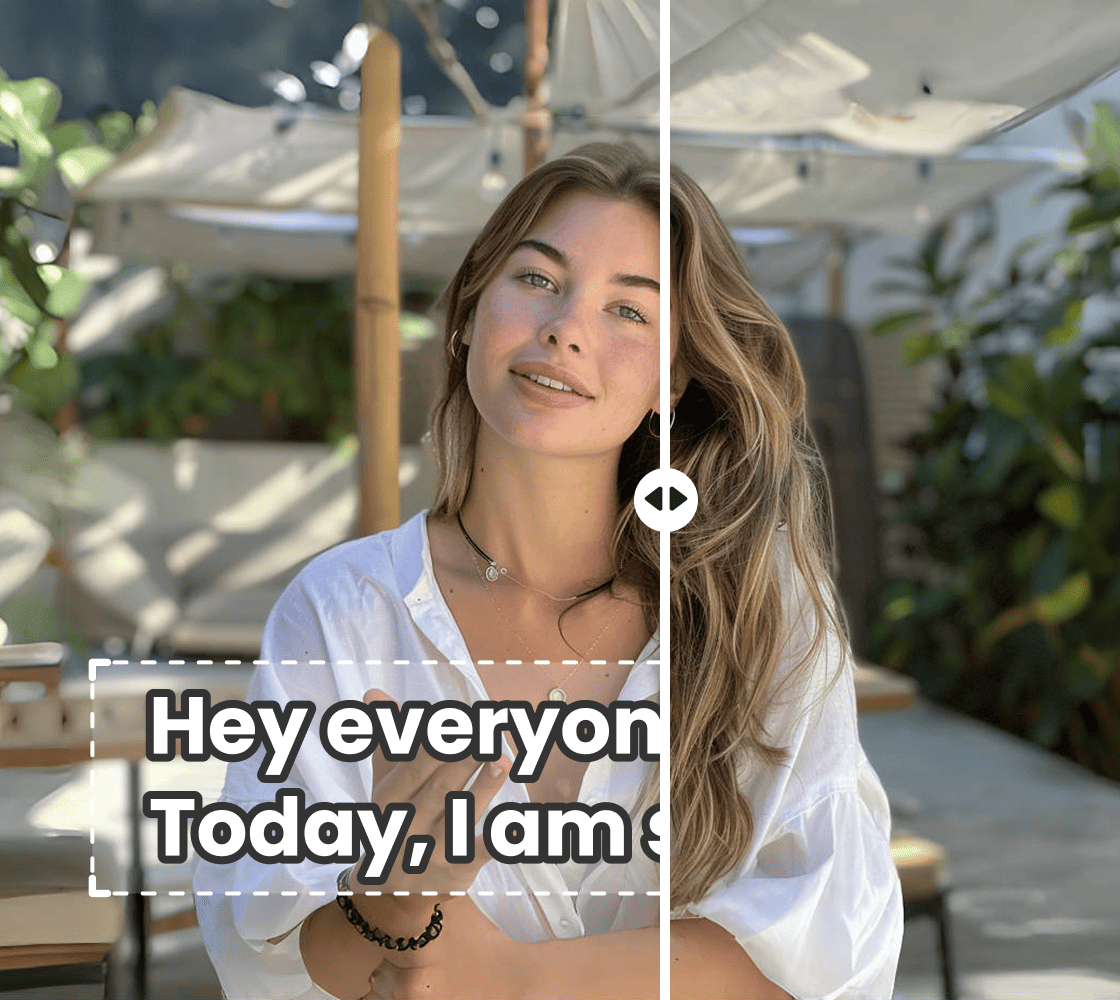
Remove subtitles from video without losing a pixel of quality. Clean up your videos in seconds. No clutter, no distractions—just your video at its best.
Drag / Paste / Click
Remove Subtitles from Video Easily 0
Remove Subtitles from Video Easily

How to remove subtitles from videos?

Step1

Upload a video file

Open Vmake, locate the online video subtitles remover feature, and click "Upload" to select the video file for which you want to remove captions.
Step2

Remove subtitles automatically

Once the video is uploaded, AI will do its magic and auto-apply removal options - removing text or captions.
Step3

Download your videos

Preview the subtitle-free result. Once you’re satisfied, download the clean video instantly and use it anywhere.
How to remove subtitles from videos?

Your Go-To Video Subtitle Remover for Flawless Clips

Auto-Detection of Subtitles

Auto-Detection of Subtitles

  • Works with multiple text styles: it can recognize subtitles in every possible font and color, no matter their appearance on screen.
  • Scans the entire timeline thoroughly – makes sure no subtitle is missed, even in fast-moving or long videos.
  • Handles complex backgrounds – recognizes text without disturbing other visual elements or affecting video quality.
Try it Now
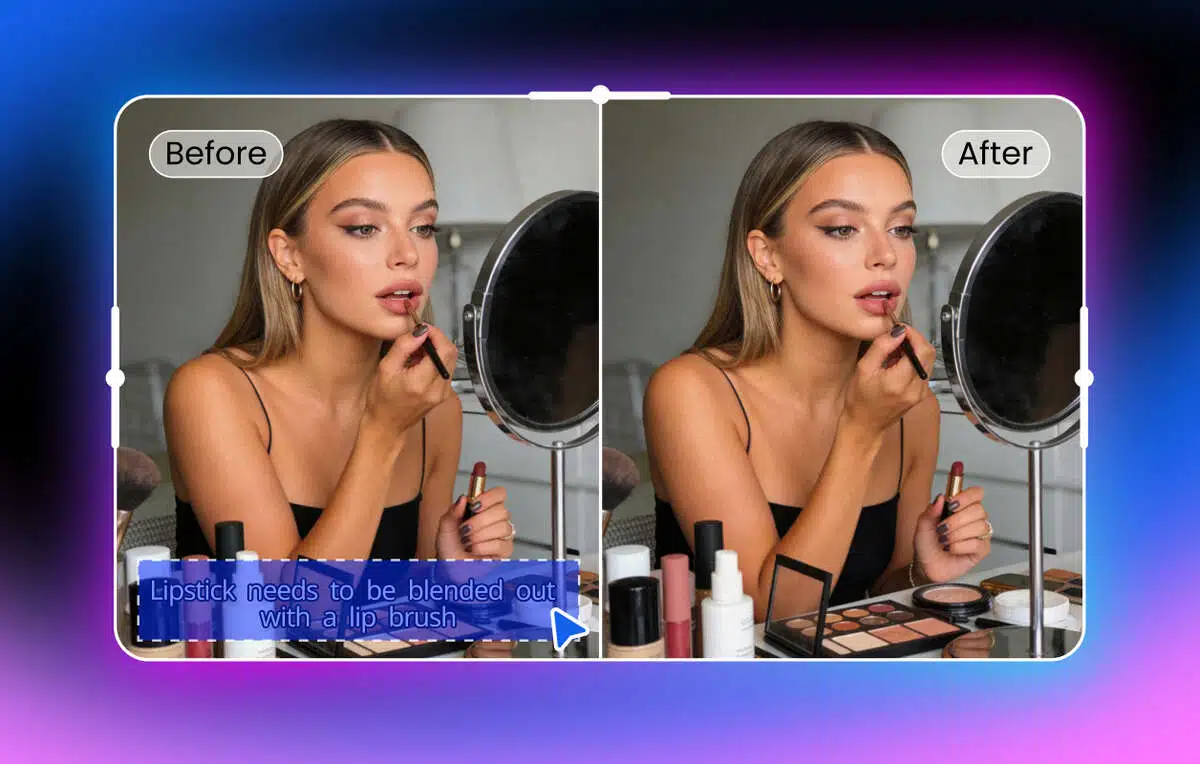
Non-Destructive Subtitle Removal

Non-Destructive Subtitle Removal

  • Preserves resolution and detail – ensures your video stays crisp, clear, and professional-looking.
  • Maintains visual consistency – It ensures consistency in the visuals by maintaining motion, colors, and transitions exactly as in original footage.
  • Works seamlessly on dynamic shots – removes text cleanly even when the camera or objects in the scene are moving.
Try it Now
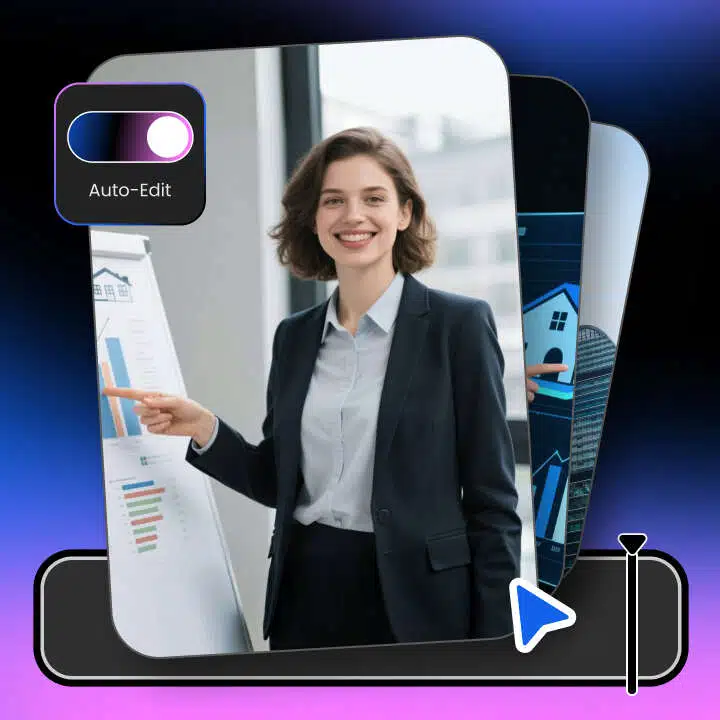
One-Click Workflow

One-Click Workflow

  • Instant preview before download – lets you check the results and confirm everything looks right before saving.
  • No software installation needed – everything is processed online, so there’s nothing to set up or install.
  • Quick and efficient processing – removes subtitles in moments, saving time compared to traditional editing methods.
Try it Now
Smart Background Reconstruction

Smart Background Reconstruction

  • Blends naturally with surrounding pixels – fills the areas where subtitles were without leaving visible marks or patches.
  • Handles moving and changing backgrounds – ensures reconstructed areas follow motion in the scene naturally.
  • Maintains overall scene continuity – keeps the video looking smooth and professional, with no jarring visual inconsistencies.
Try it Now

Why Vmake Video Subtitle Remover Stands Out

Fast and Time-Saving

Take the titles out of your video clips in just a few minutes, without needing to spend time manually editing them. Process video clips efficiently, so you save plenty of time compared to other methods to produce even more content.
Fast and Time-Saving

Professional-Quality Results

Your uploaded videos are preserved in full resolution and colors along with their original movements. Subtitles are seamlessly removed without leaving any blur or patches. All videos are now smooth and perfect as though they never included subtitles before.
Professional-Quality Results

Simple and User-Friendly

The tool is fully web-based; there are no downloads required. It is also fully self-explanatory, so anyone can use it in spite of any level of technical know-how. You get a chance to view your results even before you can download your video.
Simple and User-Friendly

Hear about What They Say About Vmake Subtitle Remover

FAQ

Can I remove captions from videos for social media campaigns?

Yes, you can quickly remove captions from videos intended for YouTube, TikTok, Instagram, or Facebook campaigns. This makes your clips cleaner and easier to repurpose across different channels.

Does the tool work on videos with multiple captions?

Absolutely. It can handle videos that have multiple captions appearing at different times, automatically removing them while keeping the video smooth and visually consistent.

Can I edit videos for Instagram Reels or YouTube Shorts after removing captions?

Yes, once captions are removed, the videos are ready to use on any platform, including Instagram Reels, TikTok, and YouTube Shorts, without compromising quality or framing.

Is it possible to remove captions from videos with busy or dynamic backgrounds?

Yes, the tool intelligently handles videos with moving objects, effects, or complex backgrounds, removing captions without affecting the visual flow or causing artifacts.

How to remove subtitles from video online for free?

Use Vmake’s free online tool to remove subtitles quickly. Upload your video, select the subtitles, and let our AI erase them automatically. No downloads or advanced editing skills needed—get clean, high-quality videos in just a few clicks.