
Free MOV to MP4 Converter
How to Convert MOV to MP4 in 3 Steps
Upload your MOV files
Click or drag MOV files into the upload area. You can add multiple files; an automatic queue keeps tasks organized.
Convert in the browser
Click Convert on each task to process files one by one. Conversion runs on your device using WebAssembly for privacy without uploading video to a server.
Download MP4
When a task shows Done, download the MP4. Use Download All to save every finished file in one go.
Feature Highlights
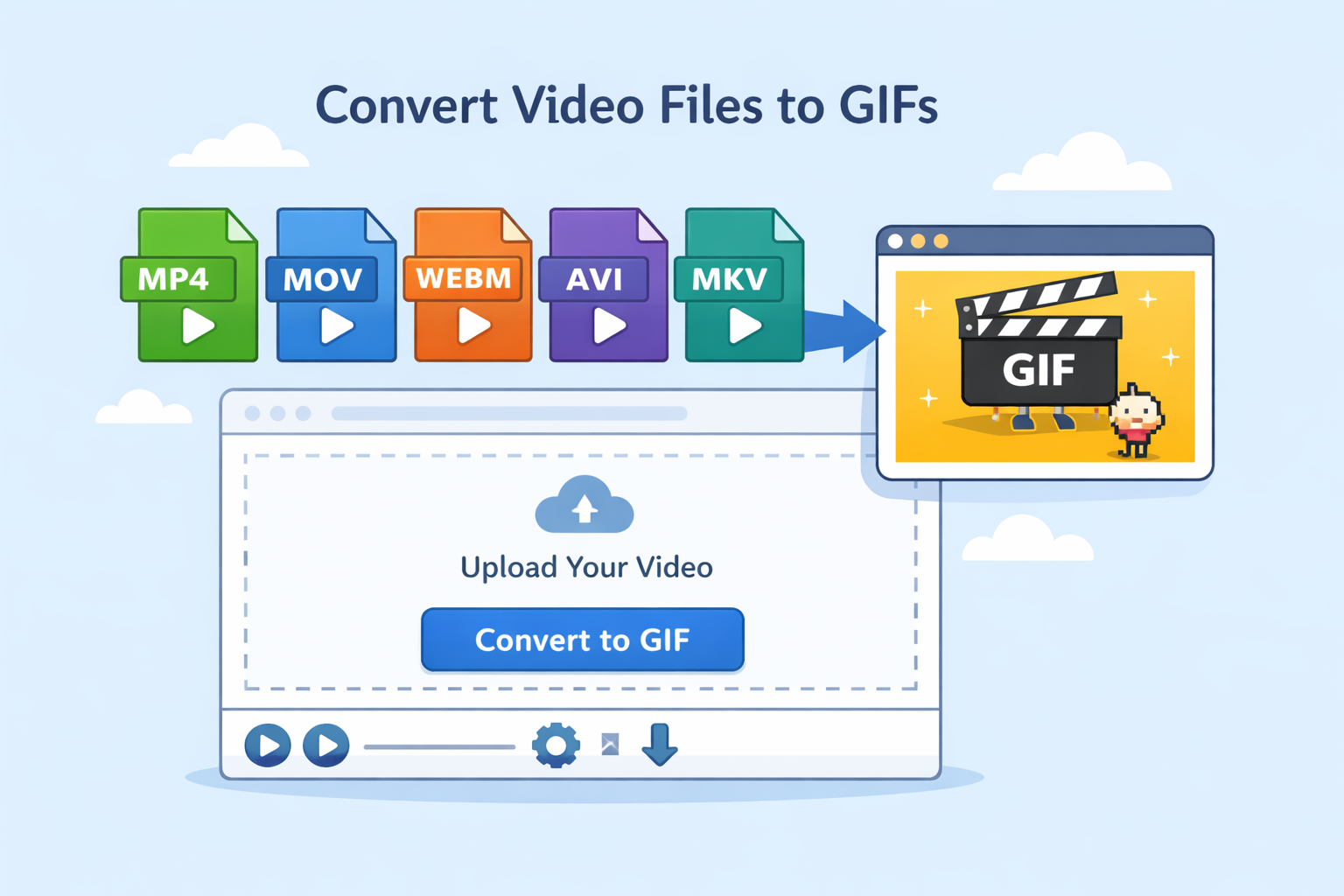
Free MOV to MP4 in your browser
Convert MOV to MP4 online with no install. The workflow matches the in-app uploader: simple, fast, and easy to follow.
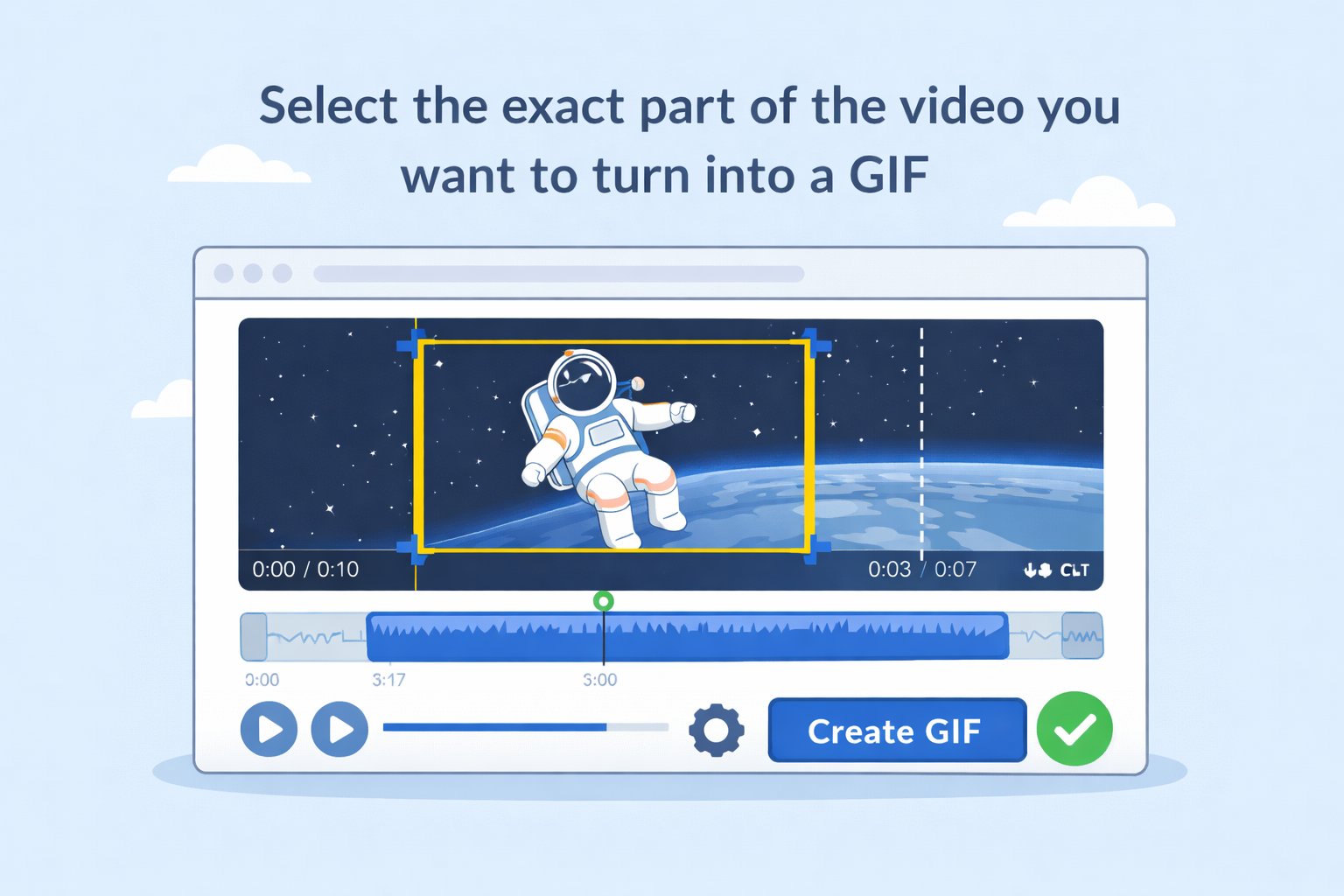
Local processing with automatic queue
Tasks run locally in the browser with an auto queue, so you can line up several MOV files and convert them in order.
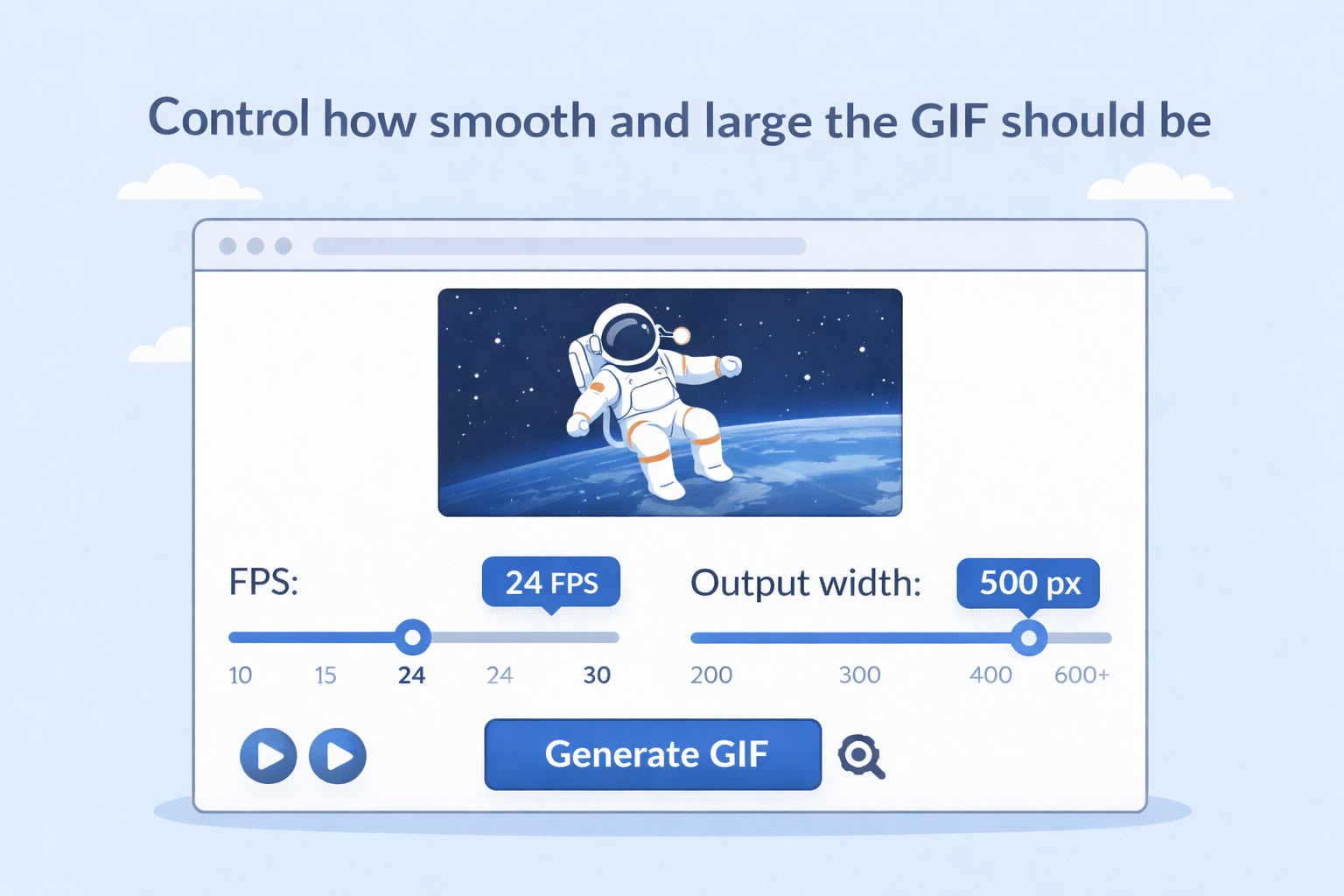
Clear task status and batch download
See pending, converting, done, and failed states at a glance. Download individual MP4 files or use Download All when ready.

Widely compatible MP4 output
Export standard MP4 suitable for playback, editing, and sharing across devices and platforms.
Frequently Asked Questions
Is this MOV to MP4 converter free?
Do my MOV files get uploaded to a server?
Conversion is designed to run locally in your browser using WebAssembly (for example FFmpeg.wasm), so your video is not sent to a remote server for processing.
Can I convert more than one MOV file?
Yes. Multiple files are supported with an automatic queue so you can process them in sequence.
What should I do if conversion fails?
Use Retry on the failed task, refresh the page, or try another modern browser. Very large or corrupted MOV files may fail depending on device memory.
Why does the first conversion take longer?
The converter may need a one-time initialization step to load WebAssembly binaries into the browser; later conversions are typically faster.