
AI Video Generator
Turn any text, image, or video clip into high quality videos in just a few minutes, no editing skills required. Whether you’re creating social media content, product showcase videos, or quickly bringing your ideas to reality, Vmake lets you tap into advanced AI models like Seedance 2.0 and Kling 3.0. Combined with flexible style options and ultra-fast rendering speeds, you can easily transform your raw footage into engaging videos.


How to generate a video with AI?
Add your content or ideas
All it takes is a short piece of text, an image, or an existing video. No complicated setup is required, just start with a simple idea.
Dial in your preferences
Pick a visual style that fits your vibe, set your desired video length, choose the model you want, and let the AI handle the rest.
Preview & download
Get a complete video in no time. Preview the results, download it immediately, and use it right away for your content creation, social media posts, or project presentations.
Standout features of AI video generation
Multi-model video generation for enhanced creative options
We bring together several leading AI video generation models, like Seedance 2.0, Kling 3.0, Google Veo 3, Sora 2, Vidu Q2 and Wan 2.2. You can switch between them freely based on what your creative project needs. That way you get more stable and truly diverse results.
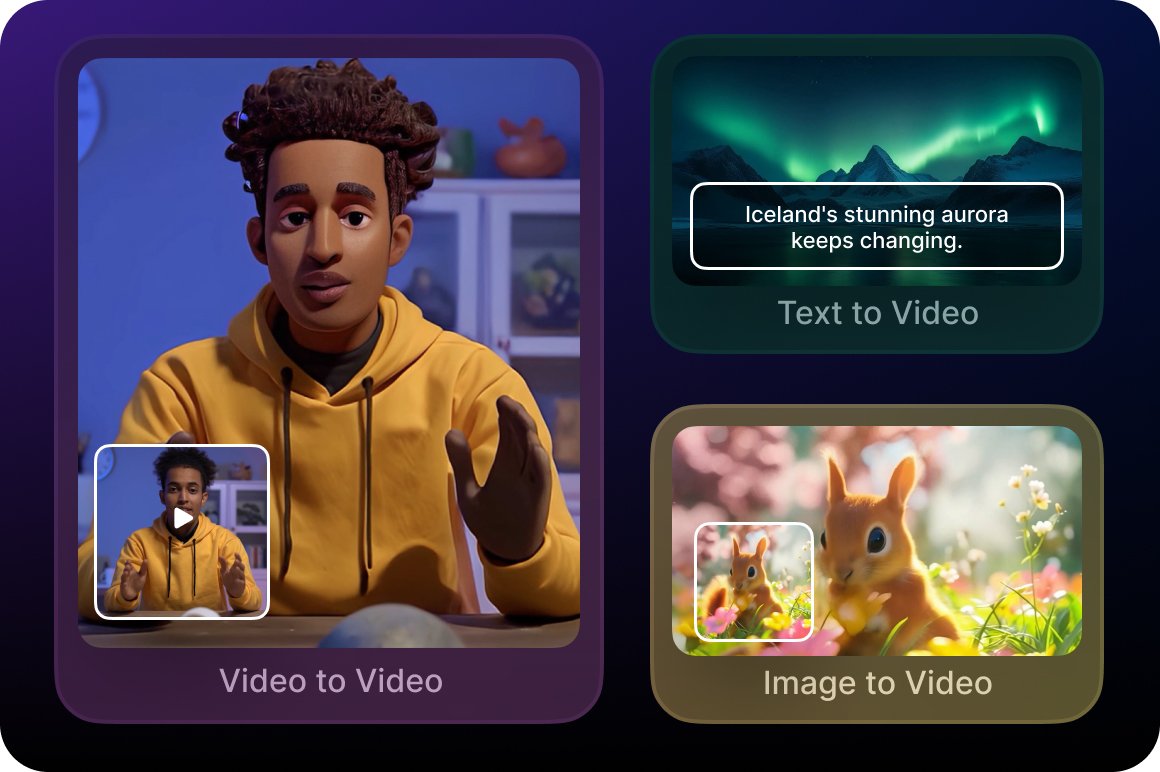
Multiple generation methods to suit various creative scenarios
We support text to video, image to video, multi-image reference, start/end frame control, and video to video generation. Whether you're starting from scratch or refining existing footage, we make video creation effortless.
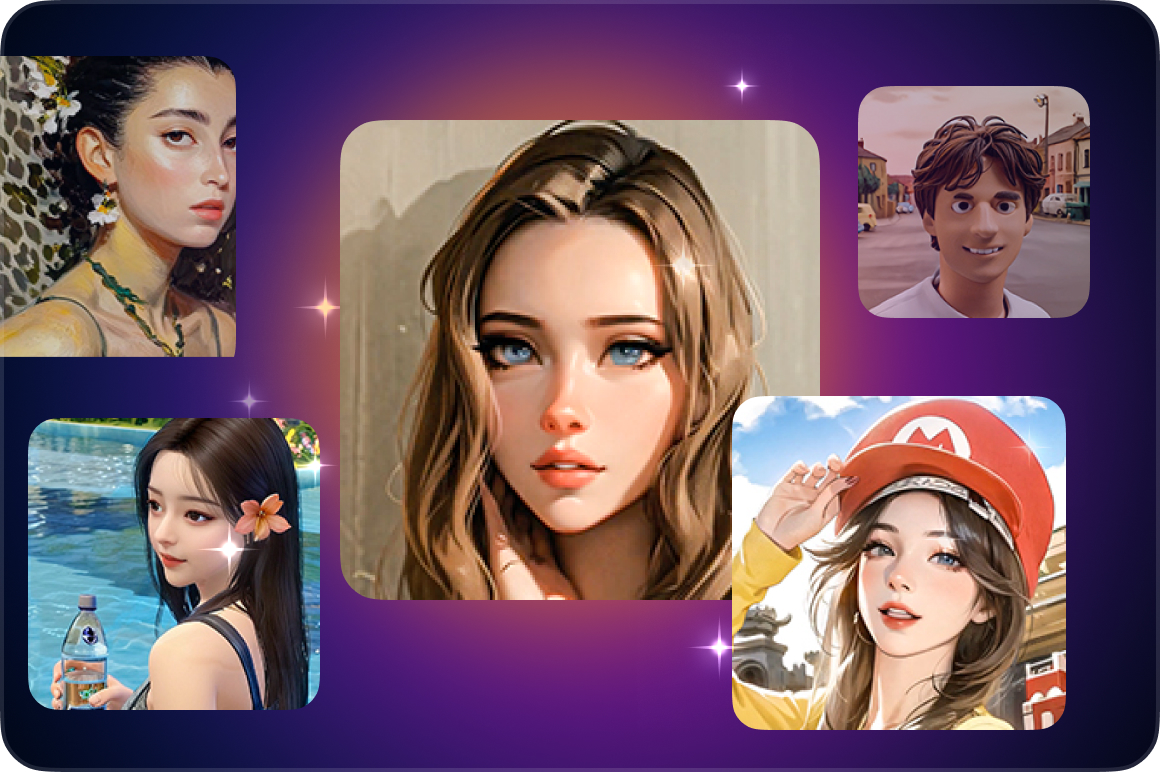
Rich visual styles, easily match content needs
We offer a variety of visual styles, such as Japanese and American comics or Eastern aesthetics. This lets you match any content type or platform style, ensuring every video is expressive and distinctive.
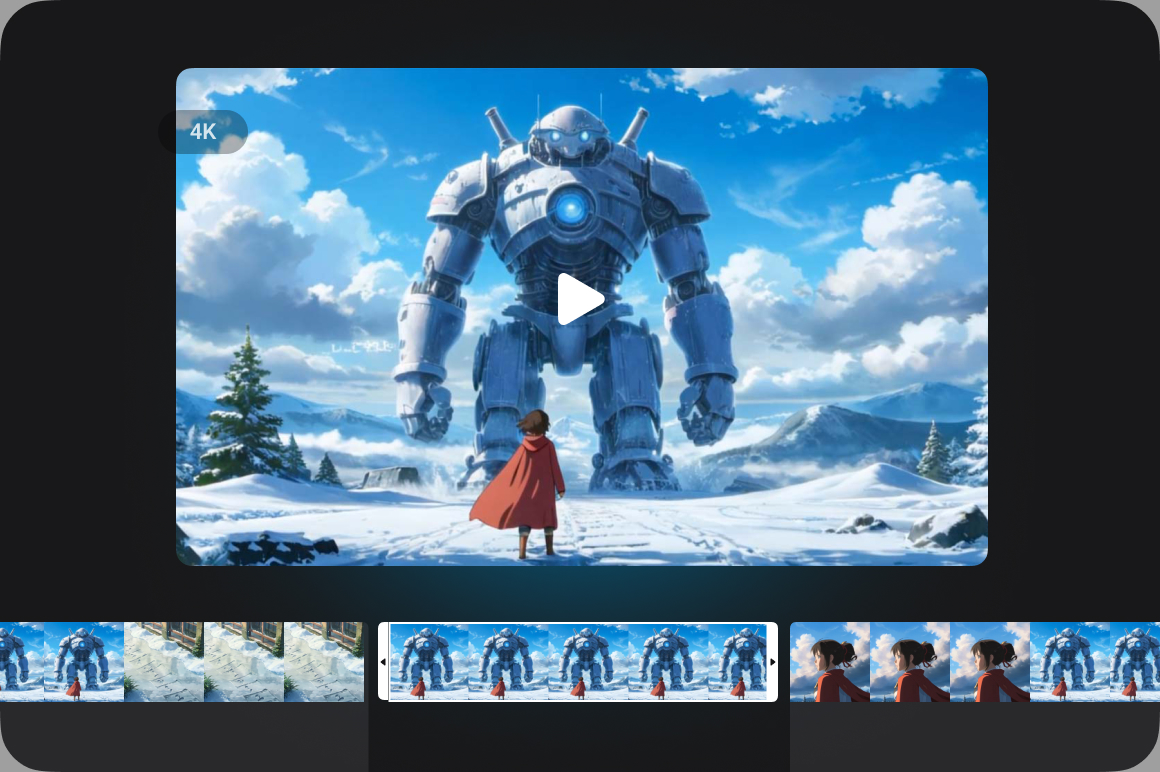
High-resolution output and precise duration control
We deliver video output at up to 4K resolution, and you can flexibly set the duration from 2 to 15 seconds. The result is sharp, high quality footage with the exact pacing and demanded length.
Usage scenarios for AI video generator
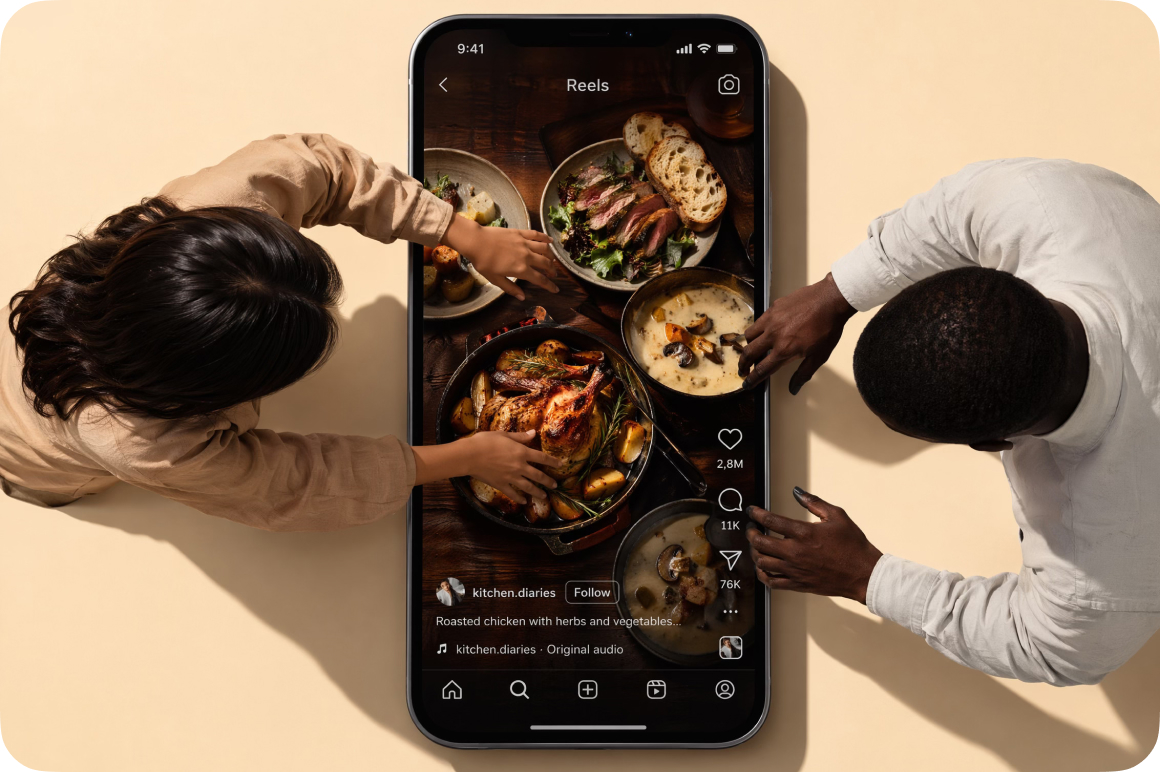
Social media content creation
Quickly turn your ideas, images, or simple assets into video content. Perfect for daily updates, riding trends, or just expressing yourself. It makes content creation feel lighter and way more efficient.
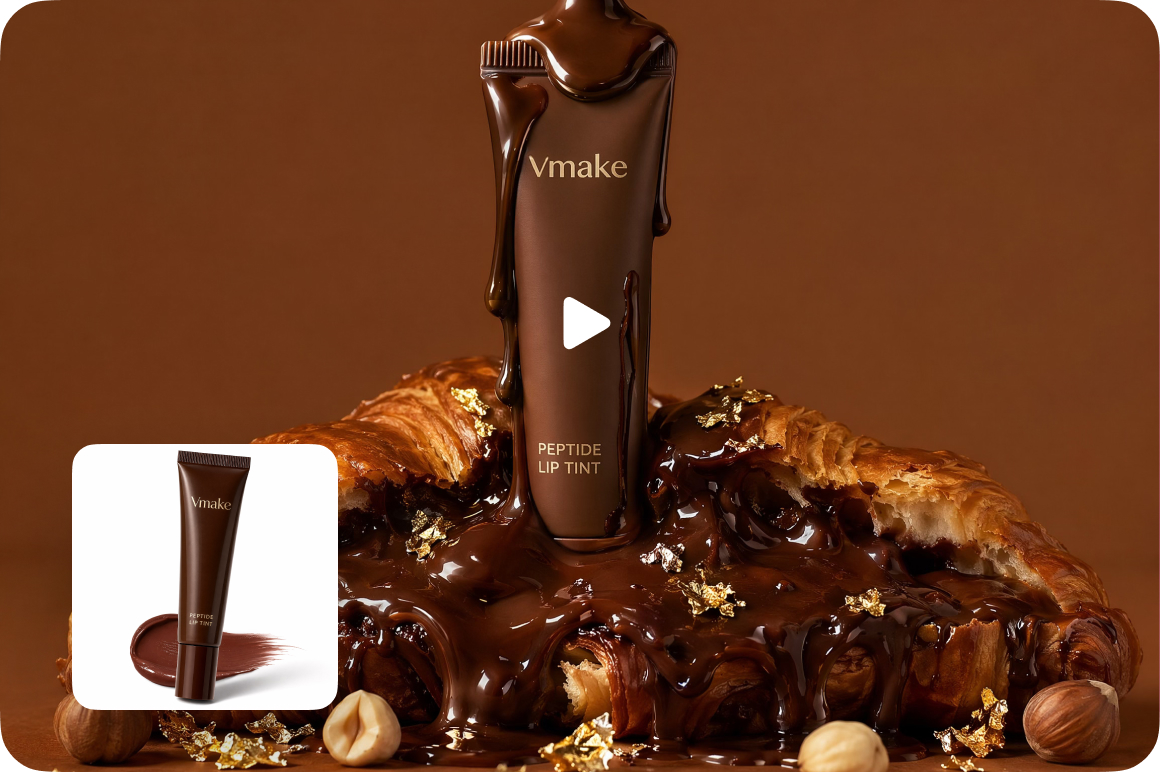
Product showcase and basic promotion
Turn your product images or assets into short videos for basic demos or publishing. You can produce clear, usable video content fast, no filming or complicated editing needed.
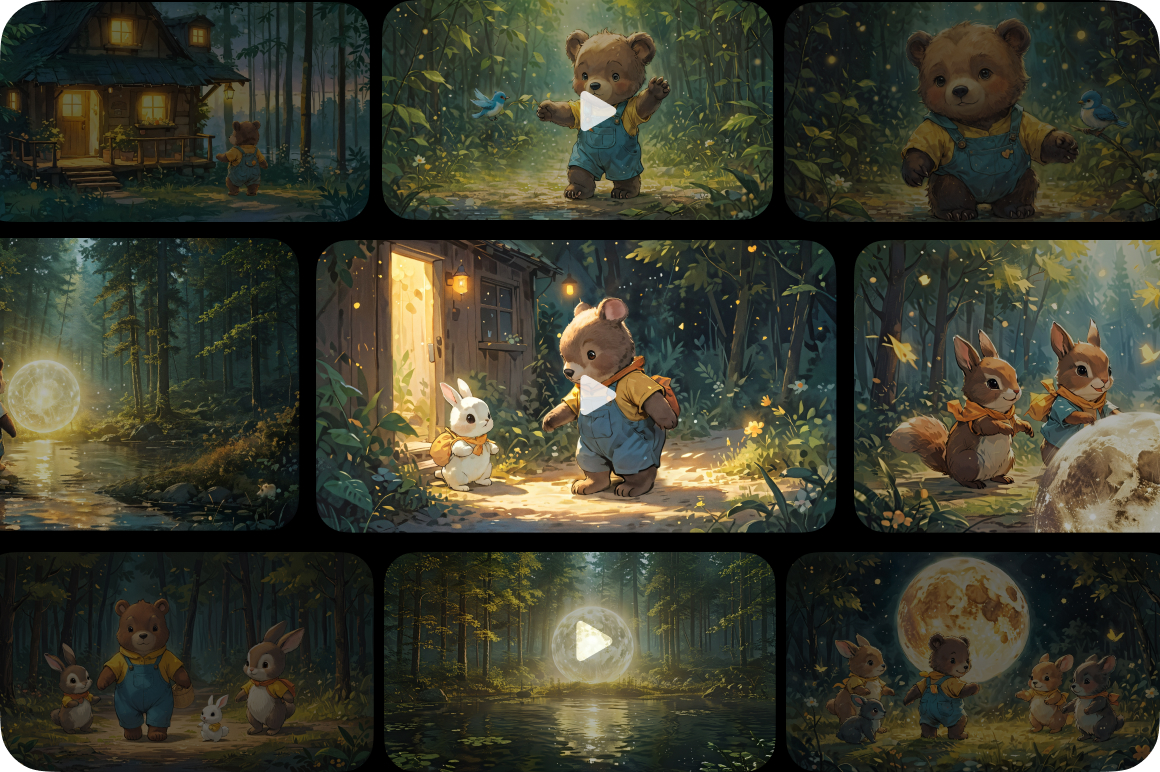
Test your creative ideas quickly
Generate different video versions to try out before a full production. This helps you validate your ideas faster and find the most natural way to bring them to reality.
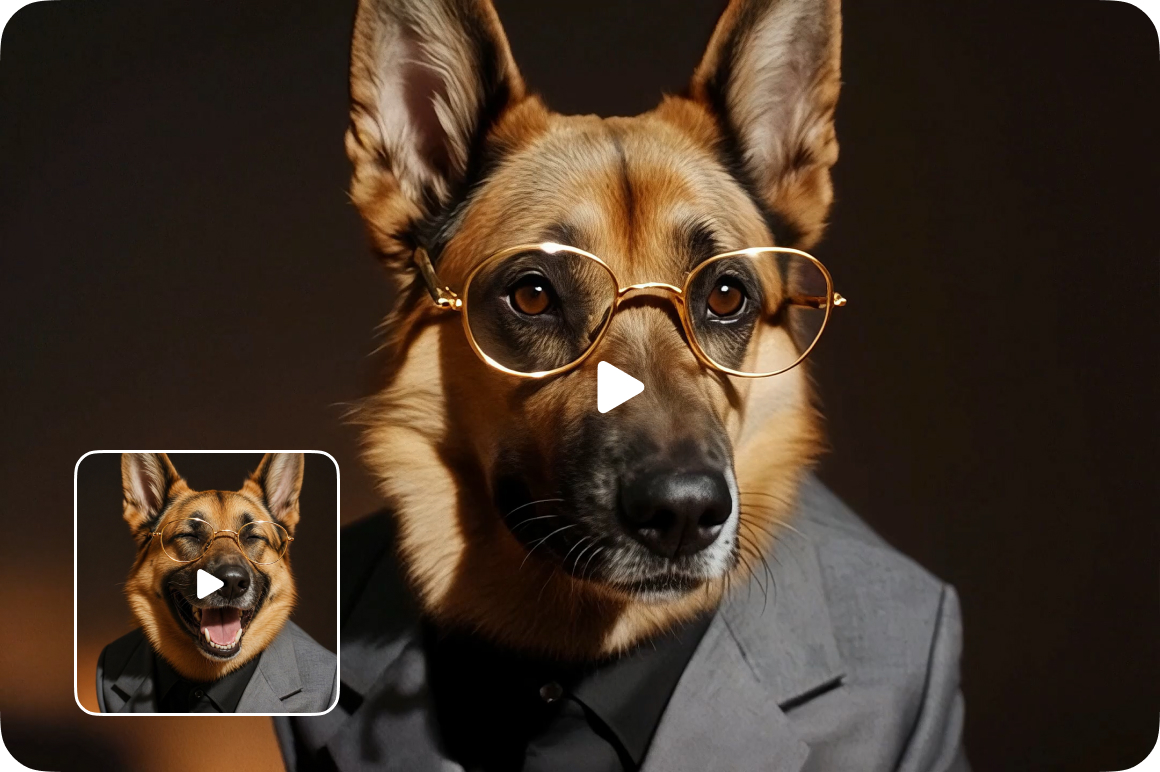
Repurpose and optimize your assets
Give your existing images or videos a second life by turning them into fresh content formats. Great for reusing assets, expanding your content, or tailoring videos to different platform styles.
Who is it for
Creators & social teams
Designed for those who manage multiple accounts or need to update content regularly.By quickly generating short videos, you can save time on editing while ensuring more consistent and efficient content production.

Small and medium sized businesses
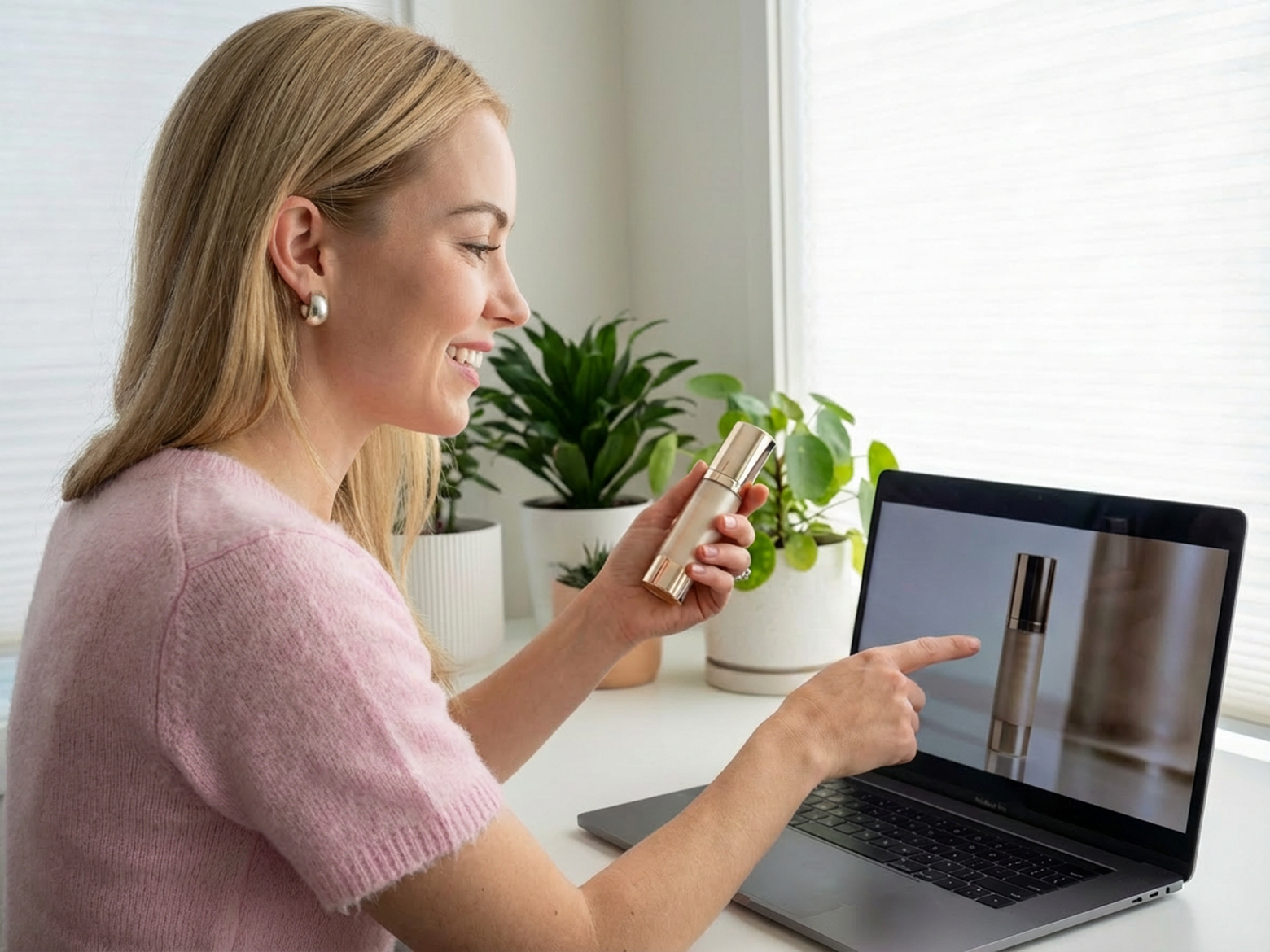
Perfect for small and medium sized businesses needing to create product promotional videos. This tool can produce ready-to-use video quickly, without additional filming or complex steps.
Planning & marketing teams
Suited for proposal presentations, content brainstorming, and early stage demos. Text, images, or simple assets can be turned into videos in moments, helping ideas come across more clearly and intuitively.

Why choose us

We bring together several leading AI video models so you don't have to juggle different tools. Simply pick the model that fits your content and get results that are more consistent and diverse.

We support text to video, image to video, multi-image reference, start/end frame control, and video to video generation.Whether you're starting with a raw idea or refining existing footage, you'll find a creative path that works.

No professional skills or complex operations needed. Just a few steps from input to output, making it easier to start creating and keep going.

Your privacy comes first. Your videos are only accessible to you, and all uploaded and processed files are automatically deleted after 7 days to ensure your data stays safe.

Enjoy a smooth experience with no ads, no pop-ups, and no security risks. Focus on enhancing your videos without distractions.

We continuously update and improve our features based on user needs and industry trends, so you always get a better, more reliable video enhancement experience.
FAQ about Vmake AI video generator
What is AI video generator?
Why AI video generator?
There are various visual styles and generation models for creators to choose from. All of these are simple to use and highly flexible.
What devices and platforms are compatible with AI video generator?
Currently, only browsers are supported.
I want to use videos generated with Vmake for commercial purposes. Are there any copyright restrictions?
If you are a subscriber, you can use the content you create for commercial or non-commercial purposes. Please refer to our Terms of Service for more details.
Discover more features
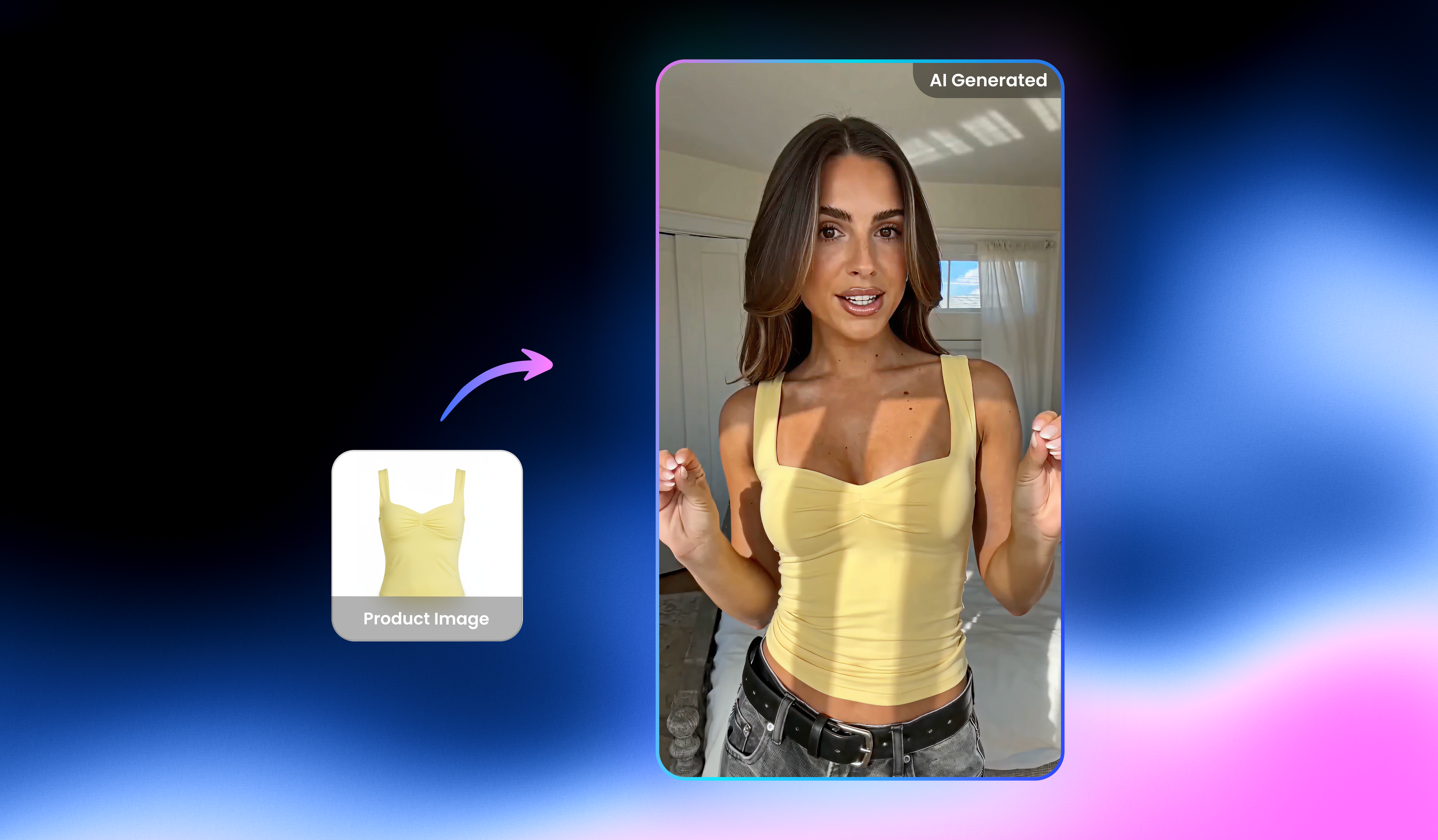
UGC video

Video & image enhancer

Watermark & text remover

Video upscaler

Video translator

Video background remover

Video & audio to text

Video noise reducer
Best AI video generator next to you
Turn your ideas into high quality videos in minutes. Start creating with Vmake right now!
Customer reviews about Vmake AI video generator
I needed a fast video generator for marketing test.
This tool helped me create short videos from text ideas in minutes.The model felt different enough to give variety,and the output worked well on social platforms.
I run several social accounts and needed volume
I run several social accounts and needed volume.This ai video maker let me generate clips quickly without editing.The short video option saved a lot of time during weekly planning.
I tested many tools before choosing this one
I tested many tools before choosing this one.The video generator gave me more control over style through different models.That made a real difference when pitching concepts to clients.
I wanted to create ai video content for tutorials
I wanted to create ai video content for tutorials. The process stayed simple. Add text, pick a model, generate. The results looked clean and ready to post.
I like that it focus on video creation without clutter
I like that it focus on video creation without clutter.The ai video generation models gaves me opions without confusion.For short content,it fits perfectly.
Our small team uses this as a daily ai video generator
Our small team uses this as a daily ai video generator. It helped us make quick product clips. The ai video generation model editors. The speed alone made it worth using.