
Video Frame Interpolation: Increase Video FPS Online Free
The 60fps upgrade you didn't know was possible. Don't go back for a reshoot; Vmake Labs fills in the frames that weren't there. Upload a clip and the AI works out where everything was moving between each recorded frame.
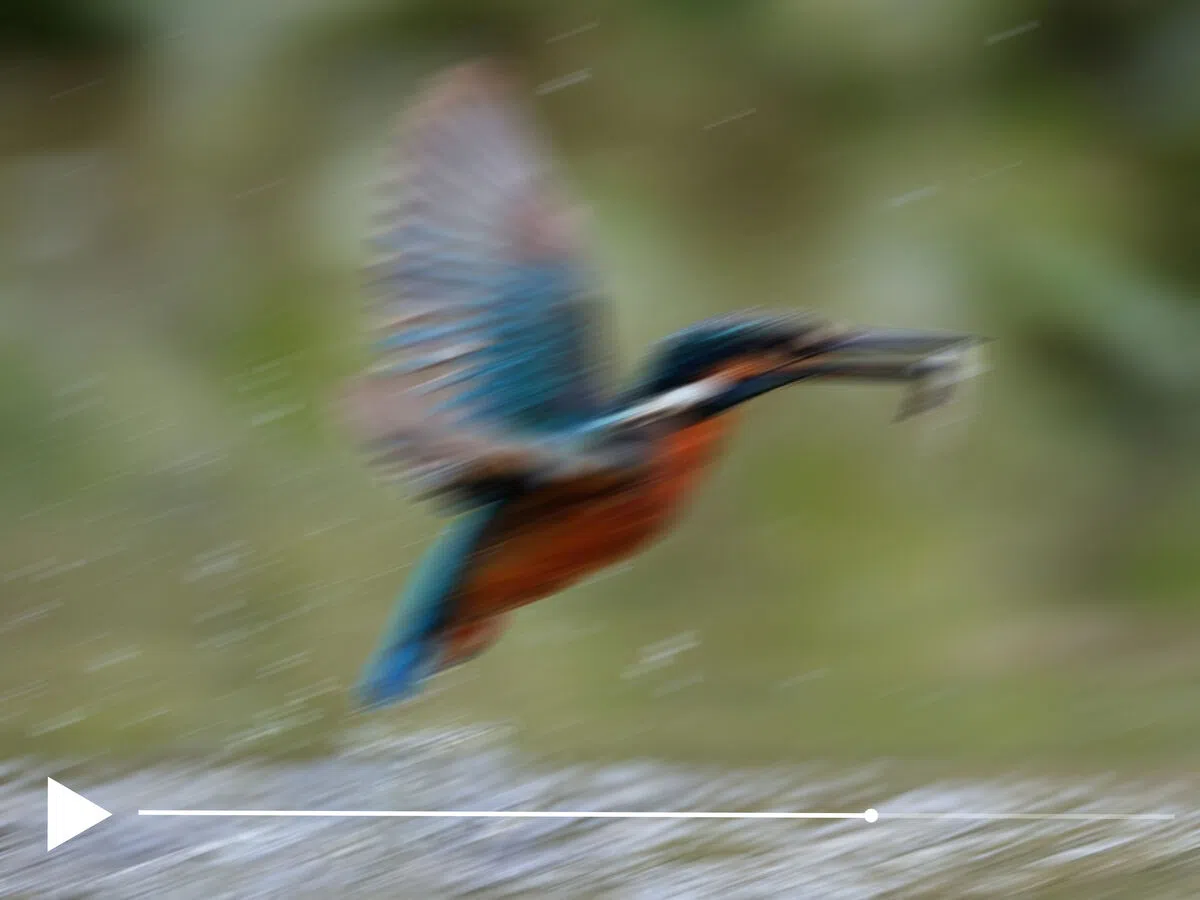
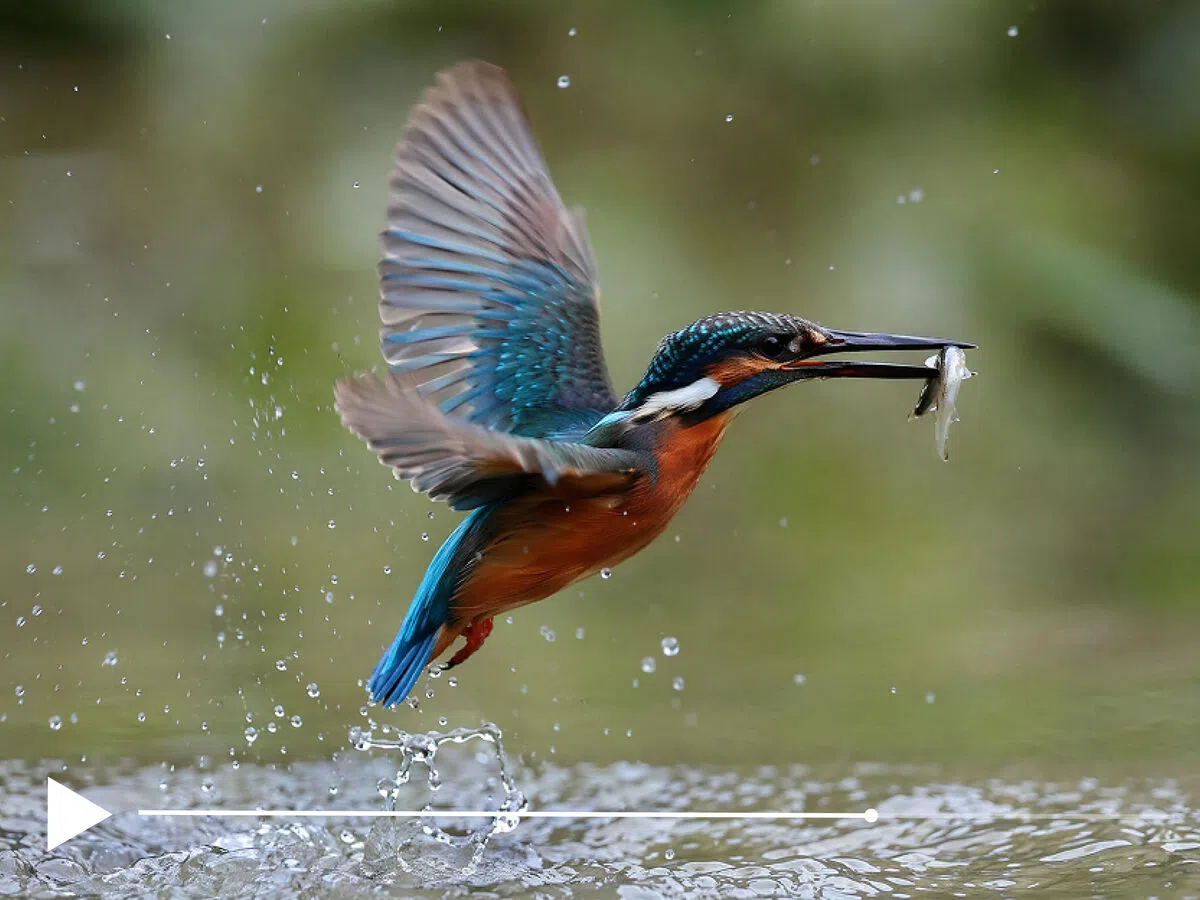


How to use AI frame interpolation with Vmake Labs
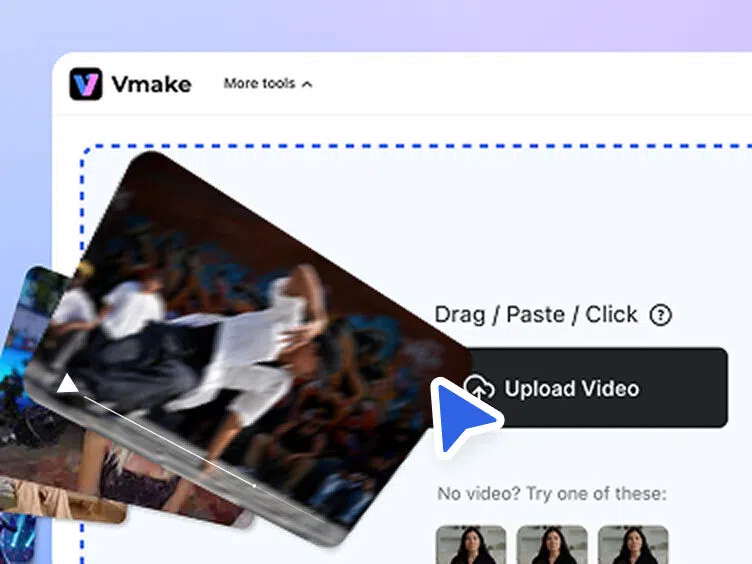
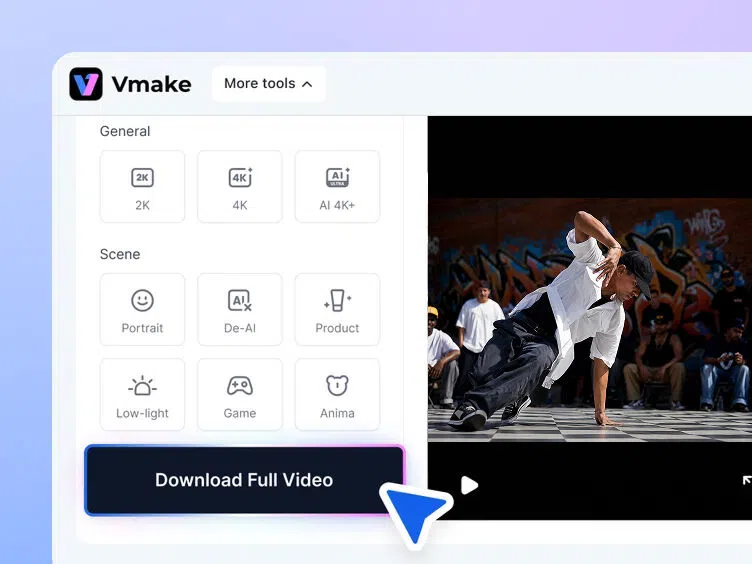
Upload your video
Add your video to Vmake Labs by dragging it into the workspace or selecting it from your device. The system prepares the footage for frame interpolation automatically.
AI generates the in-between frames
Choose your target frame rate and start processing. Vmake Labs creates new intermediate frames between existing ones to smooth motion and reduce visible stutter.
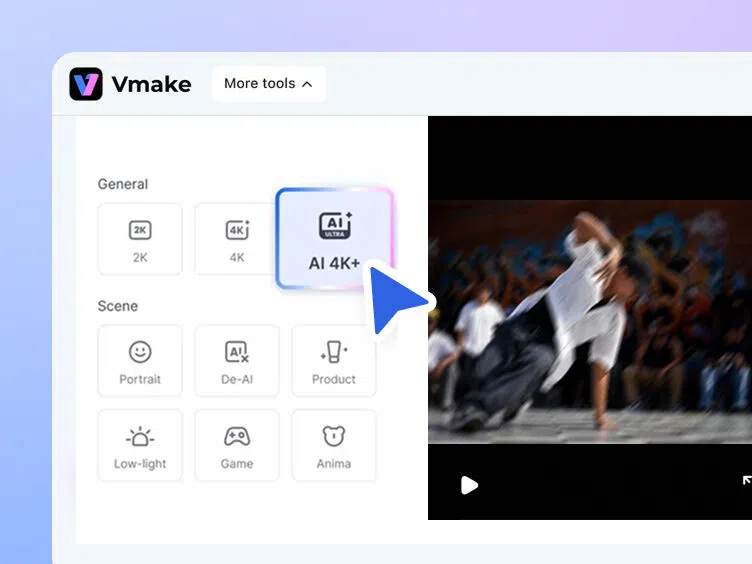
Preview and download
Review the higher-frame-rate result before exporting the final file. Your processed video downloads with smoother playback and clean visual quality.
When AI frame interpolation makes a visible difference
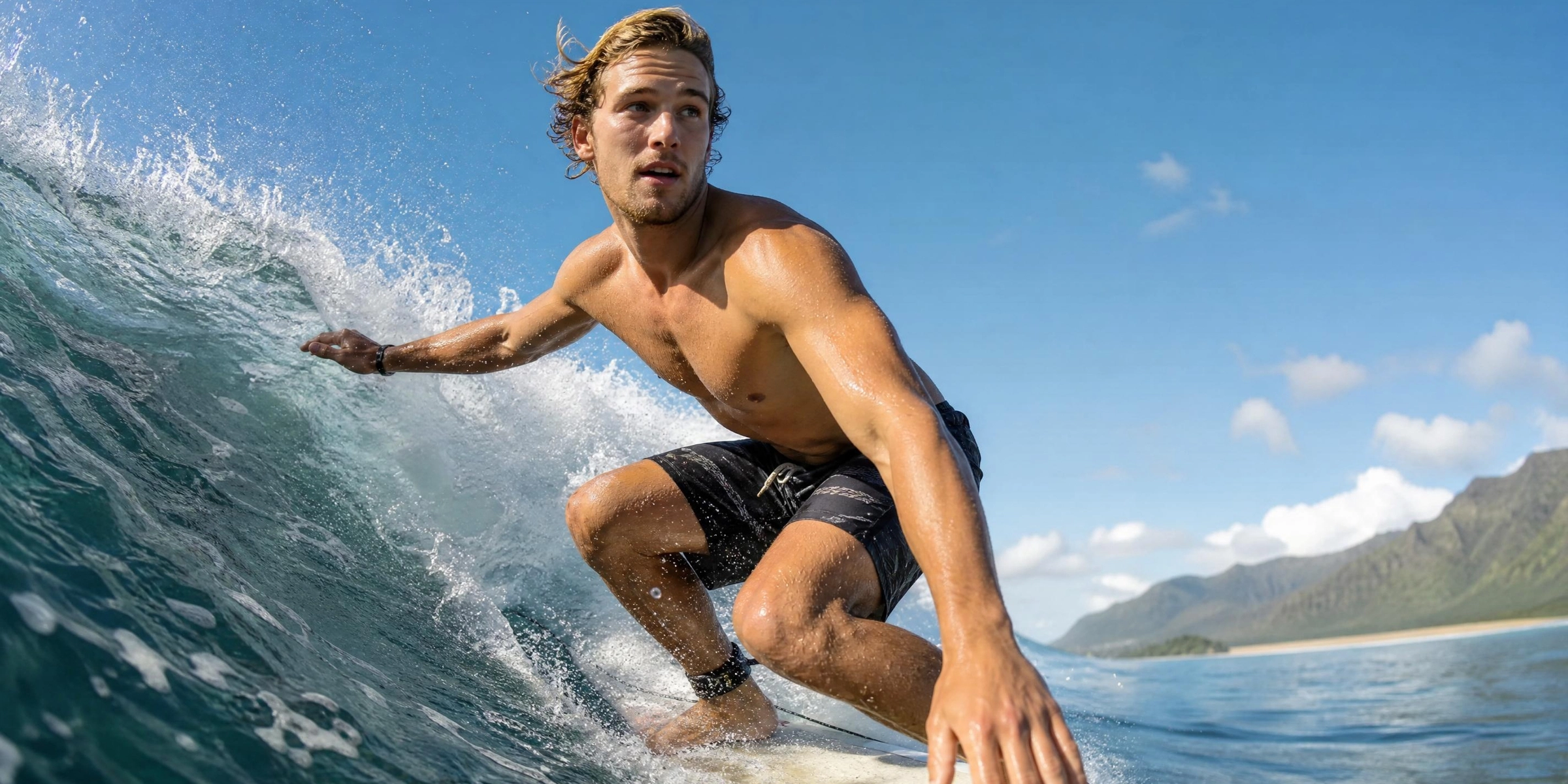
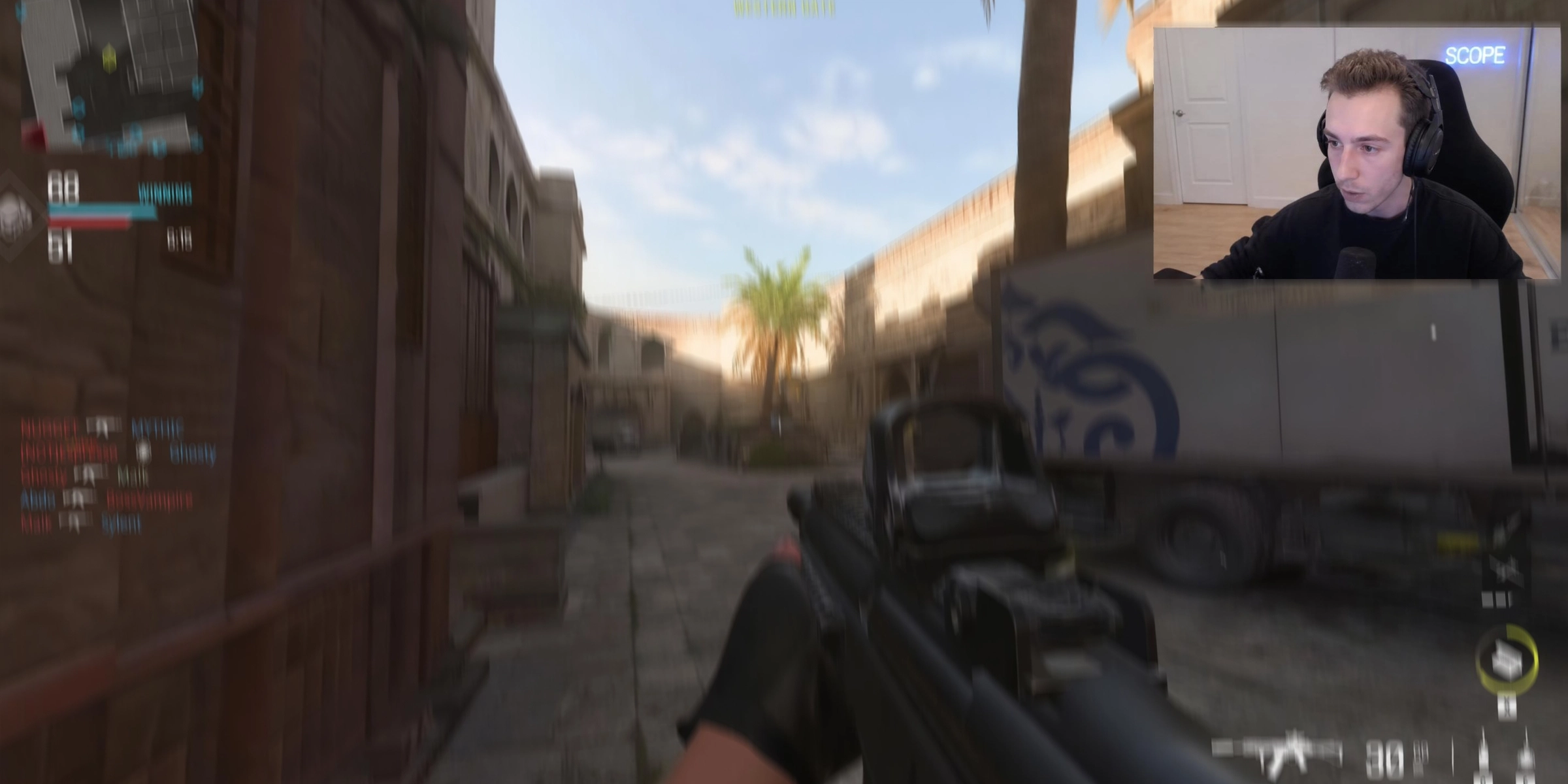
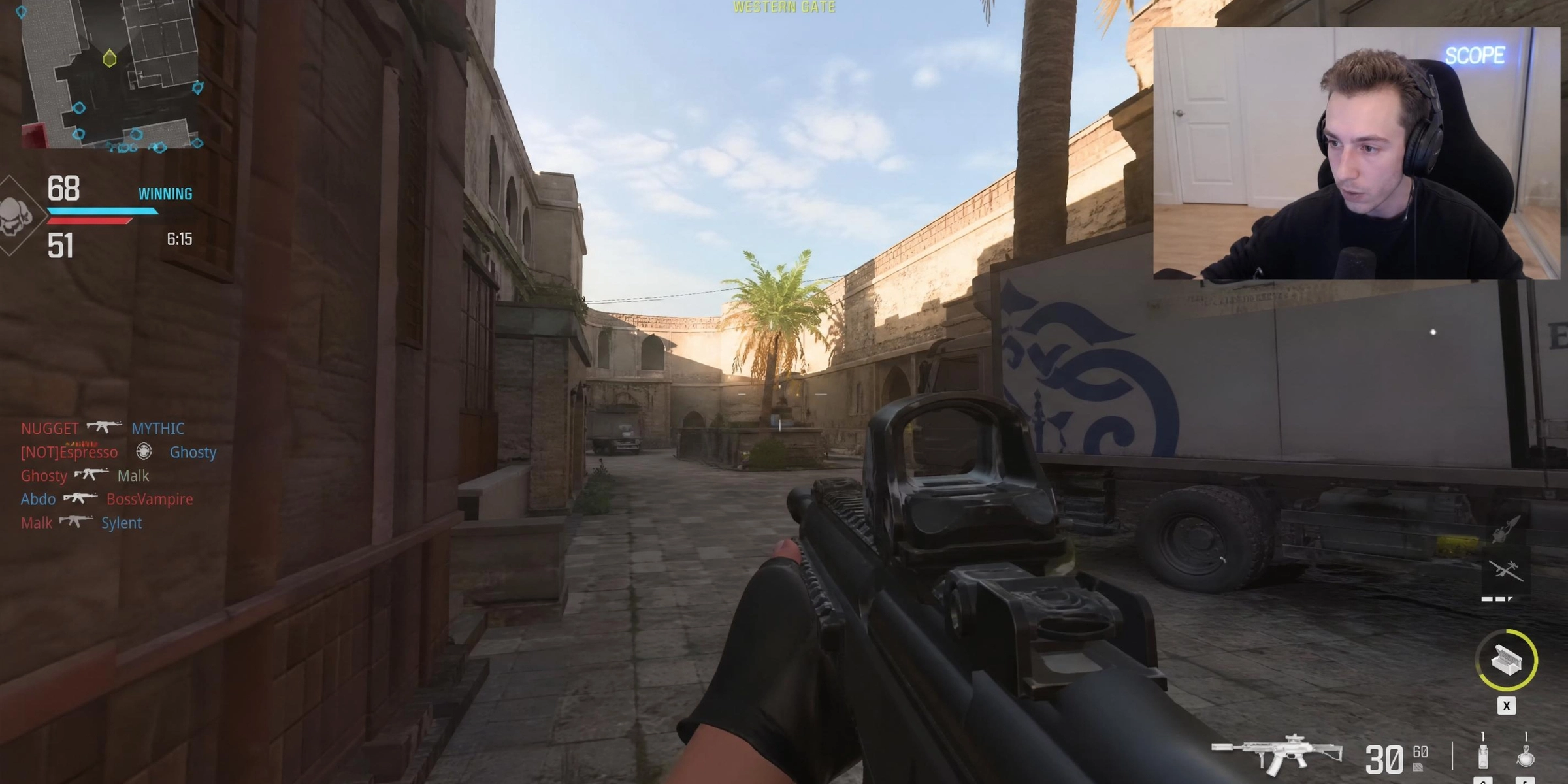







What makes Vmake Labs AI frame interpolation different
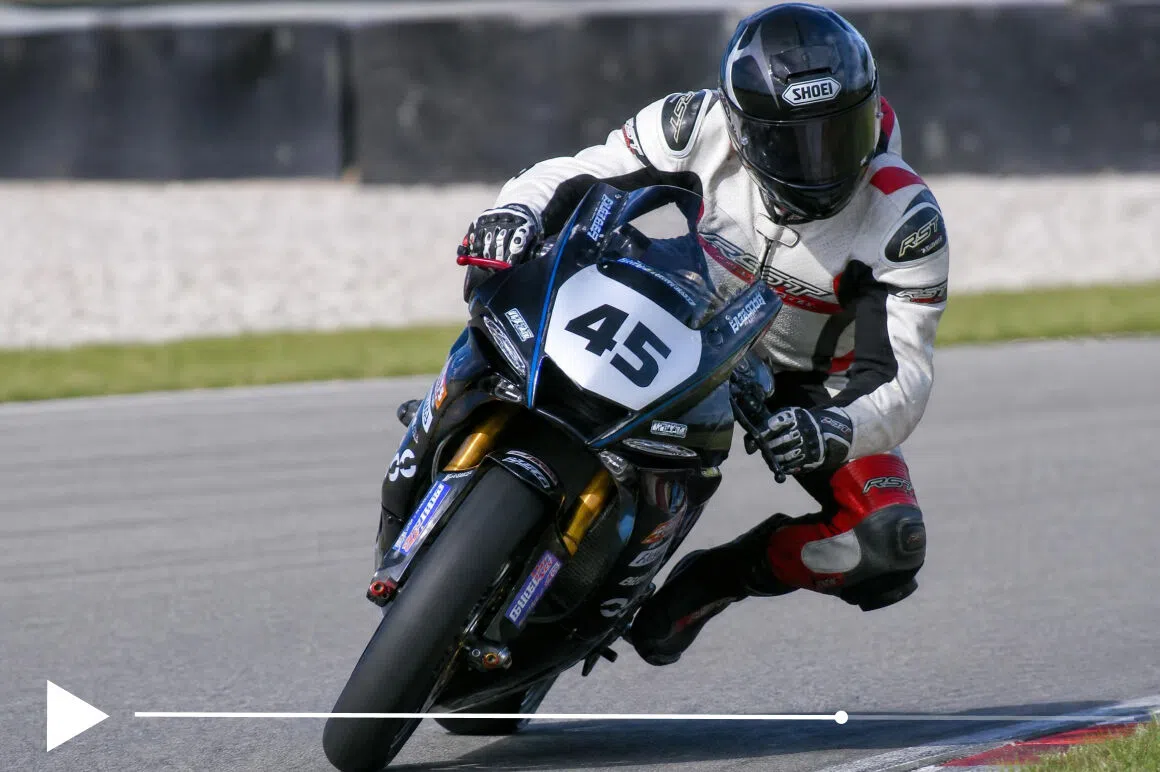
AI motion prediction
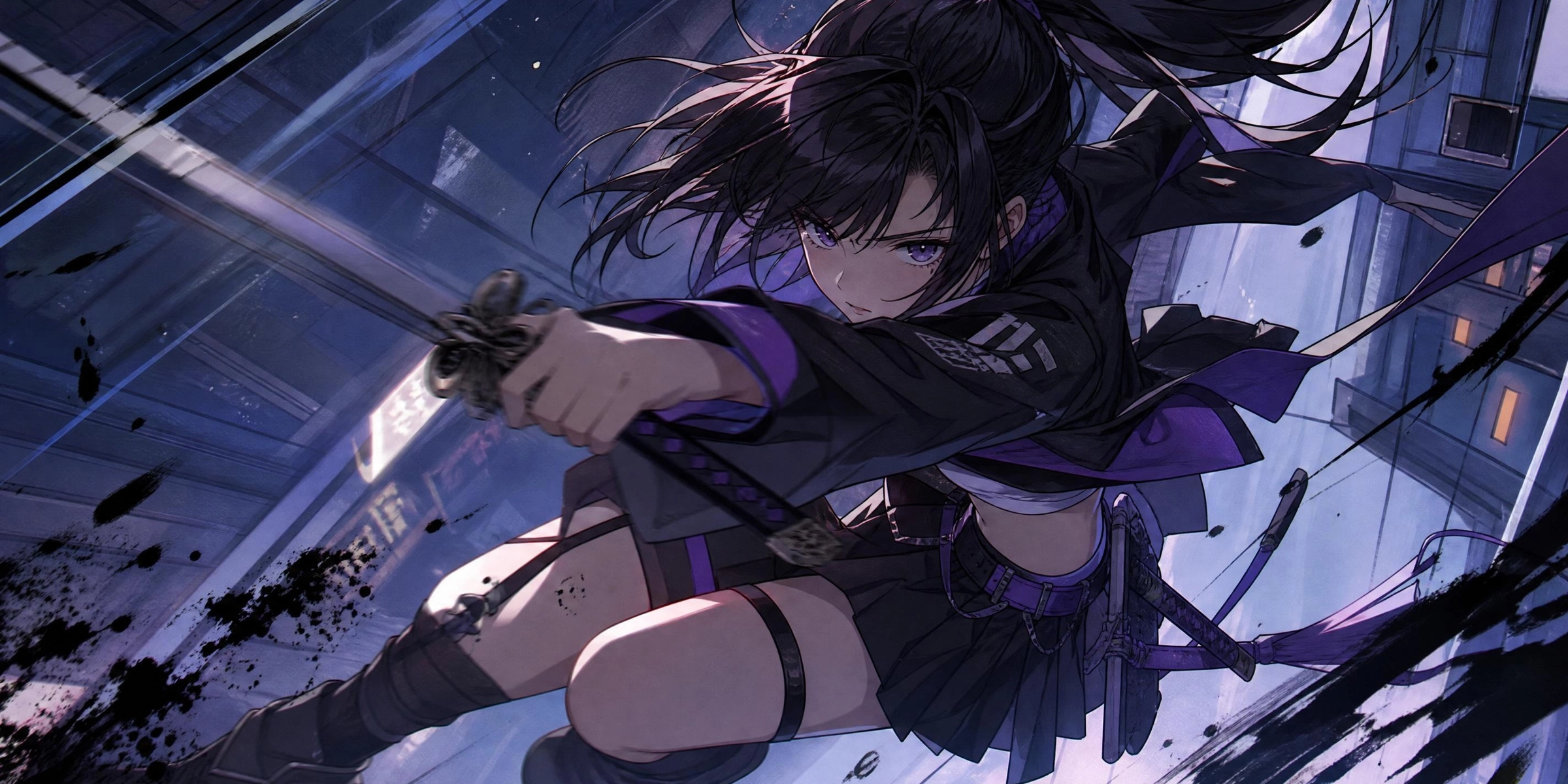
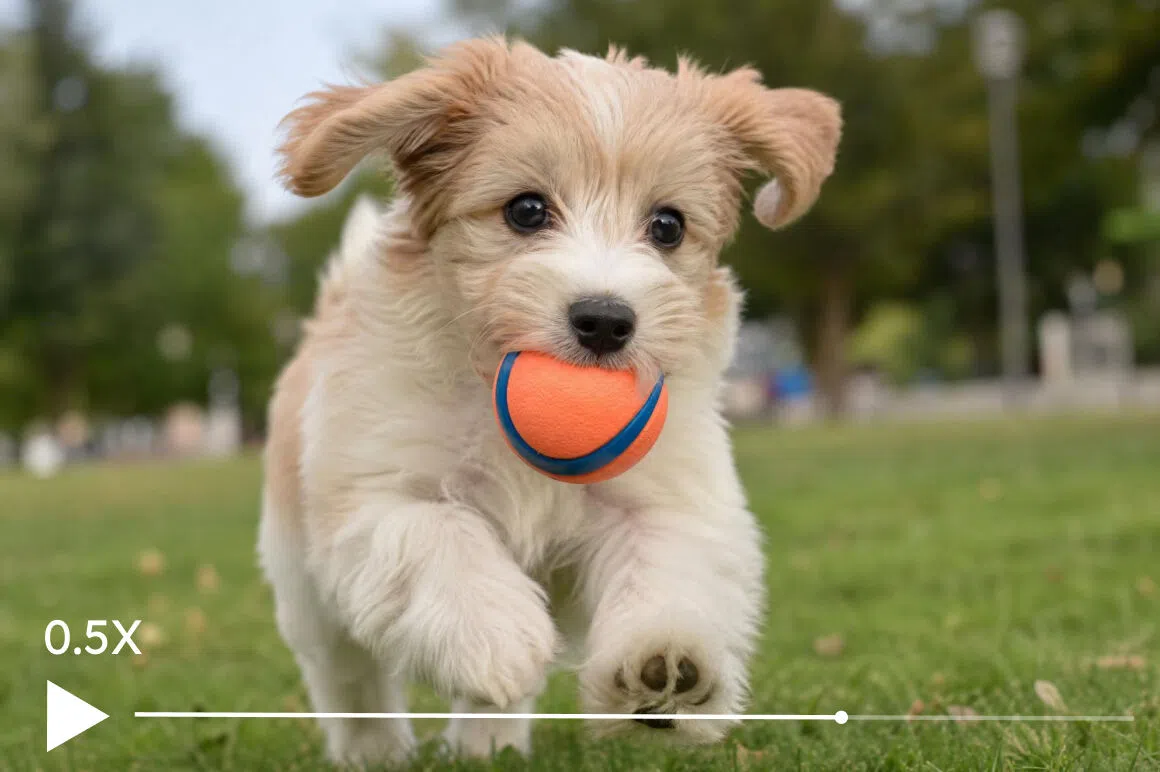
Vmake Labs analyzes object movement between frames and generates entirely new intermediate frames instead of repeating existing ones. The final playback looks smoother and more natural.
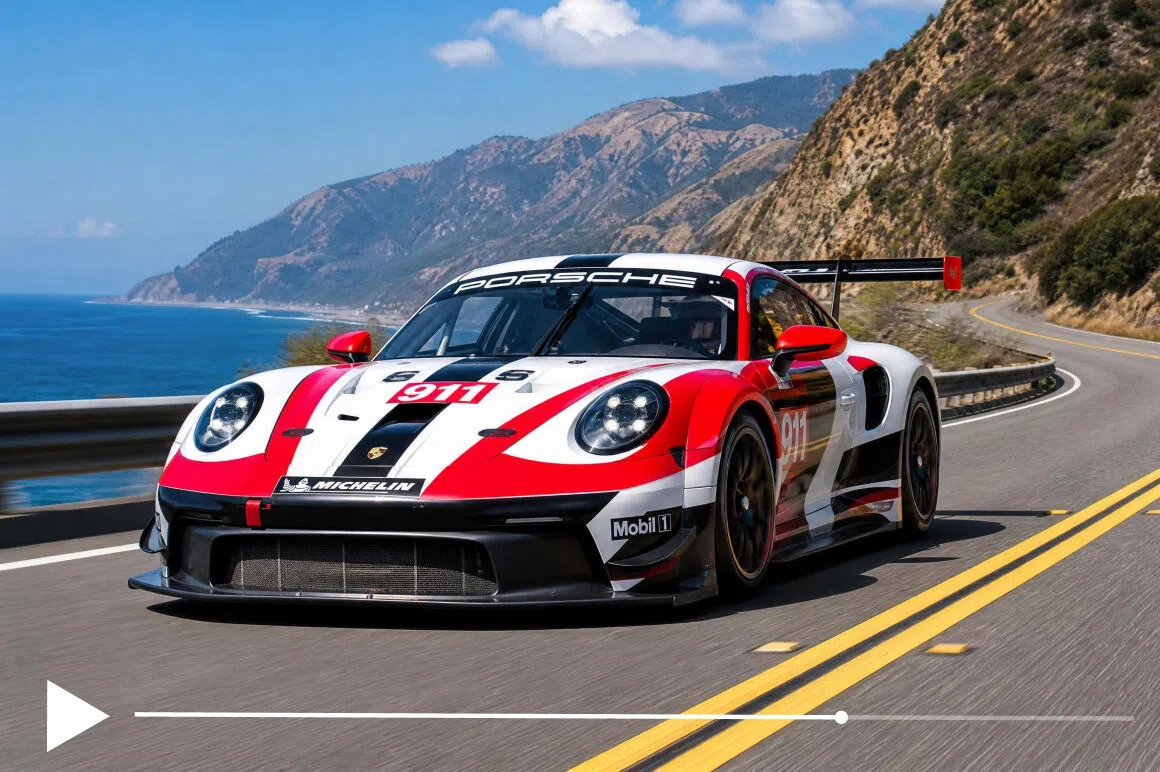
Artifact reduction
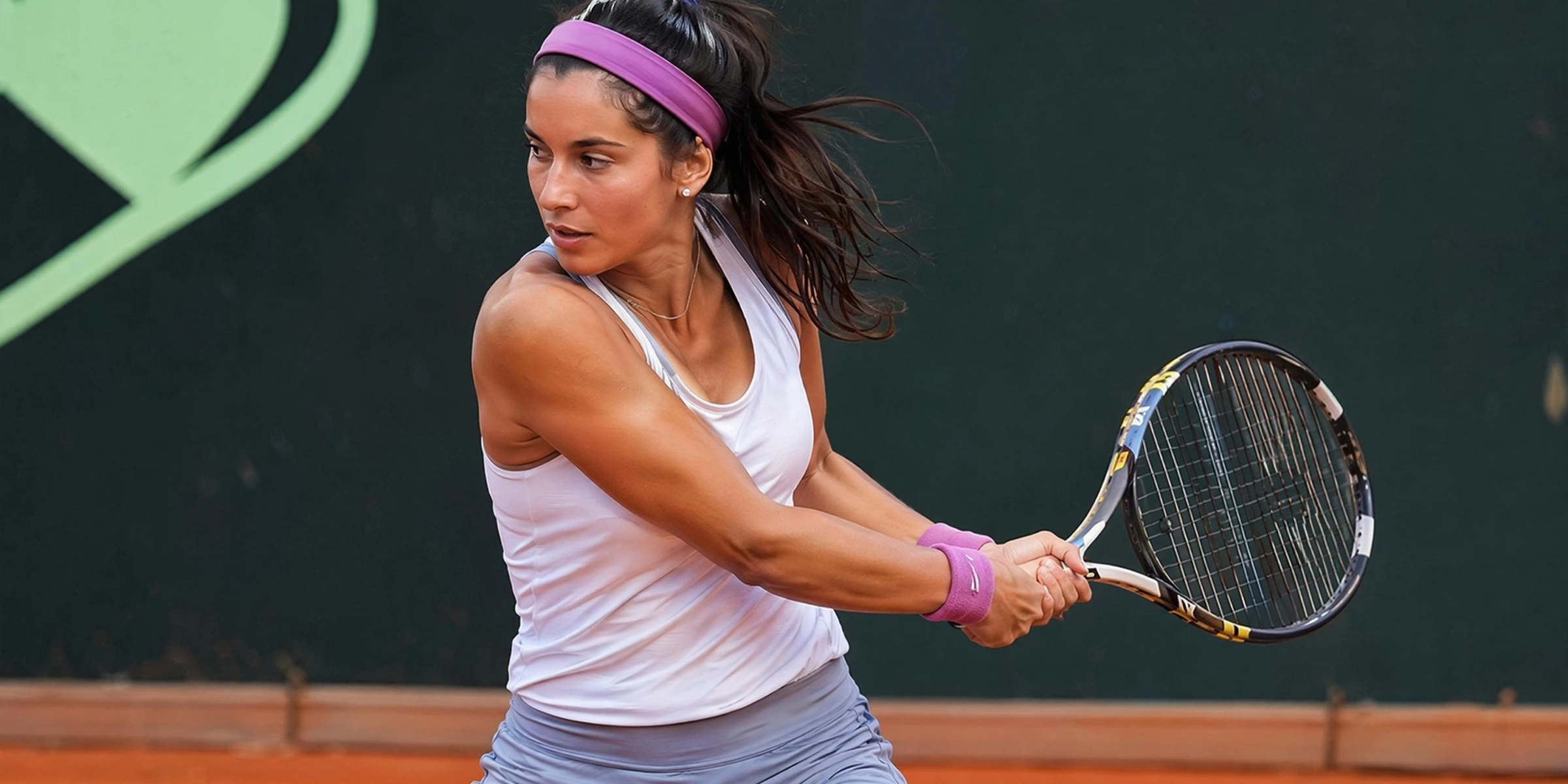
Fast-moving subjects stay cleaner because Vmake Labs separates motion boundaries from the background during processing. This reduces ghosting, smearing and warped edge artifacts noticeably.
Smooth slow motion
Vmake Labs creates extra frames that let standard footage play back more smoothly in slow motion. Movement looks more fluid without requiring specialized high-frame-rate recording equipment.
Enhancement workflow
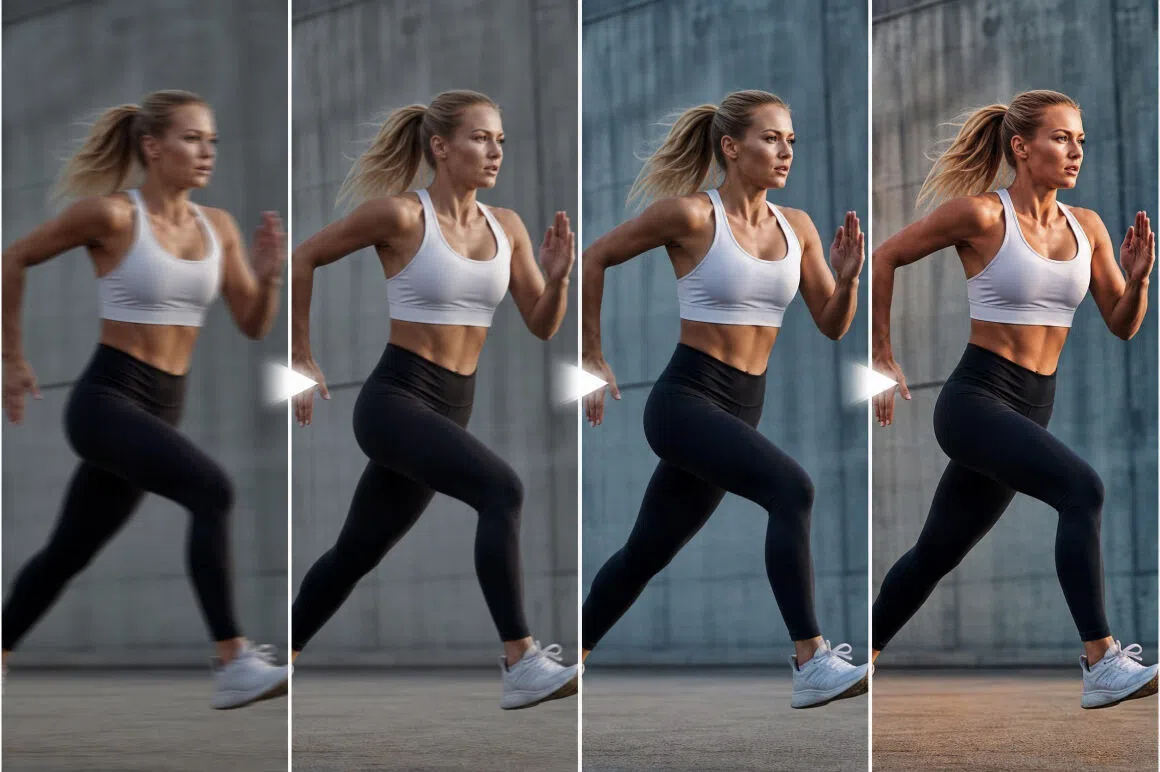
After interpolation, you can sharpen details, upscale with AI, and color-correct the same clip inside Vmake Labs. The entire video enhancement workflow runs together in one session.
Who uses Vmake Labs frame interpolation
Content creators and vloggers
Standard smartphone video is 30fps. That's fine for casual use. But 30fps on YouTube next to 60fps content looks noticeably softer. Creators who want that difference gone run footage through Vmake Labs before uploading. The workflow adds maybe two minutes and the output holds up better on high-refresh screens.

Sports and action videographers
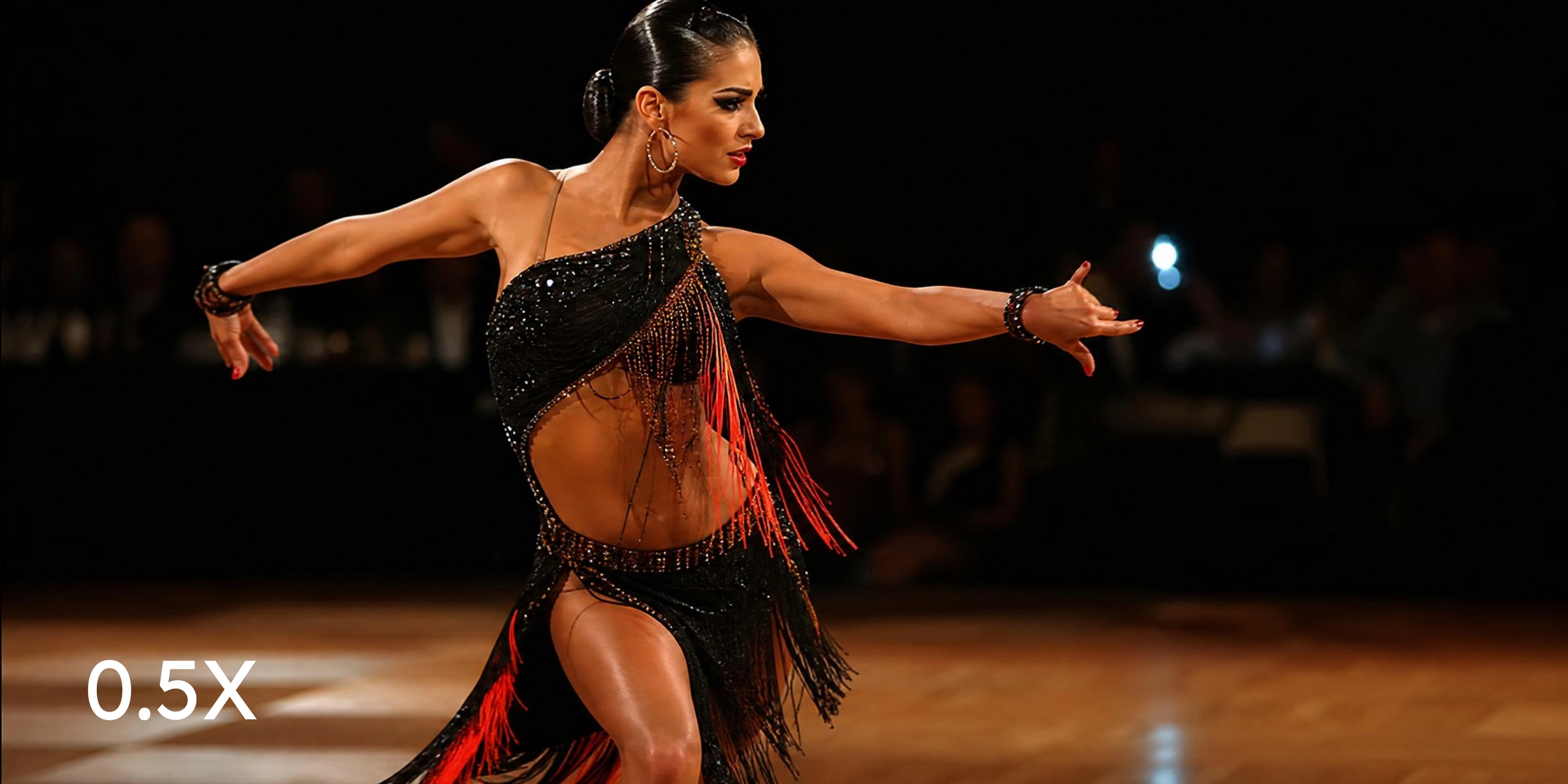
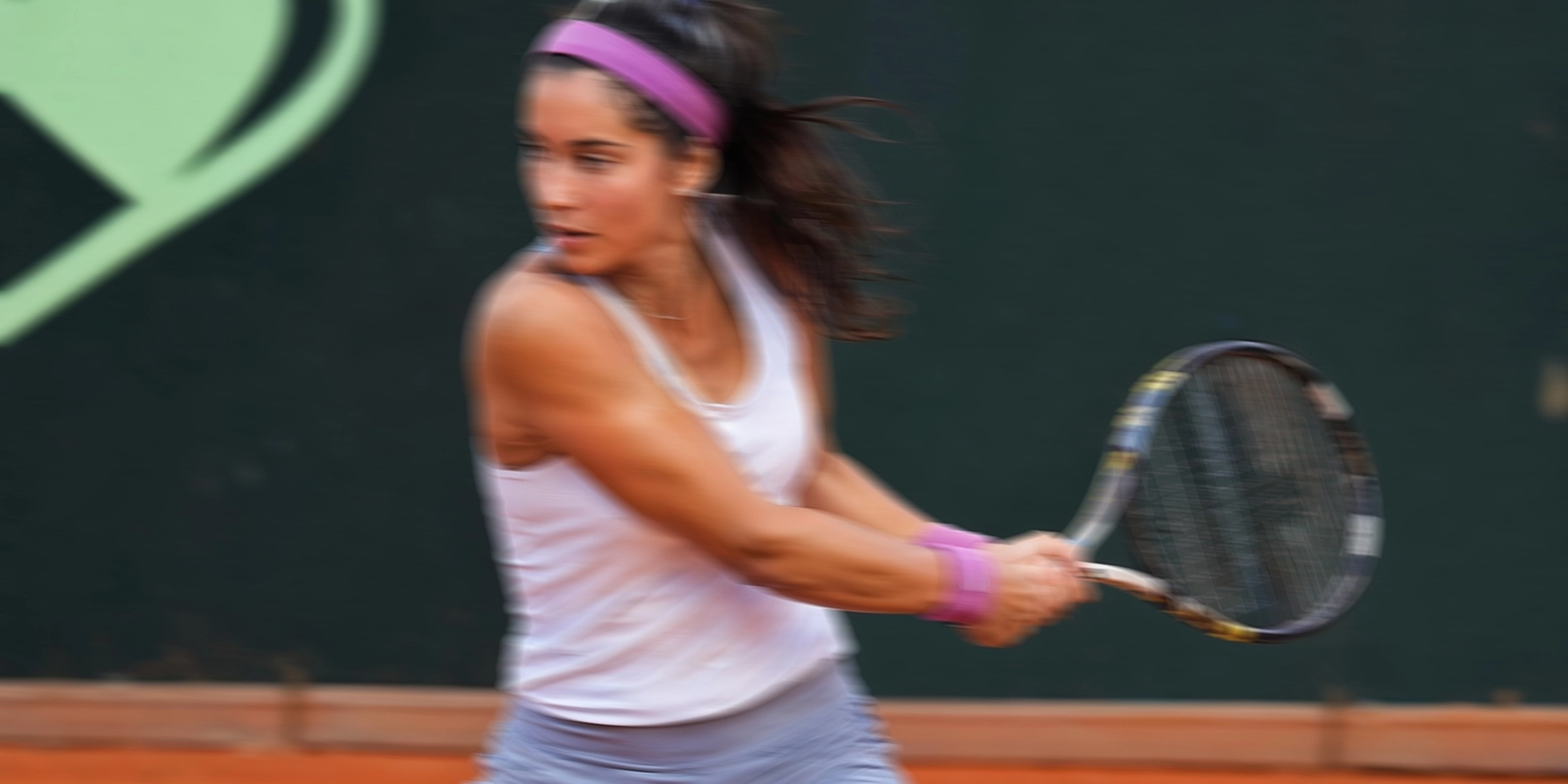
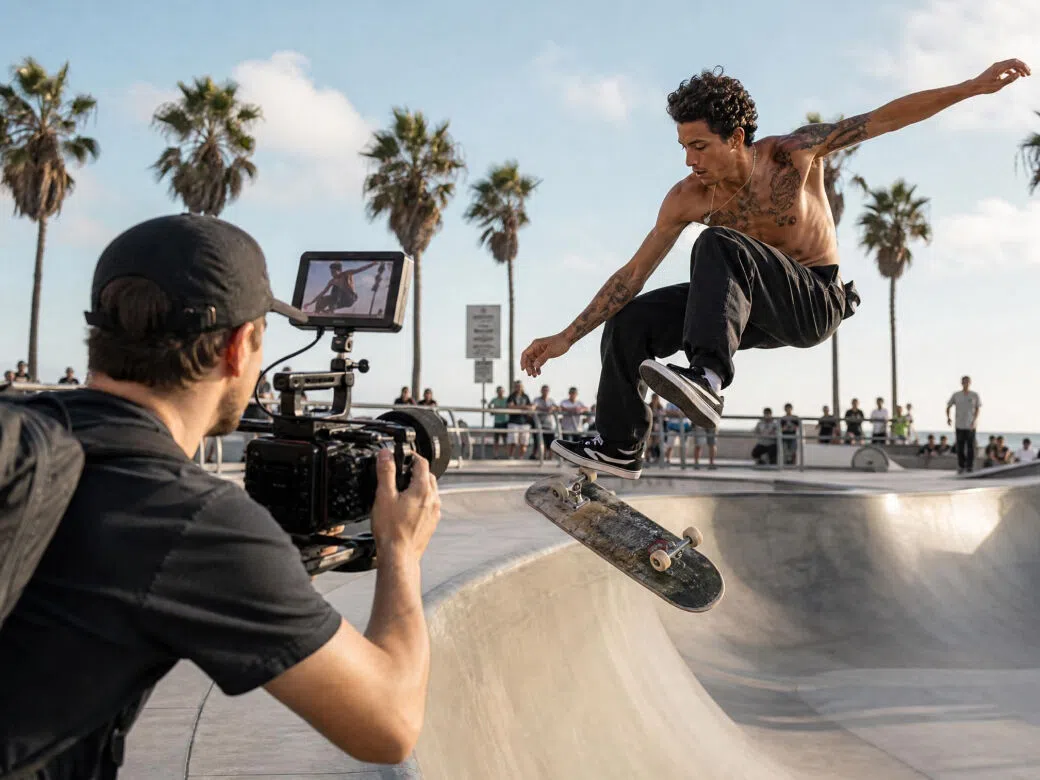
Fast subjects at 30fps smear. Interpolation fills the gap and the motion reads clearly rather than blurring into frames. Most useful for cycling, dance, and anything where the subject is moving faster than the shutter can cleanly separate.
Film and archive restorers
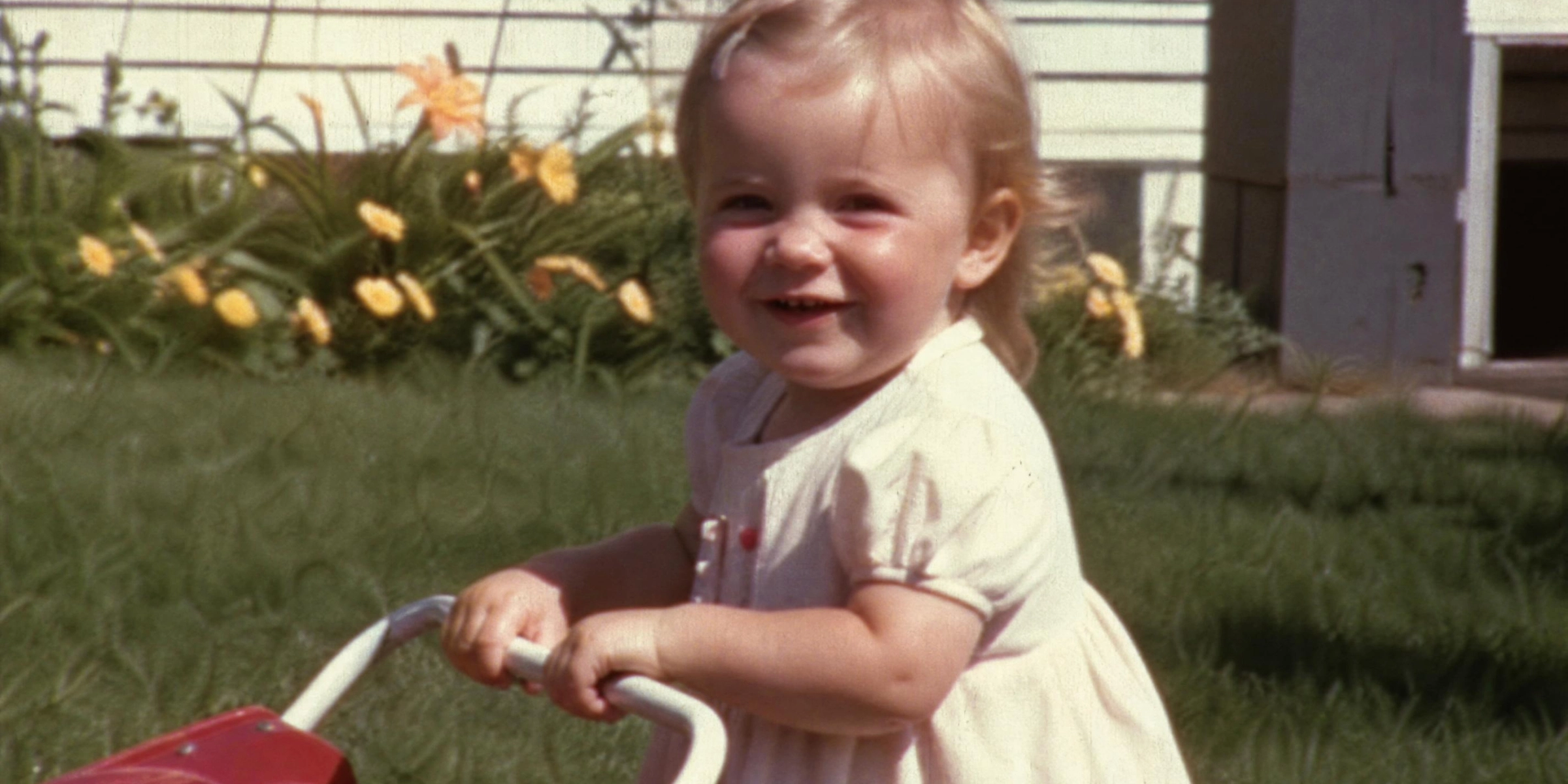
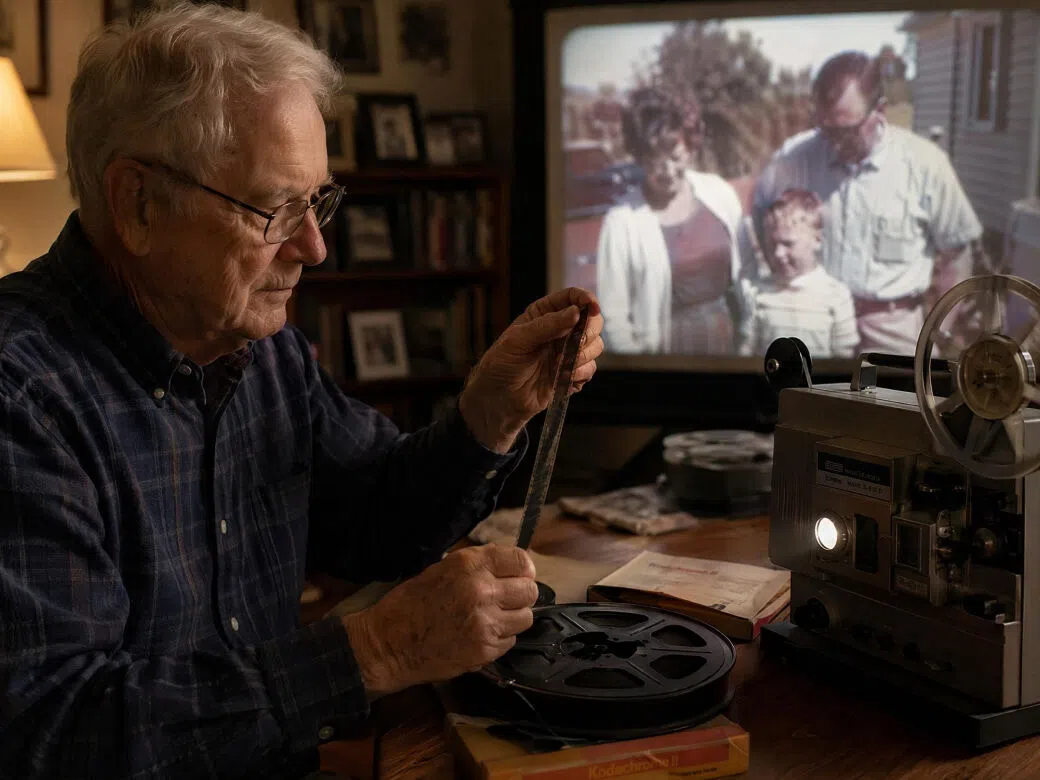
Digitized Super 8 and VHS footage plays at 15 to 18fps. It looks like old footage on purpose, but also looks unwatchable on modern screens. Interpolation threads the needle: the warmth and grain stay, the choppiness goes.
Frequently asked questions
What is video frame interpolation?
How does AI frame interpolation work?
Take two consecutive frames. Everything in the scene moved slightly between them. The AI maps that movement, estimates where each part of the image was at the halfway point, and builds a new frame from that estimate. Frame duplication just copies the nearest frame instead, which is why duplicated-frame interpolation always looks choppy.
Is free video frame interpolation available on Vmake Labs?
Yes. All you need to do is to upload your video, and then just let AI automatically handle the rest.
Can frame interpolation create smooth slow motion?
Yes, that's actually one of the most common uses. Generate more frames than you need for 60fps, then stretch the playback time. What was one second of real time becomes two or three seconds of smooth slow motion. Works better on footage with fluid, predictable movement than on chaotic fast action.
Will frame interpolation introduce ghosting or artifacts?
Cheaper tools do this a lot, especially around fast-moving subjects. Vmake Labs handles motion edges as a separate processing step, so subjects stay crisp rather than leaving ghost trails. Complex overlapping motion is still harder than simple scenes.
What frame rate should I target?
60fps for anything going online. Sports, gaming, action content all benefit the most. 24fps is fine for narrative or cinematic work where the film look is the point. Going above 60fps isn't worth it for most use cases.
Why choose Vmake Labs for AI frame interpolation

Vmake Labs analyzes movement between frames and generates realistic intermediate frames instead of duplicating existing ones. The result looks smoother, cleaner and more natural.

Everything runs through cloud GPUs directly in your browser, so you do not need high-end hardware, software installation or long desktop rendering workflows.

Preview the interpolated result before exporting your final video. You can continue enhancing, sharpening or upscaling the same clip without restarting the workflow.
Discover More Features
Video & Image Enhancer

Watermark & Text Remover

Video Upscaler
AI Video Generator

Video Background Remover

Video & Audio to Text

Video Noise Reducer

AI Video Translator
Ready to smooth out your video?
Upload your clip. The AI fills in the missing frames. Download a smoother, higher-FPS version when you're happy with the preview. No account. No watermarks.
What our users say
Had 30fps gaming clips sitting next to 60fps content on my channel. The gap was obvious. Put them through Vmake Labs and the motion matched up. No ghosting, no warping. Took about 90 seconds per clip.
I film cycling events on a camera that tops out at 30fps. Fast riders through a corner always looked blurry between frames. After interpolation the motion is clean and you can actually see what's happening. Significant improvement on action shots specifically.
Super 8 home movies digitized from the 1970s. Ran them at 18fps and on a modern TV it was pretty rough. After Vmake Labs they play at 60fps and still look vintage, not like they've been artificially upgraded. Grandmother approved.
I use Kling for most of my output. 24fps is what you get by default. It's fine until it's next to something else. Vmake Labs brings it to 60fps and the clips now sit cleanly in a mixed-source timeline. No weird soap-opera effect, which I was worried about.
Needed slow motion from a 30fps clip. No high-speed camera available. Generated the extra frames in Vmake Labs and slowed the playback down. Worked for what I needed it for. Some sections with very fast motion had minor artifacts but the rest of the clip was clean.
Screen recordings at 30fps looked slightly choppy on fast-scrolling sections. After interpolation the playback is noticeably smoother. A few students mentioned it unprompted, which is how I know it actually made a difference.