
AI YouTube Video Maker
Creating engaging YouTube videos often requires additional B roll, transition scenes, and creative visual clips. Vmake helps you generate short AI video clips from text prompts, reference images, or existing footage, making it easier to enrich YouTube edits with original visual content.
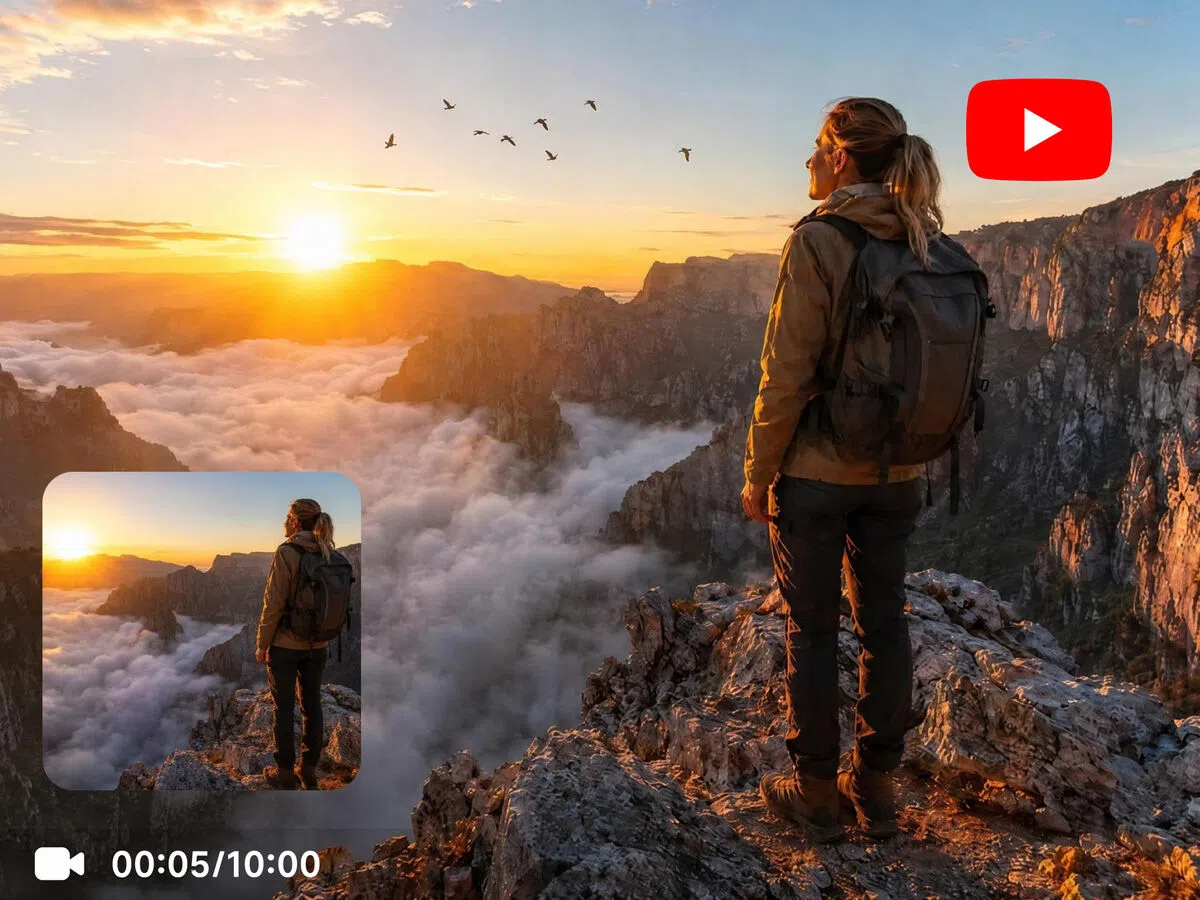


How to generate clips for a YouTube video
Step 1. Choose your input method
Start with Text to Video to generate clips from a prompt, Image to Video to animate a reference image, or Video to Video to create a new visual style from existing footage.
Step 2. Select a model and generate
Choose your preferred AI video model, enter your creative prompt or upload your media, then adjust the generation settings before creating your clip.
Step 3. Download your video
Preview the generated clip, make changes if needed, and download the finished result for use in your YouTube editing workflow.
What YouTube creators make with Vmake Labs YouTube video maker
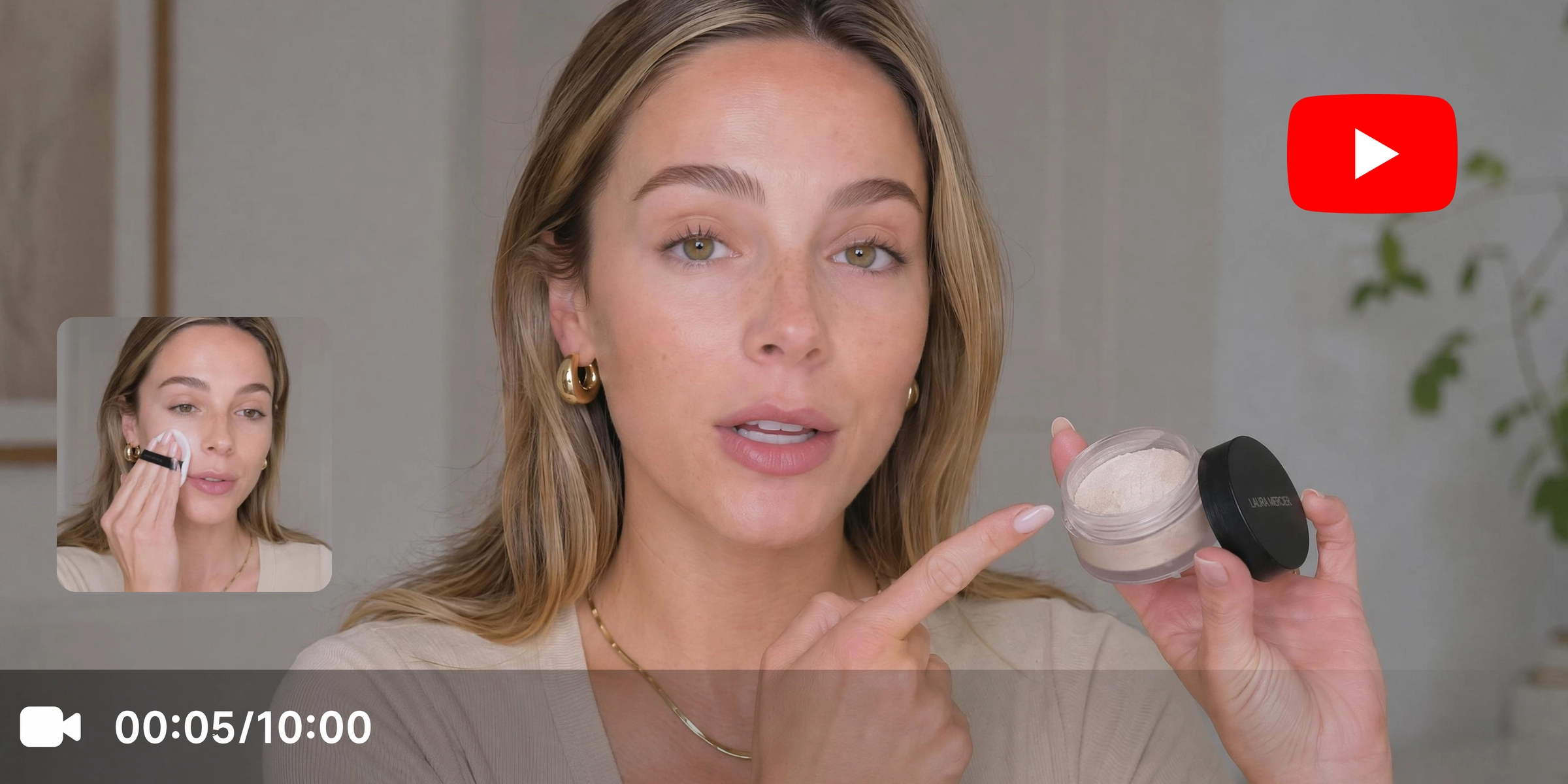
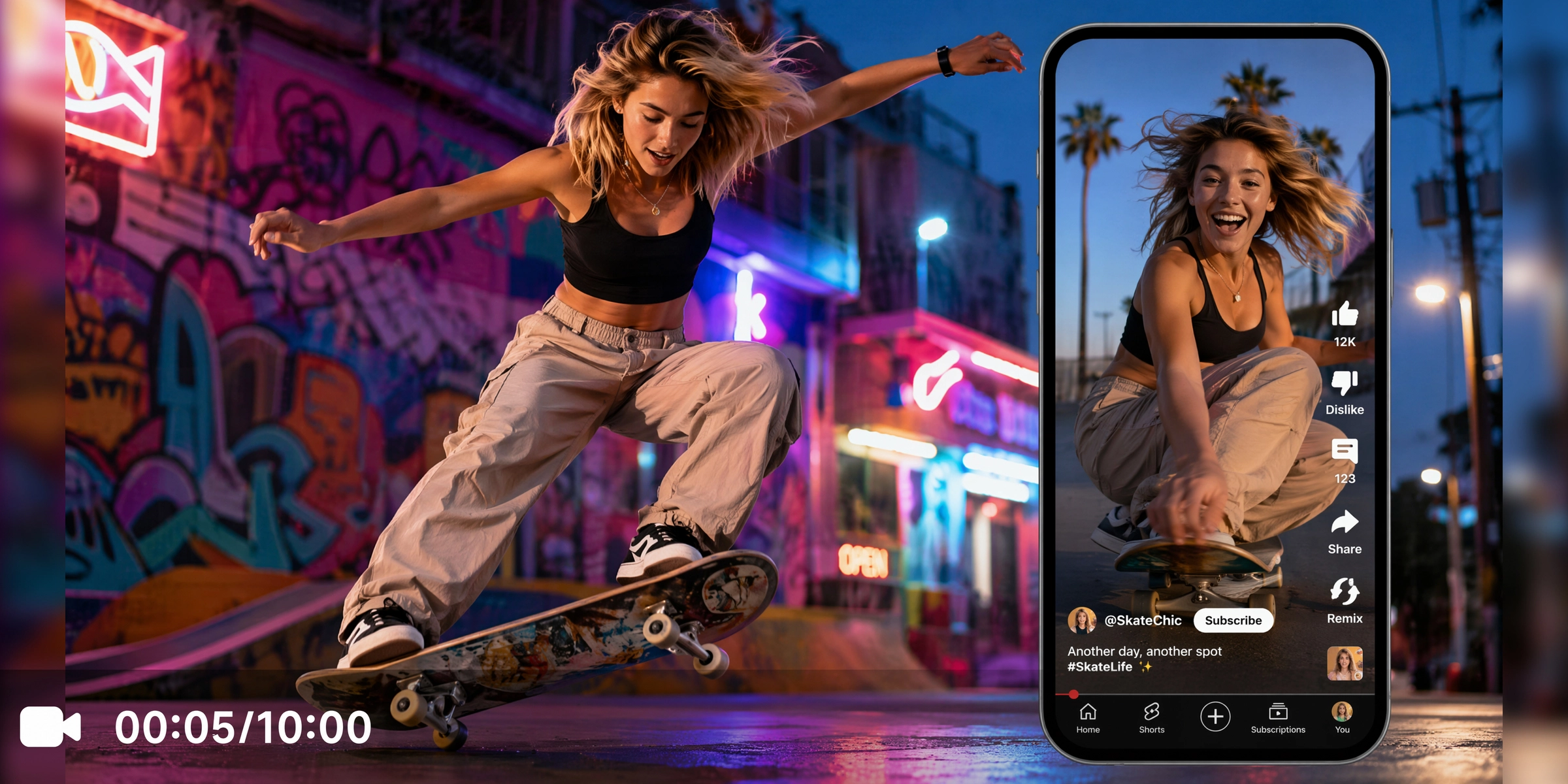


What makes Vmake a reliable AI YouTube video maker
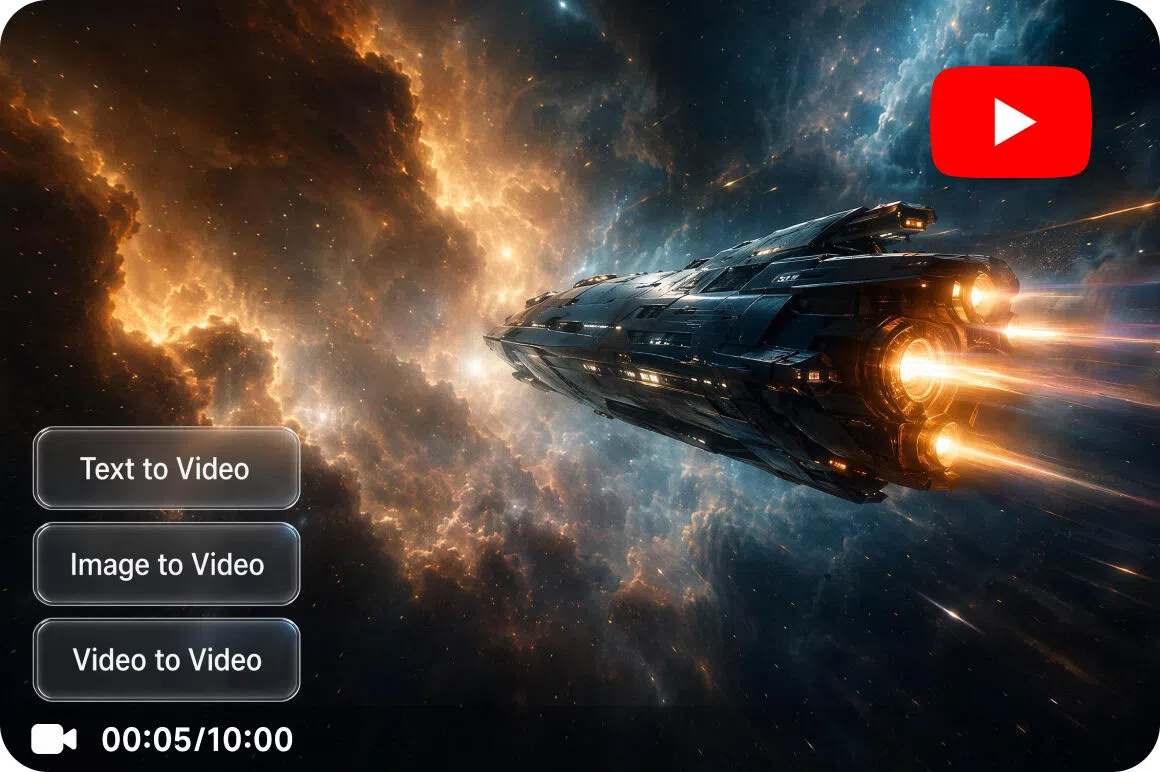
Three generation methods in one workspace
Use Text to Video to create clips from written prompts, Image to Video to animate reference images with Elements, Frames, or built in video Effects, or Video to Video to transform existing footage into a different visual style. All three workflows are available from one workspace.
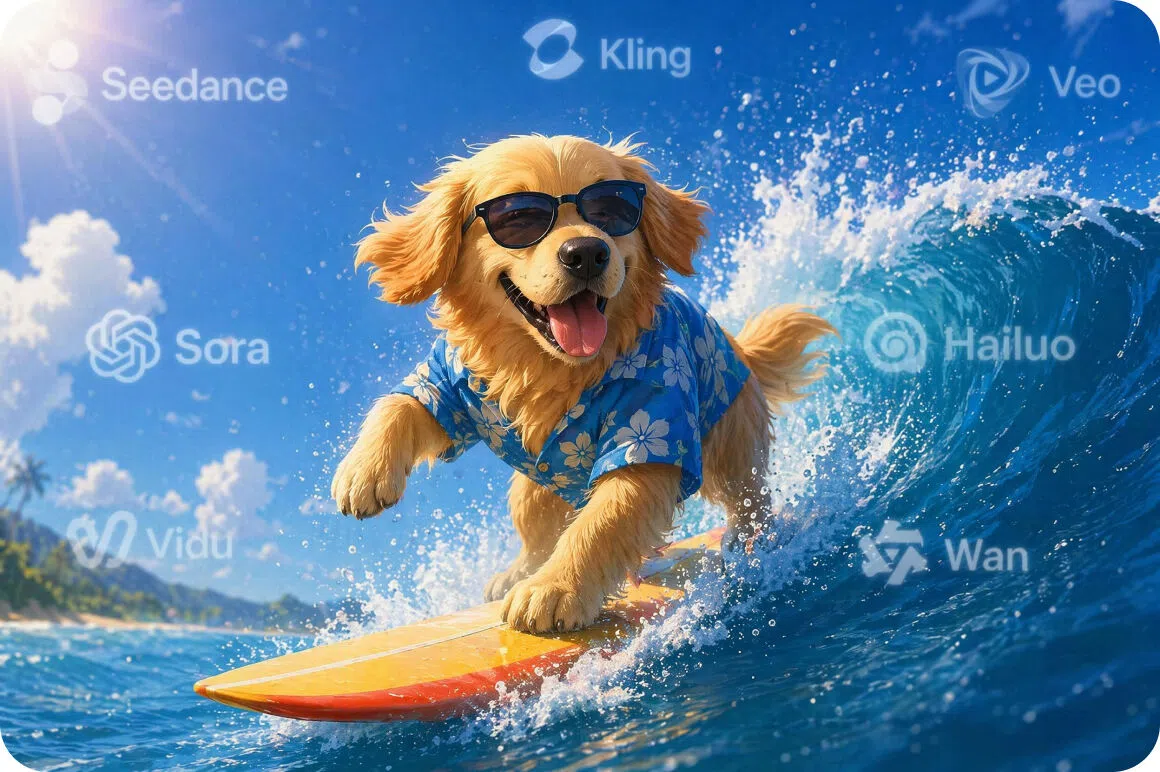
Choose from multiple AI models
Access Seedance 2.0, Kling 3.0, Sora 2, and more mainstream popular video models in one tool. Compare different visual styles and creative outputs while using Vmake as your AI video generator for YouTube clips.
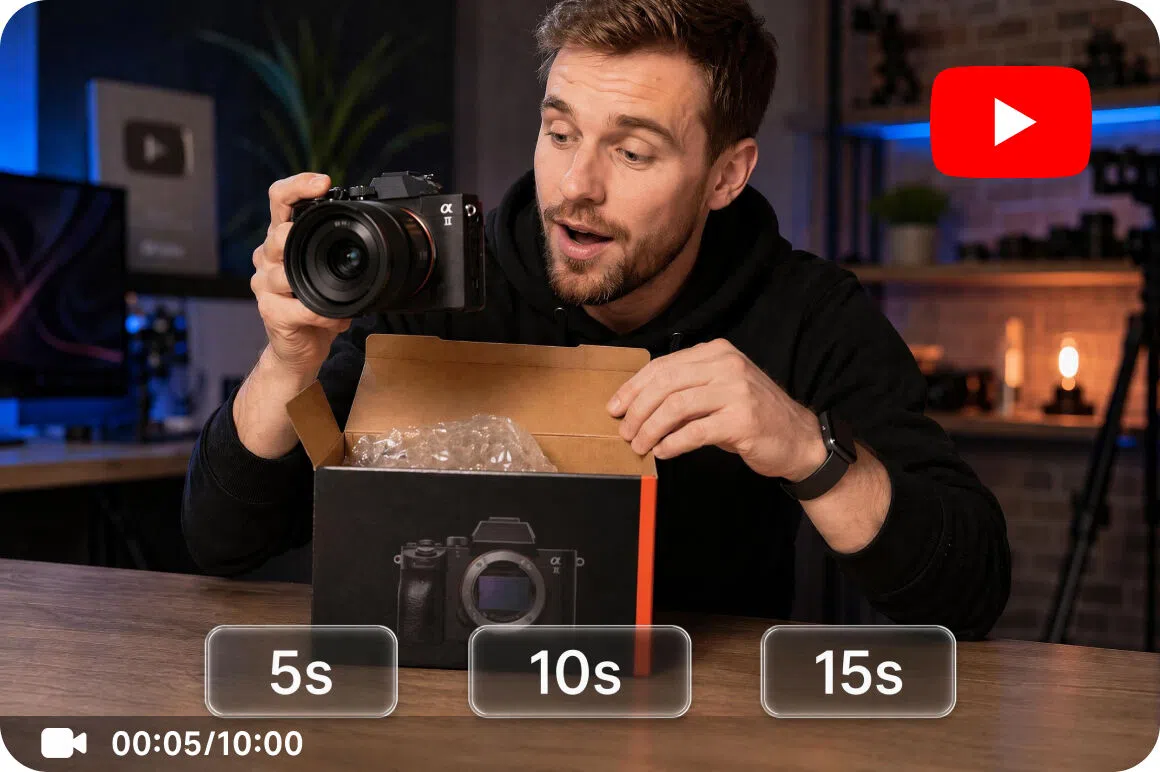
Fine grained duration control
Generate short AI video clips with flexible duration settings for transitions, B roll, establishing shots, and other supporting visuals that fit naturally into YouTube edits.
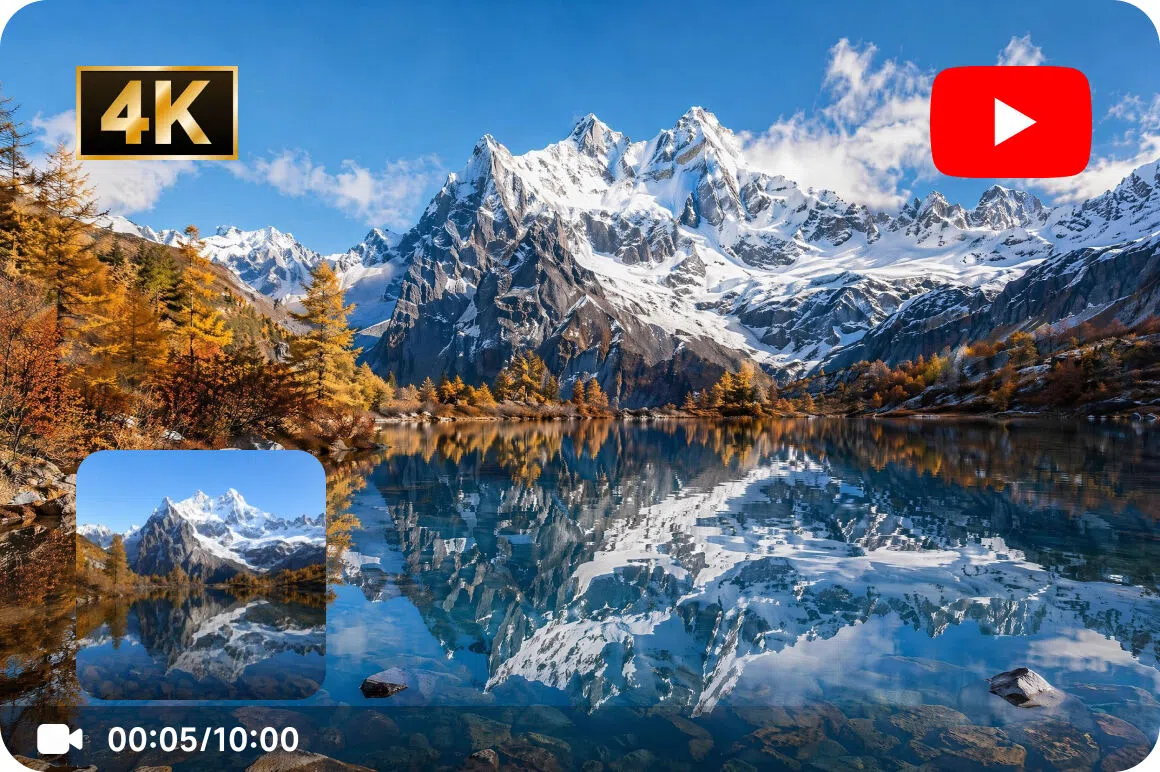
Export up to 4K resolution
Download generated clips in high resolution to incorporate into your YouTube projects while maintaining clear visual quality throughout your editing workflow.
Who uses Vmake YouTube video creator most
Travel and lifestyle channels
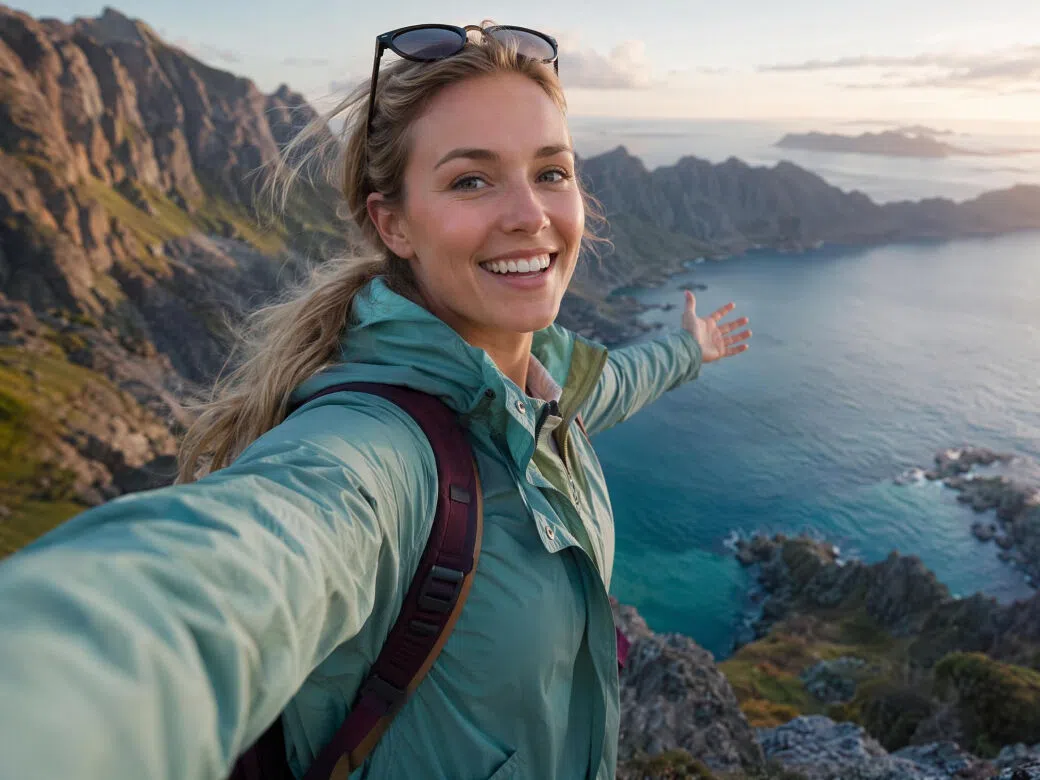
Travel and lifestyle creators often need B roll, establishing shots, and transition footage that may not be captured during filming. Vmake generates short landscape scenes, transition clips, and supporting visuals from text prompts or reference images. These AI generated clips provide additional visual assets that can complement YouTube edits and storytelling.
Animation and creative content channels
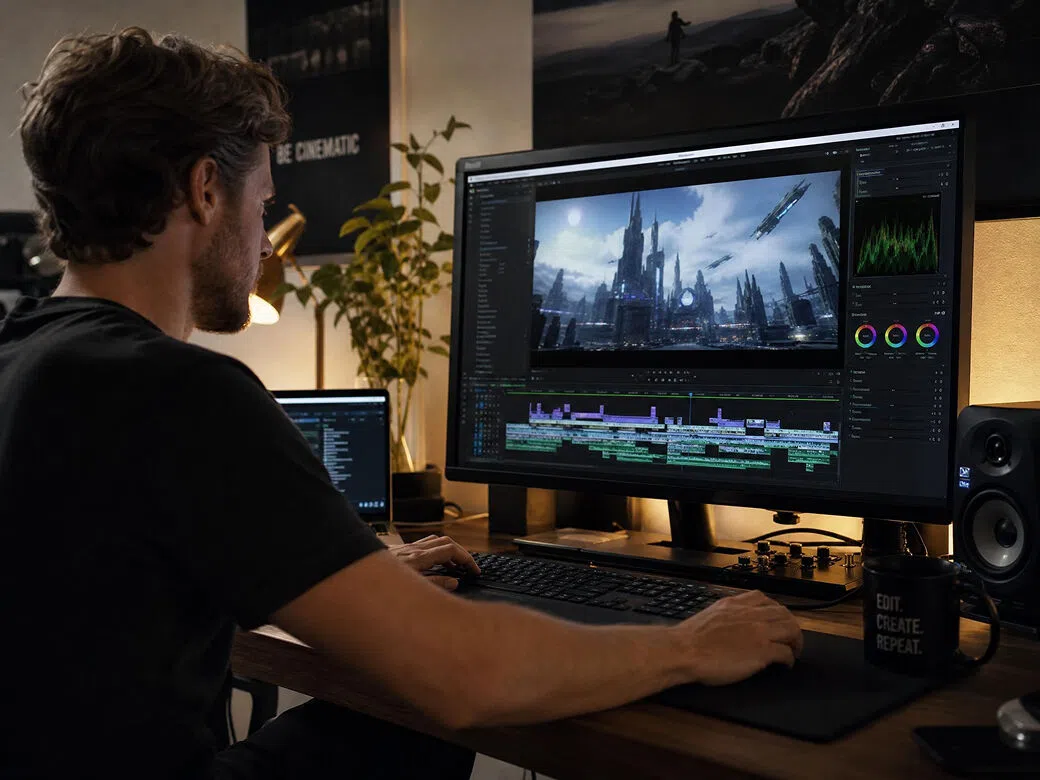
Animation and creative channels frequently explore stylized concepts, fantasy worlds, or sci fi scenes that can be difficult to produce through traditional workflows. Vmake generates animated clips from text prompts or reference images using multiple AI video models. The generated clips can be used to visualize concepts, experiment with different styles, or supplement creative video projects.
E-commerce and brand channels
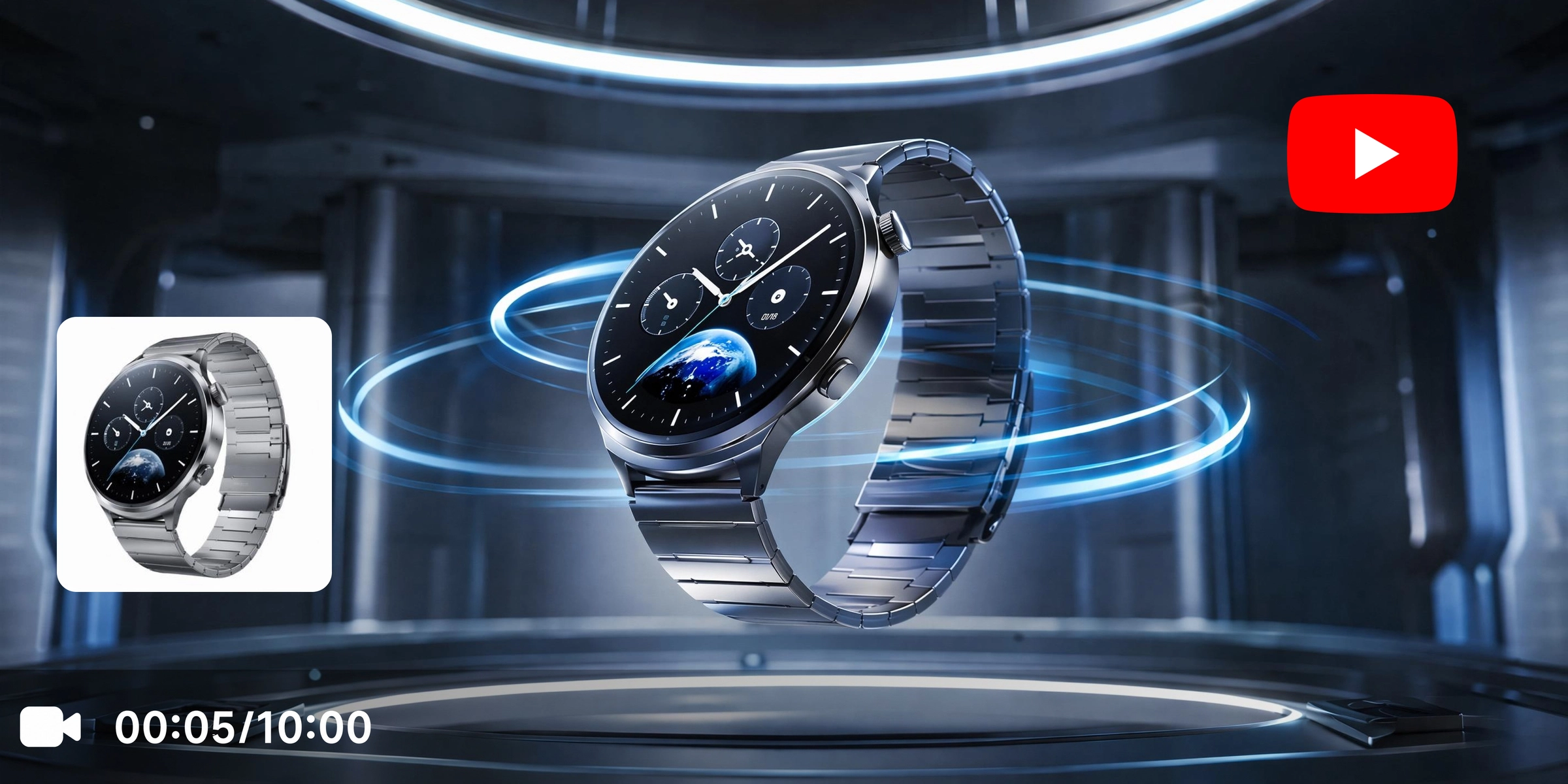
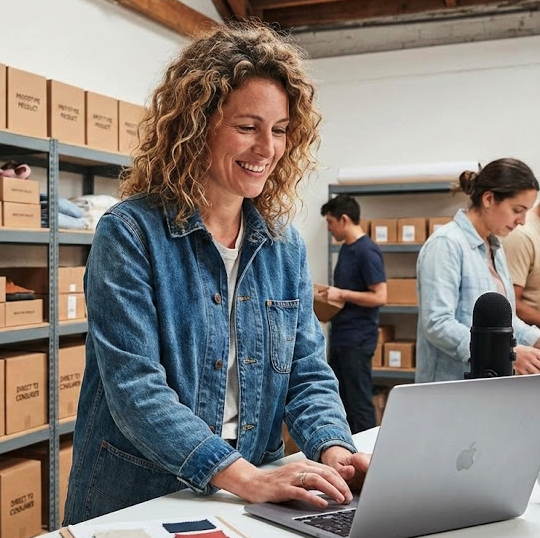
E-commerce businesses and brand creators regularly need promotional video assets for product launches and marketing campaigns. Vmake Labs transforms product images or creative prompts into short promotional clips that can be incorporated into product showcases, announcements, and other YouTube marketing content.
Frequently asked questions about YouTube video makers
Can I generate a YouTube video from just a text description?
Can I use my own images to generate a video?
Yes. Upload a reference image with Image to Video to create original AI video clips. You can also use Elements, Frames, and built in video Effects to guide the generated results.
Does Vmake support restyling existing footage for YouTube?
Yes. Video to Video lets you upload an existing clip and generate a new visual style while using your original footage as the starting point.
What resolution can I export my generated videos in?
Generated video clips support exports in resolutions up to 4K, making them suitable for a variety of creative editing projects.
How many AI models can I choose from?
Vmake Labs supports multiple AI video generation models, including Seedance 2.0, Kling 3.0, Veo 3.1, Veo 3, Sora 2, Hailuo 2.3, Vidu Q2, Wan 2.2, and other supported models.
Does Vmake create a complete YouTube video?
No. Vmake generates short AI video clips from prompts, reference images, or existing footage. You can combine them with auto generated captions and other edits before publishing on YouTube.
Why YouTube creators use Vmake to make videos

Generate B roll, establishing shots, and transition clips to complement your YouTube edits. Create additional visual content from text prompts, reference images, or existing footage whenever your project needs extra supporting scenes.

Create AI video clips with Text to Video, Image to Video, and Video to Video from one workspace. Whether you start with a creative idea, a reference image, or an existing clip, Vmake provides flexible generation methods for different YouTube projects.
New users can receive registration credits and daily credits to explore Vmake Labs AI video generation features. Try different AI models and generation methods to explore Vmake AI video generation features and try different creative workflows.
Explore more Al tools
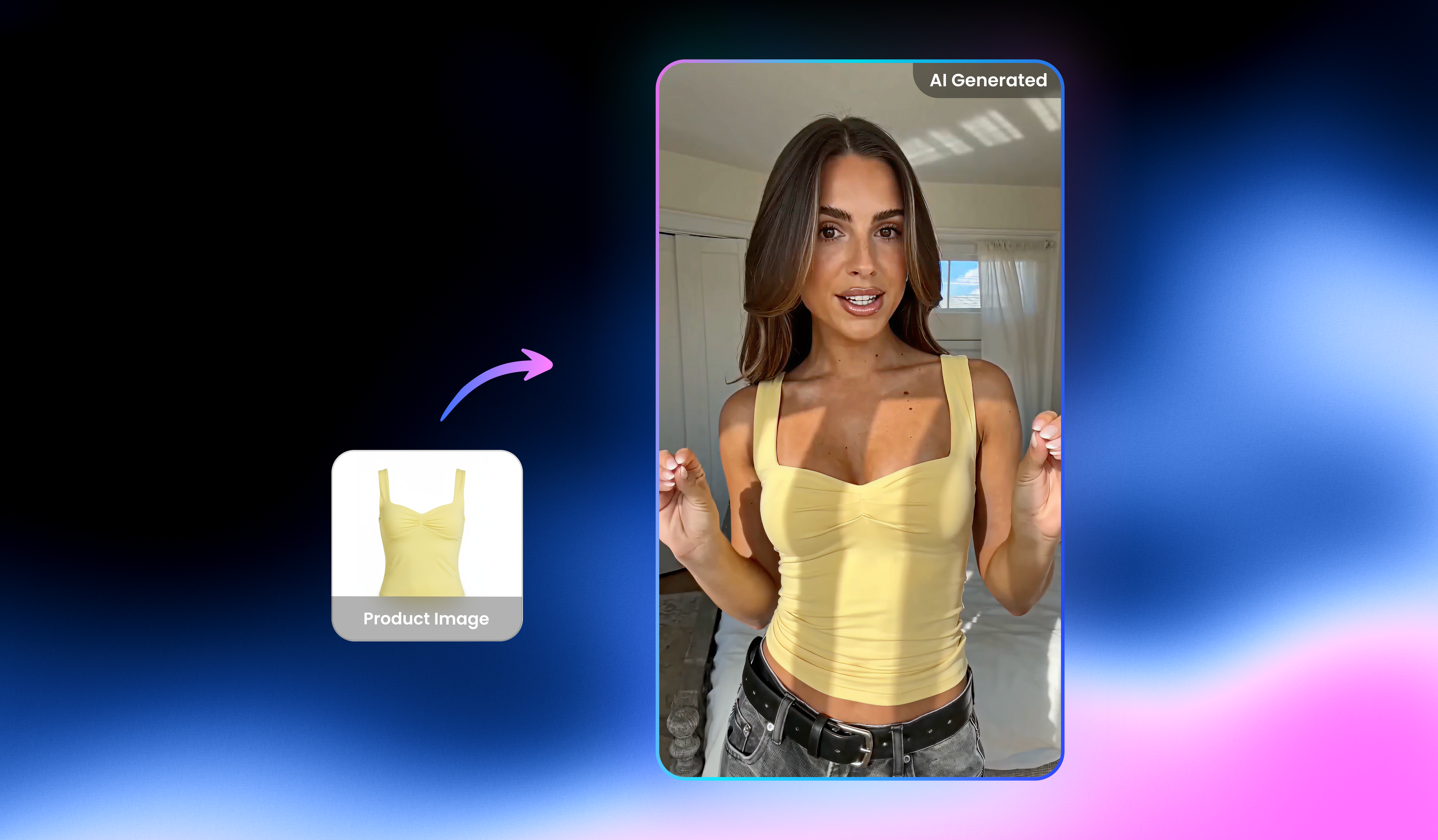
Free AI UGC Video Generator: Create UGC Videos in Seconds

Watermark & text remover

Video translator

Video & image enhancer

Video upscaler

Video & audio to text

Video noise reducer

Video background remover
Start making your YouTube video today
Generate AI video clips from text prompts, reference images, or existing footage to support your next YouTube project. Create original B roll, transition scenes, and creative visuals with Vmake Labs.
What YouTube creators say about Vmake
I needed additional landscape shots while editing a travel vlog, so I generated a few scenic clips from text prompts. They worked well as supporting visuals between my recorded footage and gave me more flexibility when building the final edit.
I used text prompts and reference images to explore animated concepts for YouTube Shorts. Comparing different AI models helped me experiment with visual styles and generate creative clips that supported my project planning.
We wanted additional product visuals for a launch campaign, so I uploaded product images and generated promotional clips with Image to Video. The generated clips gave us extra creative assets that complemented our existing marketing content.
I tested several prompts while developing a science fiction concept for YouTube. Generating different scene ideas helped me compare creative directions before deciding which visual style best suited the project.
Having multiple AI video models available in one workspace made it easier to compare different visual styles for B roll and transition clips. It gave me more options while assembling YouTube edits for different projects.
I experimented with Video to Video to give some existing clips a different visual style. It was a straightforward way to create additional footage that blended naturally with the rest of my YouTube edit.