
Ajouter un arrière-plan à une vidéo facilement
Ajouter un arrière-plan à une vidéo se fait en quelques clics. Vous pouvez choisir parmi plusieurs options pour améliorer vos contenus avec des outils IA faciles à utiliser.
No Video? Try one of demo videos:






Comment enlever l’arrière-plan d’une vidéo ?
Step 1
Importer une vidéo Step 2
Détection et sélectionStep 3
Affiner et exporter la vidéoComment ajouter un nouvel arrière-plan à une vidéo ?
Personnaliser votre vidéo avec de nouveaux fonds
Vous pouvez ajouter un arrière-plan facilement avec l’éditeur. Importez votre vidéo, puis en quelques clics, choisissez une couleur unie, un fond transparent ou une image personnalisée. Cela rend la vidéo plus personnelle et plus visible sur les réseaux sociaux, dans des campagnes marketing et ailleurs.
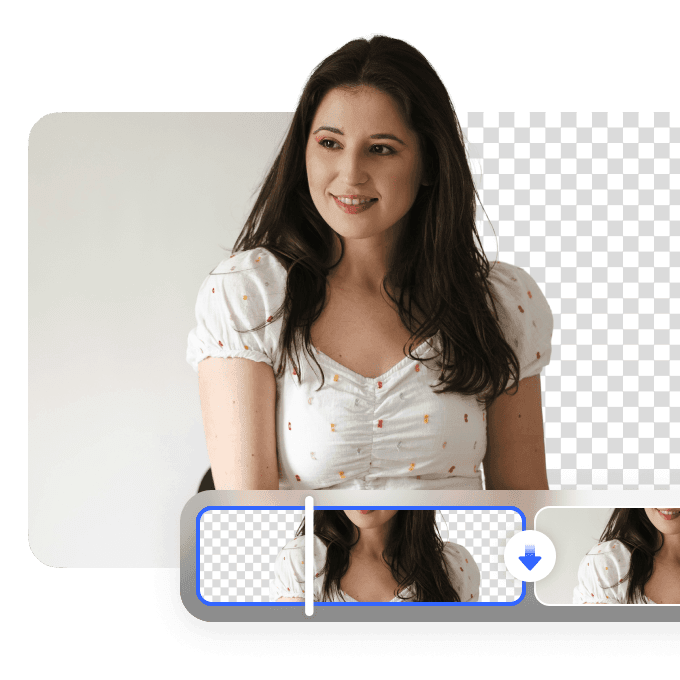
Montage vidéo efficace et professionnel
L’éditeur utilise l’IA pour analyser la vidéo et ajouter un fond sans difficulté. Vous pouvez remplacer l’arrière-plan par un fond vert, une image, un design personnalisé ou le garder transparent. Le rendu reste fluide, net et professionnel.
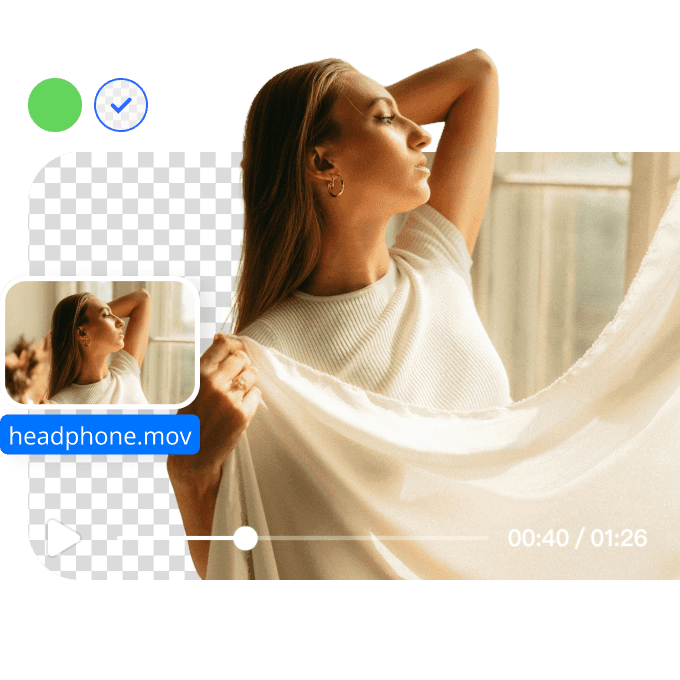
Valorisez votre marque avec des fonds vidéo personnalisés
Ajouter un fond à une vidéo permet de mettre en valeur votre marque, vos produits ou votre style personnel. Le bon fond crée un impact visuel plus fort et améliore l'engagement des spectateurs. Choisissez parmi de nombreux styles et personnalisez vos vidéos pour refléter votre identité de marque.
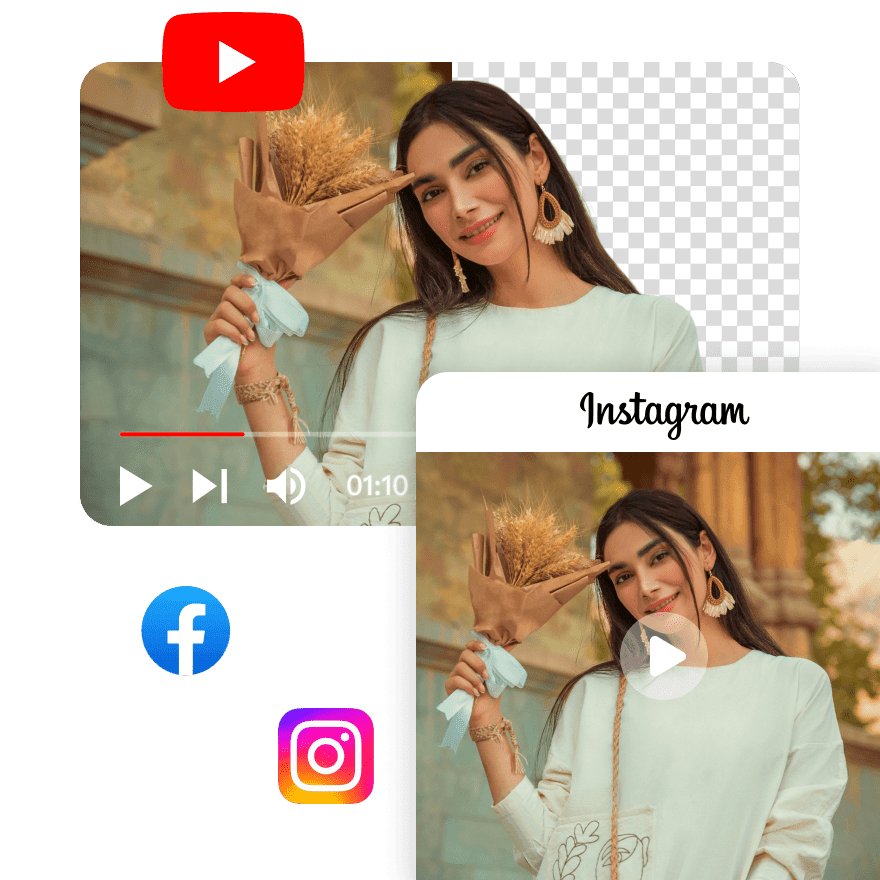
FAQ
Discover More Features
Recommended

Video & Image Enhancer
Elevate video and image quality in seconds.

Watermark & Text Remover
Remove watermarks and subtitles from videos automatically.

AI Creative Ads
Upload your product images to instantly create promotional videos.
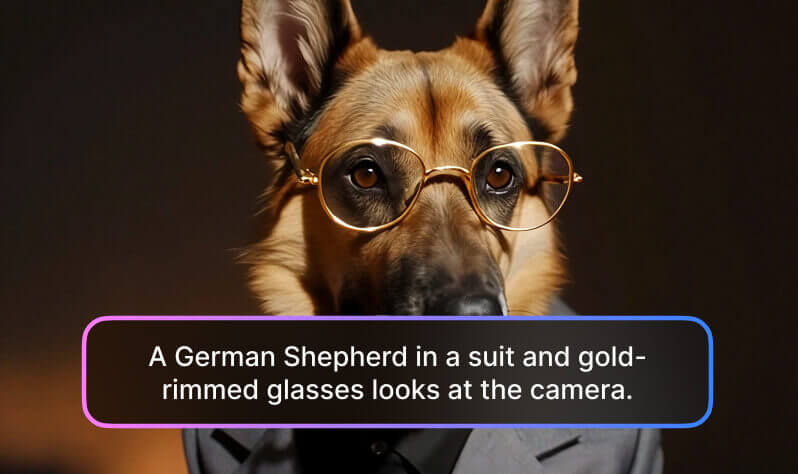
AI Video Generator
Create videos using text, images, or even other videos.

Video Background Remover
Erase video background with accuracy.

Video & Audio to Text
Convert your audio and video files into subtitles and transcripts.

Noise Reducer
Remove background noise from the video.

AI Animation
Turn your idea into a video in just 3 steps.
Explore More
video background editorfilm editing background removergreen screen removeramazon listing video toolbulk video background removervideo editing backgroundinstagram video background removerremove background from mp4 videoremove hardsub from videoai cartoon generatorremove logo from videoclear voice remove background noiseremove your extranscribe youtube videoai to transcribe audioVisual Hooksora 2 ai video generatorai video intro creatorphoto stamp removerai captions editorphoto logo removerbg noise removerunblur imageremove wind from videodenoise audio tooltrademark removerremove crowd noise from videoerase person from photo