







It really helps to remove text without losing video quality. Ayuda mucho a remover texto sin perder calidad del video.
Free Tiktok Watermark Remover Online
One-click to remove watermark from TikTok video or download TikTok without watermark. Experience precise AI detection with custom area controls for perfect watermark-free TikTok videos. We support high speed batch processing with 98.7% accuracy. Try it now for free!
Drag / Paste / Click


How to save TikTok without watermark
Step 1. Upload videos or paste TikTok links
Drag and drop up to 30 TikTok files (MP4, MOV, etc.) for simultaneous processing. You can also paste your TikTok URL to download TikTok without watermark directly.
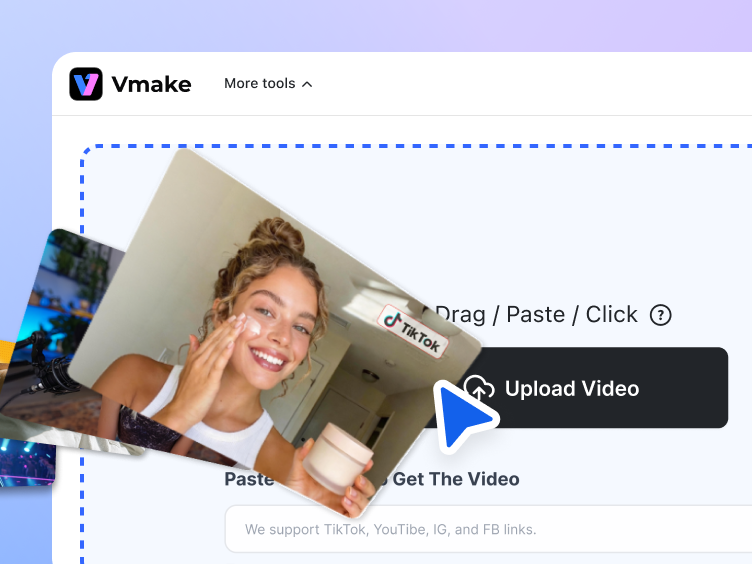
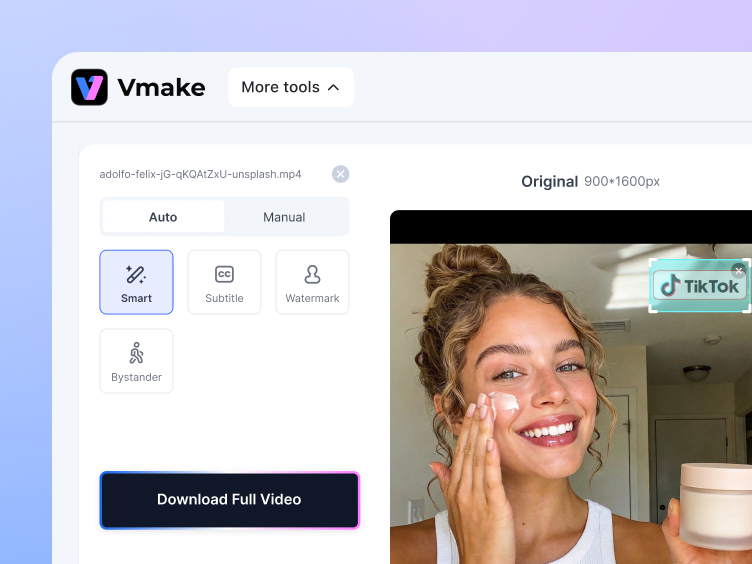
Step 2. Remove watermarks automatically
Vmake Labs TikTok watermark remover auto detects and remove TikTok watermark from saved video. Preview instantly, download TikTok without watermark.
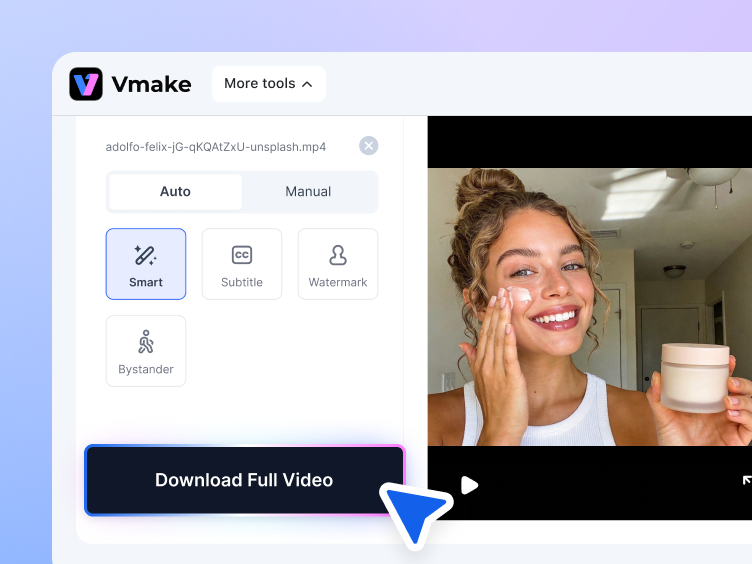
Step 3. Download without watermark
Watermark removal is free on Vmake Labs. Download a free preview of the first 5 seconds, then export the full video in HD.
Easily remove watermark and text from TikTok
TikTok watermark remover you cannot miss
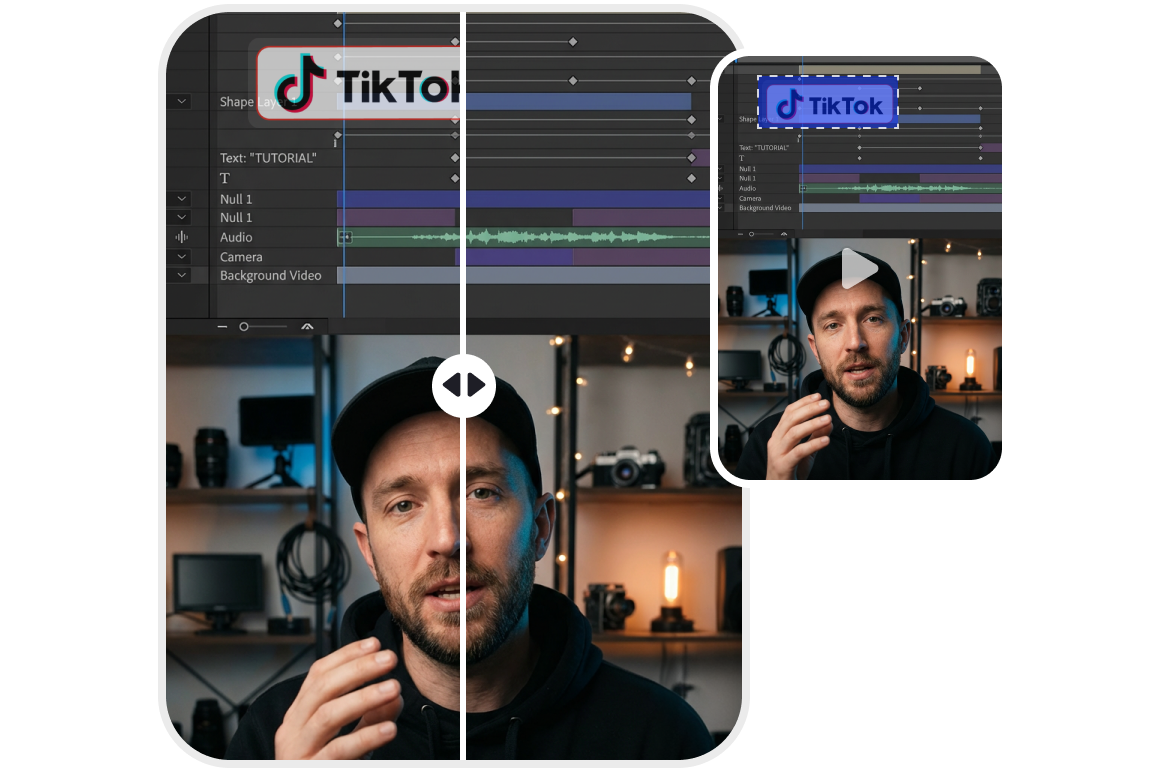
AI powered TikTok watermarks detection
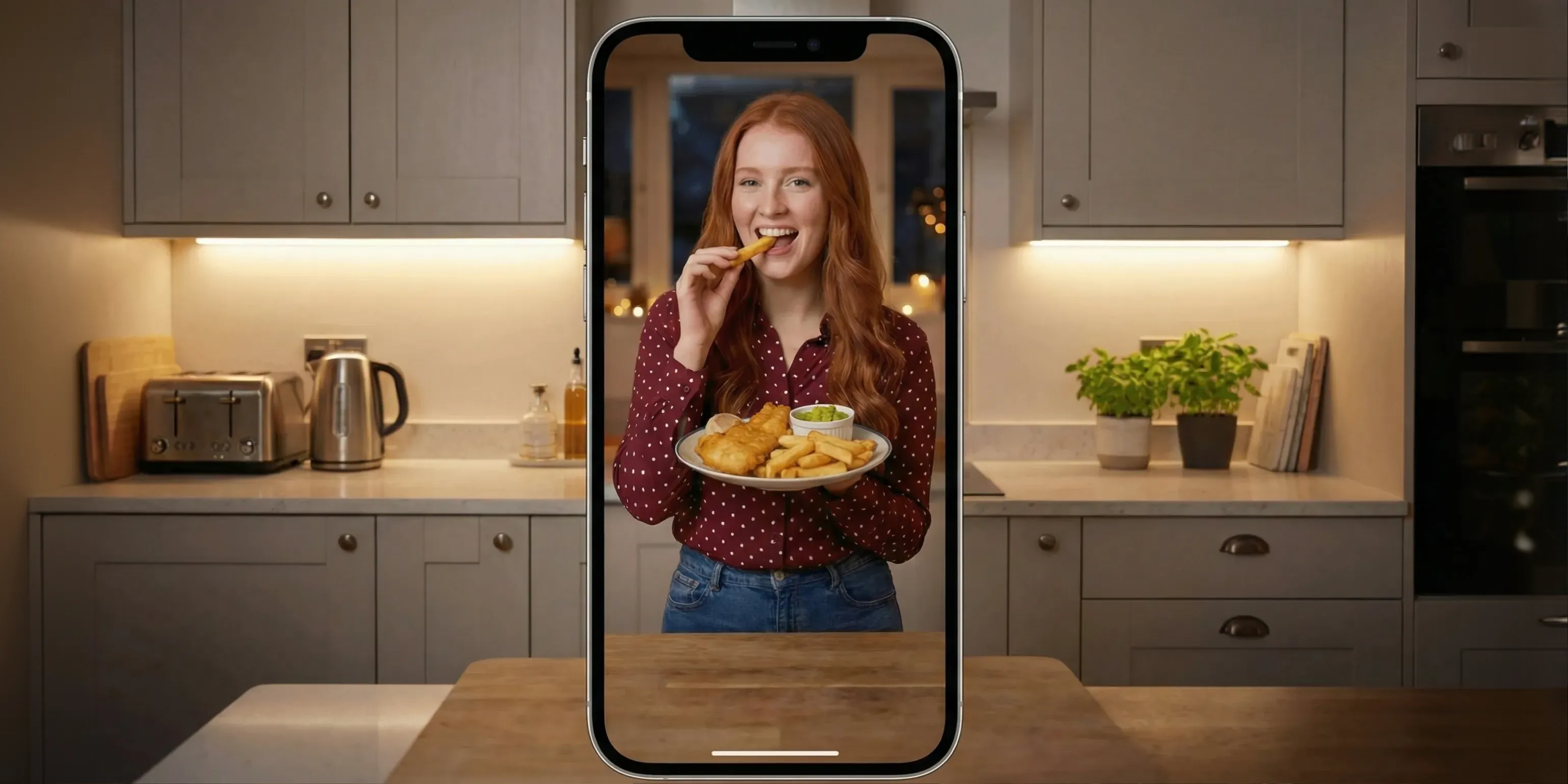
Vmake Labs detects and removes the TikTok logo and username watermark, even when it moves. The background fills in naturally so your video stays full-frame and doesn’t look patched. Just upload and run it, no timeline edits, no frame-by-frame work.

Original video quality protection
Vmake Labs helps remove TikTok watermark without cutting into the frame, so subject placement stays the same. It keeps color and texture consistent across frames, giving a clean no-watermark video ready for publishing, marketing, and long-term reuse.

Fast, browser-based processing
Vmake Labs runs in your browser with a simple upload, preview, and download workflow. No software installs, updates, or device limits are needed. It gives you a TikTok downloader no watermark experience while focusing on clean removal quality.
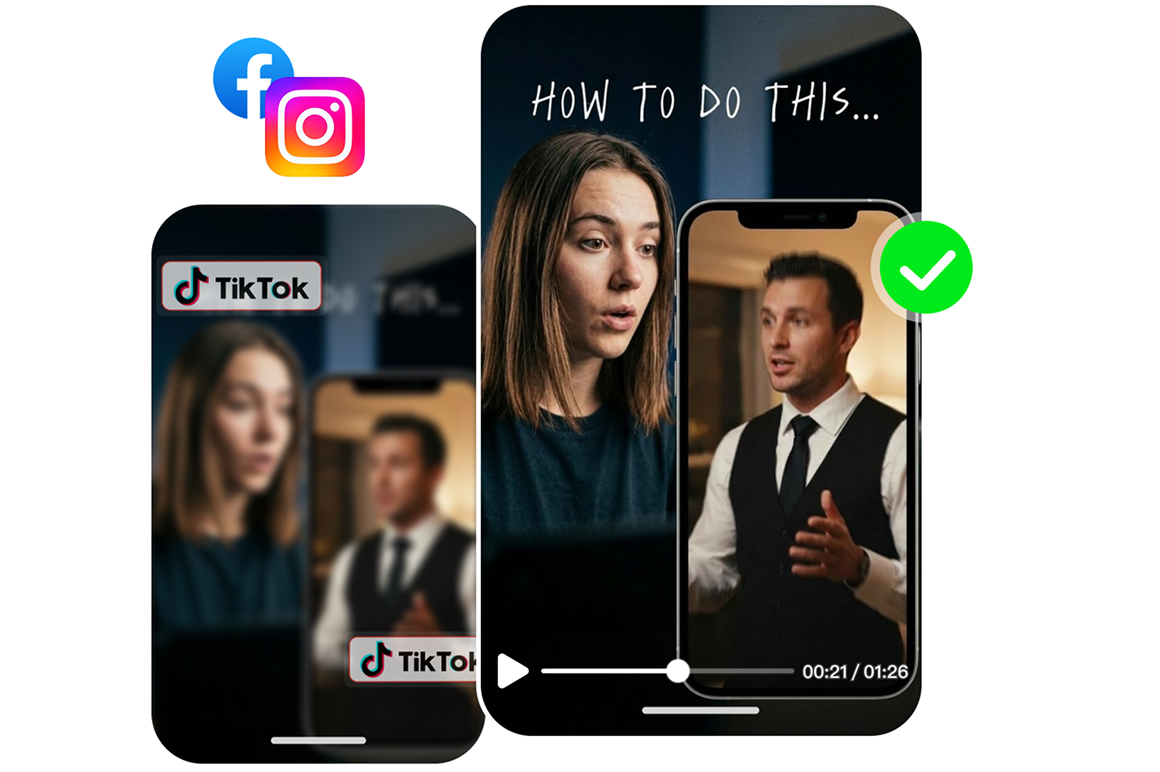
Cross platform content reuse
Remove the TikTok watermarks and you will get a clean file you can reuse anywhere: Reels, Shorts, ads, websites, even internal decks. No platform logo, no “repost” look. Use it as a TikTok logo remover so your brand and message stay the focus.

Simple workflow, consistent results
Vmake Labs makes it easy to remove TikTok watermarks on the first try, with a straightforward interface, consistent steps, and reliable results across uploads. Erase watermarks without wrestling with editing software and keep your workflow moving.
Who's it for
Cross platform creators
- Remove TikTok watermark so the same clip looks native on Reels, Shorts, and more.
- Keep the frame clean for captions, hooks, and branding with no corner clutter.
- Post faster by reusing winners without re-editing from scratch.

Video editors & mashup creators
- Remove TikTok watermark to get a clean base for second edits and mixed-source cuts.
- More flexibility for cropping, reframing, and transitions without ugly overlays.
- Batch-clean multiple clips to speed up project turnaround.

E-commerce sellers & marketers
- TikTok watermark remover makes UGC look ad-ready and brand-safe across channels.
- Cleaner visuals keep focus on product, offer, and CTA, results in better CTR and conversion.
- Reuse the same assets longer across new promos, placements, and campaigns.

Why choose us

Better quality than basic tools
Many TikTok watermark removers crop, blur, or cover logos. Our tool preserves resolution and motion so clips look natural and unedited after watermark removal.

Ready for real-world use
Export platform-neutral, brand-safe videos that works smoothly across social platforms, websites, or internal decks without extra adjustments.

5× faster than manual
Skip frame-by-frame patching and tedious masking. Vmake Labs automates the workflow so cleanup takes minutes, not hours.

Zero-retention privacy
Uploads are encrypted during processing and deleted right after completion. No hidden storage, no training use, your content stays yours.

Handles moving watermarks
Tracks drifting or animated TikTok watermarks across frames. Keeps edges and background texture consistent so the fill doesn’t look obvious.

Batch processing
Process multiple videos in one go to clear a whole campaign or asset library. Great for weekly content refreshes and cross-platform repurposing.
Global creators go watermark-free with Vmake Labs
4.5Trustpilot
5M+Downloads
500k+Users
100+Countries


I really love the water mark remover and upscaler. Very easy to use with great results. I fully recommend Vmake Labs.

support is fast have been subcribred for months
support do care about you and can do u favors
for the price what they offer you is definitly worth it comparing watermark remover to ones on github this ones definitly few hundred times fast
the quality enchancer is also very competitive with topaz video ai i prefer it over topaz

Very great. We used Vmake Labs to clean up TikTok videos before running them as Instagram ads, and it saved us a ton of back-and-forth. The watermark removal looked natural and professional, and the framing stayed the same. No cropping, no obvious “AI cleanup” look, which matters a lot when you’re trying to keep a brand looking polished.

I tried Vmake Labs when reposting a few older TikToks and honestly didn’t expect much, because most removers leave that blurry patch or a weird halo where the mark used to be. This one surprised me. It removed the watermark cleanly, and I didn’t notice strange shadows, smudges, or the background wobbling frame to frame. It just looked like the original video.
FAQ About TikTok Watermark Remover
How can I remove the TikTok watermark for free?
How to download TikTok videos without watermark?
Simply upload your video or paste TikTok link to Vmake Labs. It will remove the watermark and provide you with the option to download the clean version, ready to be shared or re-uploaded to platforms like YouTube or Instagram.
Can I remove watermarks from multiple TikTok videos at once?
Yes, Vmake Labs allows you to remove watermarks from multiple TikTok videos at once. You can upload up to 30 videos simultaneously, and the AI-powered tool will automatically remove the watermarks from all videos, saving you time and effort.
How to remove watermark from a saved TikTok video?
To remove a watermark from a saved TikTok video, upload it to Vmake Labs’s tool. The AI-powered tool will automatically detect and erase the watermark, leaving you with a clean, watermark-free video that you can use freely.
How does it compare to other tiktok watermark removers?
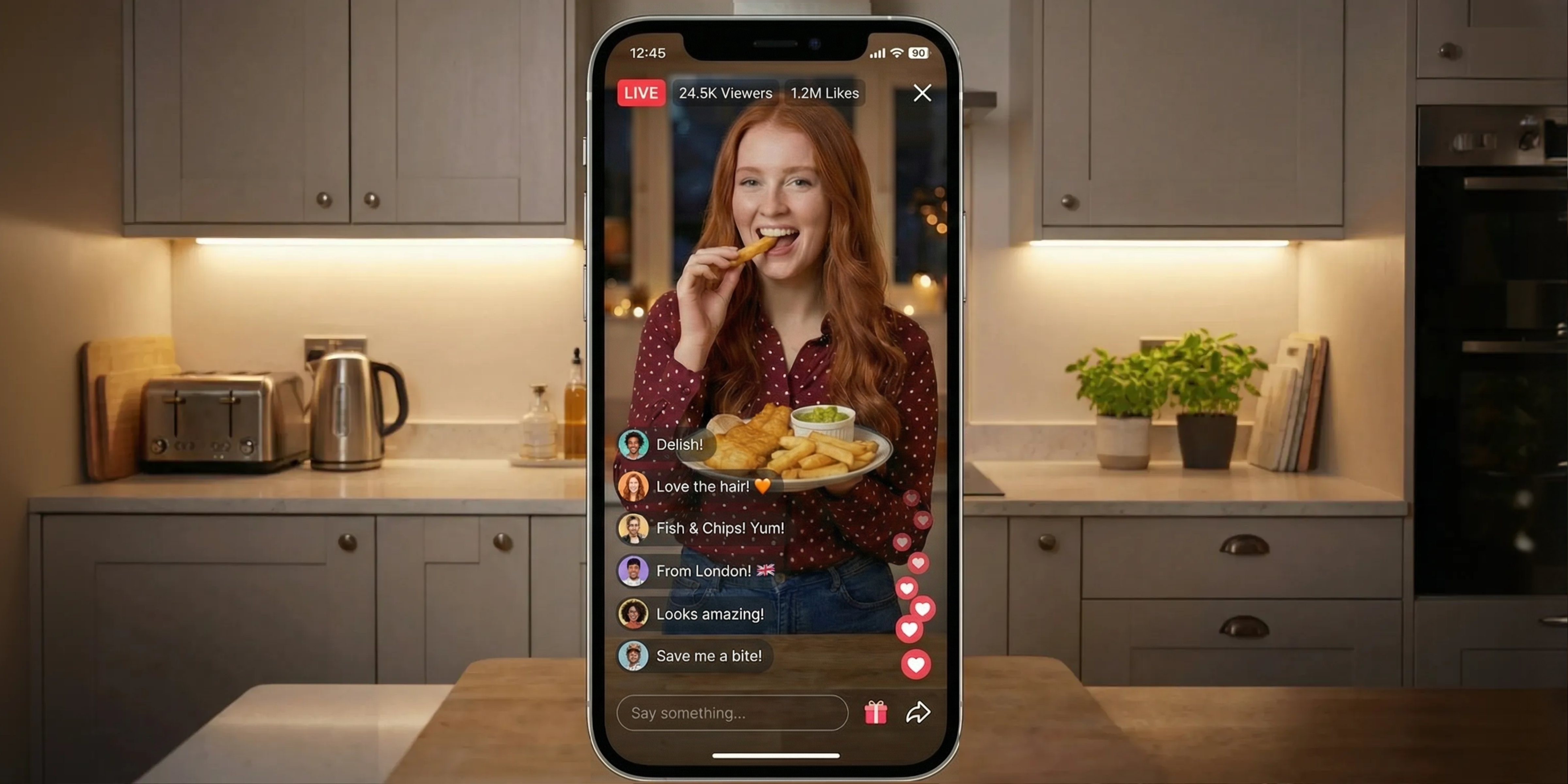
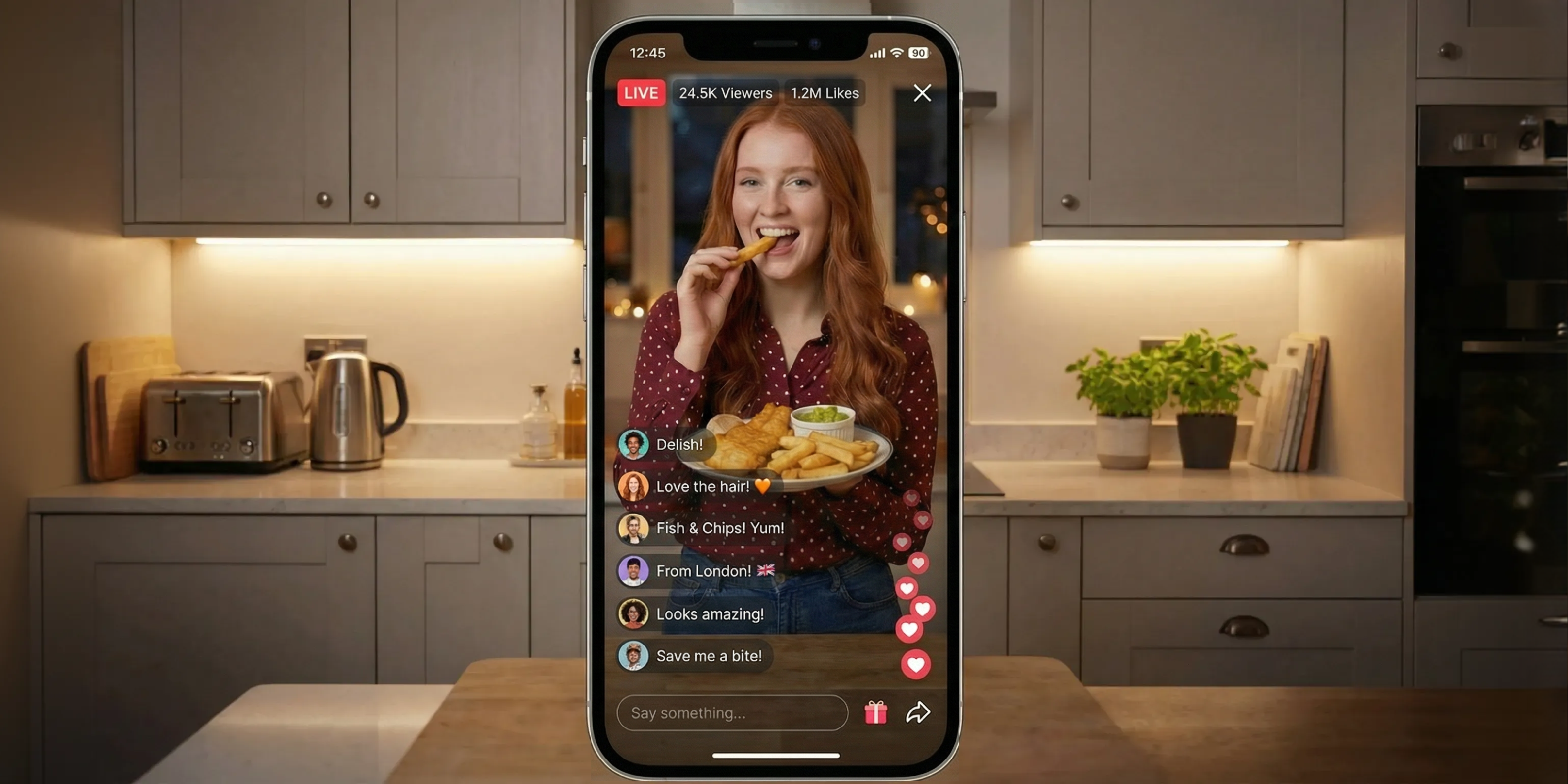
Most tools focus on basic watermark removal only. Vmake Labs is built for real editing prep: it removes TikTok watermarks, and you can also remove text from TikTok video, captions, and livestream comments when those overlays get in the way. It runs in the browser, supports batch uploads, and keeps results consistent across frames.
Is Vmake Labs TikTok watermark remover safe to use?
Yes. Vmake Labs processes videos directly in the browser. You don’t need to log in or install the software. This keeps your files private and reduces security risks during TikTok watermark removal.
Discover More Features

Video & Image Enhancer
Elevate video and image quality in seconds.

Watermark & Text Remover
Remove watermarks and subtitles from videos automatically.

Video Upscaler
Enhances videos to 2K or 4K without quality loss.

Video Translator
AI dubbing, translate, and lip sync videos.

AI Video Generator
Create videos using text, images, or even other videos.

Video Background Remover
Erase video background with accuracy.

Video & Audio to Text
Convert your audio and video files into subtitles and transcripts.

Video Noise Reducer
Remove background noise from the video.
Best TikTok video remover right next to you
Upload your TikTok video now and instantly remove watermarks and captions. Transform your footage into a clean, professional, and fully reusable video, ready to post anywhere with Vmake Labs.